Orca v1.4.241 lets you watch your agent click through its browser, and docks DevTools in the pane
1 hour ago
Orca v1.4.241: you can now watch an agent click and type in Orca's browser, and DevTools dock inside the browser pane. Also: new chats follow each agent's permission setting, a chat won't write a conversation a terminal is still running, certificate-only SSH hosts connect through system ssh, and Hermes and Kimi panes resume after a restart. Release notes: https://github.com/stablyai/orca/releases/tag/v1.4.241 Compare: https://github.com/stablyai/orca/compare/v1.4.240...v1.4.241 Download: https://onorca.dev/download
Ask about this presentation
Chapters
Show transcriptHide transcript
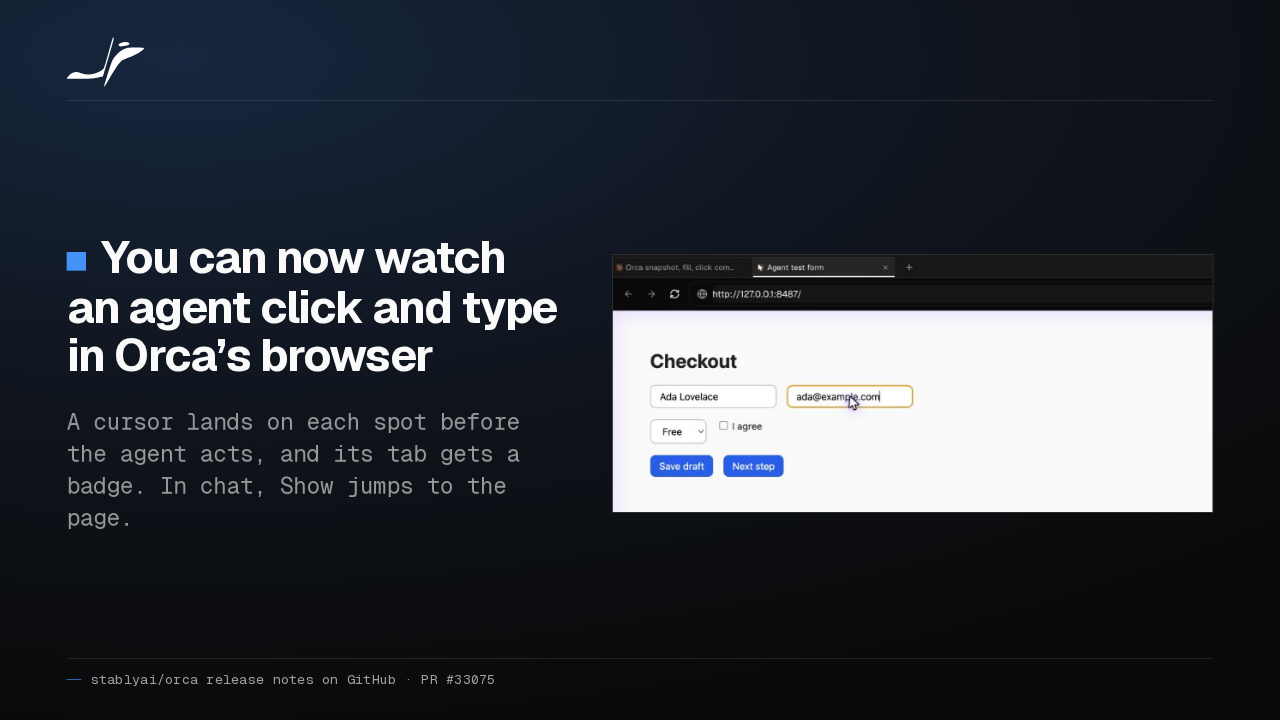
When an agent drove Orca's browser, its clicks were invisible. Now a cursor glides to each spot before the agent clicks or types. In chat, a Show button jumps you to that page.
Slide text

You can now watch an agent click and type in Orca’s browser
A cursor lands on each spot before the agent acts, and its tab gets a badge. In chat, Show jumps to the page.

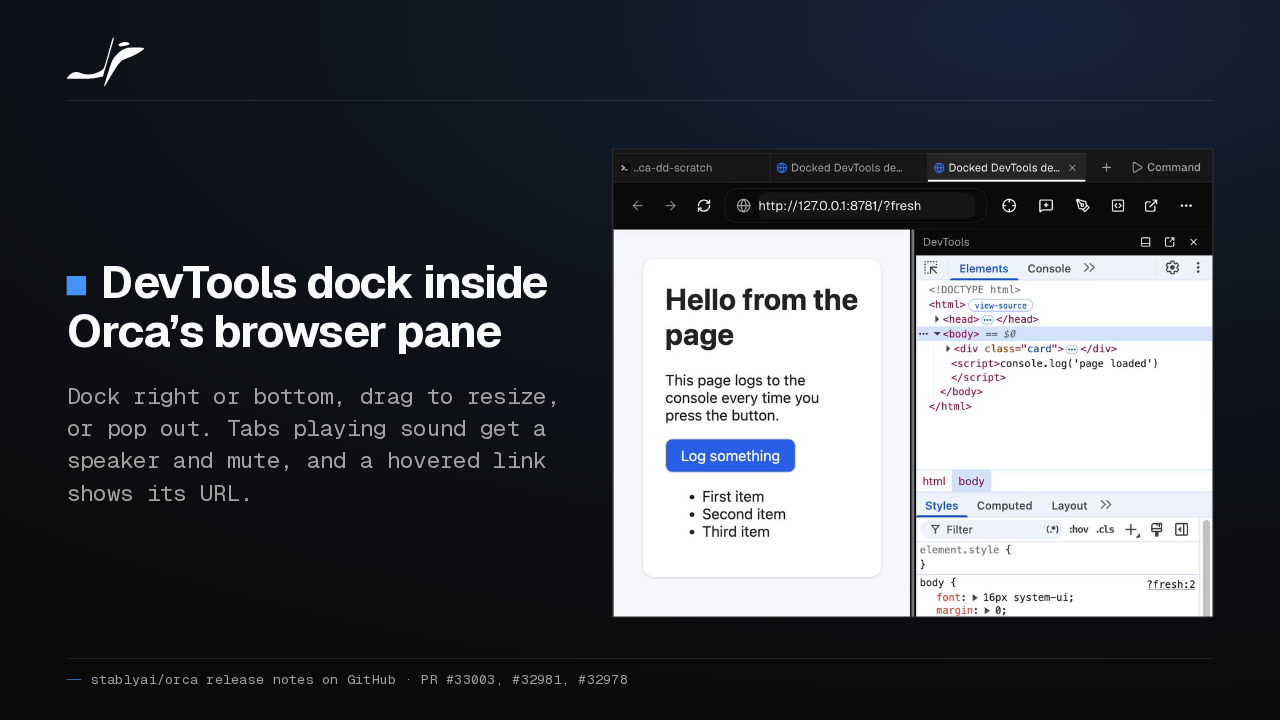
DevTools used to open in their own window. Now they dock inside the browser pane, right or bottom, and you can resize them or pop them out. Noisy tabs also get a mute button.
Slide text
DevTools dock inside Orca’s browser pane
Dock right or bottom, drag to resize, or pop out. Tabs playing sound get a speaker and mute, and a hovered link shows its URL.

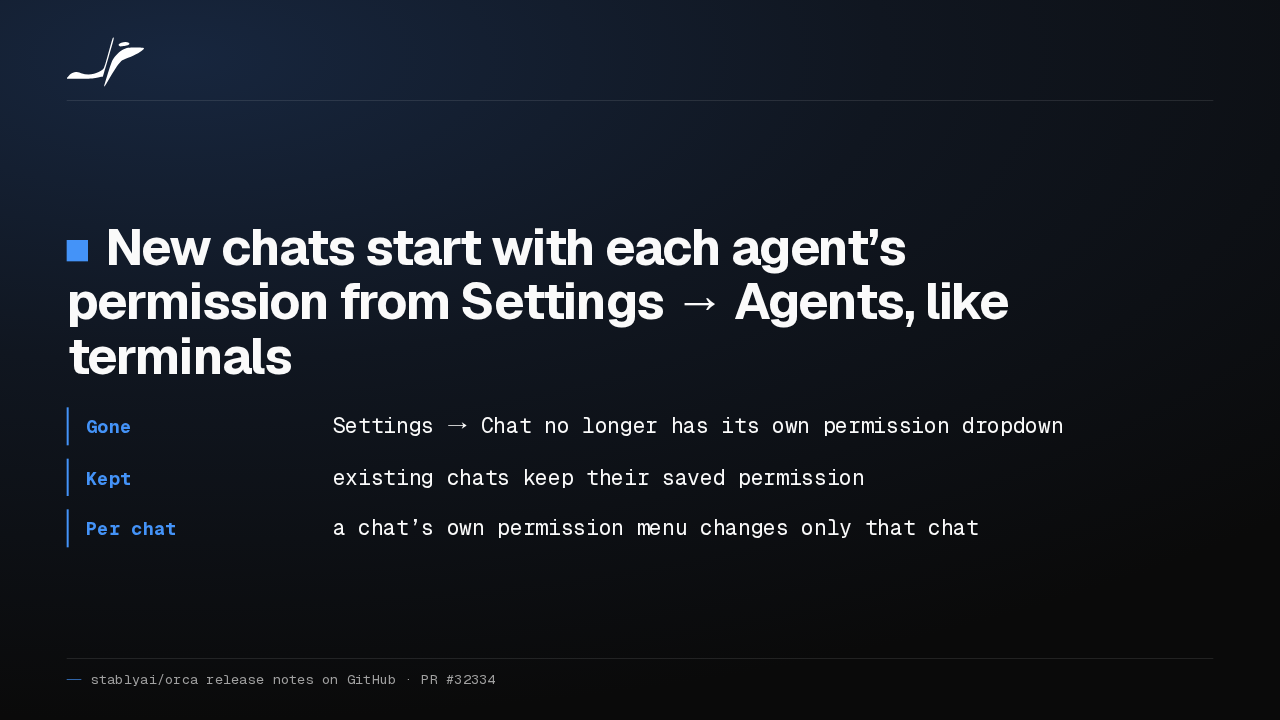
A chat could run with different permissions from your terminal, because chats had their own default. Now new chats take each agent's setting from Settings, Agents. Existing chats keep the permission they saved.
Slide text
New chats start with each agent’s permission from Settings → Agents, like terminals
- Gone
- Settings → Chat no longer has its own permission dropdown
- Kept
- existing chats keep their saved permission
- Per chat
- a chat’s own permission menu changes only that chat
With one Claude or Codex conversation open in a terminal and a chat, two agents could write it at once. Now the chat won't send until you quit the agent in that terminal, or close it.
Slide text
A chat won’t send into a conversation a terminal is still writing
It asks you to quit the agent there or close that terminal. Then the next send goes through.
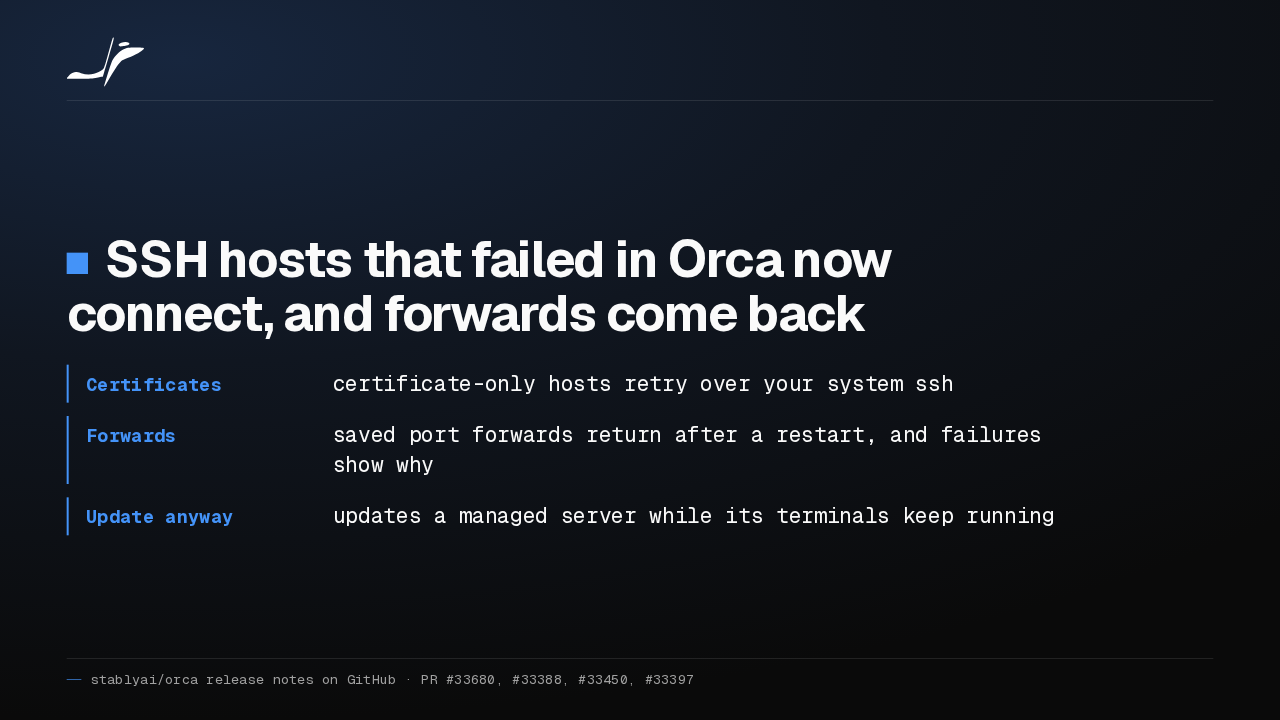
Hosts that only offer certificate keys failed in Orca's built-in SSH client. Now Orca retries through your system SSH. Saved port forwards return after a restart, and managed servers update without closing terminals.
Slide text
SSH hosts that failed in Orca now connect, and forwards come back
- Certificates
- certificate-only hosts retry over your system
ssh - Forwards
- saved port forwards return after a restart, and failures show why
- Update anyway
- updates a managed server while its terminals keep running
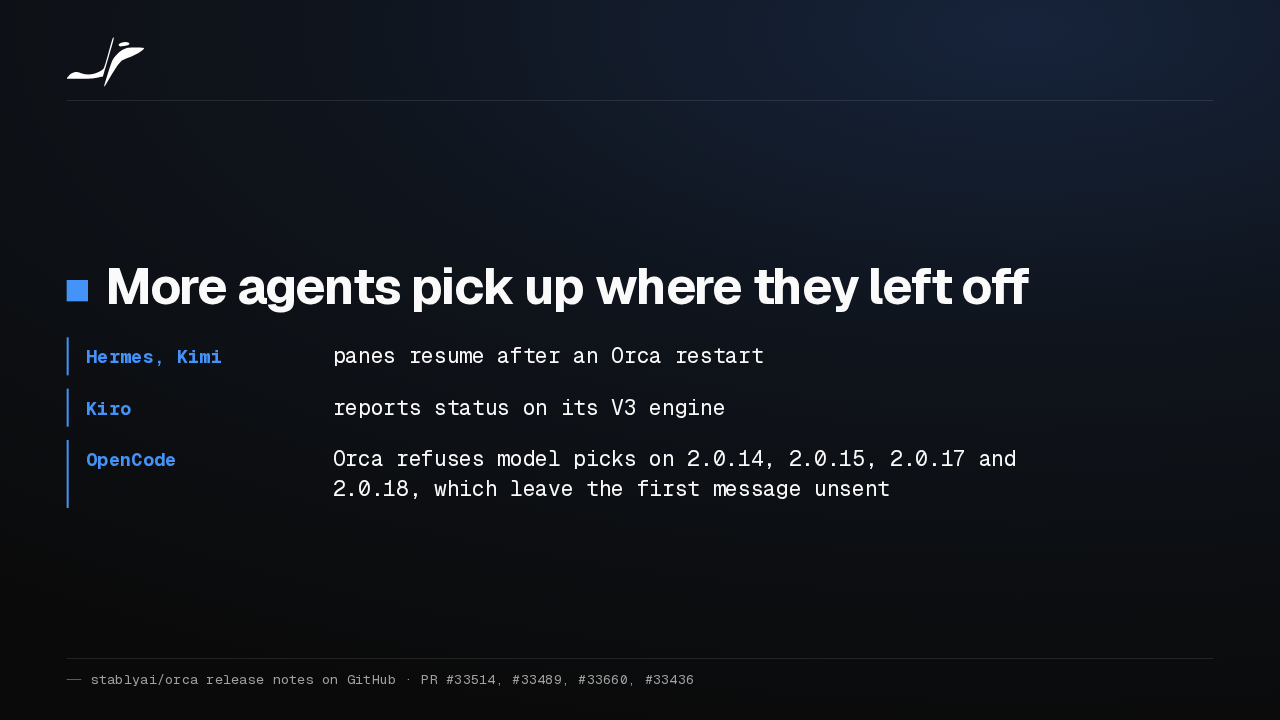
Hermes and Kimi panes now resume after Orca restarts, and Kiro reports status on its V3 engine. On four OpenCode two point oh releases, Orca refuses model picks, because those versions drop your first message.
Slide text
More agents pick up where they left off
- Hermes, Kimi
- panes resume after an Orca restart
- Kiro
- reports status on its V3 engine
- OpenCode
- Orca refuses model picks on 2.0.14, 2.0.15, 2.0.17 and 2.0.18, which leave the first message unsent
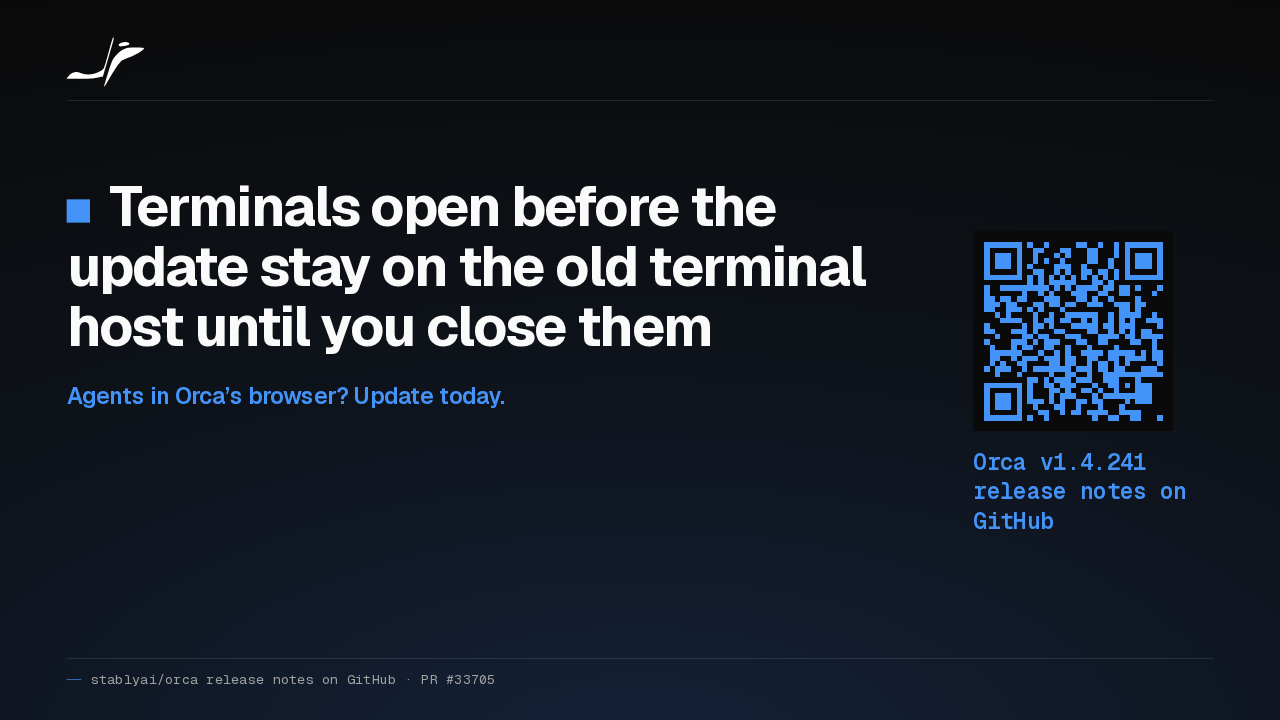
Terminals you already have open stay on the old terminal host until you close them. If your agents use Orca's browser, I'd update today: you finally see what they click.
Slide text
Terminals open before the update stay on the old terminal host until you close them
Agents in Orca’s browser? Update today.
Orca v1.4.241 release notes on GitHub
Up next
 1:26
1:26Orca v1.4.240 asks before Codex runs an MCP tool, and orca ports finds your dev servers
@orca · 1 day ago
 1:40
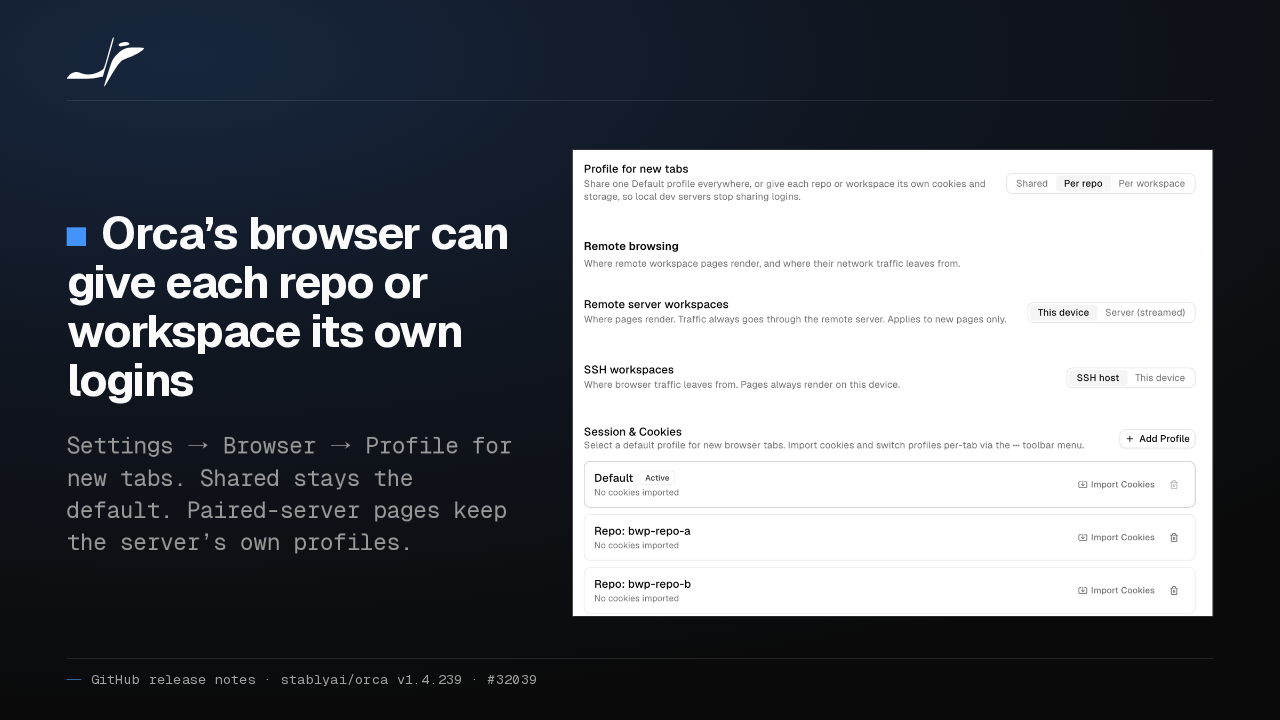
1:40Orca v1.4.239 can give each repo its own browser logins, and installs skills in one click
@orca · 1 day ago
 1:34
1:34Orca v1.4.238 keeps unsaved edits in sync across every tab of a file
@orca · 2 days ago
 1:50
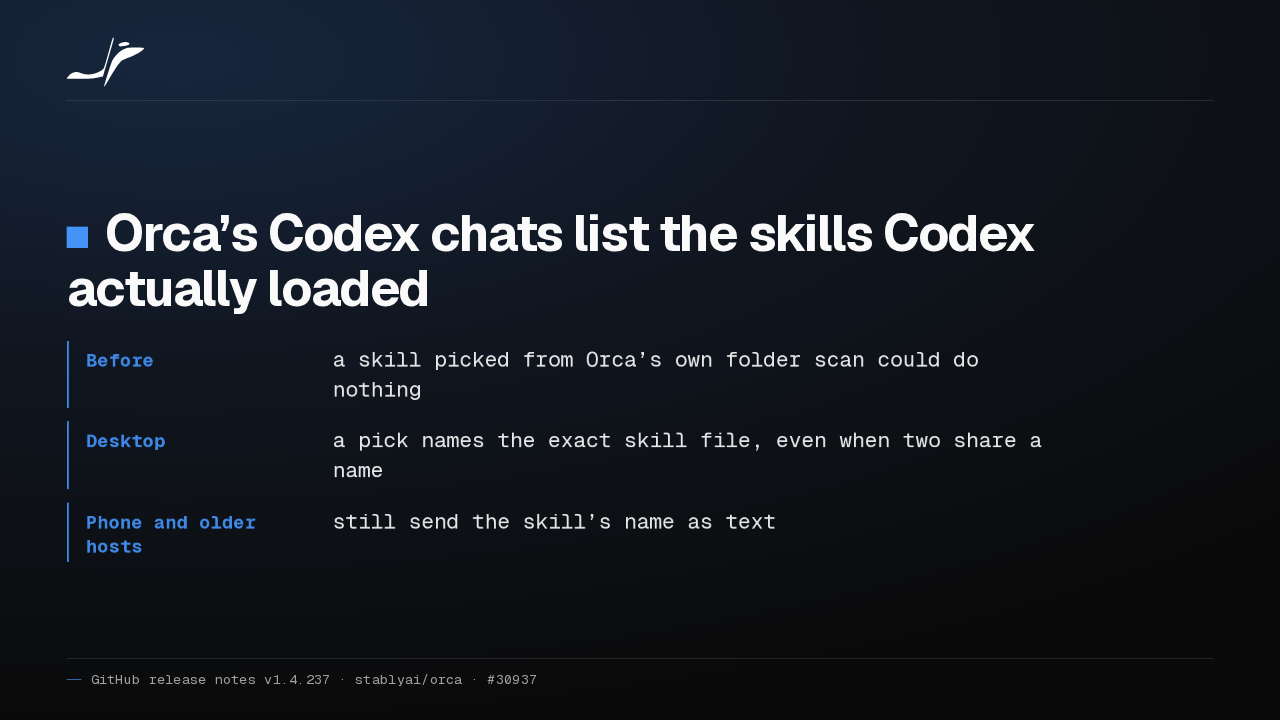
1:50Orca v1.4.237 makes the skills you pick in a Codex chat actually run
@orca · 4 days ago
 1:27
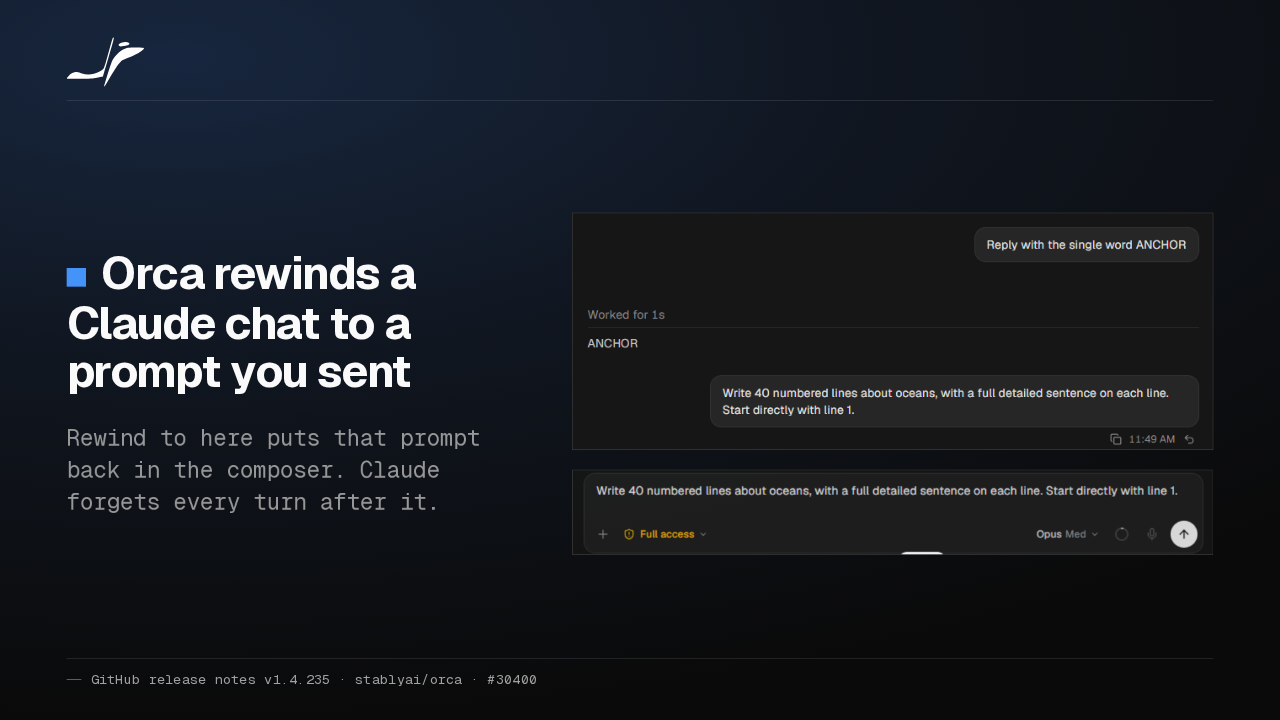
1:27Orca v1.4.235 lets you rewind a Claude chat and rewrite your prompt
@orca · 5 days ago
 1:40
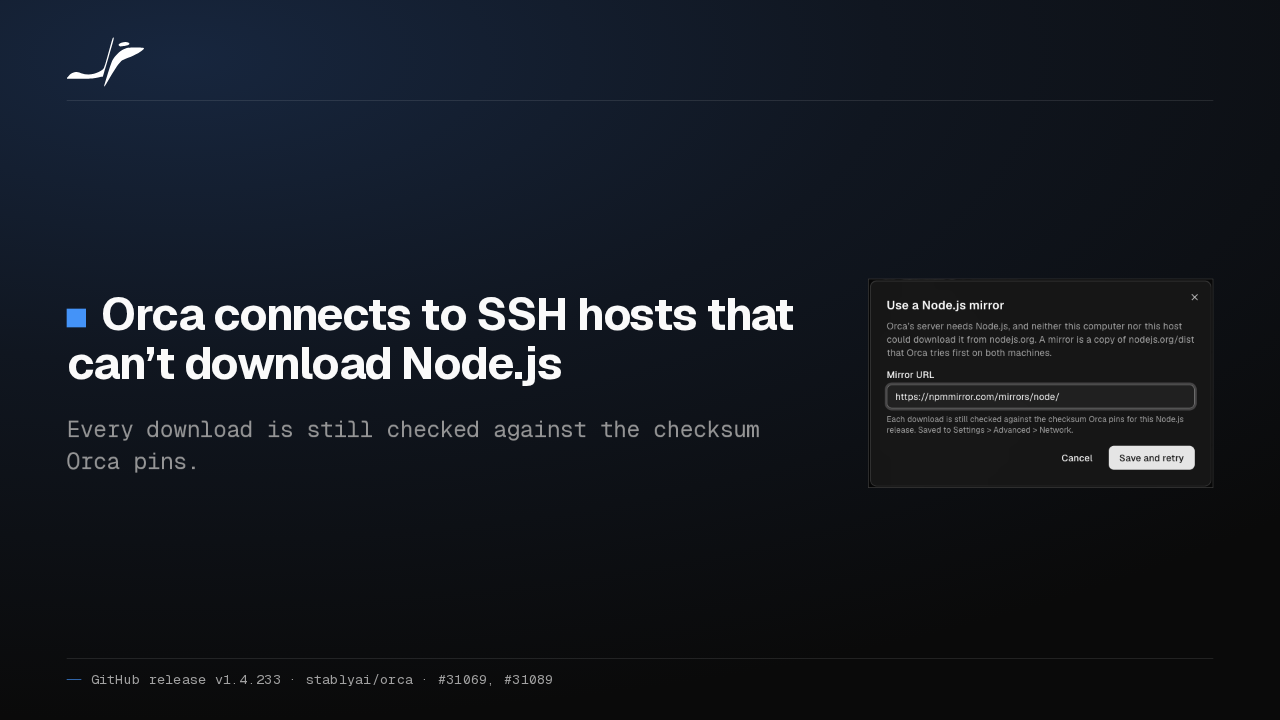
1:40Orca v1.4.233 connects to SSH hosts that can’t download Node.js
@orca · 5 days ago
 1:25
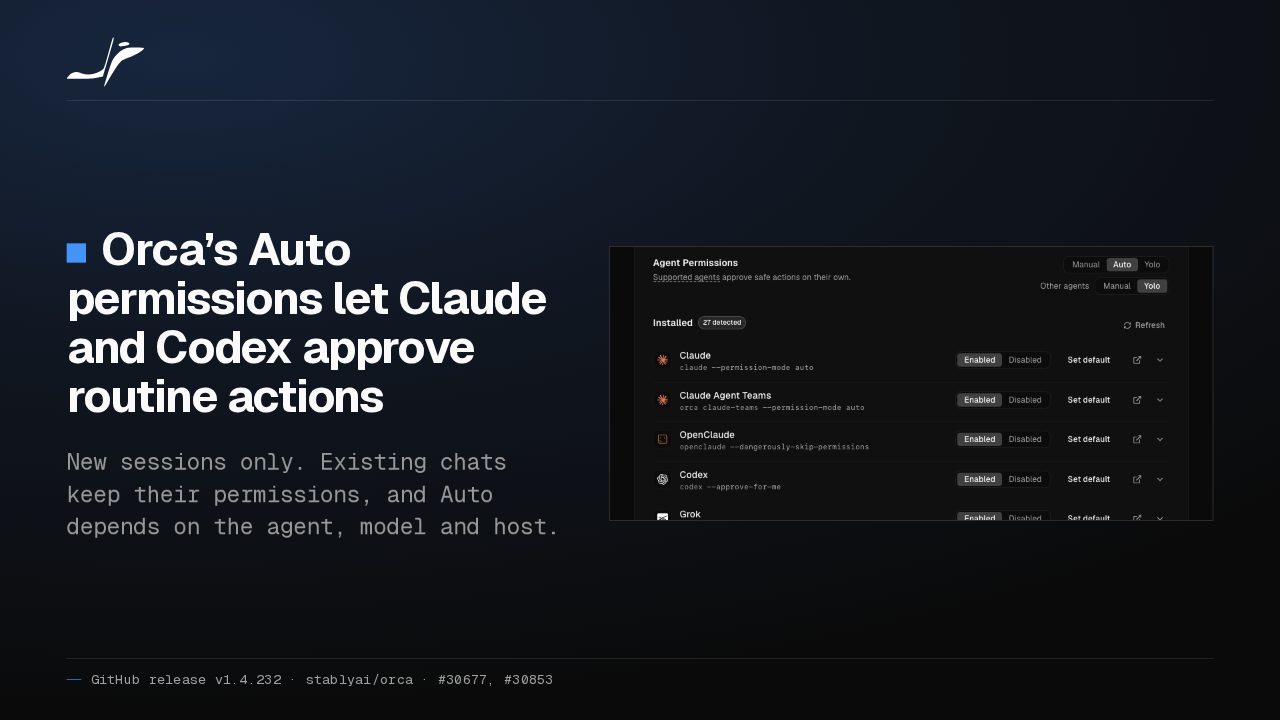
1:25Orca v1.4.232 lets Claude and Codex approve their own routine actions with Auto permissions
@orca · 5 days ago
 1:27
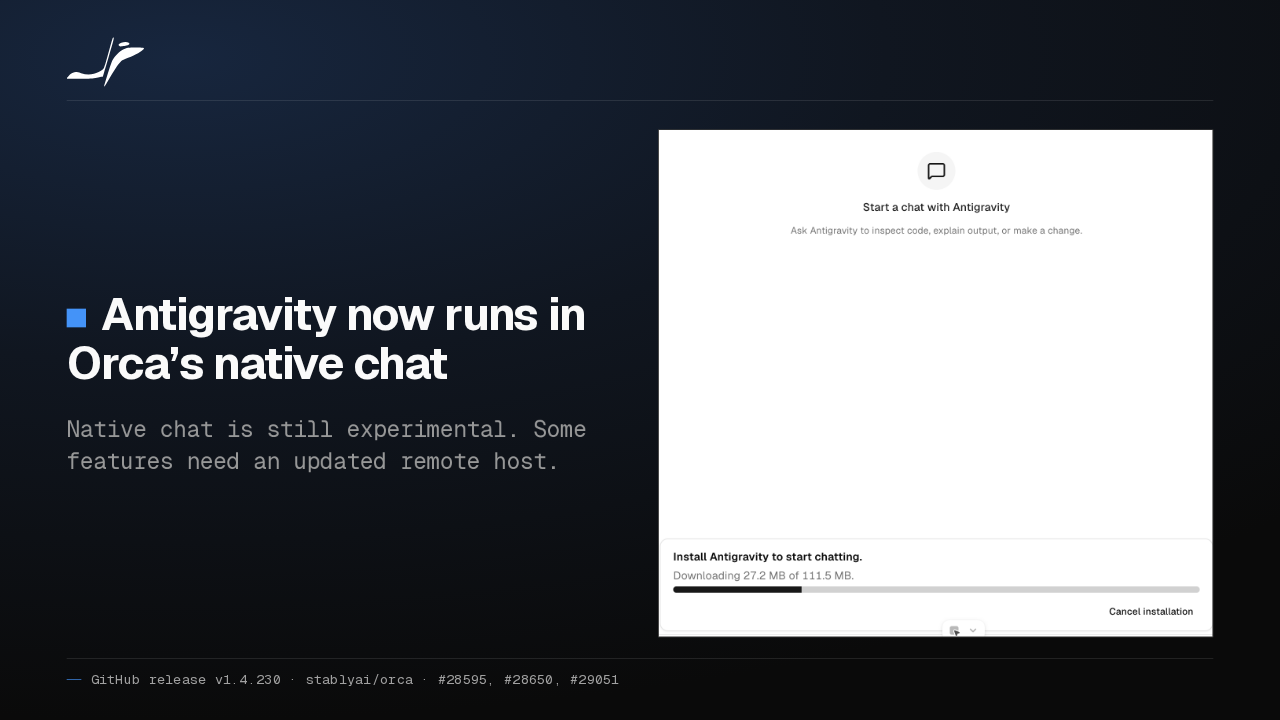
1:27Orca v1.4.230 runs Antigravity in native chat and moves running Claude sessions to your new account
@orca · 6 days ago
 1:40
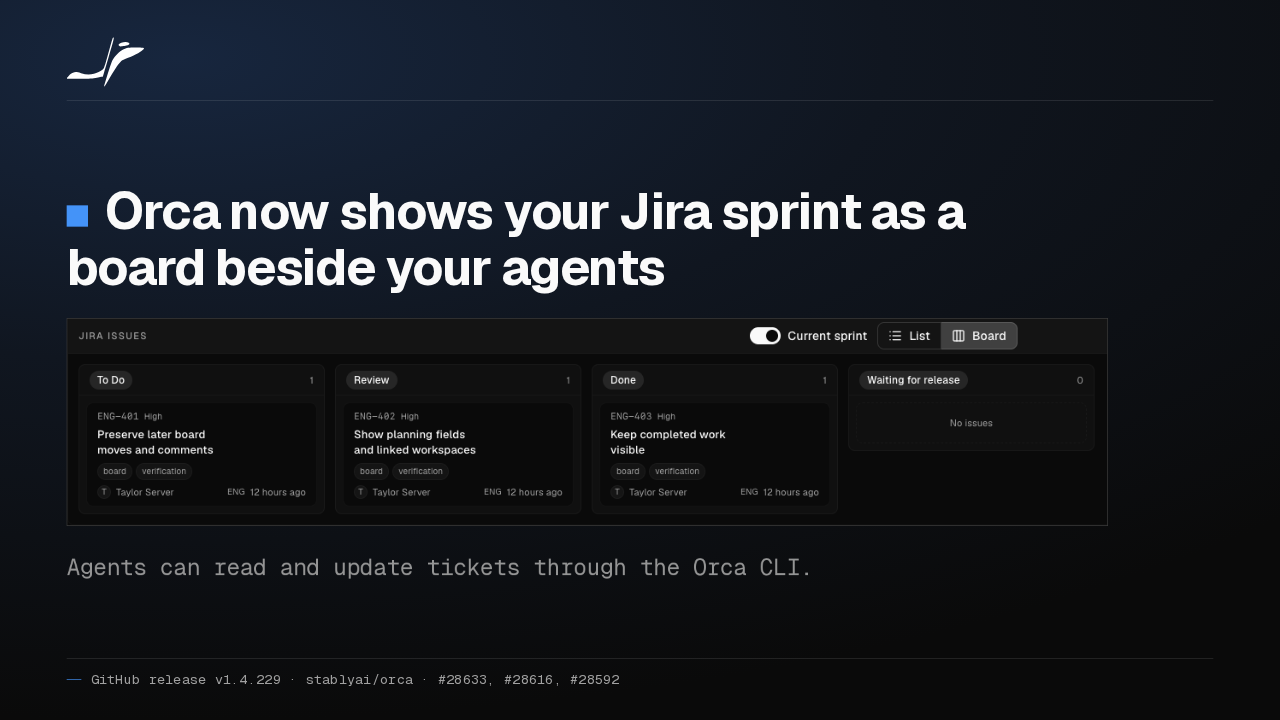
1:40Orca v1.4.229 puts your Jira sprint board beside your agents, and agents can now update the tickets
@orca · 1 week ago
 1:26
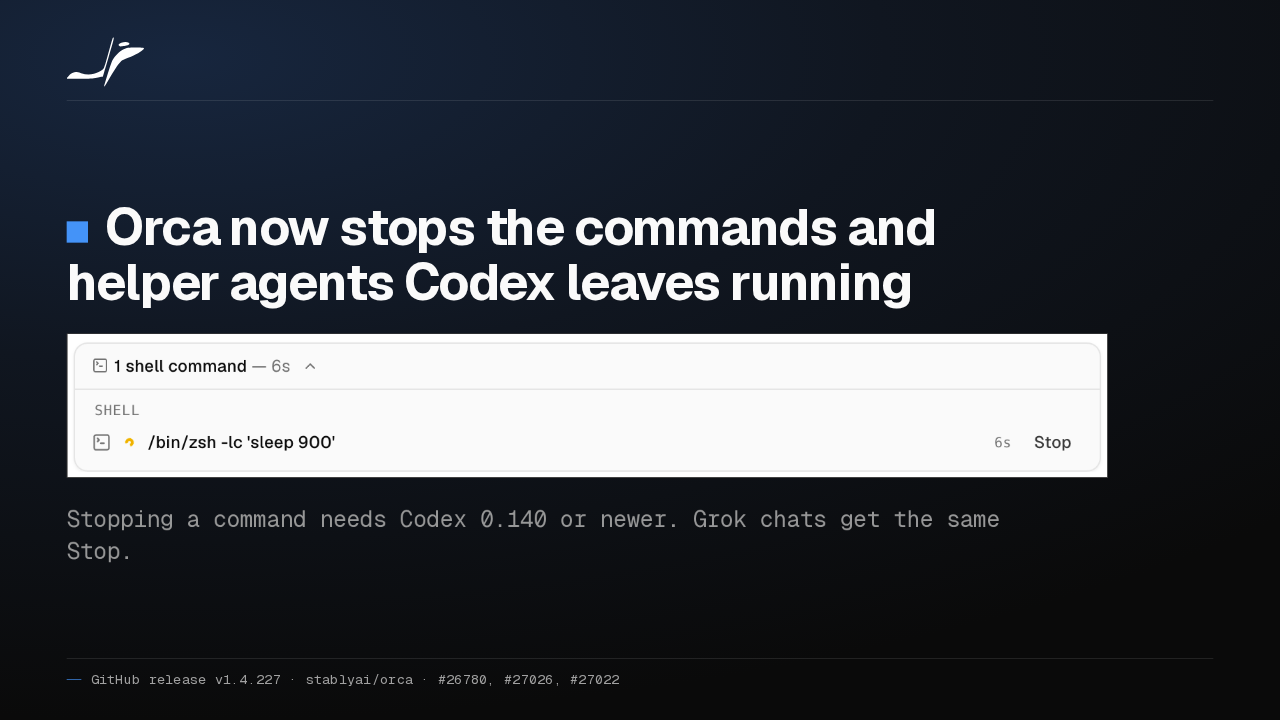
1:26Orca v1.4.227 adds a Stop button for the commands and helper agents Codex leaves running
@orca · 1 week ago
 1:23
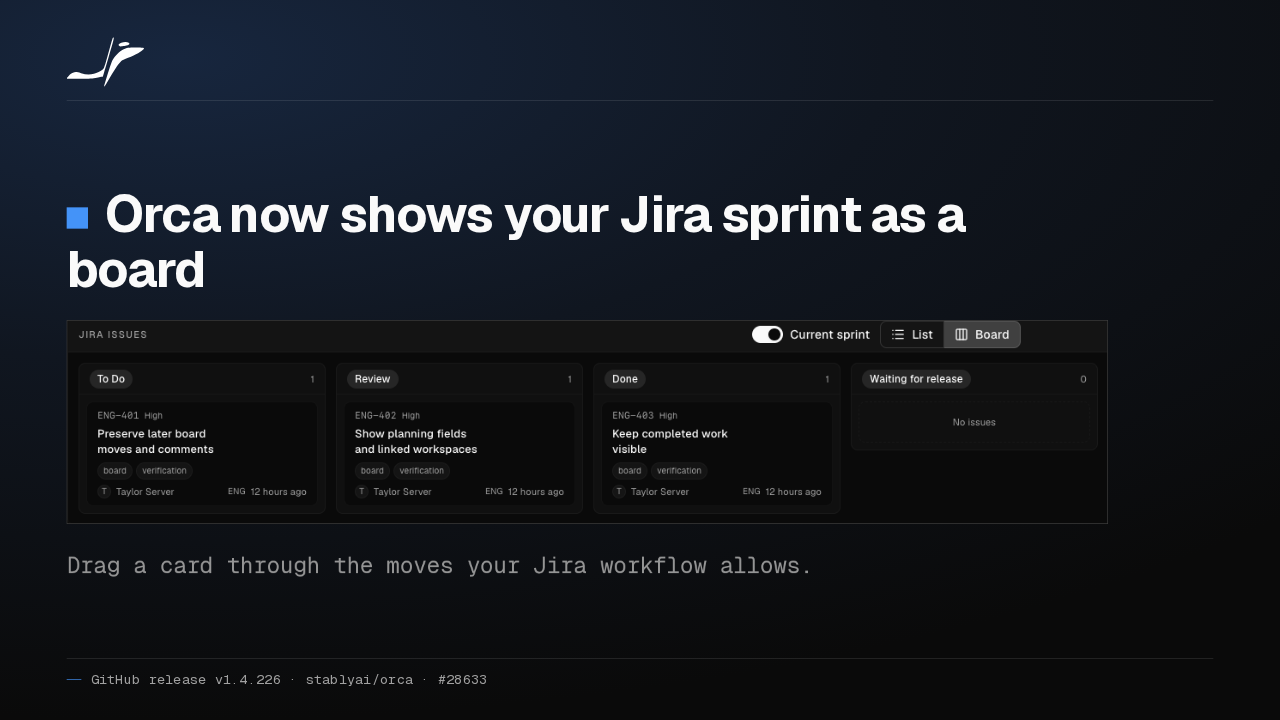
1:23Orca v1.4.226 puts your Jira sprint on a board and lets agents update the tickets
@orca · 1 week ago
 1:17
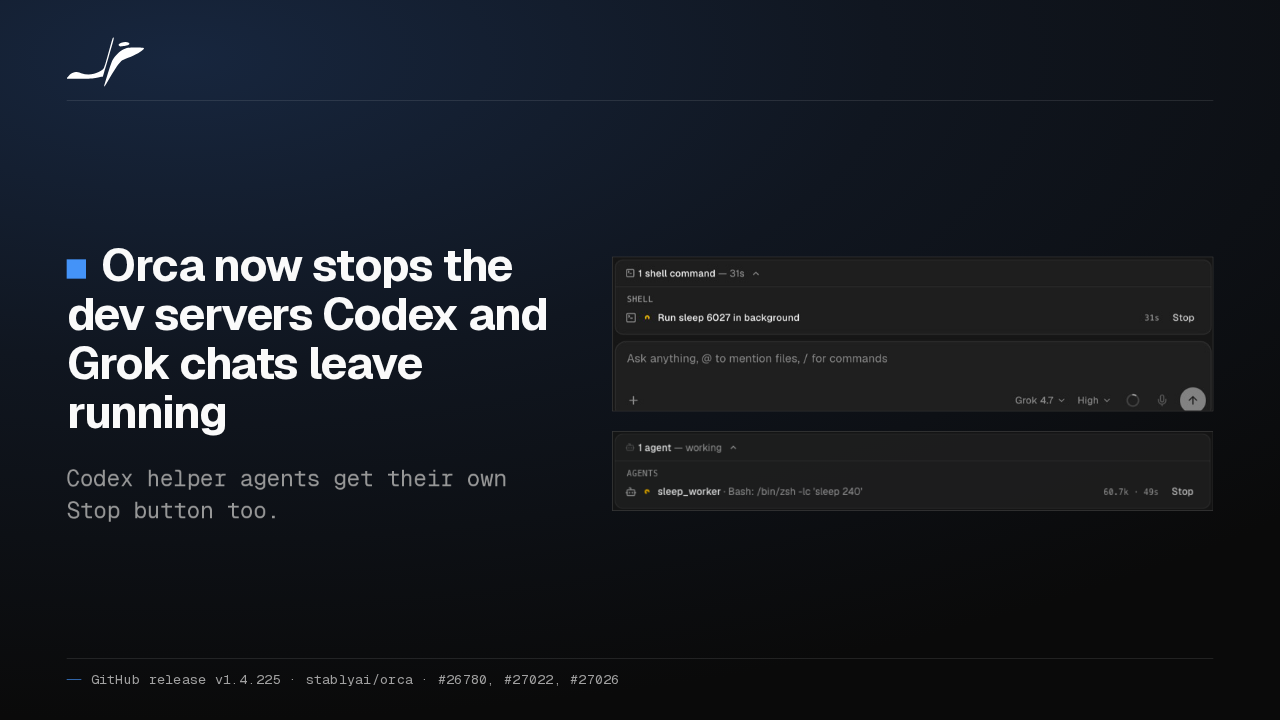
1:17Orca v1.4.225: stop the dev servers Codex and Grok chats leave running
@orca · 1 week ago