Your Jira sprint as a board

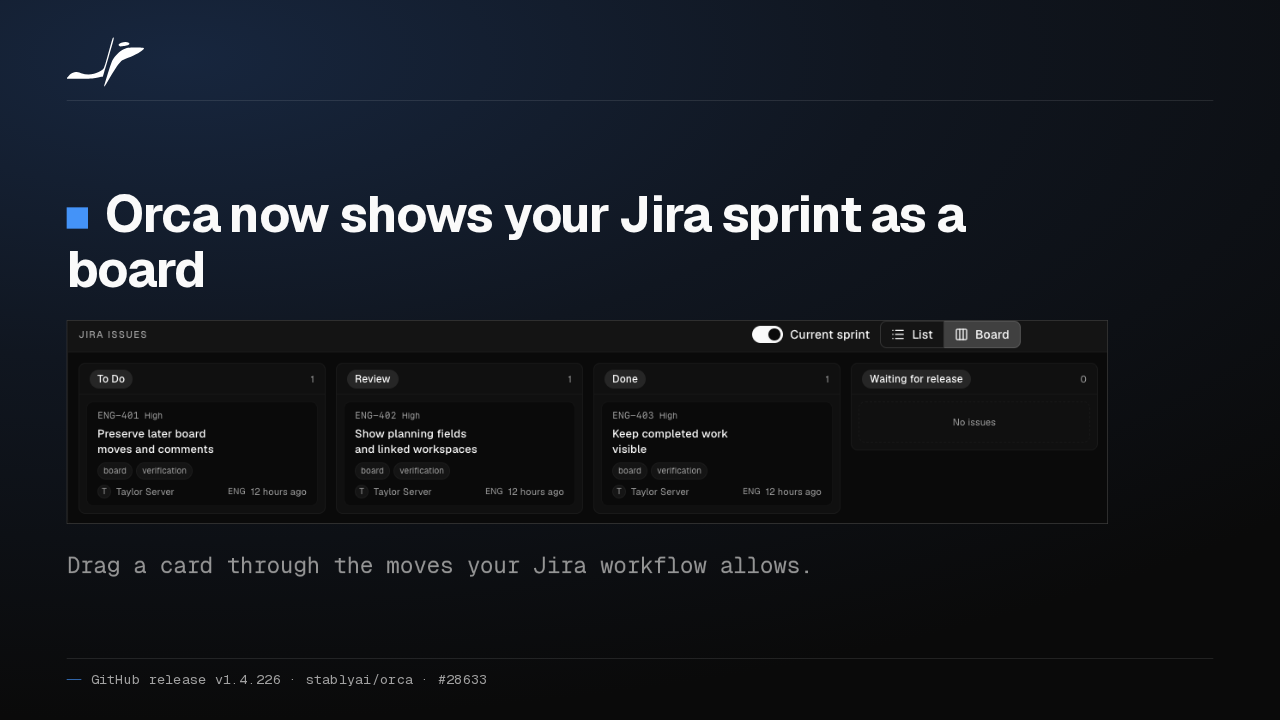
Orca now shows your Jira sprint as a board

Drag a card through the moves your Jira workflow allows.
Orca's Tasks panel now shows your Jira issues as a board, narrowed to the current sprint with one switch. Drag a card, and Orca offers only the status moves your Jira workflow allows.
Agents read and update Jira tickets
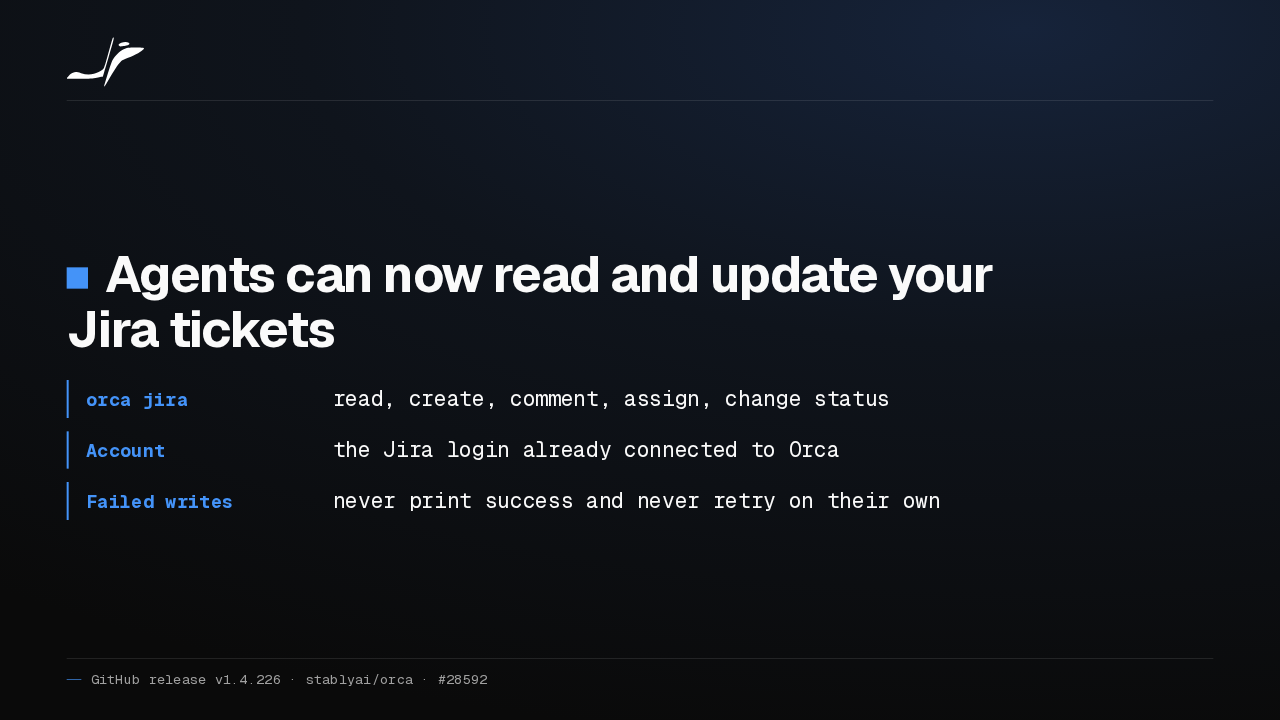
Agents can now read and update your Jira tickets
- orca jira
- read, create, comment, assign, change status
- Account
- the Jira login already connected to Orca
- Failed writes
- never print success and never retry on their own
Your agents can work Jira tickets too. The orca jira command reads and creates tickets, comments, assigns people and changes status, through the Jira account already connected to Orca. A failed write never reports success.
The phone app opens server workspaces
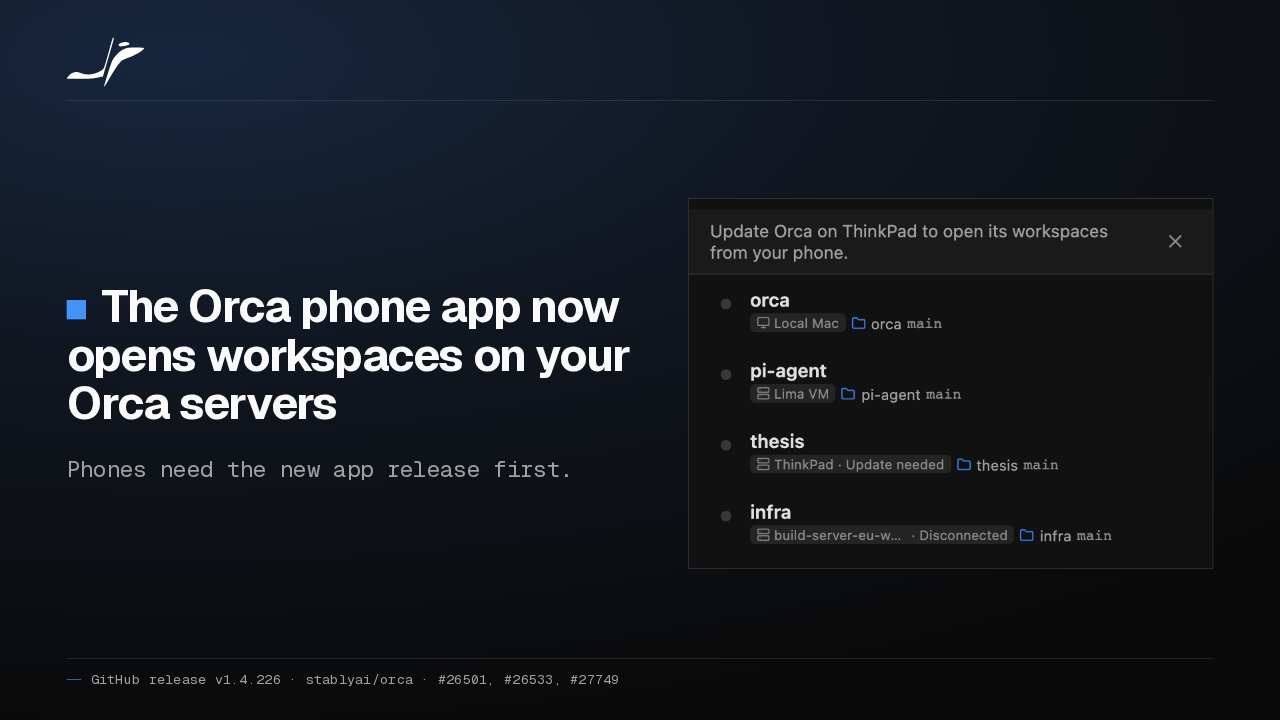
The Orca phone app now opens workspaces on your Orca servers
Phones need the new app release first.

Orca's phone app now opens the workspaces on every Orca server your desktop connects to, starts new ones there, and drives the web pages they open. Phones need the new app release first.
Each chat sets its own permissions
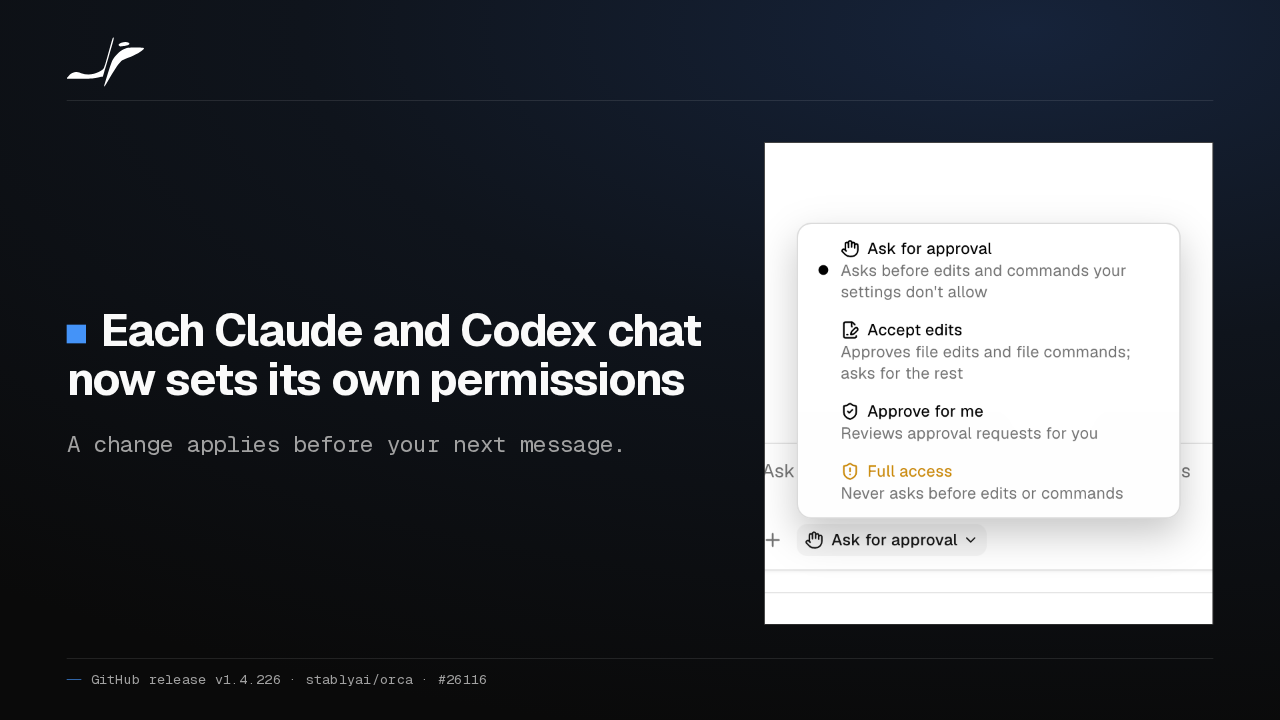
Each Claude and Codex chat now sets its own permissions
A change applies before your next message.

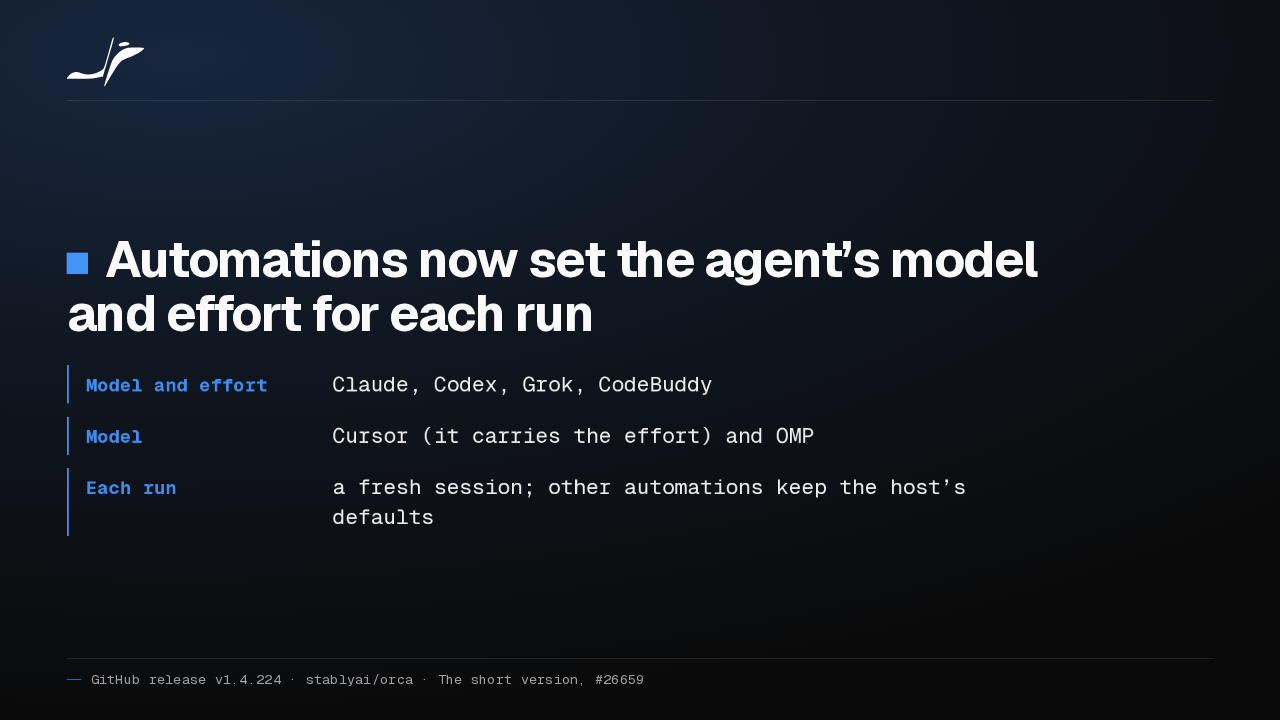
Each Claude and Codex chat in Orca now has its own permission mode, from Ask for approval up to Full access. A change takes effect before your next message, so a running reply is never cut off.
A WSL distro as an Orca host
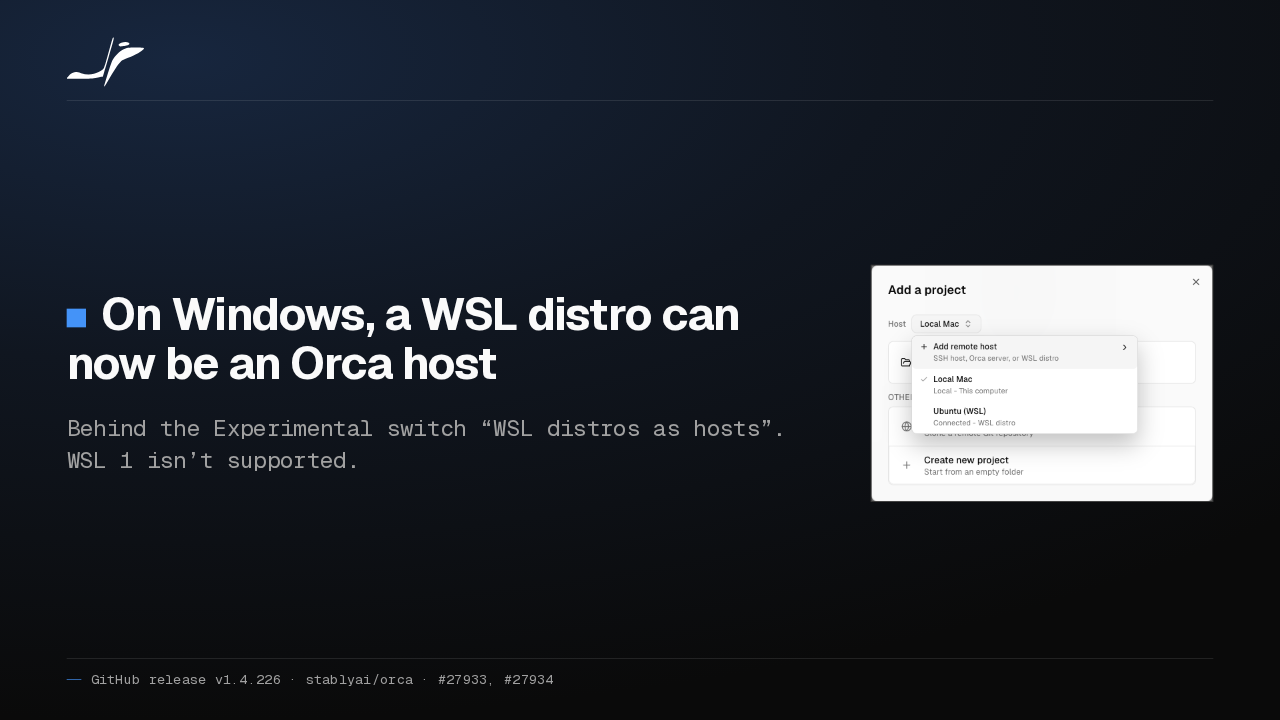
On Windows, a WSL distro can now be an Orca host
Behind the Experimental switch “WSL distros as hosts”. WSL 1 isn’t supported.

On Windows, a WSL distro can now be an Orca host, the way an SSH machine is, so projects and terminals run inside Linux. It's behind an Experimental switch, and WSL 1 distros aren't supported.
Terminal chats resume as native chats
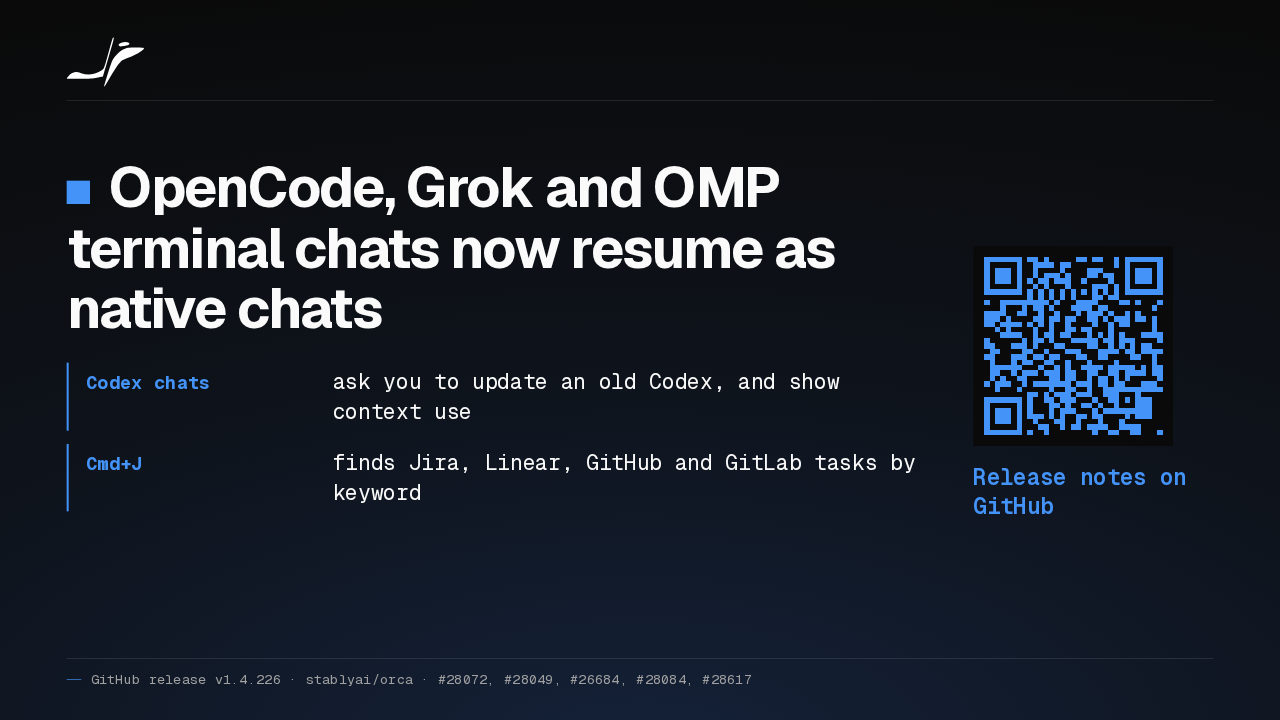
OpenCode, Grok and OMP terminal chats now resume as native chats
- Codex chats
- ask you to update an old Codex, and show context use
- Cmd+J
- finds Jira, Linear, GitHub and GitLab tasks by keyword
Release notes on GitHub
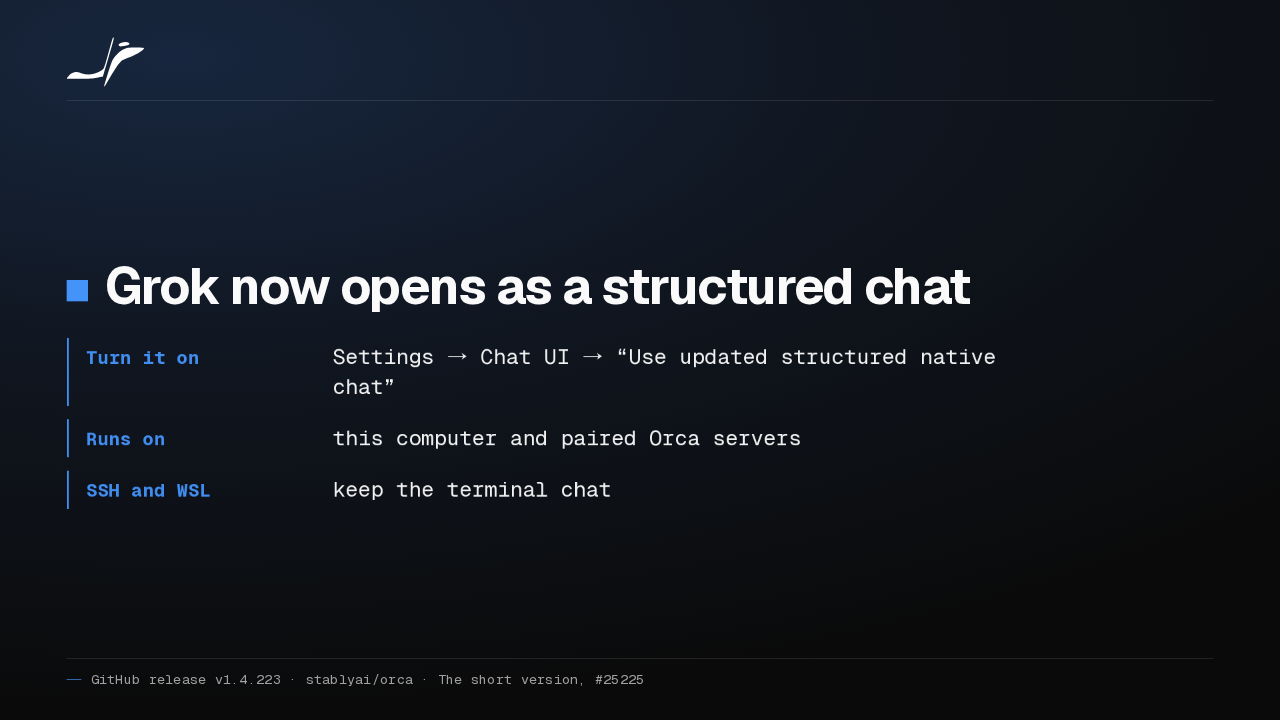
OpenCode, Grok and OMP conversations from a terminal now resume as native chats. Codex chats ask you to update an old Codex, and Cmd+J finds tasks by keyword. The rest is in the release notes on GitHub.