Antigravity in native chat

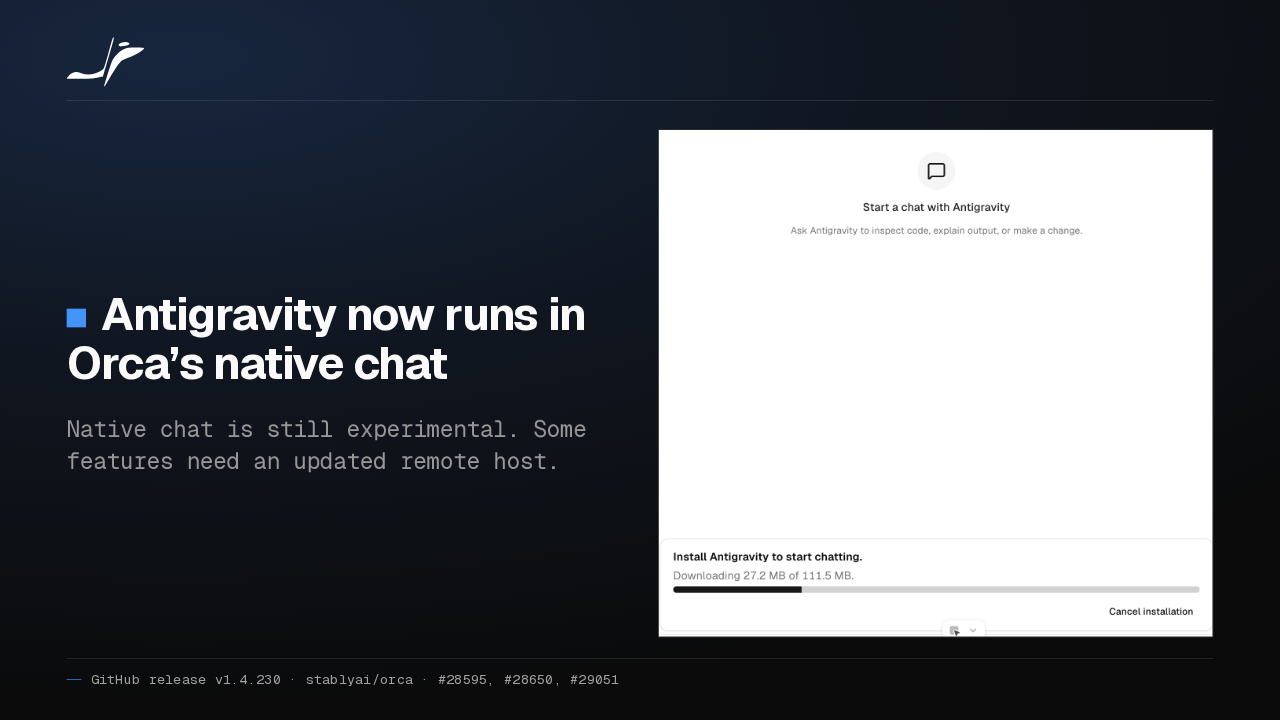
Antigravity now runs in Orca’s native chat
Native chat is still experimental. Some features need an updated remote host.

Antigravity now runs in Orca's native chat. Its chat server downloads only when you click Install, and you sign in with Google. Native chat is still experimental, so keep remote hosts updated.
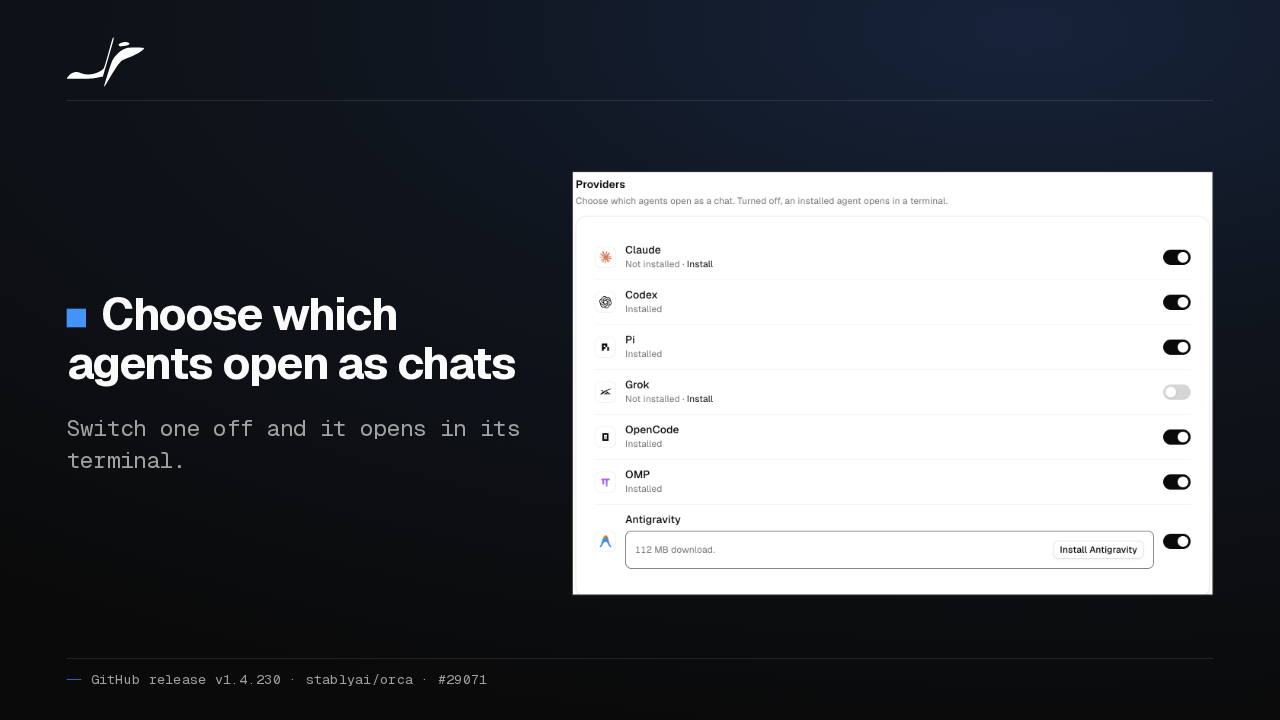
Choose which agents open as chats
Switch one off and it opens in its terminal.

Settings, Chat now lists every agent Orca can open as a chat, each with its own switch. Keep Claude as a chat and Grok in its terminal, if that is how you work.
Restart Claude sessions on the new account
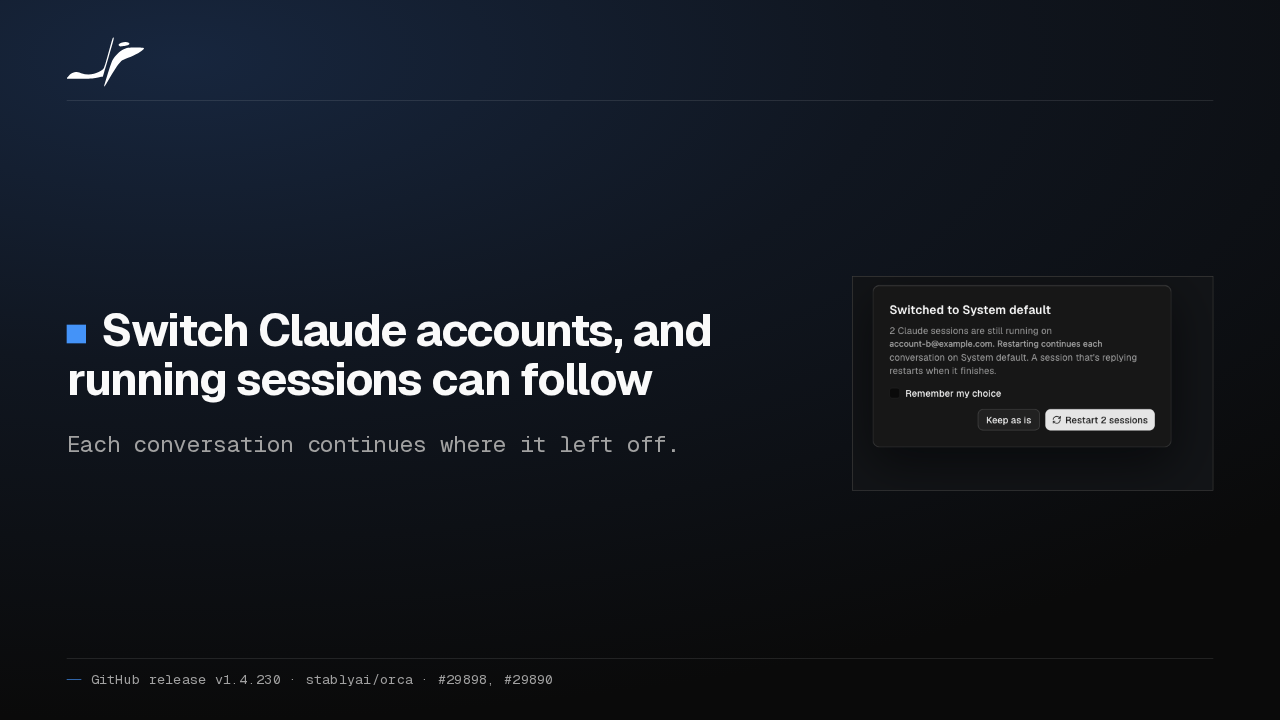
Switch Claude accounts, and running sessions can follow
Each conversation continues where it left off.

Switch Claude accounts in Orca when one hits its usage limit, and Orca offers to restart every running Claude session on the new account. Each conversation picks up where it left off.
Phone chats read like the desktop
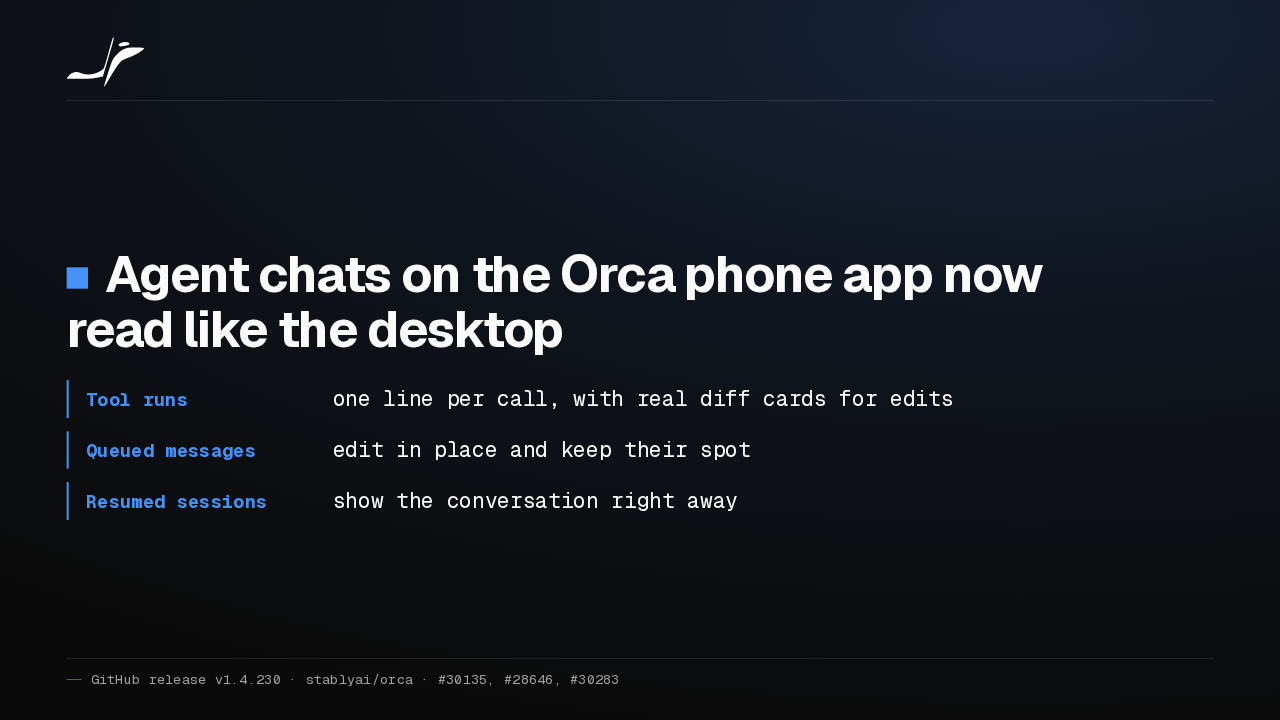
Agent chats on the Orca phone app now read like the desktop
- Tool runs
- one line per call, with real diff cards for edits
- Queued messages
- edit in place and keep their spot
- Resumed sessions
- show the conversation right away
On the phone, tool calls now read like the desktop: one line per call, and real diff cards for edits. Queued messages edit in place, and a resumed session shows its conversation straight away.
Disconnect stays disconnected
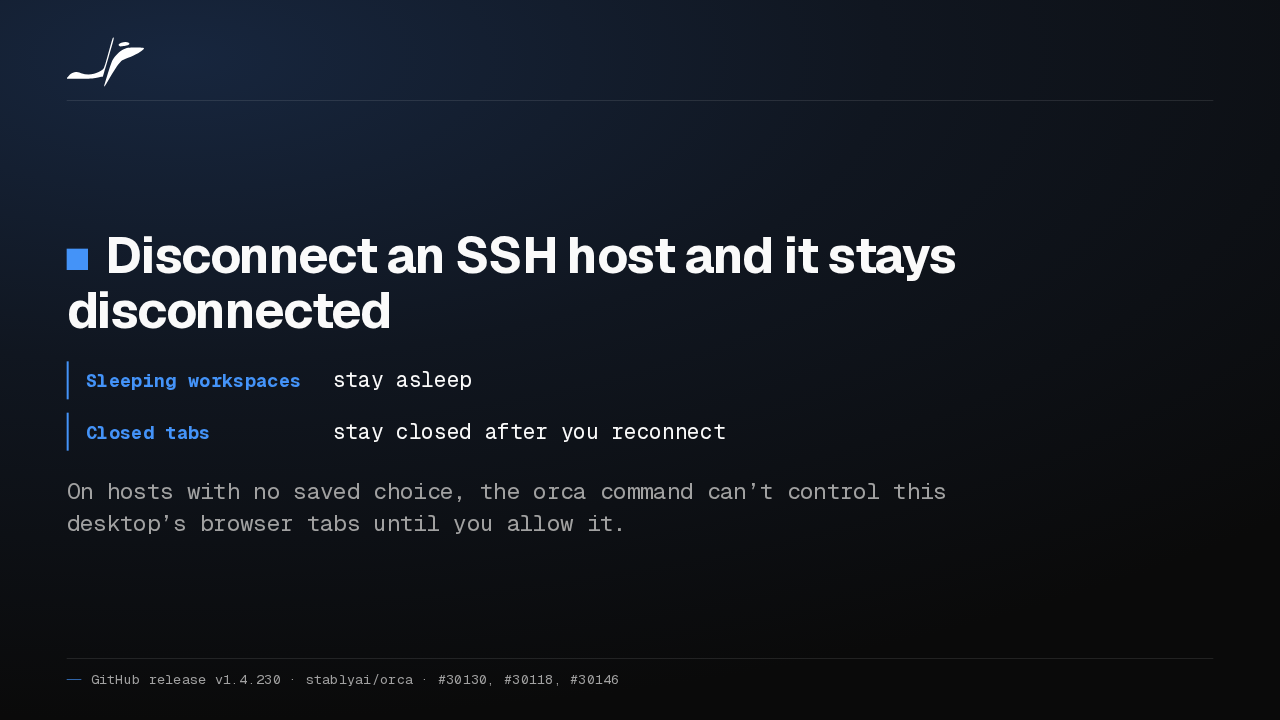
Disconnect an SSH host and it stays disconnected
- Sleeping workspaces
- stay asleep
- Closed tabs
- stay closed after you reconnect
On hosts with no saved choice, the orca command can’t control this desktop’s browser tabs until you allow it.
An SSH host you disconnect now stays disconnected. Sleeping workspaces stay asleep and closed tabs stay closed. On hosts with no saved choice, the orca command can't reach this desktop's browser tabs until you allow it.
Paste a file into chat
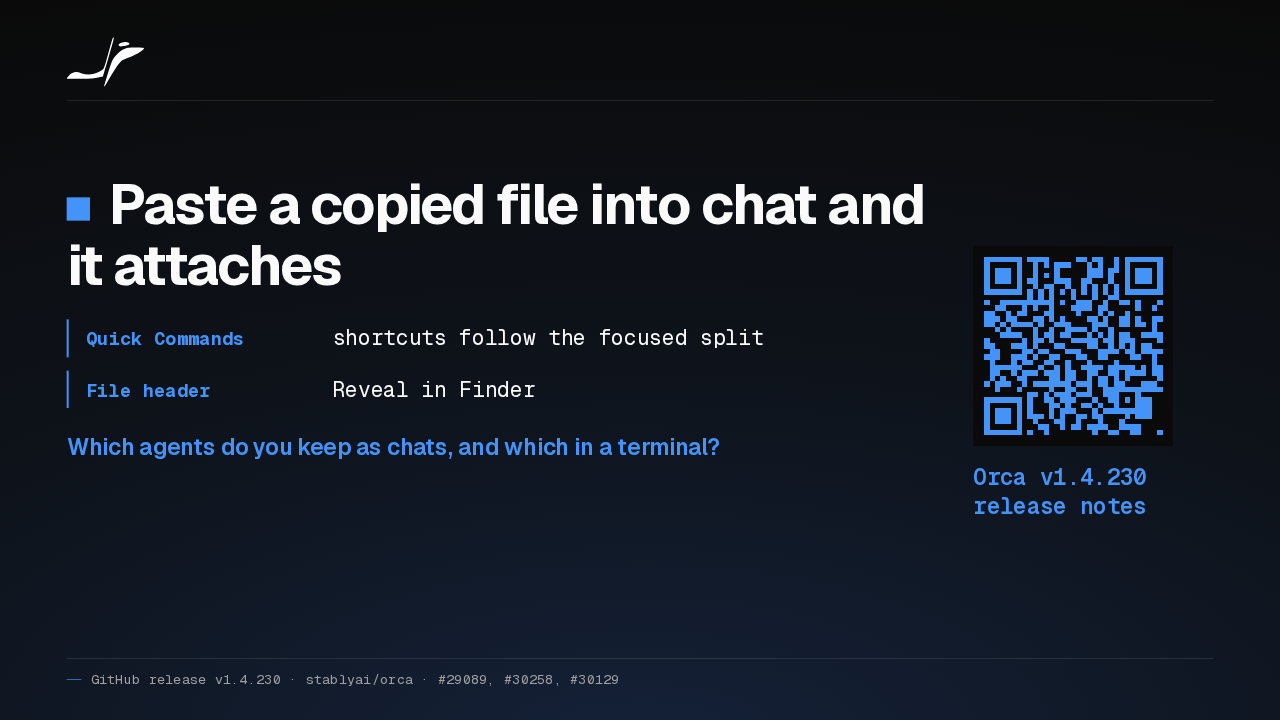
Paste a copied file into chat and it attaches
- Quick Commands
- shortcuts follow the focused split
- File header
- Reveal in Finder
Which agents do you keep as chats, and which in a terminal?
Orca v1.4.230 release notes
Paste a copied file into chat and it attaches. Quick Command shortcuts follow the focused split, and file headers offer Reveal in Finder. Which agents do you keep as chats, and which in a terminal?