One copy of unsaved edits

Every Orca tab of a file now shares one copy of your unsaved edits
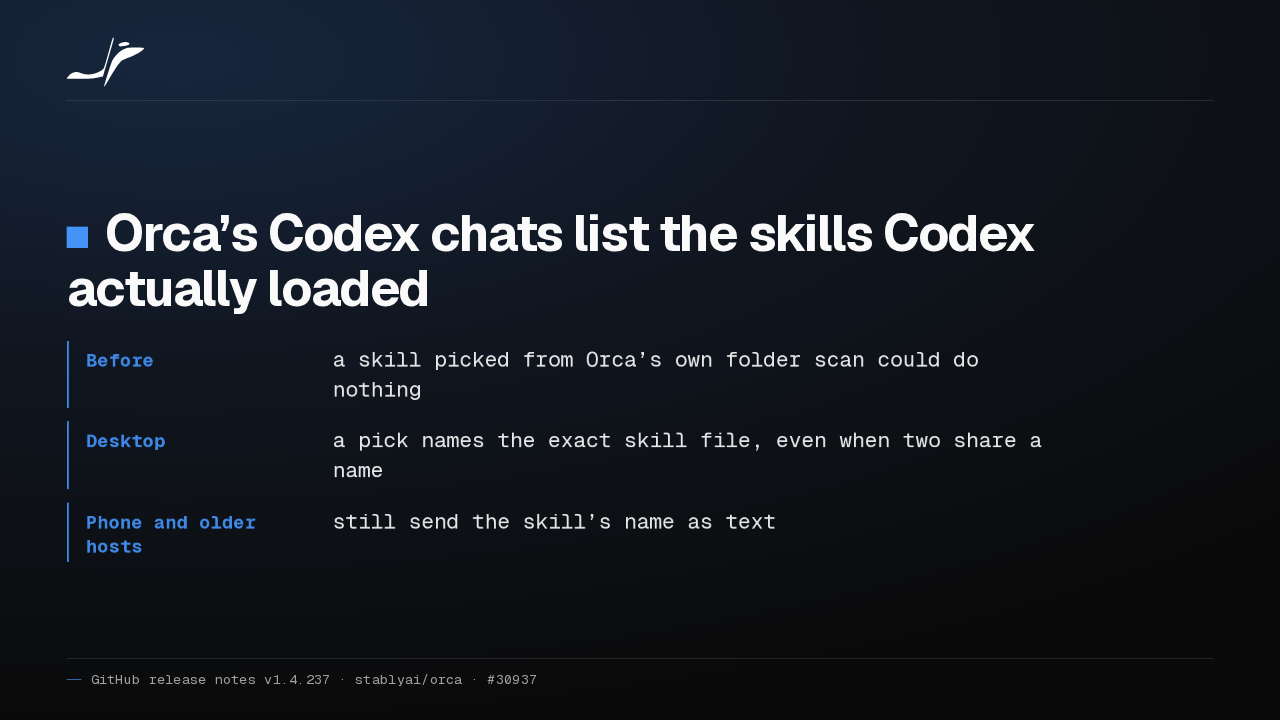
Deleting a workspace lists its unsaved files first. Stale Markdown and notebook edits can’t overwrite newer text.

Open one file in two Orca workspaces and type in either: the other tab shows the same unsaved text. Orca asks to save only when the file's last tab closes.
Chats catch up
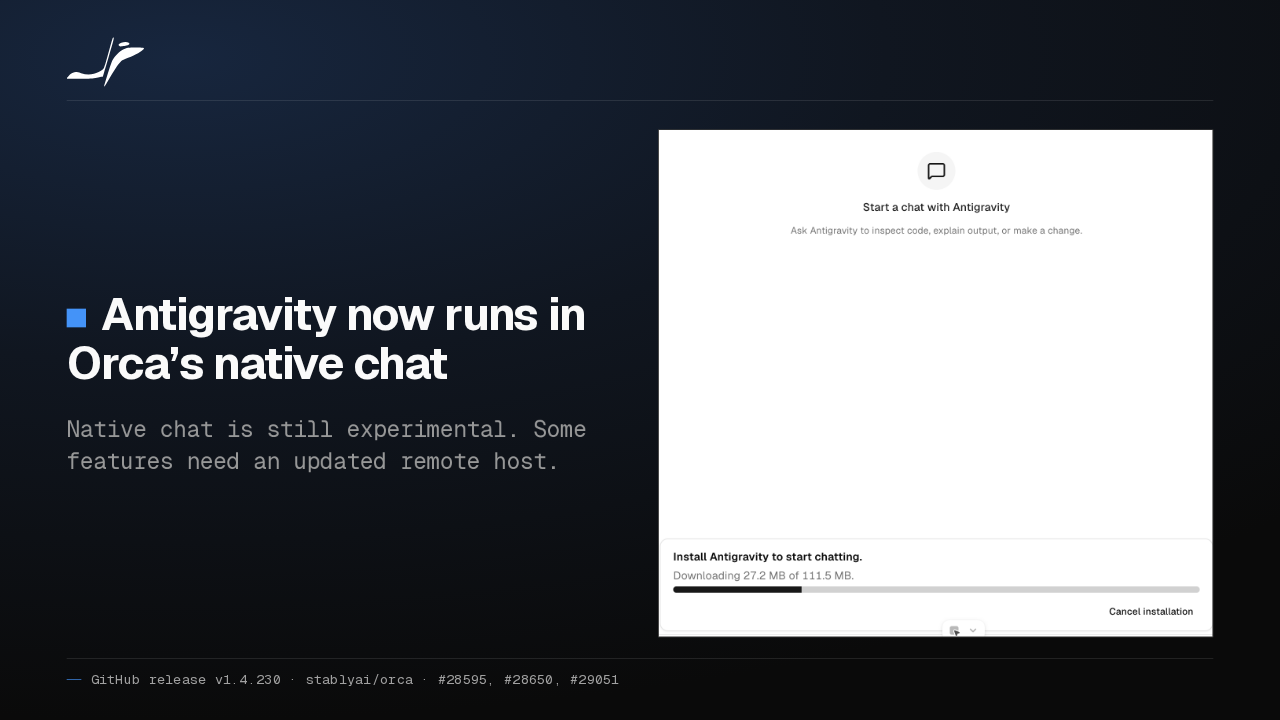
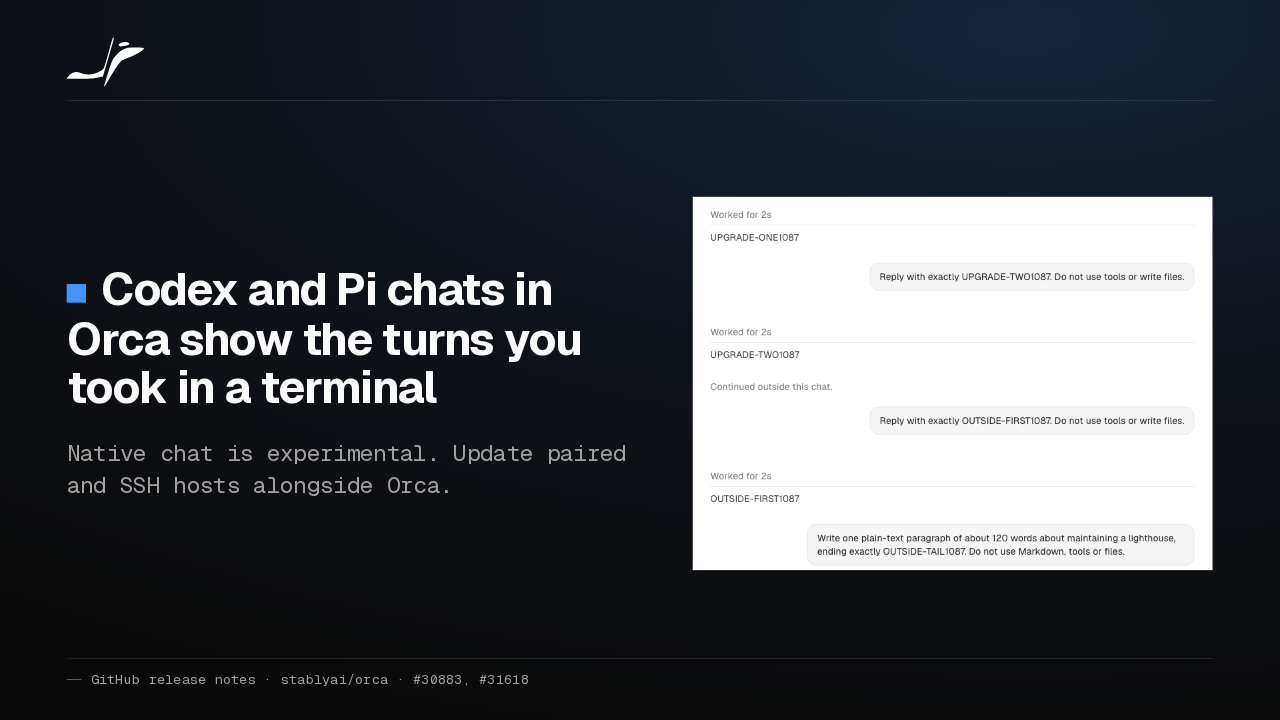
Codex and Pi chats in Orca show the turns you took in a terminal
Native chat is experimental. Update paired and SSH hosts alongside Orca.

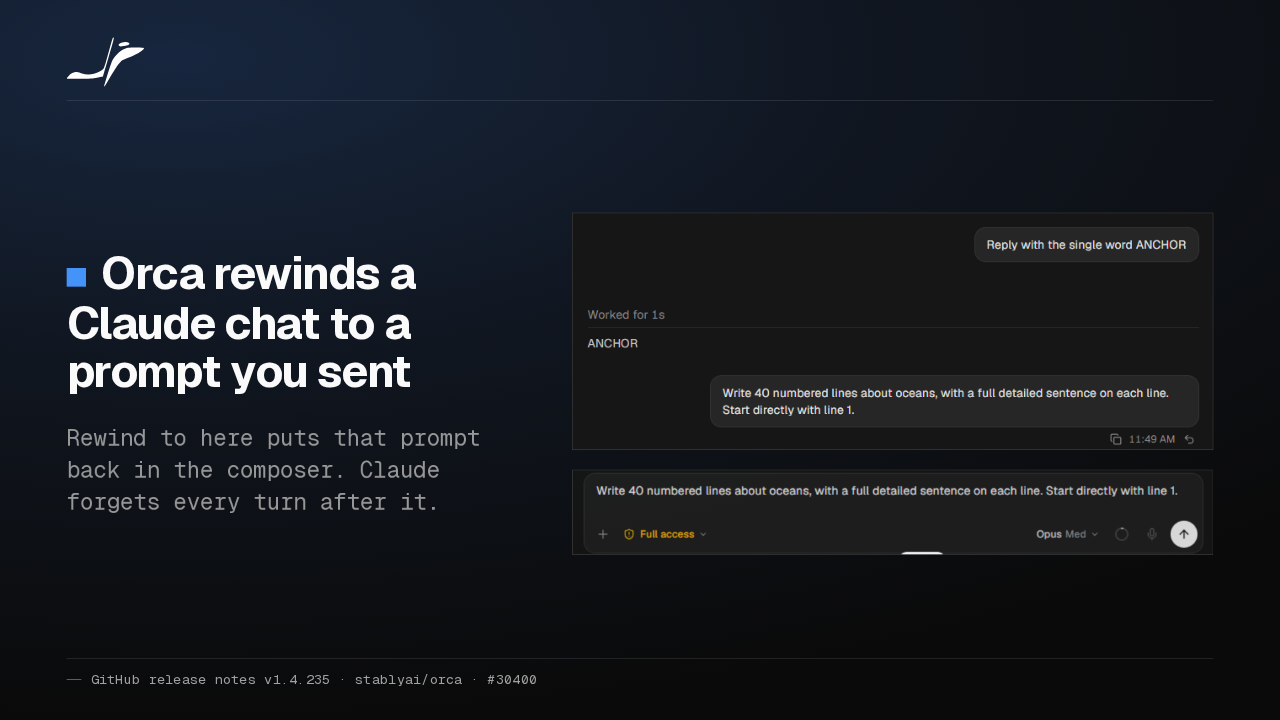
Continue a Codex or Pi conversation in a terminal, then reopen the chat in Orca: those turns now appear under Continued outside this chat. Native chat is still experimental, so update your hosts too.
Chat or terminal per workspace
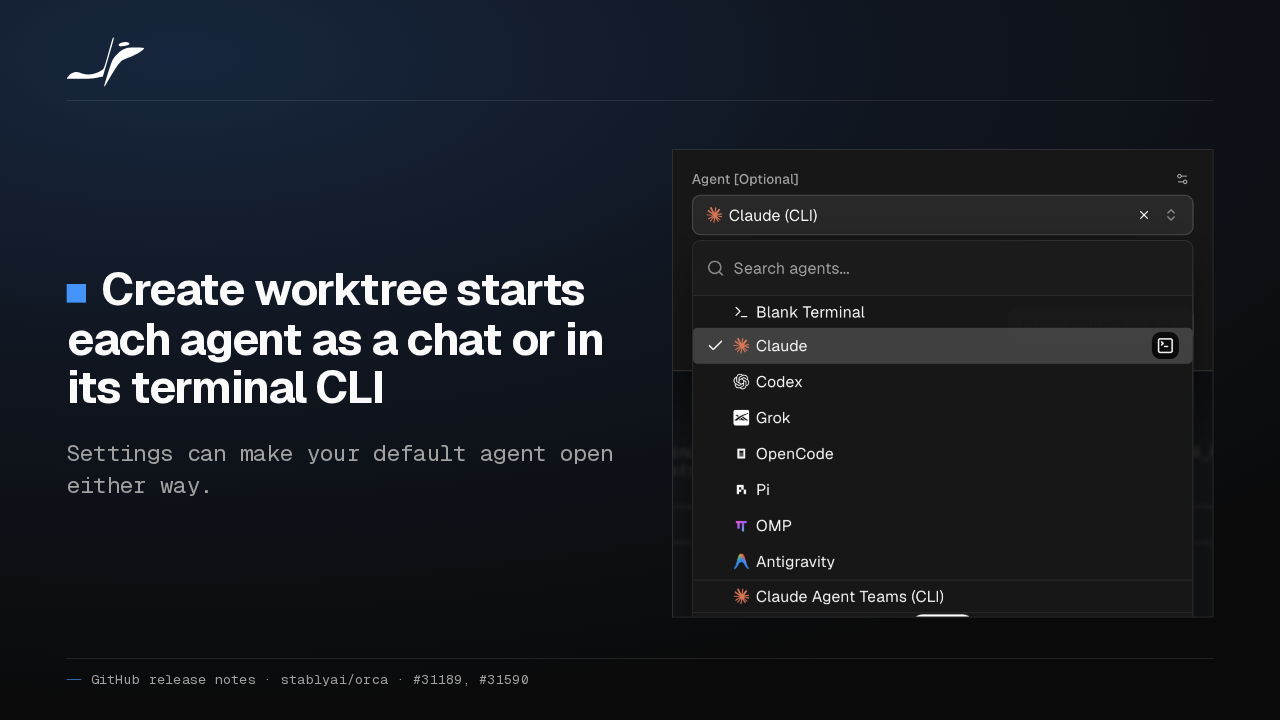
Create worktree starts each agent as a chat or in its terminal CLI
Settings can make your default agent open either way.

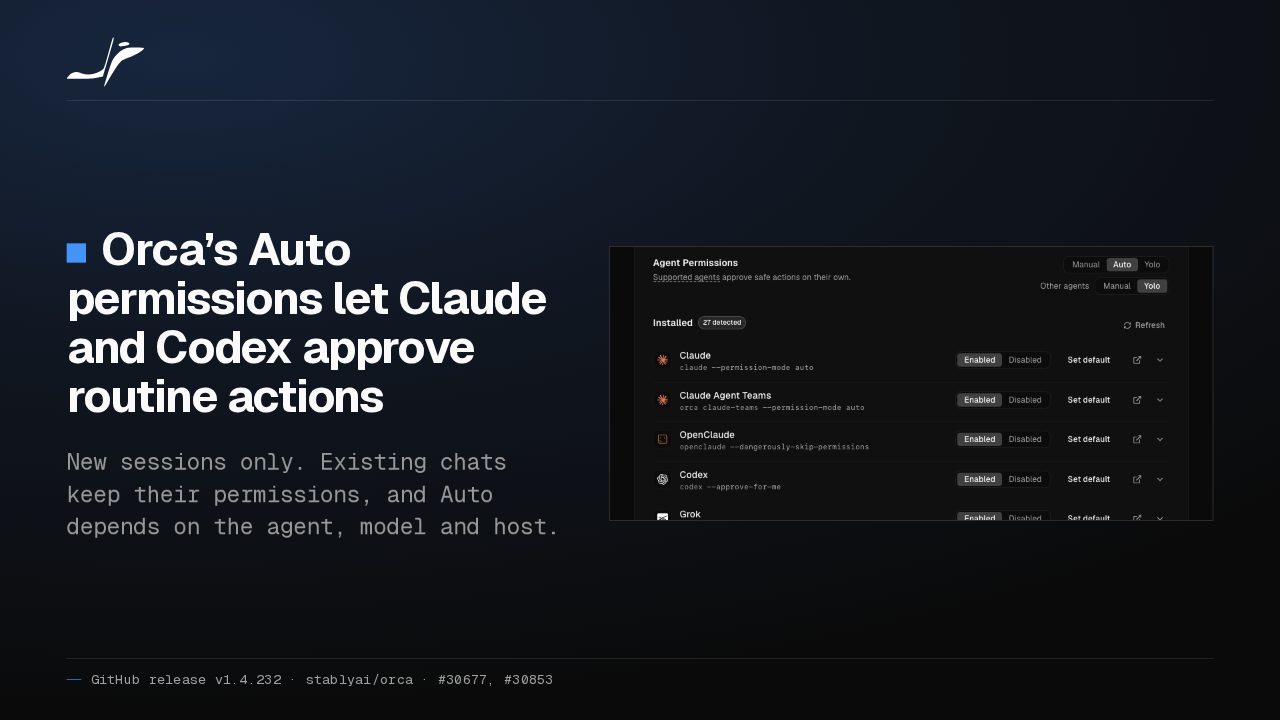
Creating a worktree or folder in Orca, each agent row now has a terminal button, so one workspace can start Claude in its CLI. Your default agent can open either way.
Accounts on a remote server
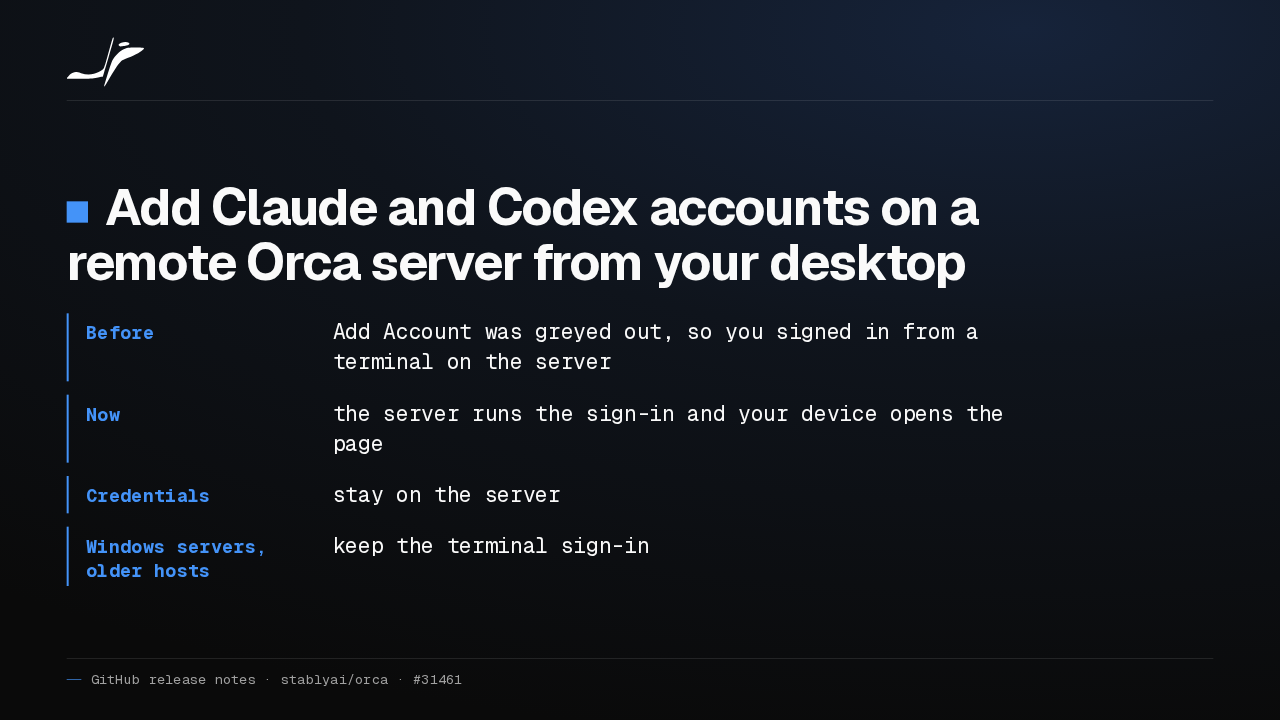
Add Claude and Codex accounts on a remote Orca server from your desktop
- Before
- Add Account was greyed out, so you signed in from a terminal on the server
- Now
- the server runs the sign-in and your device opens the page
- Credentials
- stay on the server
- Windows servers, older hosts
- keep the terminal sign-in
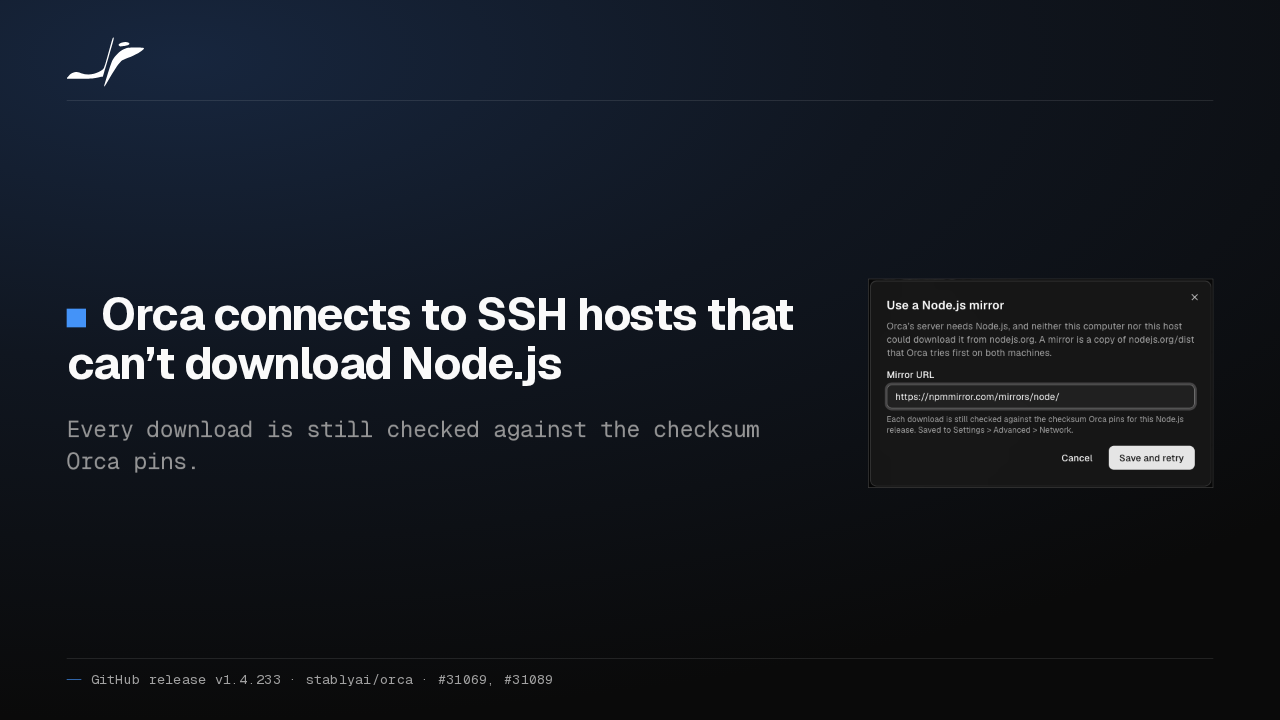
On a paired remote Orca server, Add Account for Claude and Codex was greyed out. Once that server is updated, it runs the sign-in. Windows servers and older hosts still use a terminal.
A browser that knows the workspace
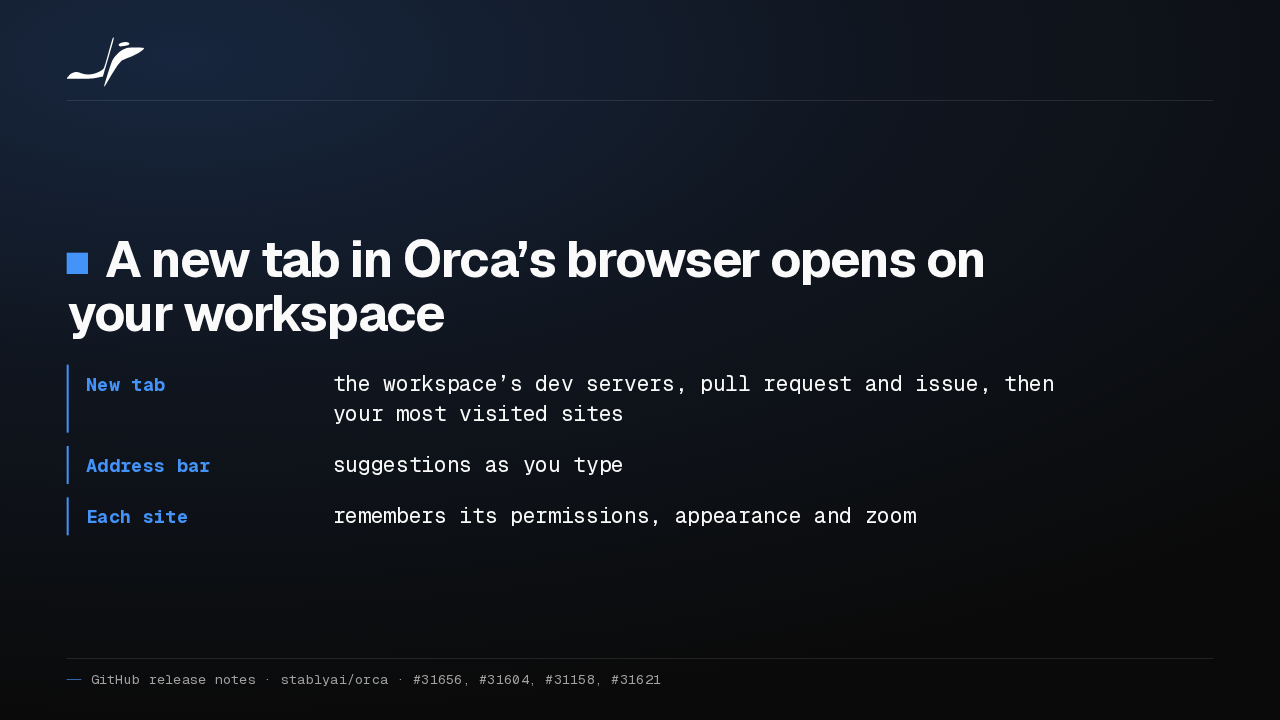
A new tab in Orca’s browser opens on your workspace
- New tab
- the workspace’s dev servers, pull request and issue, then your most visited sites
- Address bar
- suggestions as you type
- Each site
- remembers its permissions, appearance and zoom
A new tab in Orca's browser now opens on your workspace: its running dev servers, its pull request and issue, then the sites you visit most. Each site keeps its permissions and zoom.
Agent state on phone tabs
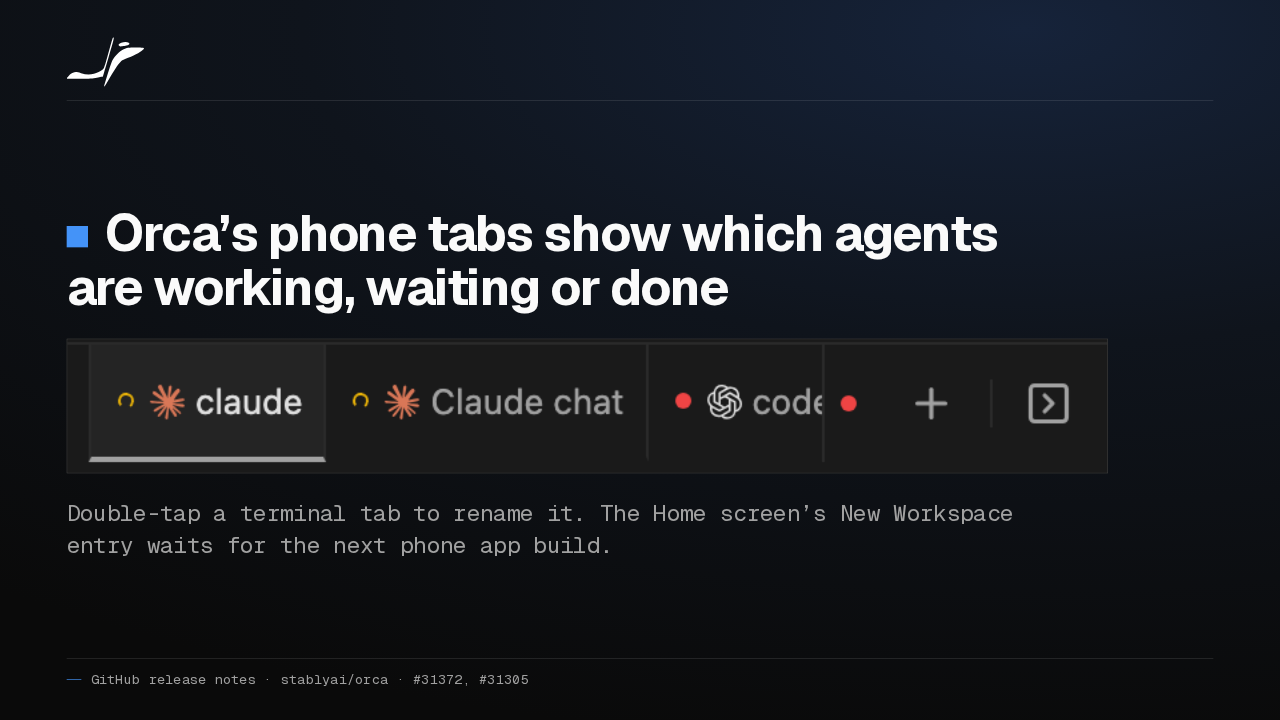
Orca’s phone tabs show which agents are working, waiting or done

Double-tap a terminal tab to rename it. The Home screen’s New Workspace entry waits for the next phone app build.
On the phone, Orca's tab strip now shows each agent's state: a spinner while it works, red when it waits on you, green when it's done. Double-tap a terminal tab to rename it.
Also in this release
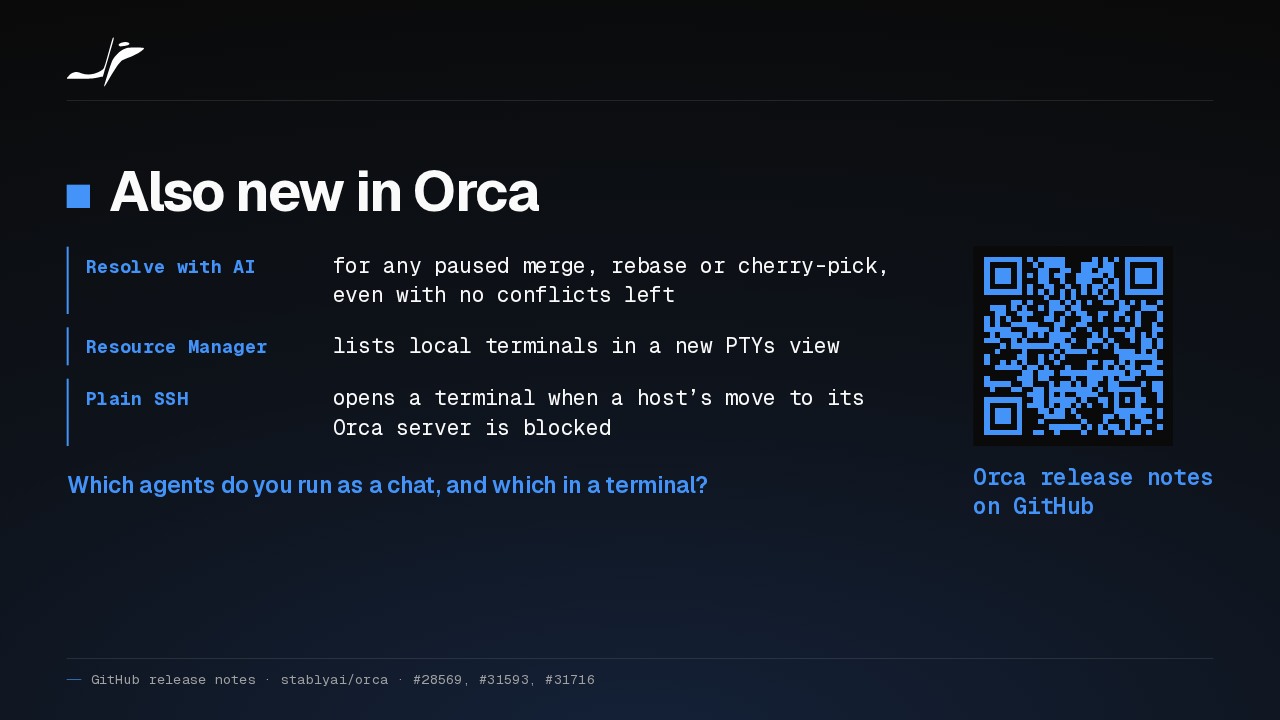
Also new in Orca
- Resolve with AI
- for any paused merge, rebase or cherry-pick, even with no conflicts left
- Resource Manager
- lists local terminals in a new PTYs view
- Plain SSH
- opens a terminal when a host’s move to its Orca server is blocked
Which agents do you run as a chat, and which in a terminal?
Orca release notes on GitHub
Resolve with AI now shows for any paused merge, rebase or cherry-pick, even with no conflicts left. Resource Manager lists local terminals. Which agents do you run as a chat, and which in a terminal?