Codex skills that run

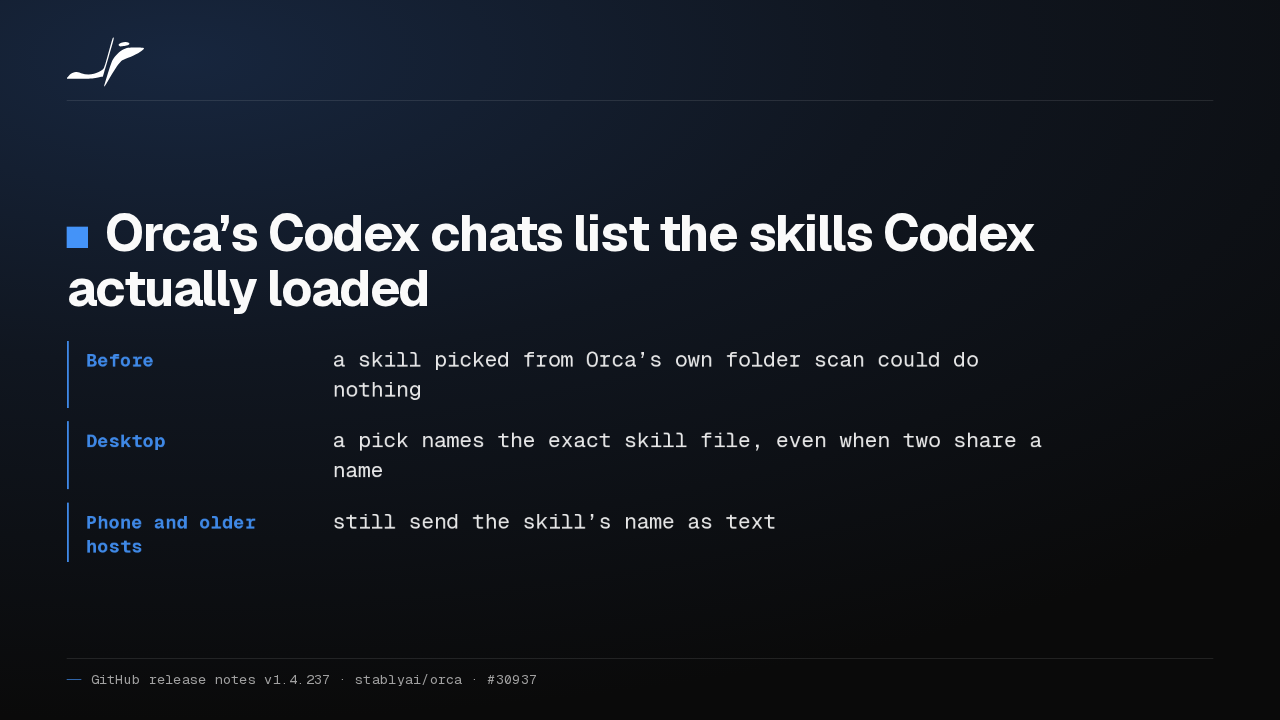
Orca’s Codex chats list the skills Codex actually loaded
- Before
- a skill picked from Orca’s own folder scan could do nothing
- Desktop
- a pick names the exact skill file, even when two share a name
- Phone and older hosts
- still send the skill’s name as text
Skills you picked in an Orca Codex chat sometimes did nothing. The menu now lists what Codex loaded. Desktop picks name the exact file. Phone picks and older hosts still send the name.
Notes on a headless host
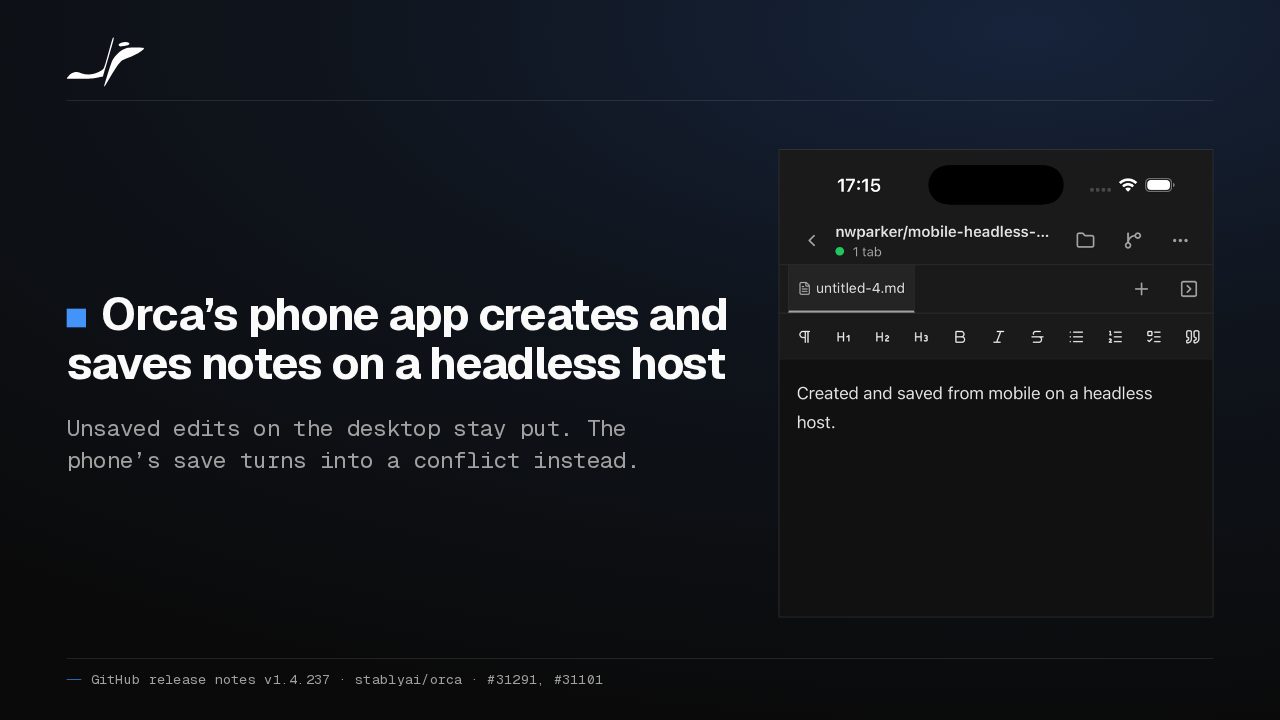
Orca’s phone app creates and saves notes on a headless host
Unsaved edits on the desktop stay put. The phone’s save turns into a conflict instead.

On a headless Orca server, a new note from the phone used to fail and leave a stray file behind. Now it opens and saves. If the desktop has unsaved edits, Orca keeps them.
Images and links in Markdown
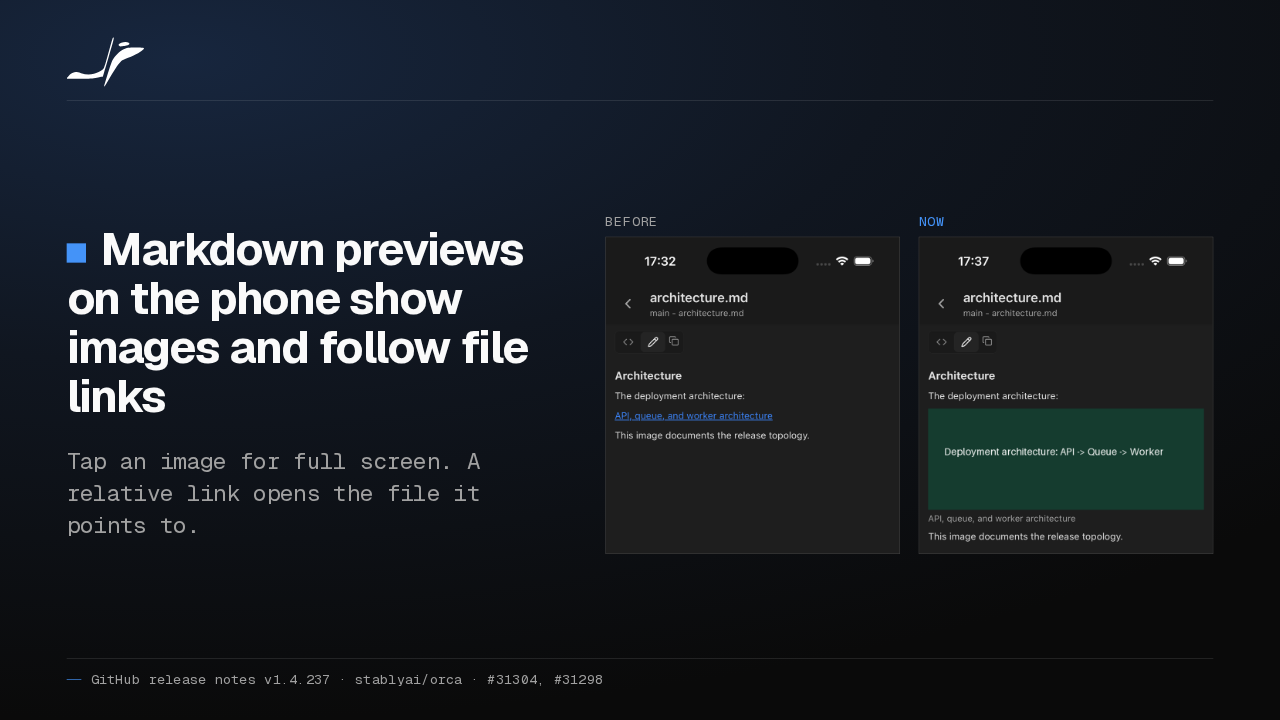
Markdown previews on the phone show images and follow file links
Tap an image for full screen. A relative link opens the file it points to.
Before

Now

Markdown previews on the phone used to swap a diagram for a link to it. Now the image shows in the document. Tapping a link to another file in the repo opens that file.
Dictation through a headless server
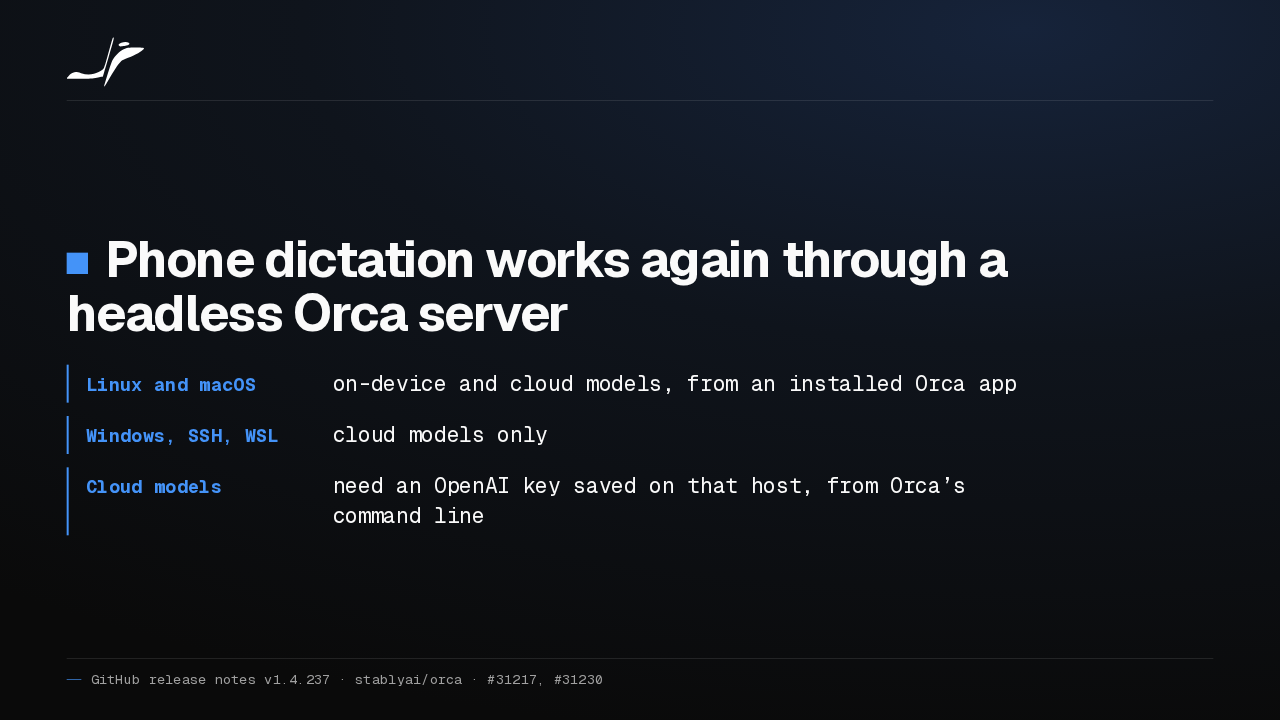
Phone dictation works again through a headless Orca server
- Linux and macOS
- on-device and cloud models, from an installed Orca app
- Windows, SSH, WSL
- cloud models only
- Cloud models
- need an OpenAI key saved on that host, from Orca’s command line
Voice dictation from the phone stopped working on headless Orca servers. It works again. Windows, SSH and WSL servers get cloud models only, and a new Orca command saves the OpenAI key on the host.
Chats you can come back to
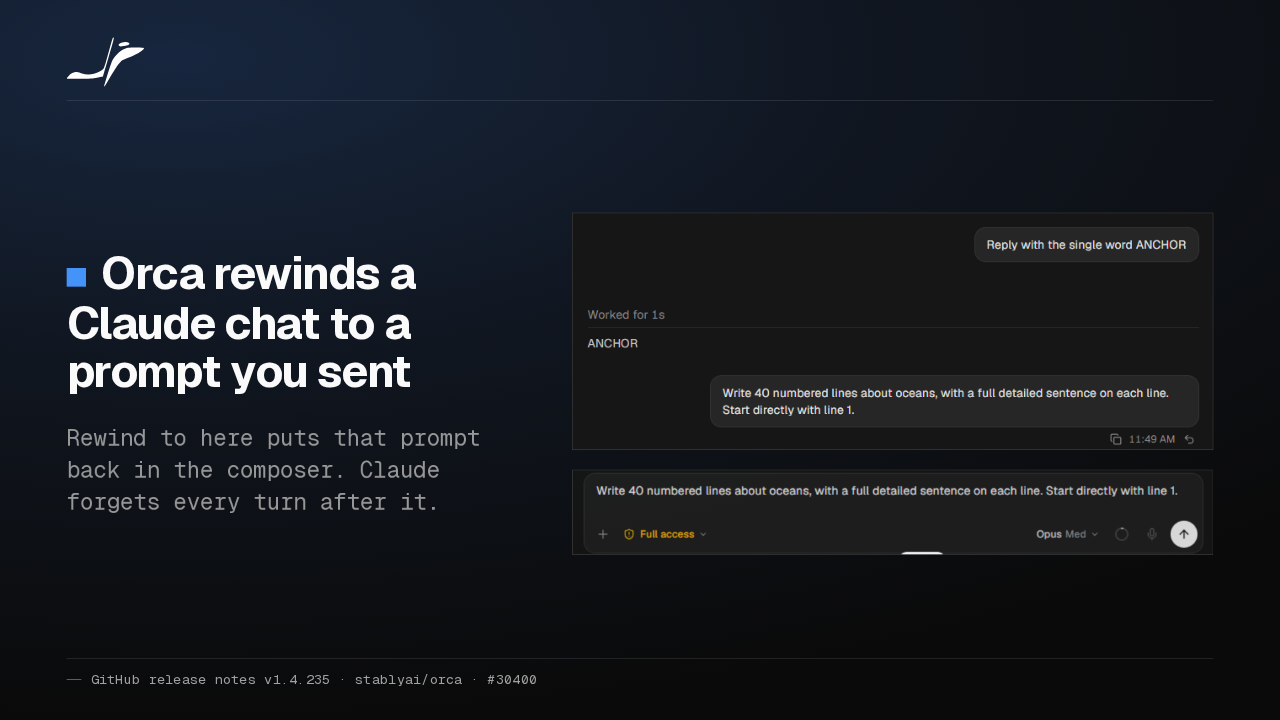
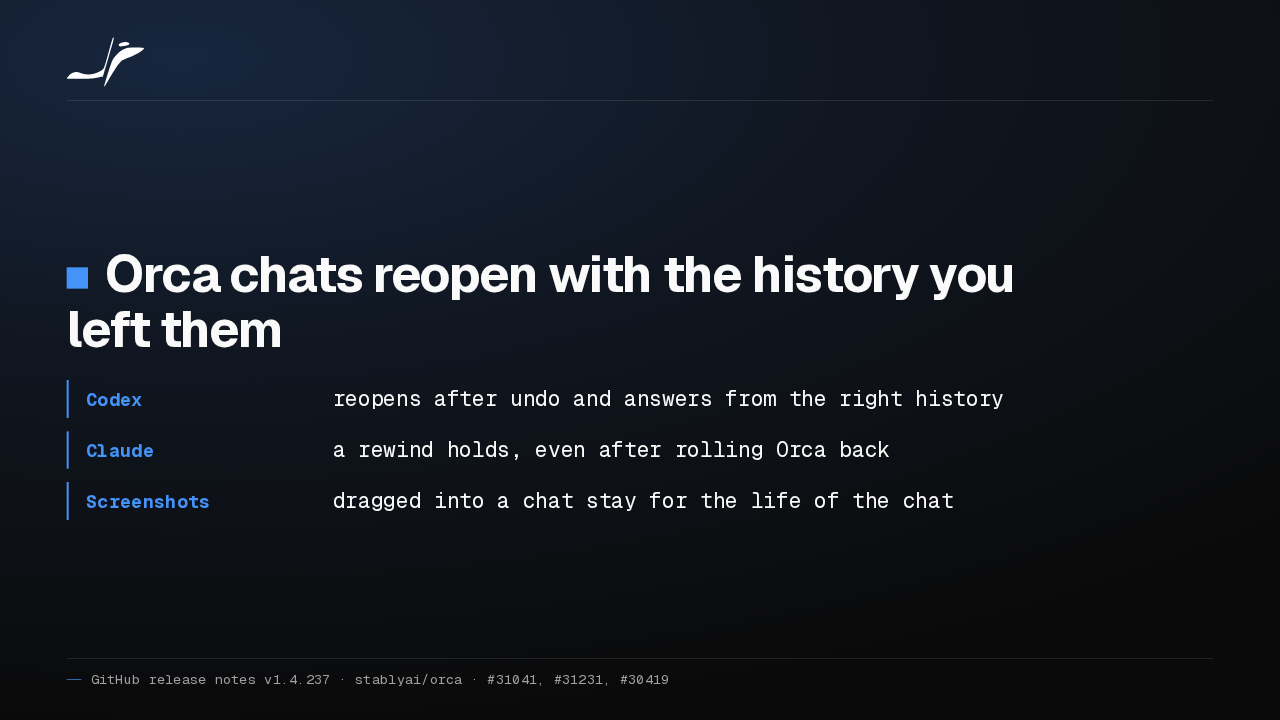
Orca chats reopen with the history you left them
- Codex
- reopens after undo and answers from the right history
- Claude
- a rewind holds, even after rolling Orca back
- Screenshots
- dragged into a chat stay for the life of the chat
Codex chats reopen after an undo with the right history. A Claude rewind stays rewound if you roll Orca back, and screenshots dragged into a chat on a Mac are no longer deleted after seven days.
Discard is safe from autosave
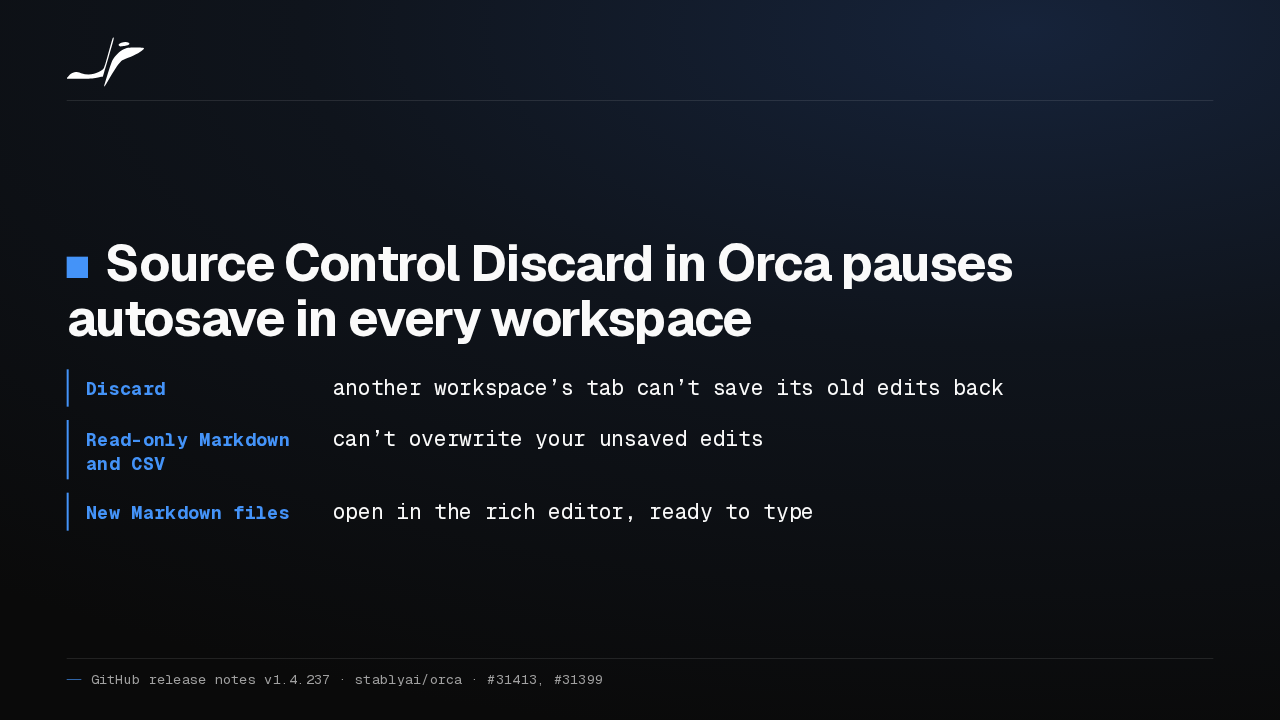
Source Control Discard in Orca pauses autosave in every workspace
- Discard
- another workspace’s tab can’t save its old edits back
- Read-only Markdown and CSV
- can’t overwrite your unsaved edits
- New Markdown files
- open in the rich editor, ready to type
Discarding a file in Source Control now pauses its autosave everywhere, so a tab in another workspace can't write the old edits back. New Markdown files open straight in the rich editor.
Remote work holds up
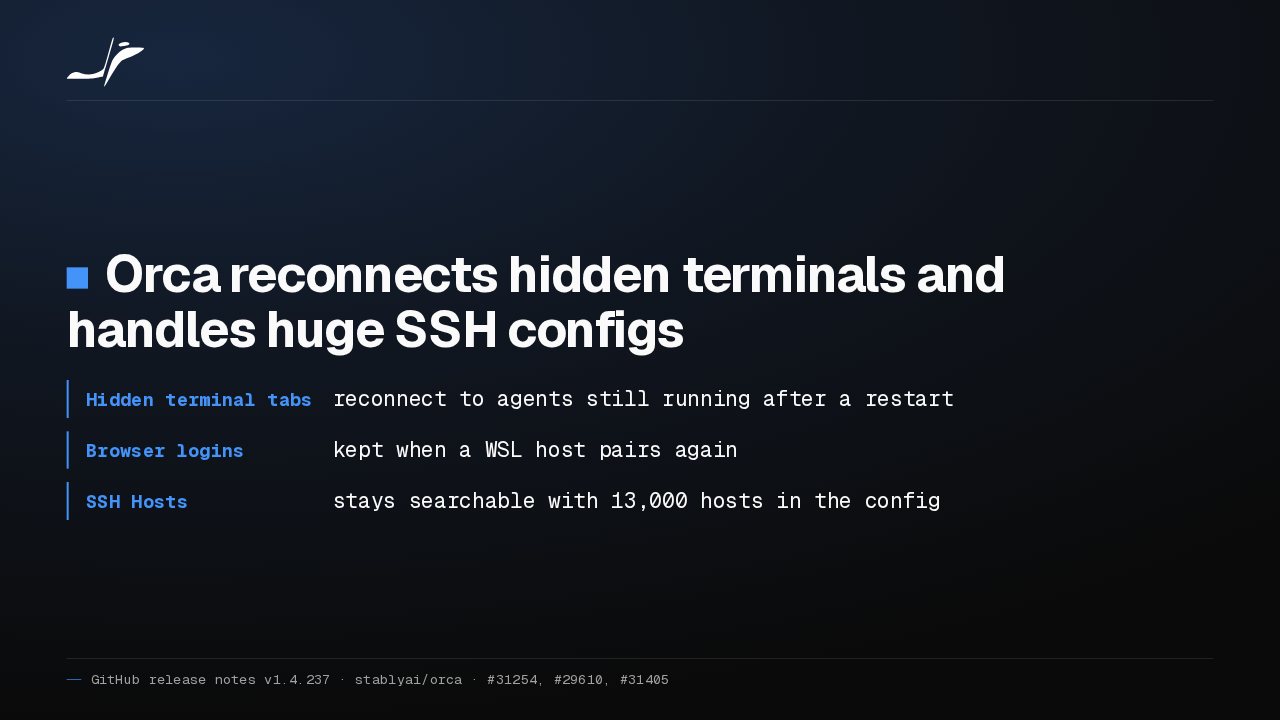
Orca reconnects hidden terminals and handles huge SSH configs
- Hidden terminal tabs
- reconnect to agents still running after a restart
- Browser logins
- kept when a WSL host pairs again
- SSH Hosts
- stays searchable with 13,000 hosts in the config
After a restart, background terminal tabs reconnect to agents still running. Browser logins survive a WSL host pairing again, and the SSH host list handles thirteen thousand hosts without crashing.
Chat or terminal per launch
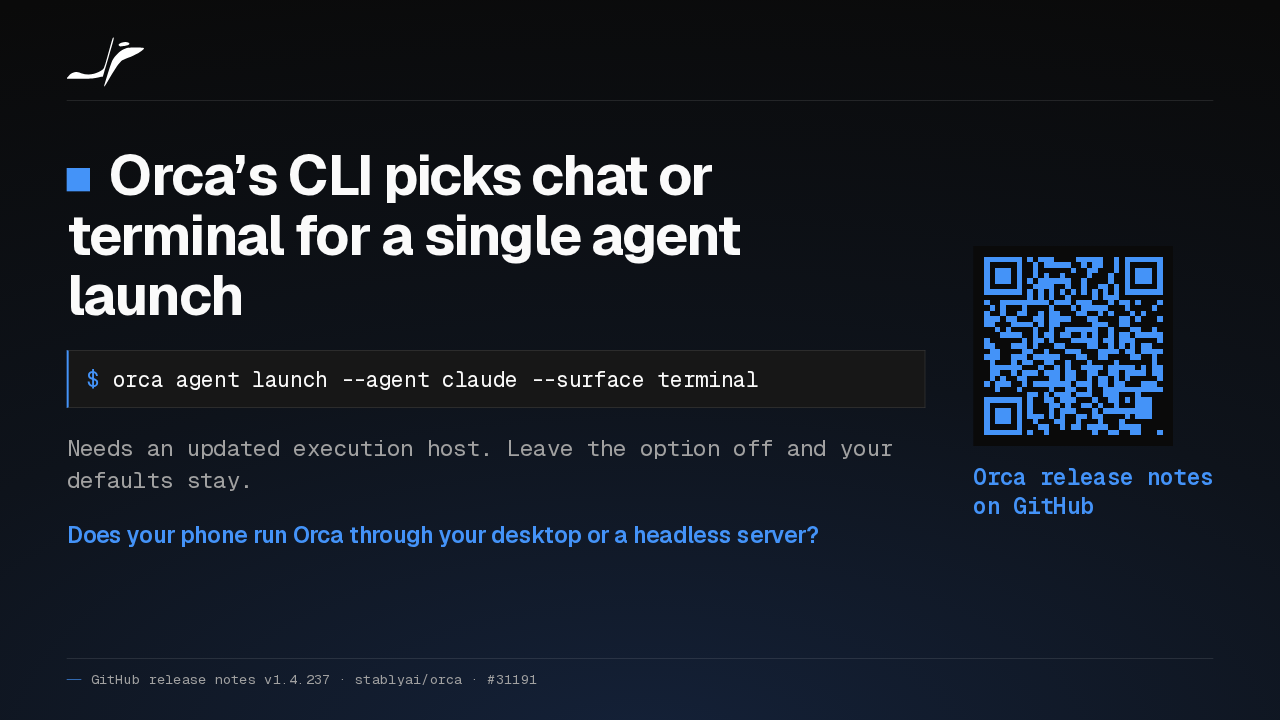
Orca’s CLI picks chat or terminal for a single agent launch
$ orca agent launch --agent claude --surface terminal
Needs an updated execution host. Leave the option off and your defaults stay.
Does your phone run Orca through your desktop or a headless server?
Orca release notes on GitHub
Orca's command line can now launch an agent in a chat or a terminal for one run, once the host running it is updated. Does your phone run Orca through your desktop, or a headless server?