Stop what Codex left running

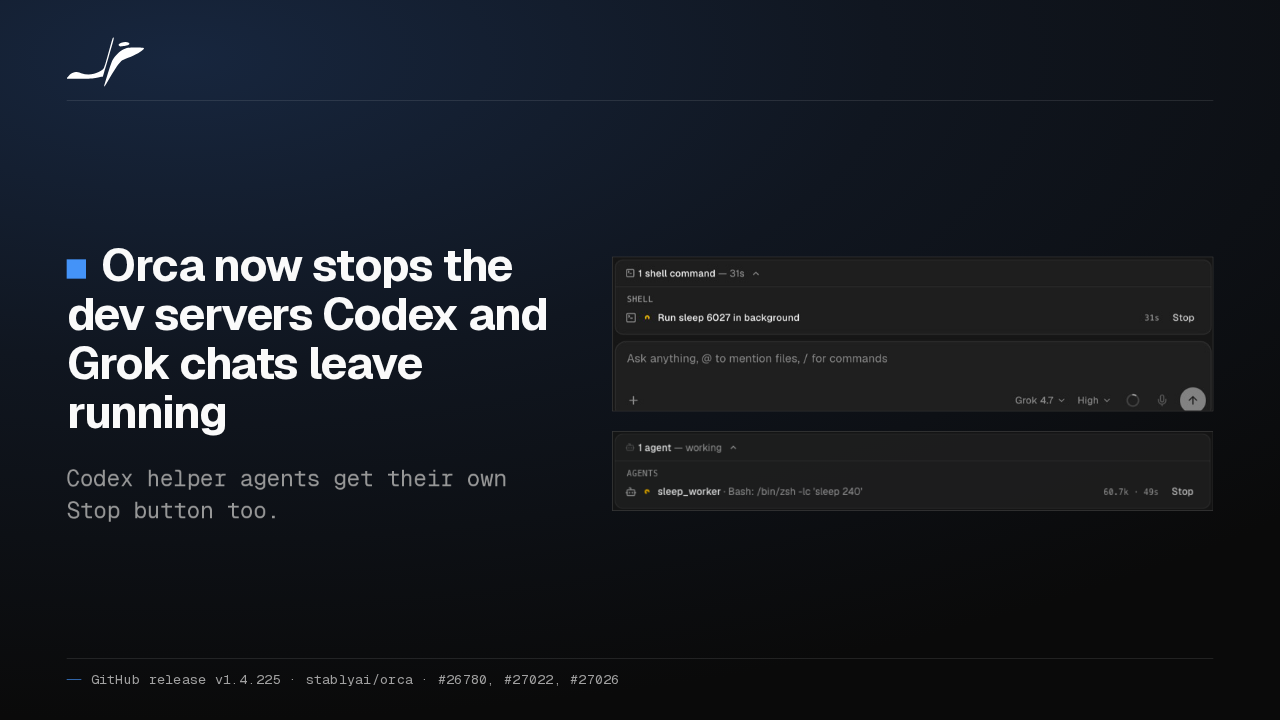
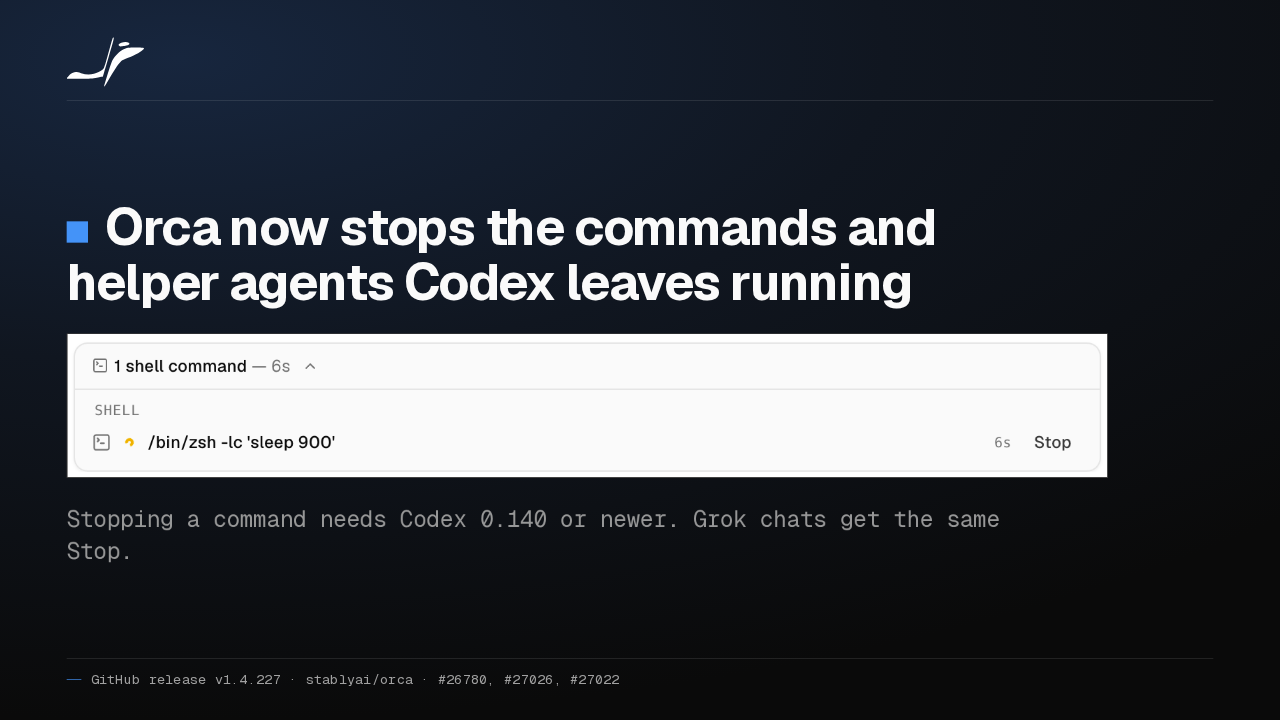
Orca now stops the commands and helper agents Codex leaves running

Stopping a command needs Codex 0.140 or newer. Grok chats get the same Stop.
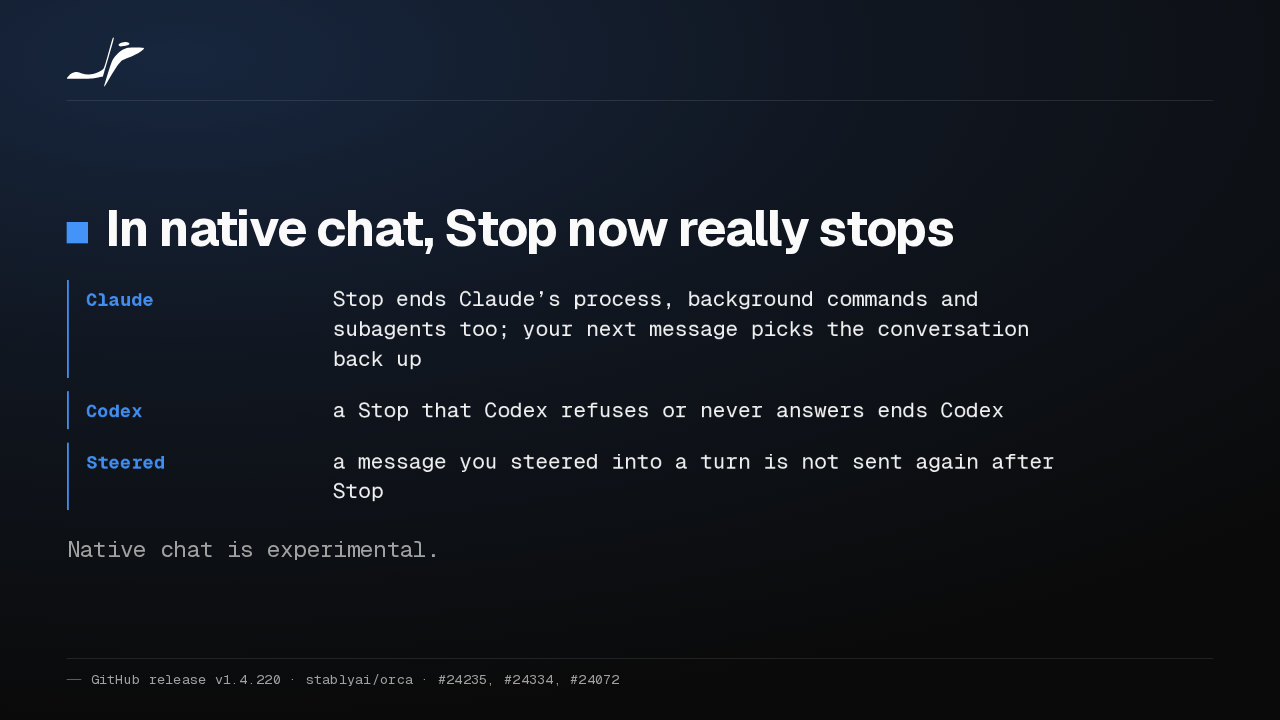
When Codex leaves a dev server or a helper agent running in an Orca chat, it now gets its own Stop button. Stopping commands needs Codex 0.140 or newer, and Grok chats get the same button.
Codex chats offer Ultrafast
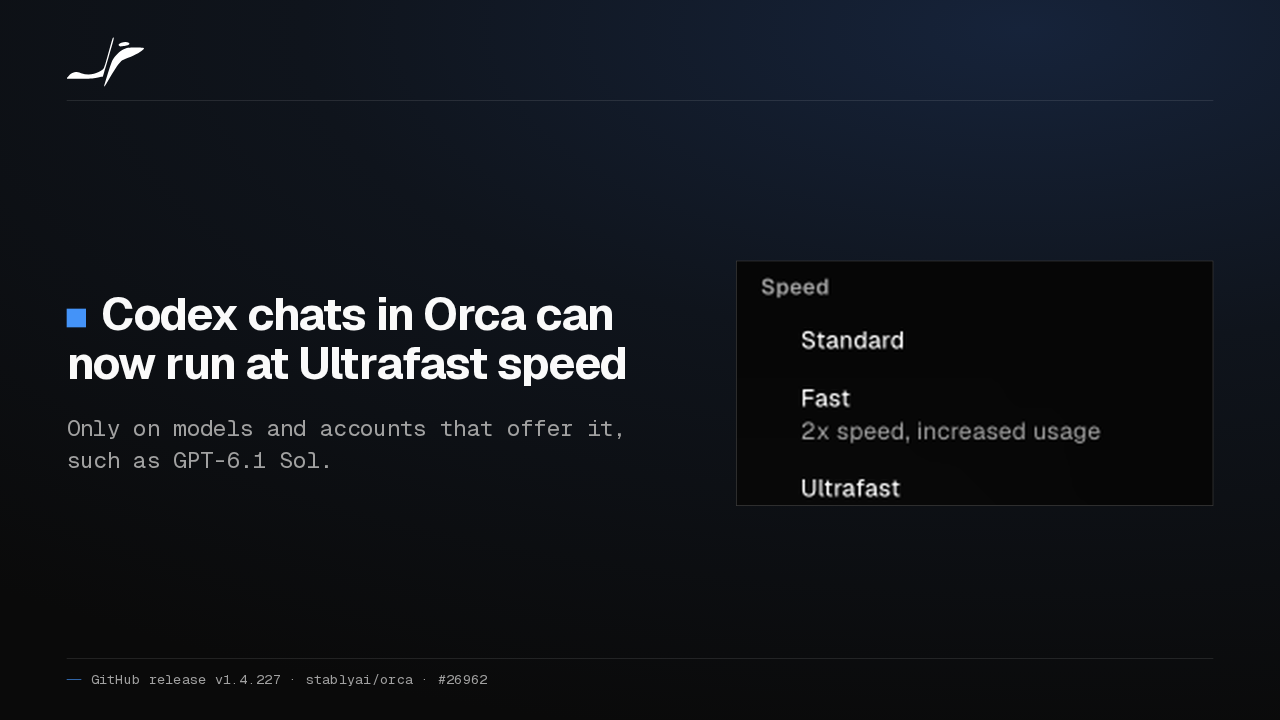
Codex chats in Orca can now run at Ultrafast speed
Only on models and accounts that offer it, such as GPT-6.1 Sol.

Codex chats in Orca swap the Fast switch for a Speed menu with Standard, Fast and Ultrafast. Ultrafast appears only on models and accounts that offer it, such as GPT-6.1 Sol.
The phone opens every chat agent
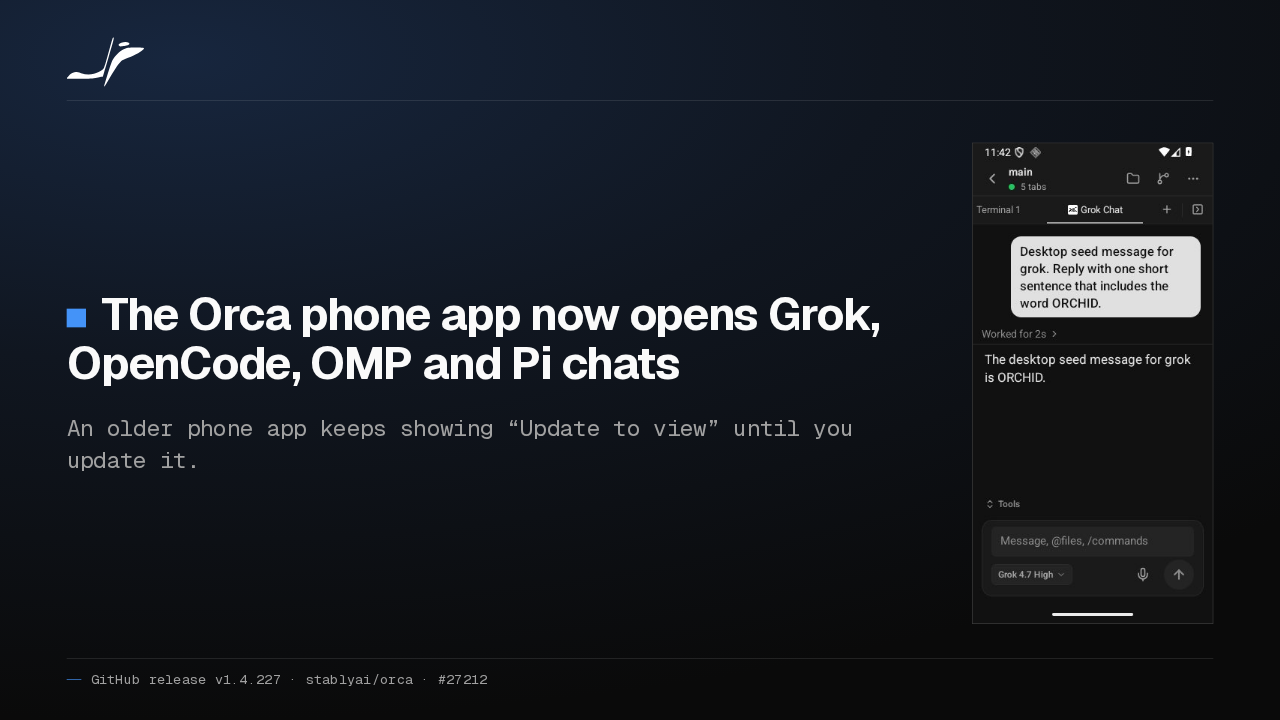
The Orca phone app now opens Grok, OpenCode, OMP and Pi chats
An older phone app keeps showing “Update to view” until you update it.

Orca's phone app now opens Grok, OpenCode, OMP and Pi chats alongside Claude and Codex, so you can reply and answer approvals from your phone. An older phone app shows Update to view until you update it.
Claude accounts stay signed in
Saved Claude accounts in Orca now stay signed in
- Own folder
- each account keeps its own Claude login fresh
- Sign-in link
- copy it to sign in a second email in a private window
Each Claude account saved in Orca now gets its own Claude folder, so Claude keeps that login fresh and you stay signed in. To add a second email, copy the sign-in link into a private window.
Agent browser tabs are locked to local tools
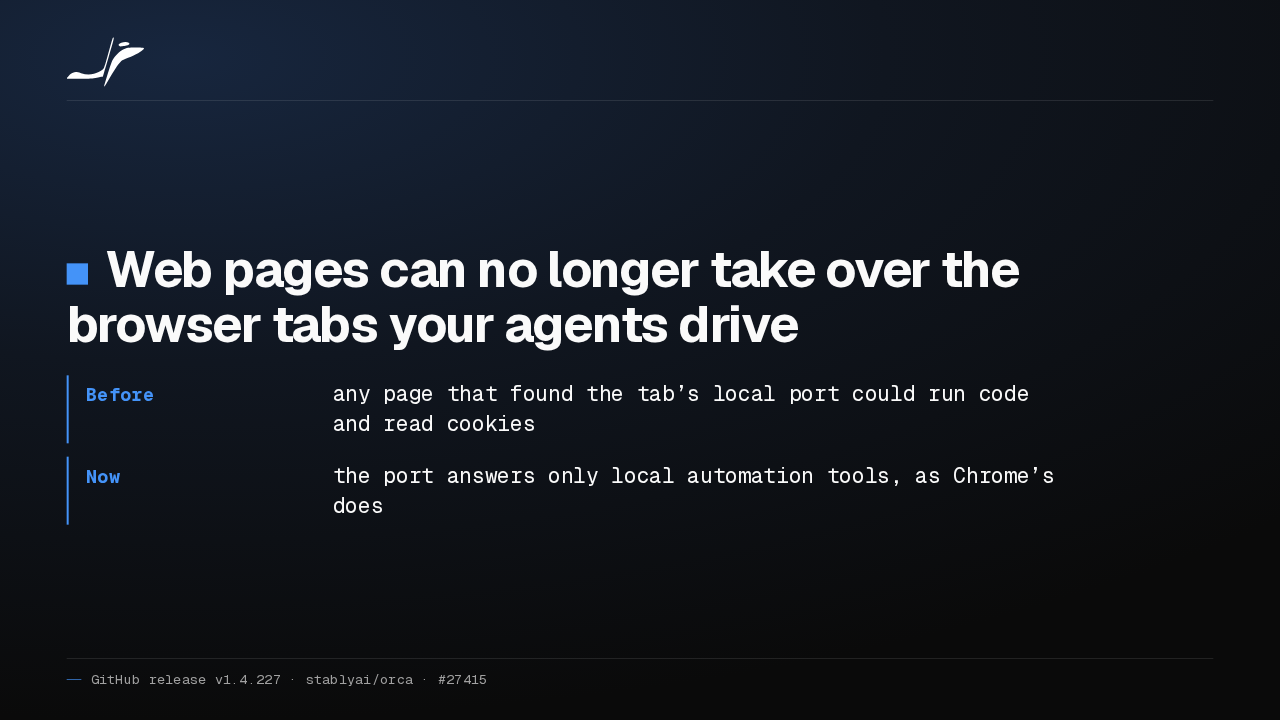
Web pages can no longer take over the browser tabs your agents drive
- Before
- any page that found the tab’s local port could run code and read cookies
- Now
- the port answers only local automation tools, as Chrome’s does
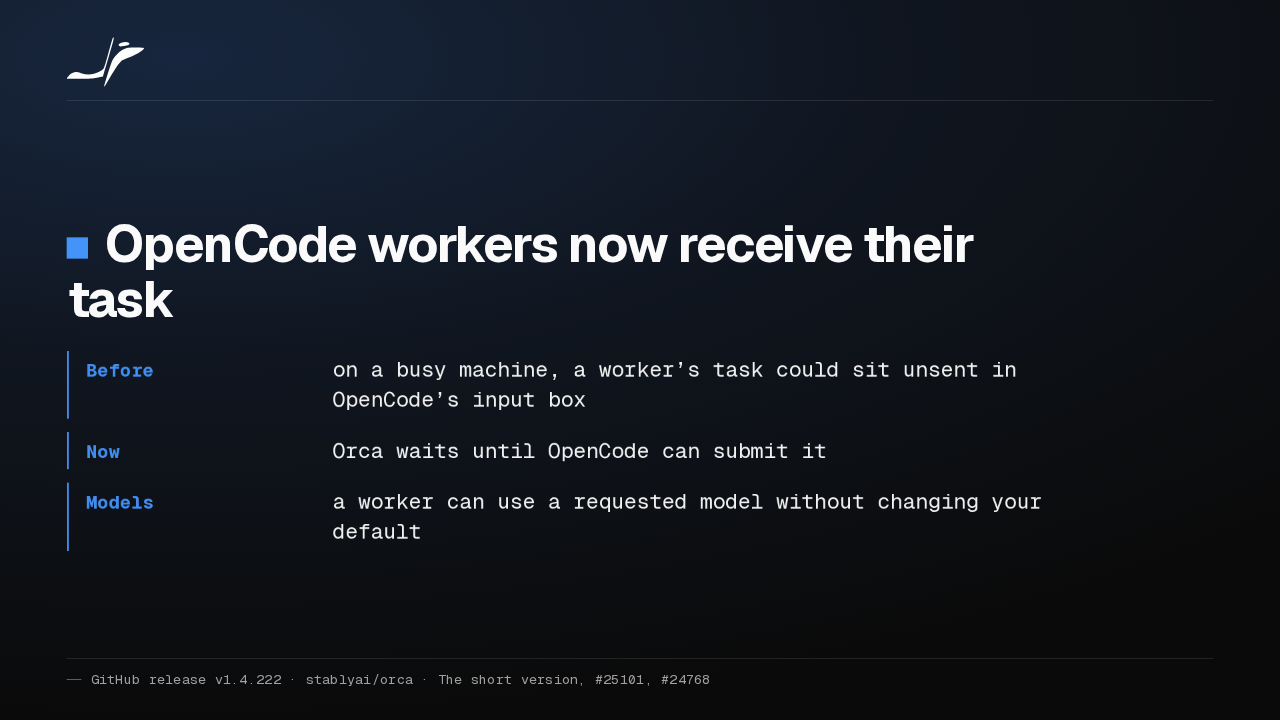
Orca's browser opens a local control port for each tab an agent drives. A web page that found that port could take over the tab and read its cookies. Orca now refuses those pages, and agents connect as before.
Windows notifications stop freezing Orca
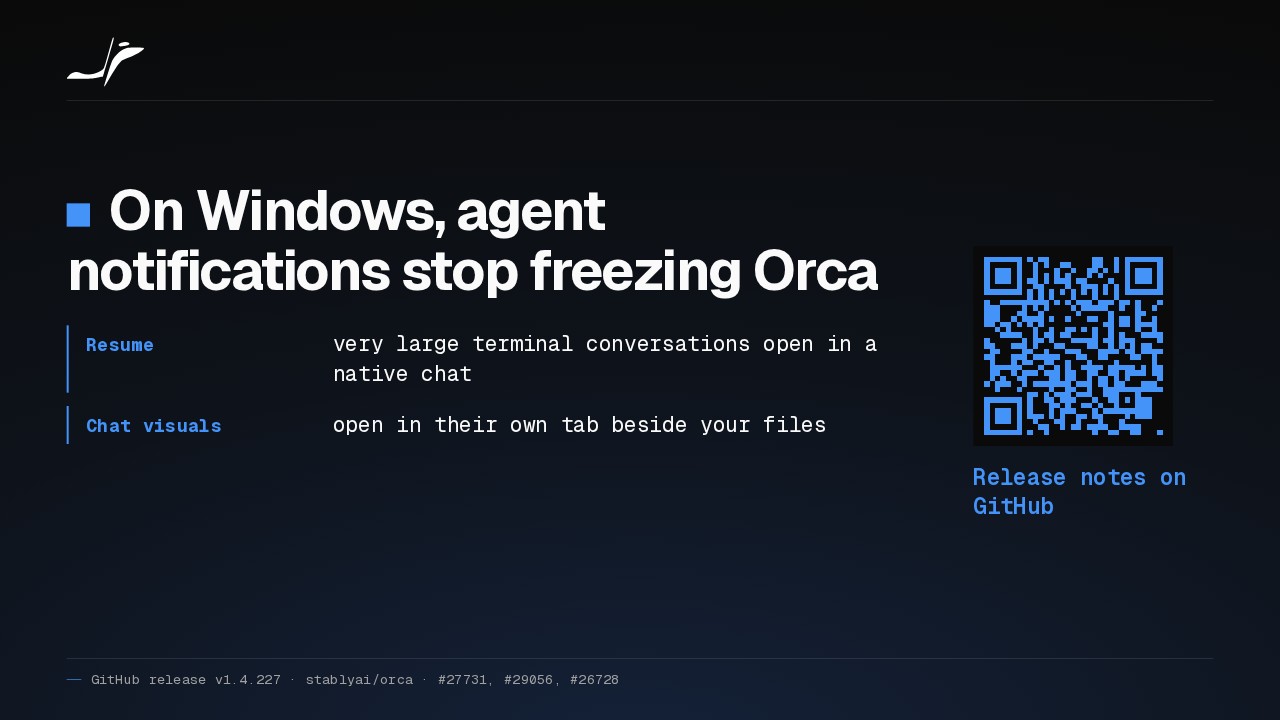
On Windows, agent notifications stop freezing Orca
- Resume
- very large terminal conversations open in a native chat
- Chat visuals
- open in their own tab beside your files
Release notes on GitHub
Orca on Windows no longer freezes when an agent sends a notification. Resume in New Native Chat now opens very large terminal conversations, and agent charts get their own tab. The rest is in the release notes on GitHub.