A browser profile per repo

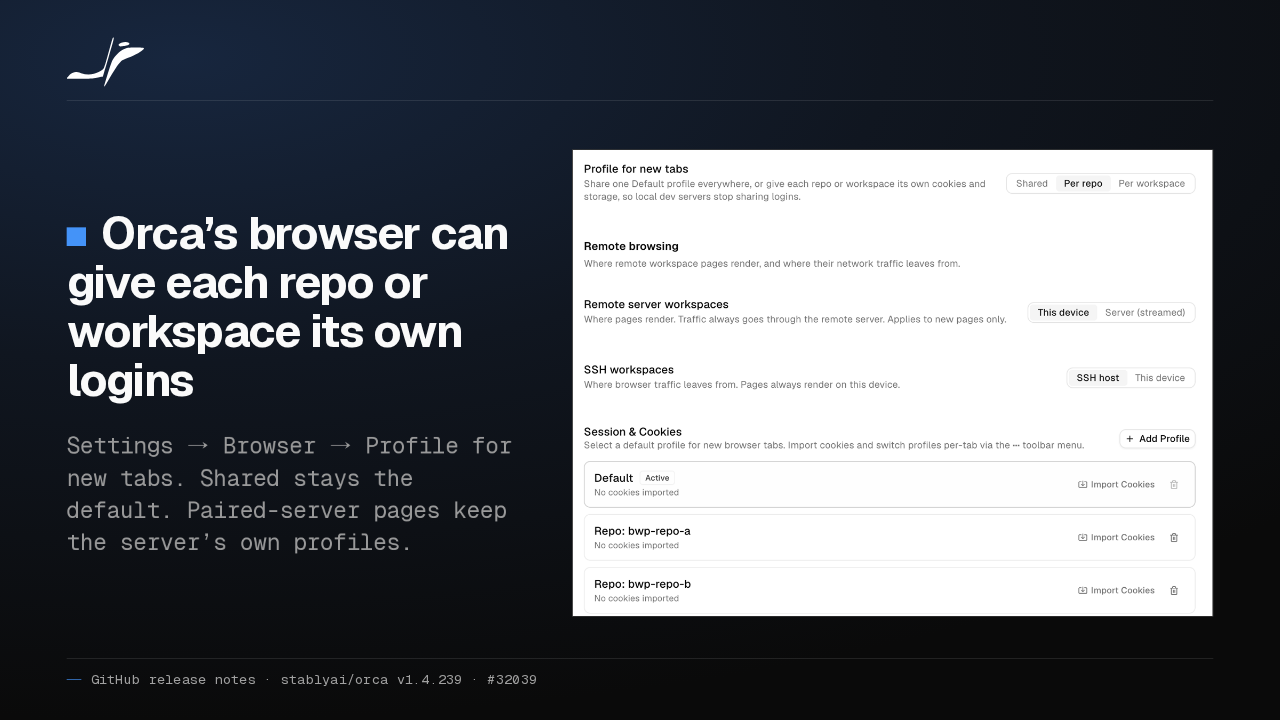
Orca’s browser can give each repo or workspace its own logins
Settings → Browser → Profile for new tabs. Shared stays the default. Paired-server pages keep the server’s own profiles.

Every localhost dev server in Orca's browser shared one cookie jar, so one project's login reached them all. New tabs can now get a profile per repo or per workspace. Shared stays the default.
Skills in one click
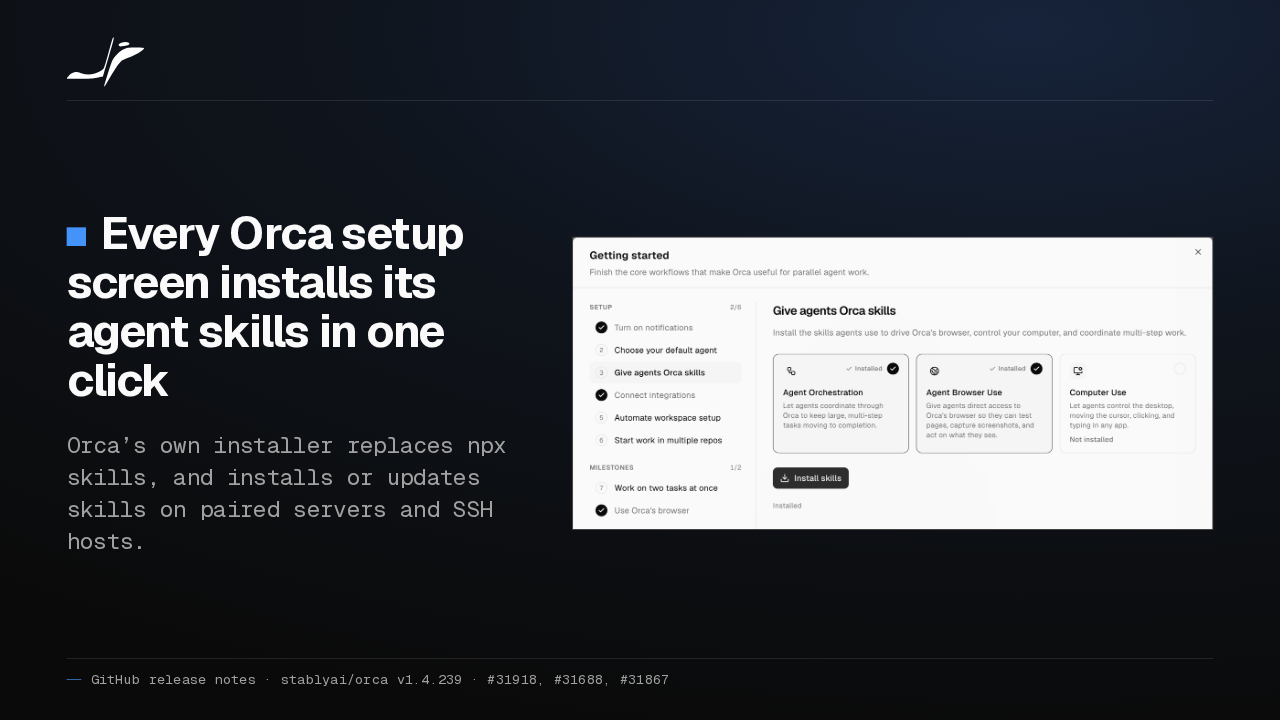
Every Orca setup screen installs its agent skills in one click
Orca’s own installer replaces npx skills, and installs or updates skills on paired servers and SSH hosts.

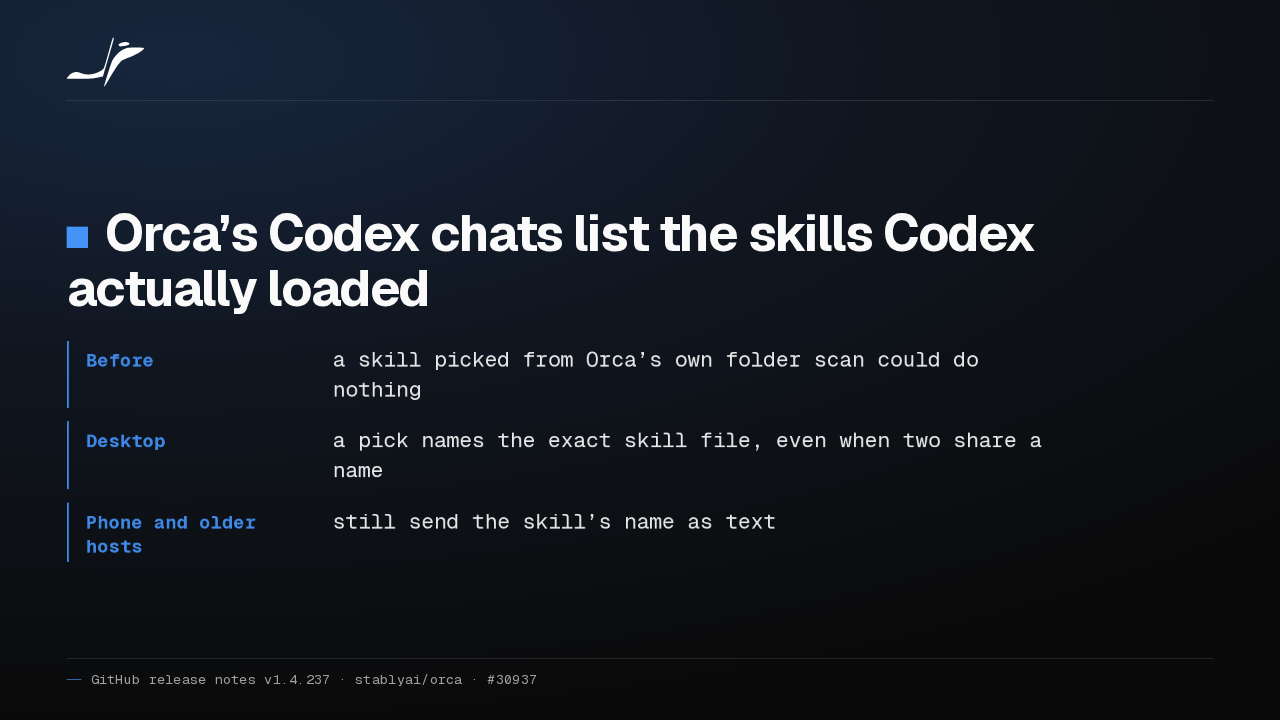
Orca's setup screens now have an Install button for agent skills. Orca copies them into place with its own installer instead of npx skills. That works on paired servers and SSH hosts too.
Split into a fresh chat
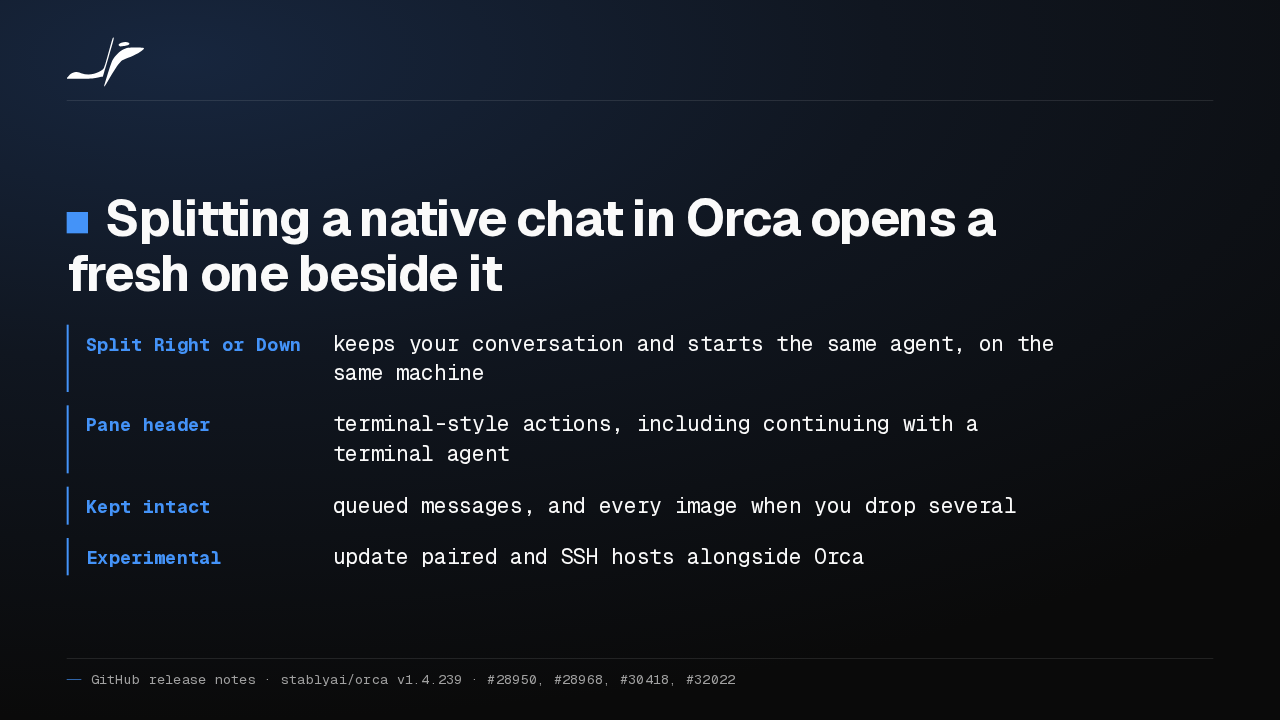
Splitting a native chat in Orca opens a fresh one beside it
- Split Right or Down
- keeps your conversation and starts the same agent, on the same machine
- Pane header
- terminal-style actions, including continuing with a terminal agent
- Kept intact
- queued messages, and every image when you drop several
- Experimental
- update paired and SSH hosts alongside Orca
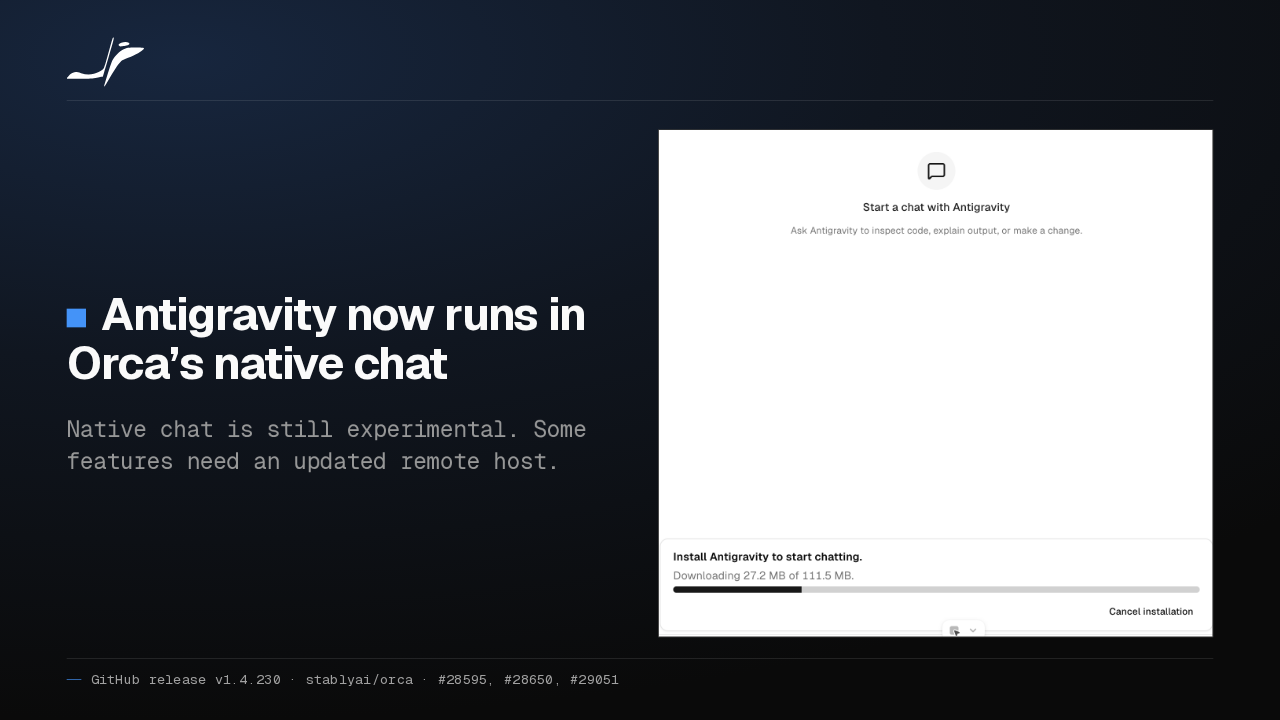
In Orca's native chat, Split Right now keeps your conversation and opens a fresh chat with the same agent beside it. Queued messages and dropped images stay intact. Native chat is still experimental.
Non-UTF-8 files ask first
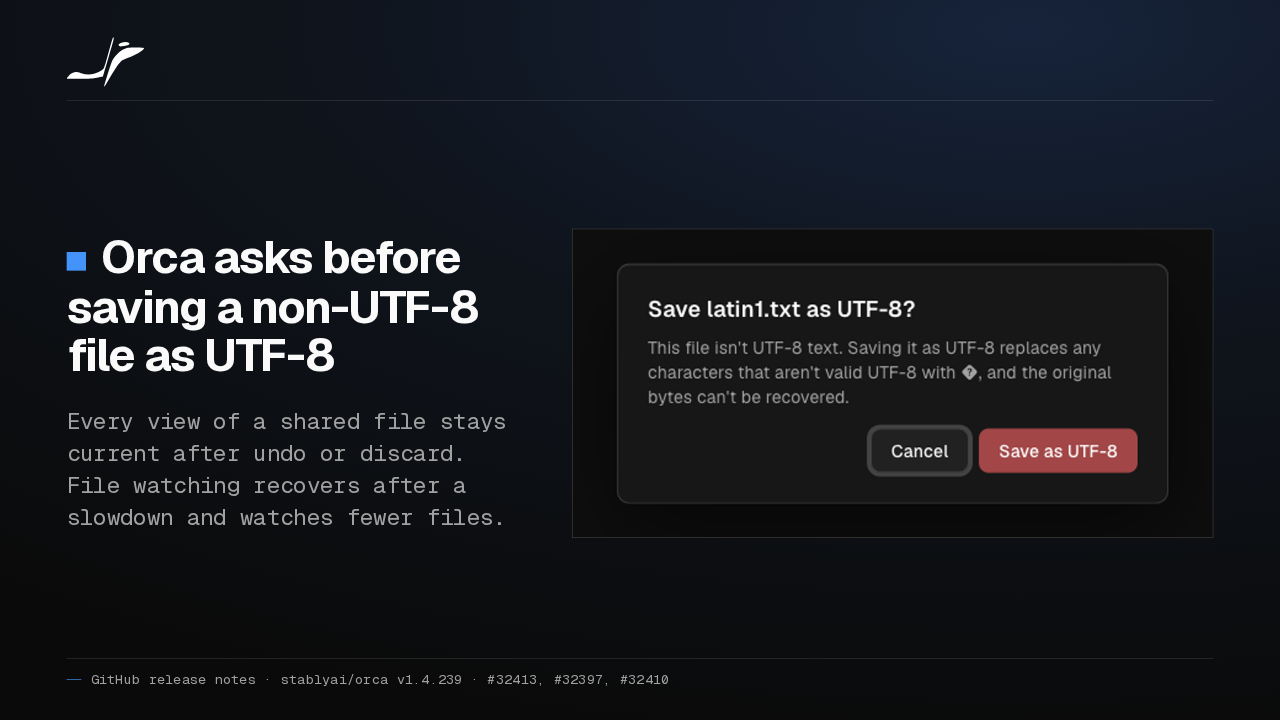
Orca asks before saving a non-UTF-8 file as UTF-8
Every view of a shared file stays current after undo or discard. File watching recovers after a slowdown and watches fewer files.

Saving a Latin-1 file in Orca used to replace its special characters without asking. Now Command S asks first, and Cancel leaves the file untouched. Every view of a shared file stays current after undo.
Recover server
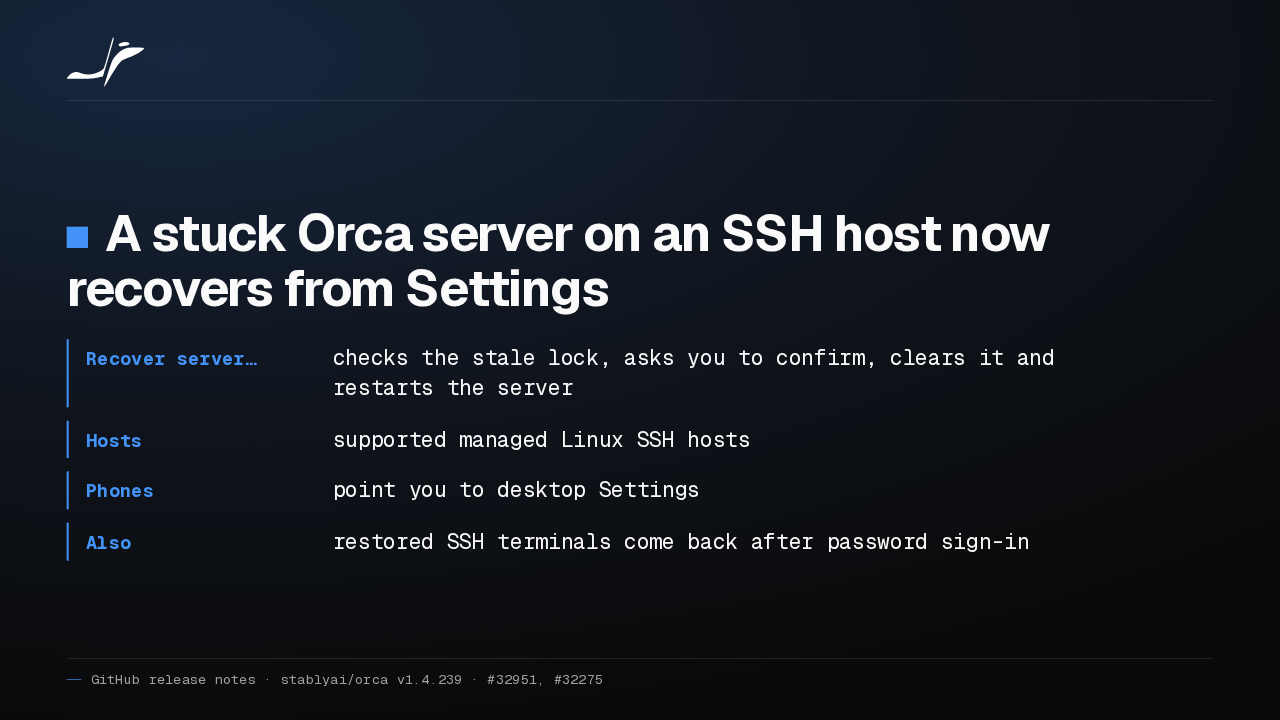
A stuck Orca server on an SSH host now recovers from Settings
- Recover server…
- checks the stale lock, asks you to confirm, clears it and restarts the server
- Hosts
- supported managed Linux SSH hosts
- Phones
- point you to desktop Settings
- Also
- restored SSH terminals come back after password sign-in
When a managed Orca server on an SSH host refuses to start on a stale lock, Settings now offers Recover server. You confirm the home folder isn't shared with another machine running Orca, then it restarts.
Notifications open the agent
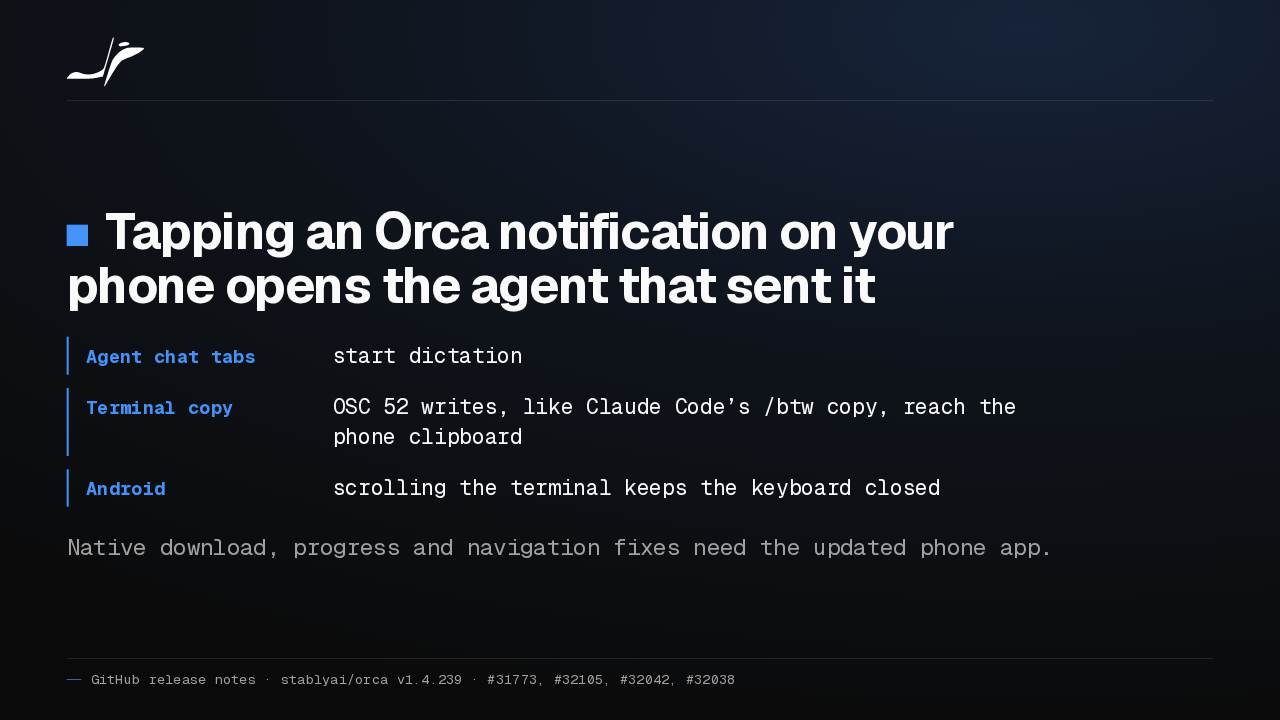
Tapping an Orca notification on your phone opens the agent that sent it
- Agent chat tabs
- start dictation
- Terminal copy
- OSC 52 writes, like Claude Code’s /btw copy, reach the phone clipboard
- Android
- scrolling the terminal keeps the keyboard closed
Native download, progress and navigation fixes need the updated phone app.
Tap an Orca notification on your phone and it now opens the agent that finished, not just its workspace. Chat tabs can start dictation, and a copy inside Claude Code lands on your phone's clipboard.
Also in this release
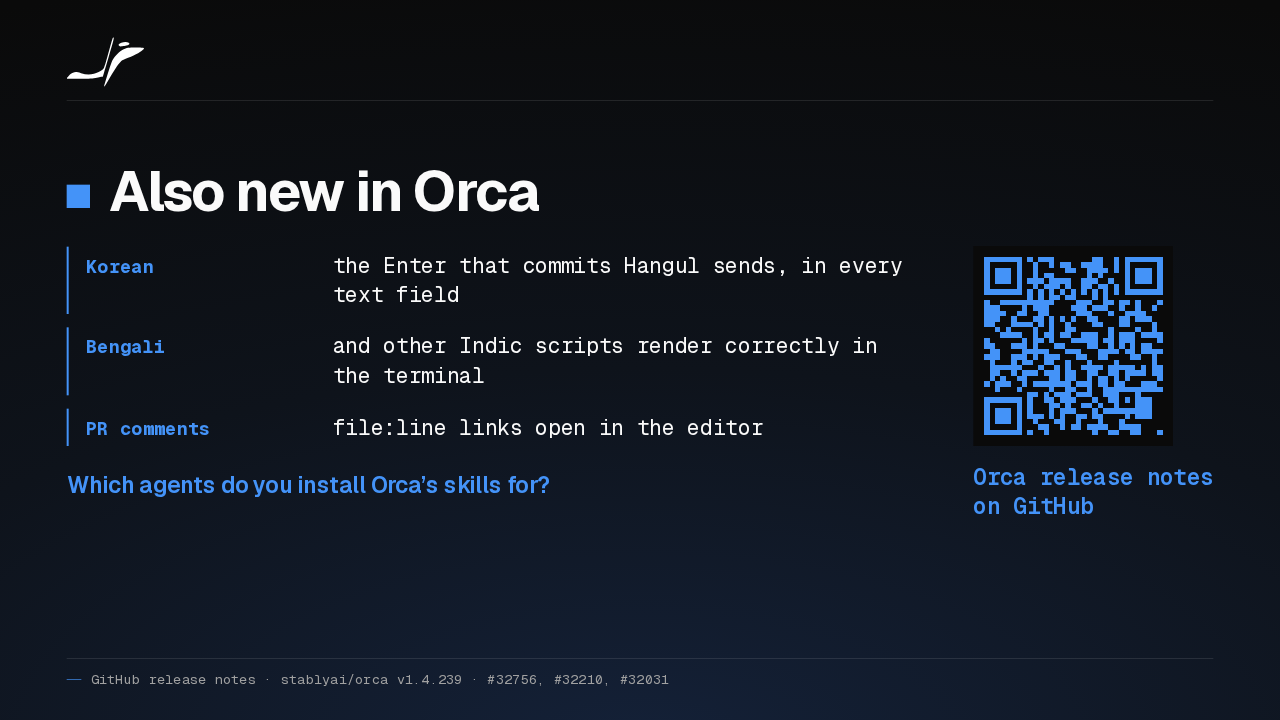
Also new in Orca
- Korean
- the Enter that commits Hangul sends, in every text field
- Bengali
- and other Indic scripts render correctly in the terminal
- PR comments
- file:line links open in the editor
Which agents do you install Orca’s skills for?
Orca release notes on GitHub
Korean input now sends on the Enter that commits Hangul, and Bengali renders correctly in the terminal. Pull request comments jump straight to the line. Which agents do you install Orca's skills for?