Rewind a Claude chat

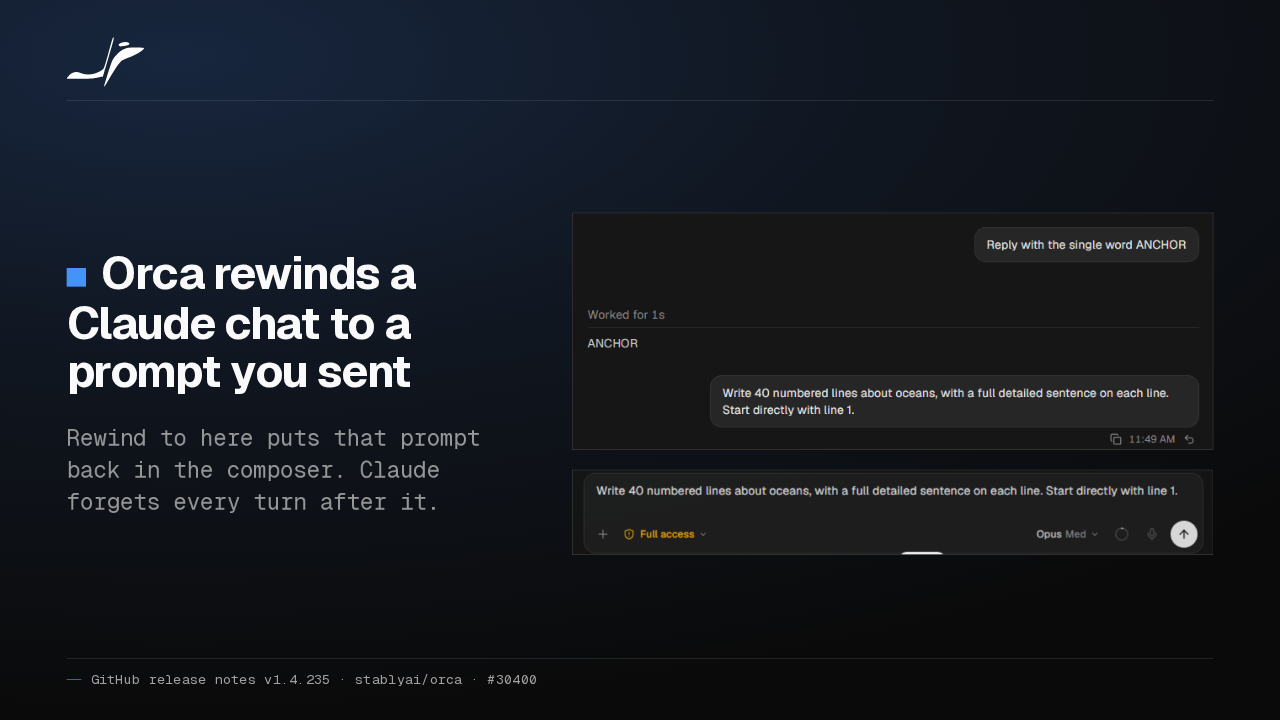
Orca rewinds a Claude chat to a prompt you sent
Rewind to here puts that prompt back in the composer. Claude forgets every turn after it.
Pick Rewind to here on a prompt you sent Claude, and Orca cuts the chat back to it. Edit the prompt and send it, and Claude carries on without the turns you removed.
Each chat keeps its own model
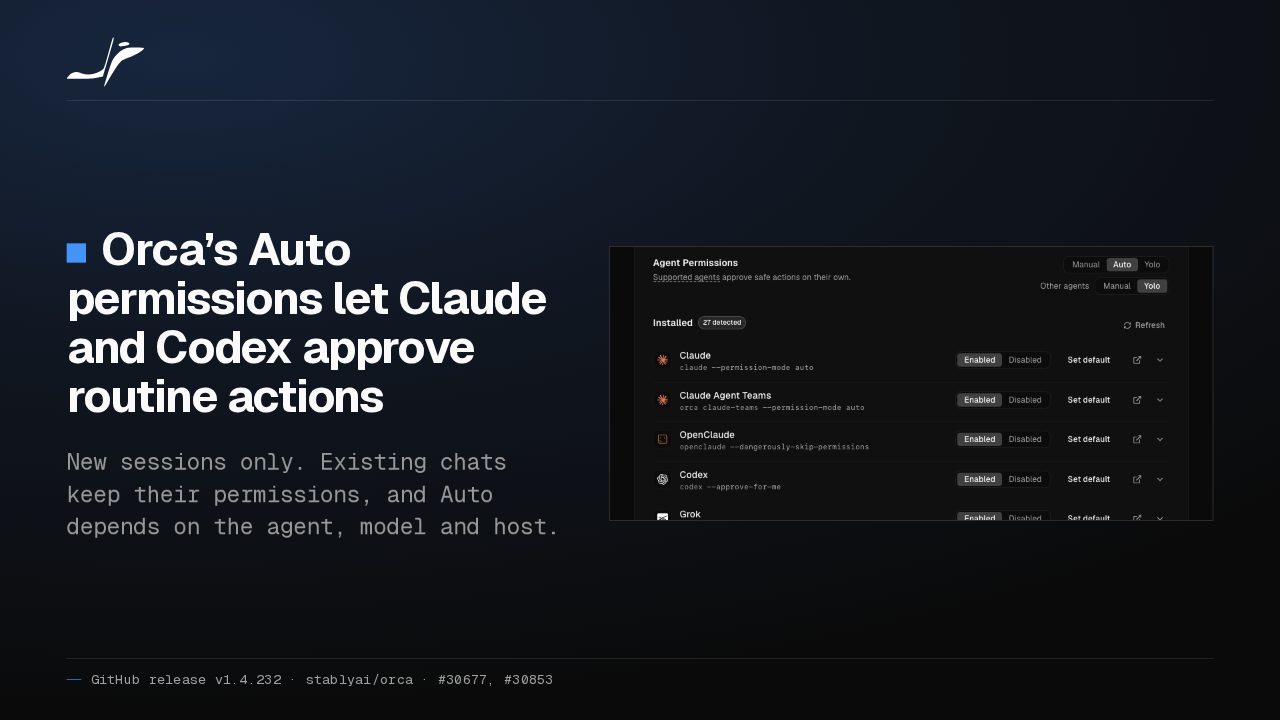
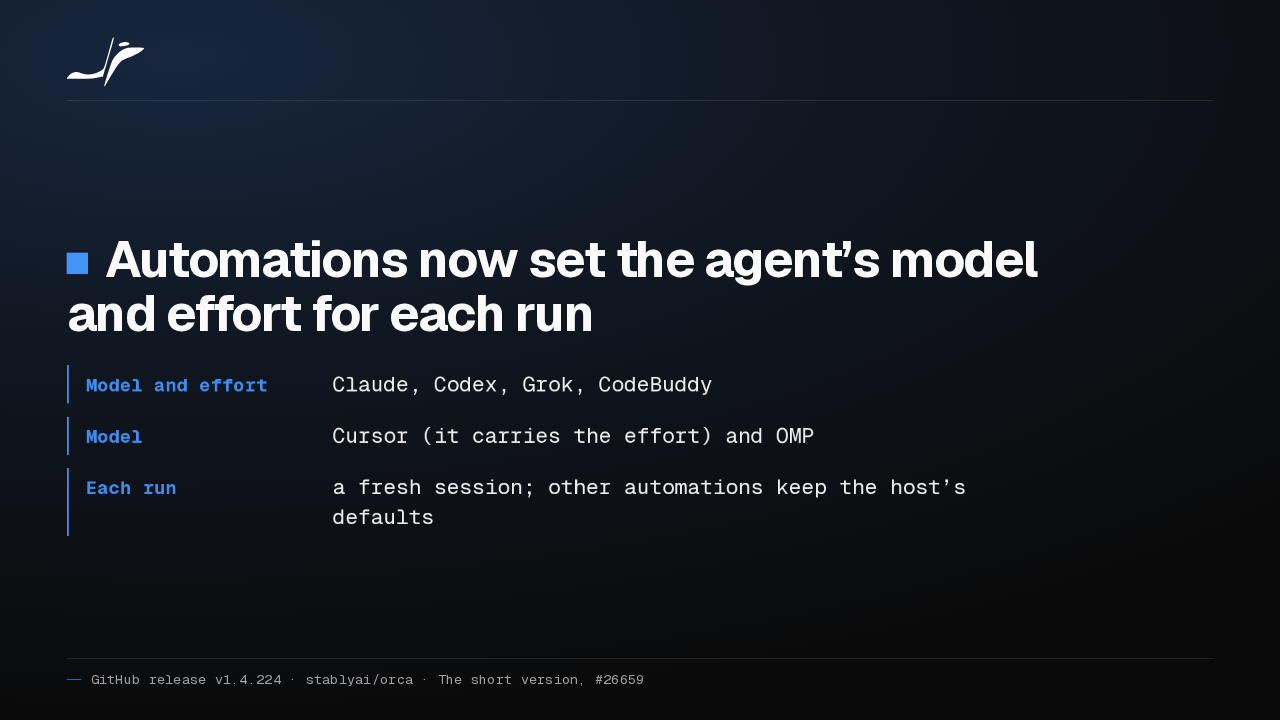
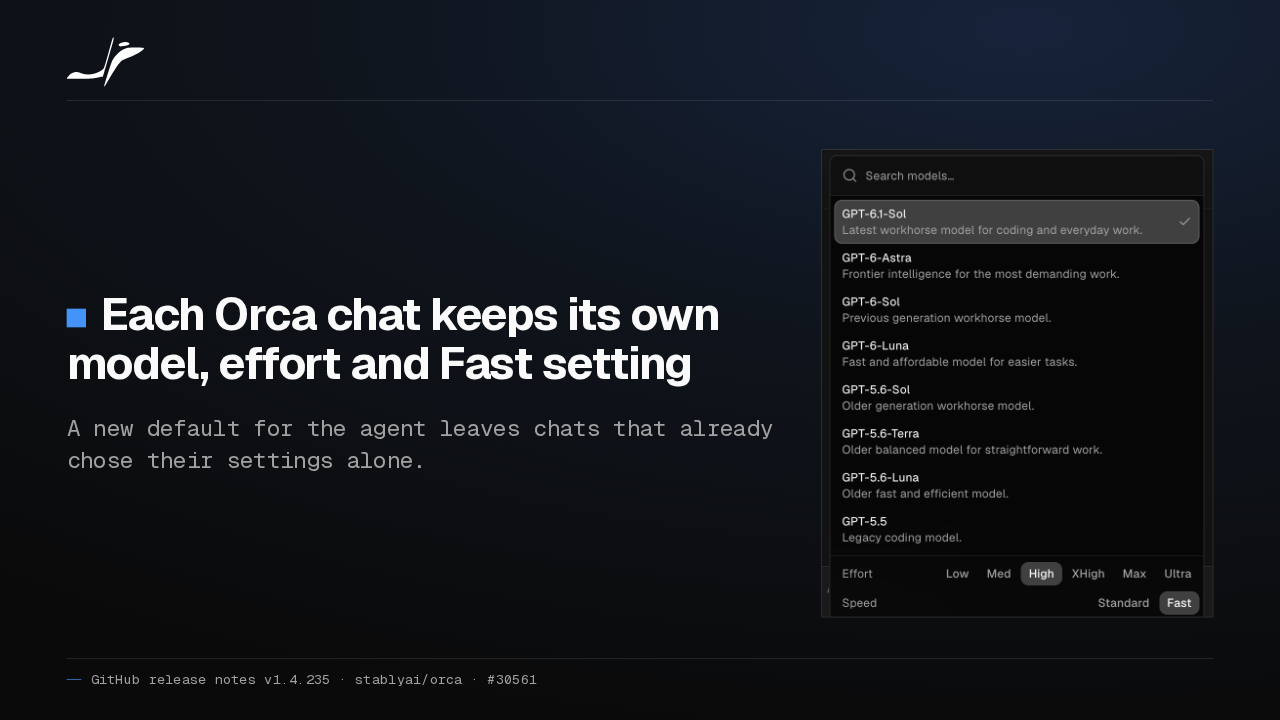
Each Orca chat keeps its own model, effort and Fast setting
A new default for the agent leaves chats that already chose their settings alone.

Every Orca chat now remembers its model, effort and Fast setting, even after a restart. Change an agent's default, and the chats you already set up stay where you put them.
Long output is saved whole
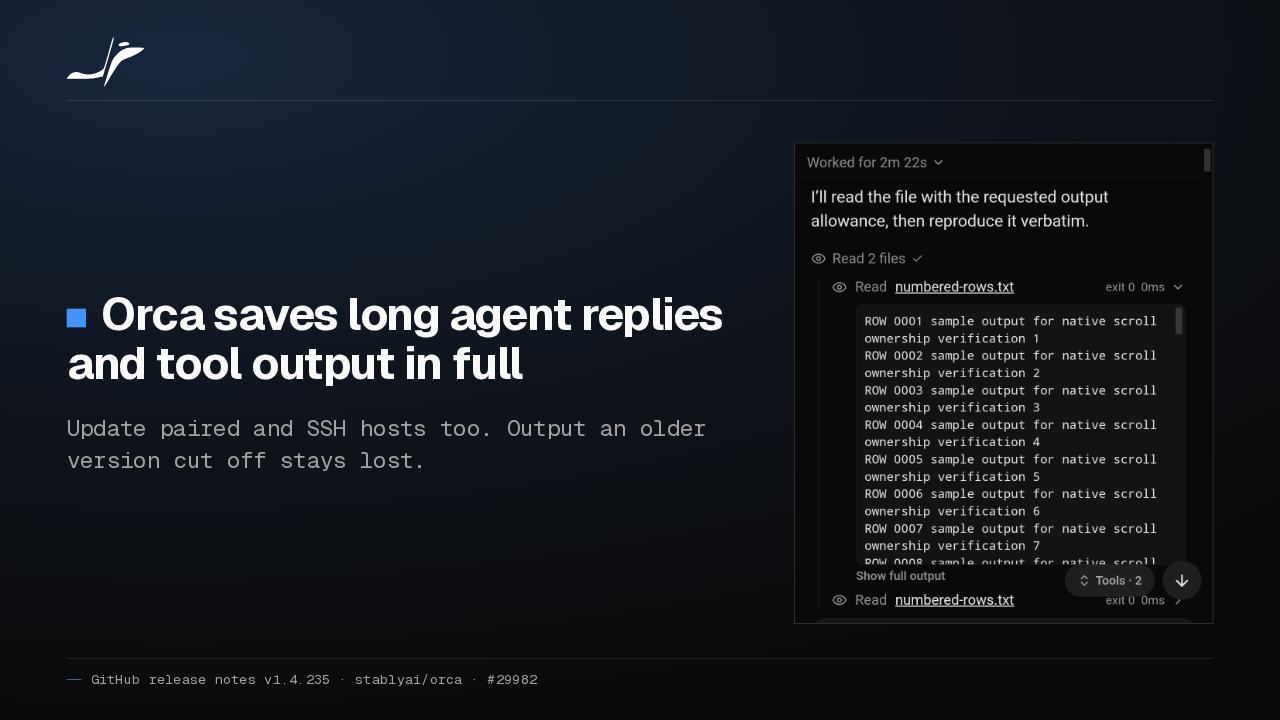
Orca saves long agent replies and tool output in full
Update paired and SSH hosts too. Output an older version cut off stays lost.

Long replies and tool results used to stop at 16 kilobytes when Orca saved a chat. Now they're kept whole. Update your SSH and paired hosts too. Anything an older version cut off stays lost.
Less waiting to start a chat
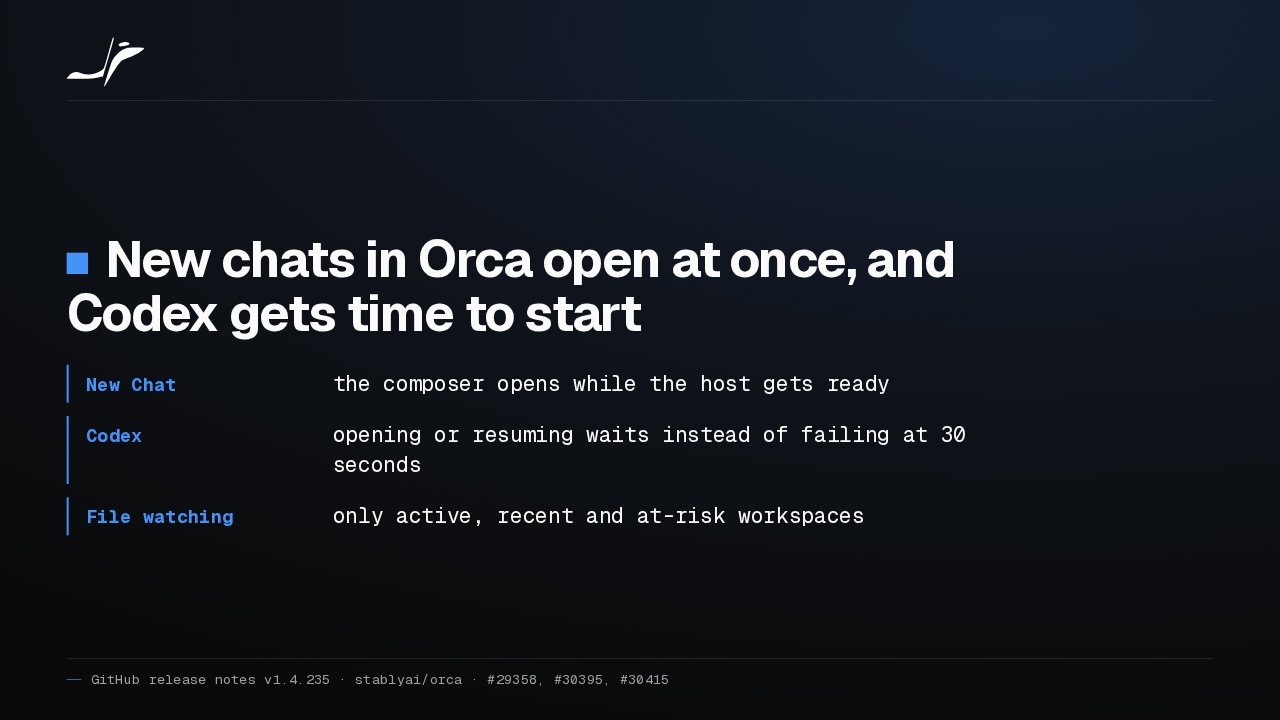
New chats in Orca open at once, and Codex gets time to start
- New Chat
- the composer opens while the host gets ready
- Codex
- opening or resuming waits instead of failing at 30 seconds
- File watching
- only active, recent and at-risk workspaces
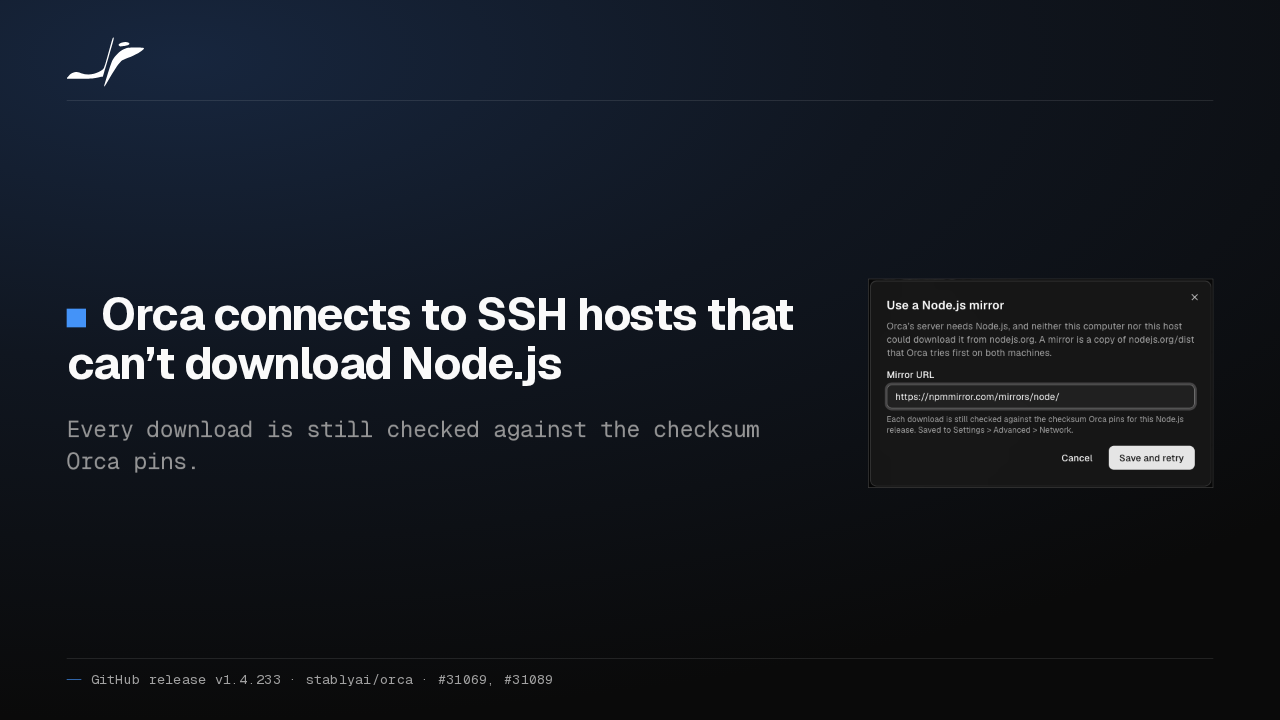
New Chat opens its composer right away, so you can type while the host starts. Codex chats wait for Codex instead of failing at 30 seconds, and the editor watches fewer workspace folders.
Background Claude runs skip MCP
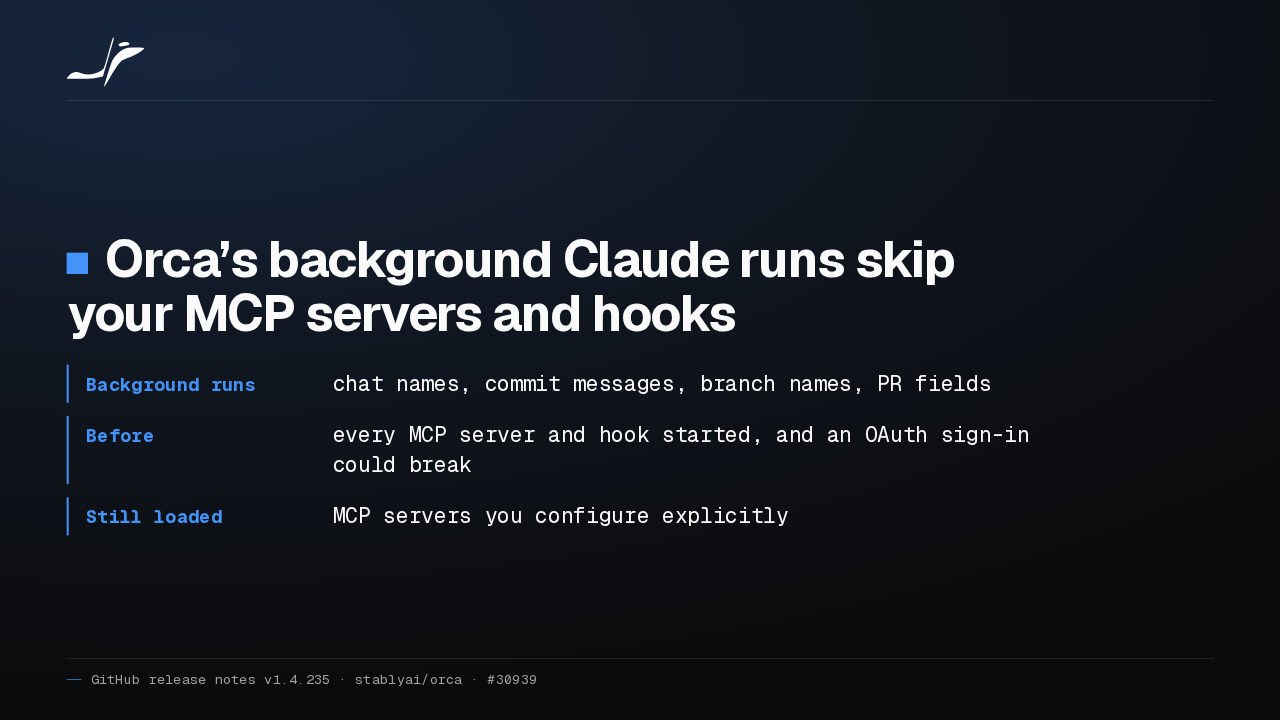
Orca’s background Claude runs skip your MCP servers and hooks
- Background runs
- chat names, commit messages, branch names, PR fields
- Before
- every MCP server and hook started, and an OAuth sign-in could break
- Still loaded
- MCP servers you configure explicitly
Orca runs Claude in the background to name chats and write commit messages. Those runs no longer start your MCP servers or hooks, which slowed them down and could sign you out of a server like Notion.
The phone app reconnects
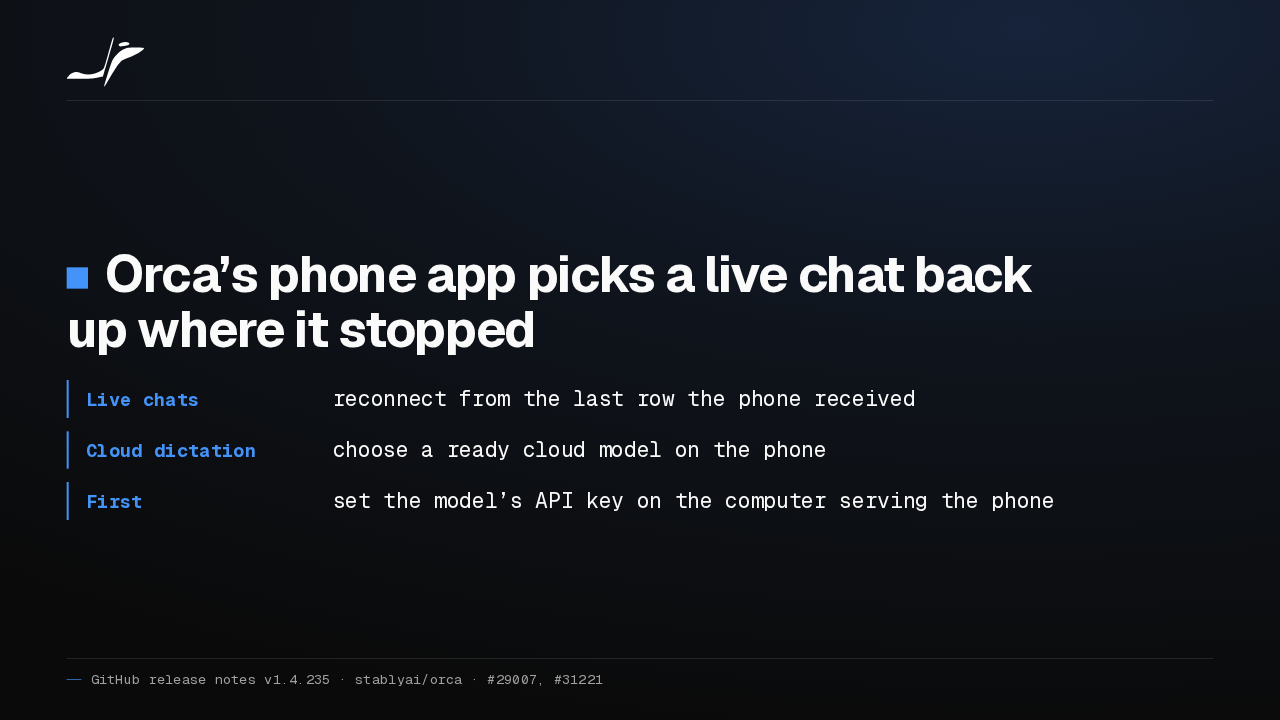
Orca’s phone app picks a live chat back up where it stopped
- Live chats
- reconnect from the last row the phone received
- Cloud dictation
- choose a ready cloud model on the phone
- First
- set the model’s API key on the computer serving the phone
A live chat on the Orca phone app now reconnects after a drop and catches up from the last message. You can also pick a cloud dictation model on the phone, once its API key is on the computer serving it.
Queued images, quieter labels
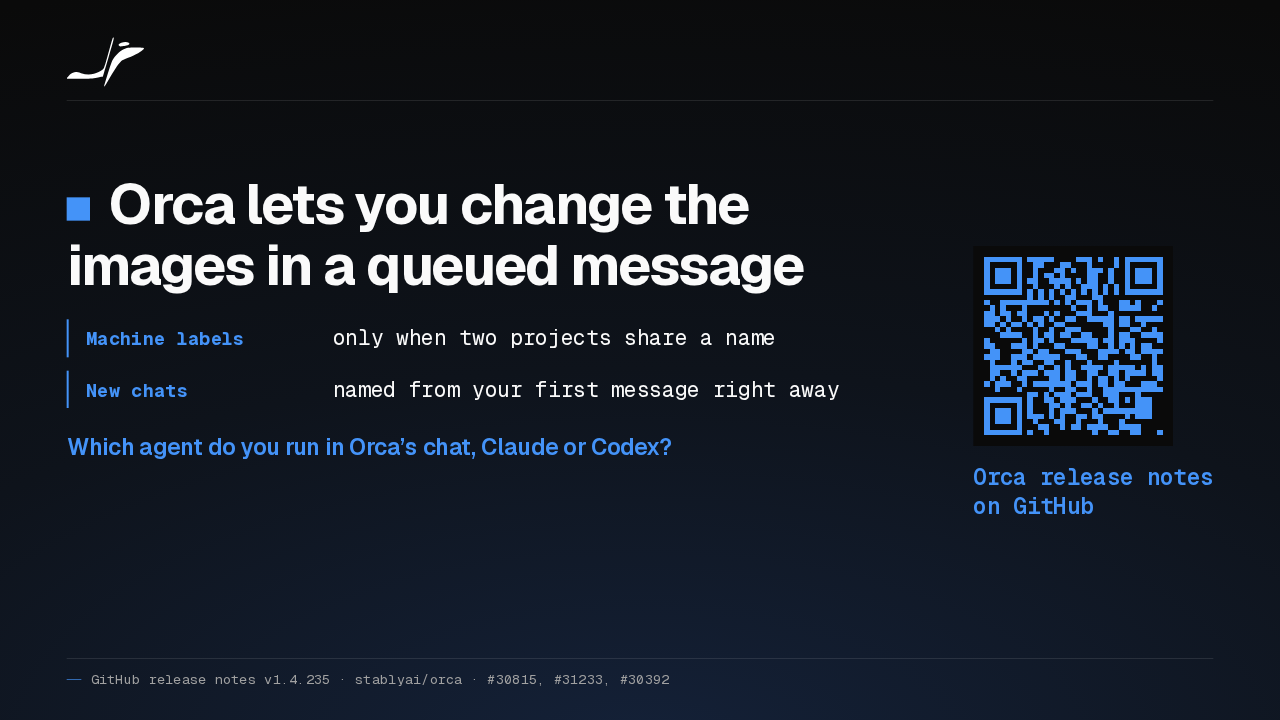
Orca lets you change the images in a queued message
- Machine labels
- only when two projects share a name
- New chats
- named from your first message right away
Which agent do you run in Orca’s chat, Claude or Codex?
Orca release notes on GitHub
On desktop, you can now swap the images in a message waiting in the queue. Machine labels appear only when two projects share a name. Which agent do you run in Orca's chat, Claude or Codex?