A Node.js mirror in one click

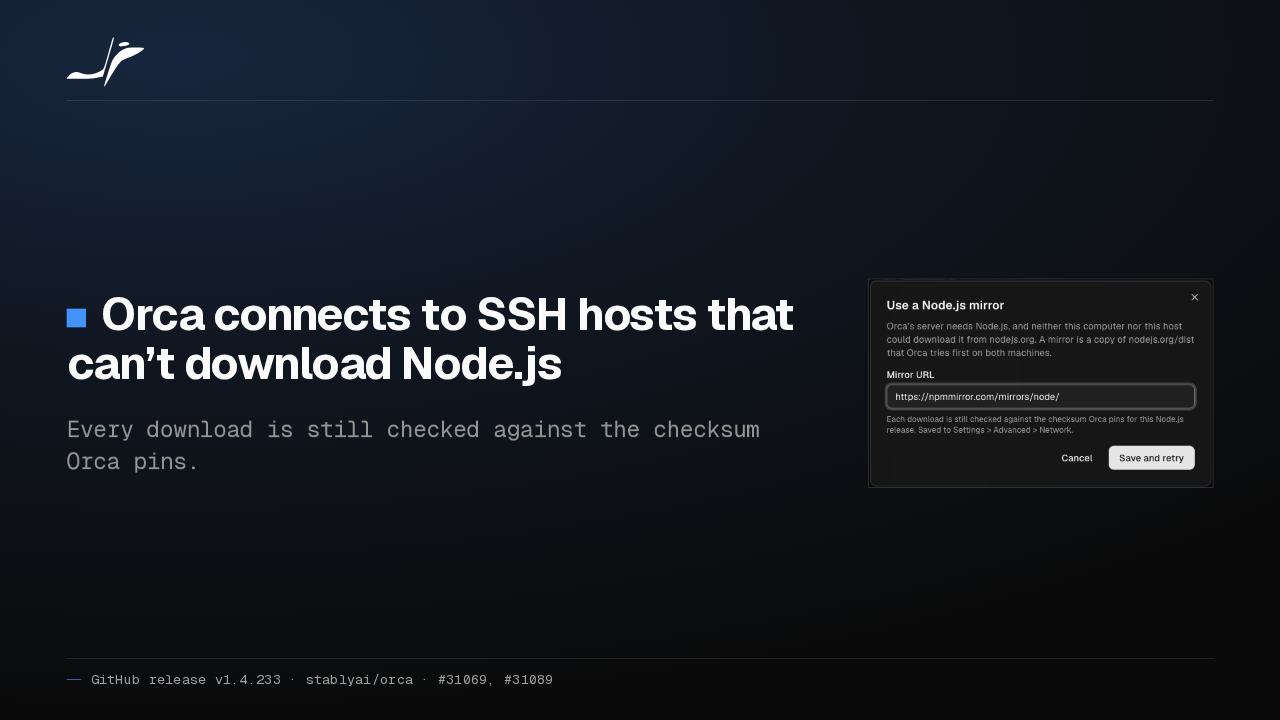
Orca connects to SSH hosts that can’t download Node.js
Every download is still checked against the checksum Orca pins.

When neither your computer nor an SSH host can download Node.js, Orca now offers a mirror in one click, then connects again. Every download is still checked against the checksum Orca pins.
Older Windows hosts run Orca's server
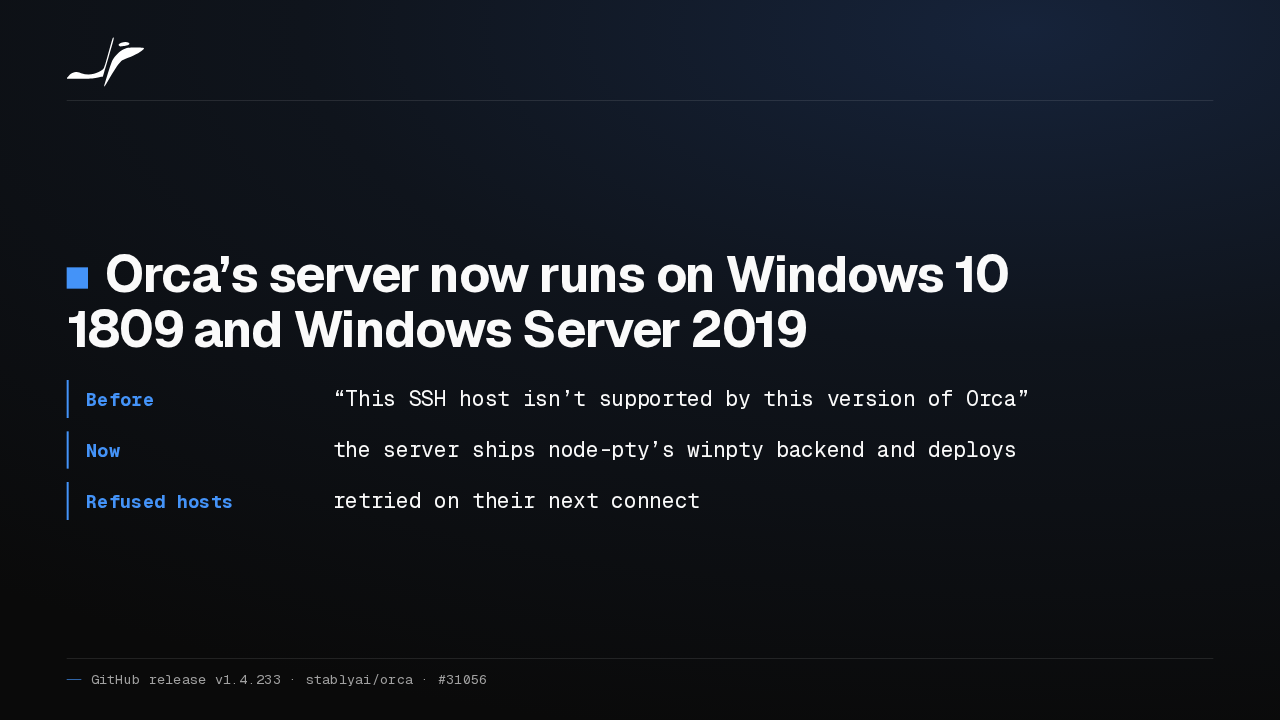
Orca’s server now runs on Windows 10 1809 and Windows Server 2019
- Before
- “This SSH host isn’t supported by this version of Orca”
- Now
- the server ships node-pty’s winpty backend and deploys
- Refused hosts
- retried on their next connect
Orca's server now runs on Windows 10 version 1809 and Windows Server 2019, because it ships the older terminal engine those builds need. Hosts Orca refused before are retried on their next connect.
Tunnels survive MFA and stale ports
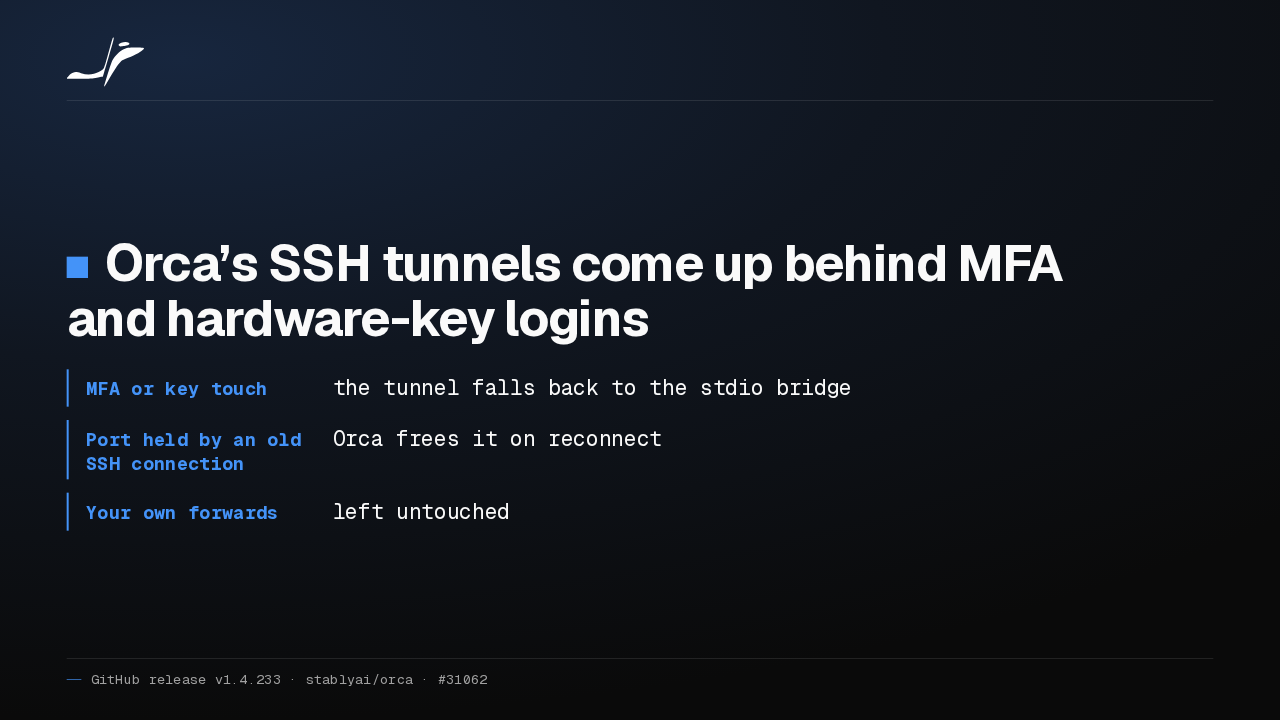
Orca’s SSH tunnels come up behind MFA and hardware-key logins
- MFA or key touch
- the tunnel falls back to the stdio bridge
- Port held by an old SSH connection
- Orca frees it on reconnect
- Your own forwards
- left untouched
Orca's SSH tunnels now come up when your login needs an MFA code or a hardware key touch. And when an old SSH connection still holds the port, Orca frees it instead of failing on every reconnect.
Remote Orca Servers is one list
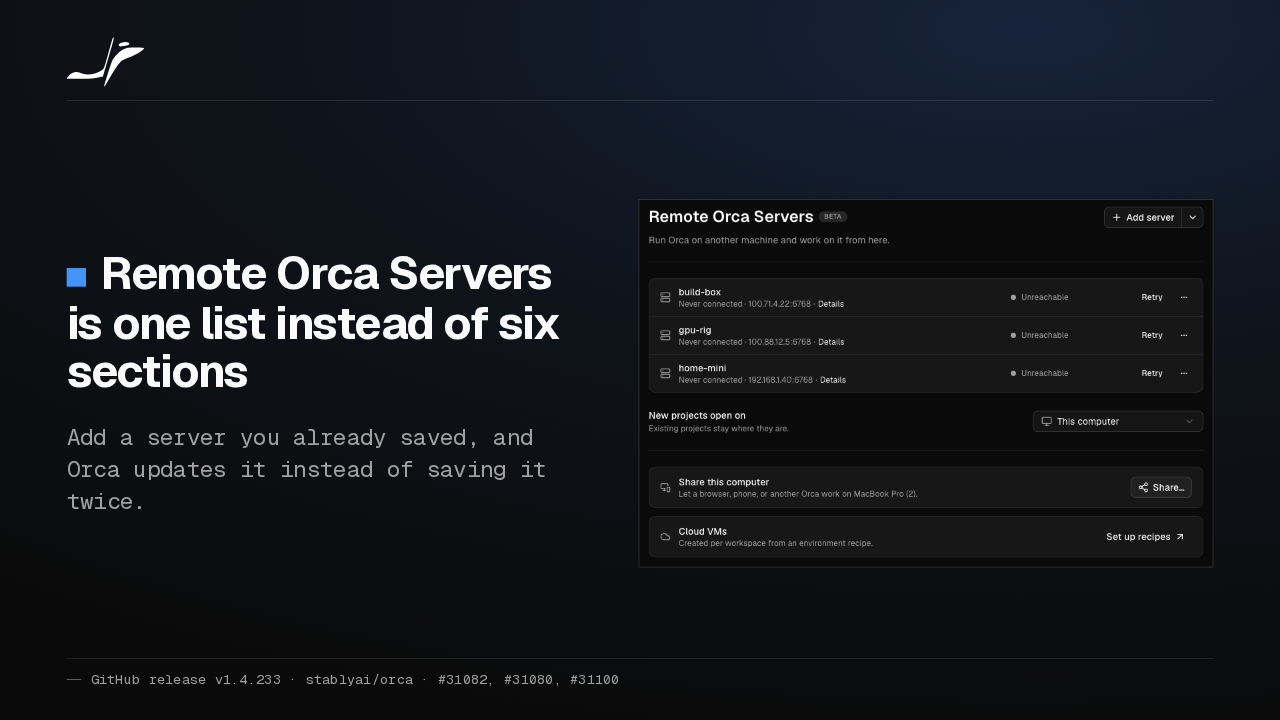
Remote Orca Servers is one list instead of six sections
Add a server you already saved, and Orca updates it instead of saving it twice.

Remote Orca Servers in Settings is now one list: one row per server, with its status, one button and a menu. Add a server you already saved, and Orca updates it instead of saving it twice.
Remove SSH hosts in bulk
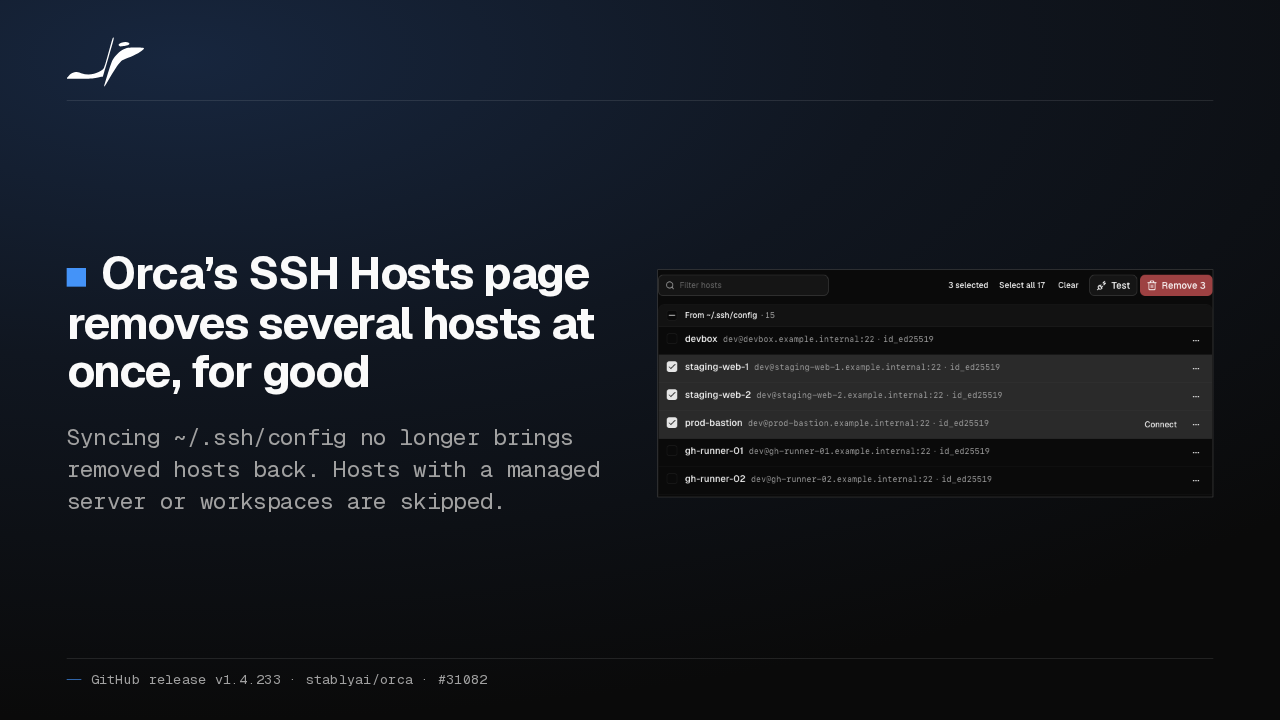
Orca’s SSH Hosts page removes several hosts at once, for good
Syncing ~/.ssh/config no longer brings removed hosts back. Hosts with a managed server or workspaces are skipped.

On Orca's SSH Hosts page, tick several hosts and remove them with one confirm. Syncing your SSH config no longer brings them back. Hosts that run a managed server or hold workspaces are skipped.
Saves stop before overwriting disk changes
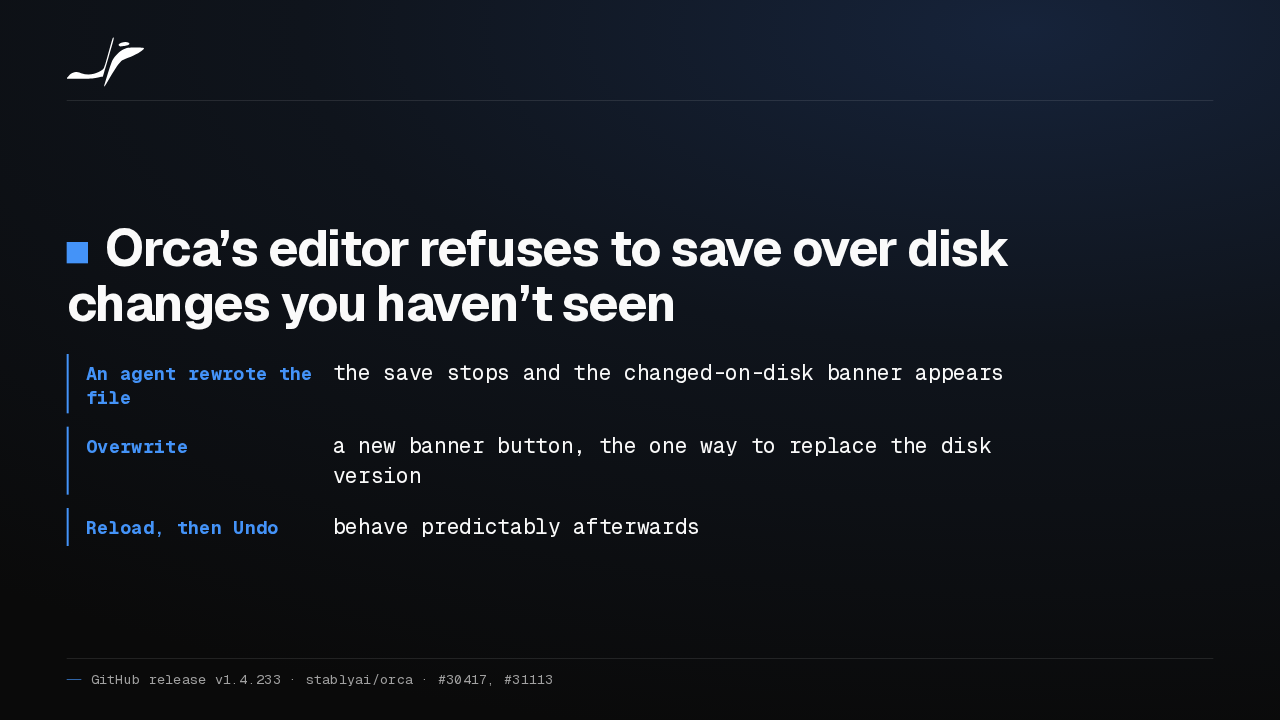
Orca’s editor refuses to save over disk changes you haven’t seen
- An agent rewrote the file
- the save stops and the changed-on-disk banner appears
- Overwrite
- a new banner button, the one way to replace the disk version
- Reload, then Undo
- behave predictably afterwards
If an agent rewrites a file you have open, Orca's editor now refuses to save over it. The changed-on-disk banner appears instead, with a new Overwrite button for when you mean it.
Faster phone workspaces, and more
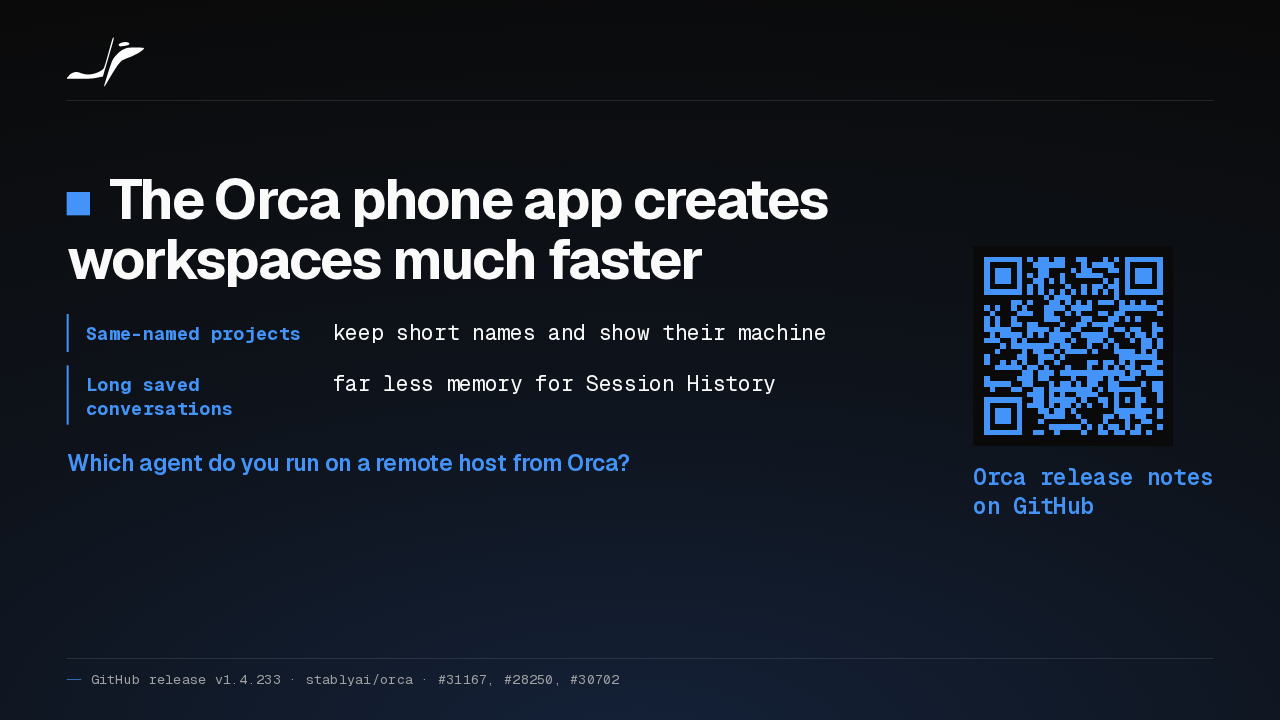
The Orca phone app creates workspaces much faster
- Same-named projects
- keep short names and show their machine
- Long saved conversations
- far less memory for Session History
Which agent do you run on a remote host from Orca?
Orca release notes on GitHub
Creating a workspace from the Orca phone app is much faster. Same-named projects now show which machine they're on, and long saved conversations use far less memory. Which agent do you run on a remote host from Orca?