Jira boards in Orca

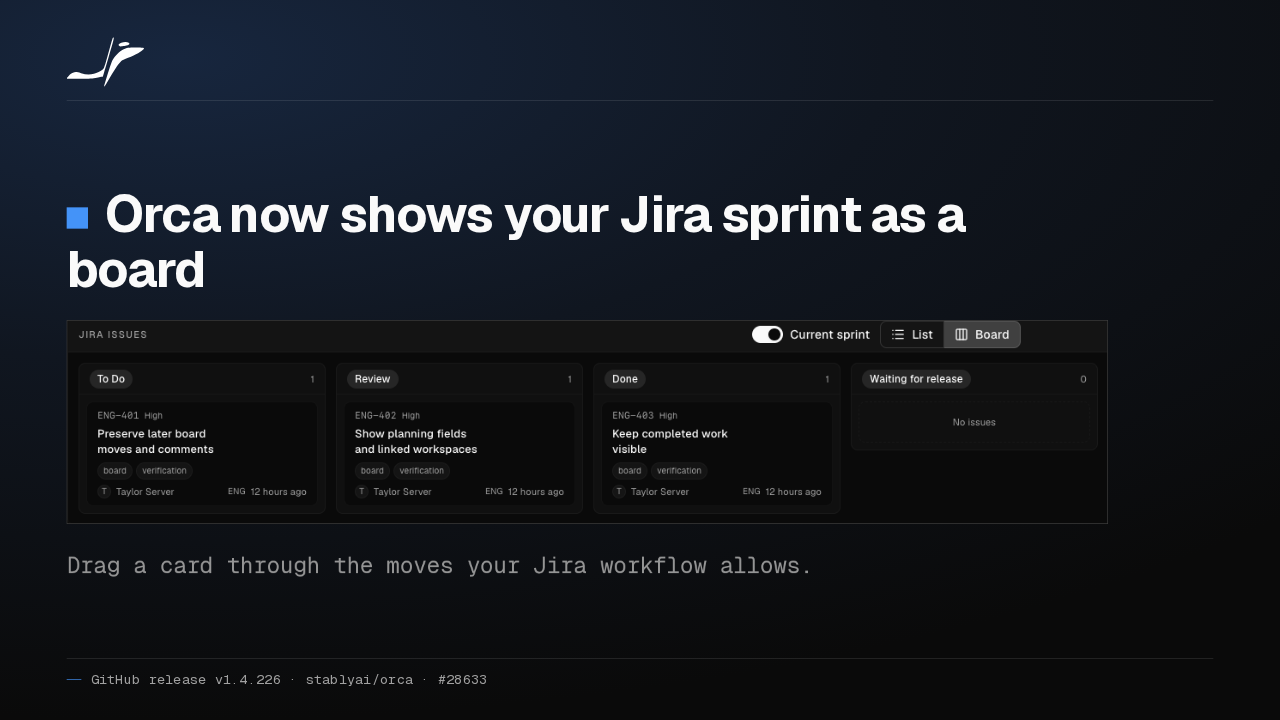
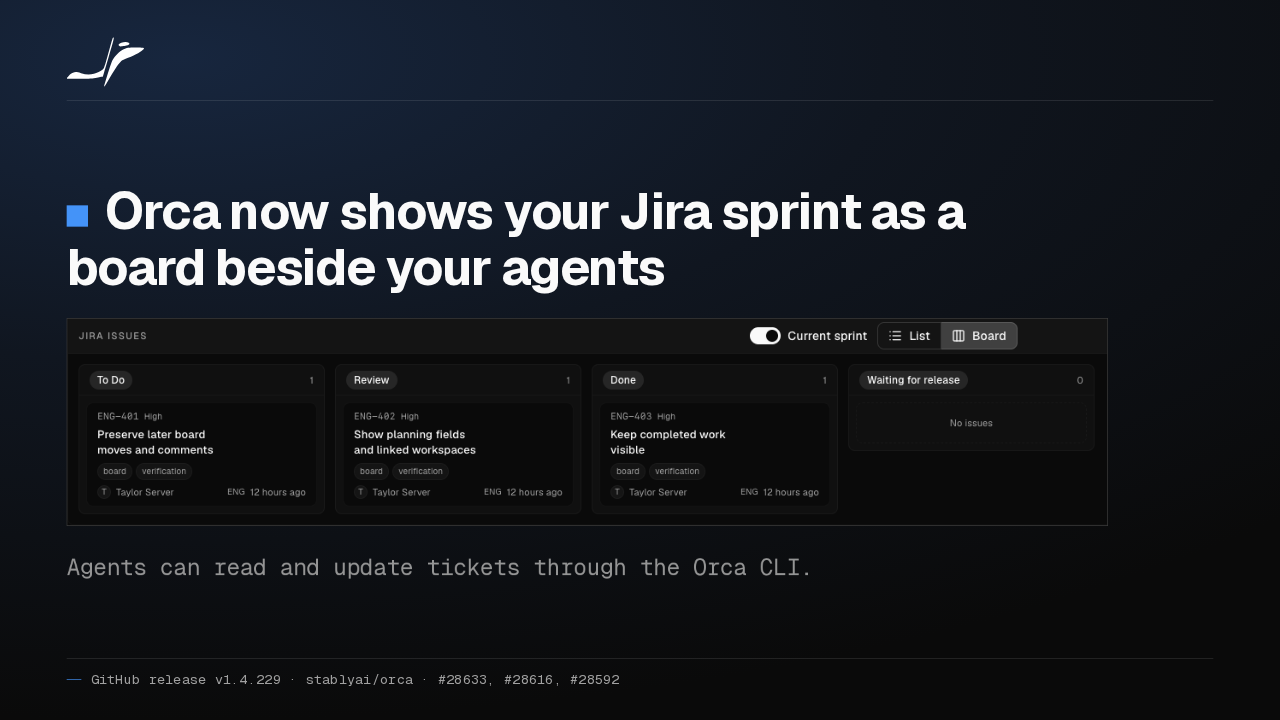
Orca now shows your Jira sprint as a board beside your agents

Agents can read and update tickets through the Orca CLI.
Orca now shows Jira issues as a list or a board, filtered to the current sprint, and starts a workspace from any ticket. Agents can read, comment on and move tickets through the Orca CLI.
Shared skills reach 20 more agents
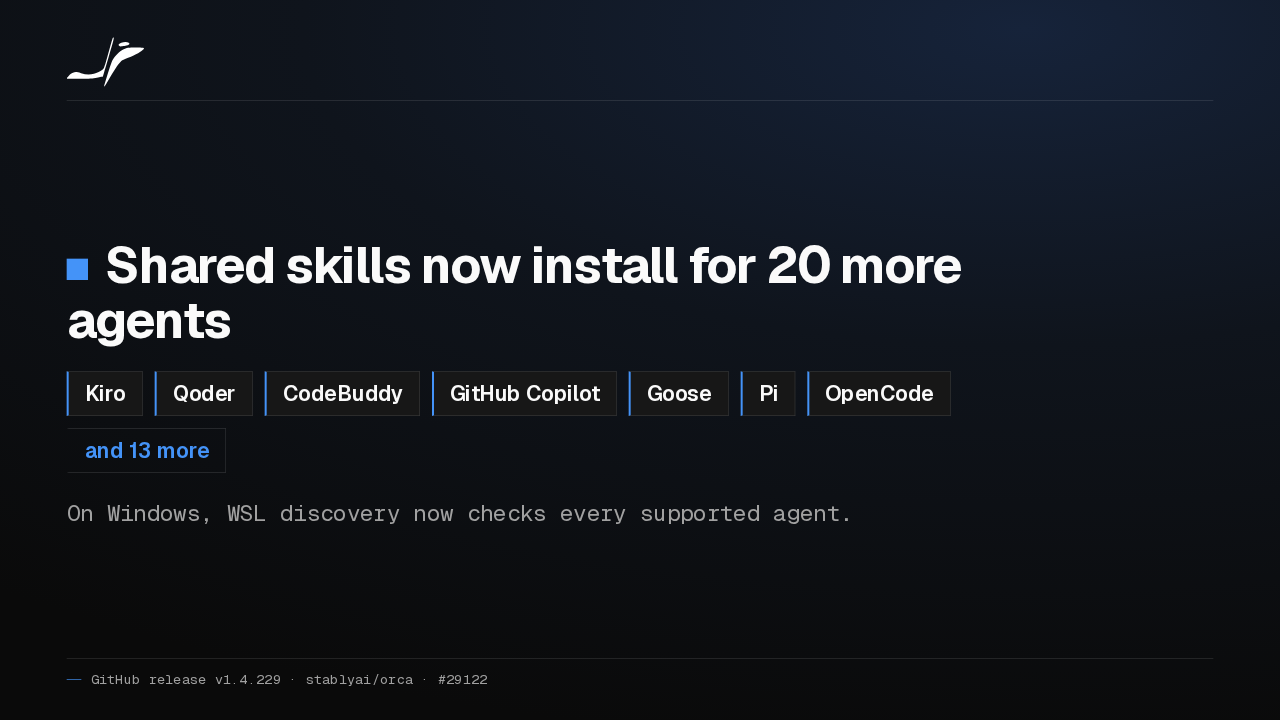
Shared skills now install for 20 more agents
- Kiro
- Qoder
- CodeBuddy
- GitHub Copilot
- Goose
- Pi
- OpenCode
- and 13 more
On Windows, WSL discovery now checks every supported agent.
A skill you share in Orca now lands where Kiro, CodeBuddy, GitHub Copilot, Goose and sixteen more agents look for it. Under WSL, Orca now finds all of them, where it used to check only Codex and Claude.
Turn edits inline in native chat
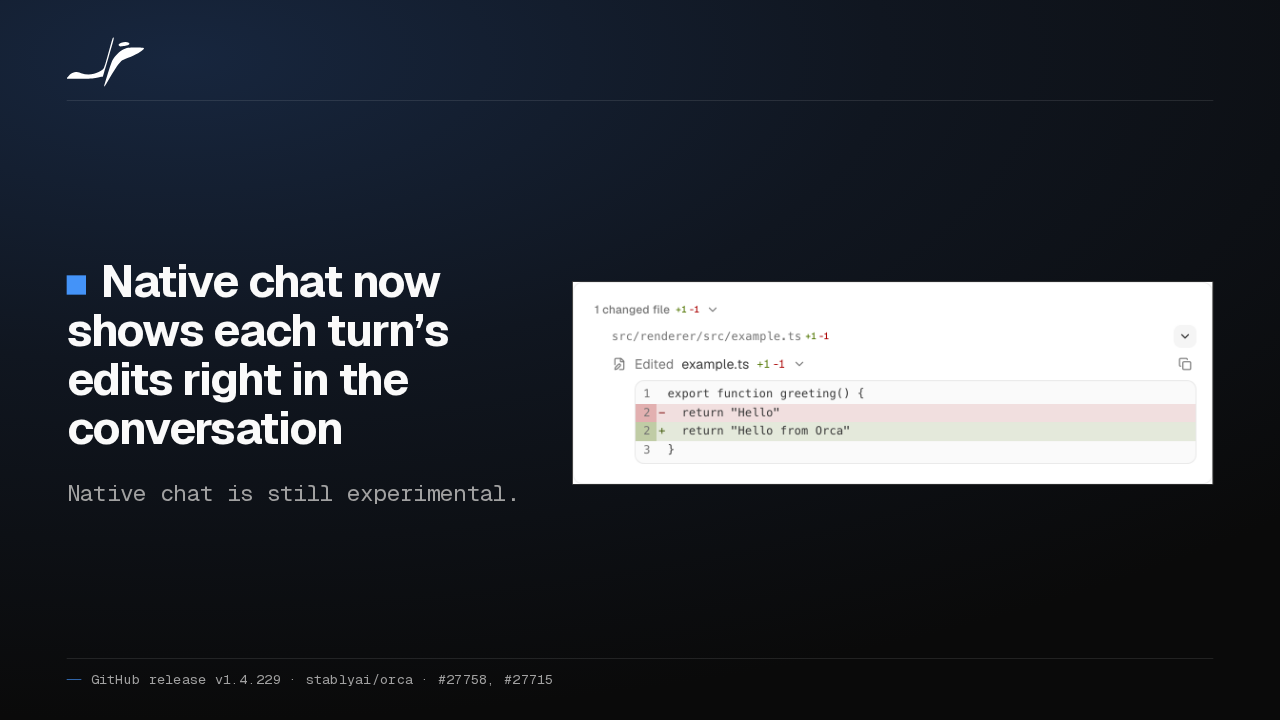
Native chat now shows each turn’s edits right in the conversation
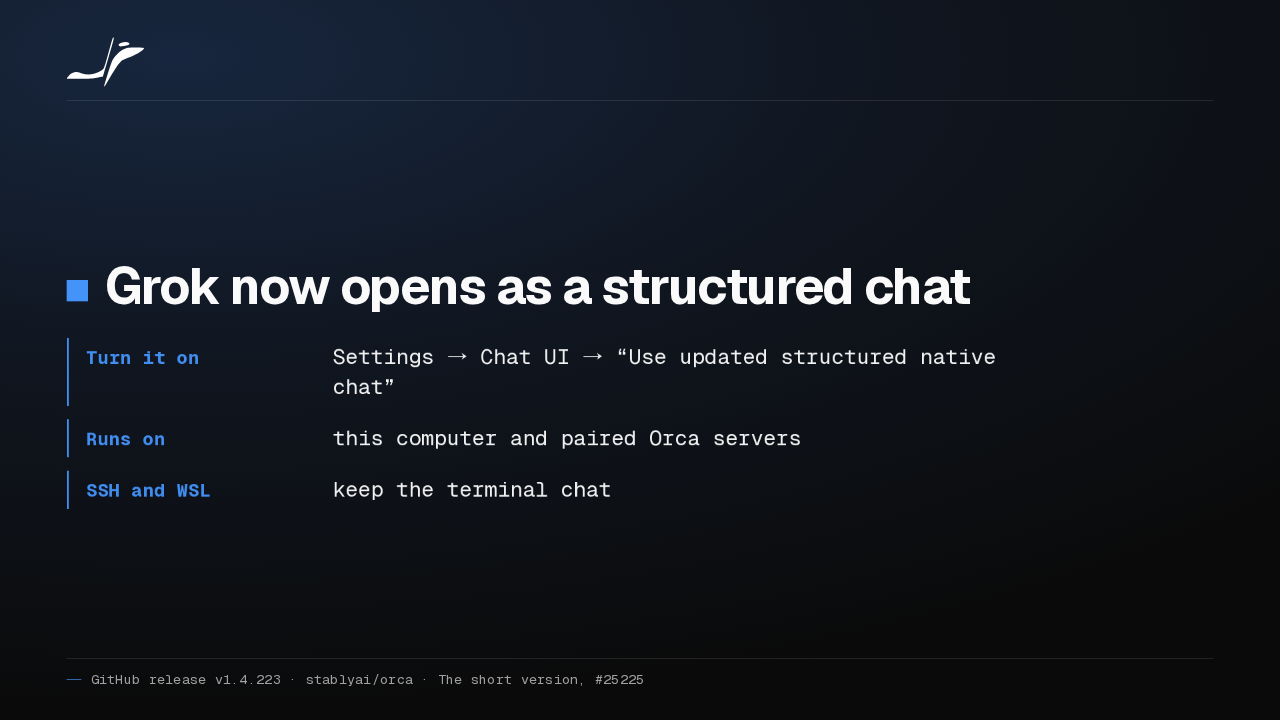
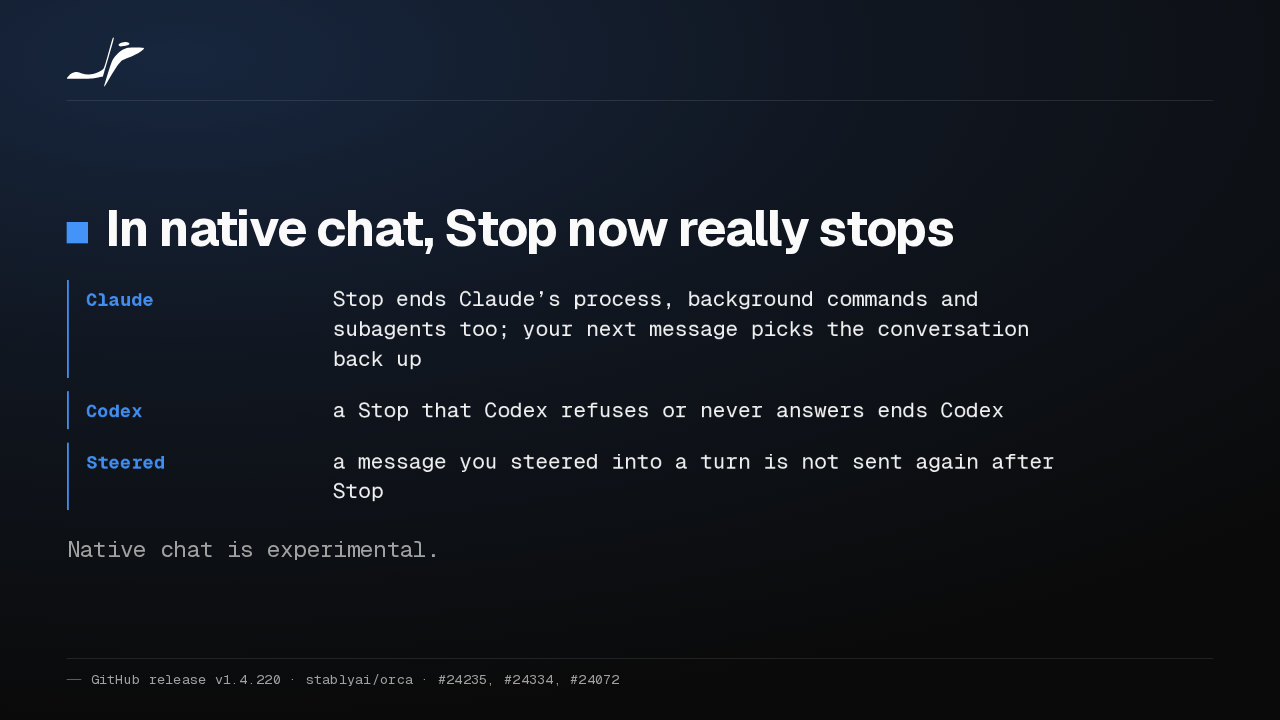
Native chat is still experimental.

At the end of a native chat turn, open any changed file to see its patches inline, and Mermaid diagrams now pan and zoom. Native chat is still experimental.
Claude goals and Codex context
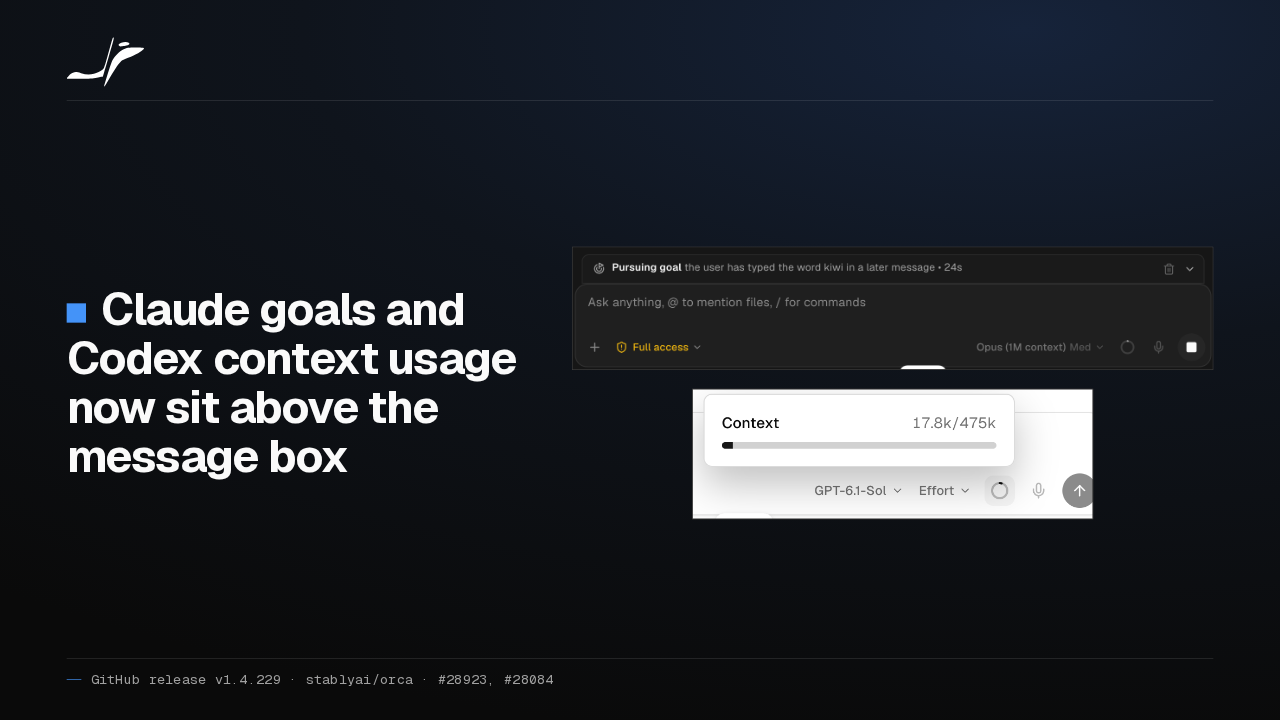
Claude goals and Codex context usage now sit above the message box
Set a /goal in a Claude chat and Orca shows a goal strip with the time spent and a Clear goal button. Codex chats now show how full the model's context is.
Remote terminals reconnect on their own
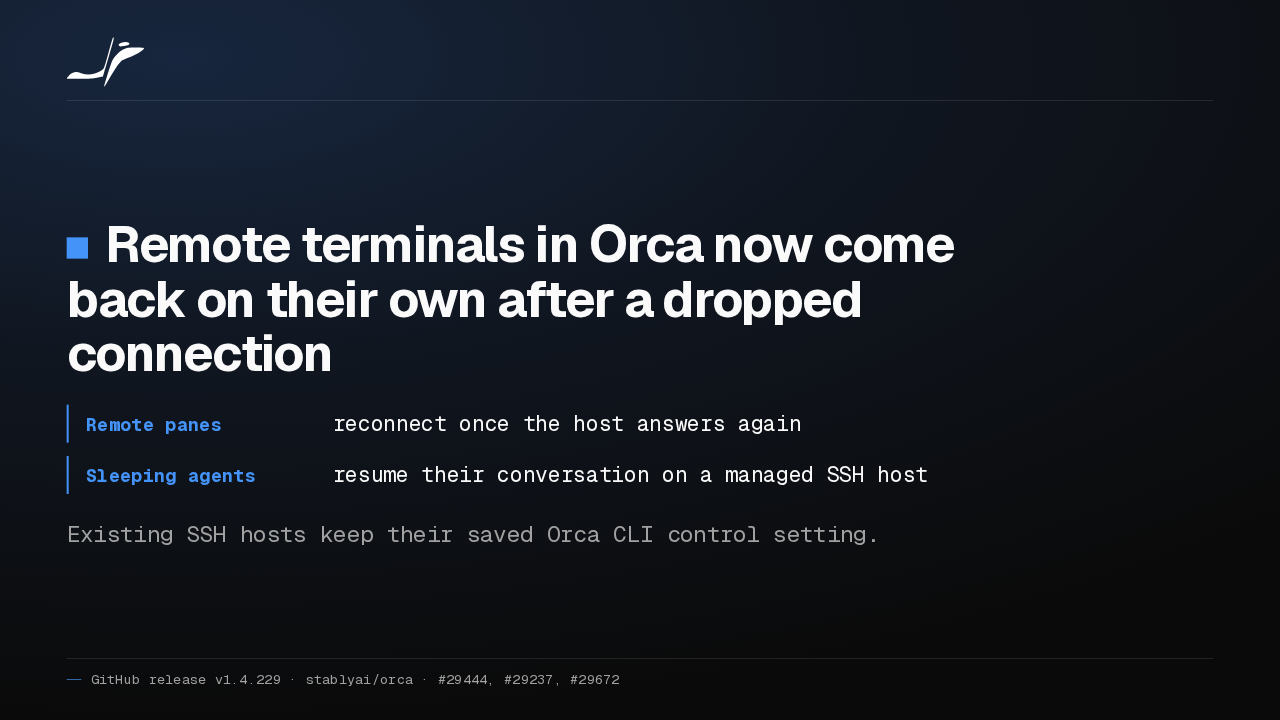
Remote terminals in Orca now come back on their own after a dropped connection
- Remote panes
- reconnect once the host answers again
- Sleeping agents
- resume their conversation on a managed SSH host
Existing SSH hosts keep their saved Orca CLI control setting.
When a VPN or Tailscale link drops and returns, Orca's remote terminals reconnect by themselves. A sleeping agent on a managed SSH host resumes its conversation. Existing hosts keep their saved Orca CLI control setting.
Resume a phone chat in a terminal
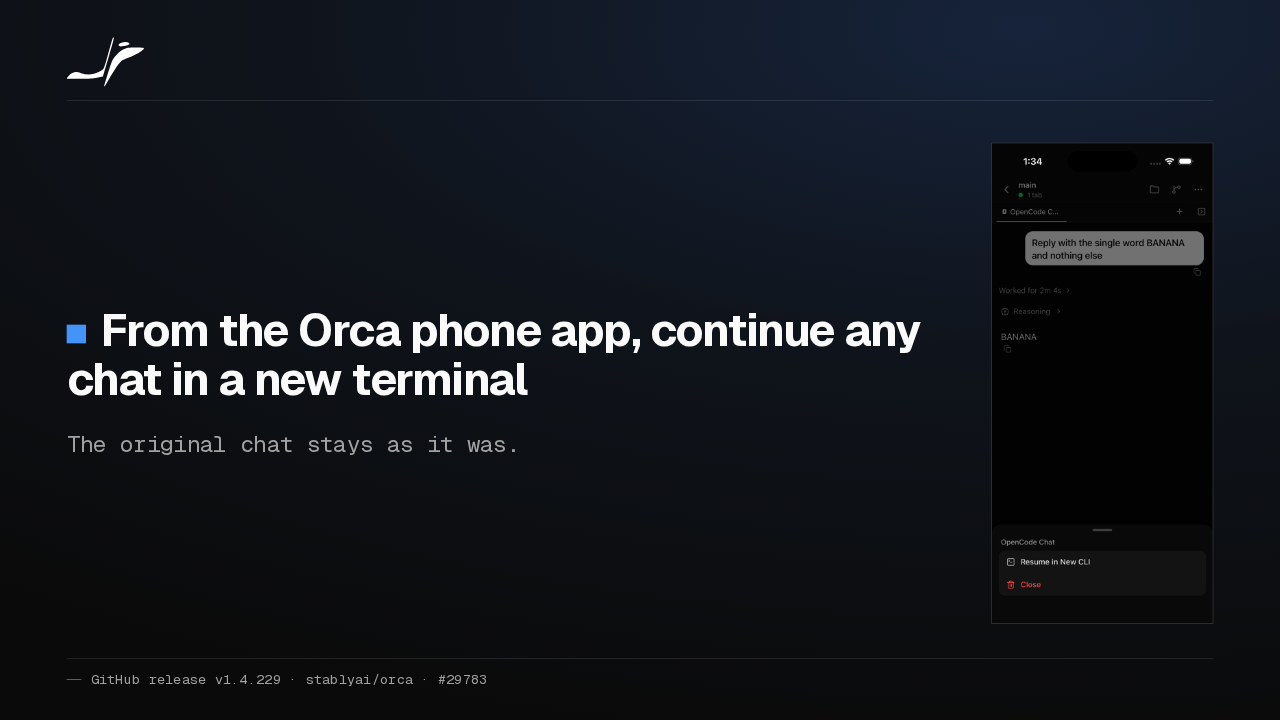
From the Orca phone app, continue any chat in a new terminal
The original chat stays as it was.

In the Orca phone app, long-press a chat tab and choose Resume in New CLI to continue it in a terminal. It works for Claude, Codex, Grok, Pi, OpenCode and OMP when the host can copy the conversation.
Cmd+J opens websites
Cmd/Ctrl+J now opens a website in a browser tab
- New worktree
- shows checkout progress while it is created
- Cleanup
- names running agents before it stops them
Release notes on GitHub
Type a website or localhost address into Cmd+J and Orca opens it in a browser tab. New worktrees show checkout progress, and cleanup names running agents before stopping them. The rest is in the release notes on GitHub.