Stop what Codex and Grok leave running

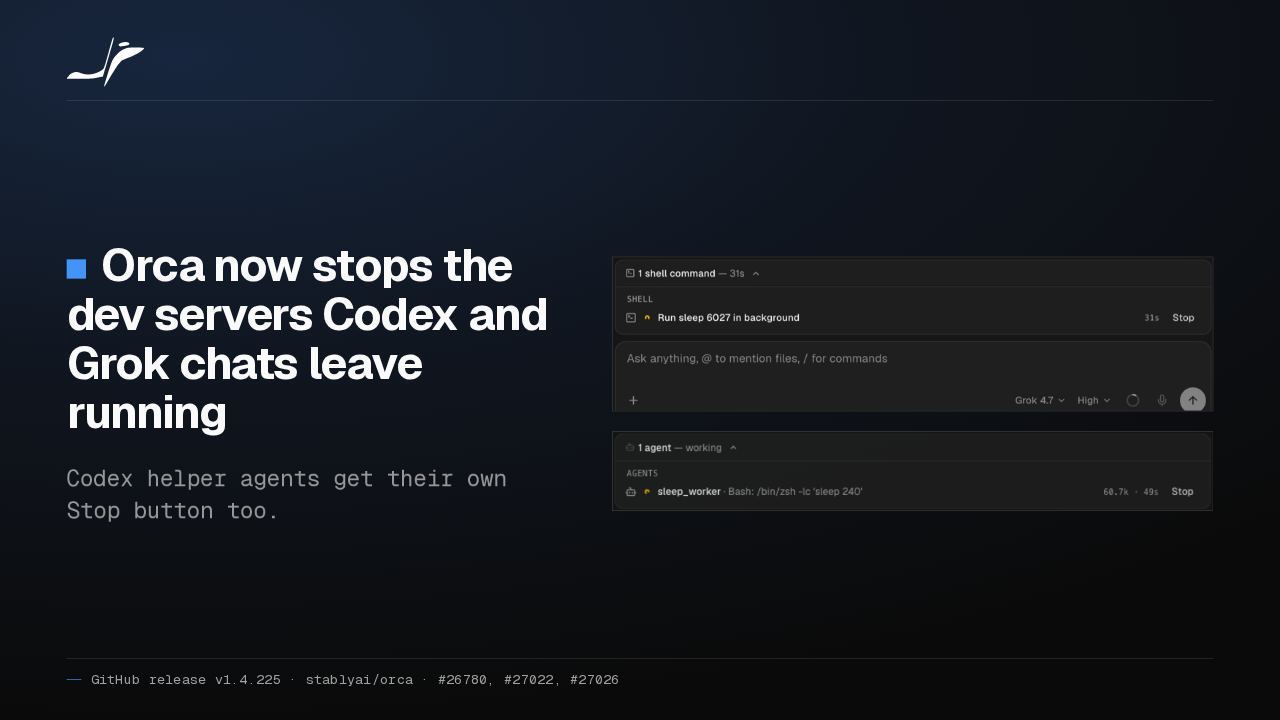
Orca now stops the dev servers Codex and Grok chats leave running
Codex helper agents get their own Stop button too.
Orca can now stop the dev servers and file watchers Codex and Grok chats leave running in the background. Each Codex helper agent gets its own Stop button too.
Orca tracks Kiro agents
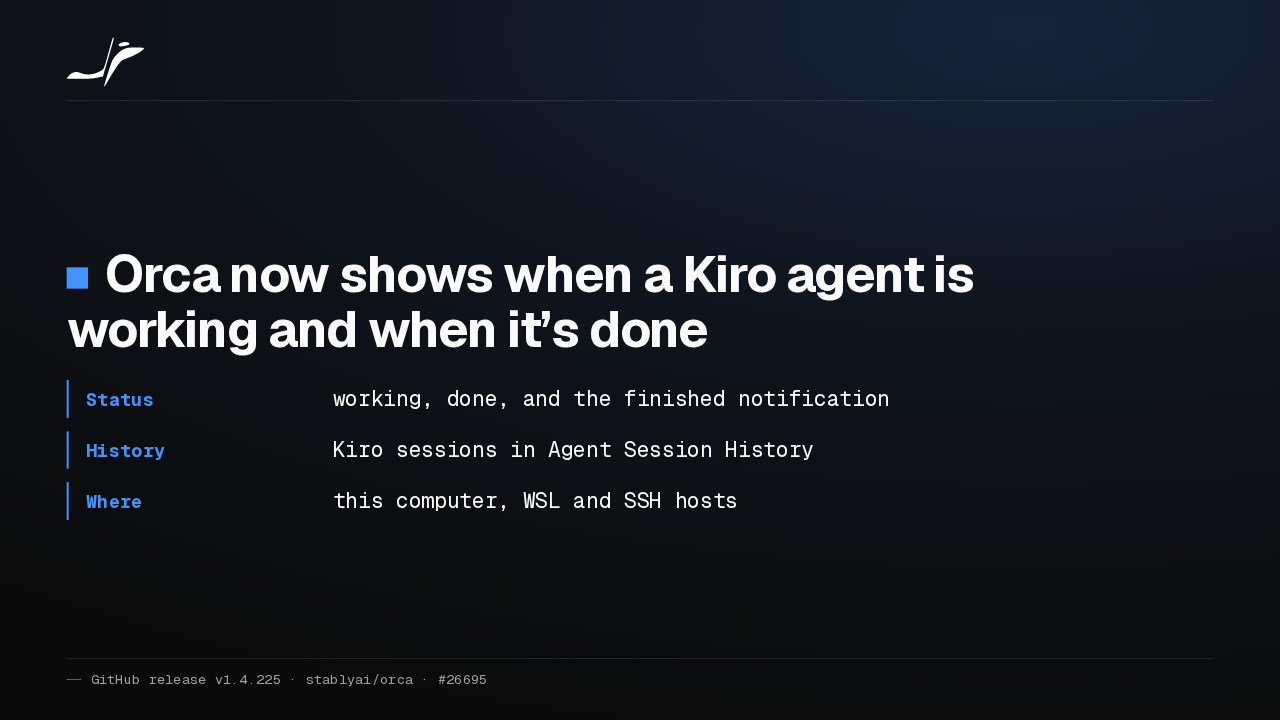
Orca now shows when a Kiro agent is working and when it’s done
- Status
- working, done, and the finished notification
- History
- Kiro sessions in Agent Session History
- Where
- this computer, WSL and SSH hosts
Orca now knows when a Kiro agent is working and when it's done, so the finished notification fires. Kiro conversations show up in Agent Session History and resume with one click.
Agents start agents in an existing workspace
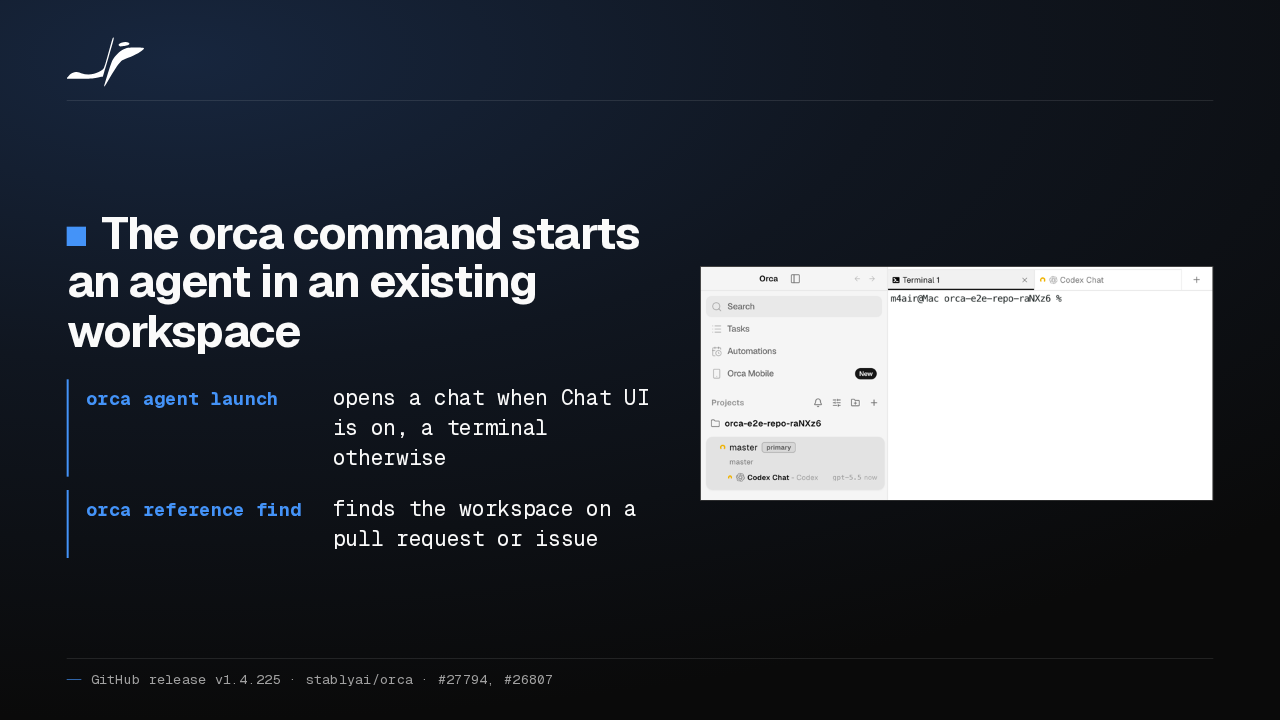
The orca command starts an agent in an existing workspace
- orca agent launch
- opens a chat when Chat UI is on, a terminal otherwise
- orca reference find
- finds the workspace on a pull request or issue

The orca command now starts an agent in an existing workspace, as a chat when Chat UI is on. An agent can also find the workspace that's working on a pull request or issue.
orca serve runs as a background service
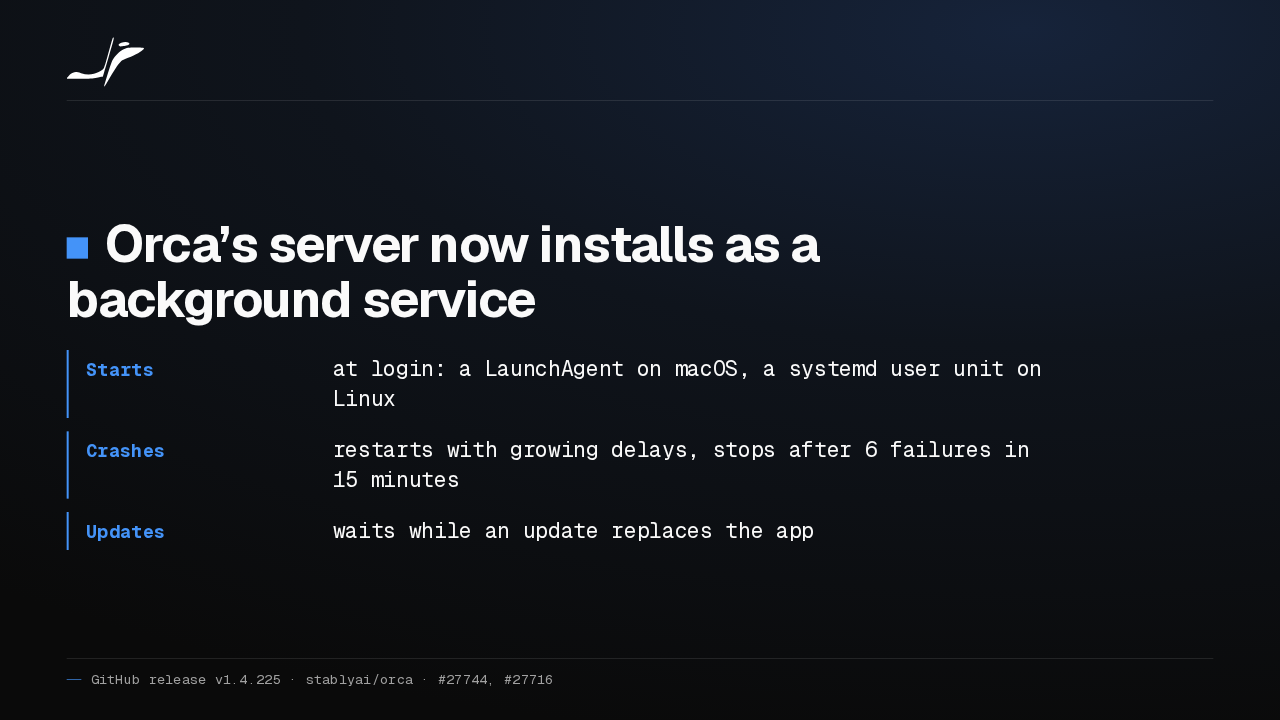
Orca’s server now installs as a background service
- Starts
- at login: a LaunchAgent on macOS, a systemd user unit on Linux
- Crashes
- restarts with growing delays, stops after 6 failures in 15 minutes
- Updates
- waits while an update replaces the app
Orca's server can now install as a background service that starts at login on macOS and Linux. It restarts after a crash, and gives up after six crashes in fifteen minutes.
Native chat colors code like VS Code
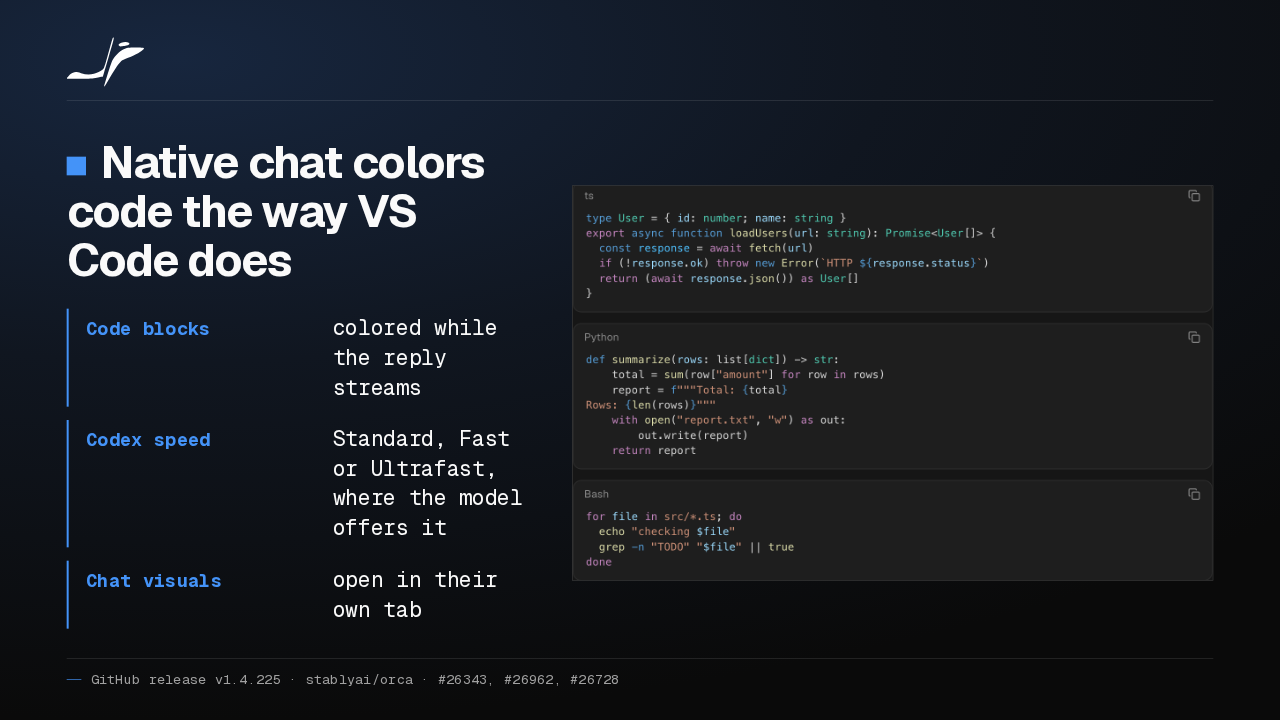
Native chat colors code the way VS Code does
- Code blocks
- colored while the reply streams
- Codex speed
- Standard, Fast or Ultrafast, where the model offers it
- Chat visuals
- open in their own tab

Native chat now colors code blocks the way VS Code does, even while the reply streams. Codex chats add an Ultrafast speed where the model offers it, and agent charts open in their own tab.
SSH hosts need the managed Orca server
SSH hosts now need the managed Orca server
- Unsupported hosts
- fail to connect; an older Orca keeps them working
- Running terminals
- from the previous version keep their tabs
- Removed
- relay-only settings such as Runtime and Timeout after disconnect
Release notes on GitHub
Orca's old SSH relay is gone, so a host that can't run the managed Orca server now fails to connect, and only an older Orca keeps it working. Terminals the previous version started keep running in their old tabs.