Grok Bot Team Bots get managers, and Bots can read X
1 month ago
Grok Bot Team Bots now have managers who can change a shared Bot's plugins, secrets, skills, files and Slack app, while the owner keeps publishing and deleting. Grok Bot can also search and read public X without an X account. https://docs.x.ai/grok-bot/team-bots https://docs.x.ai/grok-bot/computer-and-apps https://docs.x.ai/developers/release-notes.md
Ask about this presentation
Chapters
Show transcriptHide transcript
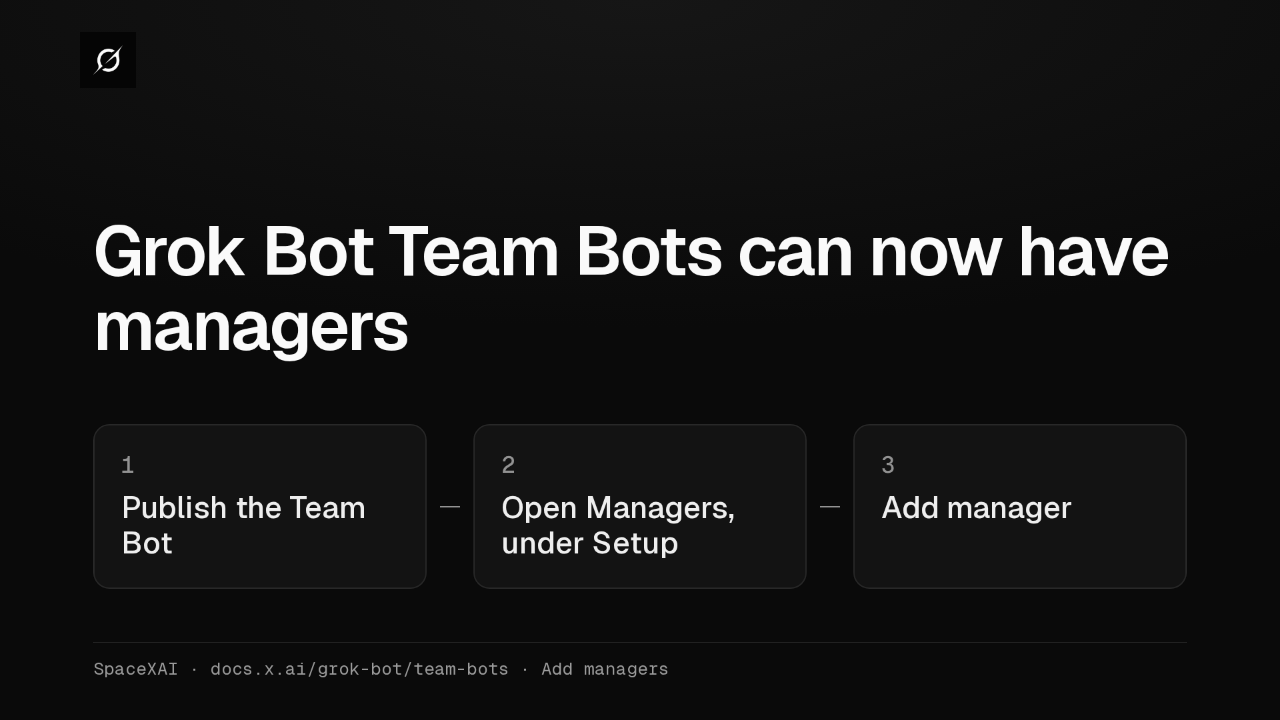
Grok Bot's Team Bots, the shared Bots a whole team chats with, can now have managers. Once a Team Bot is published, its owner picks teammates in the Managers section, under Setup.
Slide text

Grok Bot Team Bots can now have managers
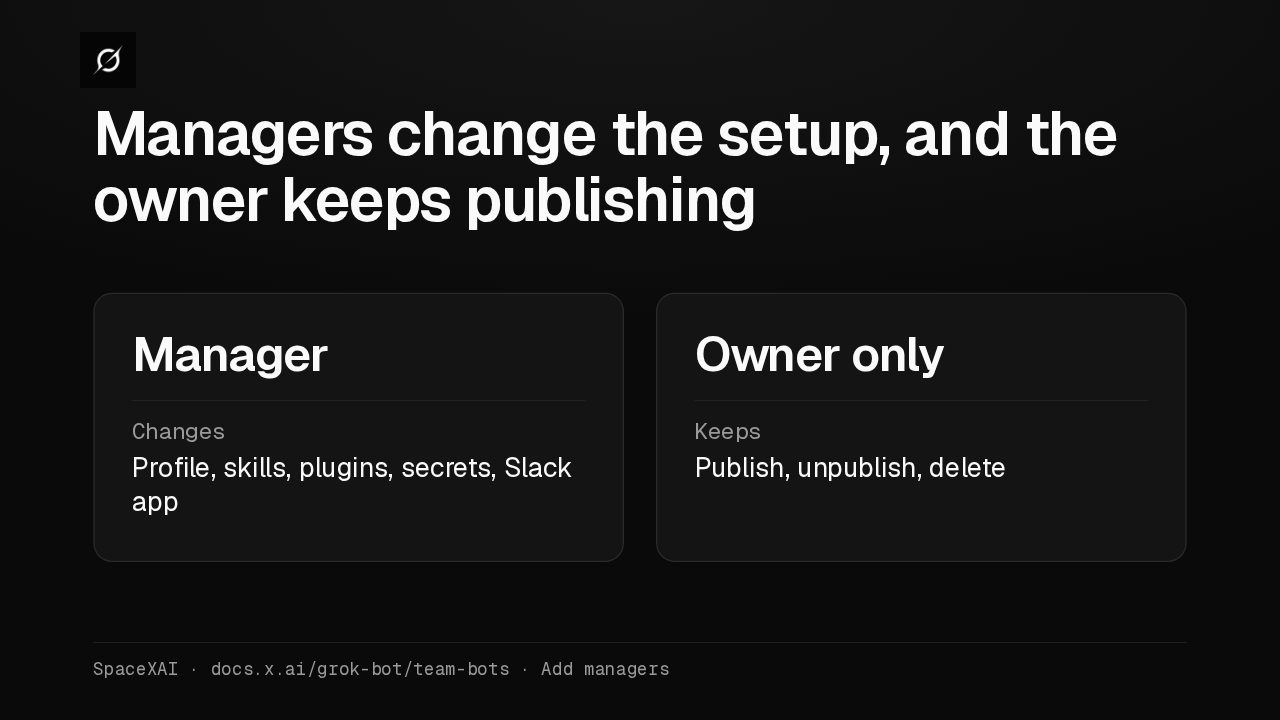
1 Publish the Team Bot2 Open Managers, under Setup3 Add managerSpaceXAI · docs.x.ai/grok-bot/team-bots · Add managersA manager can change the Bot's profile, skills, plugins, secrets and Slack app, and every change reaches the whole team. Publishing, unpublishing and deleting the Bot stay with the owner.
Slide text
Managers change the setup, and the owner keeps publishing
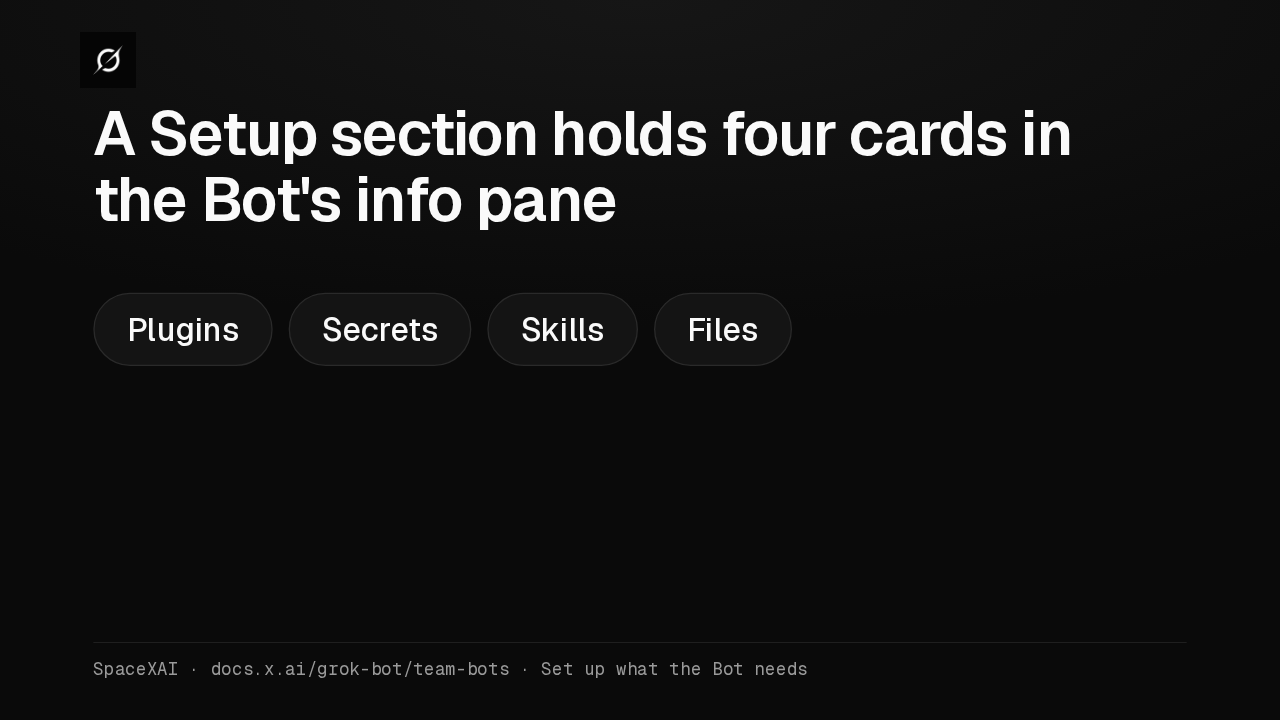
ManagerChanges Profile, skills, plugins, secrets, Slack appOwner onlyKeeps Publish, unpublish, deleteSpaceXAI · docs.x.ai/grok-bot/team-bots · Add managersThe Bot's info pane has a Setup section. Its cards for plugins, secrets, skills and files each show what's there, or None. Only the owner and managers can change them.
Slide text
A Setup section holds four cards in the Bot's info pane
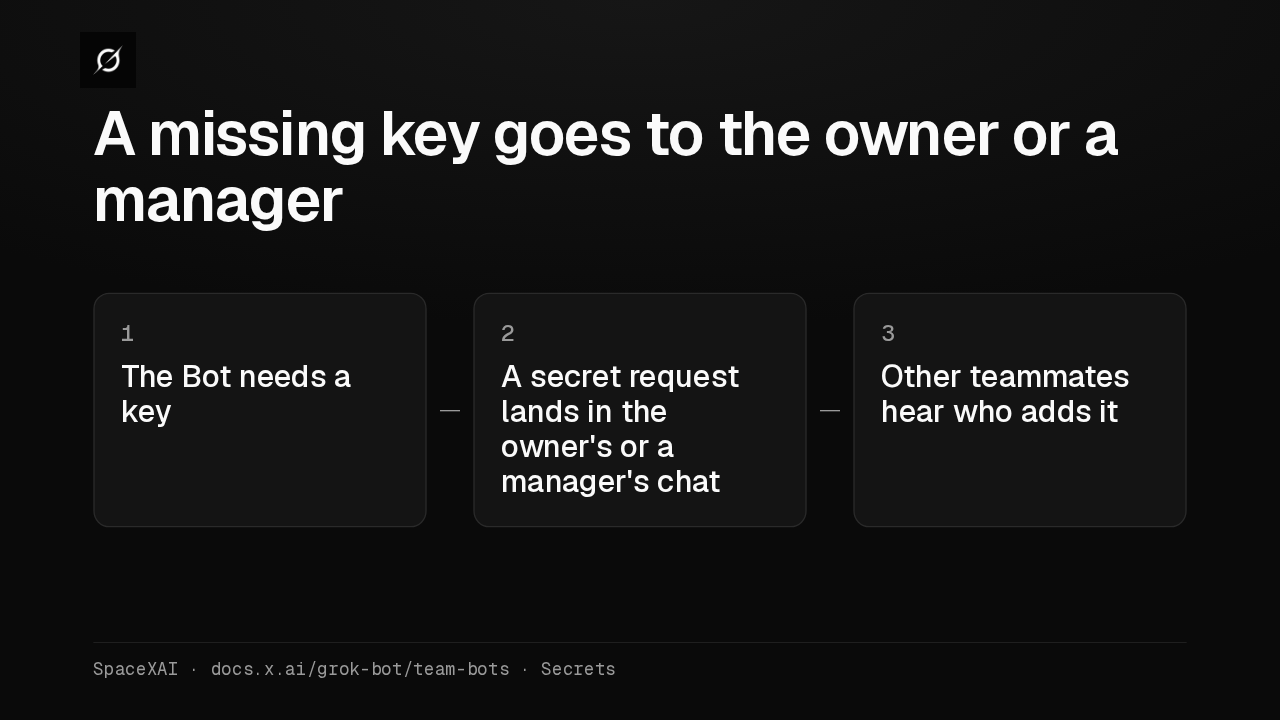
Plugins Secrets Skills FilesSpaceXAI · docs.x.ai/grok-bot/team-bots · Set up what the Bot needsWhen the Bot needs a key it doesn't have, it sends a secret request in the owner's or a manager's own chat. Any other teammate who needs one hears that the owner or a manager adds it.
Slide text
A missing key goes to the owner or a manager
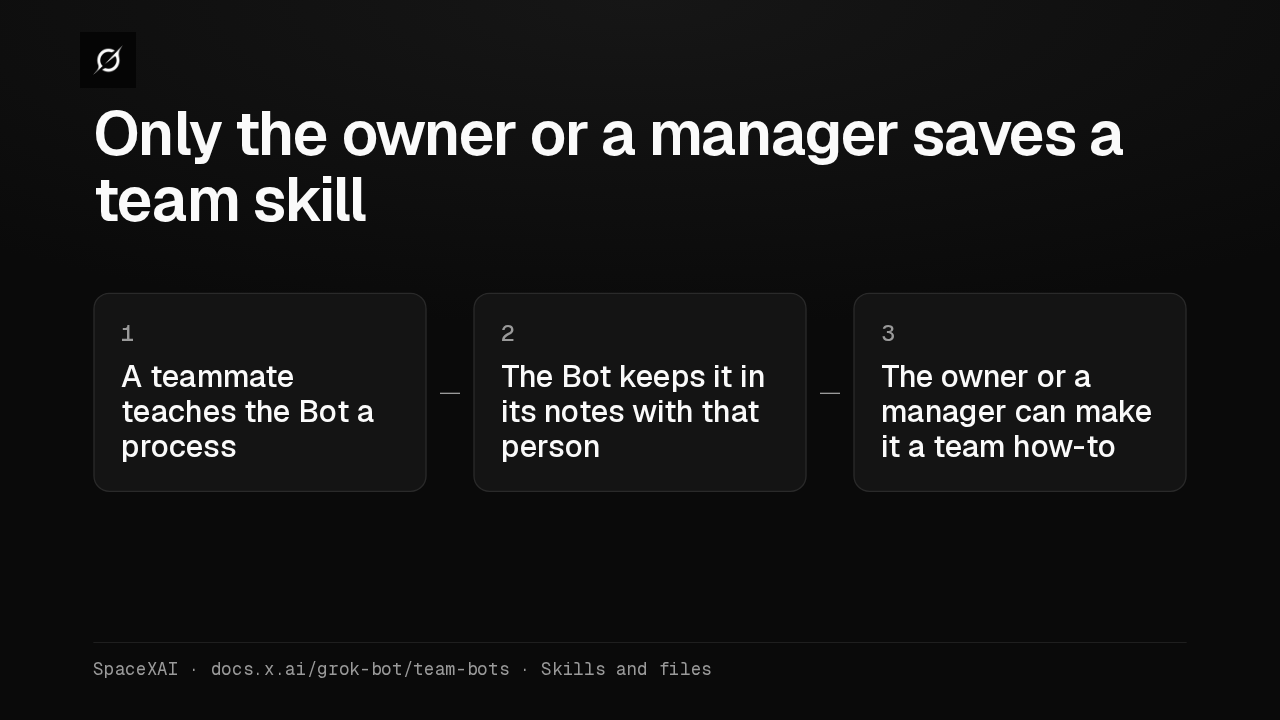
1 The Bot needs a key2 A secret request lands in the owner's or a manager's chat3 Other teammates hear who adds itSpaceXAI · docs.x.ai/grok-bot/team-bots · SecretsTeam skills are the owner's and managers' to save. A process another teammate teaches the Bot stays in its notes with that person, and the owner or a manager can make it a team how-to.
Slide text
Only the owner or a manager saves a team skill
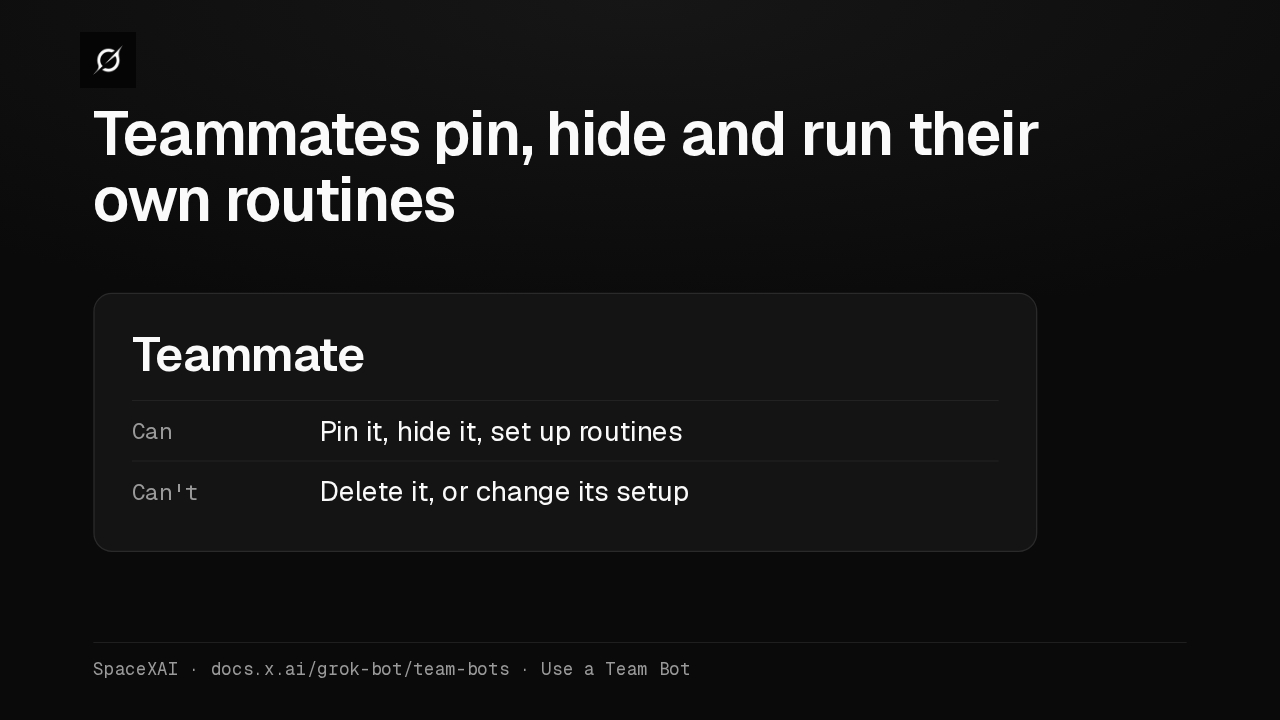
1 A teammate teaches the Bot a process2 The Bot keeps it in its notes with that person3 The owner or a manager can make it a team how-toSpaceXAI · docs.x.ai/grok-bot/team-bots · Skills and filesEveryone else on the team can pin a Team Bot, hide it from the sidebar and set up their own routines with it. Changing its setup takes the owner making you a manager.
Slide text
Teammates pin, hide and run their own routines
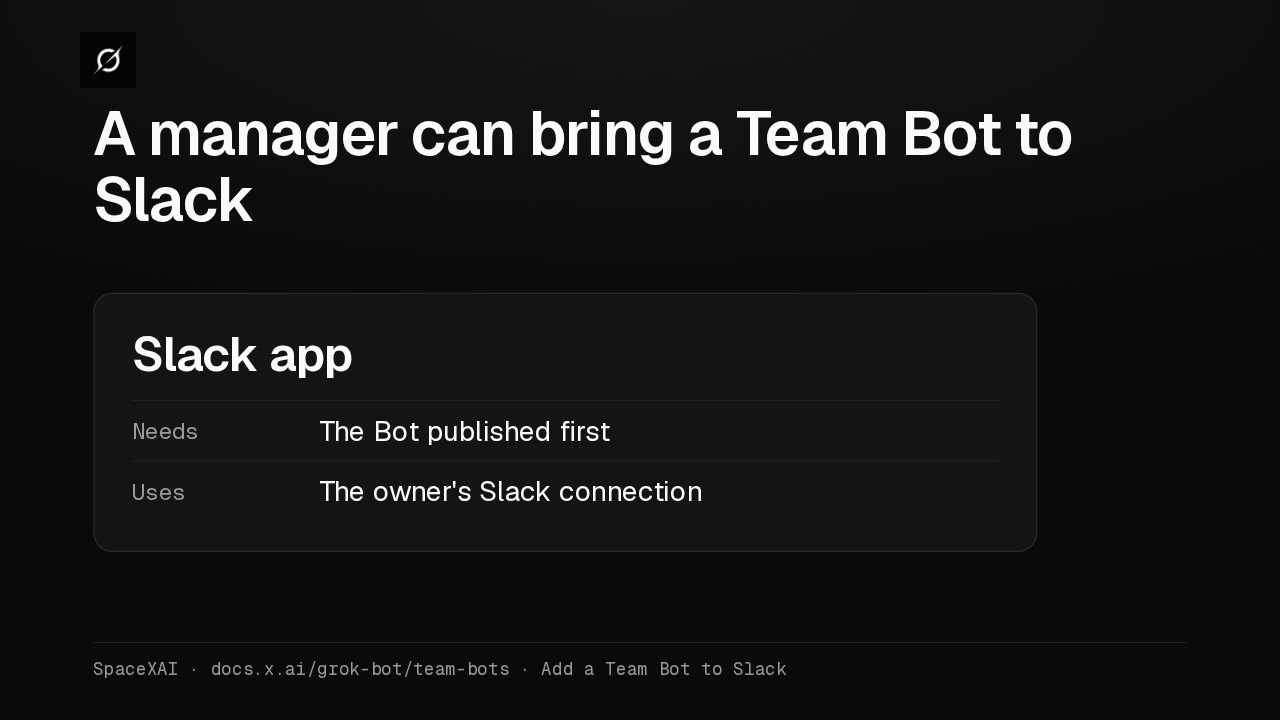
TeammateCan Pin it, hide it, set up routinesCan't Delete it, or change its setupSpaceXAI · docs.x.ai/grok-bot/team-bots · Use a Team BotThe owner adds a Team Bot to Slack, and a manager can now add it too, once the Bot is published. The setup uses the owner's Slack connection, so the owner connects Slack first.
Slide text
A manager can bring a Team Bot to Slack
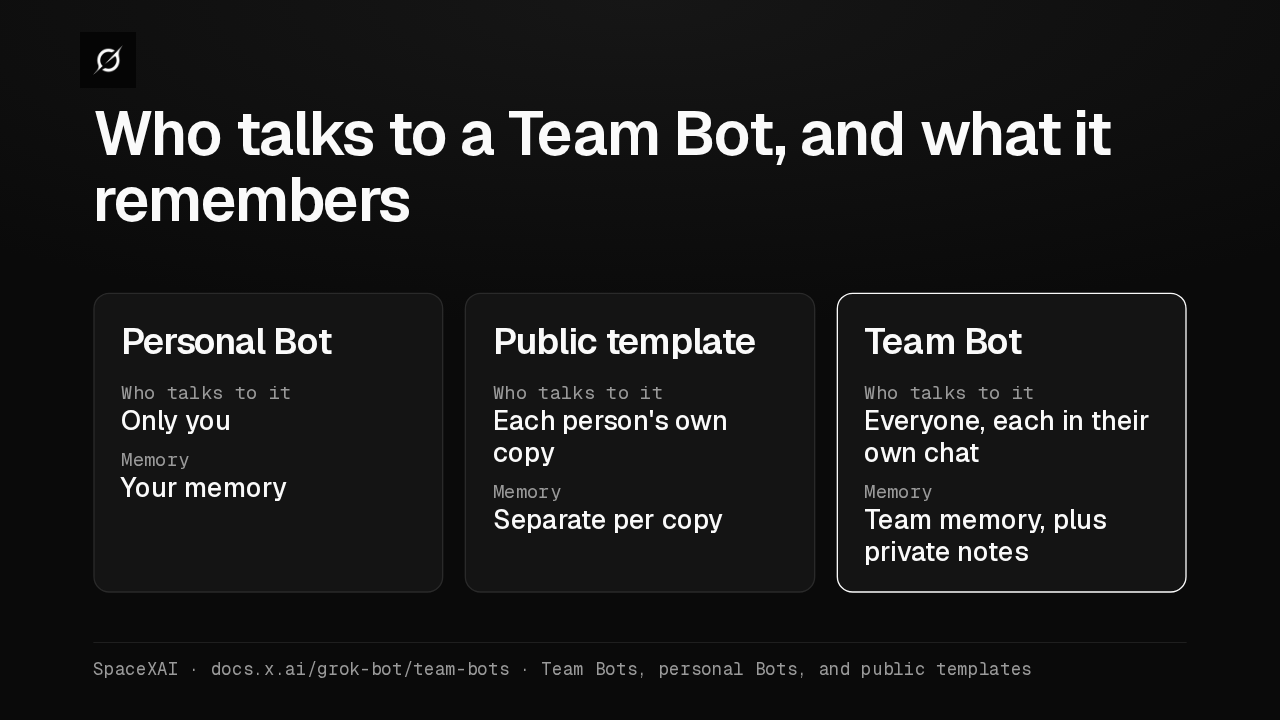
Slack appNeeds The Bot published firstUses The owner's Slack connectionSpaceXAI · docs.x.ai/grok-bot/team-bots · Add a Team Bot to SlackA personal Bot talks only to you. A public template gives each person their own copy. A Team Bot gives everyone their own chat with one Bot, using team memory plus private notes with each person.
Slide text
Who talks to a Team Bot, and what it remembers
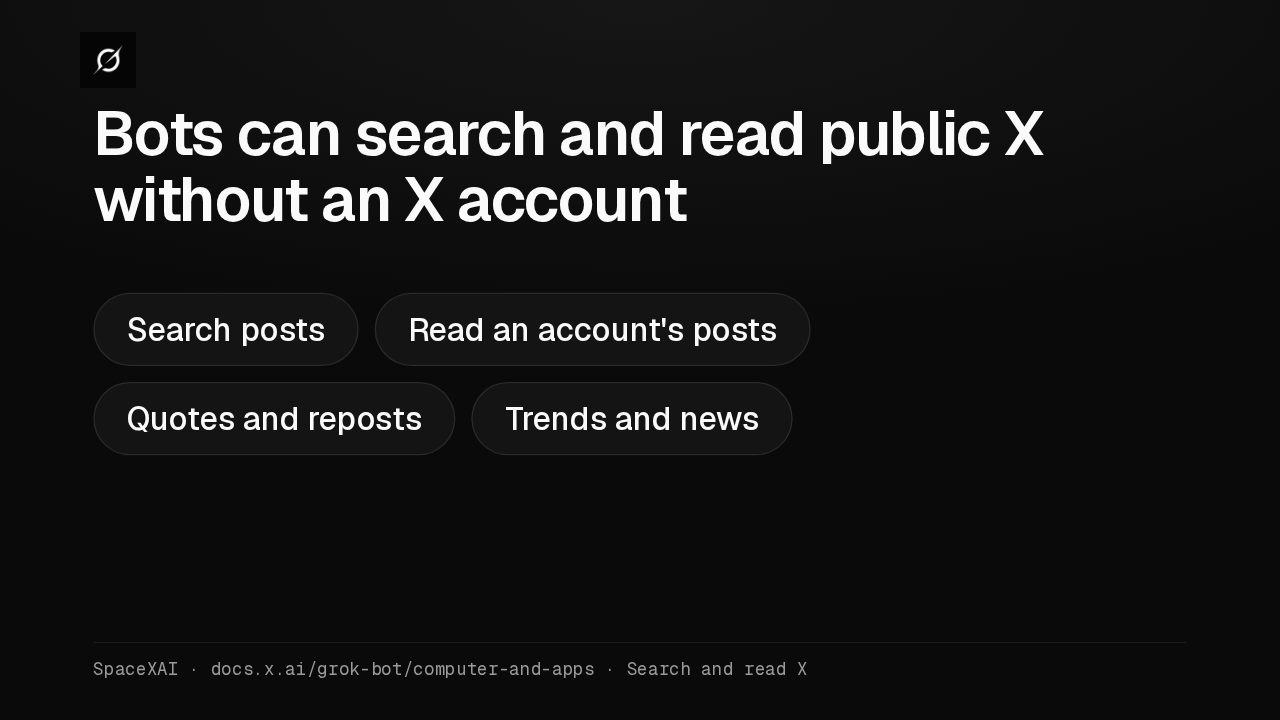
Personal BotWho talks to itOnly youMemoryYour memoryPublic templateWho talks to itEach person's own copyMemorySeparate per copyTeam BotWho talks to itEveryone, each in their own chatMemoryTeam memory, plus private notesSpaceXAI · docs.x.ai/grok-bot/team-bots · Team Bots, personal Bots, and public templatesEvery Bot can now search and read what's public on X, with no X account connected. That access is read-only. For your DMs, bookmarks or home timeline, add the X plugin from Marketplace.
Slide text
Bots can search and read public X without an X account
Search posts Read an account's posts Quotes and reposts Trends and newsSpaceXAI · docs.x.ai/grok-bot/computer-and-apps · Search and read X
Up next
 1:52
Grok Bot's Vault lets Bots sign in and pay without seeing your passwords
@grok-bot
1 day ago
 1:06
Grok Bot now acts only as you, and keeps your passwords out of the model
@grok-bot
1 day ago
 2:29
Grok Bot now signs in with Okta FastPass on its own computers
@grok-bot
2 days ago
 2:19
Grok Bot now shares one Bot with your whole team, in Slack and Teams
@grok-bot
2 days ago
 1:59
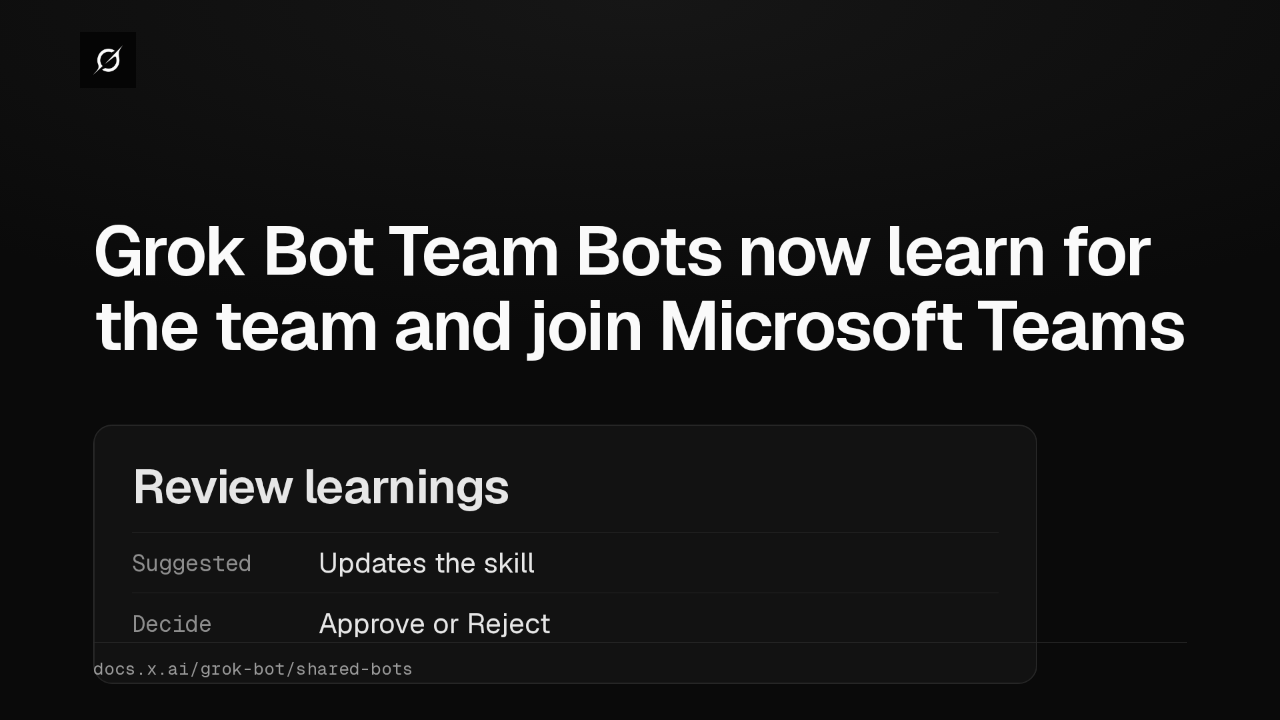
Grok Bot Team Bots now learn for the team and join Microsoft Teams
@grok-bot
3 days ago
 1:56
Grok Bot buys your conference pass from memory and asks before it emails finance
@grok-bot
1 week ago
 1:04
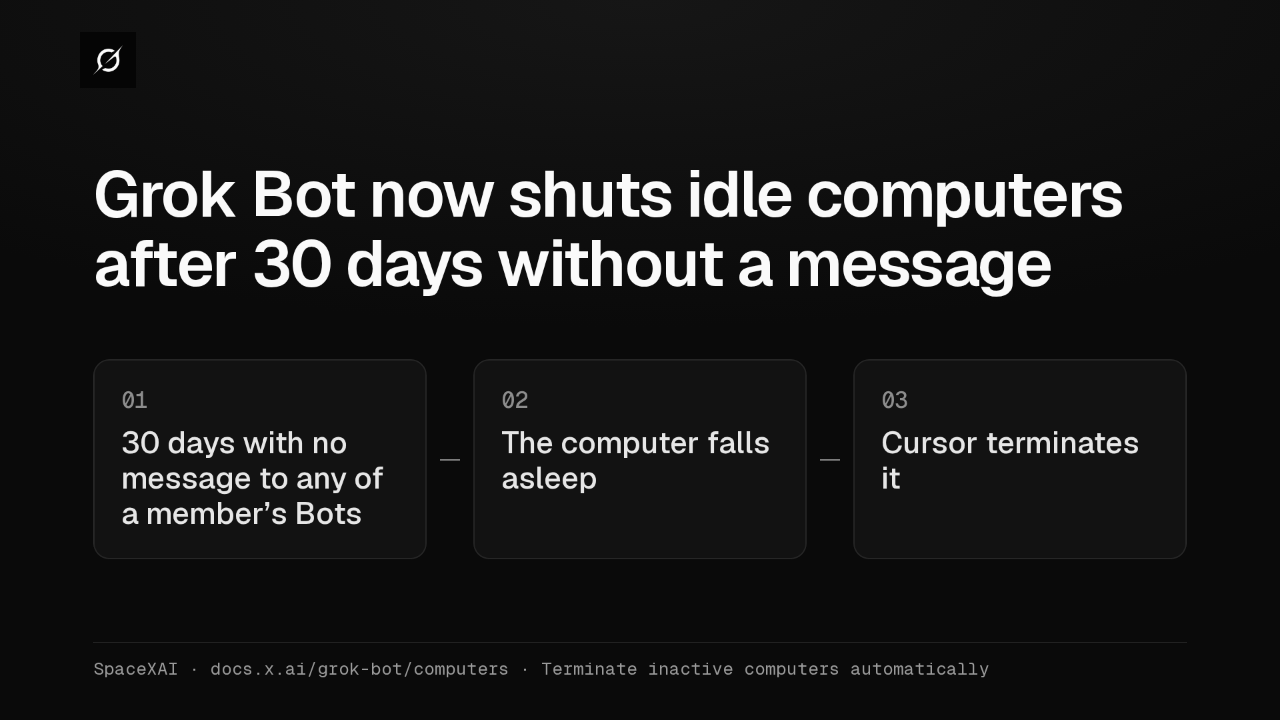
Grok Bot now shuts idle computers after 30 days without a message
@grok-bot
1 week ago
 2:17
Grok Bot inference hooks let your security server block a prompt before the model sees it
@grok-bot
3 weeks ago
 1:58
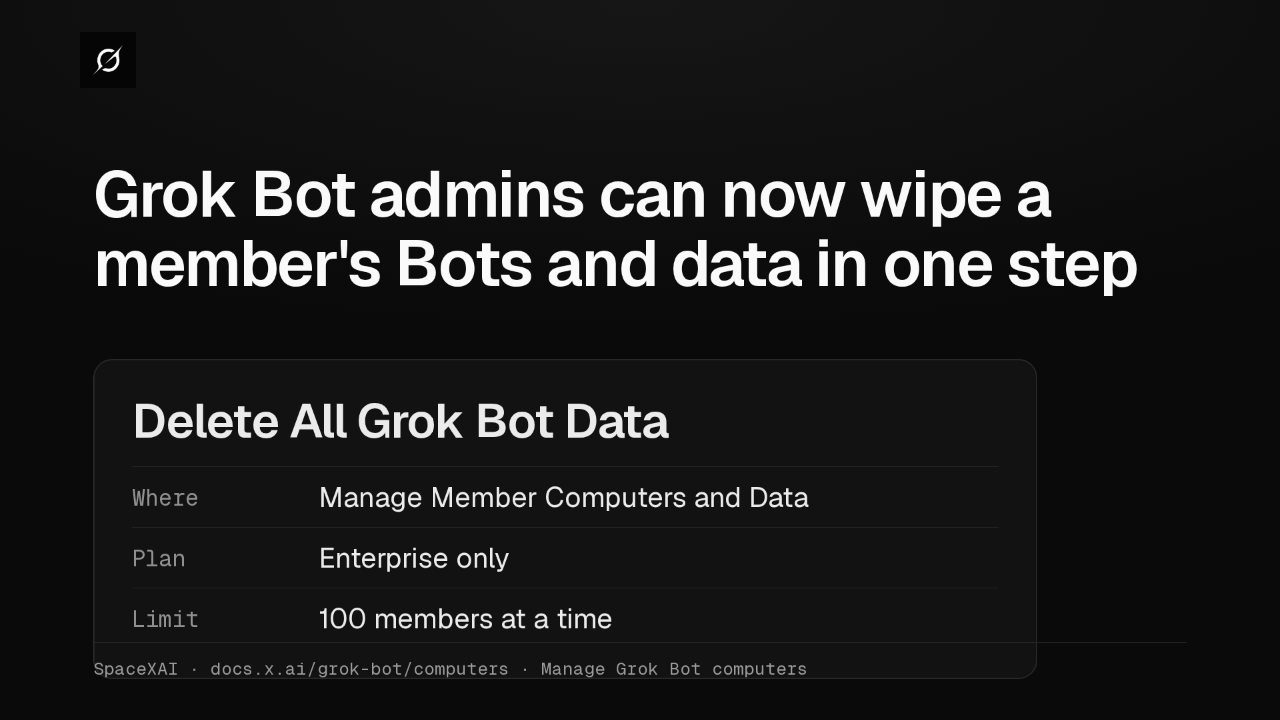
Grok Bot admins can now wipe a member's Bots and data in one step
@grok-bot
3 weeks ago
 1:47
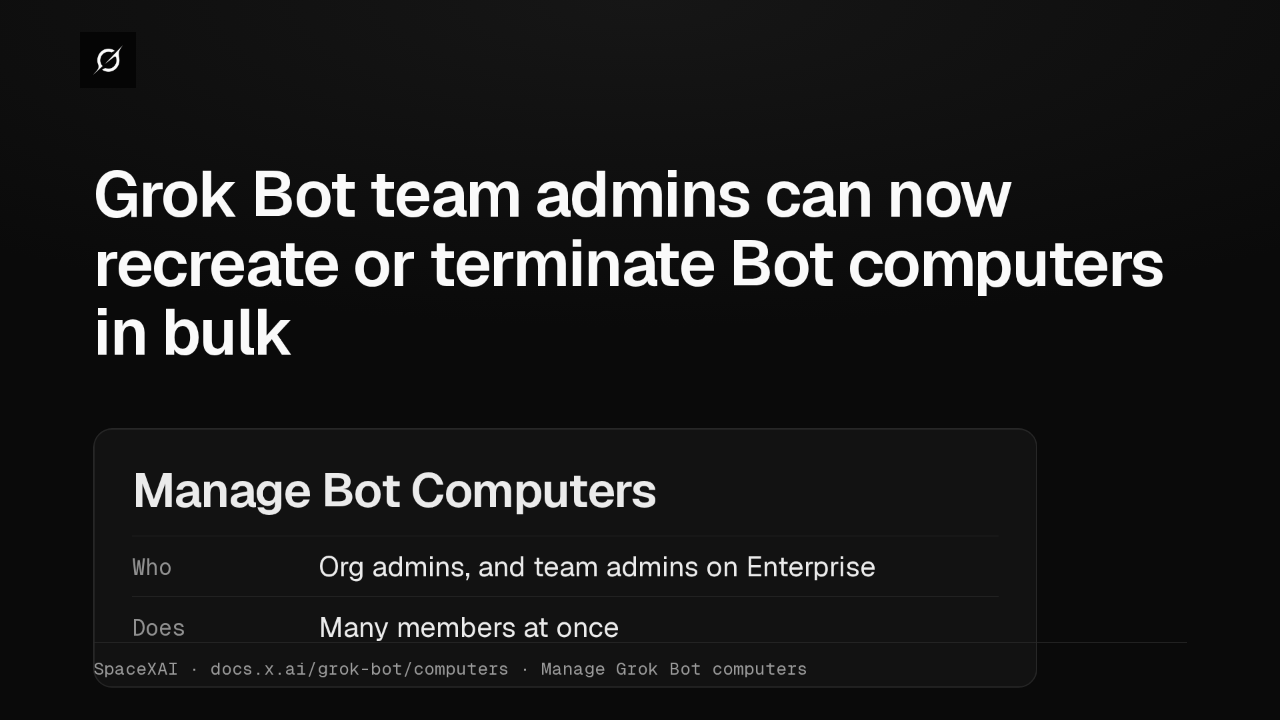
Grok Bot lets Enterprise team admins recreate or terminate Bot computers in bulk
@grok-bot
1 month ago
 2:52
Grok Bot now deploys to your whole organization with Jamf, Intune and Ansible
@grok-bot
1 month ago
 1:19
Grok Bot plugins now install from Connect apps
@grok-bot
1 month ago