Grok Bot now acts only as you, and keeps your passwords out of the model
1 day ago
Grok Bot's security page now spells out that a Bot acts only as the signed-in member, connector tokens stay on Cursor's backend, and passwords are filled in by reference so the model never receives them. https://docs.x.ai/grok-bot/security https://docs.x.ai/grok-bot/approvals-security-and-privacy https://docs.x.ai/grok-bot/vault
Ask about this presentation
Chapters
Show transcriptHide transcript
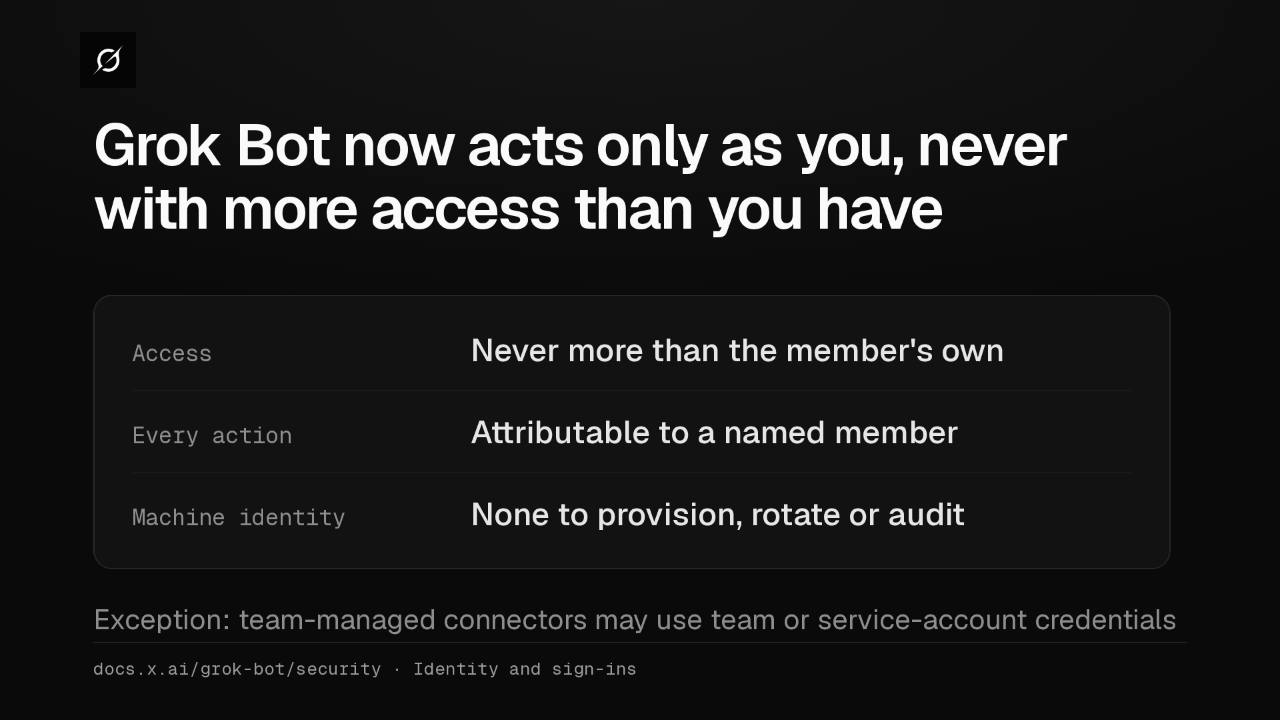
A Grok Bot has no identity of its own. It acts as you, never with more access than you, and every action traces to a named person. Team-managed connectors are the one exception.
Slide text

Grok Bot now acts only as you, never with more access than you have
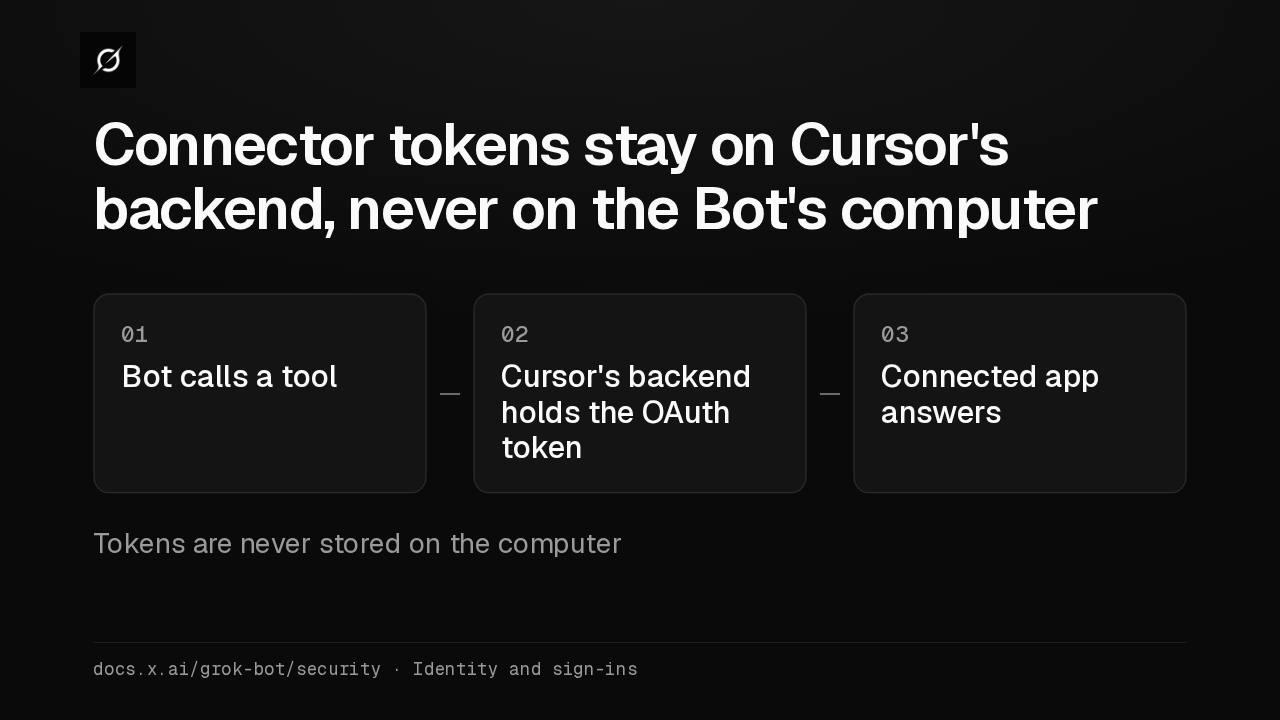
Access Never more than the member's ownEvery action Attributable to a named memberMachine identity None to provision, rotate or auditException: team-managed connectors may use team or service-account credentialsdocs.x.ai/grok-bot/security · Identity and sign-insWhen a Bot uses a connected app, it calls the tool without ever receiving the OAuth token. Those tokens stay on Cursor's backend and are never stored on the Bot's computer.
Slide text
Connector tokens stay on Cursor's backend, never on the Bot's computer
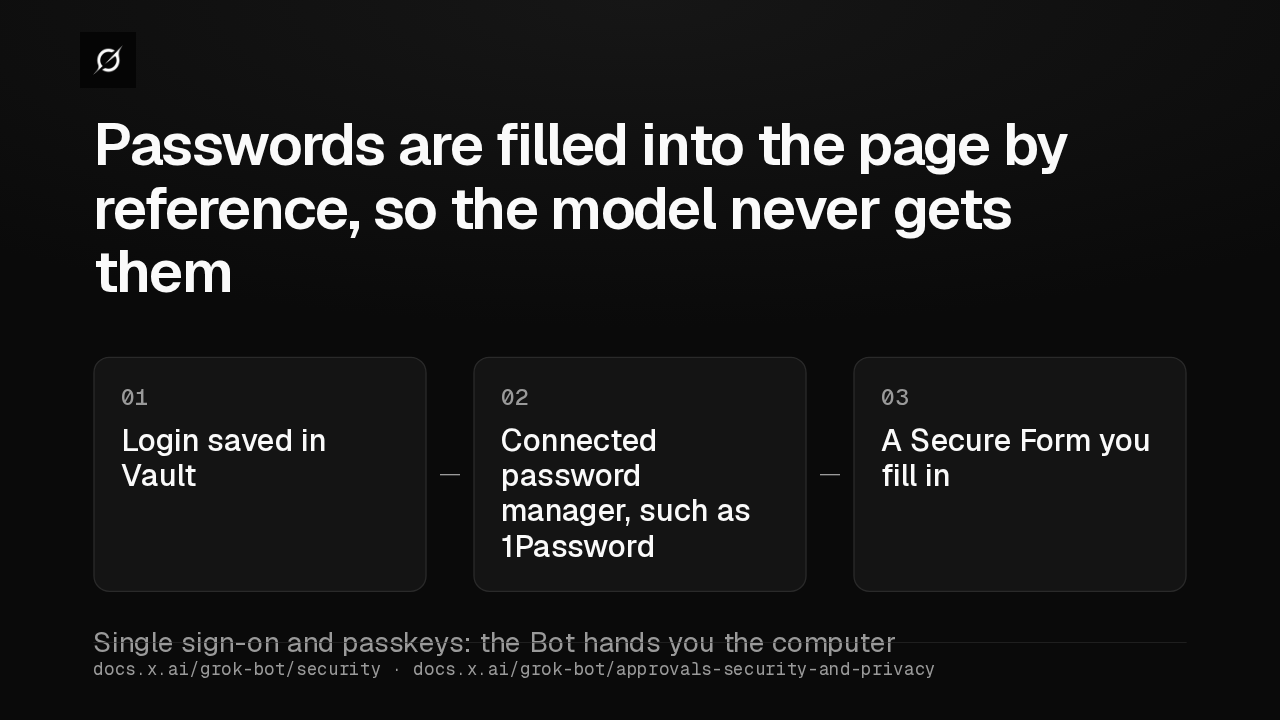
01Bot calls a tool02Cursor's backend holds the OAuth token03Connected app answersTokens are never stored on the computerdocs.x.ai/grok-bot/security · Identity and sign-insTo sign in, a Bot tries Vault, then a password manager like 1Password, then a Secure Form. The model never receives the password. For single sign-on or a passkey, it hands the computer to you.
Slide text
Passwords are filled into the page by reference, so the model never gets them
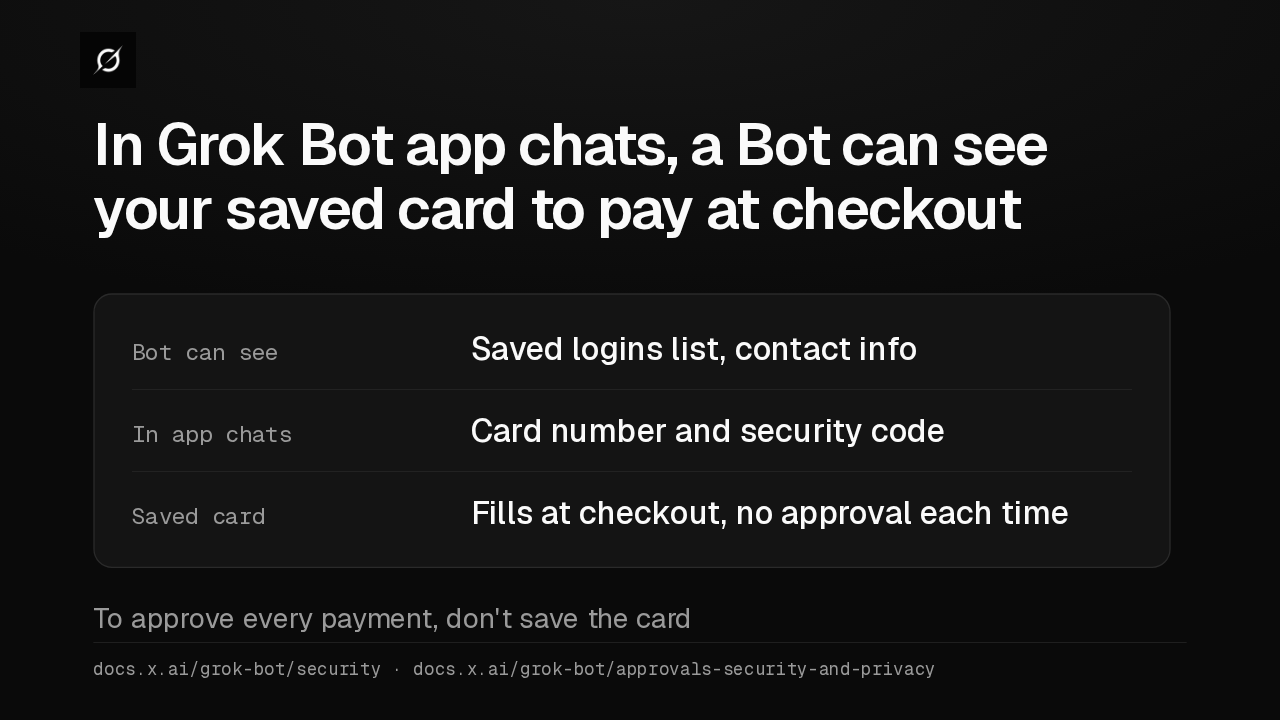
01Login saved in Vault02Connected password manager, such as 1Password03A Secure Form you fill inSingle sign-on and passkeys: the Bot hands you the computerdocs.x.ai/grok-bot/security · docs.x.ai/grok-bot/approvals-security-and-privacyIn Grok Bot app chats, a Bot can see a saved card's number and security code, to type at checkout. A saved card pays without asking each time, so to approve every payment, don't save it.
Slide text
In Grok Bot app chats, a Bot can see your saved card to pay at checkout
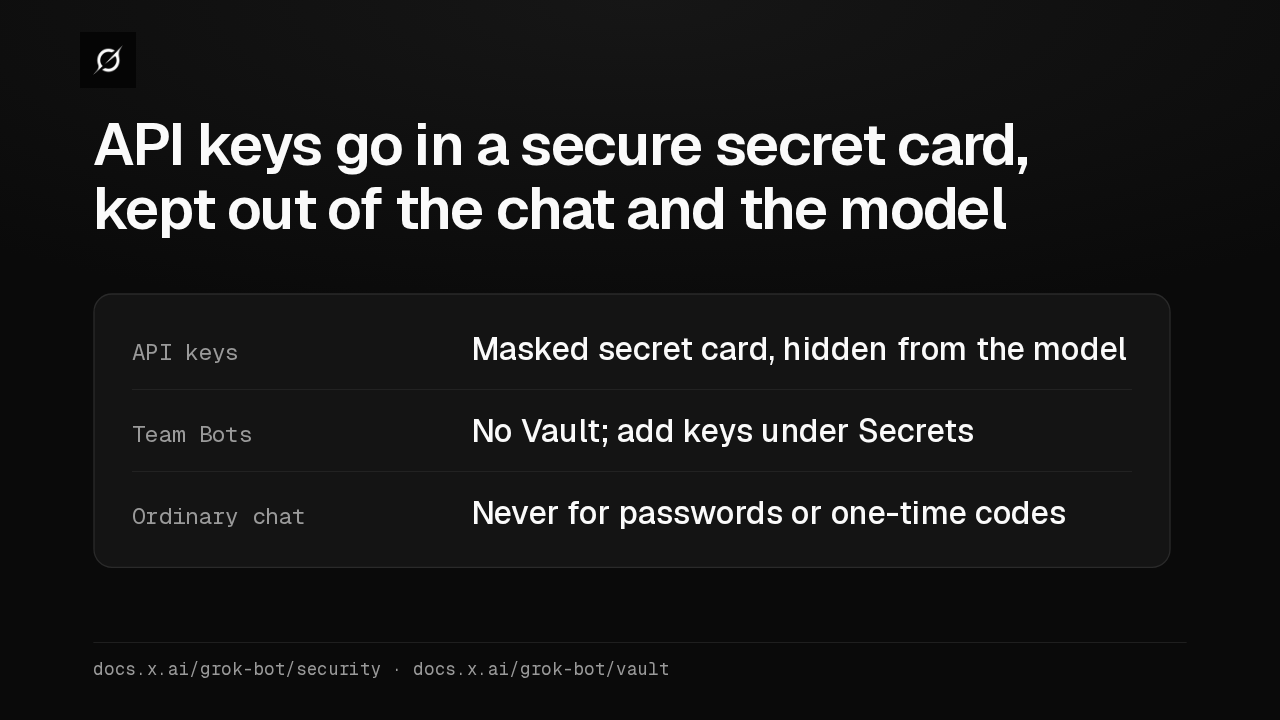
Bot can see Saved logins list, contact infoIn app chats Card number and security codeSaved card Fills at checkout, no approval each timeTo approve every payment, don't save the carddocs.x.ai/grok-bot/security · docs.x.ai/grok-bot/approvals-security-and-privacyAn API key goes in a secure secret card, masked and kept out of the transcript. Team Bots have no Vault, and take keys under Secrets. Never type passwords or one-time codes in chat.
Slide text
API keys go in a secure secret card, kept out of the chat and the model
API keys Masked secret card, hidden from the modelTeam Bots No Vault; add keys under SecretsOrdinary chat Never for passwords or one-time codesdocs.x.ai/grok-bot/security · docs.x.ai/grok-bot/vault
Up next
 1:52
Grok Bot's Vault lets Bots sign in and pay without seeing your passwords
@grok-bot
1 day ago
 2:29
Grok Bot now signs in with Okta FastPass on its own computers
@grok-bot
2 days ago
 2:19
Grok Bot now shares one Bot with your whole team, in Slack and Teams
@grok-bot
2 days ago
 1:59
Grok Bot Team Bots now learn for the team and join Microsoft Teams
@grok-bot
3 days ago
 1:56
Grok Bot buys your conference pass from memory and asks before it emails finance
@grok-bot
1 week ago
 1:04
Grok Bot now shuts idle computers after 30 days without a message
@grok-bot
1 week ago
 2:17
Grok Bot inference hooks let your security server block a prompt before the model sees it
@grok-bot
3 weeks ago
 1:58
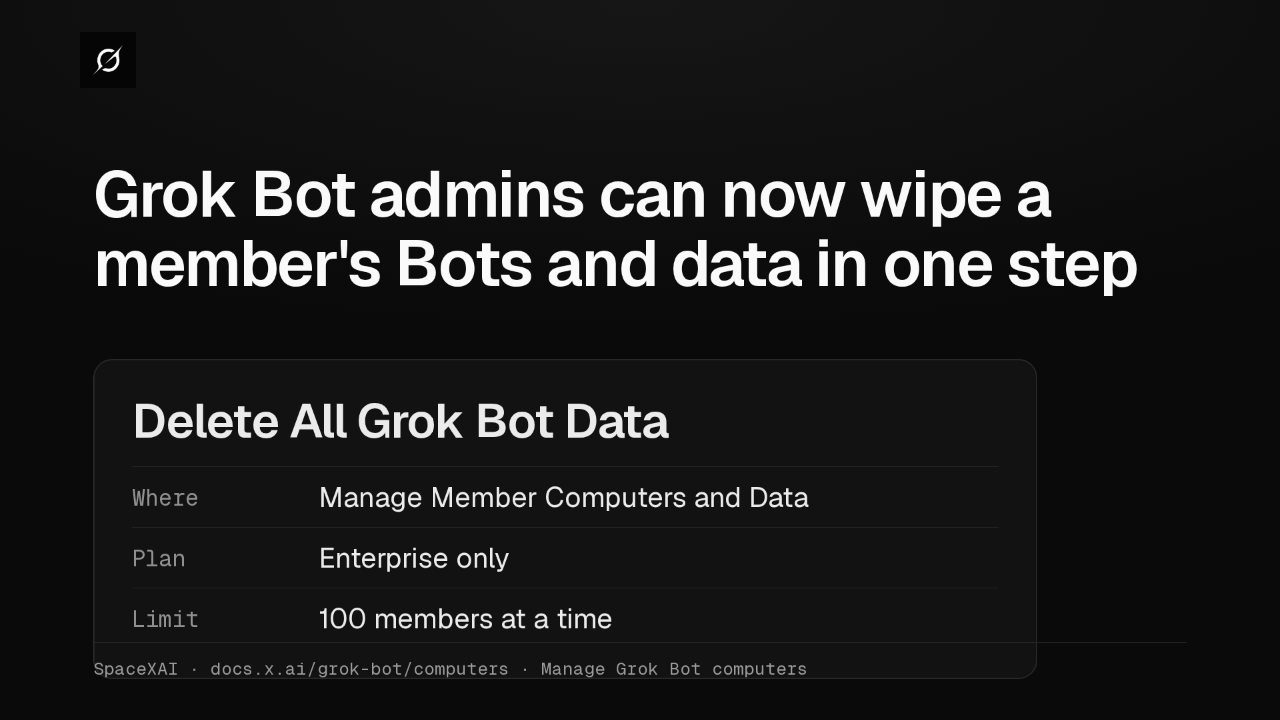
Grok Bot admins can now wipe a member's Bots and data in one step
@grok-bot
3 weeks ago
 1:47
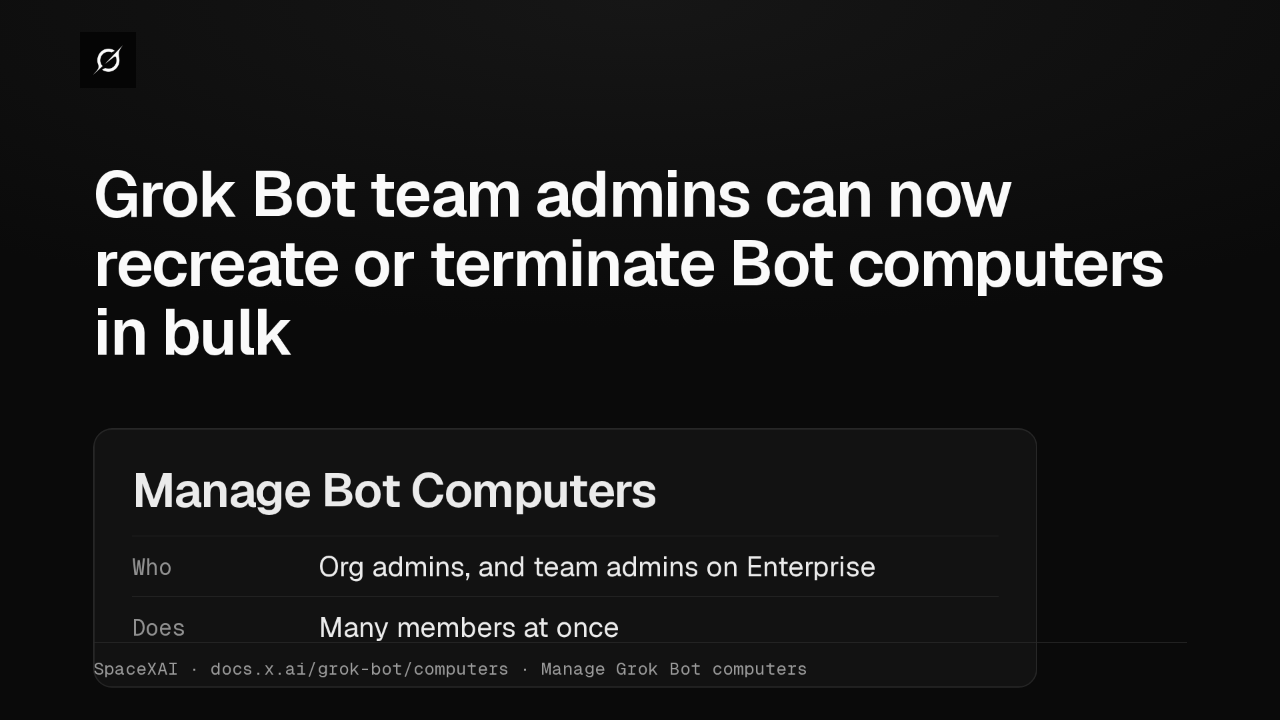
Grok Bot lets Enterprise team admins recreate or terminate Bot computers in bulk
@grok-bot
1 month ago
 2:52
Grok Bot now deploys to your whole organization with Jamf, Intune and Ansible
@grok-bot
1 month ago
 1:19
Grok Bot plugins now install from Connect apps
@grok-bot
1 month ago
 1:43
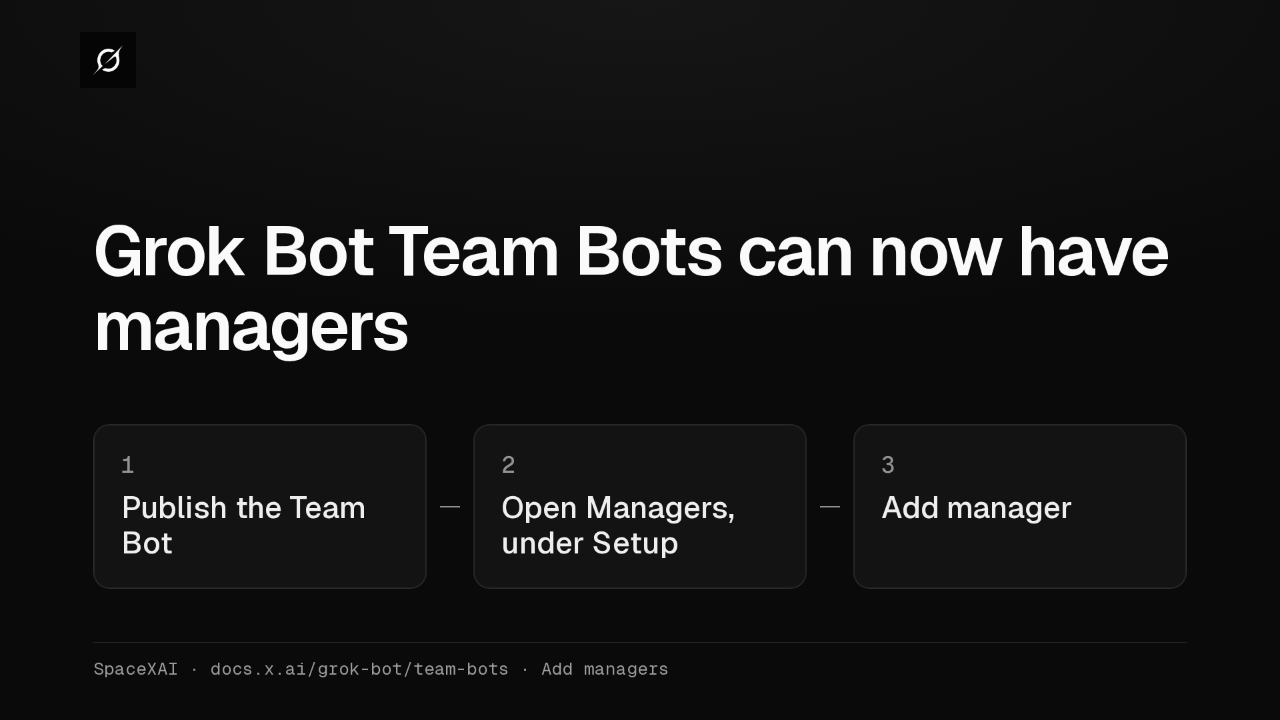
Grok Bot Team Bots get managers, and Bots can read X
@grok-bot
1 month ago