Grok Bot's Vault lets Bots sign in and pay without seeing your passwords
1 day ago
Grok Bot's Vault holds your logins, cards and contact info so your Bots sign in and check out without seeing your passwords. Also: the sign-in order, what a Bot can edit, paying with a saved card, importing logins, deleting a Bot, and the team-size rule for Team Bots. https://docs.x.ai/grok-bot/vault https://docs.x.ai/grok-bot/computer-and-apps https://docs.x.ai/grok-bot/how-grok-bot-works https://docs.x.ai/grok-bot/settings-and-notifications https://docs.x.ai/grok-bot/bots https://docs.x.ai/grok-bot/team-bots
Ask about this presentation
Chapters
Show transcriptHide transcript
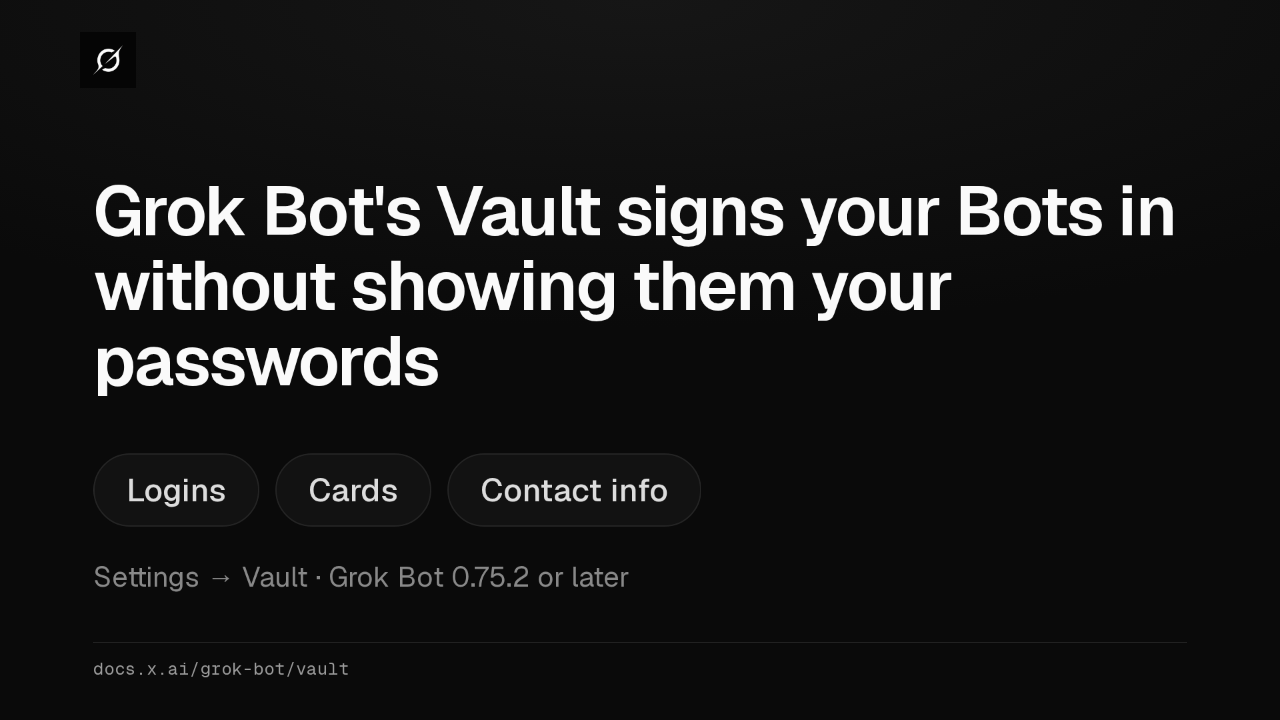
Grok Bot's Vault keeps your logins, cards and contact info, so your Bots can sign in and check out for you. It's under Settings, and needs Grok Bot 0.75.2 or later.
Slide text

Grok Bot's Vault signs your Bots in without showing them your passwords
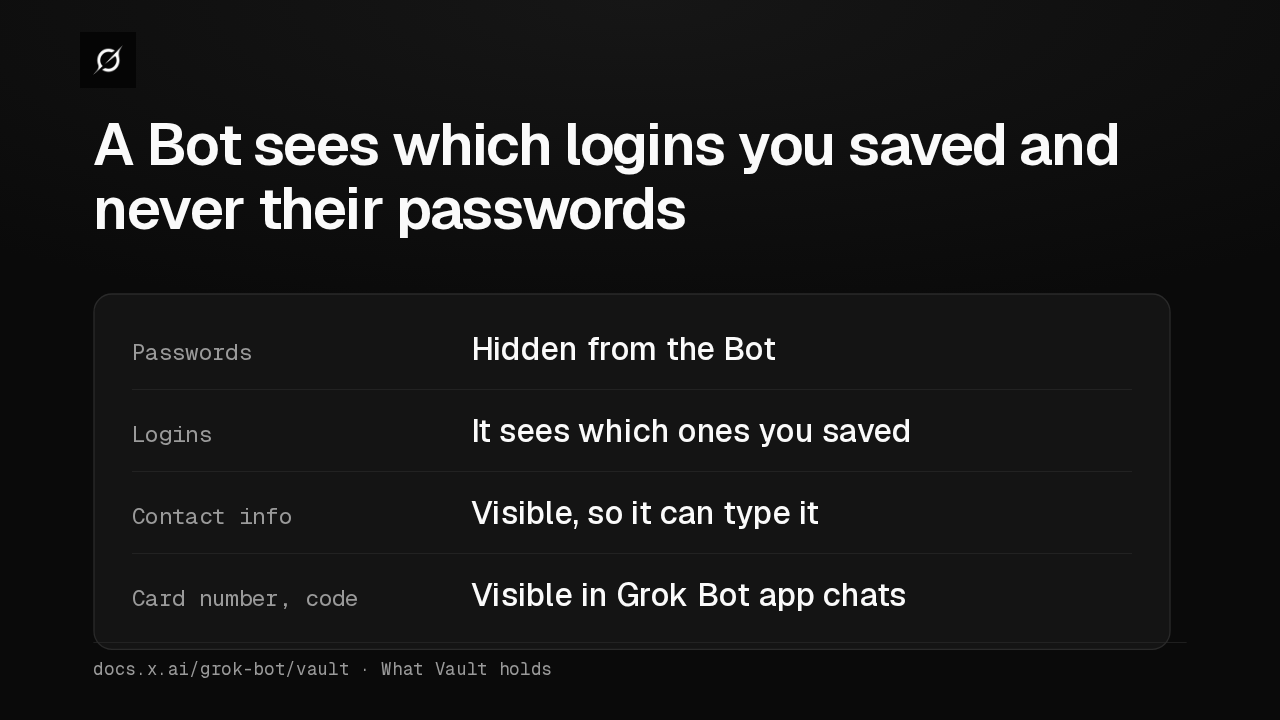
Logins Cards Contact infoSettings → Vault · Grok Bot 0.75.2 or laterdocs.x.ai/grok-bot/vaultA Bot never sees a saved password, only which logins you saved, plus your contact info. In Grok Bot app chats it also sees a card's number and code, to type in after you tap Pay.
Slide text
A Bot sees which logins you saved and never their passwords
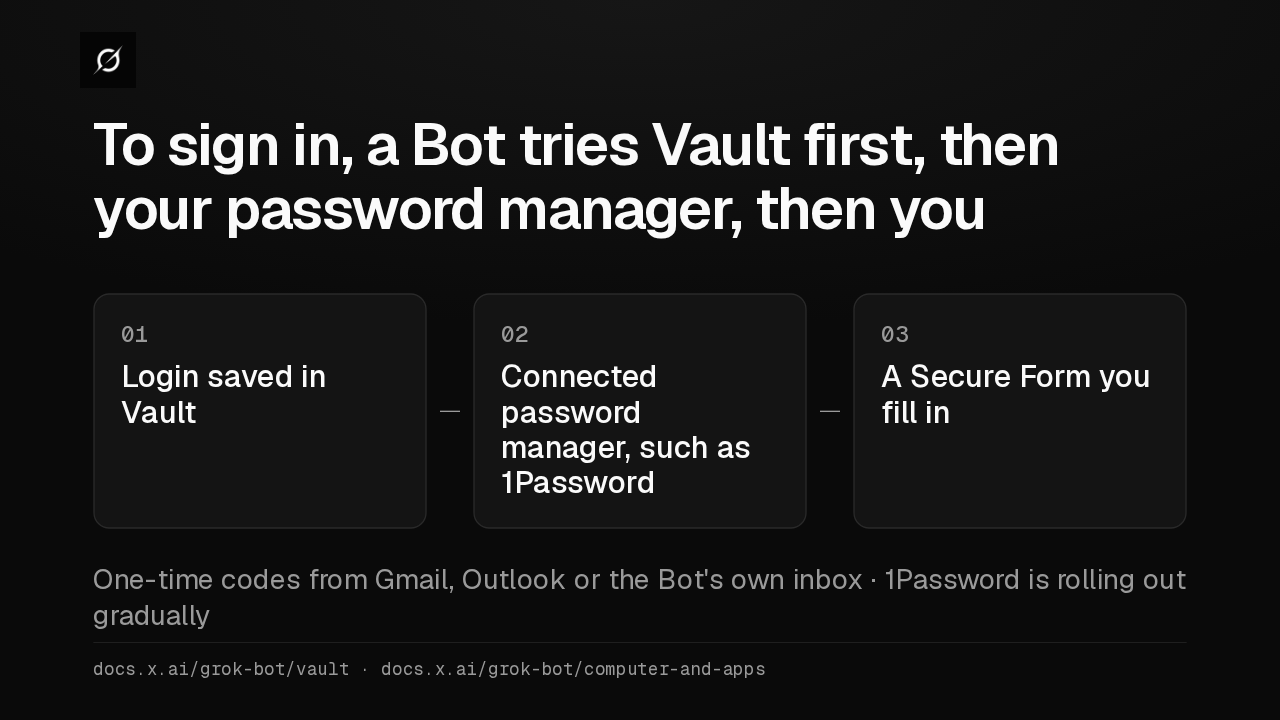
Passwords Hidden from the BotLogins It sees which ones you savedContact info Visible, so it can type itCard number, code Visible in Grok Bot app chatsdocs.x.ai/grok-bot/vault · What Vault holdsTo sign in, a Bot tries Vault, then a connected password manager like 1Password, then asks you with a Secure Form. It finds emailed one-time codes in Gmail, Outlook or its own inbox.
Slide text
To sign in, a Bot tries Vault first, then your password manager, then you
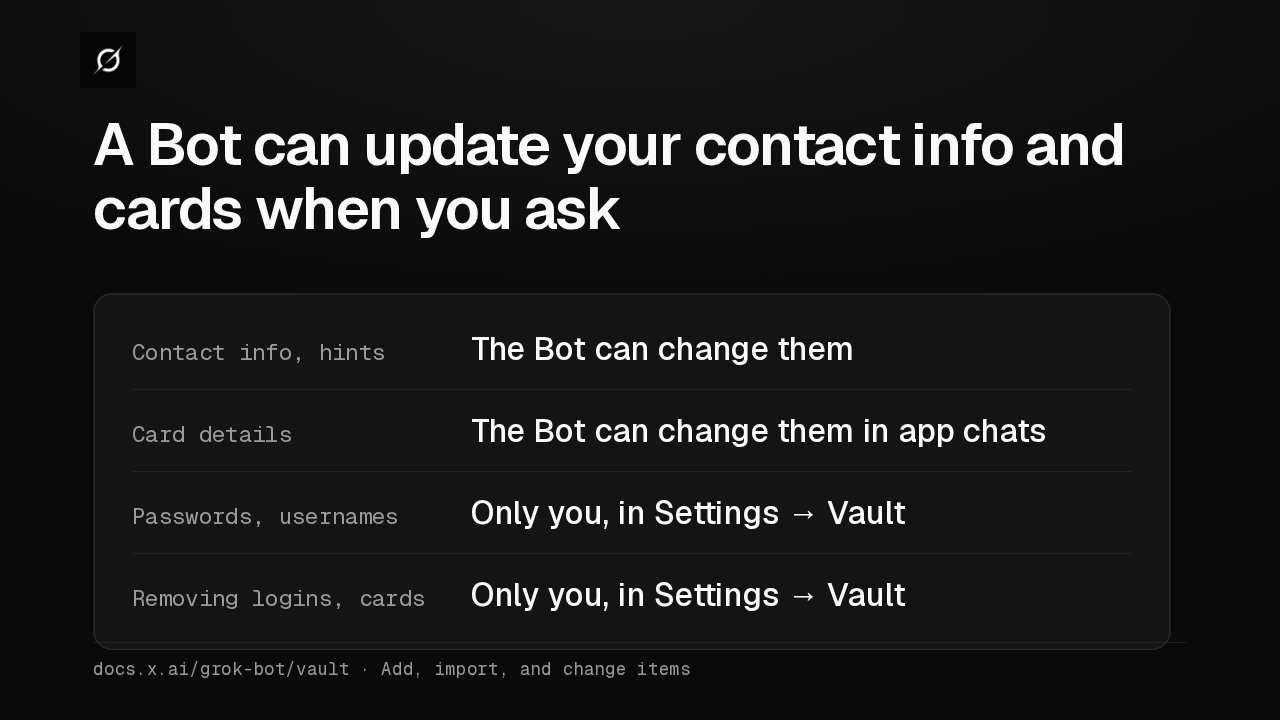
01Login saved in Vault02Connected password manager, such as 1Password03A Secure Form you fill inOne-time codes from Gmail, Outlook or the Bot's own inbox · 1Password is rolling out graduallydocs.x.ai/grok-bot/vault · docs.x.ai/grok-bot/computer-and-appsA Bot can update your address when you ask, and a card's details in app chats. Passwords, usernames and websites change only in Settings, and only you remove a login or card.
Slide text
A Bot can update your contact info and cards when you ask
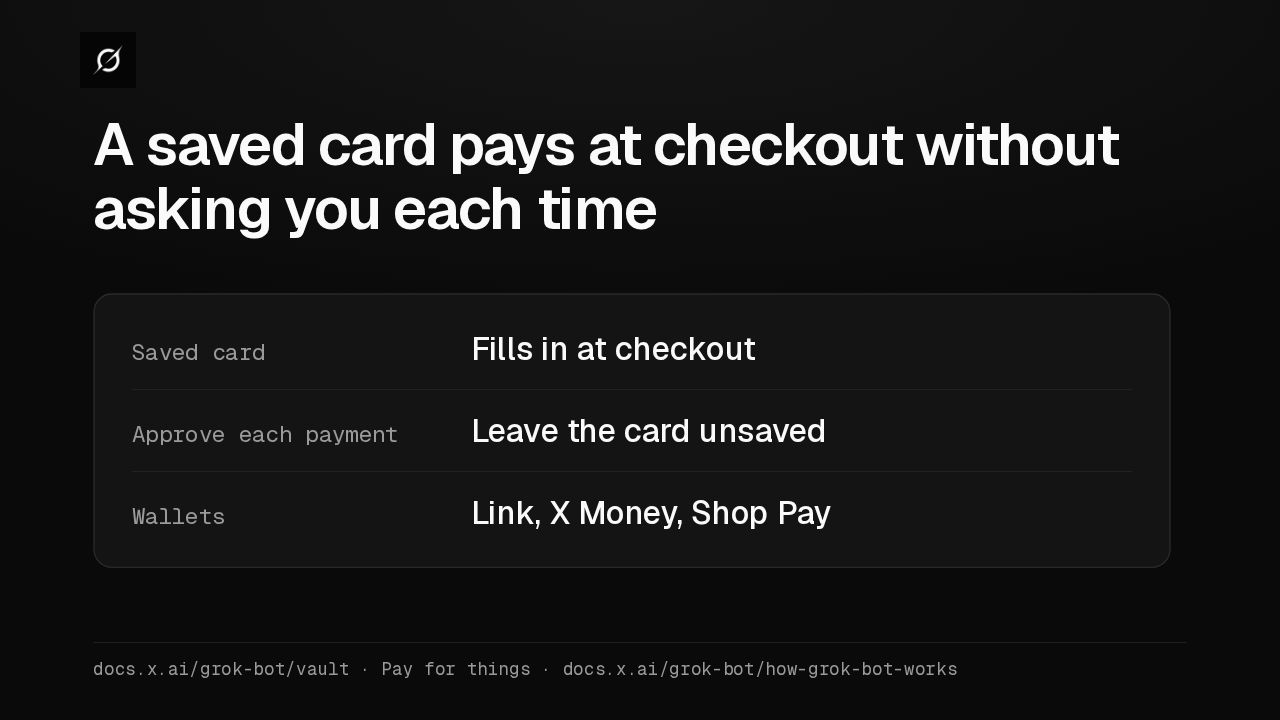
Contact info, hints The Bot can change themCard details The Bot can change them in app chatsPasswords, usernames Only you, in Settings → VaultRemoving logins, cards Only you, in Settings → Vaultdocs.x.ai/grok-bot/vault · Add, import, and change itemsA card saved in Vault fills in at checkout without asking you first. To approve every purchase, leave the card unsaved. Bots can also pay with Link, X Money or Shop Pay.
Slide text
A saved card pays at checkout without asking you each time
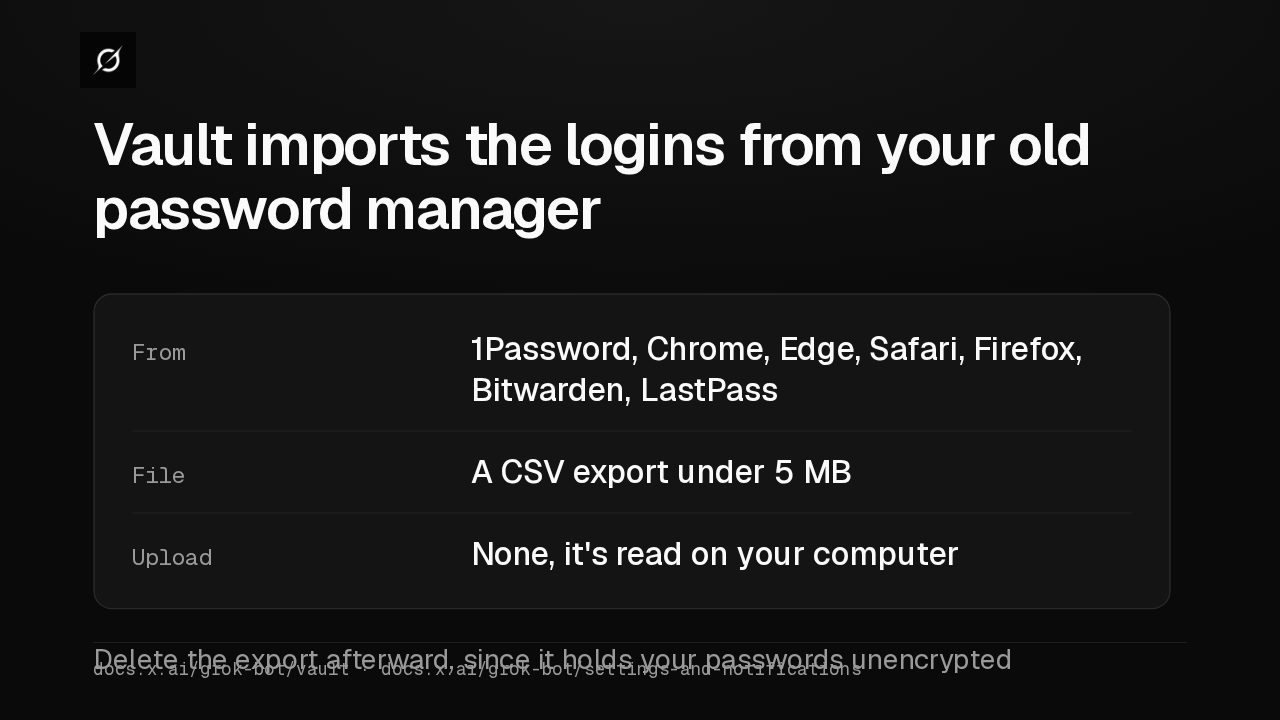
Saved card Fills in at checkoutApprove each payment Leave the card unsavedWallets Link, X Money, Shop Paydocs.x.ai/grok-bot/vault · Pay for things · docs.x.ai/grok-bot/how-grok-bot-worksOn desktop, Vault imports a CSV export from 1Password, Chrome, Safari, Bitwarden and others. The file stays on your computer. Delete the export afterward, because it holds your passwords unencrypted.
Slide text
Vault imports the logins from your old password manager
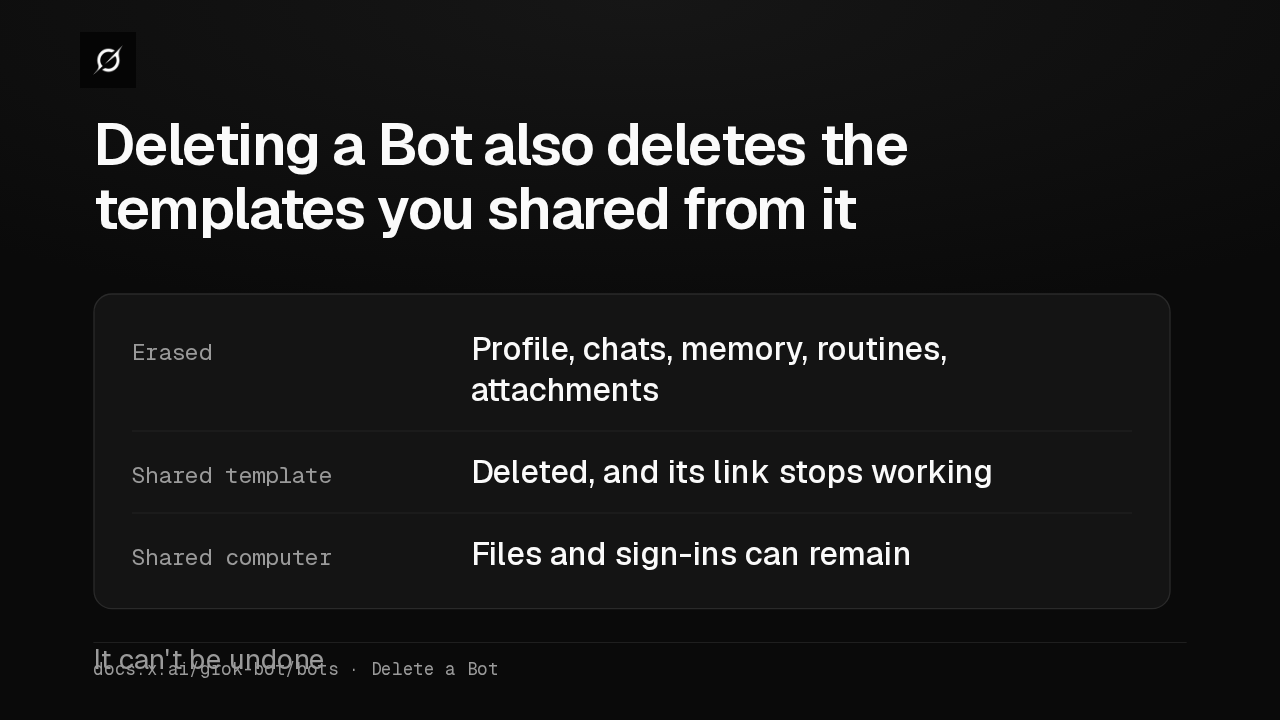
From 1Password, Chrome, Edge, Safari, Firefox, Bitwarden, LastPassFile A CSV export under 5 MBUpload None, it's read on your computerDelete the export afterward, since it holds your passwords unencrypteddocs.x.ai/grok-bot/vault · docs.x.ai/grok-bot/settings-and-notificationsDeleting a Bot erases its memory, routines and conversations, plus any template you shared from it, so that link stops working. Files and sign-ins on the shared computer can stay behind, so clean those up yourself.
Slide text
Deleting a Bot also deletes the templates you shared from it
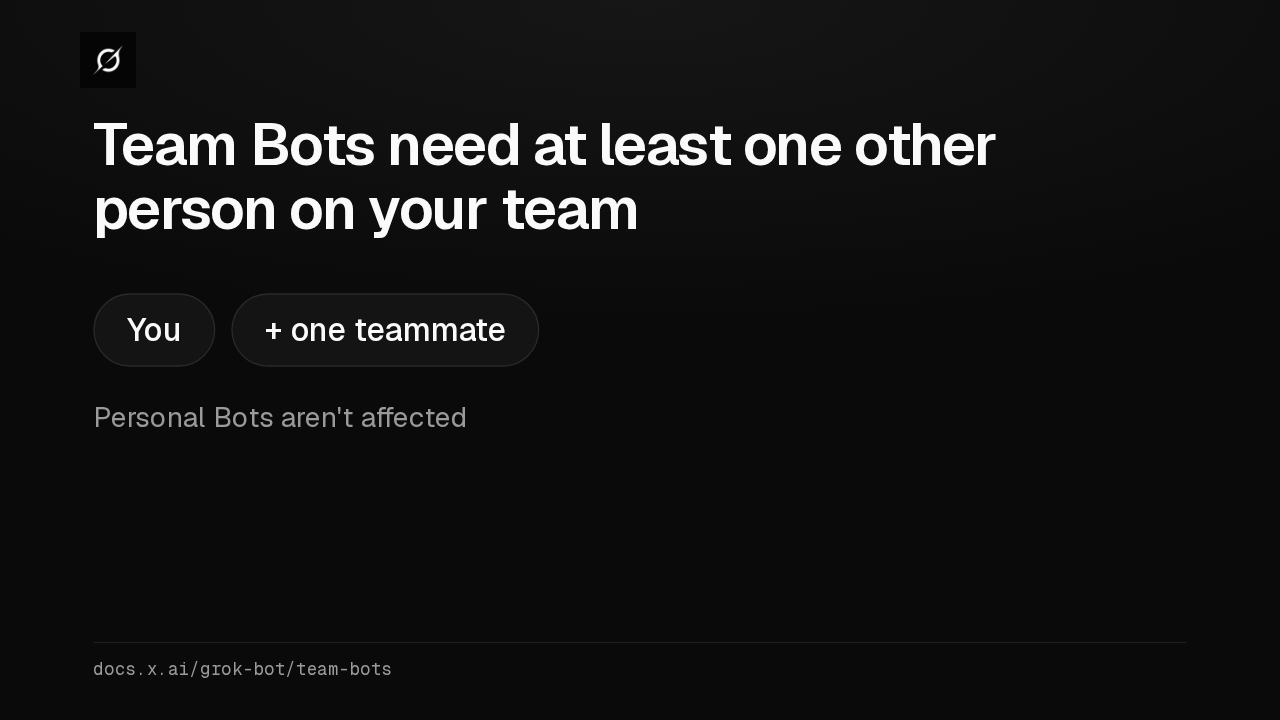
Erased Profile, chats, memory, routines, attachmentsShared template Deleted, and its link stops workingShared computer Files and sign-ins can remainIt can't be undonedocs.x.ai/grok-bot/bots · Delete a BotIf you're the only person on your Cursor team, you can't create or share a Team Bot until a teammate joins. Your personal Bots aren't affected.
Slide text
Team Bots need at least one other person on your team
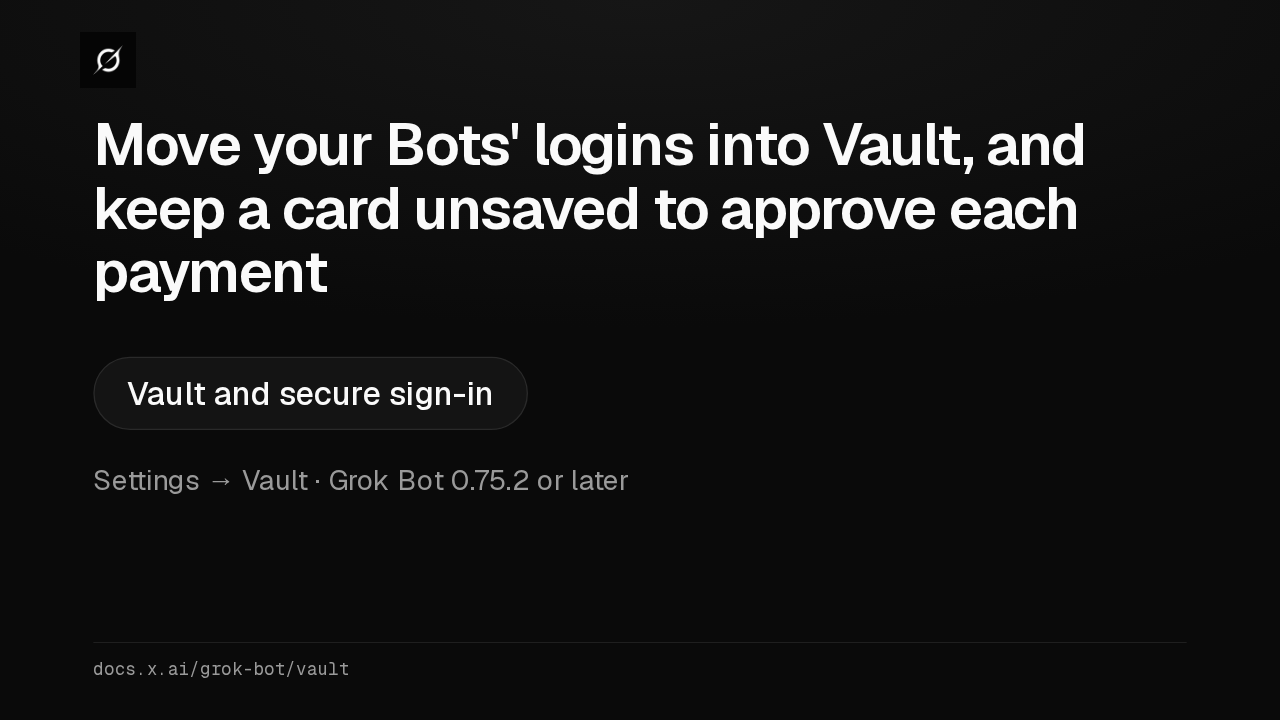
You + one teammatePersonal Bots aren't affecteddocs.x.ai/grok-bot/team-botsIf your Bots sign in for you, I'd move those logins into Vault, and keep a card out if you want to approve each purchase. The full guide is Vault and secure sign-in.
Slide text
Move your Bots' logins into Vault, and keep a card unsaved to approve each payment
Vault and secure sign-inSettings → Vault · Grok Bot 0.75.2 or laterdocs.x.ai/grok-bot/vault
Up next
 1:06
Grok Bot now acts only as you, and keeps your passwords out of the model
@grok-bot
1 day ago
 2:29
Grok Bot now signs in with Okta FastPass on its own computers
@grok-bot
2 days ago
 2:19
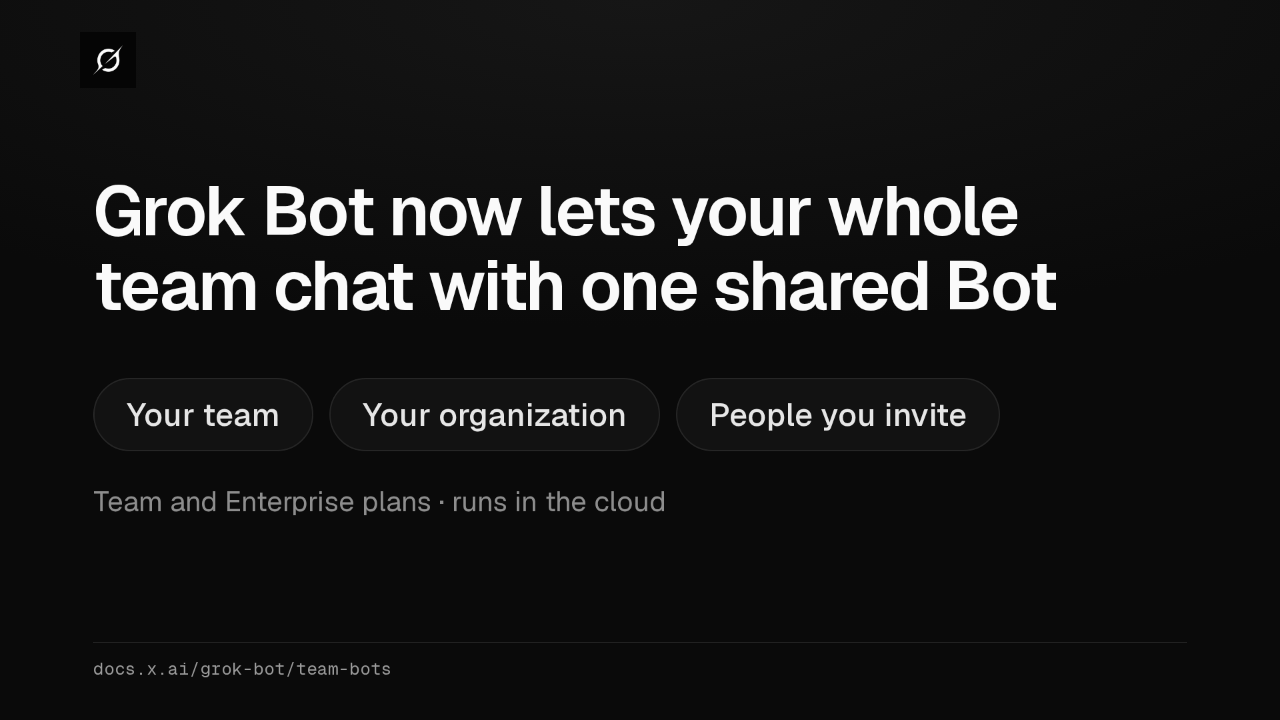
Grok Bot now shares one Bot with your whole team, in Slack and Teams
@grok-bot
2 days ago
 1:59
Grok Bot Team Bots now learn for the team and join Microsoft Teams
@grok-bot
3 days ago
 1:56
Grok Bot buys your conference pass from memory and asks before it emails finance
@grok-bot
1 week ago
 1:04
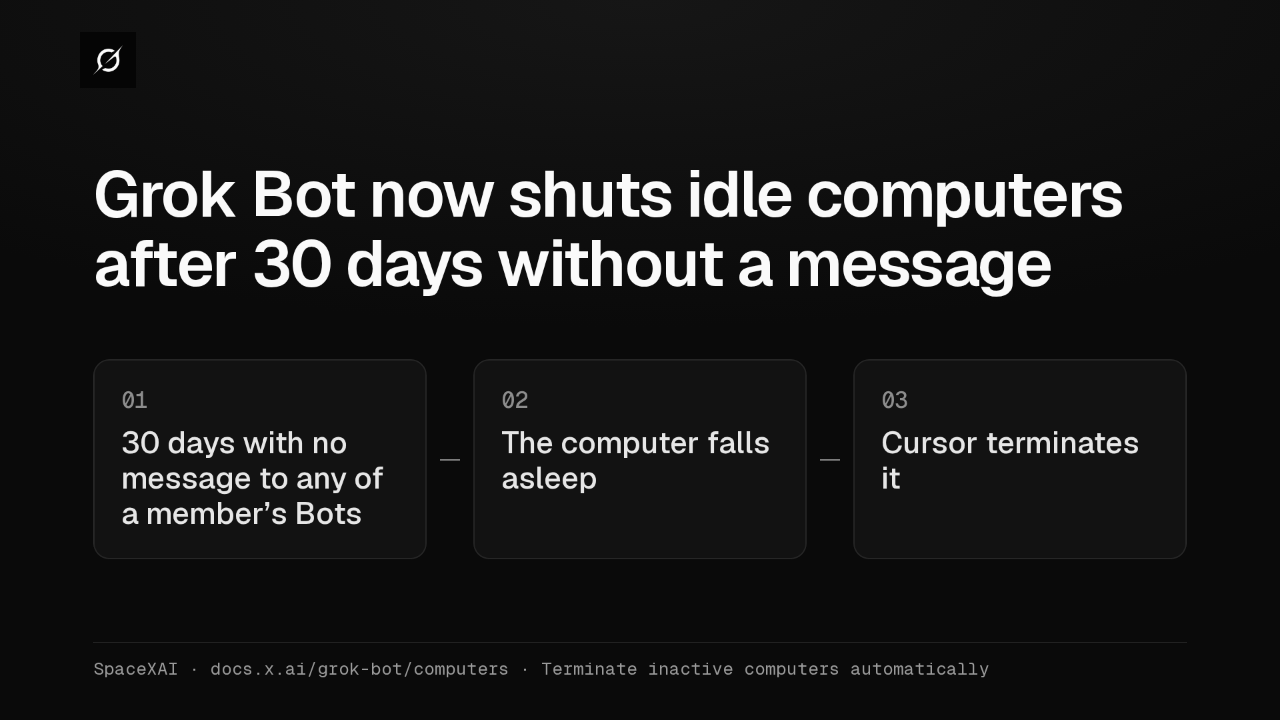
Grok Bot now shuts idle computers after 30 days without a message
@grok-bot
1 week ago
 2:17
Grok Bot inference hooks let your security server block a prompt before the model sees it
@grok-bot
3 weeks ago
 1:58
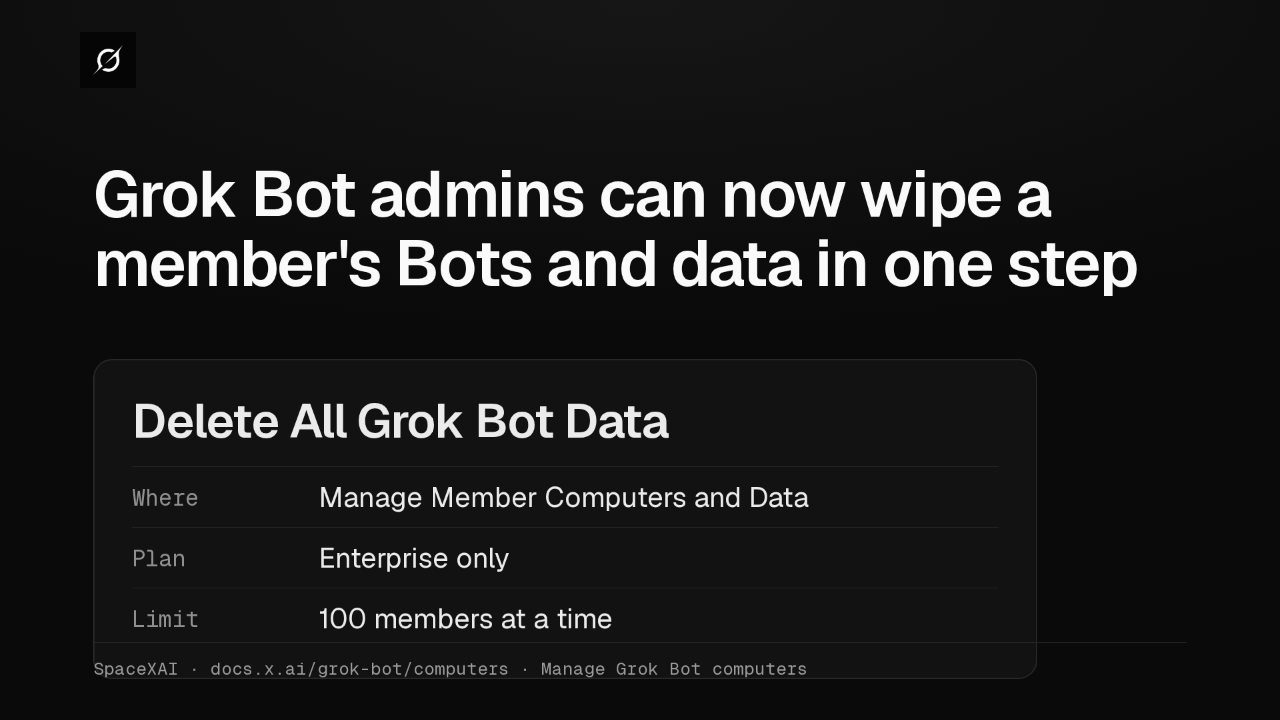
Grok Bot admins can now wipe a member's Bots and data in one step
@grok-bot
3 weeks ago
 1:47
Grok Bot lets Enterprise team admins recreate or terminate Bot computers in bulk
@grok-bot
1 month ago
 2:52
Grok Bot now deploys to your whole organization with Jamf, Intune and Ansible
@grok-bot
1 month ago
 1:19
Grok Bot plugins now install from Connect apps
@grok-bot
1 month ago
 1:43
Grok Bot Team Bots get managers, and Bots can read X
@grok-bot
1 month ago