Inference hooks

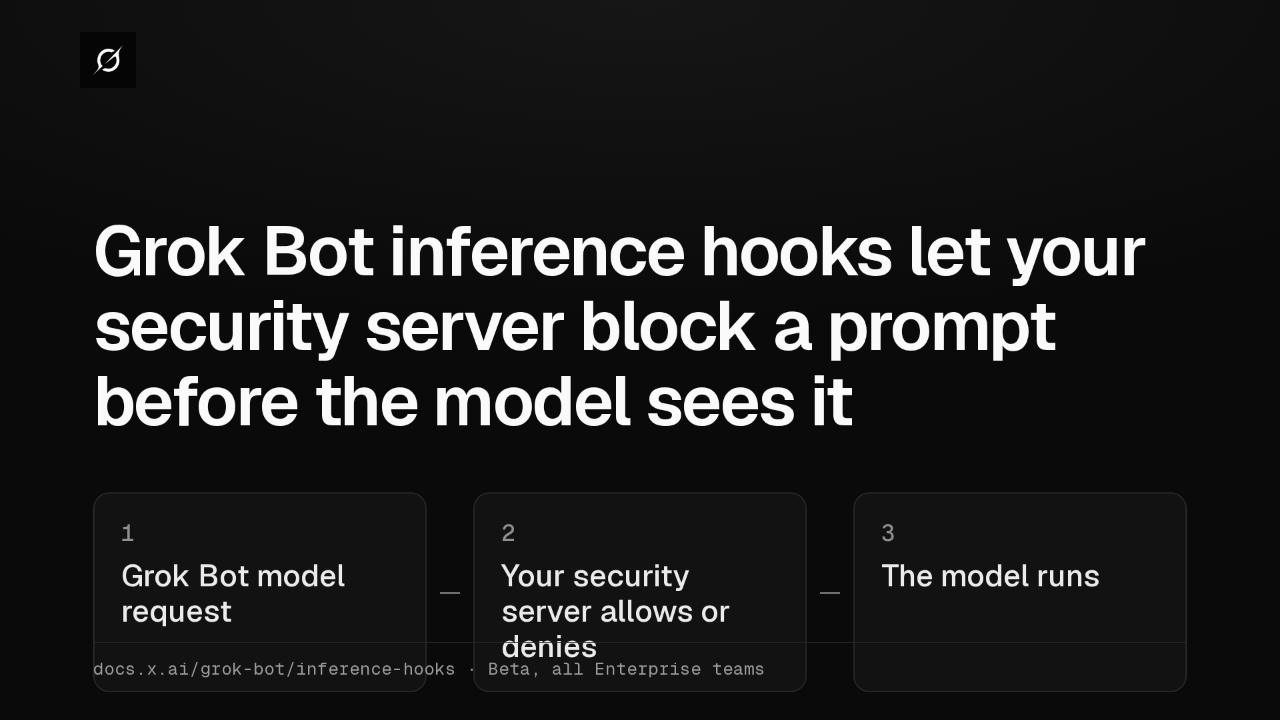
Grok Bot inference hooks let your security server block a prompt before the model sees it
Grok Bot can now send each model request to your organization's AI security server. The request is signed, and your server allows or denies it before the model runs. It's a beta for every Enterprise team.
Gathered content
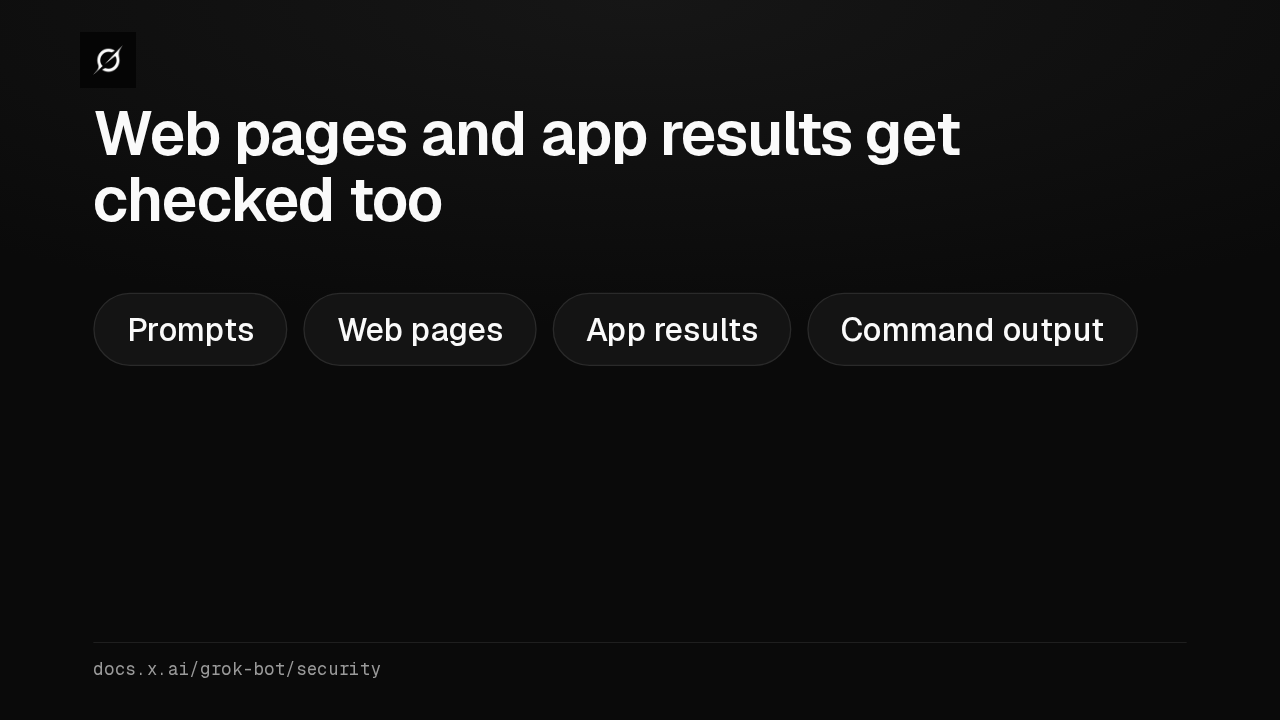
Web pages and app results get checked too
The check covers what the Bot picks up, as well as what members type. Web pages, app results and command output reach your server before the next model call, so your data loss policy can stop them.
Shadow mode
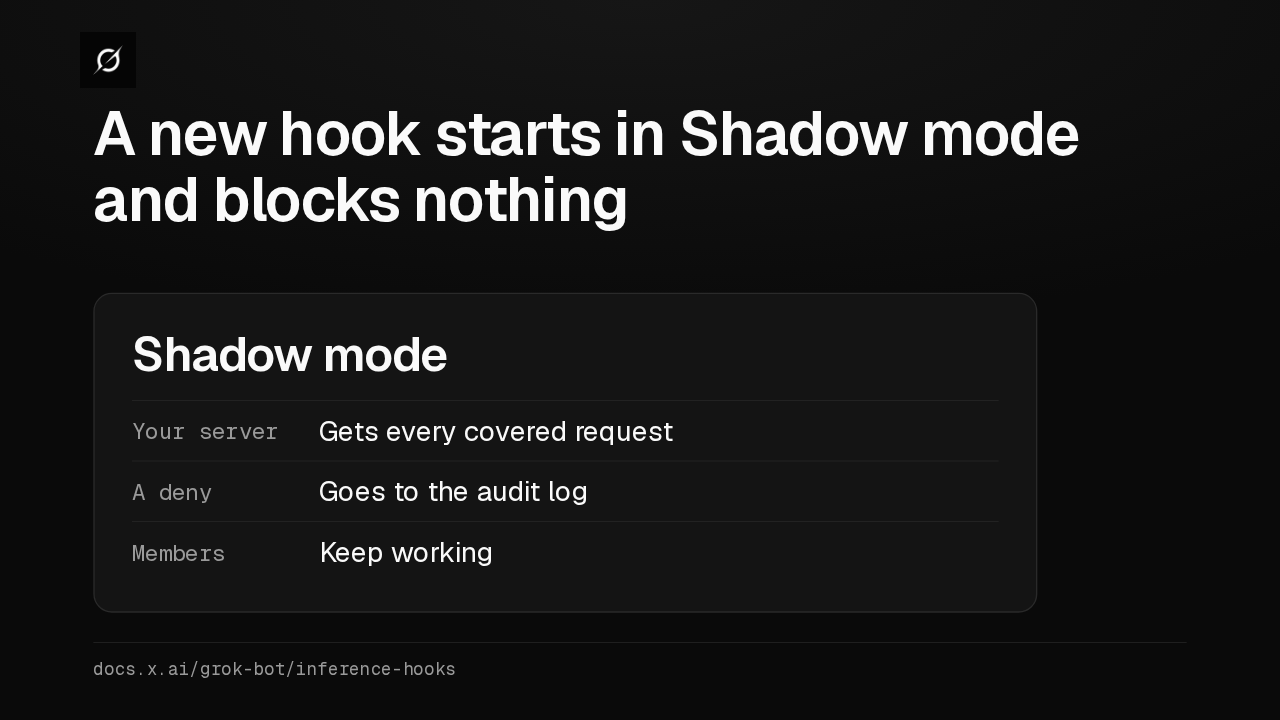
A new hook starts in Shadow mode and blocks nothing
A new configuration starts in Shadow mode. Your server sees every covered request and denials go to the audit log, while members keep working. Their conversations still reach your server, so tell members first.
Fail open or closed
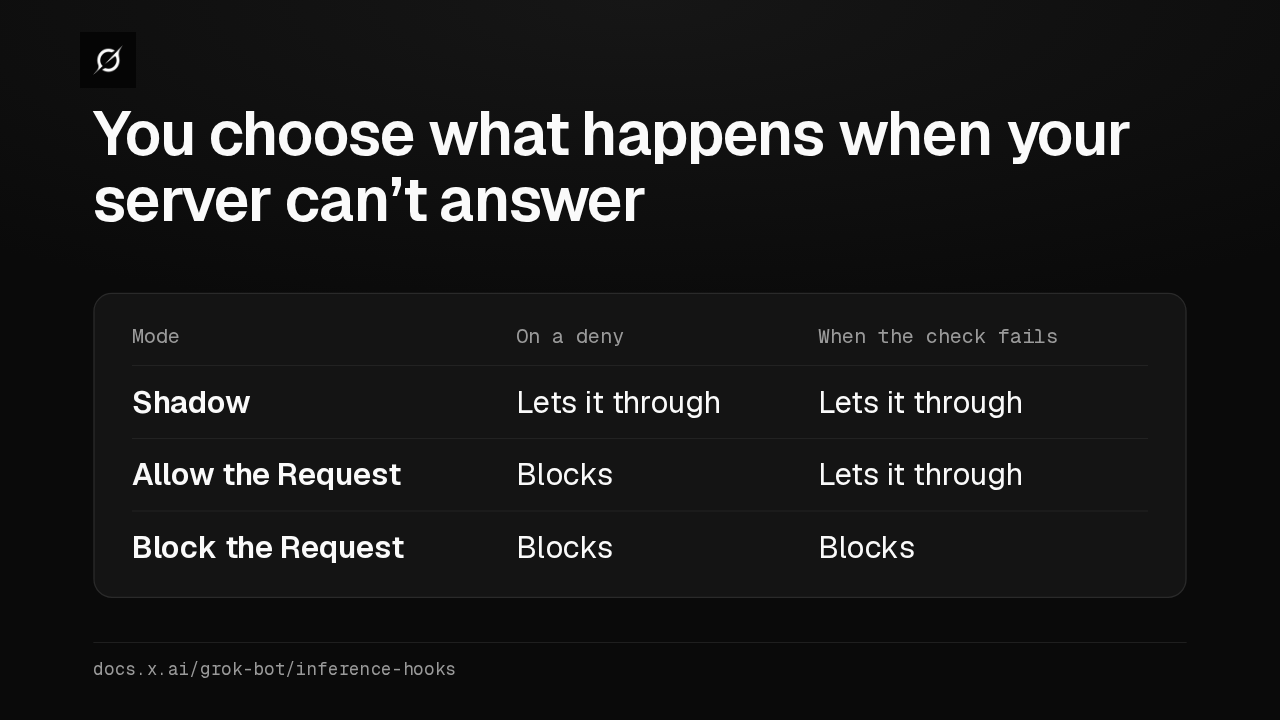
You choose what happens when your server can’t answer
Once the verdicts look right, you pick a mode. Allow the Request lets traffic through when your server times out or errors, and Block the Request stops it. A failure never counts as a deny.
What members see
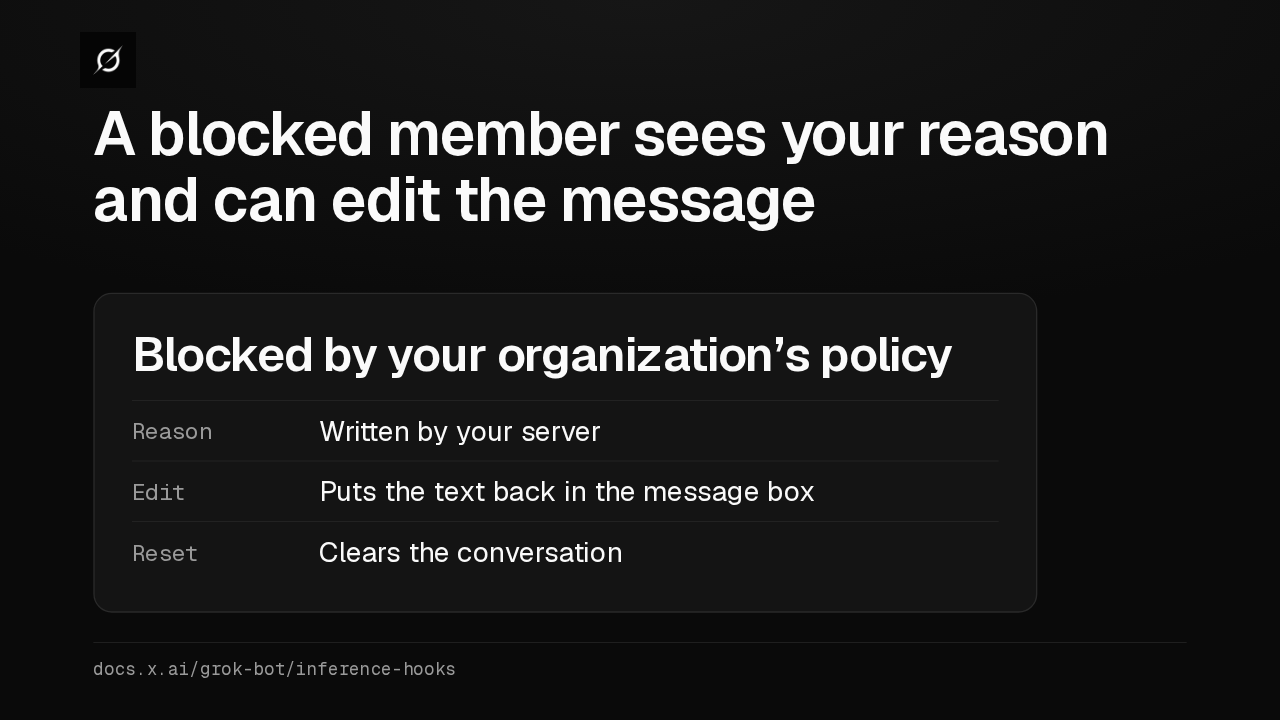
A blocked member sees your reason and can edit the message
On a deny, the sender sees Blocked by your organization's policy, with your server's reason. Edit puts the text back so they can send something different, and Reset clears the conversation.
Inputs, not actions
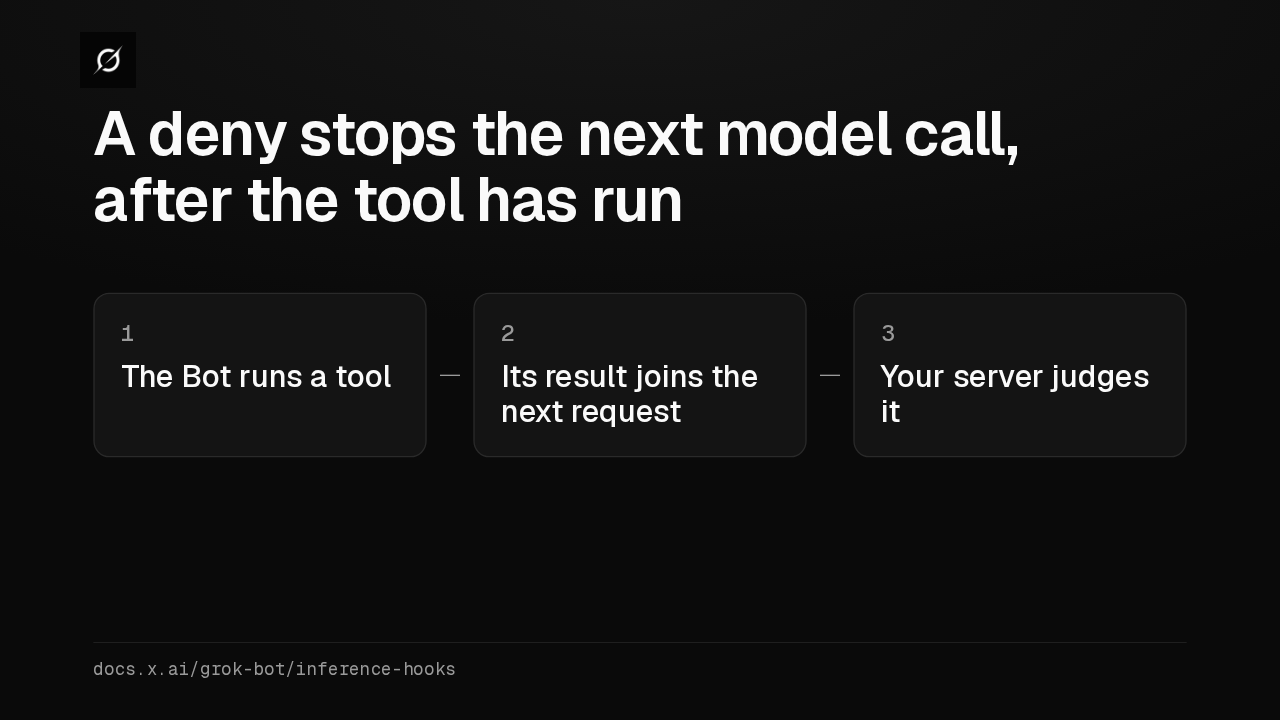
A deny stops the next model call, after the tool has run
A tool call reaches your server only after it has run, and that includes the Bot's replies to members. So a deny stops the next model call. Keep the network policy and Auto Review in place to control actions.
Coverage
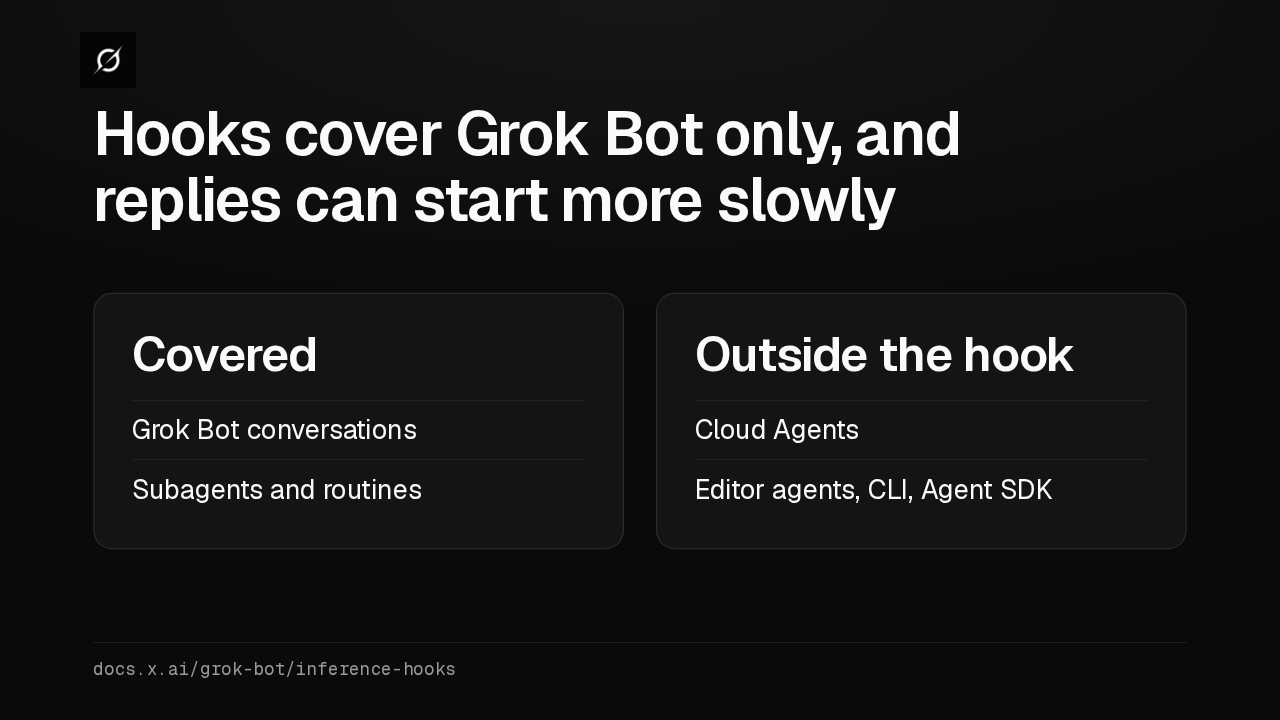
Hooks cover Grok Bot only, and replies can start more slowly
Coverage stops at Grok Bot. Cloud Agents, editor agents, the CLI and the Agent SDK go to the model unchecked. And with a hook on, Grok Bot skips some early model calls, so replies can start more slowly.
Pages
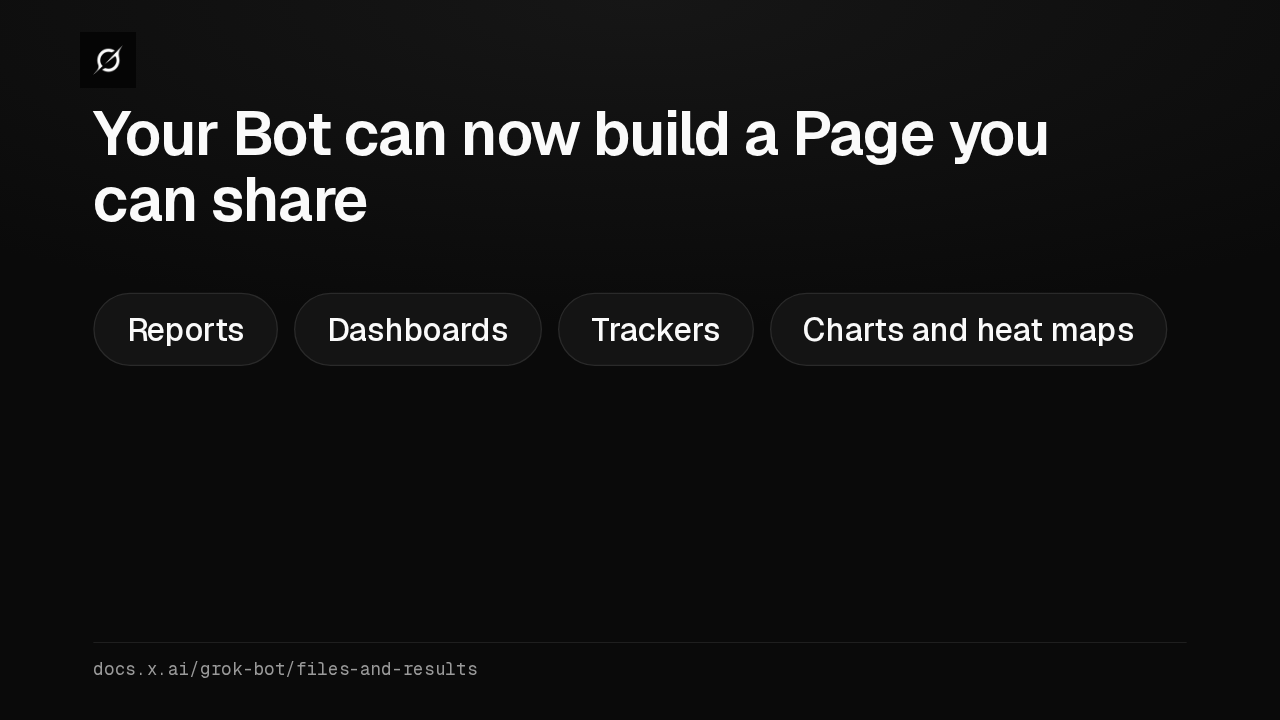
Your Bot can now build a Page you can share
A Page is a styled report, dashboard or tracker the Bot builds, like signups for the last 30 days. Self-serve plans can share one publicly, Enterprise plans with chosen people and teams, and routines can keep it updated.
Apply to MCP servers
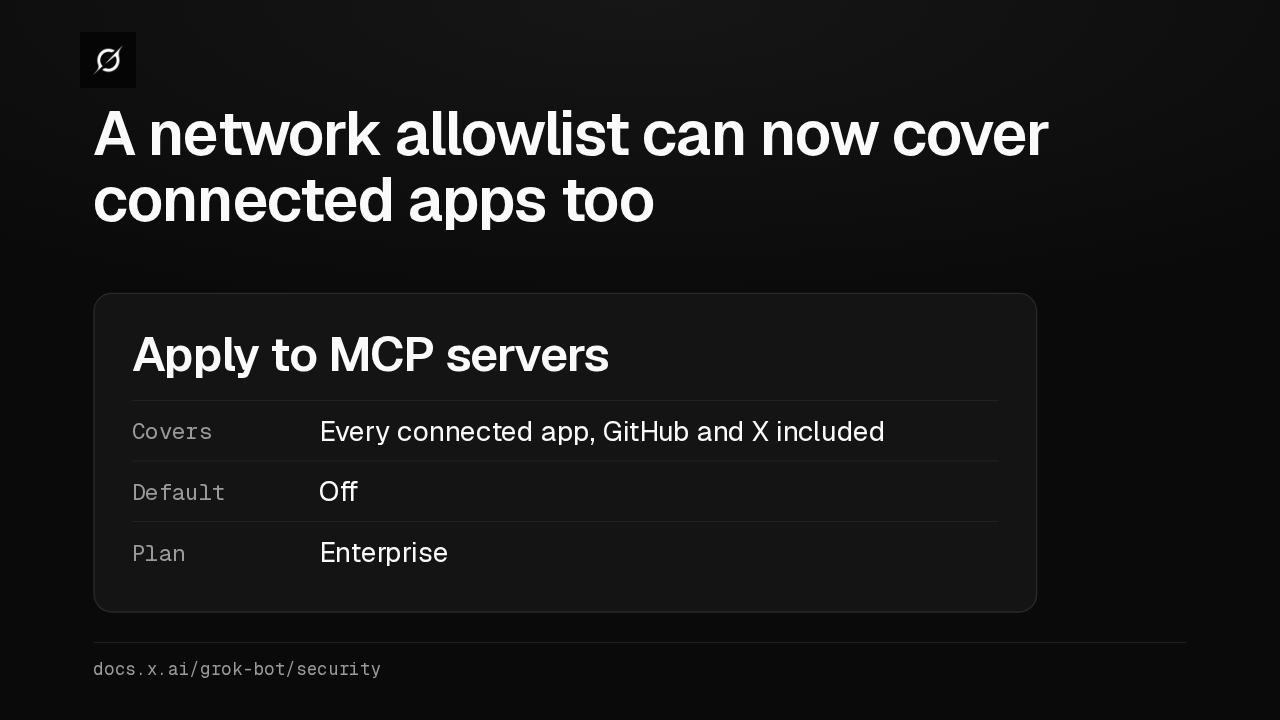
A network allowlist can now cover connected apps too
Grok Bot reaches connected apps from Cursor's servers, so a network allowlist alone misses them. Turn on Apply to MCP servers and every app, GitHub and X included, must match an allowed host. It's off by default.
Your security server
Which security server would your team point Grok Bot at?
Setup steps, the request format and the audit events are in the Grok Bot inference hooks guide. Which security server would your team point Grok Bot at?