Deploy with your own tools

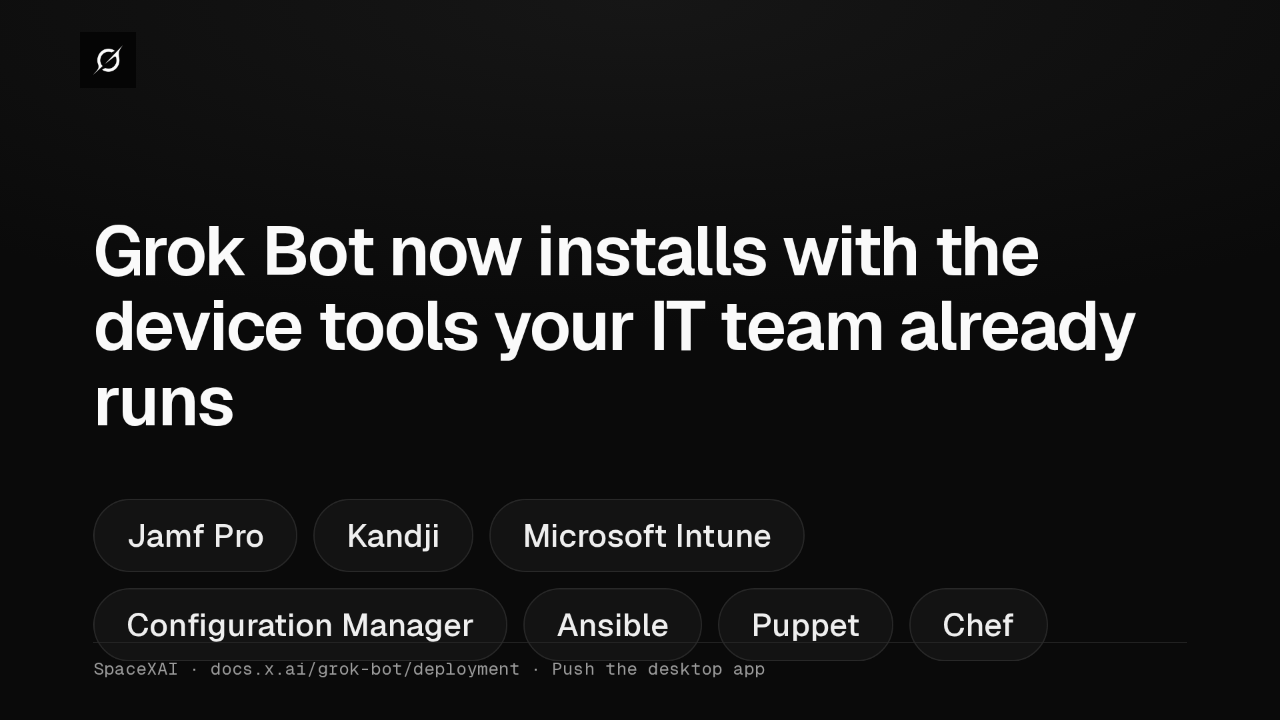
Grok Bot now installs with the device tools your IT team already runs
Admins can now push the Grok Bot desktop app to members' devices. Jamf Pro, Kandji or Intune on a Mac, Intune on Windows, and Ansible, Puppet or Chef on Linux.
Installers
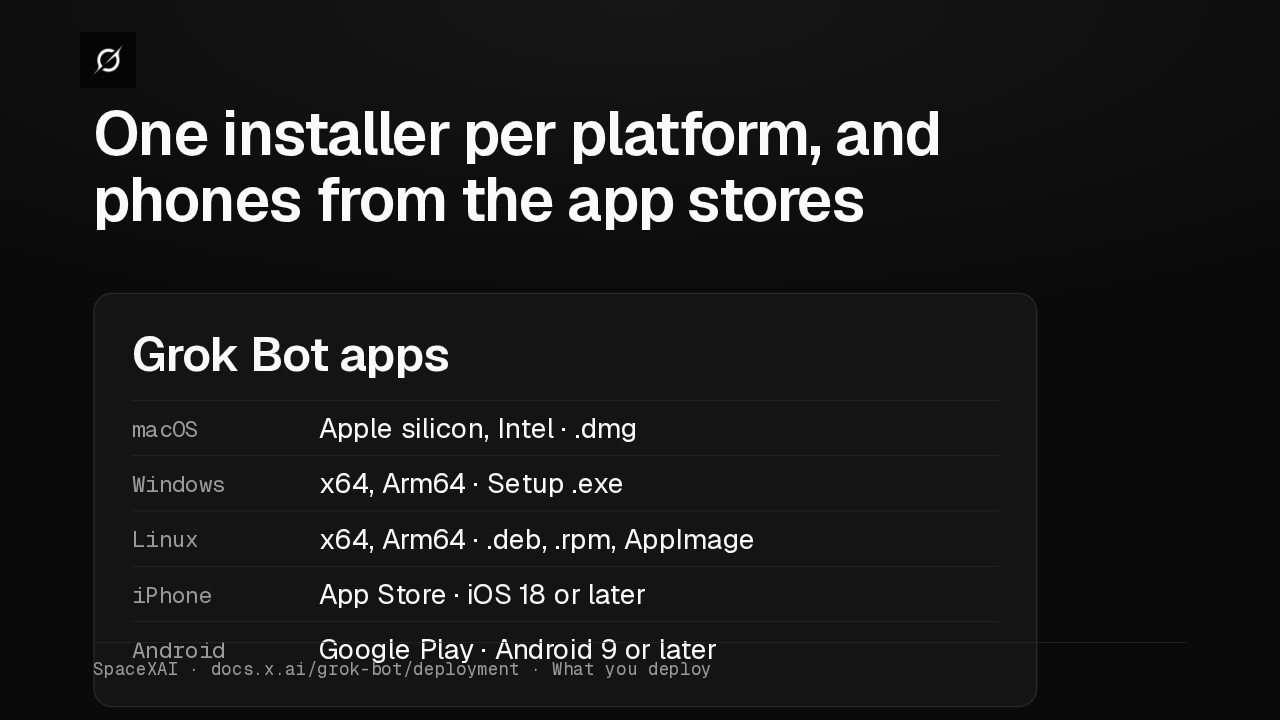
One installer per platform, and phones from the app stores
Mac gets a disk image, Windows a Setup installer, and Linux deb, RPM or AppImage. There is no MSI or PKG, so wrap the installer in your tool's own package format.
Desktop updates
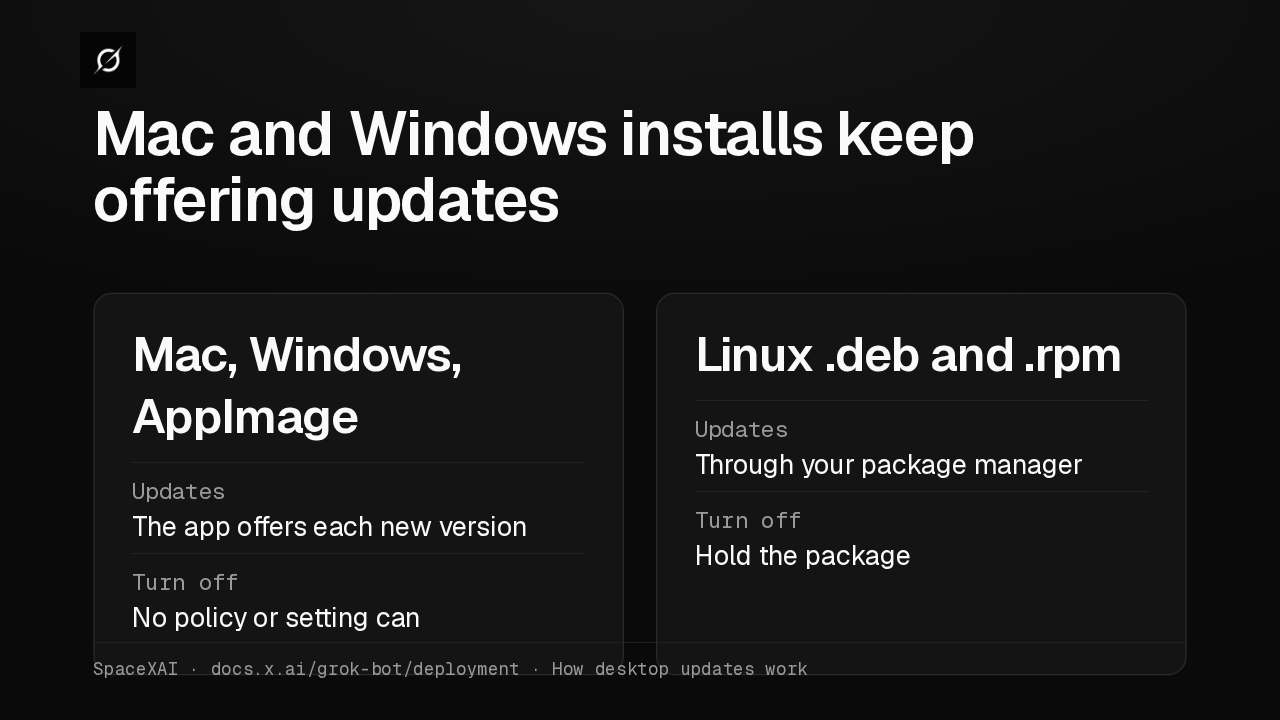
Mac and Windows installs keep offering updates
On Mac, Windows and AppImage, no policy or setting turns off desktop updates. Linux deb and RPM installs never update themselves, so your package manager decides when they move.
Update required
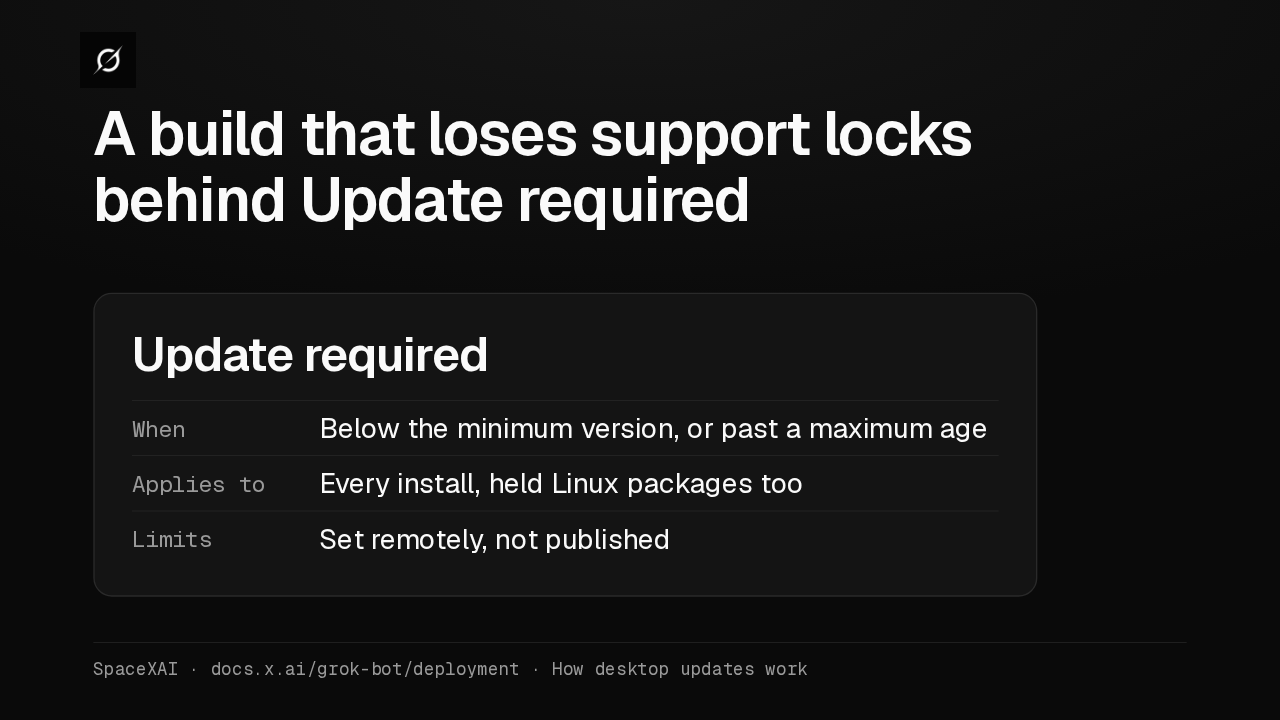
A build that loses support locks behind Update required
A pinned build doesn't last forever. Once it loses support, Update required covers the whole window, even on a held Linux package. Both cutoffs are unpublished, so plan regular updates.
Hosted computers
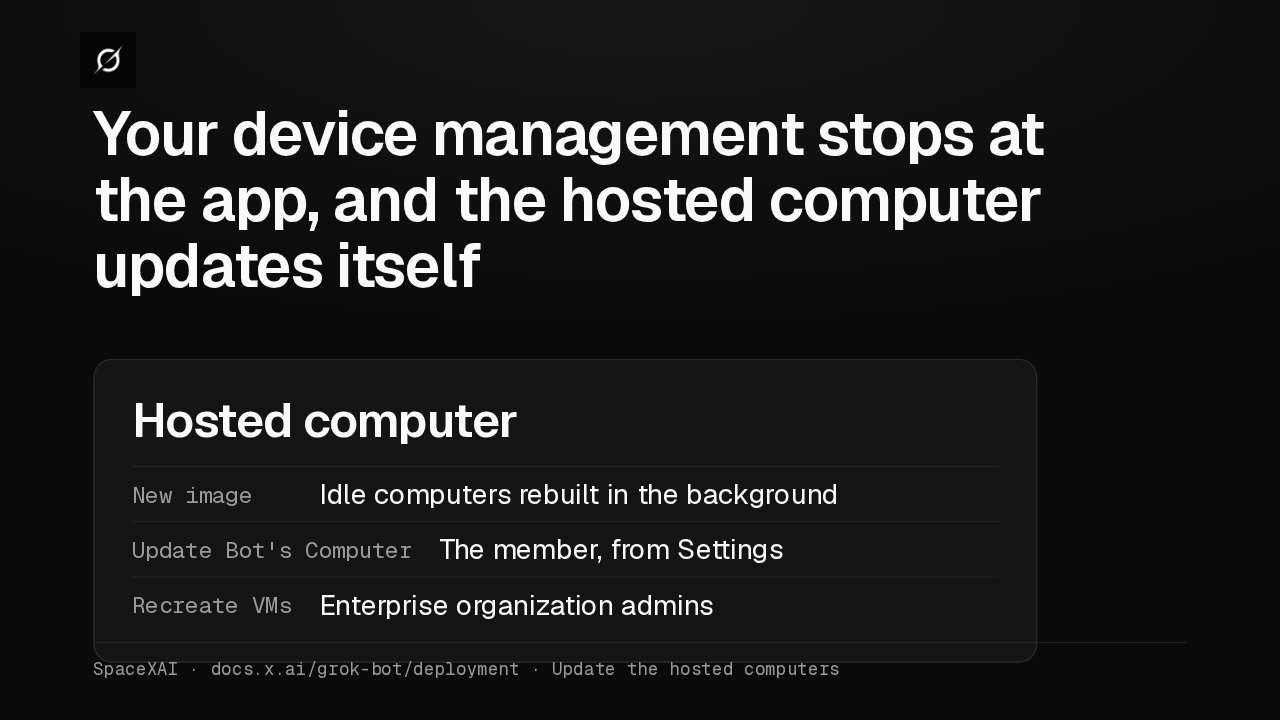
Your device management stops at the app, and the hosted computer updates itself
Each member's hosted computer runs Linux in the cloud, outside your device management, and its image can't be pinned. Idle computers move to new images in the background.
Organization API
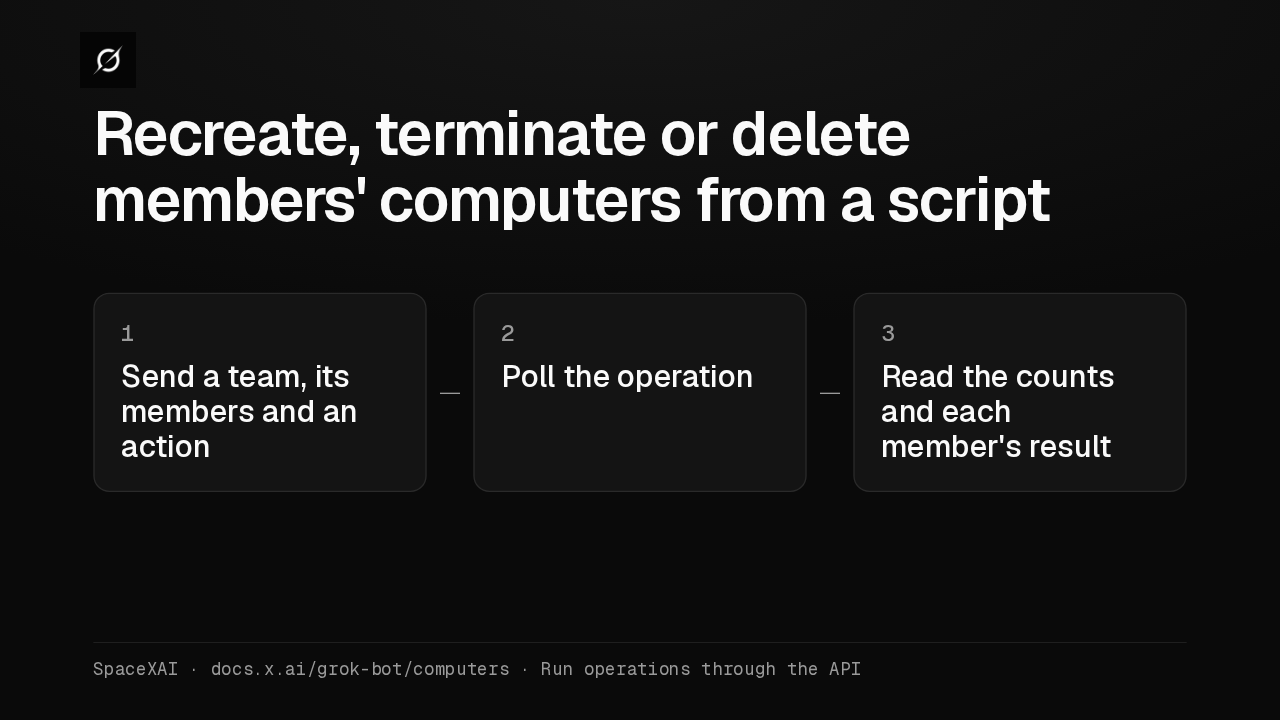
Recreate, terminate or delete members' computers from a script
Organization admins can now recreate, terminate or delete members' computers through the Organization API. Each team runs one operation at a time, from the API or the dashboard.
Invite Team
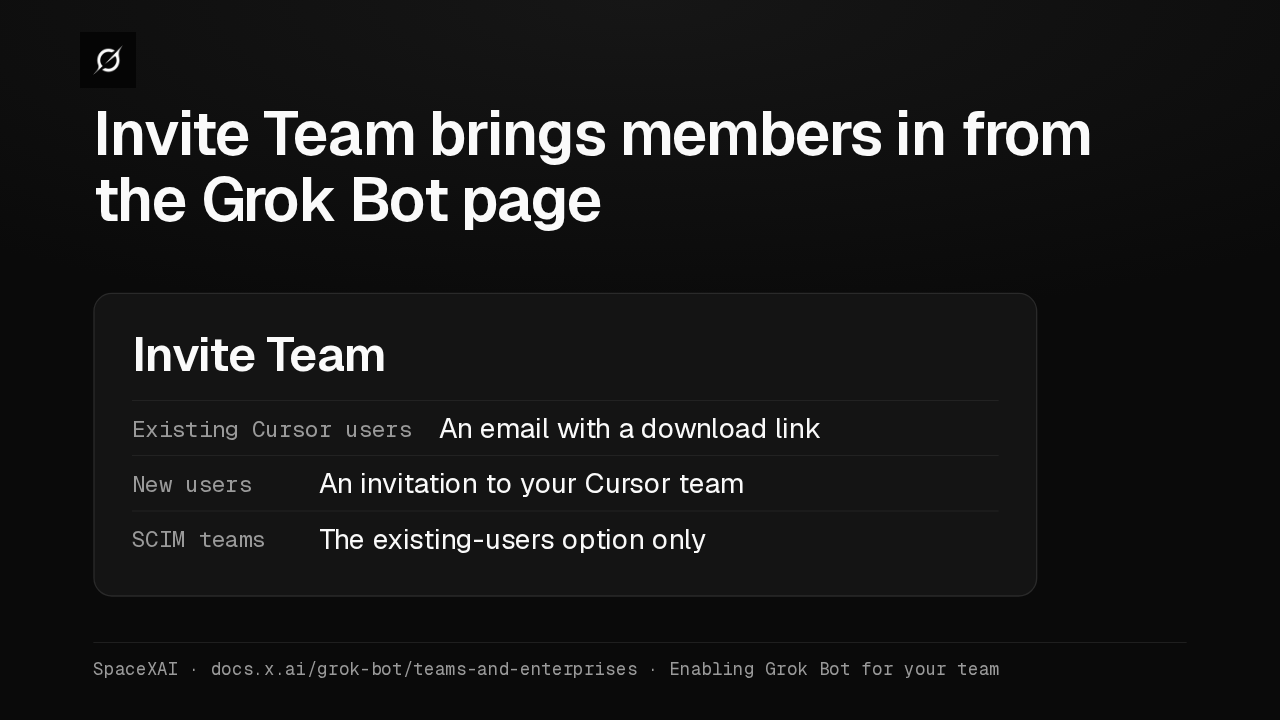
Invite Team brings members in from the Grok Bot page
Admins on Teams and Enterprise get Invite Team. Existing Cursor users get a download link by email, new users get a Cursor team invitation, and SCIM teams get only the first option.
Route traffic
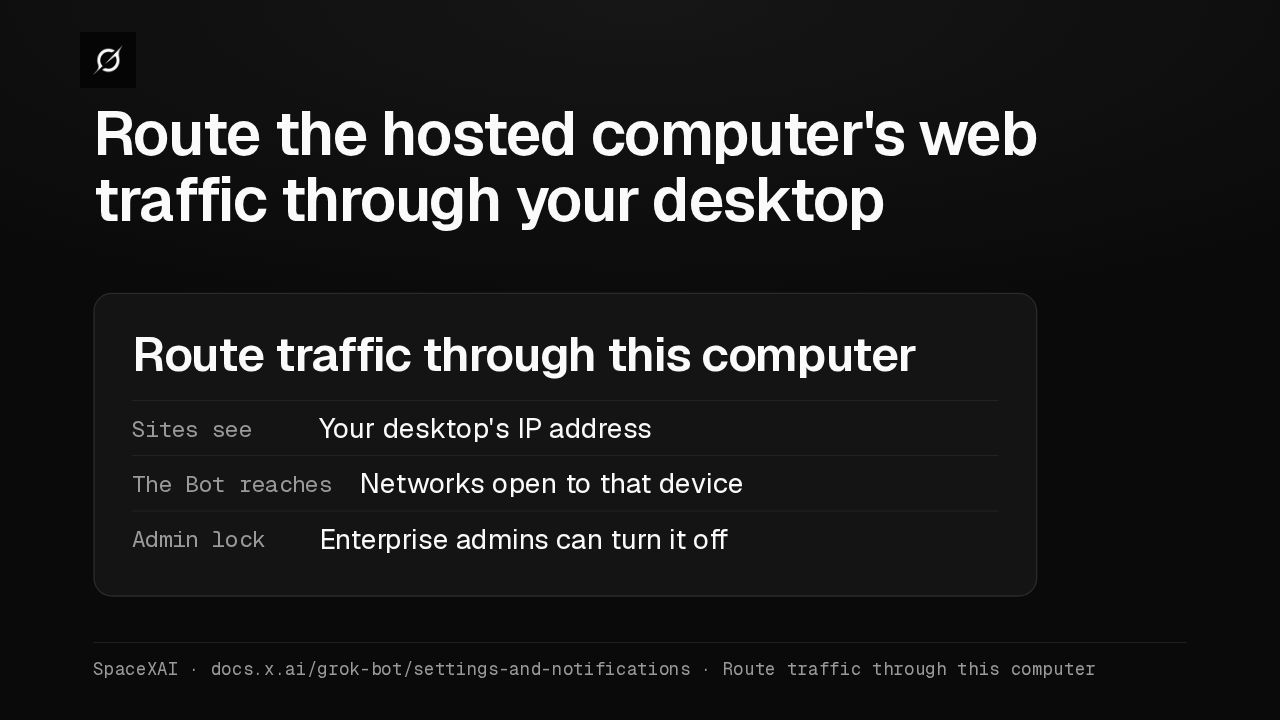
Route the hosted computer's web traffic through your desktop
Route traffic through this computer sends the hosted computer's web traffic out through your desktop, so sites see your desktop's address. If an Enterprise admin blocks it, active routes stop within five minutes.
Sudo and Agent Email
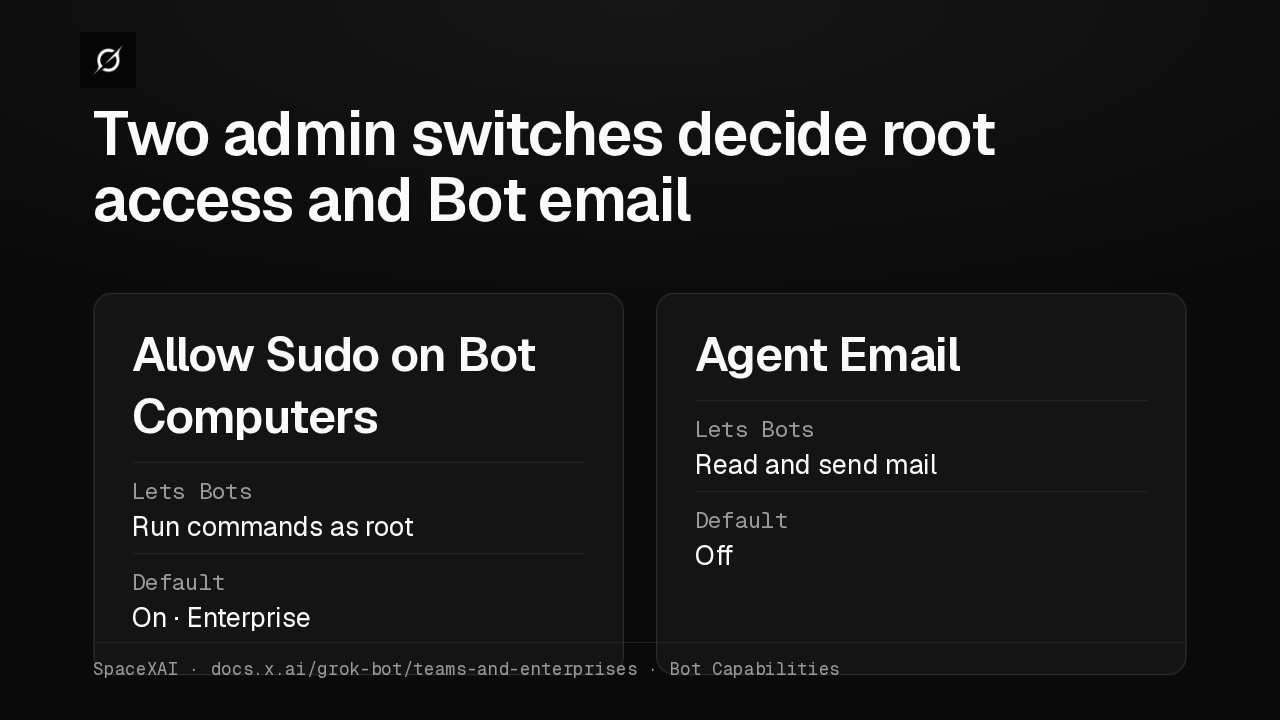
Two admin switches decide root access and Bot email
Allow Sudo on Bot Computers lets Bots run commands as root. On Enterprise it starts on, and a change needs a restart. Agent Email gives members a mail address for their Bots, and starts off.
Update or reset
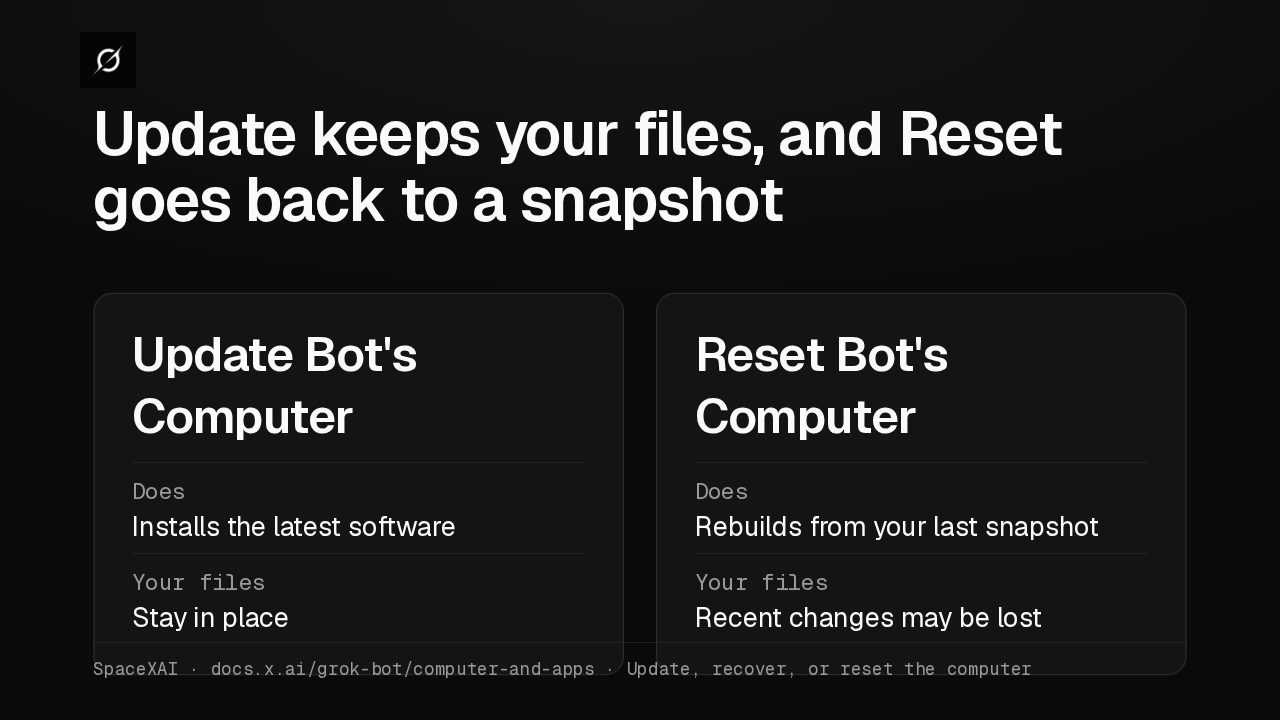
Update keeps your files, and Reset goes back to a snapshot
An unreachable computer now offers Recover computer right in the error. In Settings, Update Bot's Computer keeps your files, while Reset rolls back to your last snapshot and may lose recent changes.
Take over
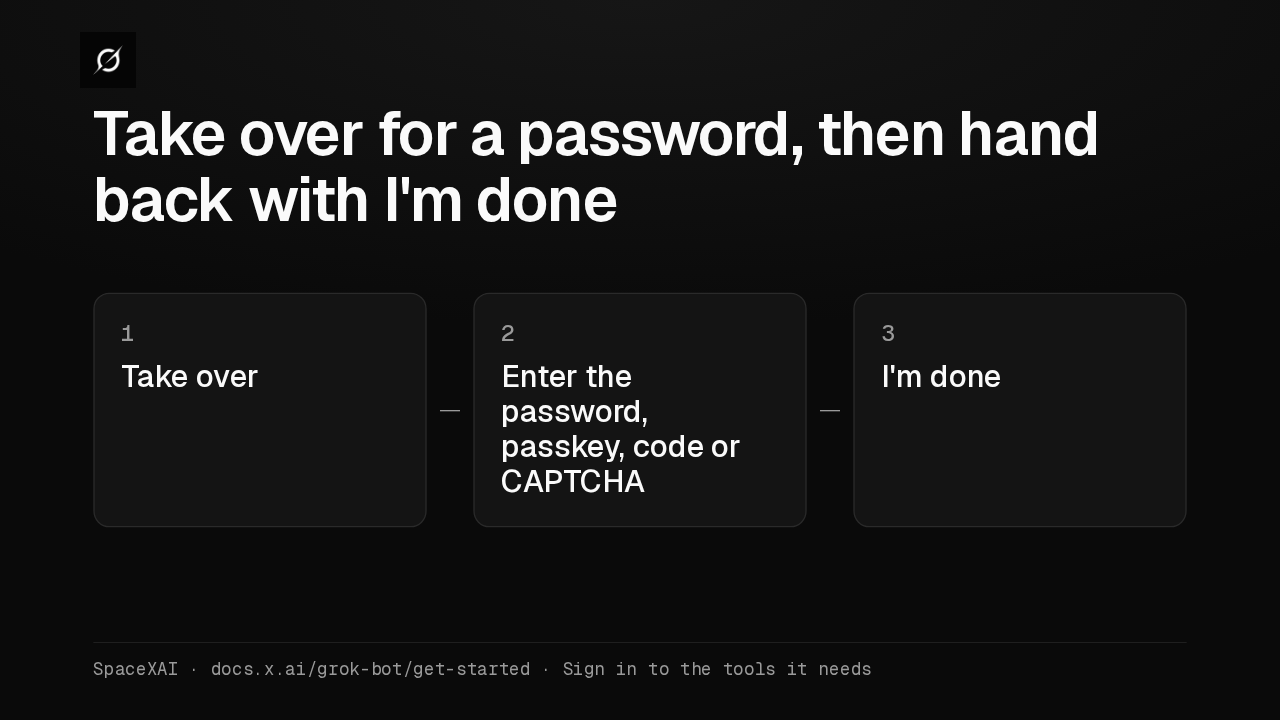
Take over for a password, then hand back with I'm done
When a Bot reaches a login, choose Take over. Enter the password, passkey, two-factor code or CAPTCHA yourself, then choose I'm done. The iPhone and Android apps can take over too.
Pin and hide
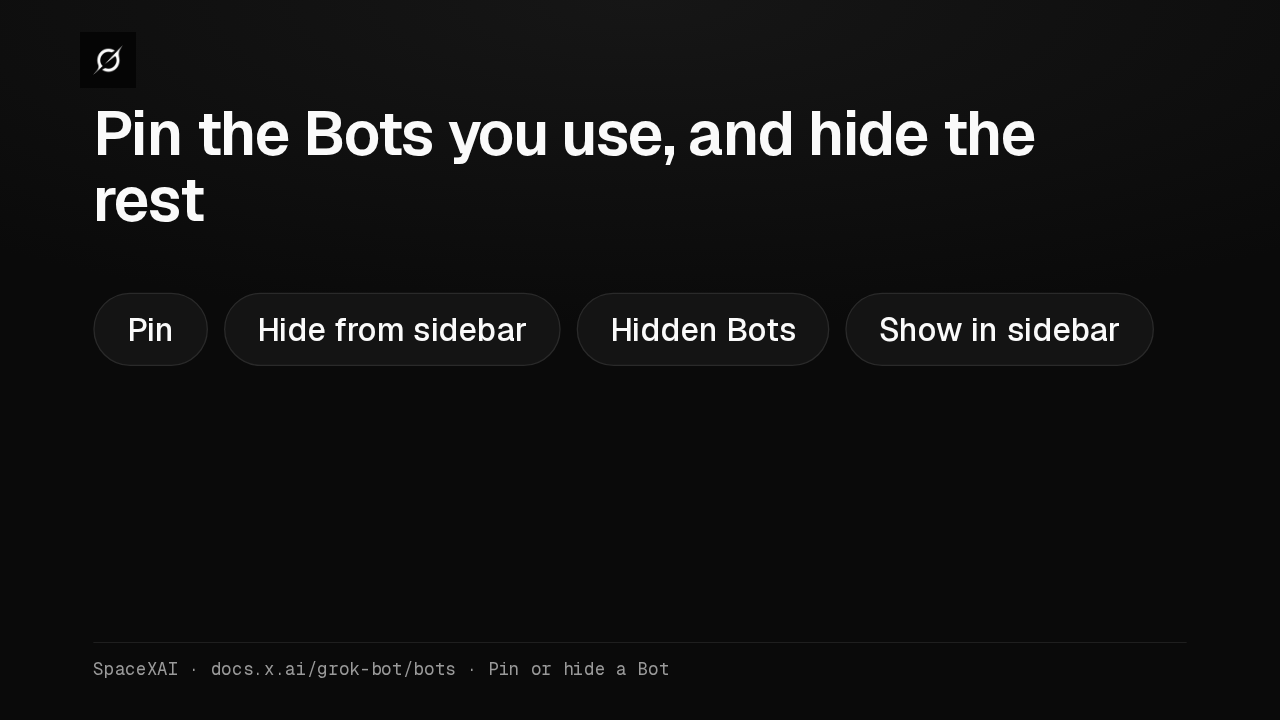
Pin the Bots you use, and hide the rest
Pin keeps active Bots at the top of the sidebar, and Hide from sidebar tucks one away without deleting its work. Hidden Bots, at the bottom of the sidebar, brings it back.
Rollout checklist
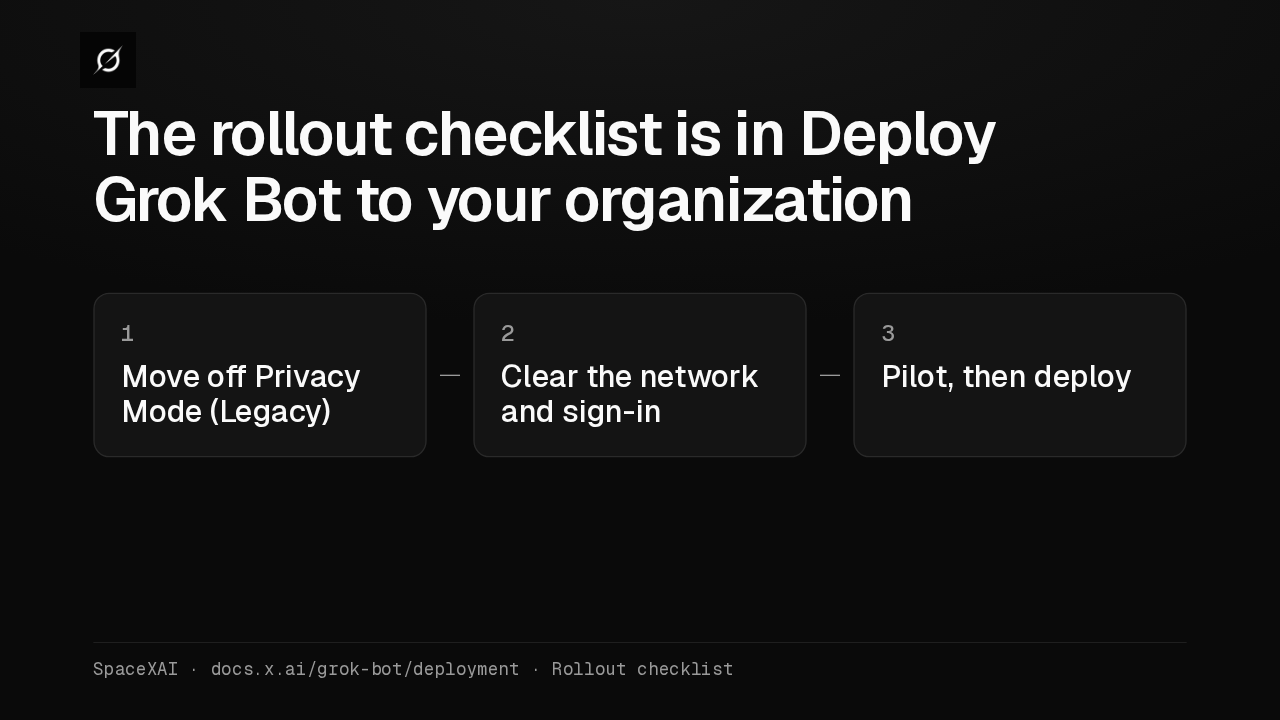
The rollout checklist is in Deploy Grok Bot to your organization
Privacy Mode Legacy blocks Grok Bot entirely, so the rollout checklist in Deploy Grok Bot to your organization starts there. Then come network, sign-in, a pilot on a few devices, and the full deploy.