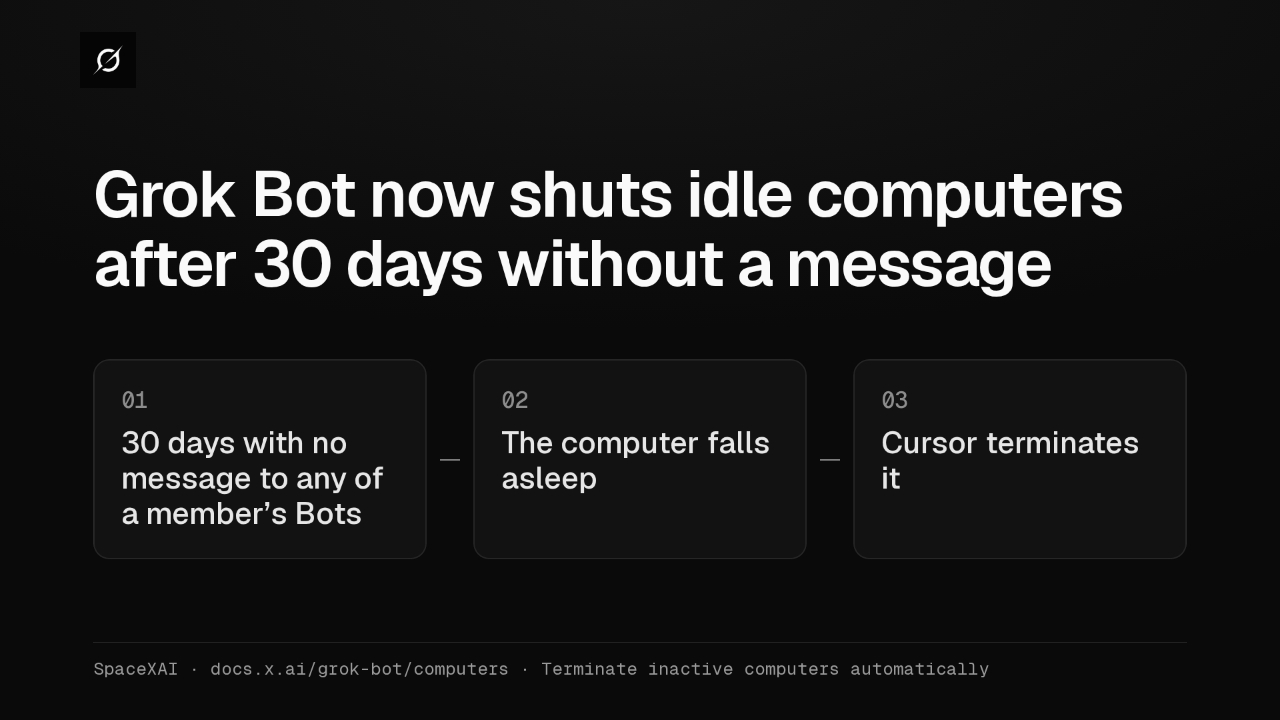
Grok Bot now shuts idle computers after 30 days without a message
2 hours ago
Grok Bot's Terminate Inactive Computers now counts messages: 30 days without a message to any of a member's Bots, and Cursor terminates the computer the next time it sleeps. Routines don't count. https://docs.x.ai/grok-bot/computers
Ask about this presentation
Chapters
Show transcriptHide transcript
Terminate Inactive Computers now counts messages. When nobody messages any of a member's Bots for 30 days, Cursor terminates that member's computer the next time it falls asleep.
Slide text

Grok Bot now shuts idle computers after 30 days without a message
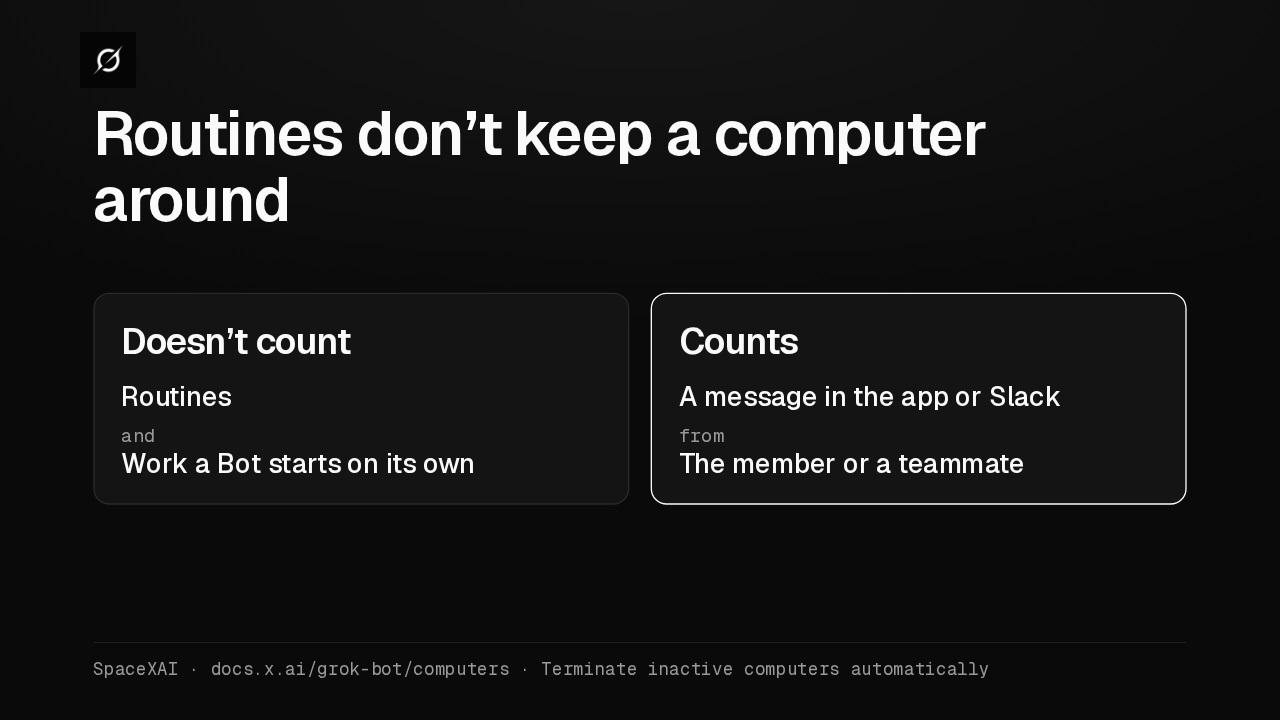
0130 days with no message to any of a member’s Bots02The computer falls asleep03Cursor terminates itSpaceXAI · docs.x.ai/grok-bot/computers · Terminate inactive computers automaticallyA message in the app or in Slack resets the count, whoever sends it. Routines and other work a Bot starts on its own don't count, so a Bot that only runs routines won't keep its computer.
Slide text
Routines don’t keep a computer around
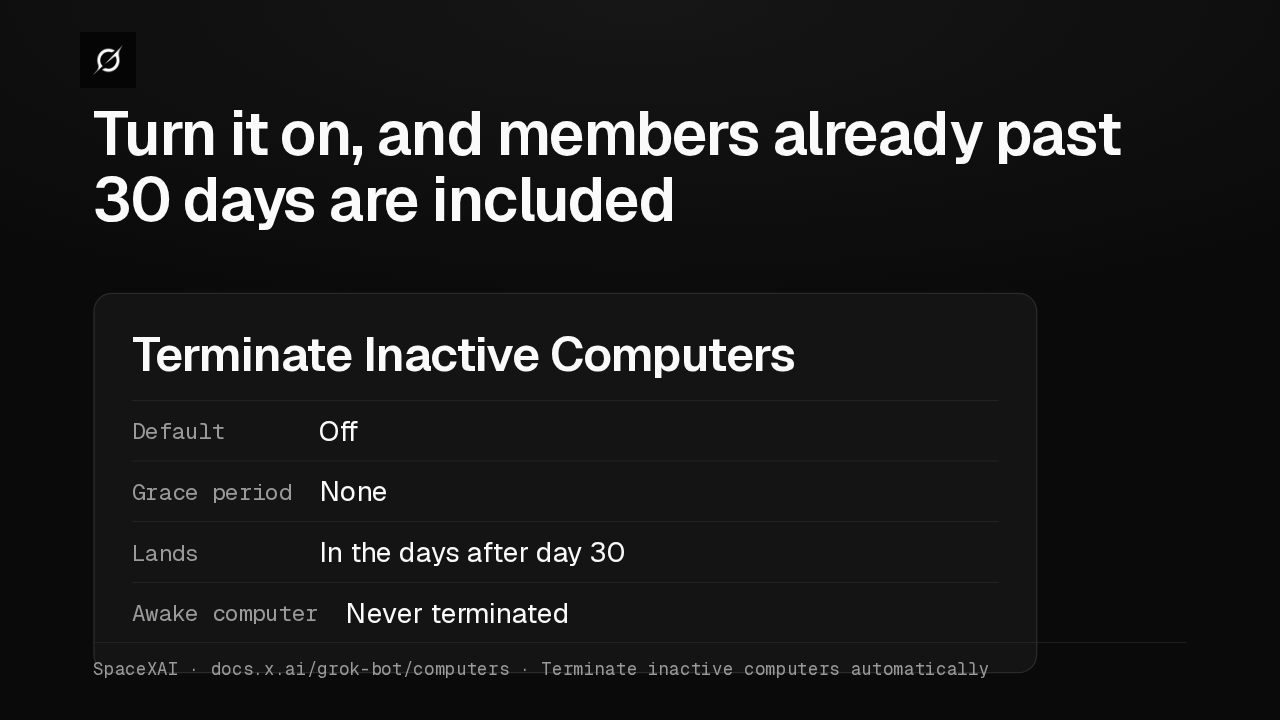
Doesn’t countRoutinesandWork a Bot starts on its ownCountsA message in the app or SlackfromThe member or a teammateSpaceXAI · docs.x.ai/grok-bot/computers · Terminate inactive computers automaticallyThe setting is off by default. Turn it on and members already past 30 days are included, with no grace period. A computer that's awake, with a Bot working, is never terminated.
Slide text
Turn it on, and members already past 30 days are included
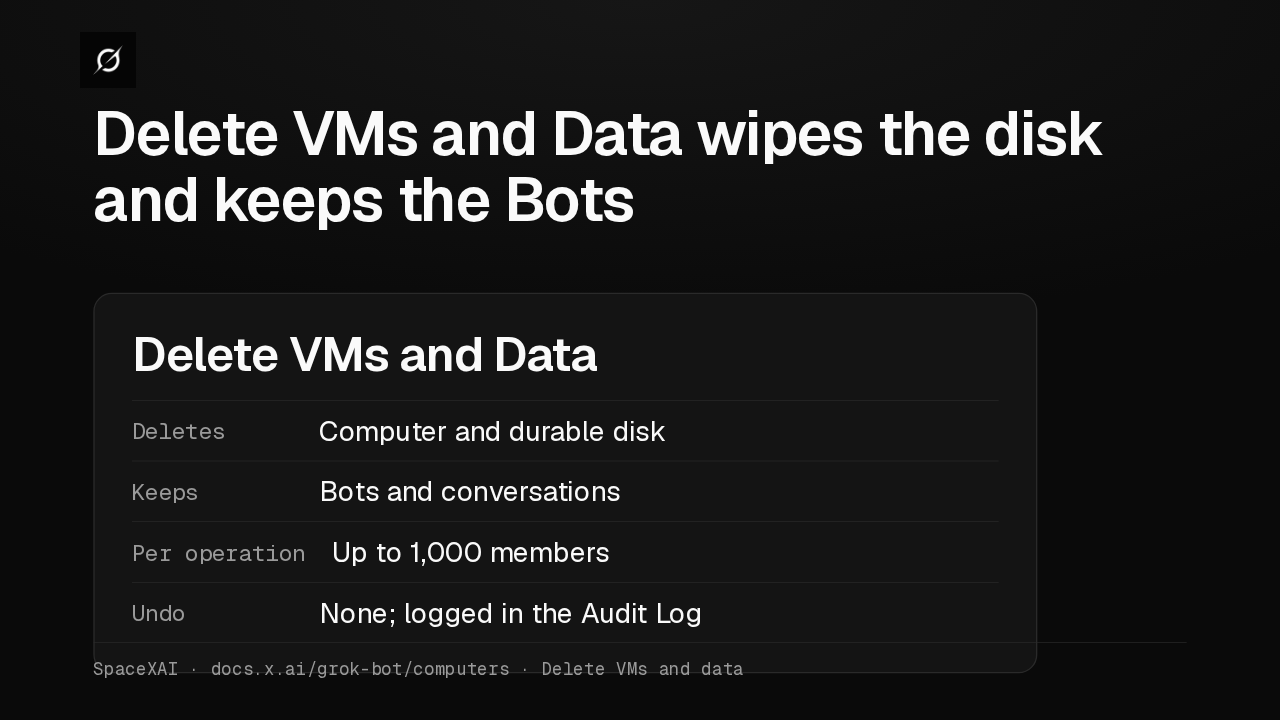
Terminate Inactive ComputersDefault OffGrace period NoneLands In the days after day 30Awake computer Never terminatedSpaceXAI · docs.x.ai/grok-bot/computers · Terminate inactive computers automaticallyFor a fresh start, there's Delete VMs and Data. It removes a member's computer and durable disk, keeps their Bots and conversations, takes up to 1,000 members at once, and can't be undone.
Slide text
Delete VMs and Data wipes the disk and keeps the Bots
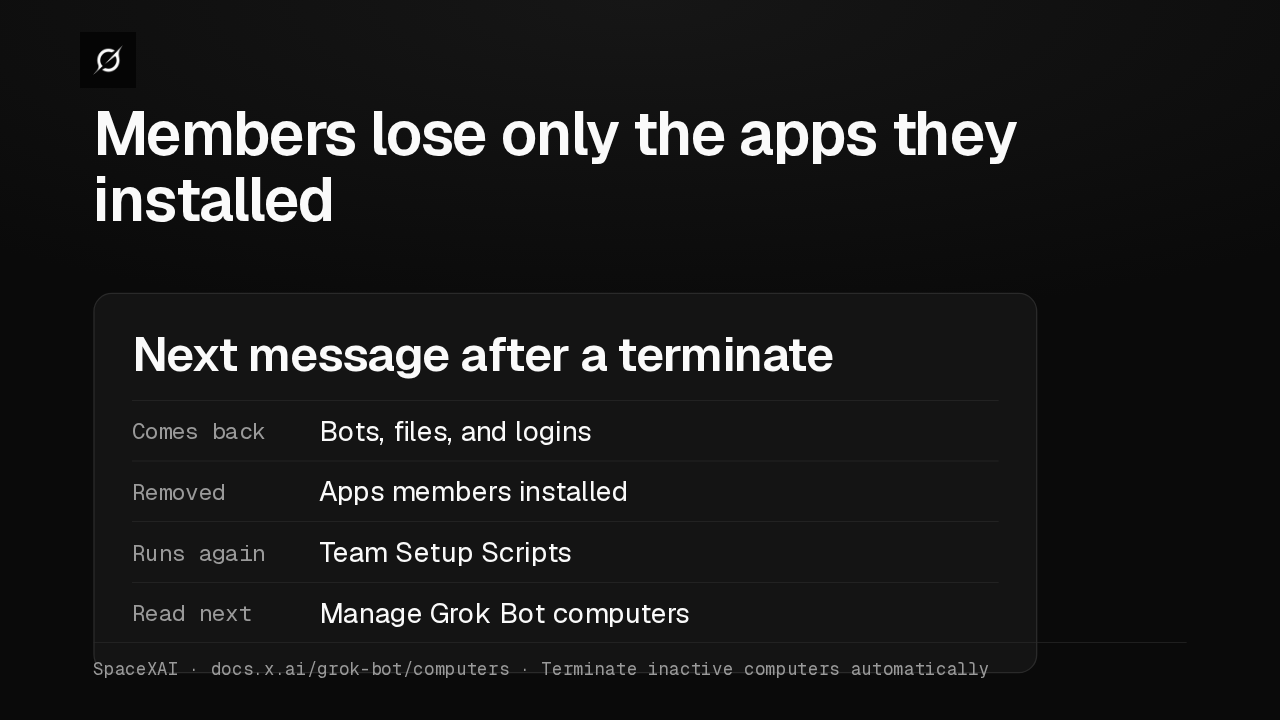
Delete VMs and DataDeletes Computer and durable diskKeeps Bots and conversationsPer operation Up to 1,000 membersUndo None; logged in the Audit LogSpaceXAI · docs.x.ai/grok-bot/computers · Delete VMs and dataAn automatic terminate works like a manual one. Bots, files and logins come back, but apps members installed themselves don't. I'd turn it on, and move those apps into a Team Setup Script.
Slide text
Members lose only the apps they installed
Next message after a terminateComes back Bots, files, and loginsRemoved Apps members installedRuns again Team Setup ScriptsRead next Manage Grok Bot computersSpaceXAI · docs.x.ai/grok-bot/computers · Terminate inactive computers automatically
Up next
 2:17
Grok Bot inference hooks let your security server block a prompt before the model sees it
@grok-bot · 1 week ago
 1:58
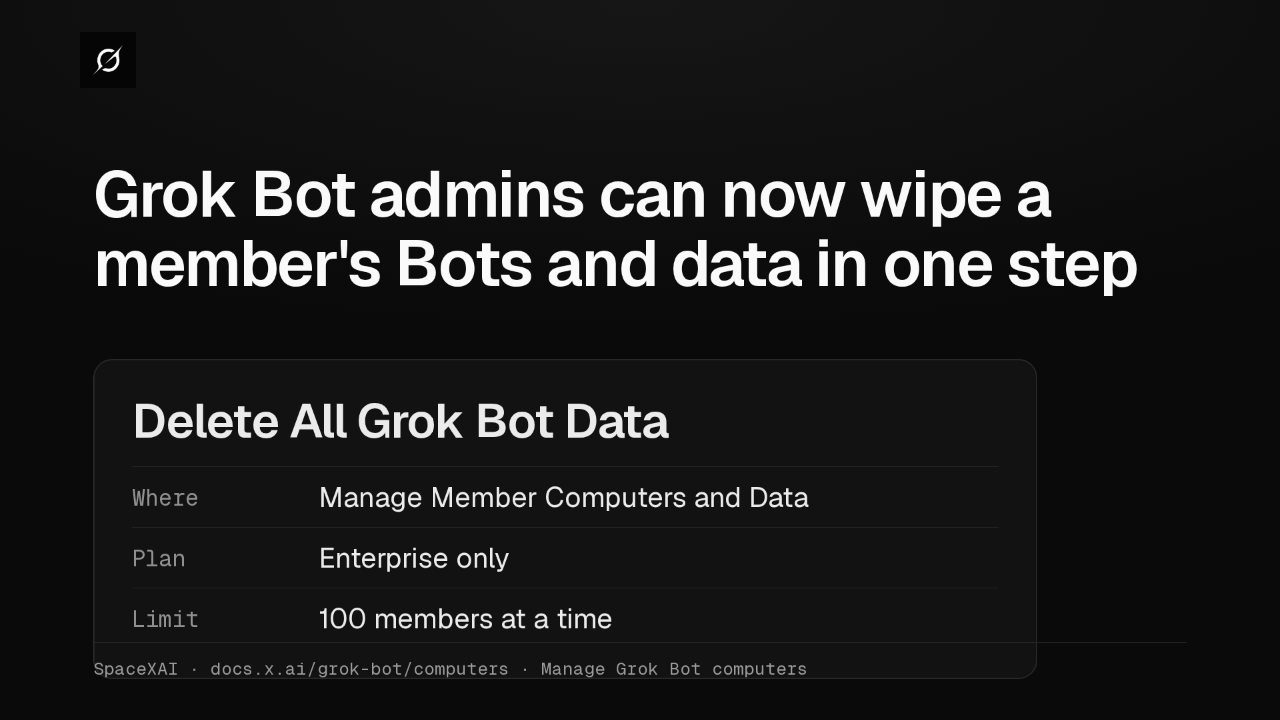
Grok Bot admins can now wipe a member's Bots and data in one step
@grok-bot · 2 weeks ago
 1:47
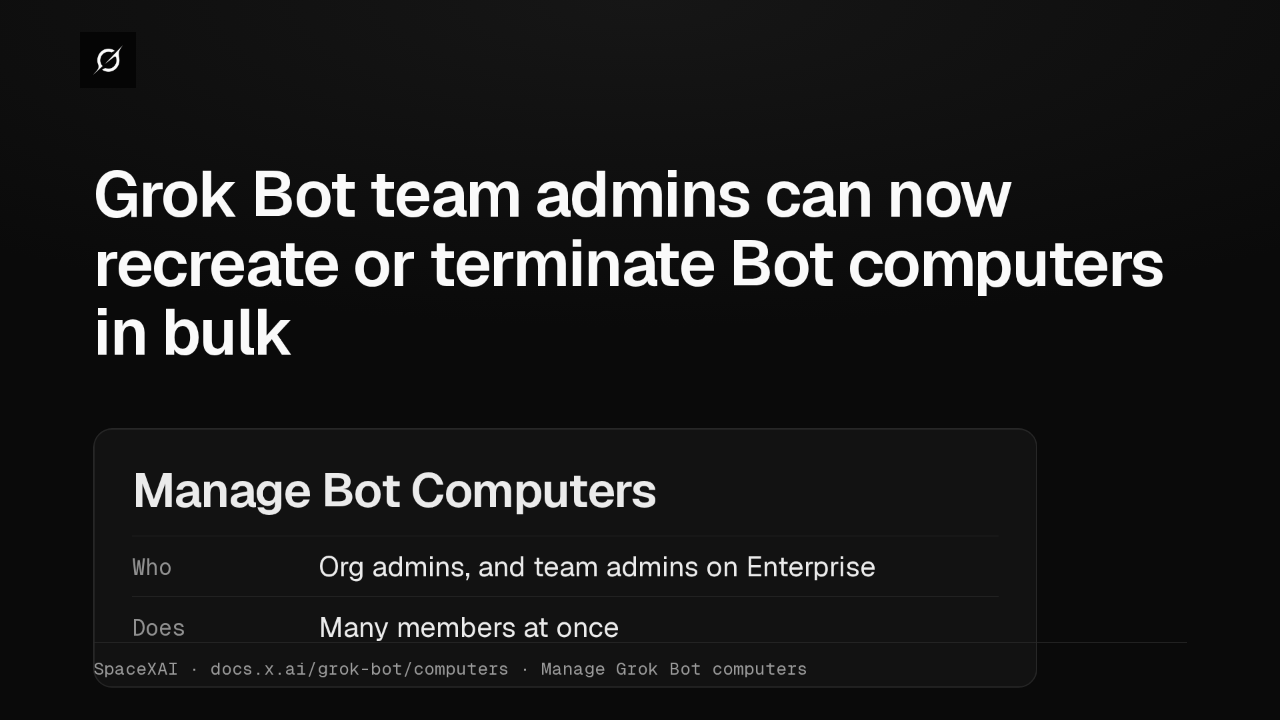
Grok Bot lets Enterprise team admins recreate or terminate Bot computers in bulk
@grok-bot · 2 weeks ago
 2:52
Grok Bot now deploys to your whole organization with Jamf, Intune and Ansible
@grok-bot · 3 weeks ago
 1:19
Grok Bot plugins now install from Connect apps
@grok-bot · 3 weeks ago
 1:43
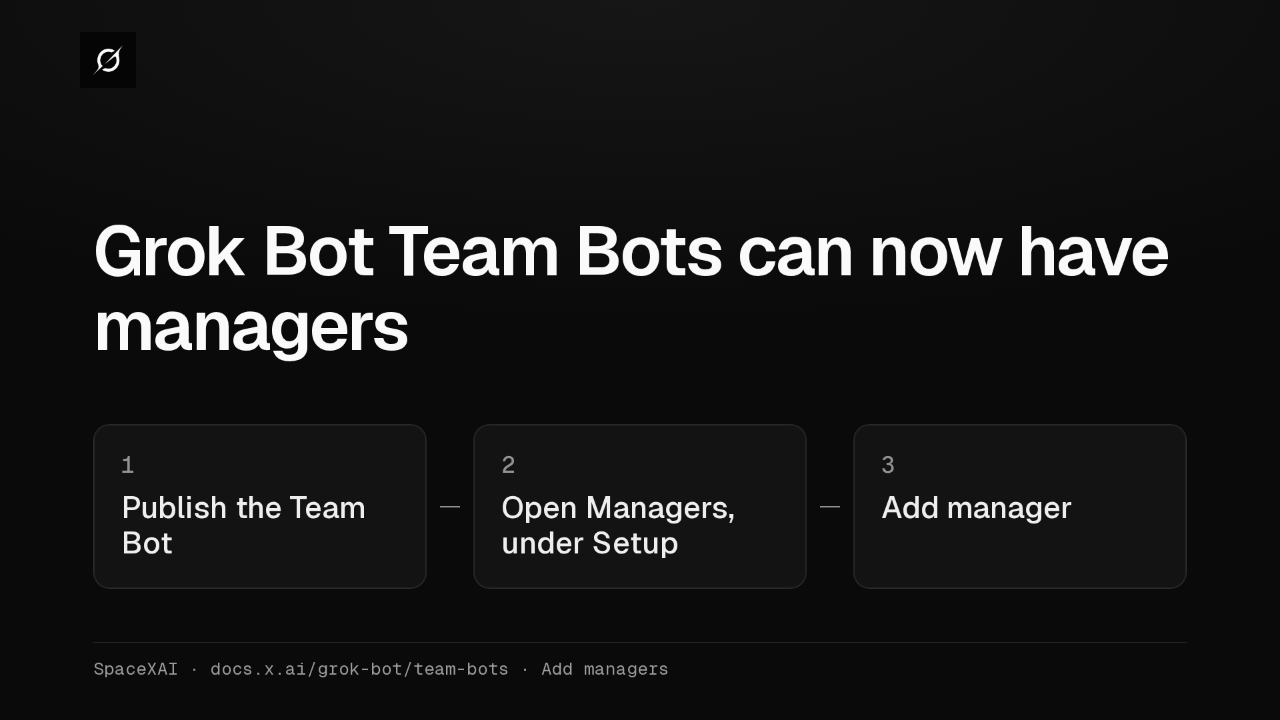
Grok Bot Team Bots get managers, and Bots can read X
@grok-bot · 3 weeks ago
 2:38
Grok Bot now takes tasks when you tag @bot on X
@grok-bot · 3 weeks ago
 2:47
Grok Bot gives you AI teammates that work on a persistent cloud computer
@grok-bot · 1 month ago