Grok Bot now shares one Bot with your whole team, in Slack and Teams
2 days ago
Grok Bot now has Team Bots: one Bot your whole team chats with, each chat private, each reply on the asker's own usage. Also new: Team Bots in Slack and Microsoft Teams, Bots that join your Meet, Zoom and Teams calls, a primary Bot that offers to take on work, and blocked sites for Enterprise network controls. https://docs.x.ai/grok-bot/team-bots https://docs.x.ai/grok-bot/microsoft-teams https://docs.x.ai/grok-bot/meetings https://docs.x.ai/grok-bot/initiative https://docs.x.ai/grok-bot/security https://docs.x.ai/grok-bot/teams-and-enterprises
Ask about this presentation
Chapters
Show transcriptHide transcript
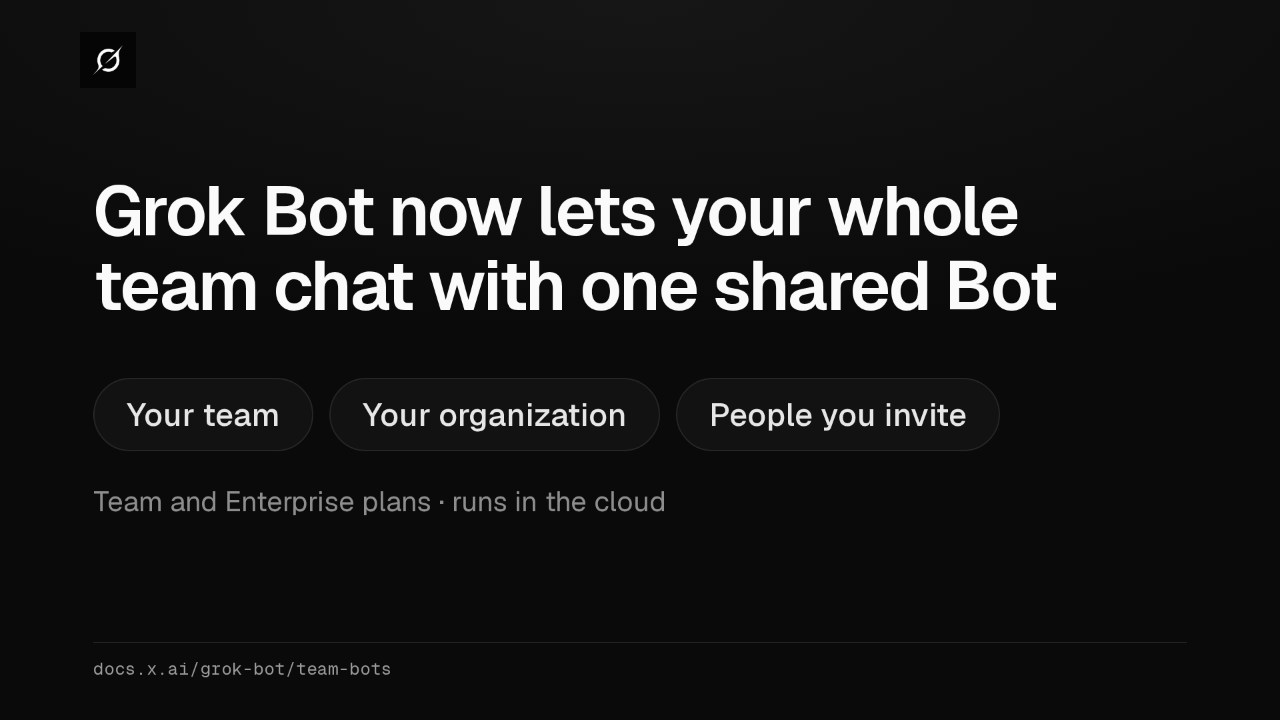
Grok Bot now has Team Bots, one Bot your whole team chats with. You share it like a doc, with your team, your organization, or people you invite. It needs a Team or Enterprise plan, and it runs in the cloud.
Slide text

Grok Bot now lets your whole team chat with one shared Bot
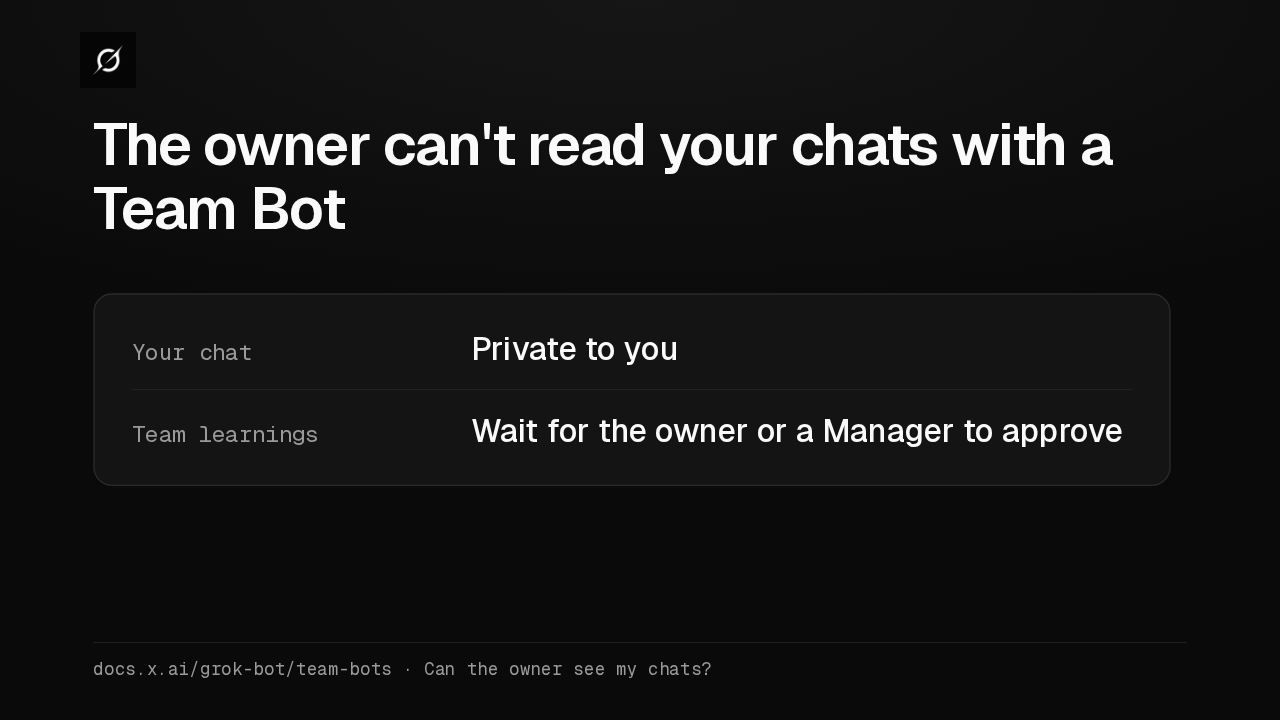
Your team Your organization People you inviteTeam and Enterprise plans · runs in the clouddocs.x.ai/grok-bot/team-botsEach person's chat with a Team Bot is private, even from its owner. When a teammate teaches it something for the whole team, that change waits until the owner or a Manager approves it.
Slide text
The owner can't read your chats with a Team Bot
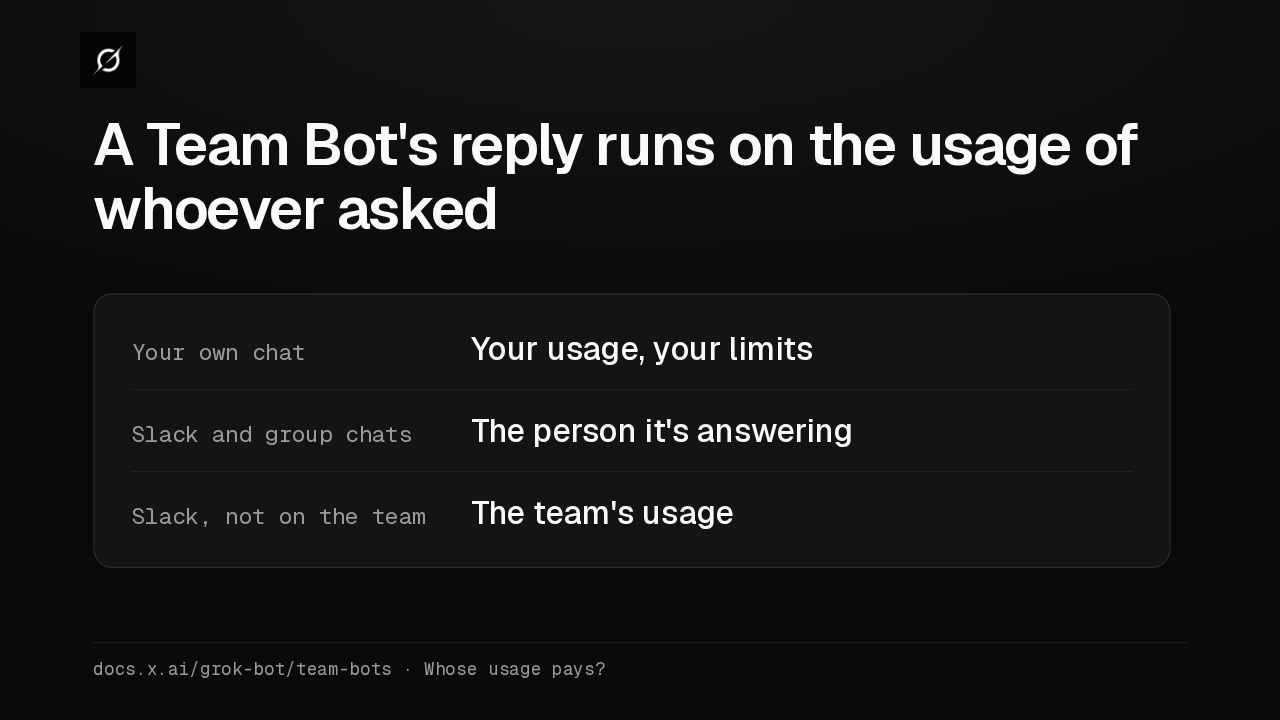
Your chat Private to youTeam learnings Wait for the owner or a Manager to approvedocs.x.ai/grok-bot/team-bots · Can the owner see my chats?A Team Bot's reply uses the Grok Bot usage of the person it's answering. That holds in your own chat, in Slack, and in group chats, so your own limits apply.
Slide text
A Team Bot's reply runs on the usage of whoever asked
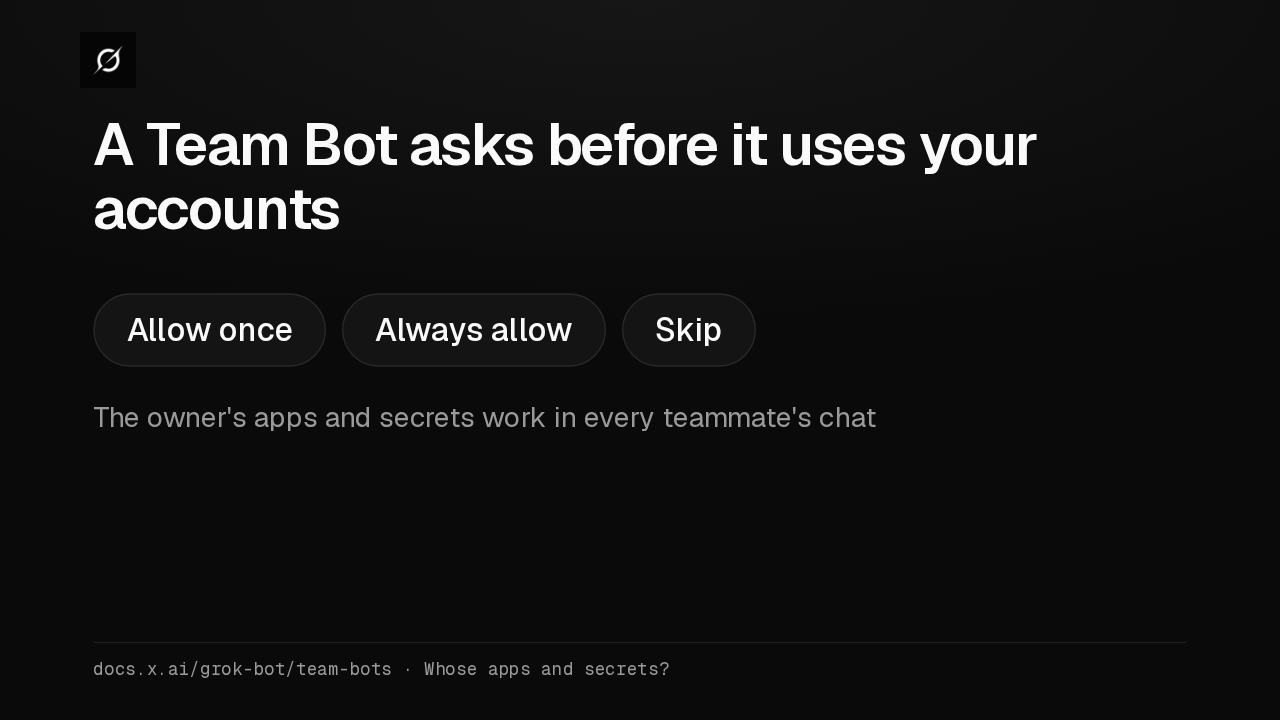
Your own chat Your usage, your limitsSlack and group chats The person it's answeringSlack, not on the team The team's usagedocs.x.ai/grok-bot/team-bots · Whose usage pays?Apps and secrets the owner adds work in everyone's chat, so add only keys you'd hand the whole team. Before it uses one of your own accounts, the Bot asks, and you can allow once, always allow, or skip.
Slide text
A Team Bot asks before it uses your accounts
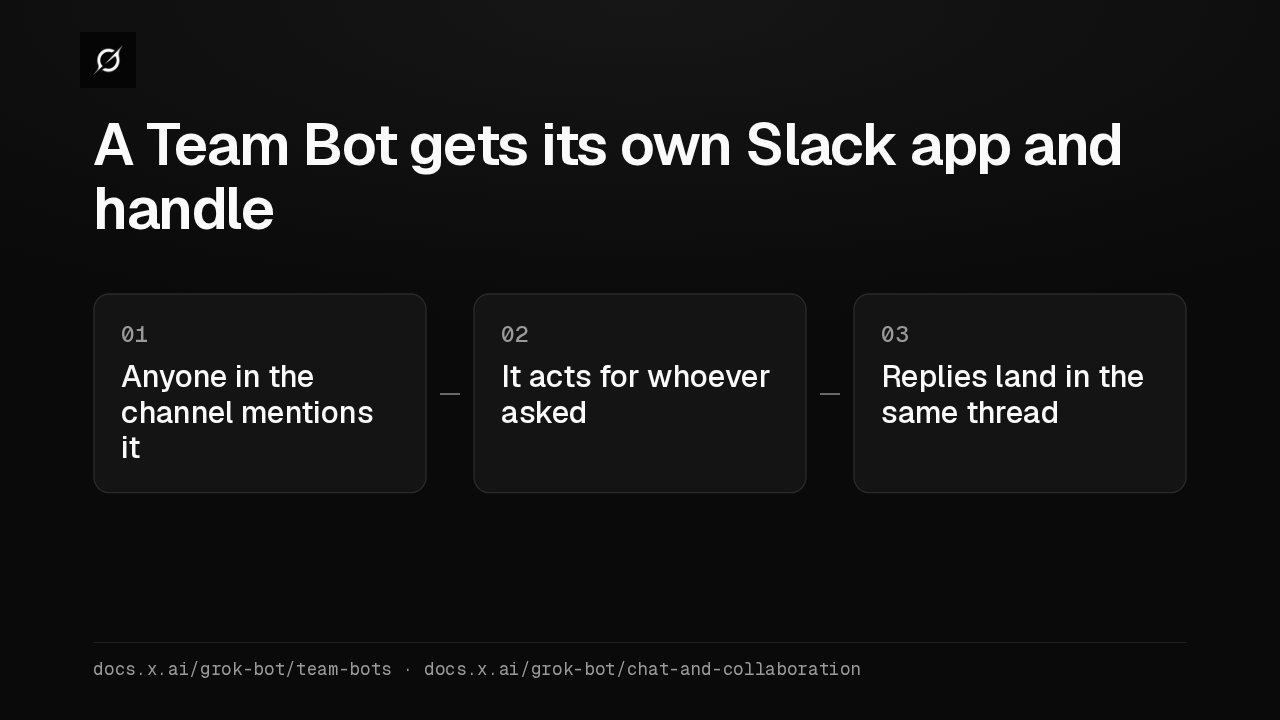
Allow once Always allow SkipThe owner's apps and secrets work in every teammate's chatdocs.x.ai/grok-bot/team-bots · Whose apps and secrets?The owner or a Manager can add a Team Bot to Slack, with its own app and handle. Anyone in the channel can give it work, and it acts for the teammate who mentioned it.
Slide text
A Team Bot gets its own Slack app and handle
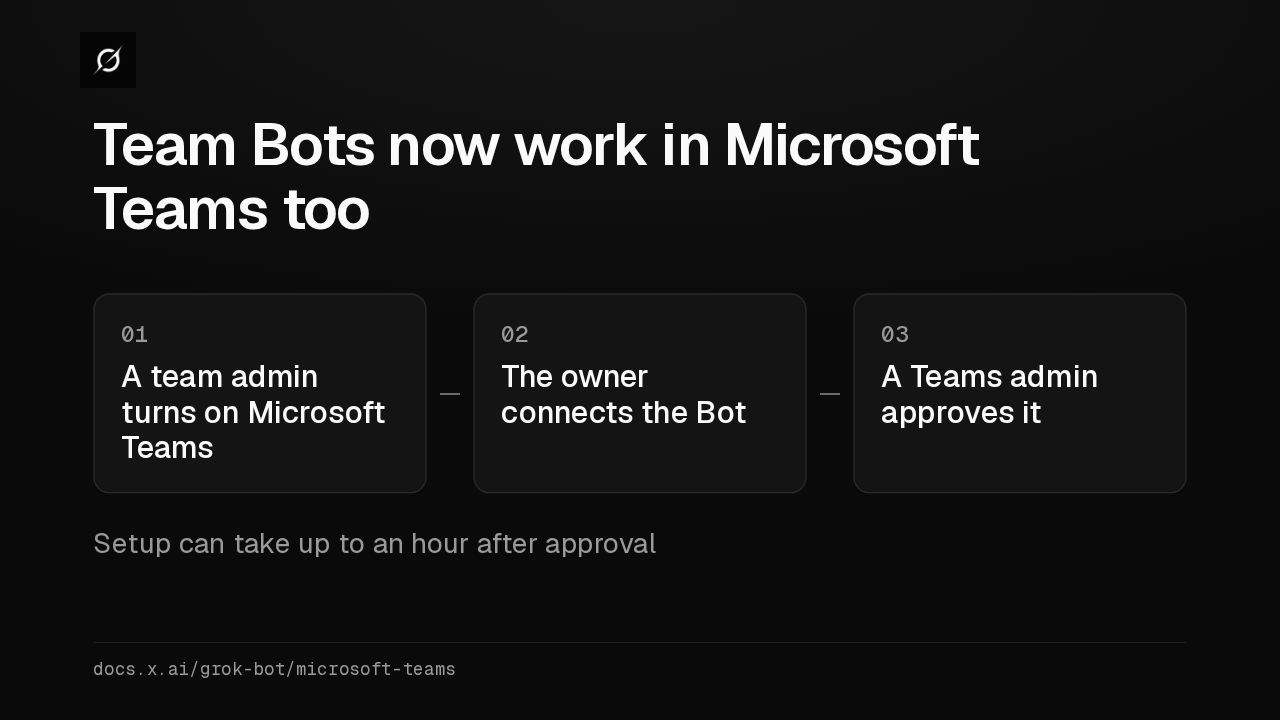
01Anyone in the channel mentions it02It acts for whoever asked03Replies land in the same threaddocs.x.ai/grok-bot/team-bots · docs.x.ai/grok-bot/chat-and-collaborationTeam Bots now work in Microsoft Teams. A team admin turns it on, the owner connects the Bot, and a Teams admin approves it. Setup can then take up to an hour.
Slide text
Team Bots now work in Microsoft Teams too
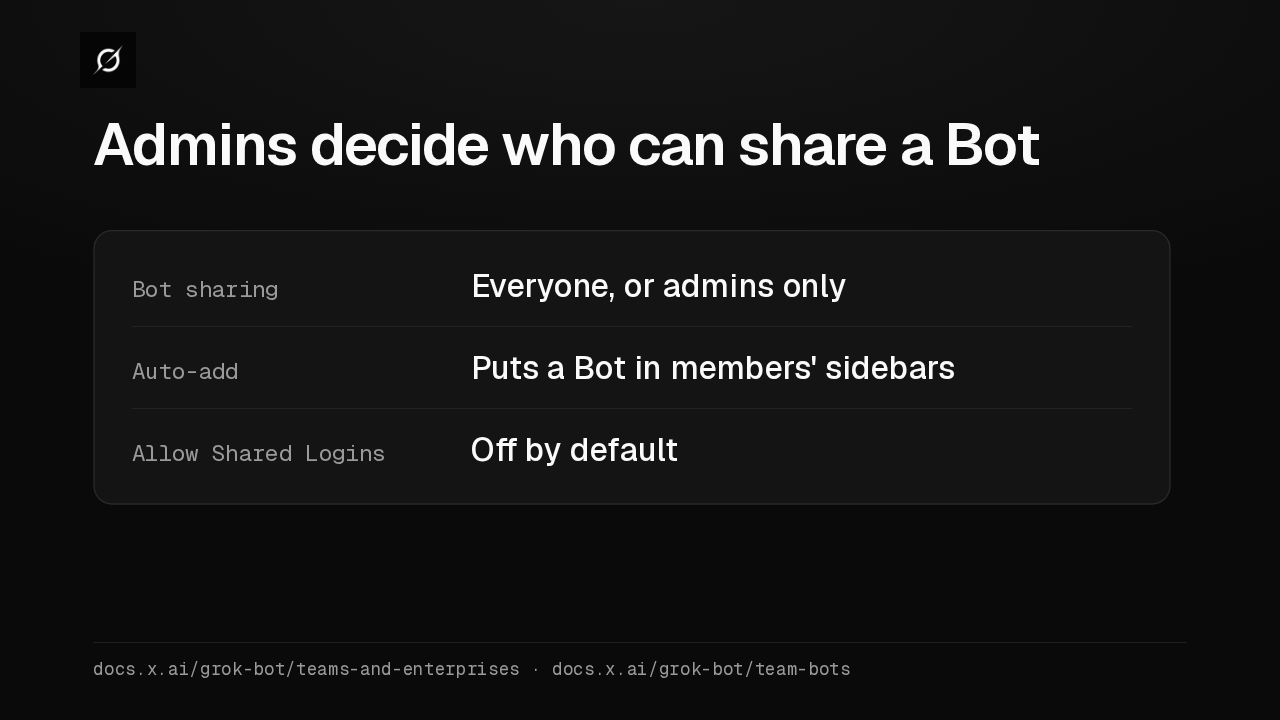
01A team admin turns on Microsoft Teams02The owner connects the Bot03A Teams admin approves itSetup can take up to an hour after approvaldocs.x.ai/grok-bot/microsoft-teamsTeam admins get new controls on the dashboard. They can limit sharing to admins, put a Bot in members' sidebars, and let Managers share their own app logins, which is off by default.
Slide text
Admins decide who can share a Bot
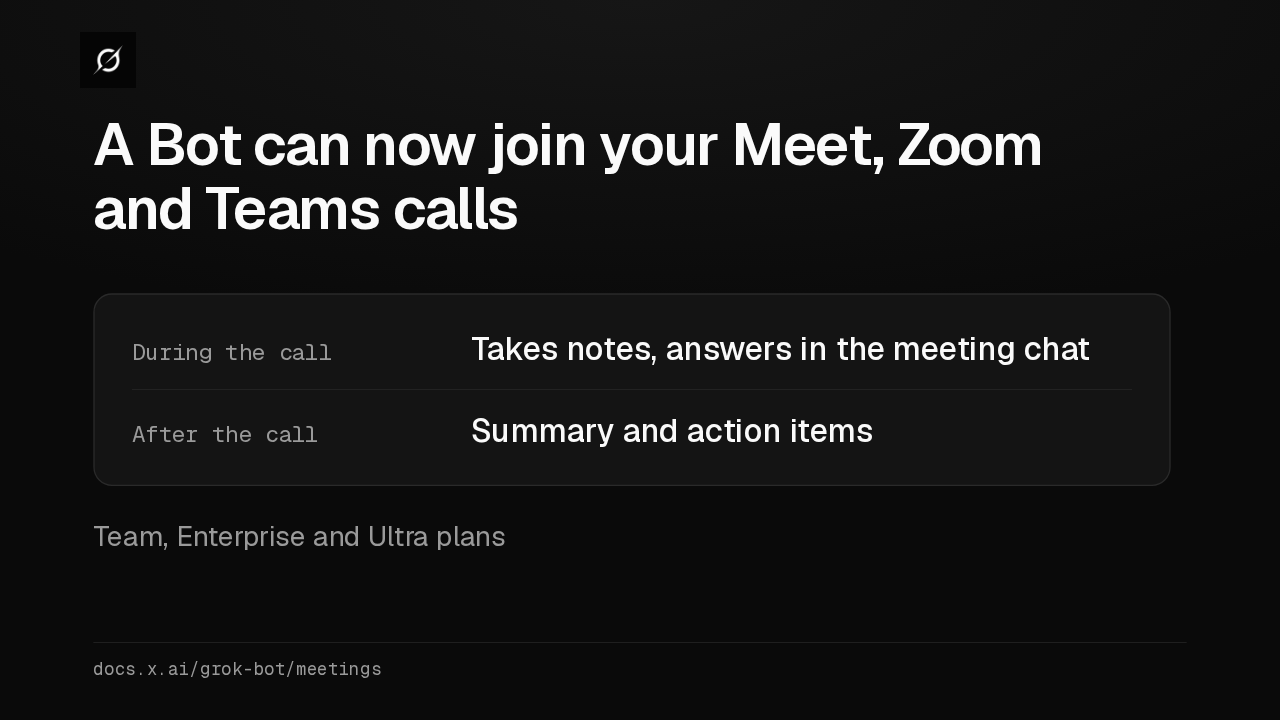
Bot sharing Everyone, or admins onlyAuto-add Puts a Bot in members' sidebarsAllow Shared Logins Off by defaultdocs.x.ai/grok-bot/teams-and-enterprises · docs.x.ai/grok-bot/team-botsPaste a Google Meet, Zoom or Teams link into a chat, and the Bot joins the call. It takes notes, answers in the meeting chat, and sends a summary afterwards. That needs a Team, Enterprise or Ultra plan.
Slide text
A Bot can now join your Meet, Zoom and Teams calls
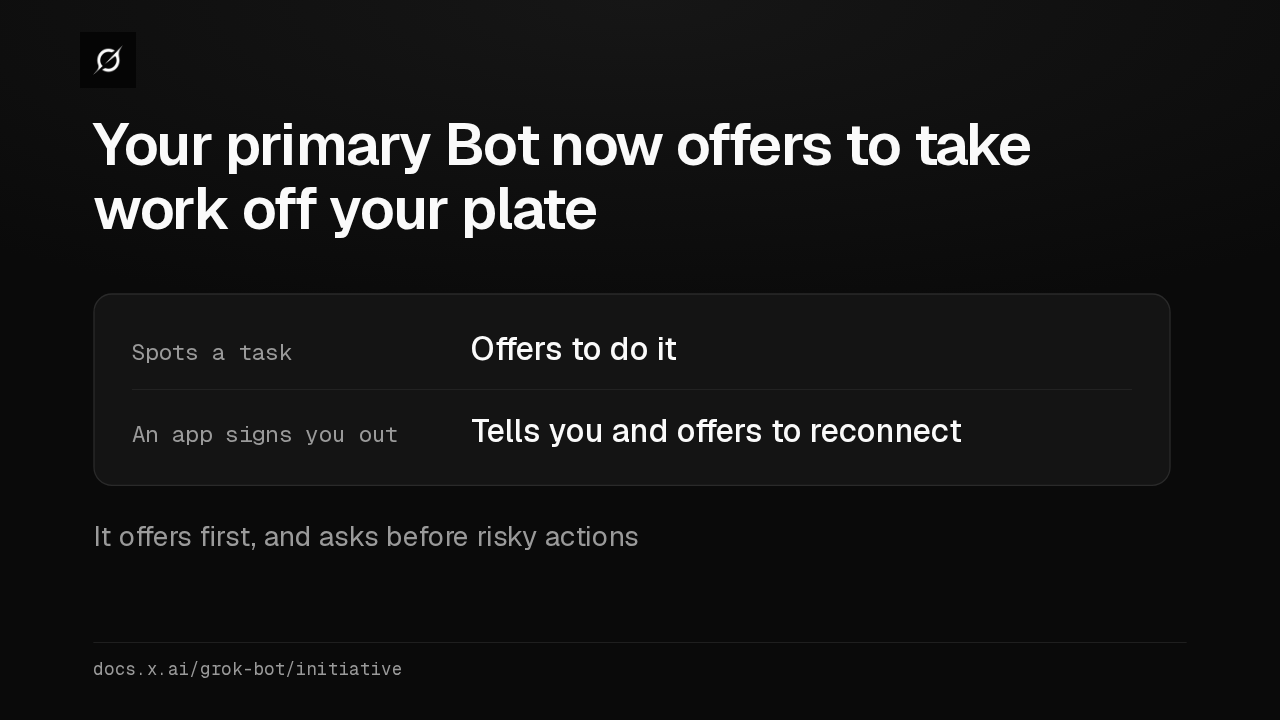
During the call Takes notes, answers in the meeting chatAfter the call Summary and action itemsTeam, Enterprise and Ultra plansdocs.x.ai/grok-bot/meetingsYour primary Bot, the one with the star, now spots tasks it can handle and offers to do them. When an app like Gmail signs you out, it tells you. It still asks before risky actions.
Slide text
Your primary Bot now offers to take work off your plate
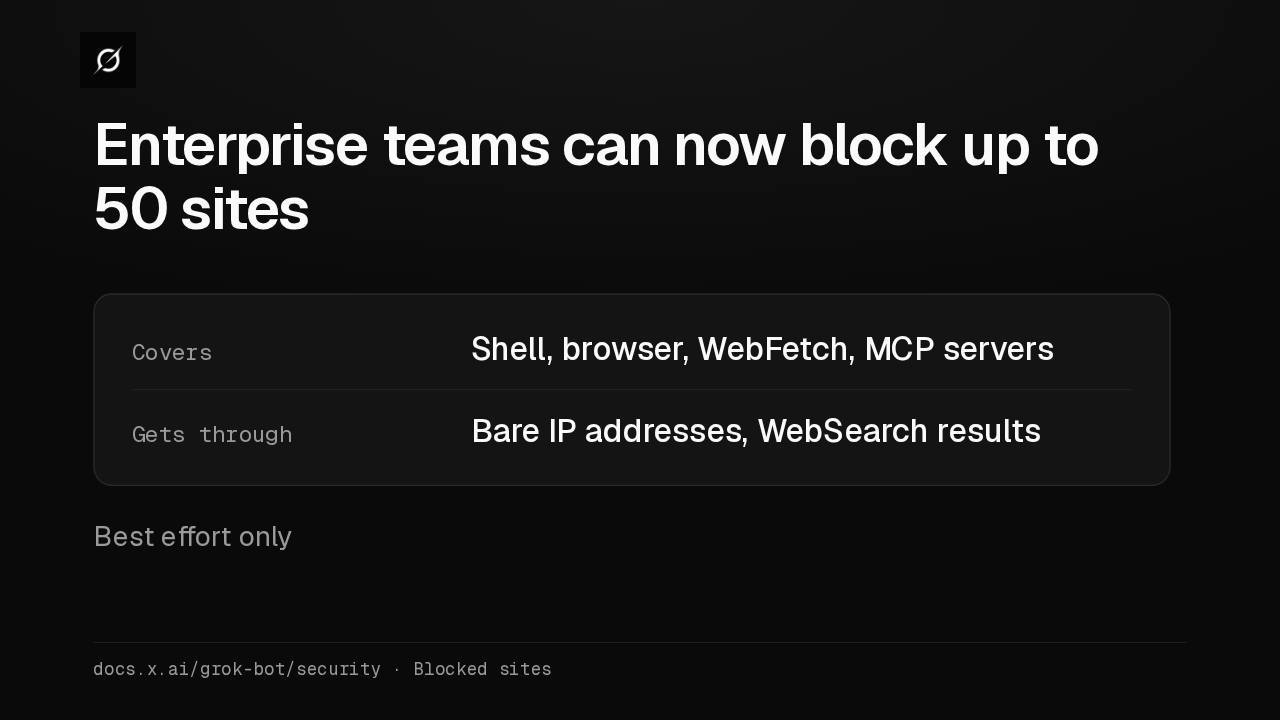
Spots a task Offers to do itAn app signs you out Tells you and offers to reconnectIt offers first, and asks before risky actionsdocs.x.ai/grok-bot/initiativeEnterprise admins can now block up to 50 sites instead of writing an allowlist. Blocking is best effort, so a bare IP address gets through, and search results can still list a blocked page.
Slide text
Enterprise teams can now block up to 50 sites
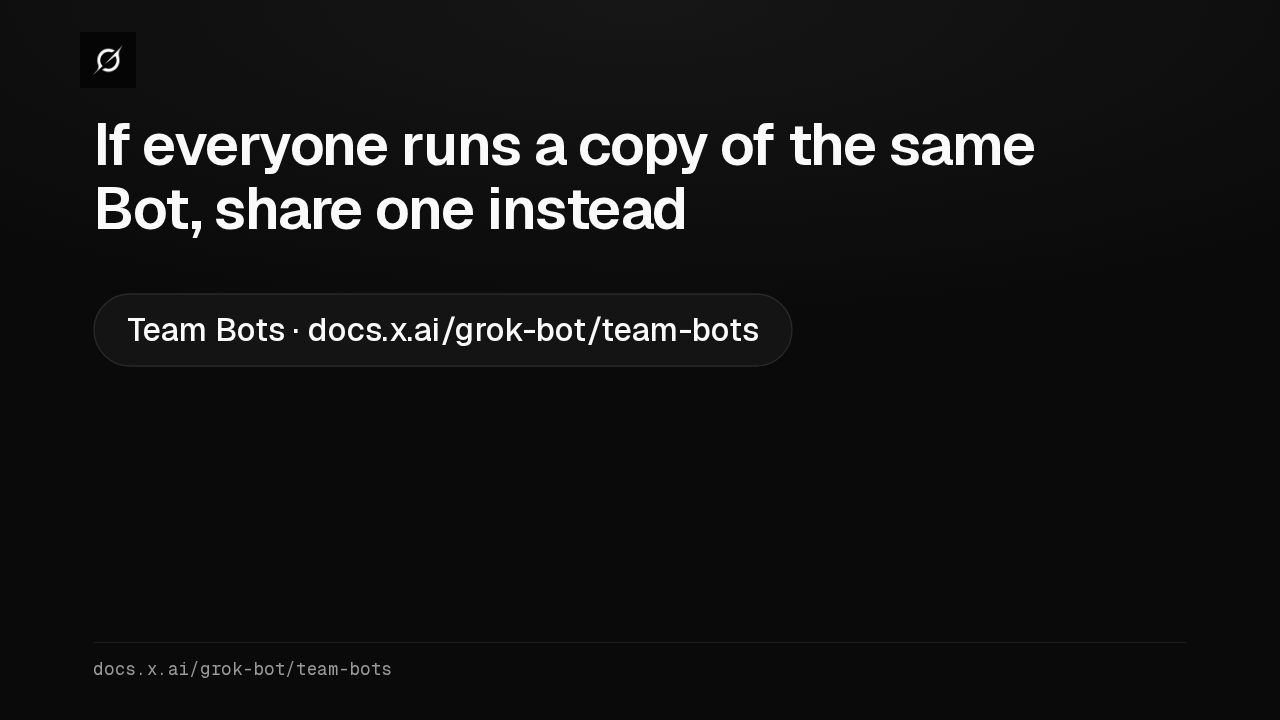
Covers Shell, browser, WebFetch, MCP serversGets through Bare IP addresses, WebSearch resultsBest effort onlydocs.x.ai/grok-bot/security · Blocked sitesIf your team keeps a copy each of one Bot template, I'd switch to a single Team Bot, with one set of skills, while each chat still runs on the asker's own usage. The Team Bots page has the full setup.
Slide text
If everyone runs a copy of the same Bot, share one instead
Team Bots · docs.x.ai/grok-bot/team-botsdocs.x.ai/grok-bot/team-bots
Up next
 1:52
Grok Bot's Vault lets Bots sign in and pay without seeing your passwords
@grok-bot
1 day ago
 1:06
Grok Bot now acts only as you, and keeps your passwords out of the model
@grok-bot
1 day ago
 2:29
Grok Bot now signs in with Okta FastPass on its own computers
@grok-bot
2 days ago
 1:59
Grok Bot Team Bots now learn for the team and join Microsoft Teams
@grok-bot
3 days ago
 1:56
Grok Bot buys your conference pass from memory and asks before it emails finance
@grok-bot
1 week ago
 1:04
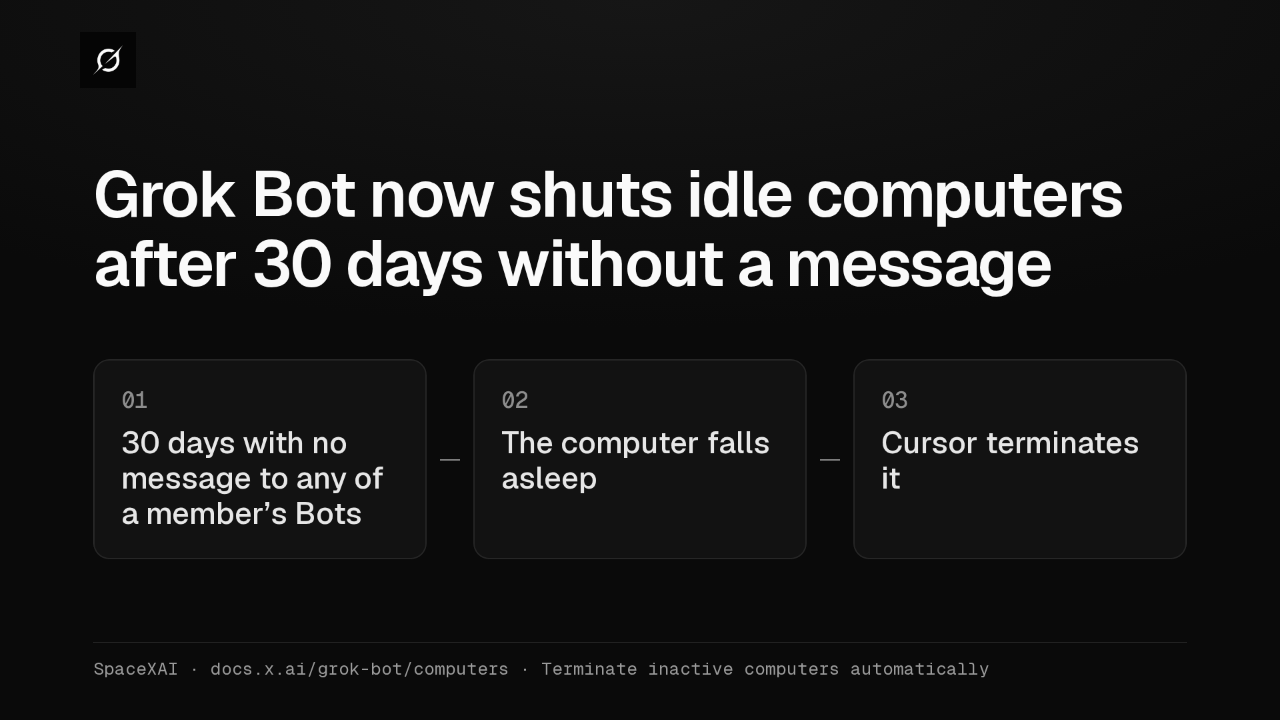
Grok Bot now shuts idle computers after 30 days without a message
@grok-bot
1 week ago
 2:17
Grok Bot inference hooks let your security server block a prompt before the model sees it
@grok-bot
3 weeks ago
 1:58
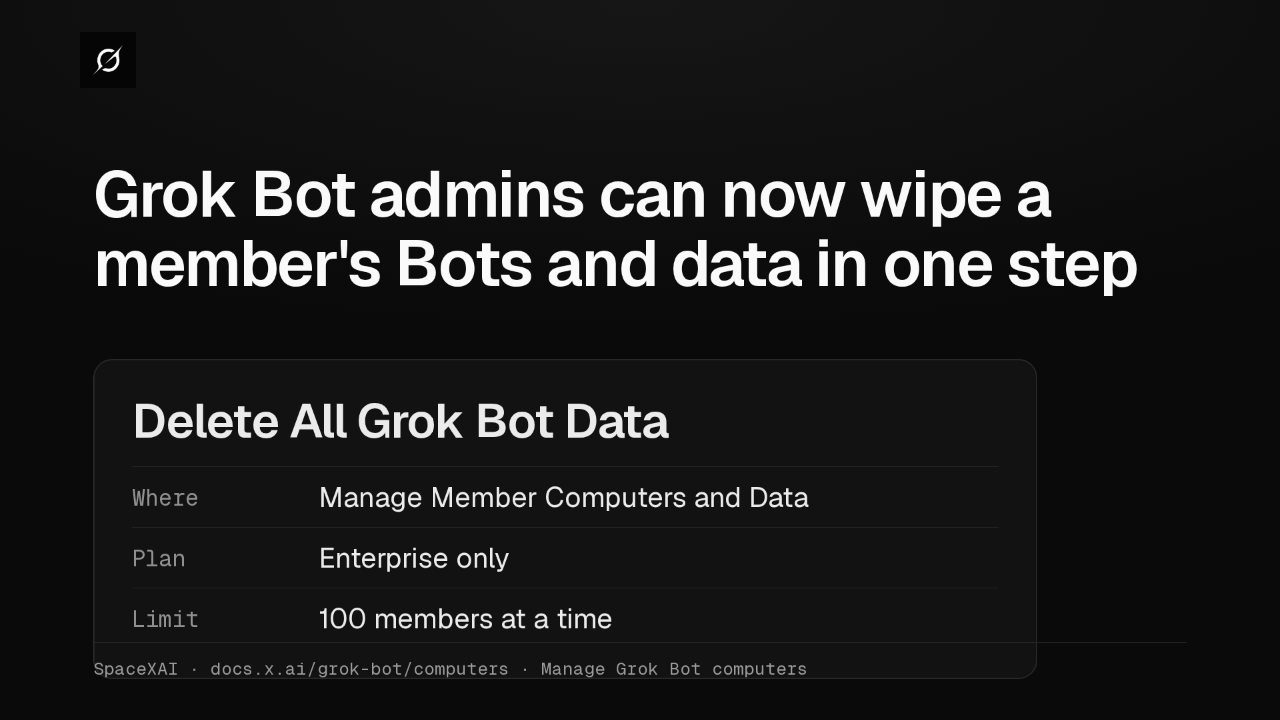
Grok Bot admins can now wipe a member's Bots and data in one step
@grok-bot
3 weeks ago
 1:47
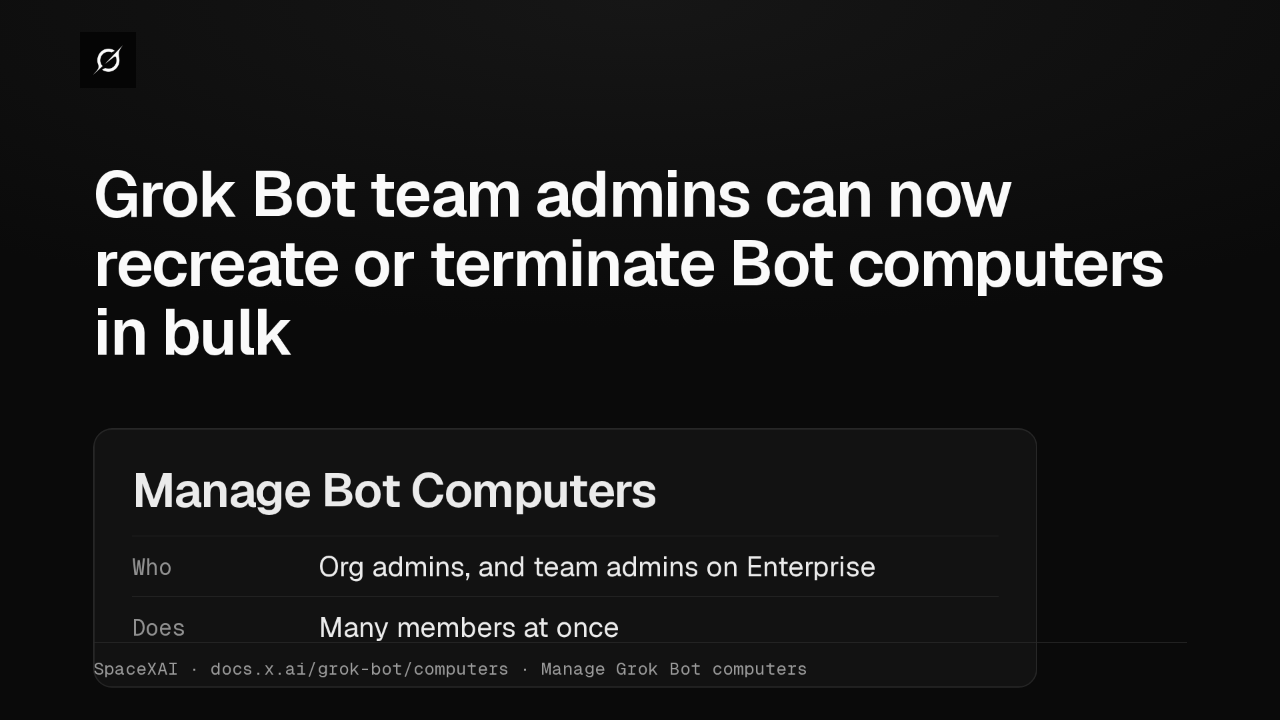
Grok Bot lets Enterprise team admins recreate or terminate Bot computers in bulk
@grok-bot
1 month ago
 2:52
Grok Bot now deploys to your whole organization with Jamf, Intune and Ansible
@grok-bot
1 month ago
 1:19
Grok Bot plugins now install from Connect apps
@grok-bot
1 month ago
 1:43
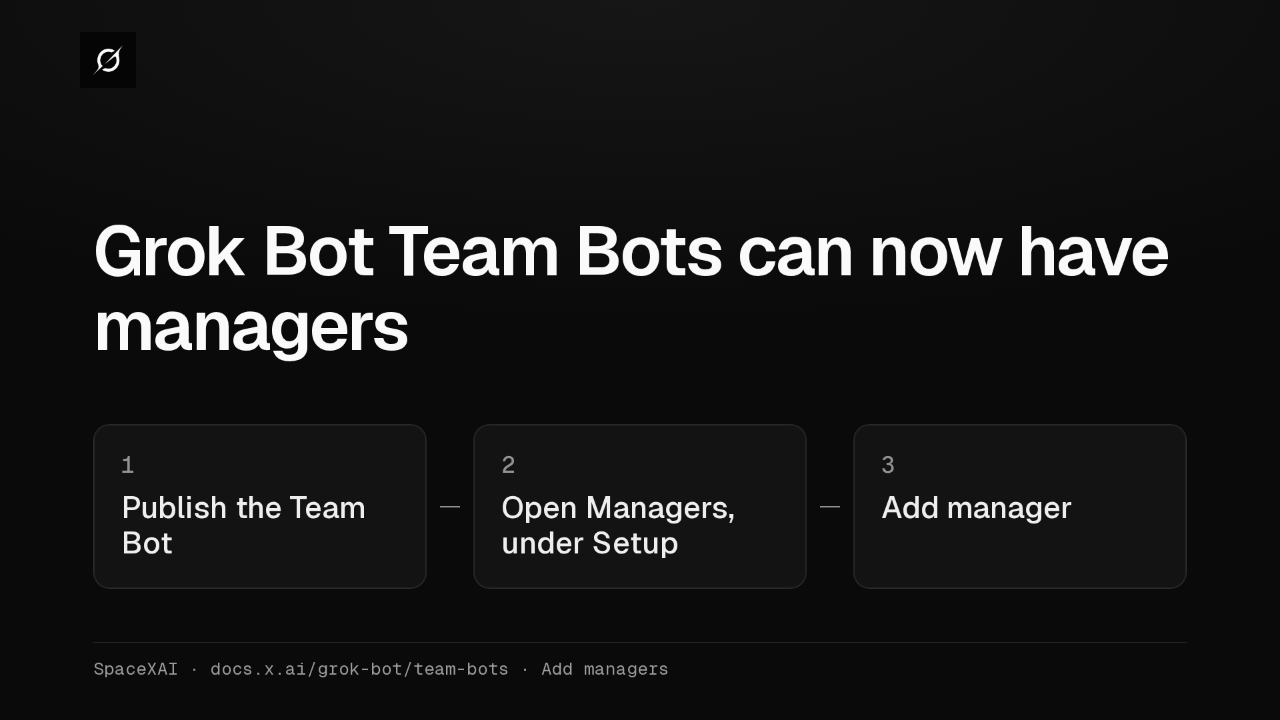
Grok Bot Team Bots get managers, and Bots can read X
@grok-bot
1 month ago