Grok Bot now joins your Zoom and Google Meet calls on Super plans too
17 hours ago
Grok Bot meetings now come with Super plans as well as Team, Enterprise and Ultra. Enterprise admins turn Meetings on for everyone's Bots, and a Team Bot joins a call only when its own team allows meetings.
Links
Ask about this presentation
Chapters
Show transcriptHide transcript
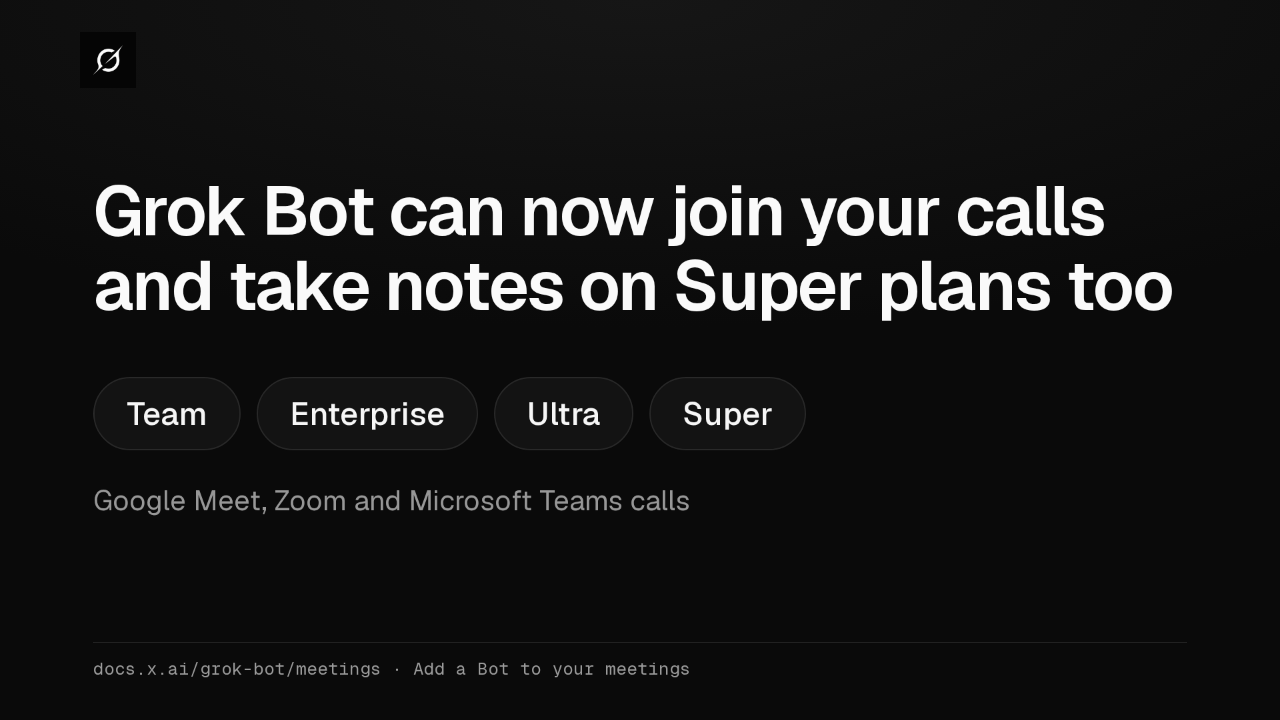
Grok Bot meetings now come with Super plans, as well as Team, Enterprise and Ultra. Your Bot joins Google Meet, Zoom or Microsoft Teams calls, takes notes, and sends a summary when the call ends.
Slide text

Grok Bot can now join your calls and take notes on Super plans too
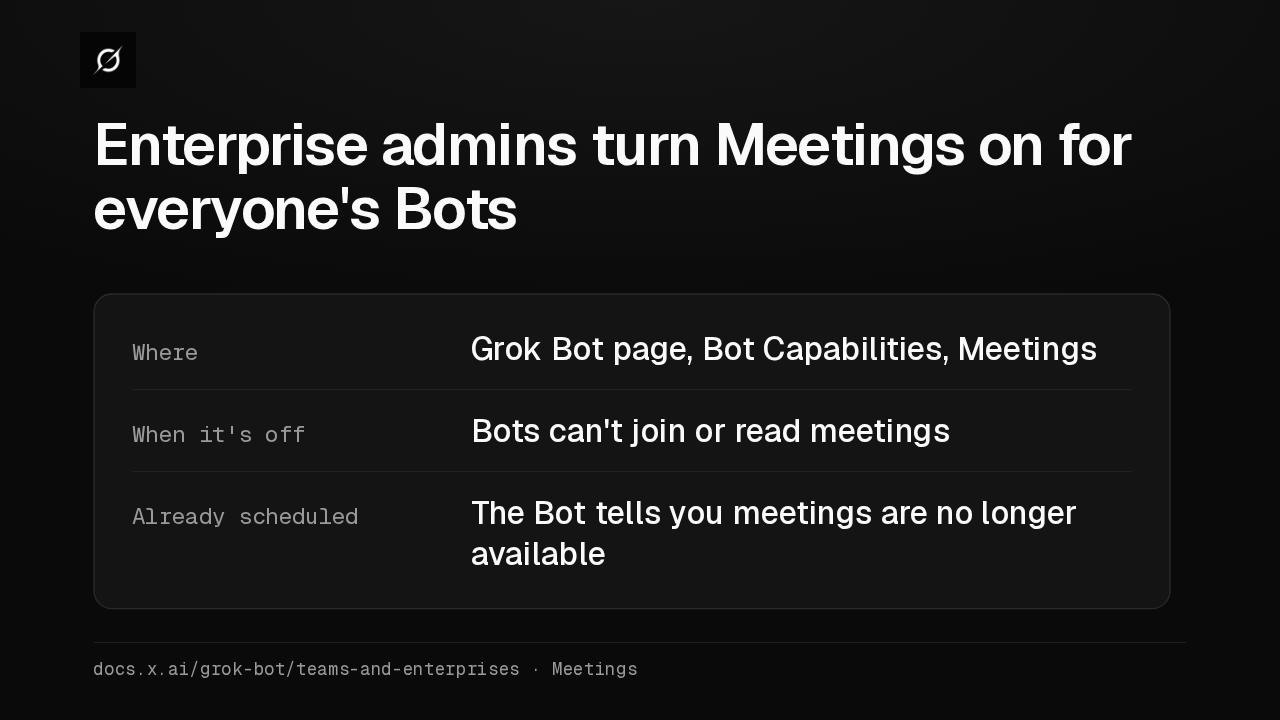
Team Enterprise Ultra SuperGoogle Meet, Zoom and Microsoft Teams callsdocs.x.ai/grok-bot/meetings · Add a Bot to your meetingsOn Enterprise plans, an admin turns on Meetings under Bot Capabilities on the Grok Bot page. While it's off, Bots can't join or read meetings, and a scheduled Bot tells you they're no longer available.
Slide text
Enterprise admins turn Meetings on for everyone's Bots
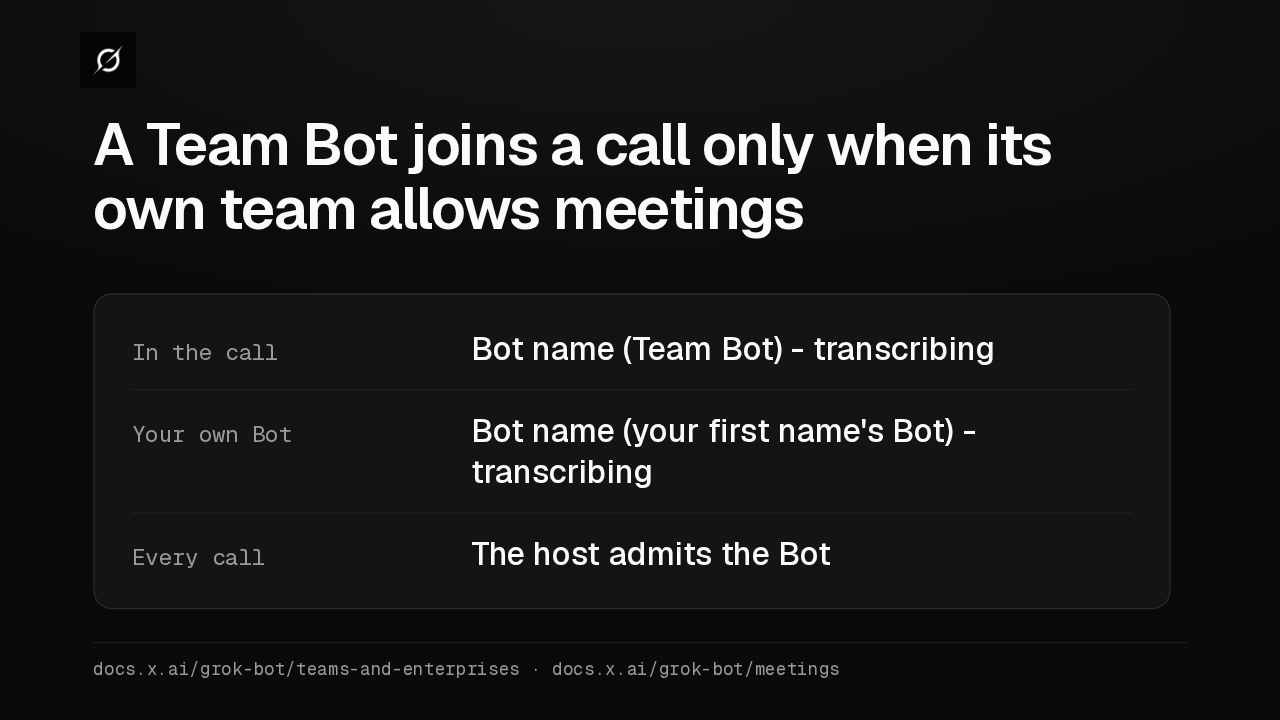
Where Grok Bot page, Bot Capabilities, MeetingsWhen it's off Bots can't join or read meetingsAlready scheduled The Bot tells you meetings are no longer availabledocs.x.ai/grok-bot/teams-and-enterprises · MeetingsA Team Bot, the one your whole team shares, follows its own team's Meetings setting. When that team allows meetings, it joins as a Team Bot that's transcribing, once the host admits it.
Slide text
A Team Bot joins a call only when its own team allows meetings
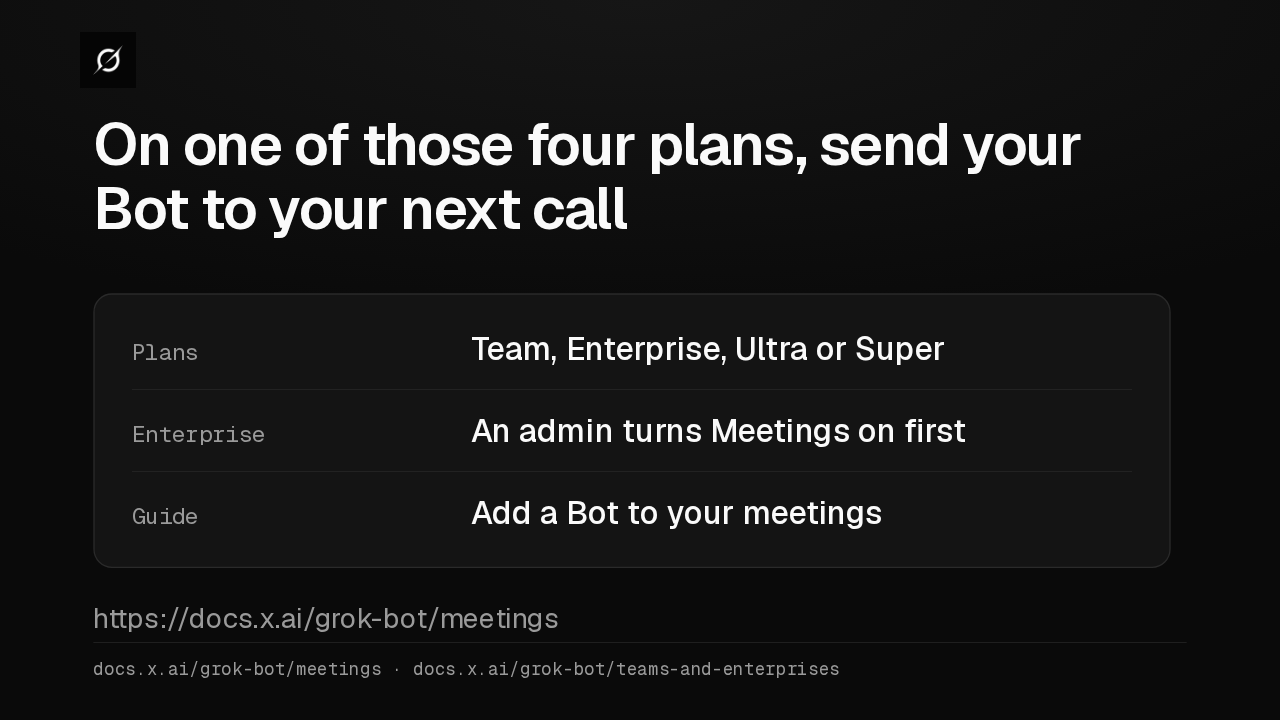
In the call Bot name (Team Bot) - transcribingYour own Bot Bot name (your first name's Bot) - transcribingEvery call The host admits the Botdocs.x.ai/grok-bot/teams-and-enterprises · docs.x.ai/grok-bot/meetingsOn Team, Enterprise, Ultra or Super, yes, send your Bot to your next call. On Enterprise, an admin turns Meetings on first. The guide is Add a Bot to your meetings.
Slide text
On one of those four plans, send your Bot to your next call
Plans Team, Enterprise, Ultra or SuperEnterprise An admin turns Meetings on firstGuide Add a Bot to your meetingshttps://docs.x.ai/grok-bot/meetingsdocs.x.ai/grok-bot/meetings · docs.x.ai/grok-bot/teams-and-enterprises
Up next
 2:09
Grok Bot now lets your whole team share one Bot in Slack and Microsoft Teams
@grok-bot
2 days ago
 1:52
Grok Bot's Vault lets Bots sign in and pay without seeing your passwords
@grok-bot
6 days ago
 1:06
Grok Bot now acts only as you, and keeps your passwords out of the model
@grok-bot
6 days ago
 2:29
Grok Bot now signs in with Okta FastPass on its own computers
@grok-bot
1 week ago
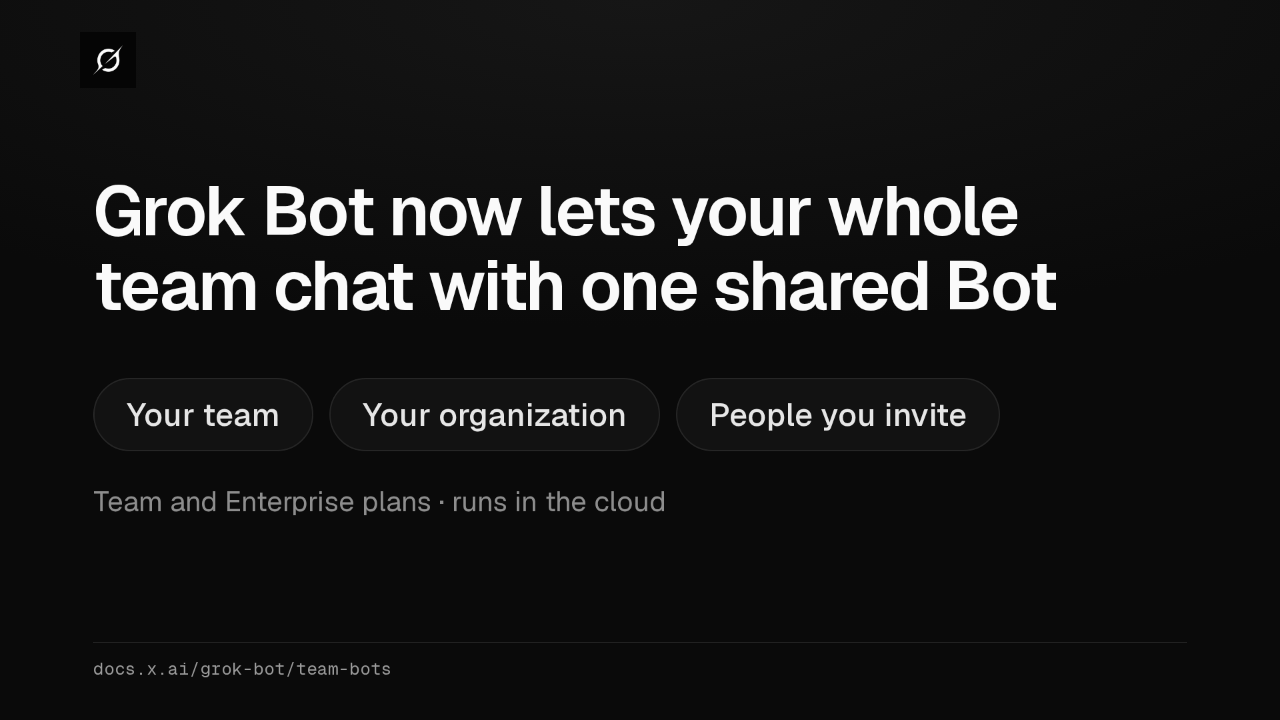 2:19
Grok Bot now shares one Bot with your whole team, in Slack and Teams
@grok-bot
1 week ago
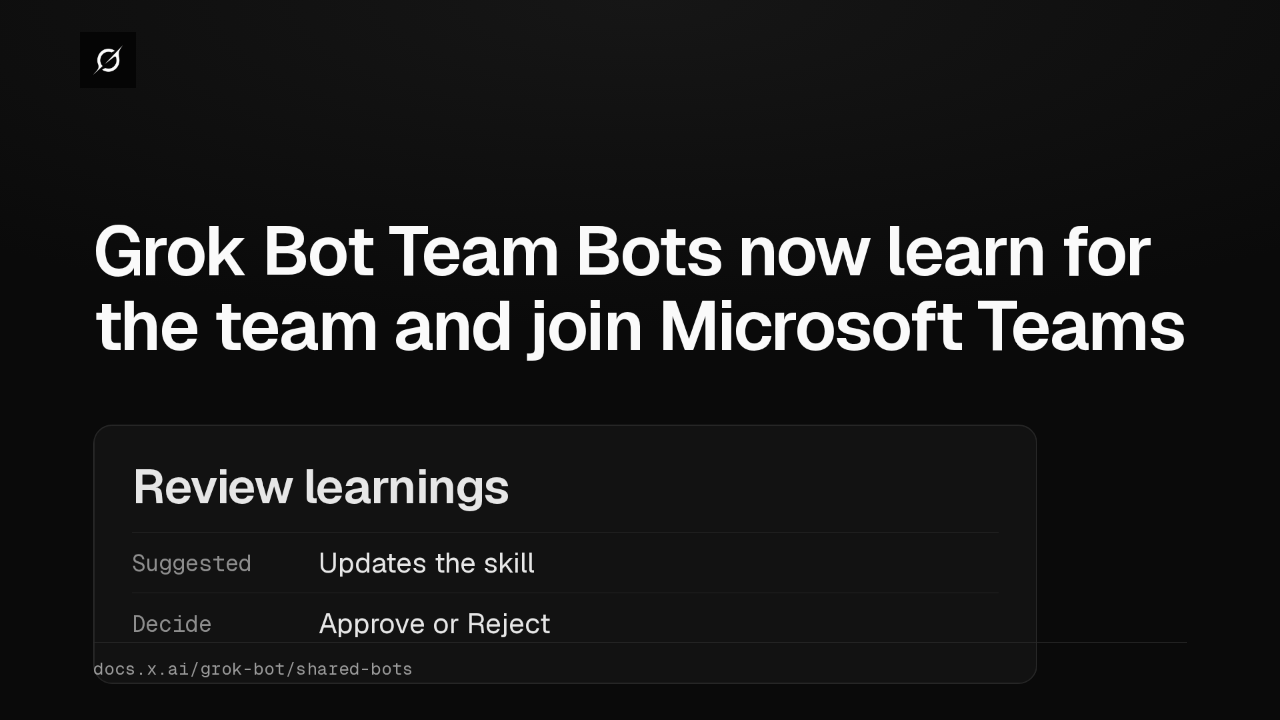 1:59
Grok Bot Team Bots now learn for the team and join Microsoft Teams
@grok-bot
1 week ago
 1:56
Grok Bot buys your conference pass from memory and asks before it emails finance
@grok-bot
1 week ago
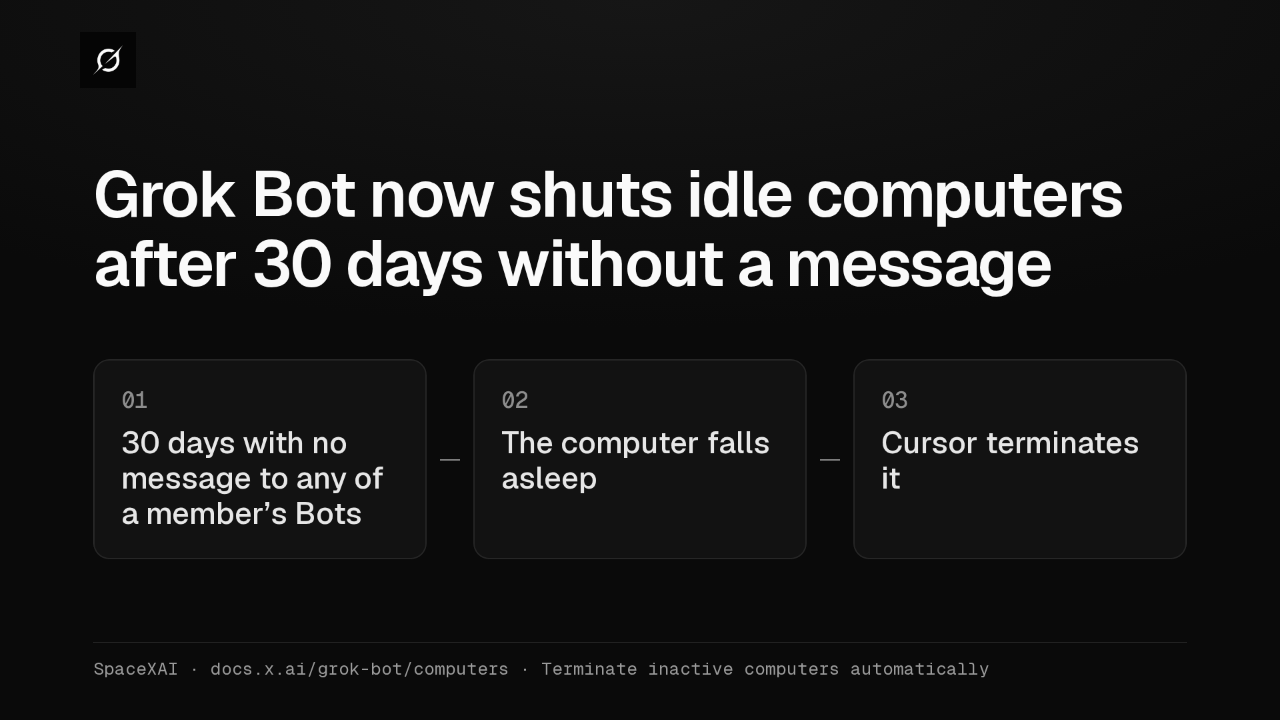 1:04
Grok Bot now shuts idle computers after 30 days without a message
@grok-bot
2 weeks ago
 2:17
Grok Bot inference hooks let your security server block a prompt before the model sees it
@grok-bot
3 weeks ago
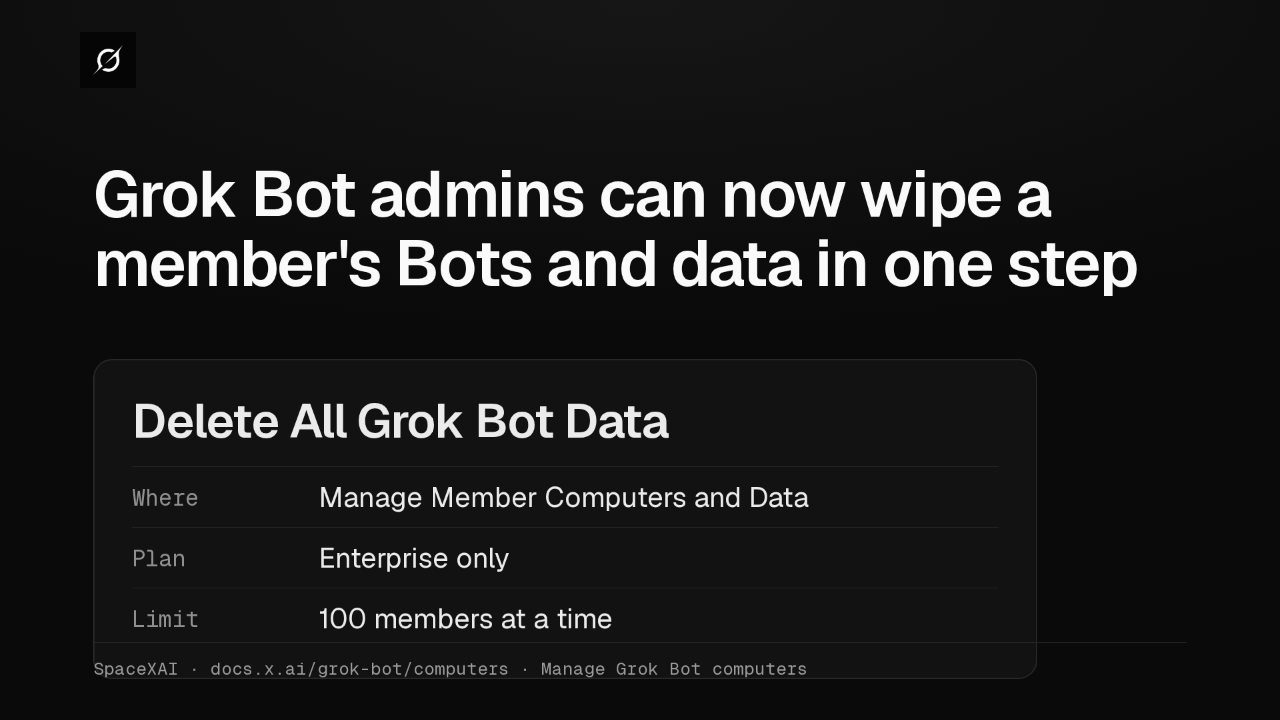 1:58
Grok Bot admins can now wipe a member's Bots and data in one step
@grok-bot
1 month ago
 1:47
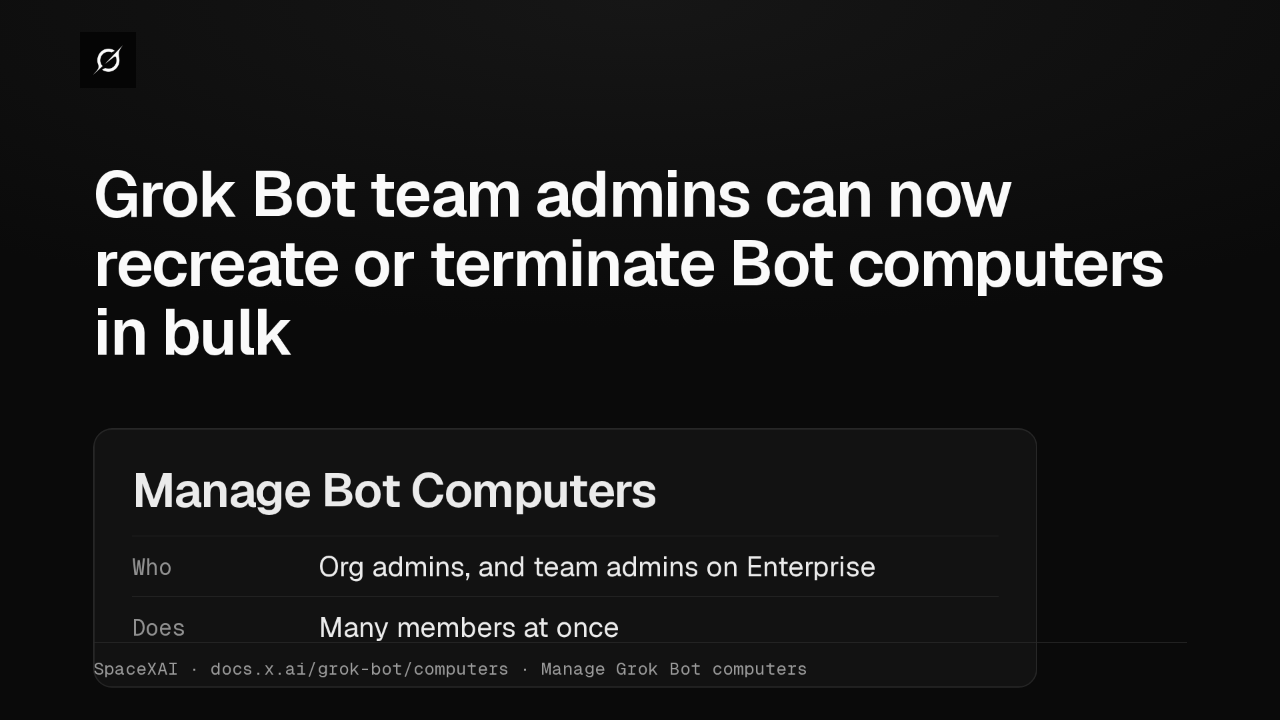
Grok Bot lets Enterprise team admins recreate or terminate Bot computers in bulk
@grok-bot
1 month ago
 2:52
Grok Bot now deploys to your whole organization with Jamf, Intune and Ansible
@grok-bot
1 month ago