Grok Bot now lets your whole team share one Bot in Slack and Microsoft Teams
2 days ago
Grok Bot now has Team Bots: one Bot your whole team shares in the Grok Bot app, Slack, Microsoft Teams and meetings, with roles, reviewed learning, shared logins and new admin controls.
Links
Ask about this presentation
Chapters
Show transcriptHide transcript
Grok Bot now has Team Bots: one Bot your whole team shares. Create it, give it a job, and publish. It needs a Team or Enterprise plan, and runs in the cloud.
Slide text

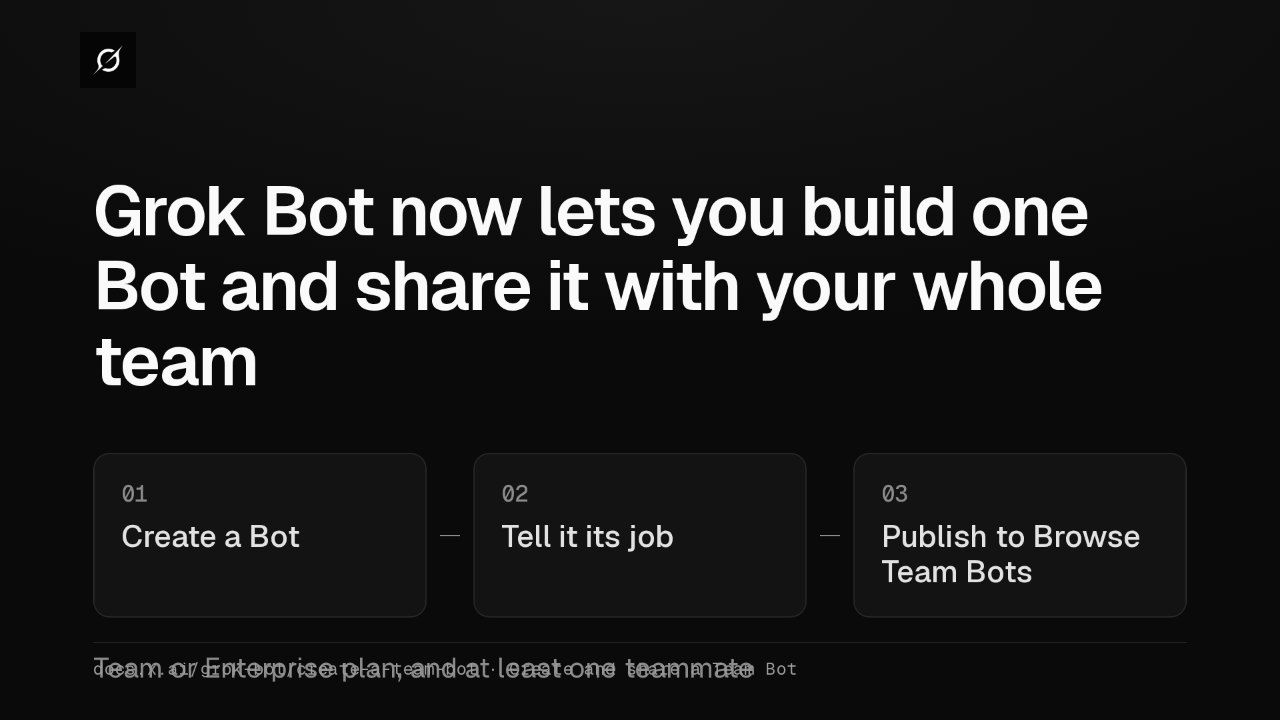
Grok Bot now lets you build one Bot and share it with your whole team
01Create a Bot02Tell it its job03Publish to Browse Team BotsTeam or Enterprise plan, and at least one teammatedocs.x.ai/grok-bot/create-a-team-bot · Create and share a Team BotTeammates reach it in the Grok Bot app, in Slack, where it gets its own handle, and in Microsoft Teams. It can also join Google Meet and Zoom calls, when your team allows meetings.
Slide text
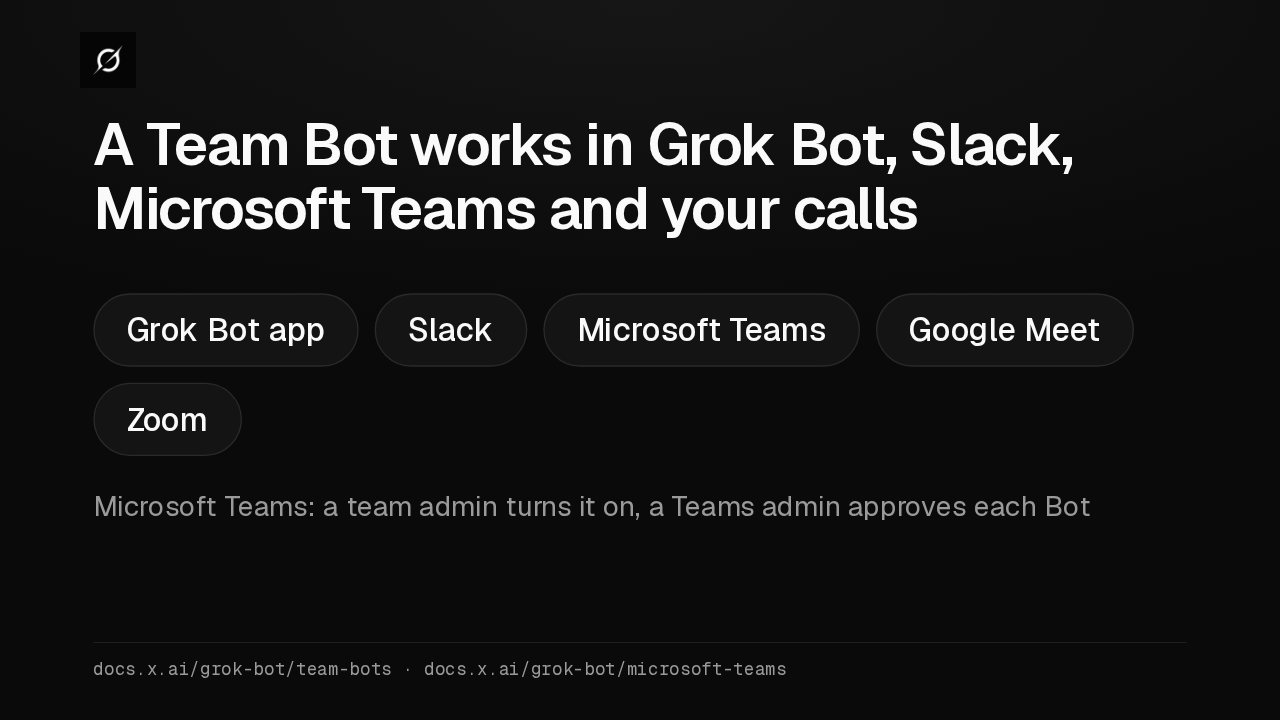
A Team Bot works in Grok Bot, Slack, Microsoft Teams and your calls
Grok Bot app Slack Microsoft Teams Google Meet ZoomMicrosoft Teams: a team admin turns it on, a Teams admin approves each Botdocs.x.ai/grok-bot/team-bots · docs.x.ai/grok-bot/microsoft-teamsEveryone uses the same Bot, with one set of apps, skills and files. Owners and Managers change it, Collaborators chat with it and teach it, and nobody sees anyone else's chat.
Slide text
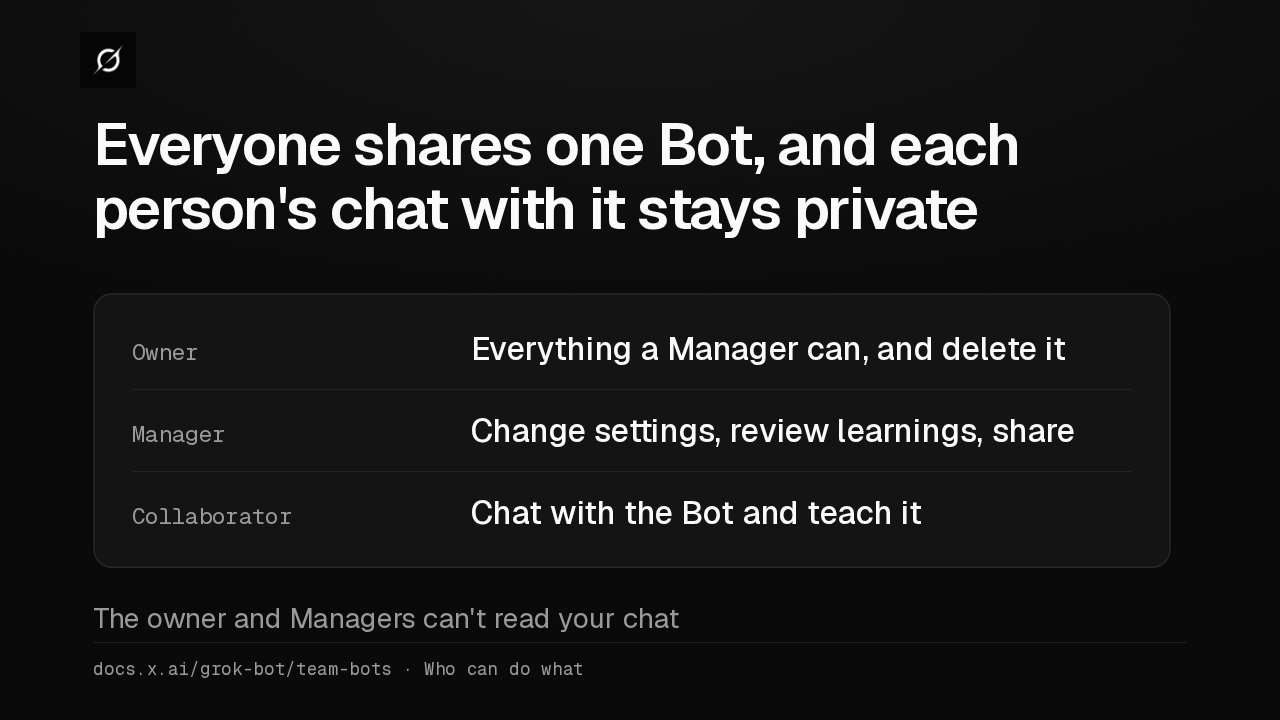
Everyone shares one Bot, and each person's chat with it stays private
Owner Everything a Manager can, and delete itManager Change settings, review learnings, shareCollaborator Chat with the Bot and teach itThe owner and Managers can't read your chatdocs.x.ai/grok-bot/team-bots · Who can do whatA Team Bot learns for the whole team, so one lesson changes it for everyone. A Collaborator's lesson becomes a suggestion that the owner or a Manager approves. What it learns about you stays private.
Slide text
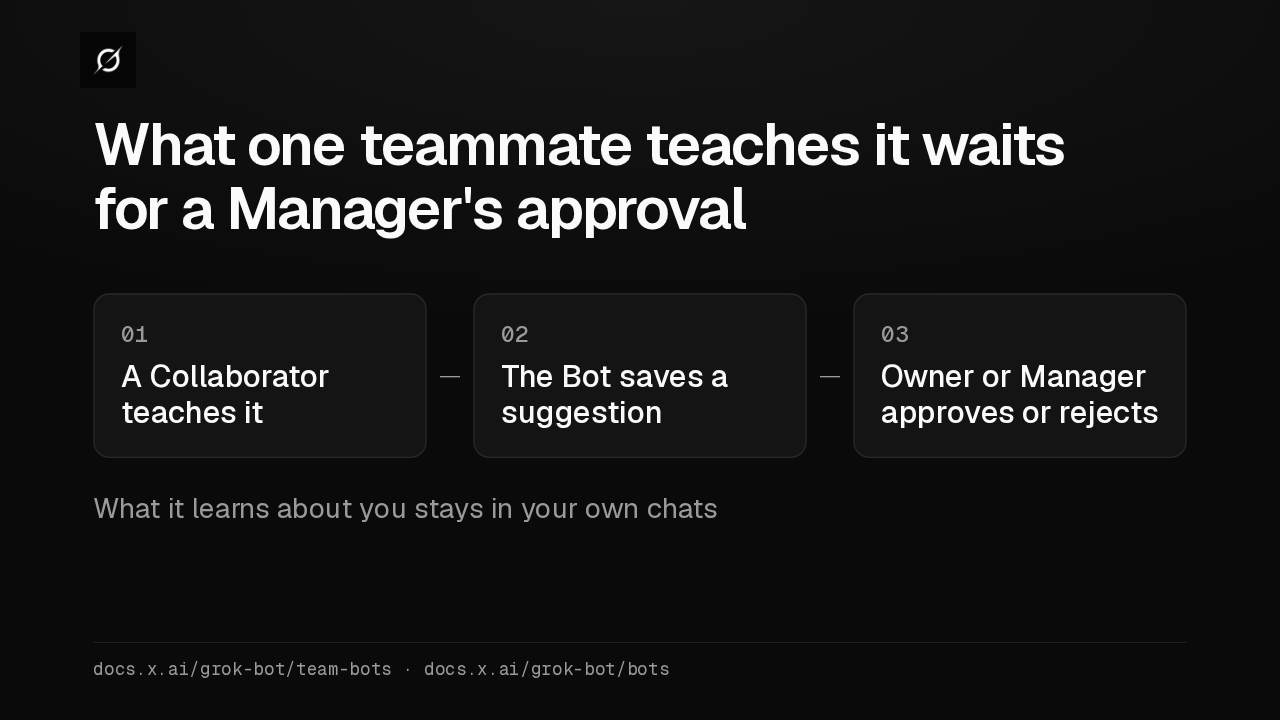
What one teammate teaches it waits for a Manager's approval
01A Collaborator teaches it02The Bot saves a suggestion03Owner or Manager approves or rejectsWhat it learns about you stays in your own chatsdocs.x.ai/grok-bot/team-bots · docs.x.ai/grok-bot/botsIn your own chat, it uses your computer and your usage. In a Slack channel or group chat, it works on its own shared computer, billed to whoever asked, and asks before using your apps.
Slide text
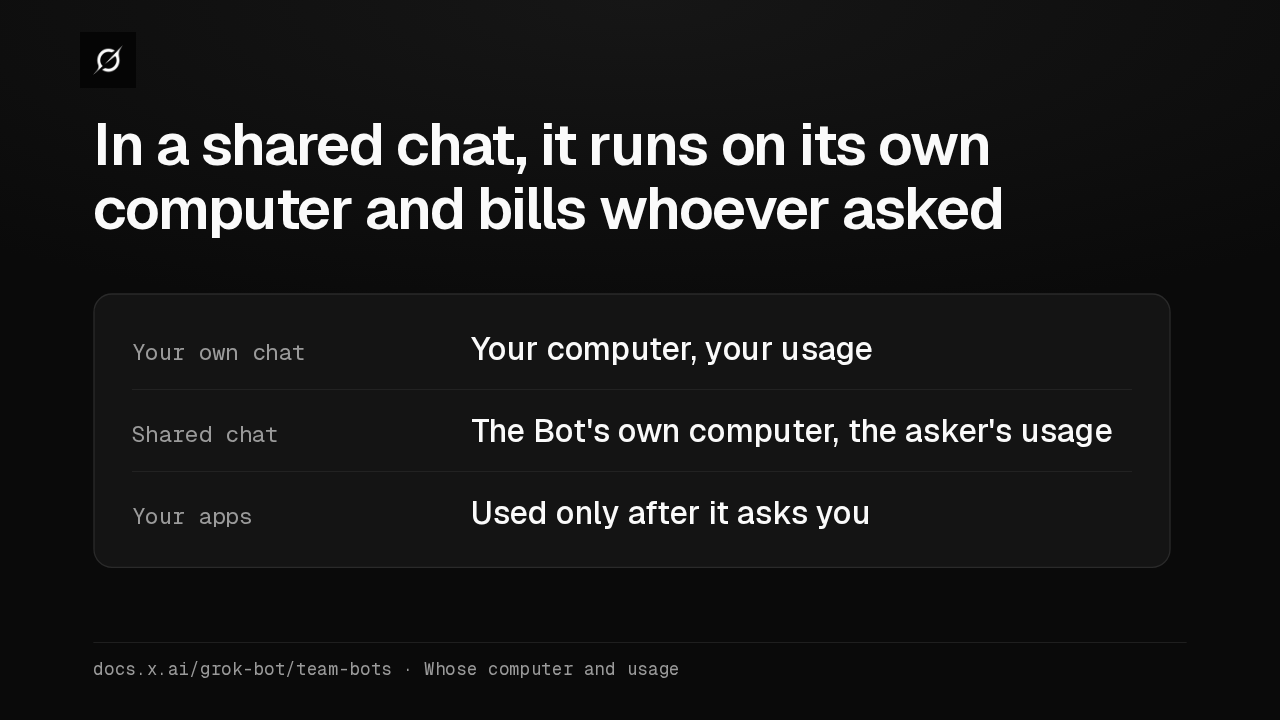
In a shared chat, it runs on its own computer and bills whoever asked
Your own chat Your computer, your usageShared chat The Bot's own computer, the asker's usageYour apps Used only after it asks youdocs.x.ai/grok-bot/team-bots · Whose computer and usageA Manager can let the whole team use an app through one shared login. Then anyone who talks to the Bot acts as that account, changes included. It stays off until an admin allows it.
Slide text
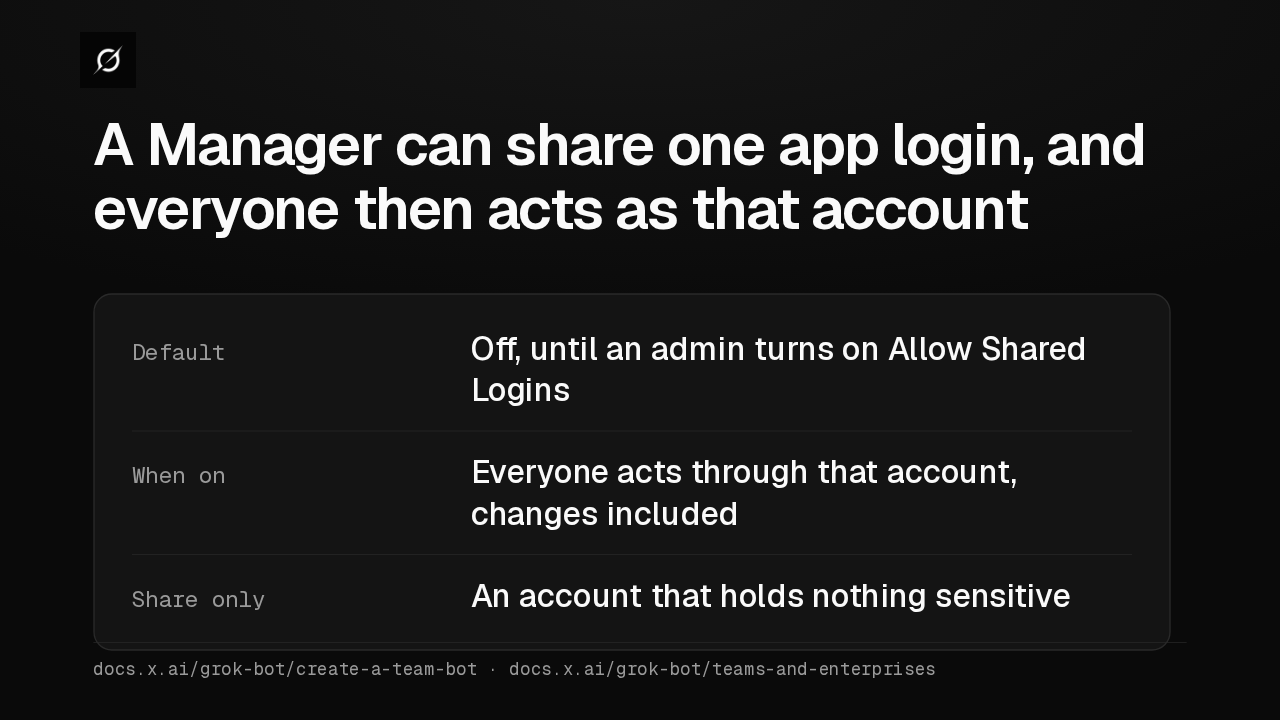
A Manager can share one app login, and everyone then acts as that account
Default Off, until an admin turns on Allow Shared LoginsWhen on Everyone acts through that account, changes includedShare only An account that holds nothing sensitivedocs.x.ai/grok-bot/create-a-team-bot · docs.x.ai/grok-bot/teams-and-enterprisesShare a Team Bot with your organization, and any full member of your Slack workspace can mention it, even without a seat. Those replies use your team's usage. Slack guests never get in.
Slide text
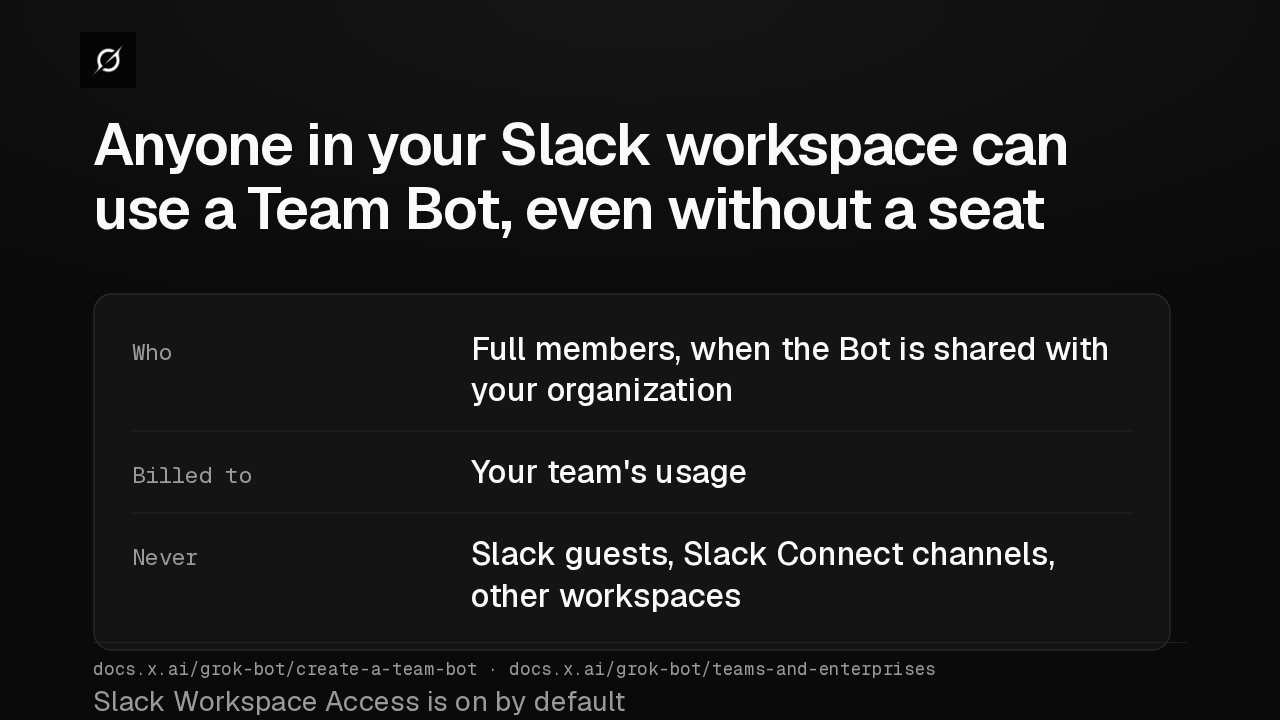
Anyone in your Slack workspace can use a Team Bot, even without a seat
Who Full members, when the Bot is shared with your organizationBilled to Your team's usageNever Slack guests, Slack Connect channels, other workspacesSlack Workspace Access is on by defaultdocs.x.ai/grok-bot/create-a-team-bot · docs.x.ai/grok-bot/teams-and-enterprisesA Bot can now run a routine that joins your meetings. A Bot the routine sends takes notes, but stays quiet in the meeting chat. For a single meeting, just ask it to join.
Slide text
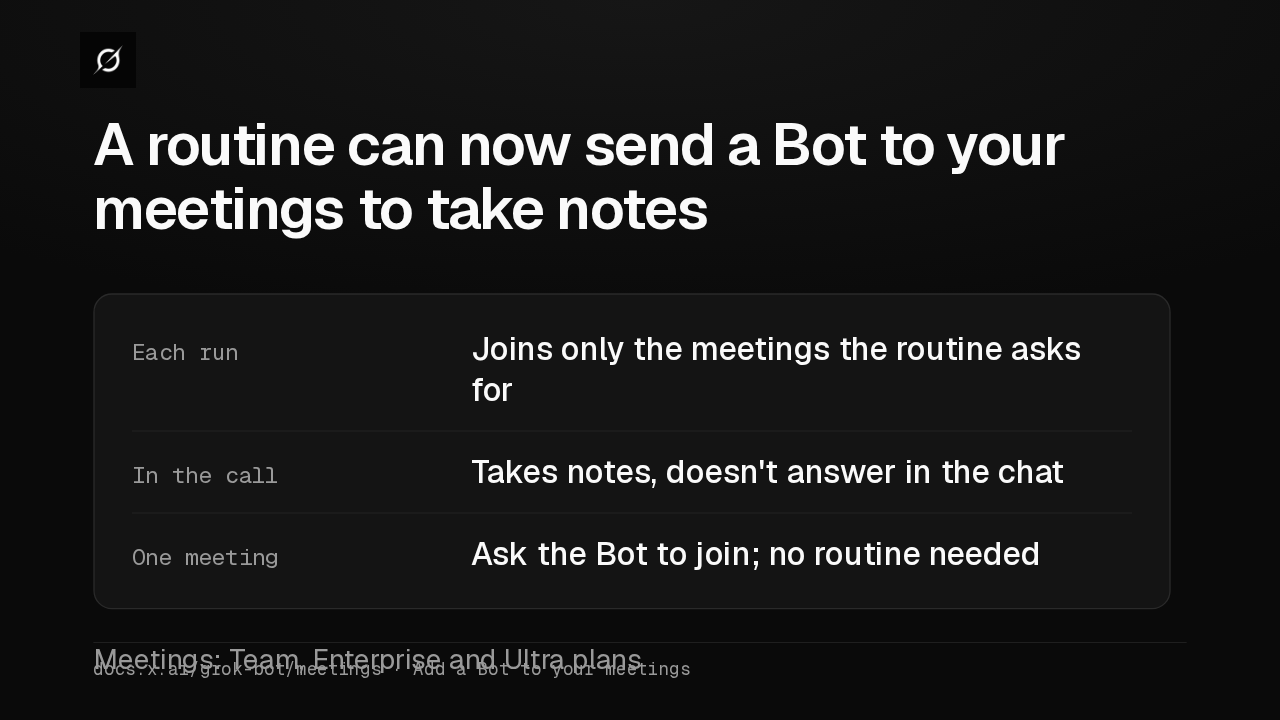
A routine can now send a Bot to your meetings to take notes
Each run Joins only the meetings the routine asks forIn the call Takes notes, doesn't answer in the chatOne meeting Ask the Bot to join; no routine neededMeetings: Team, Enterprise and Ultra plansdocs.x.ai/grok-bot/meetings · Add a Bot to your meetingsWhen a Bot calls a business for you, that call is never used for model training, whatever your privacy settings. Phone calls still work in the United States only, from the desktop and phone apps.
Slide text
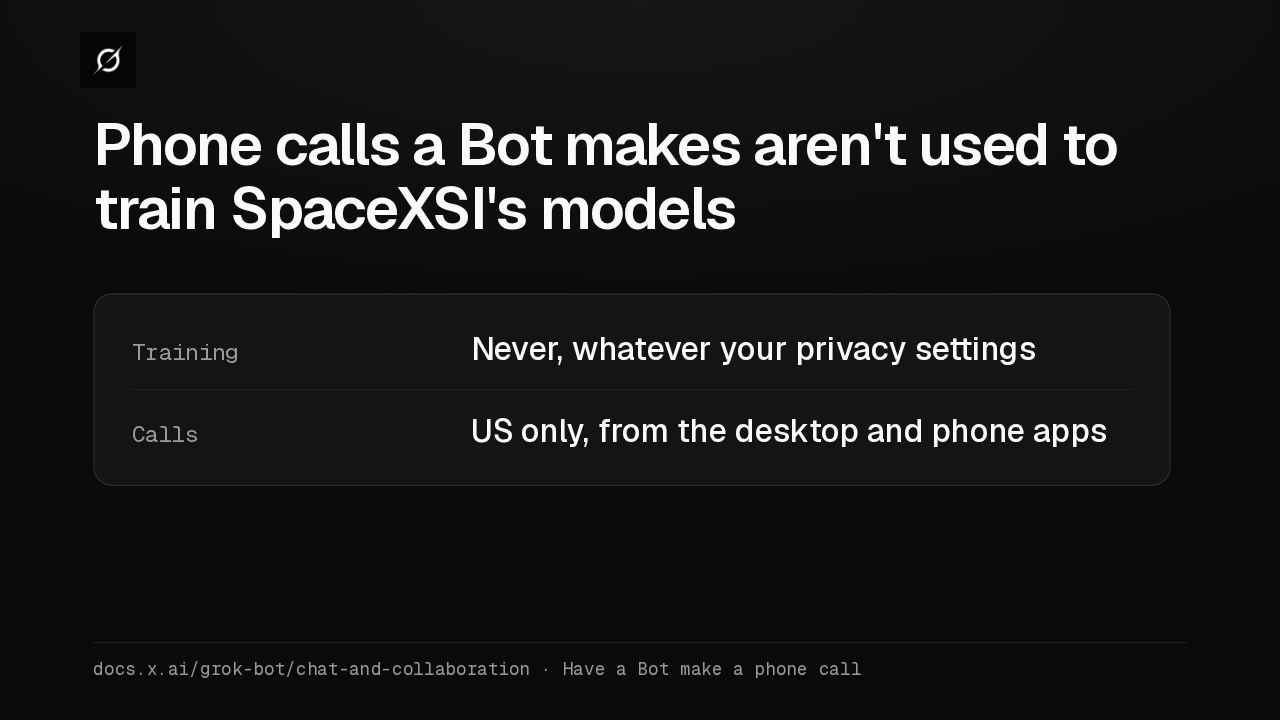
Phone calls a Bot makes aren't used to train SpaceXSI's models
Training Never, whatever your privacy settingsCalls US only, from the desktop and phone appsdocs.x.ai/grok-bot/chat-and-collaboration · Have a Bot make a phone callTeam admins now choose who may share Bots: everyone, which is the default, or admins only. Bots already shared stay shared. The Create and share a Team Bot guide walks through every step.
Slide text
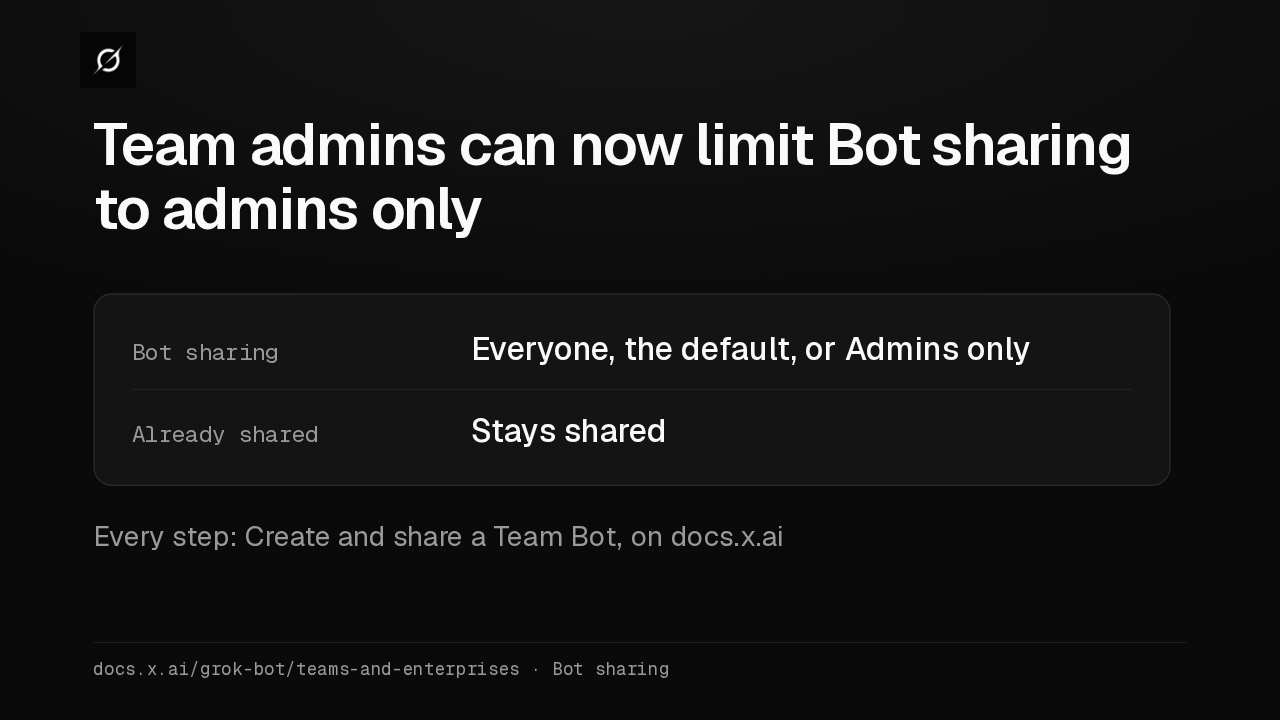
Team admins can now limit Bot sharing to admins only
Bot sharing Everyone, the default, or Admins onlyAlready shared Stays sharedEvery step: Create and share a Team Bot, on docs.x.aidocs.x.ai/grok-bot/teams-and-enterprises · Bot sharing
Up next
 0:50
Grok Bot now joins your Zoom and Google Meet calls on Super plans too
@grok-bot
17 hours ago
 1:52
Grok Bot's Vault lets Bots sign in and pay without seeing your passwords
@grok-bot
6 days ago
 1:06
Grok Bot now acts only as you, and keeps your passwords out of the model
@grok-bot
6 days ago
 2:29
Grok Bot now signs in with Okta FastPass on its own computers
@grok-bot
1 week ago
 2:19
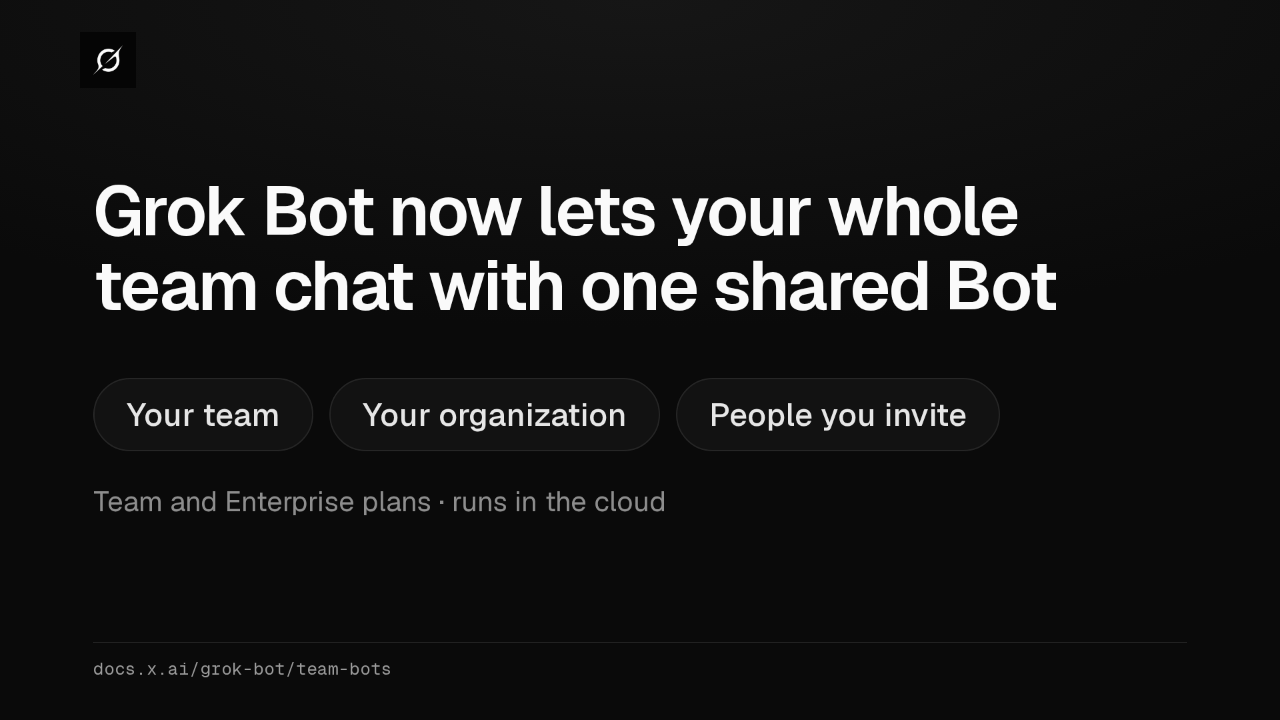
Grok Bot now shares one Bot with your whole team, in Slack and Teams
@grok-bot
1 week ago
 1:59
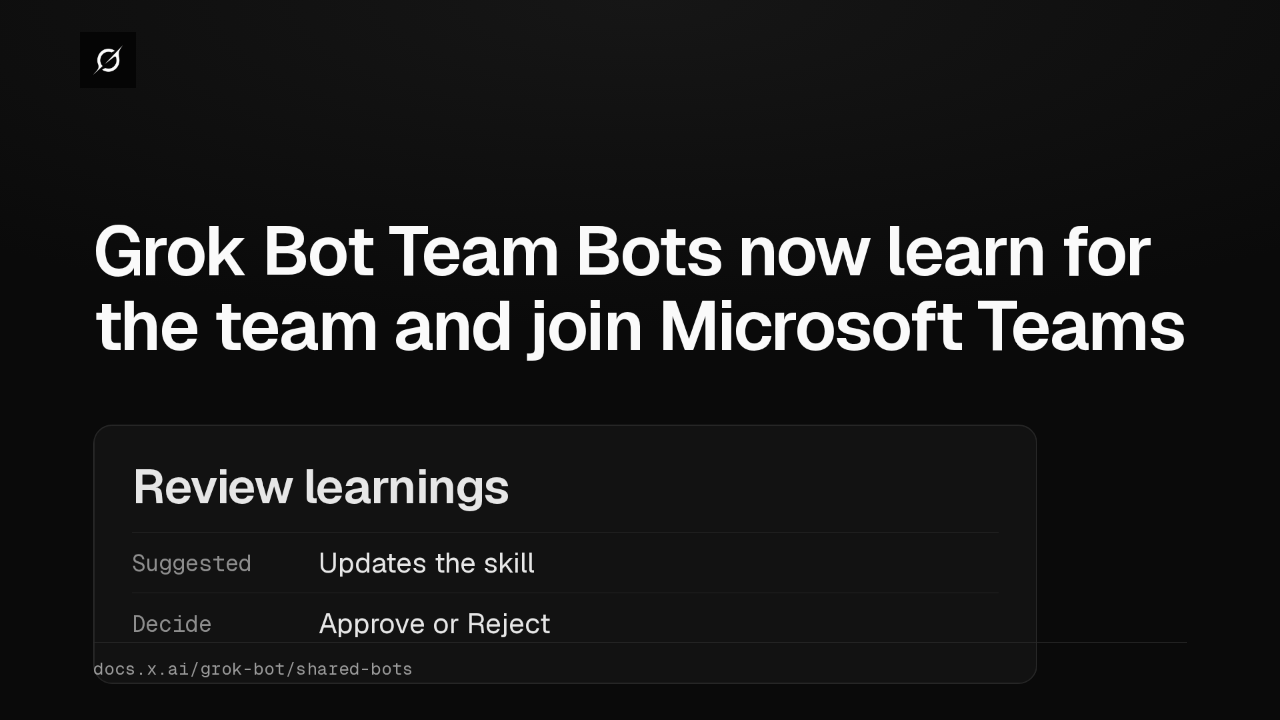
Grok Bot Team Bots now learn for the team and join Microsoft Teams
@grok-bot
1 week ago
 1:56
Grok Bot buys your conference pass from memory and asks before it emails finance
@grok-bot
1 week ago
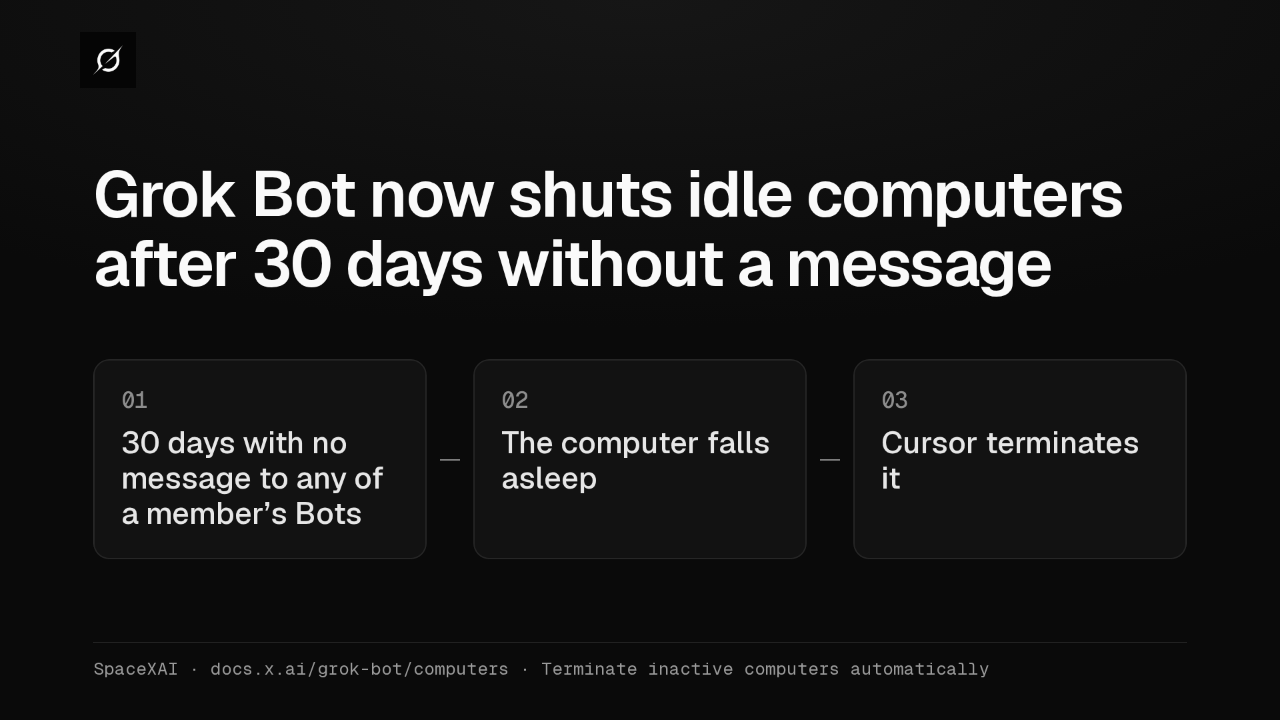 1:04
Grok Bot now shuts idle computers after 30 days without a message
@grok-bot
2 weeks ago
 2:17
Grok Bot inference hooks let your security server block a prompt before the model sees it
@grok-bot
3 weeks ago
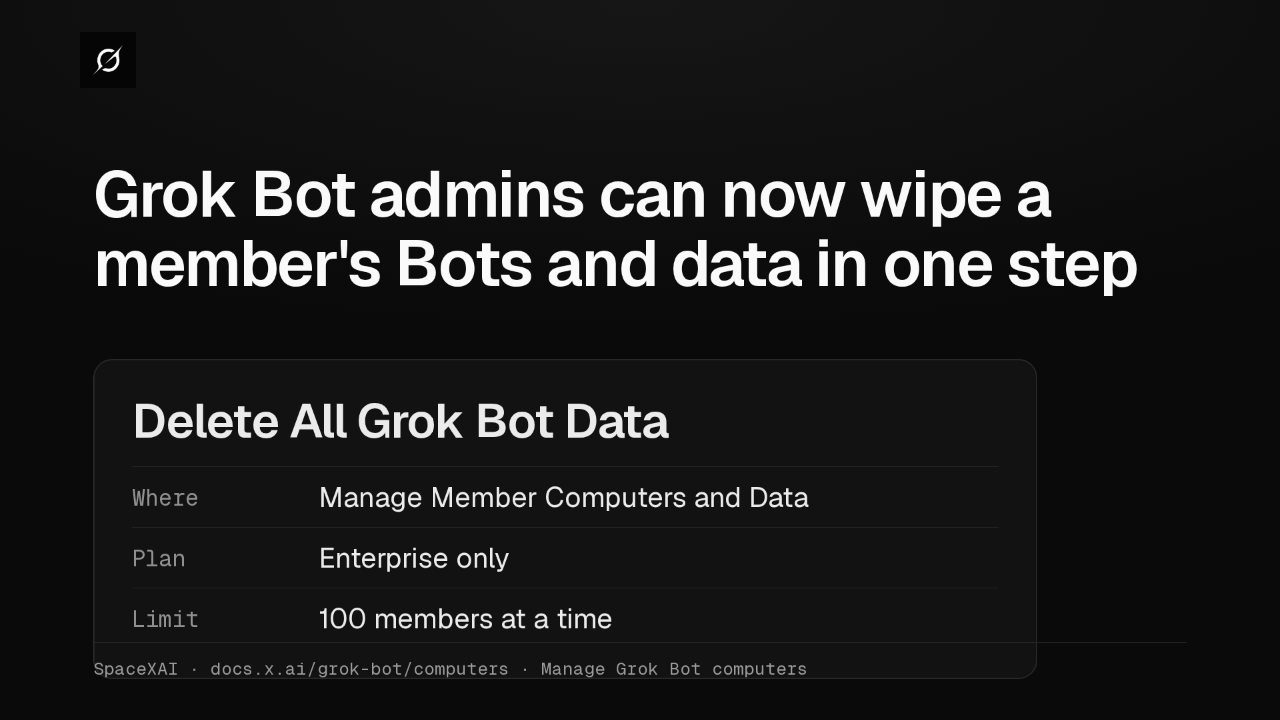 1:58
Grok Bot admins can now wipe a member's Bots and data in one step
@grok-bot
1 month ago
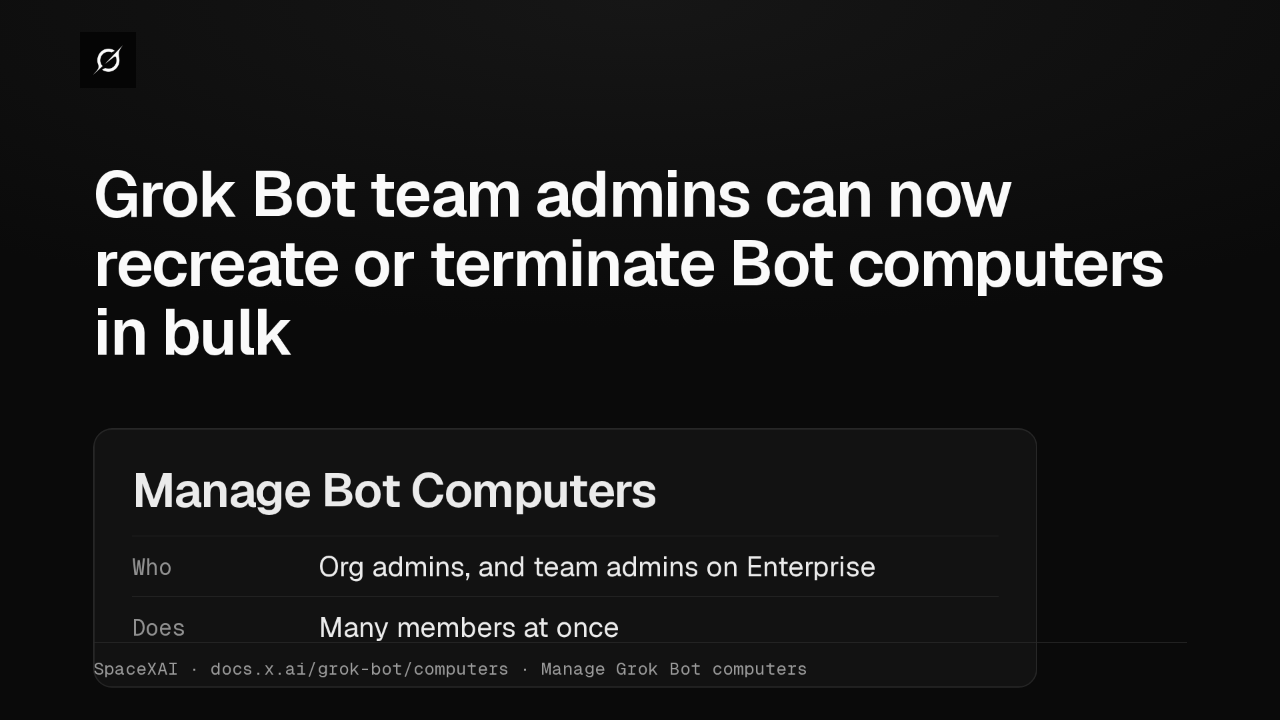 1:47
Grok Bot lets Enterprise team admins recreate or terminate Bot computers in bulk
@grok-bot
1 month ago
 2:52
Grok Bot now deploys to your whole organization with Jamf, Intune and Ansible
@grok-bot
1 month ago