What a Bot is

Grok Bot gives you AI teammates that work on a persistent cloud computer
In August, SpaceXAI made Grok Bot available. A Bot is a named teammate with one job, and it works on a persistent cloud computer with a browser, a filesystem and a terminal.
Setup is a message
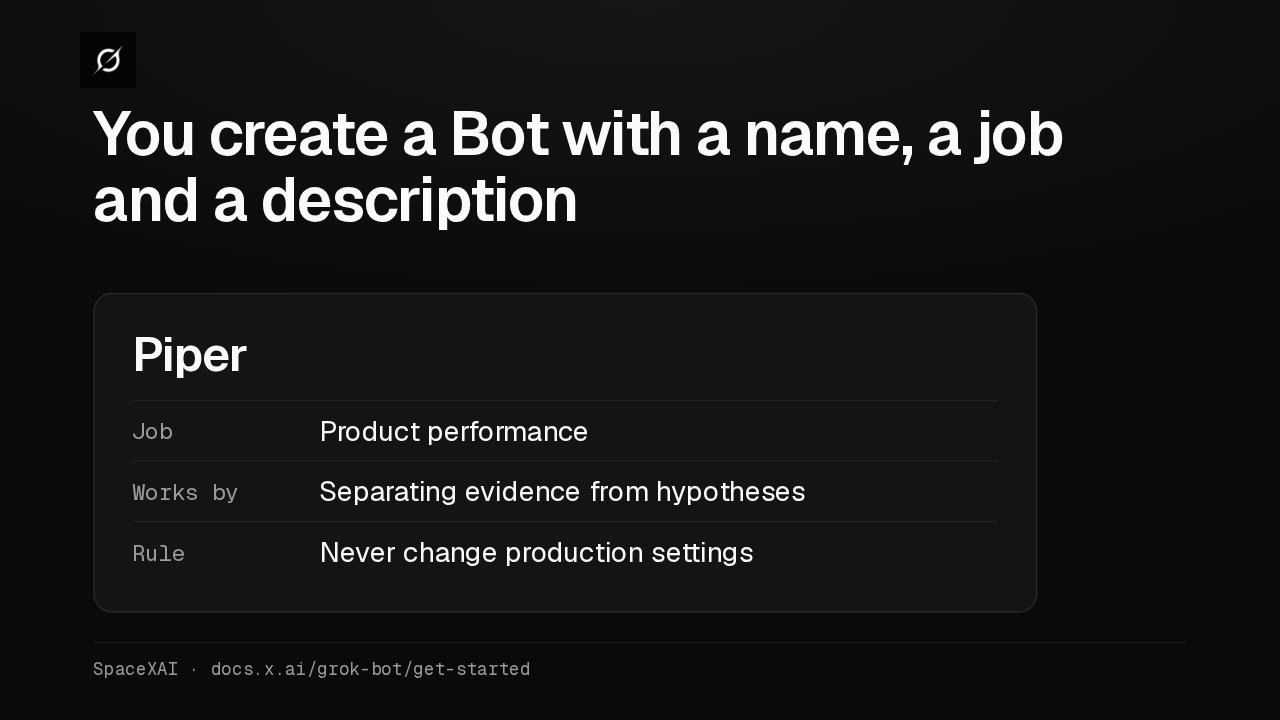
You create a Bot with a name, a job and a description
Setting one up takes a message: a short name, one primary job, and how it should work. SpaceXAI's example is Piper, who investigates product performance and never changes production settings.
Context compounds
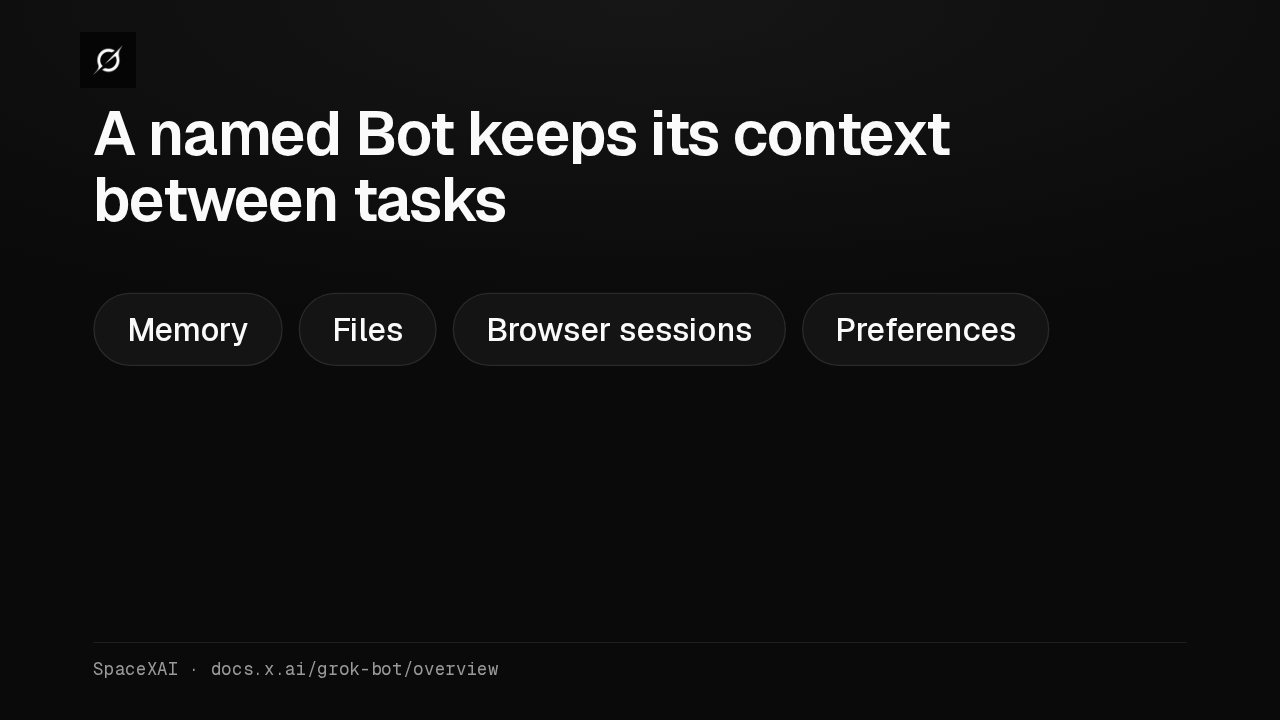
A named Bot keeps its context between tasks
A named Bot keeps its memory, files, browser sessions and preferences instead of resetting on every task. For important decisions, SpaceXAI says to have it check the current source.
Laptop closed
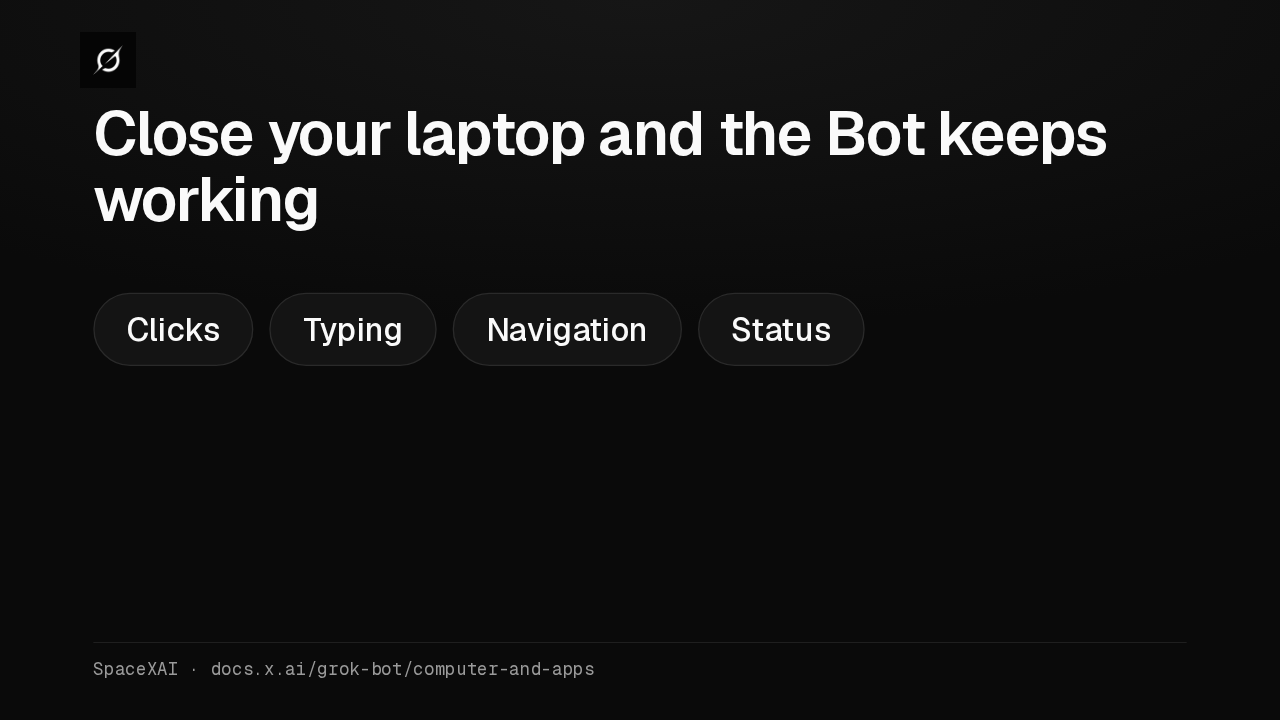
Close your laptop and the Bot keeps working
The work runs in the cloud, so closing your laptop or phone doesn't stop it. Open Agent Computer to watch the Bot's clicks, typing and navigation as they happen.
One shared computer
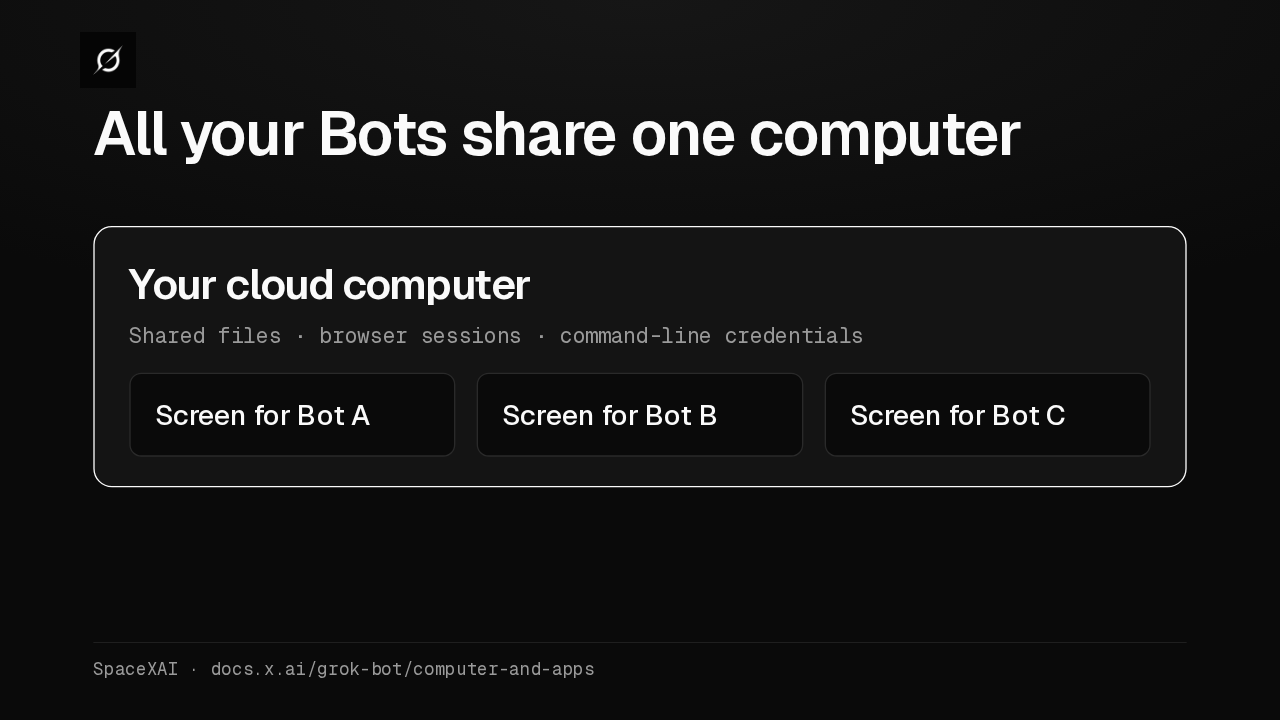
All your Bots share one computer
Every Bot on your account uses that same computer, with shared files, browser sessions and command-line credentials. Each Bot gets its own screen, and SpaceXAI warns that separate Bots are not a security boundary.
Bots coordinate
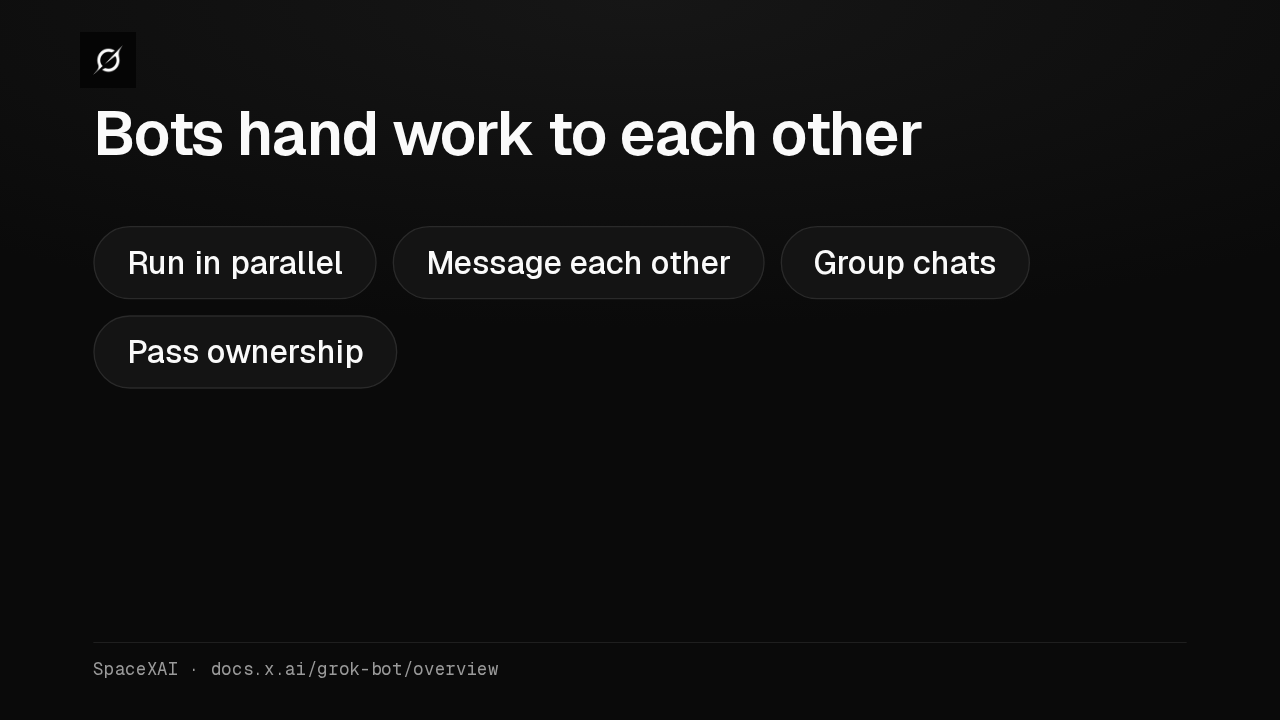
Bots hand work to each other
Bots run in parallel, message each other, share context in group chats and pass tasks along, so you aren't routing work by hand. Each Bot runs one computer task at a time.
Take over to sign in
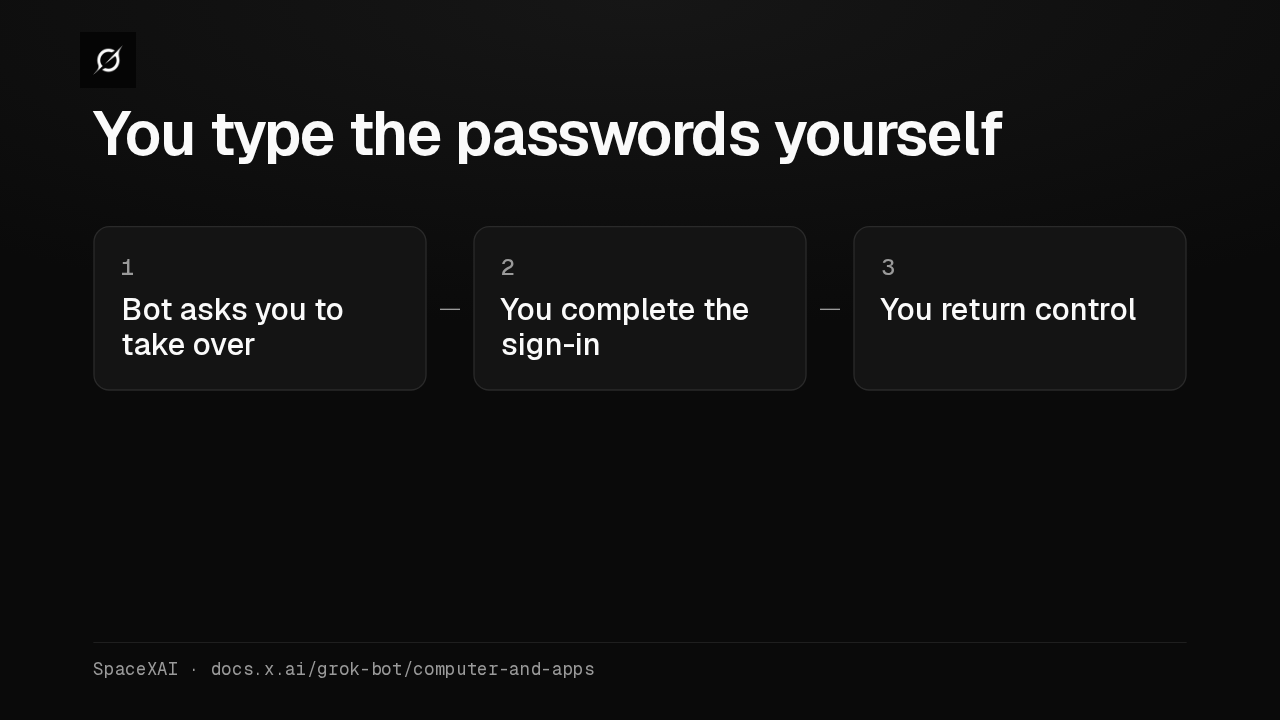
You type the passwords yourself
For a password, a two-factor code or a CAPTCHA, the Bot asks you to take over the computer. You finish that step, and the signed-in session stays available to your other Bots.
Repeat the work
Repeating the work.
Skills and routines
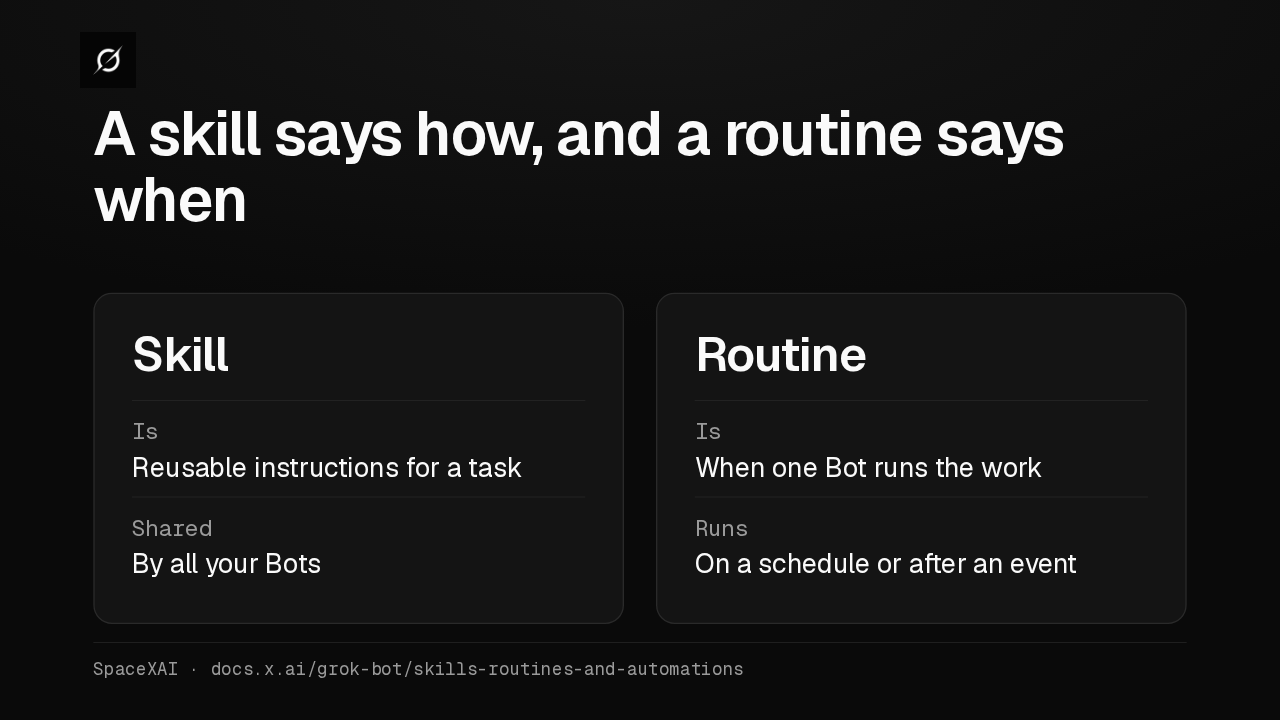
A skill says how, and a routine says when
A skill is a reusable set of instructions, shared by all your Bots. A routine tells one Bot when to run the work, on a schedule or after an event such as a Slack message.
Teach a task
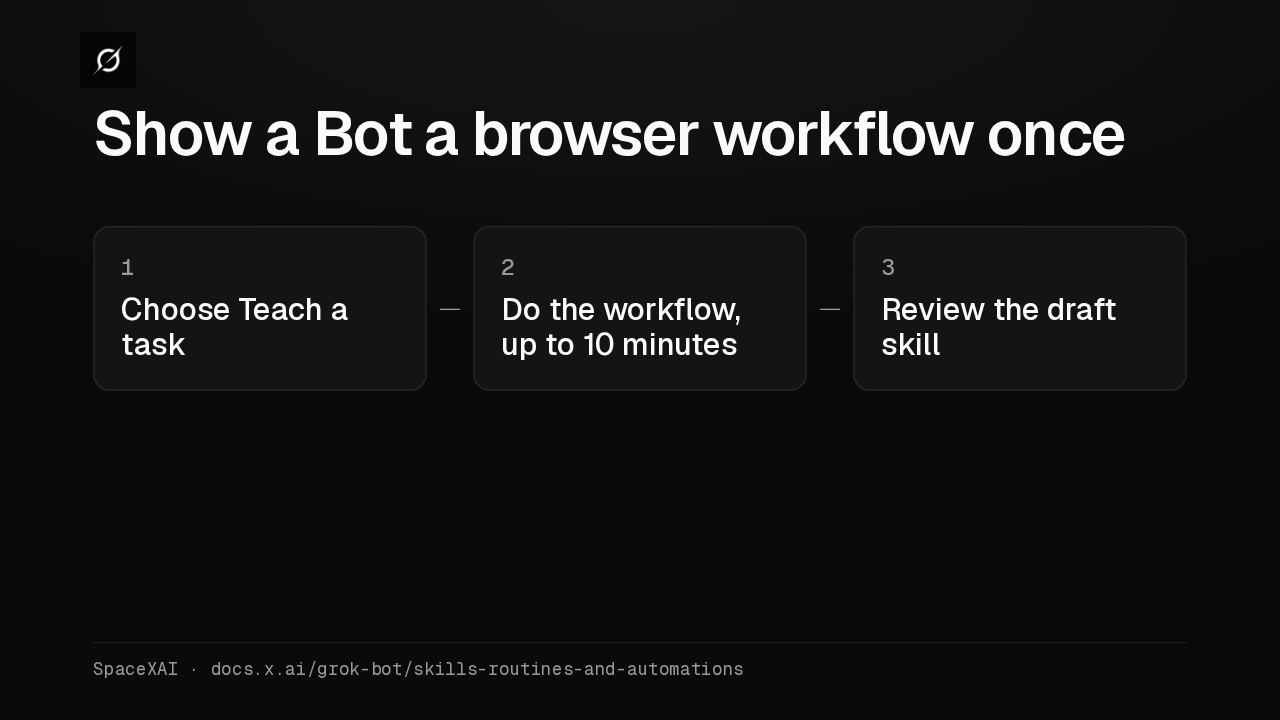
Show a Bot a browser workflow once
Where Teach a task is available, you do a browser workflow once while the Bot records the screen, for up to ten minutes. It turns that into a draft skill you review.
Routine limits
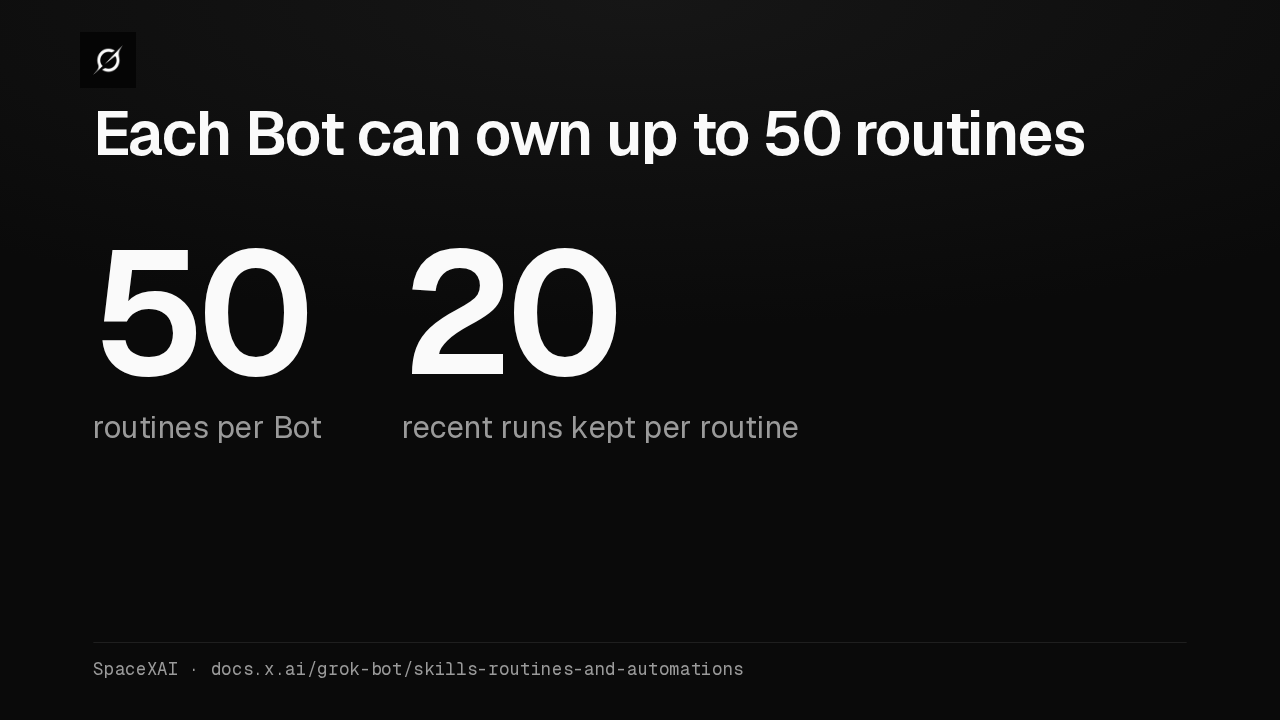
Each Bot can own up to 50 routines
Each Bot can own up to 50 routines, and the app keeps the 20 most recent runs of each. A test run does real work, so keep write actions behind approval.
Control and cost
Control and cost.
Approvals
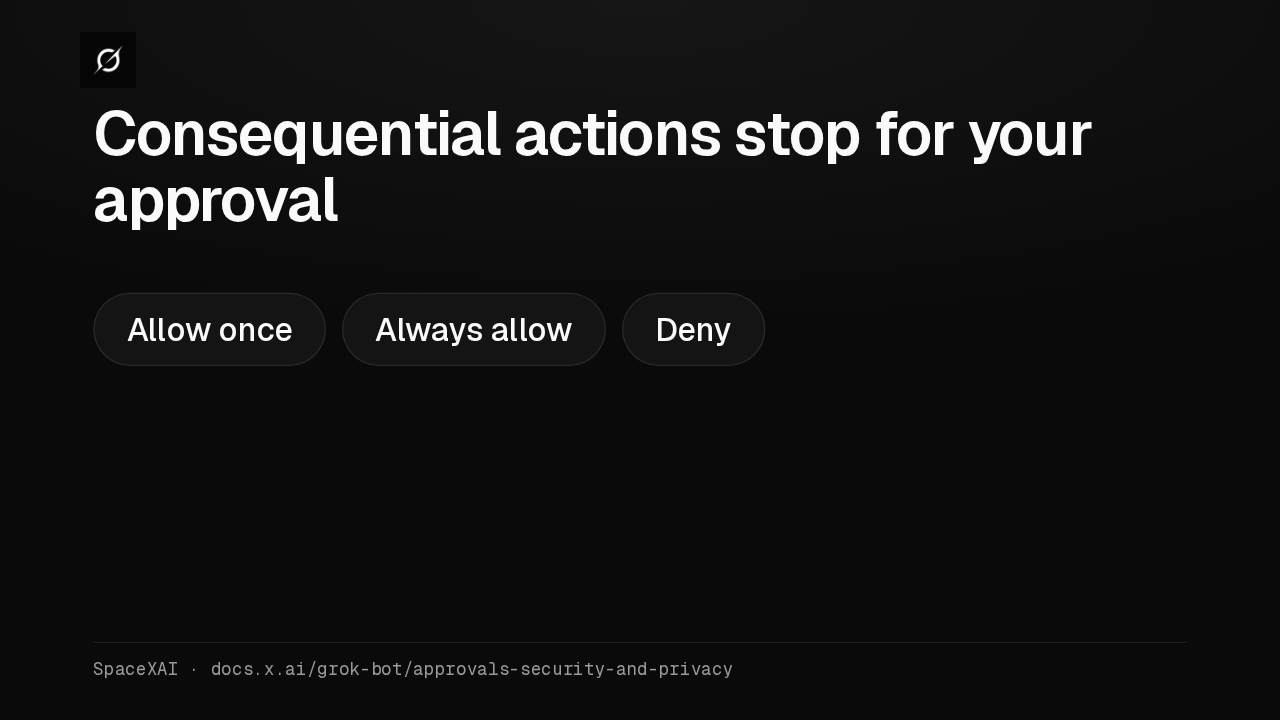
Consequential actions stop for your approval
When an action needs approval, the conversation shows the operation and its inputs. You pick Allow once, Always allow or Deny. With Auto Review on, an Ask first rule always wins.
Your local computer
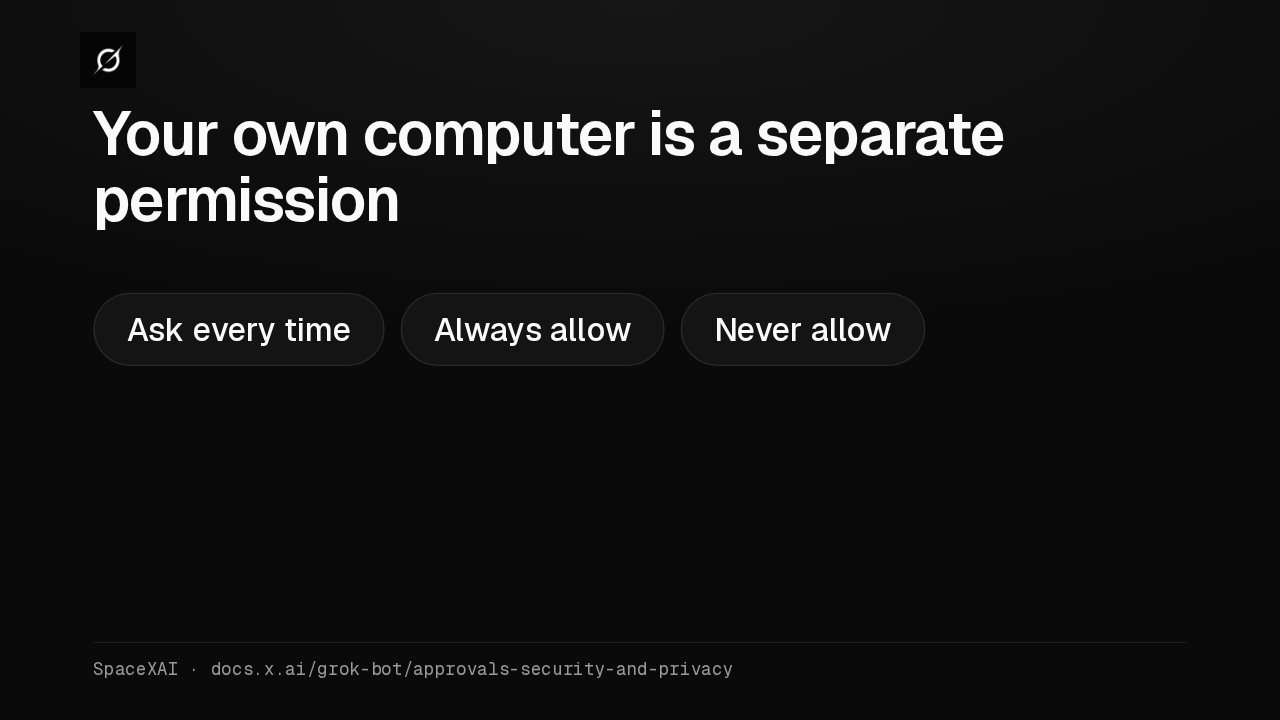
Your own computer is a separate permission
A Bot runs commands on the Mac or Windows machine in front of you only with permission. The default is Ask every time, and SpaceXAI suggests Never allow unless a Bot needs your local files.
What it costs
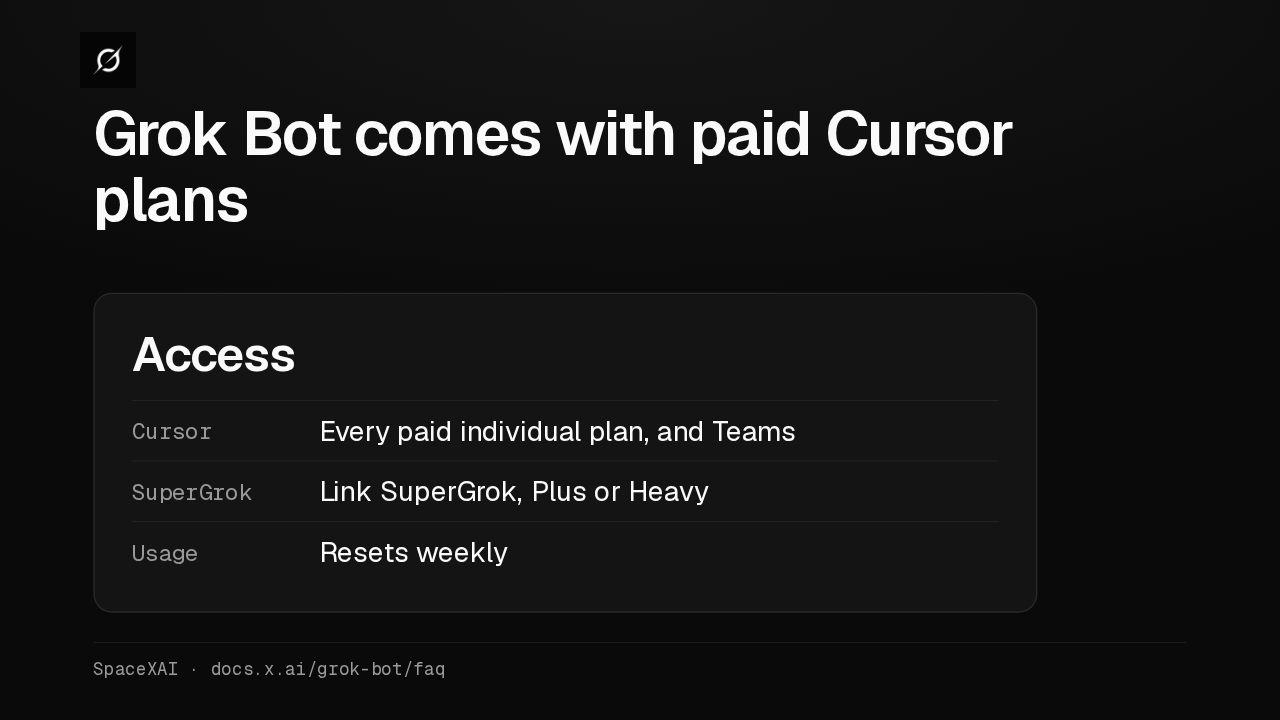
Grok Bot comes with paid Cursor plans
Grok Bot is included with every paid individual Cursor plan and the Cursor Teams plan, or you can link a SuperGrok subscription. Usage resets weekly, and eligible accounts can add more on demand.
Cursor account
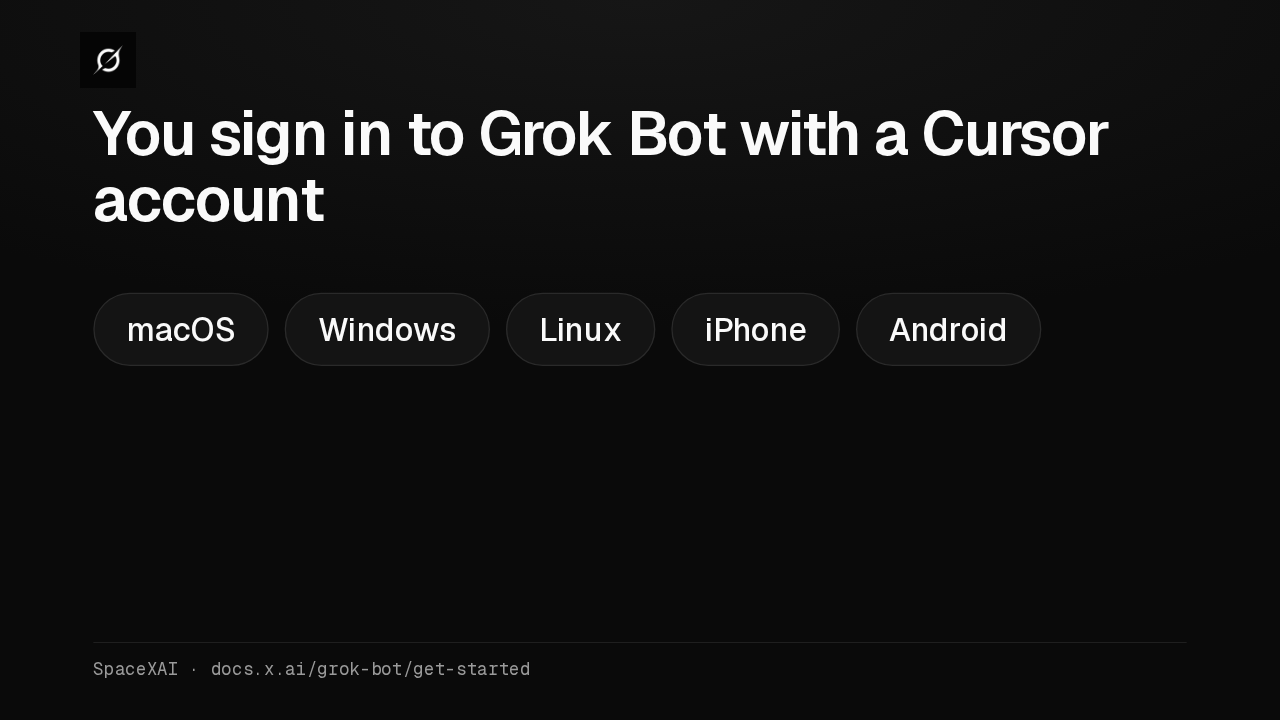
You sign in to Grok Bot with a Cursor account
Grok Bot uses your Cursor account and needs cloud data storage, so Legacy Privacy Mode isn't supported. The desktop app runs on macOS, Windows and Linux, with a mobile app for iPhone and Android.