Orca v1.4.246 takes Chat UI out of Experimental and hands off chats that hit a limit
1 hour ago
Orca v1.4.246: Chat UI leaves Experimental, so each agent opens as Chat or CLI, and a chat that hits its usage limit can switch accounts or hand off to another agent. Also: agents in Orca's browser see what each click changed, community plugins with a trust check, see-through terminals and theme images, and a phone Home screen built around the agents that need you. Release notes, v1.4.246: https://github.com/stablyai/orca/releases/tag/v1.4.246 Compare: https://github.com/stablyai/orca/compare/v1.4.245...v1.4.246 Download: https://onorca.dev/download
Ask about this presentation
Chapters
Show transcriptHide transcript
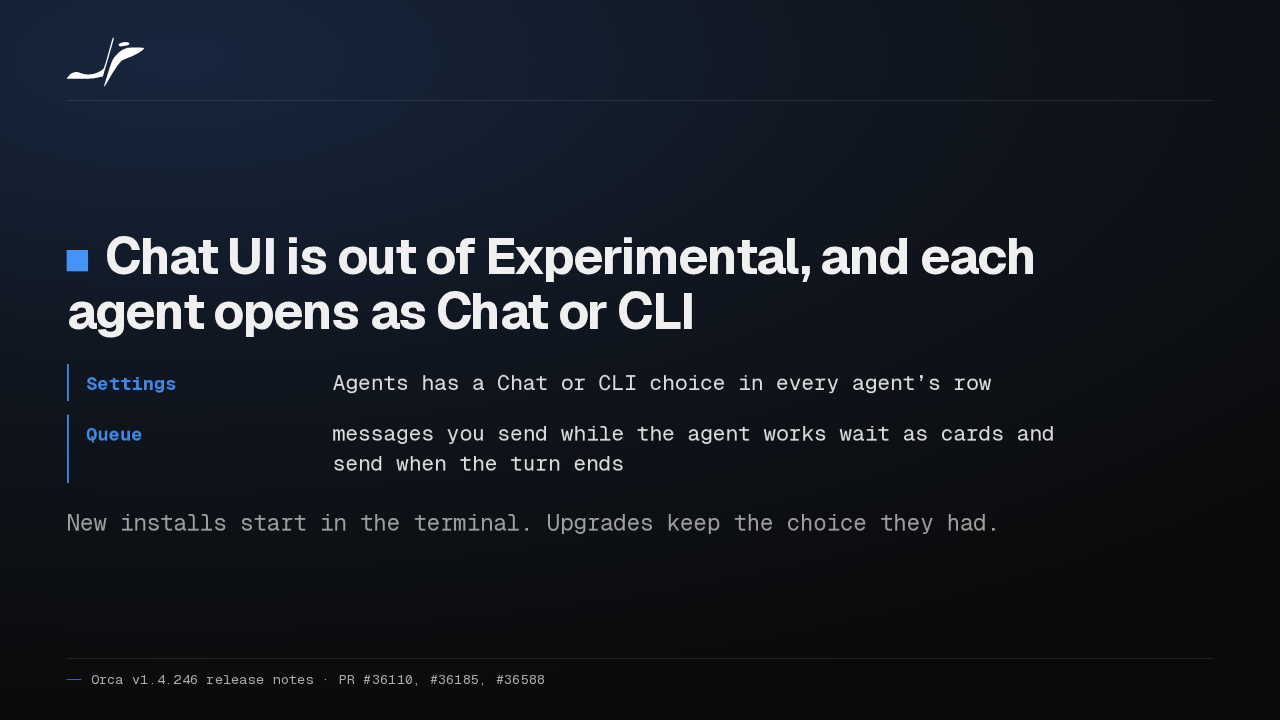
Orca's Chat UI is out of Experimental, and each agent opens as Chat or CLI. Messages you send mid-turn now wait in a queue. New installs still start in the terminal.
Slide text

Chat UI is out of Experimental, and each agent opens as Chat or CLI
- Settings
- Agents has a Chat or CLI choice in every agent’s row
- Queue
- messages you send while the agent works wait as cards and send when the turn ends
New installs start in the terminal. Upgrades keep the choice they had.
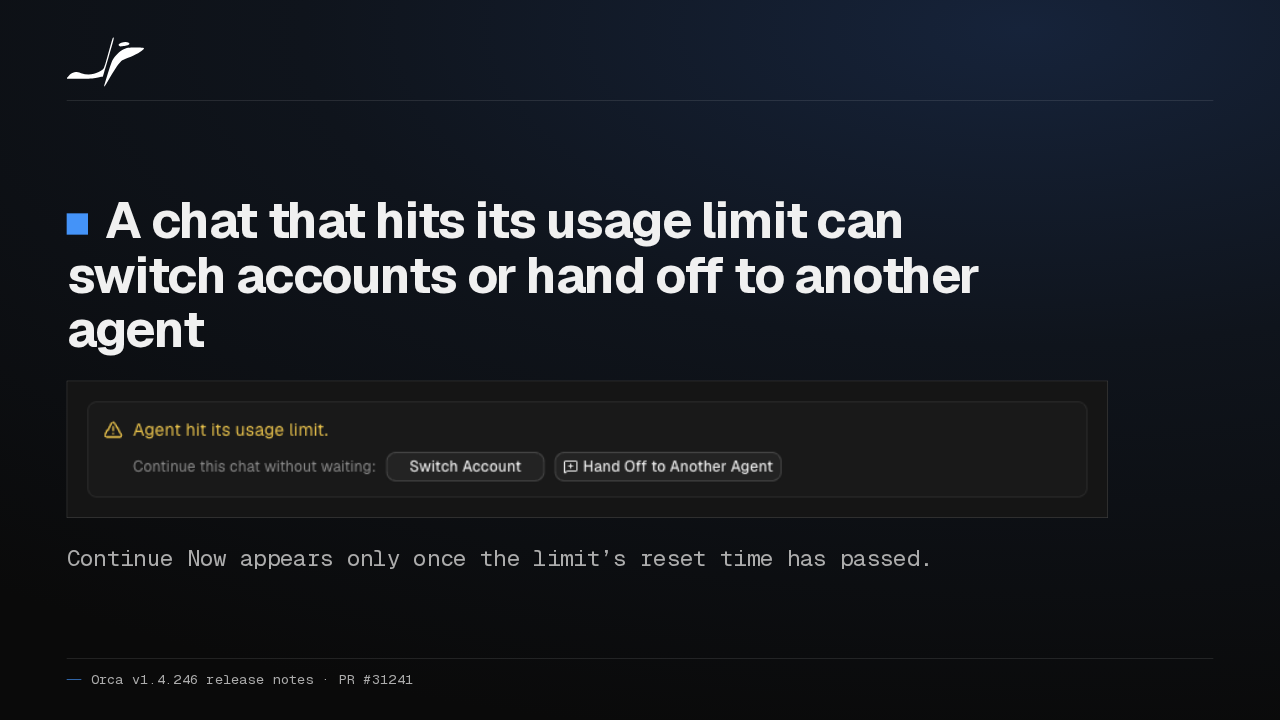
When a chat hits its usage limit, the warning now offers Switch Account and Hand Off to Another Agent, so Claude's work can carry on in Codex. Continue Now appears once the limit resets.
Slide text
A chat that hits its usage limit can switch accounts or hand off to another agent

Continue Now appears only once the limit’s reset time has passed.
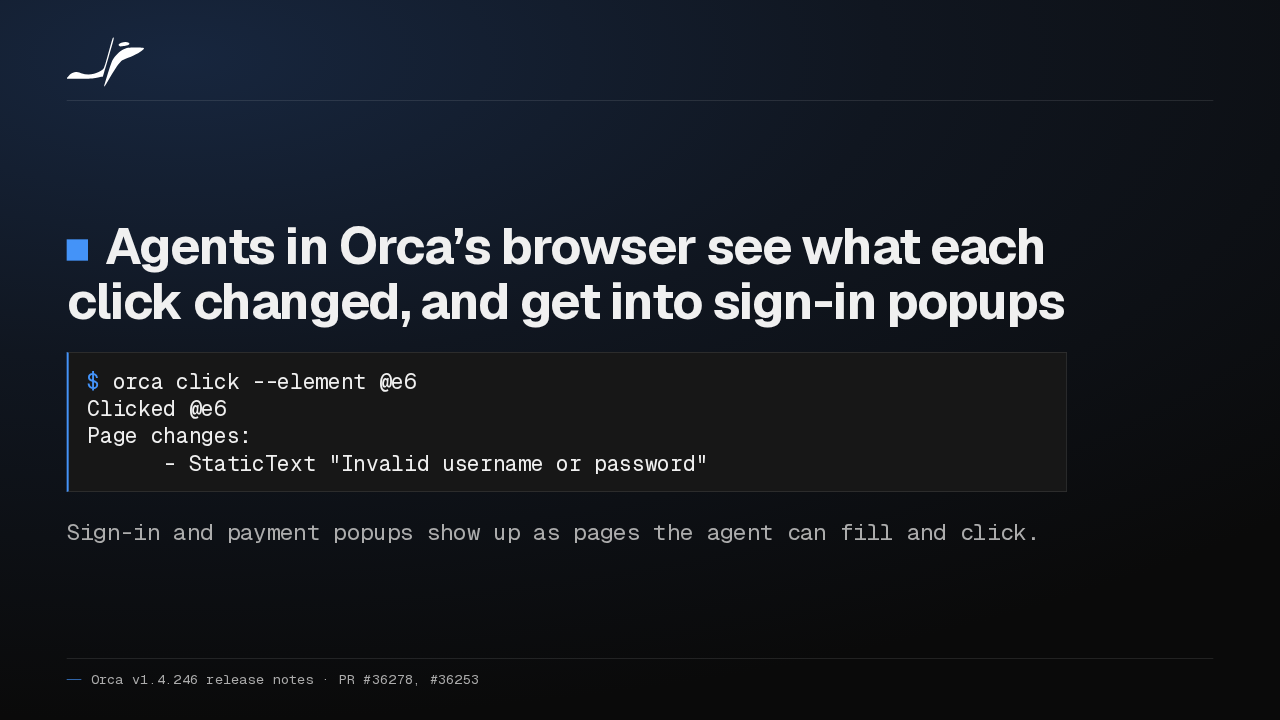
Agents in Orca's browser now hear what each click changed. A failed sign-in returns the page's error, with no fresh snapshot needed. Sign-in and payment popups are now pages they can fill.
Slide text
Agents in Orca’s browser see what each click changed, and get into sign-in popups
$ orca click --element @e6
Clicked @e6
Page changes:
      - StaticText "Invalid username or password"
Sign-in and payment popups show up as pages the agent can fill and click.
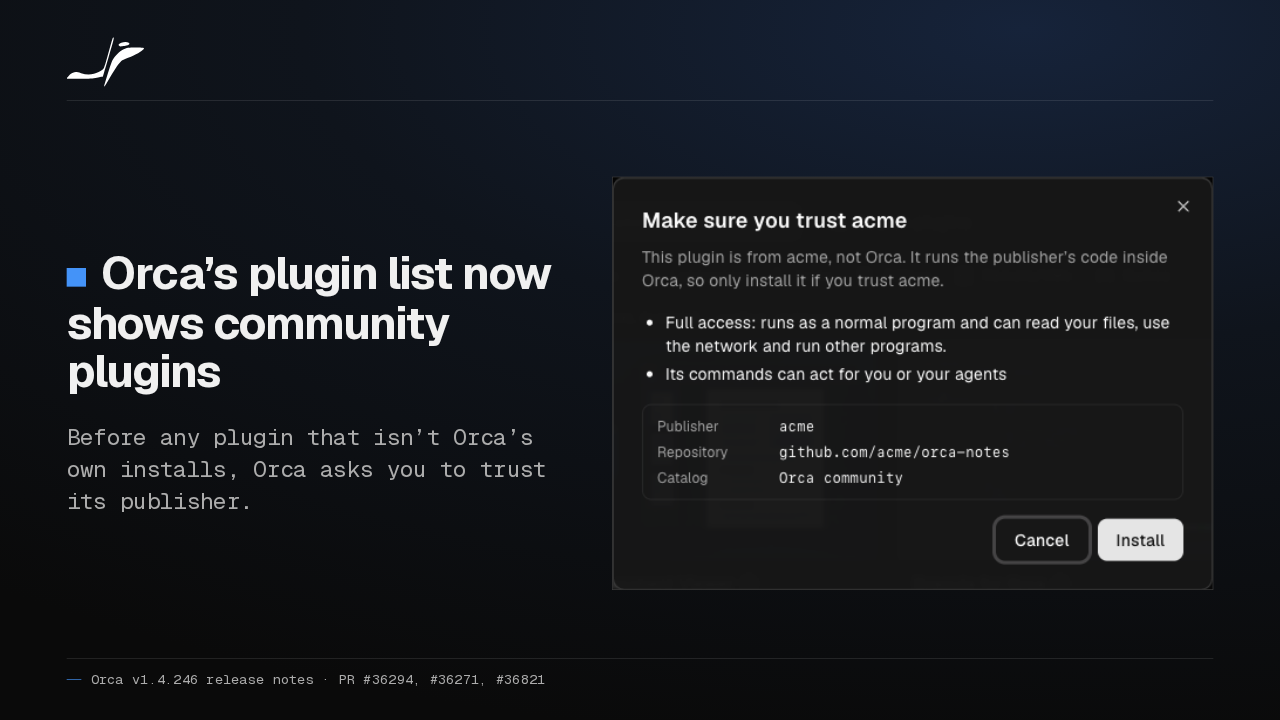
Orca's plugin list now shows community plugins. Before one installs, Orca names its publisher and asks whether you trust them. Plugin panels now run sealed off in their own process.
Slide text
Orca’s plugin list now shows community plugins
Before any plugin that isn’t Orca’s own installs, Orca asks you to trust its publisher.

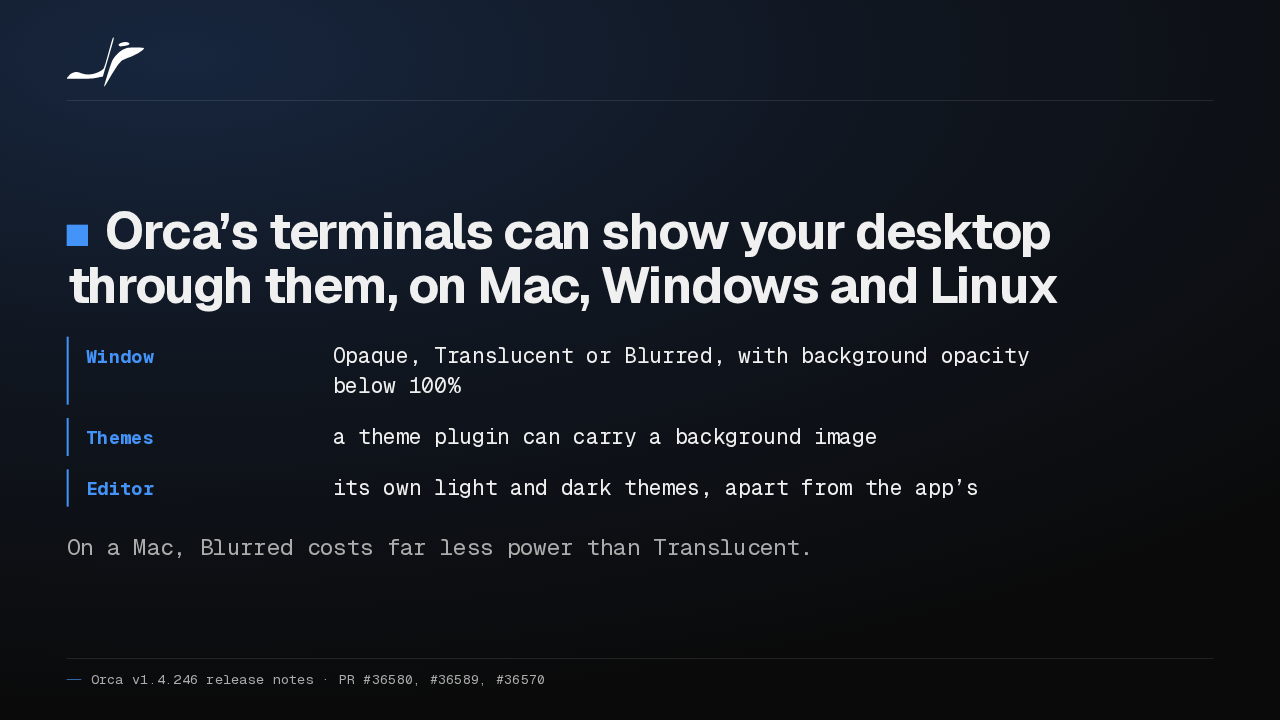
Orca's terminals can now let your desktop show through, blurred or clear, on Mac, Windows and Linux. Themes can carry a background image, and the editor takes its own theme. On a Mac, Blurred saves battery.
Slide text
Orca’s terminals can show your desktop through them, on Mac, Windows and Linux
- Window
- Opaque, Translucent or Blurred, with background opacity below 100%
- Themes
- a theme plugin can carry a background image
- Editor
- its own light and dark themes, apart from the app’s
On a Mac, Blurred costs far less power than Translucent.
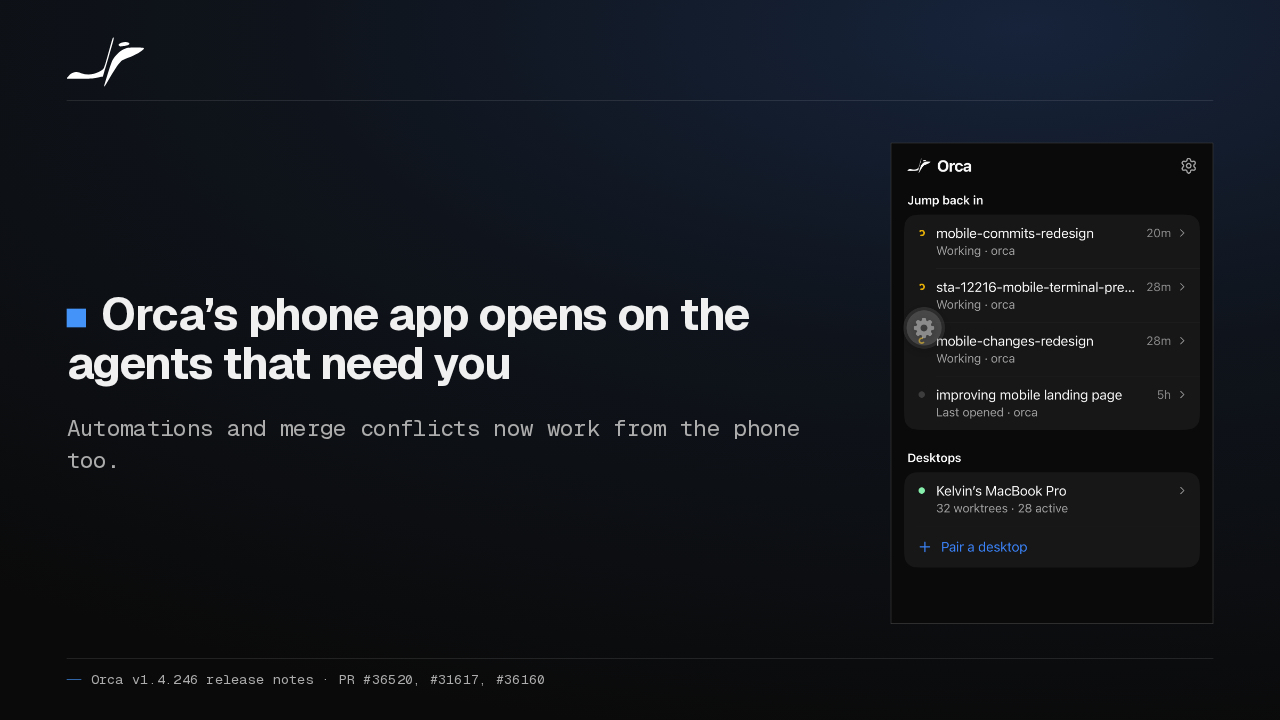
On your phone, Orca's Home screen now opens on agents waiting for you, with Tasks and New workspace under your thumb. You can also run automations and finish merge conflicts from the phone.
Slide text
Orca’s phone app opens on the agents that need you
Automations and merge conflicts now work from the phone too.

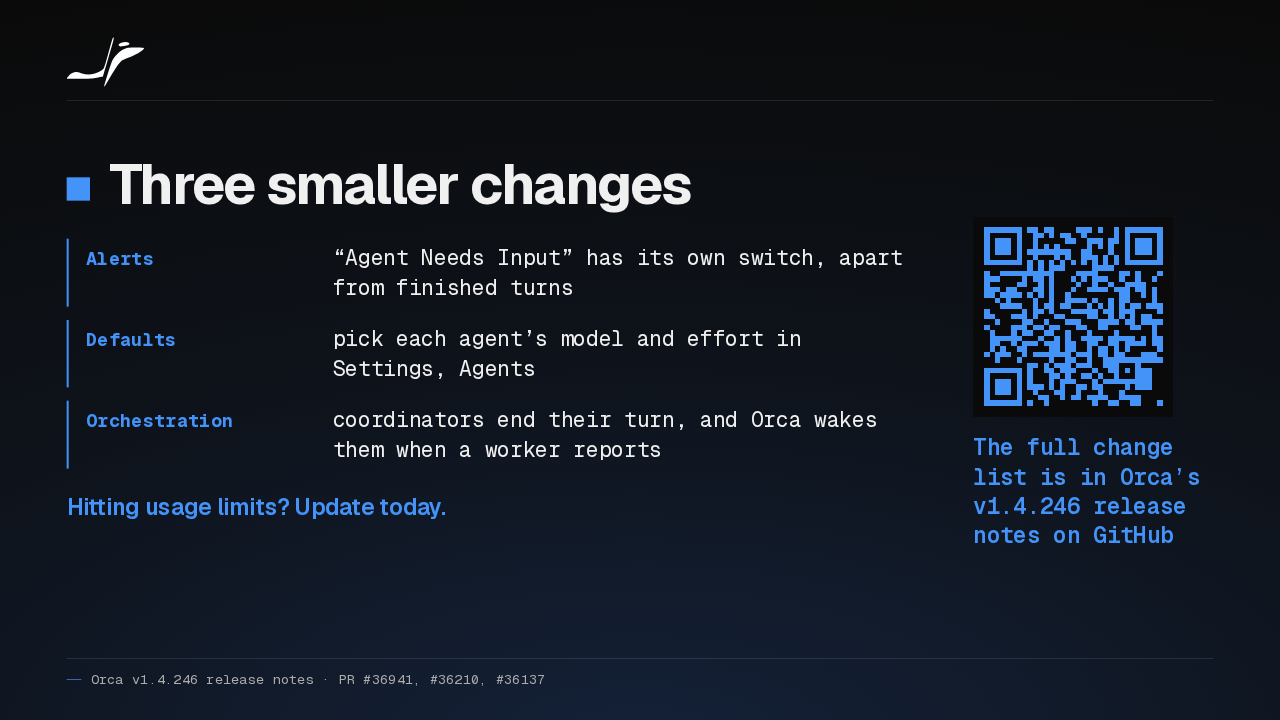
Also, needs-input alerts get their own switch, each agent gets a default model and effort, and Orca wakes orchestration coordinators when workers report. If you hit usage limits, I'd update for the hand-off alone.
Slide text
- Alerts
- “Agent Needs Input” has its own switch, apart from finished turns
- Defaults
- pick each agent’s model and effort in Settings, Agents
- Orchestration
- coordinators end their turn, and Orca wakes them when a worker reports
Hitting usage limits? Update today.
The full change list is in Orca’s v1.4.246 release notes on GitHub
Up next
 1:33
Orca lets agents use your Mac apps in the background, and adds plugins
@orca · 1 day ago
 1:18
Orca v1.4.242 opens Claude subagents from the sidebar, and Codex Ask mode asks before it edits
@orca · 6 days ago
 1:34
Orca v1.4.241 lets you watch your agent click through its browser, and docks DevTools in the pane
@orca · 1 week ago
 1:26
Orca v1.4.240 asks before Codex runs an MCP tool, and orca ports finds your dev servers
@orca · 1 week ago
 1:40
Orca v1.4.239 can give each repo its own browser logins, and installs skills in one click
@orca · 1 week ago
 1:34
Orca v1.4.238 keeps unsaved edits in sync across every tab of a file
@orca · 1 week ago
 1:50
Orca v1.4.237 makes the skills you pick in a Codex chat actually run
@orca · 1 week ago
 1:27
Orca v1.4.235 lets you rewind a Claude chat and rewrite your prompt
@orca · 1 week ago
 1:40
Orca v1.4.233 connects to SSH hosts that can’t download Node.js
@orca · 1 week ago
 1:25
Orca v1.4.232 lets Claude and Codex approve their own routine actions with Auto permissions
@orca · 1 week ago
 1:27
Orca v1.4.230 runs Antigravity in native chat and moves running Claude sessions to your new account
@orca · 1 week ago
 1:40
Orca v1.4.229 puts your Jira sprint board beside your agents, and agents can now update the tickets
@orca · 2 weeks ago