Orca lets agents use your Mac apps in the background, and adds plugins
2 hours ago
Orca v1.4.243 to v1.4.245: on a Mac, agents now use Chrome, Blender and other apps in the background while you keep your mouse and keyboard. Also: plugins for icon themes, syntax highlighting and custom editors, no launch freeze with hundreds of chats, Claude and Codex conversations that move between the terminal and Chat, Chrome extensions in Orca's browser, and live dictation on the phone. Release notes, v1.4.243: https://github.com/stablyai/orca/releases/tag/v1.4.243 Release notes, v1.4.244: https://github.com/stablyai/orca/releases/tag/v1.4.244 Release notes, v1.4.245: https://github.com/stablyai/orca/releases/tag/v1.4.245 Compare: https://github.com/stablyai/orca/compare/v1.4.242...v1.4.245 Download: https://onorca.dev/download
Ask about this presentation
Chapters
Show transcriptHide transcript
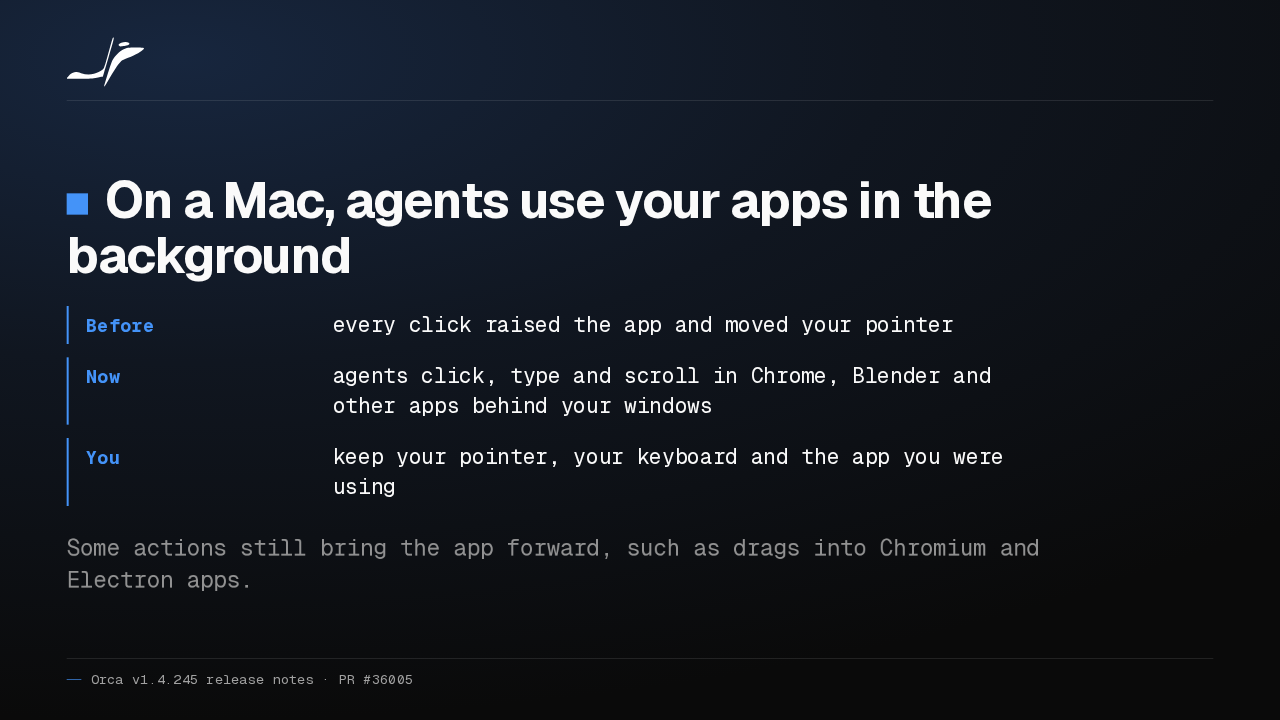
Orca now lets agents use Chrome, Blender and other Mac apps in the background, while you keep your mouse and keyboard. Drags into Chromium and Electron apps still bring the app forward.
Slide text

On a Mac, agents use your apps in the background
- Before
- every click raised the app and moved your pointer
- Now
- agents click, type and scroll in Chrome, Blender and other apps behind your windows
- You
- keep your pointer, your keyboard and the app you were using
Some actions still bring the app forward, such as drags into Chromium and Electron apps.
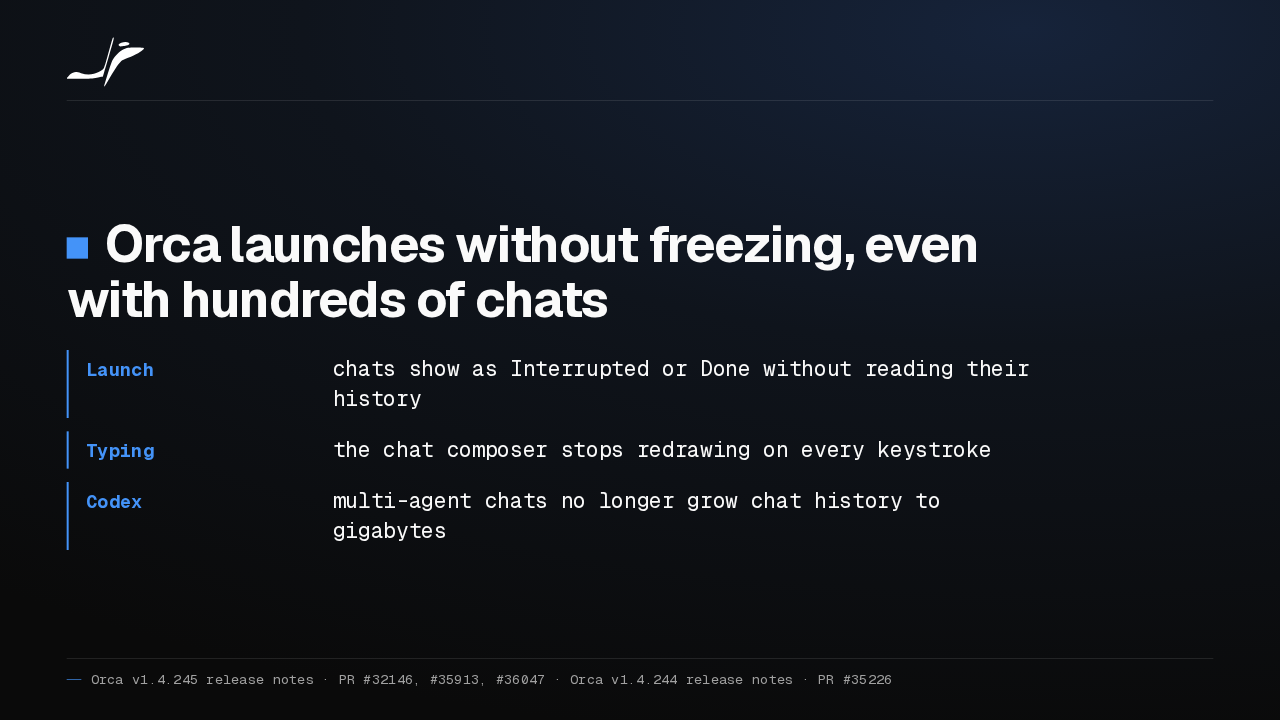
Orca also stops freezing after launch when you have hundreds of chats. Typing lags less, hidden chats do less work, and multi-agent Codex chats stop growing your chat history to gigabytes.
Slide text
Orca launches without freezing, even with hundreds of chats
- Launch
- chats show as Interrupted or Done without reading their history
- Typing
- the chat composer stops redrawing on every keystroke
- Codex
- multi-agent chats no longer grow chat history to gigabytes
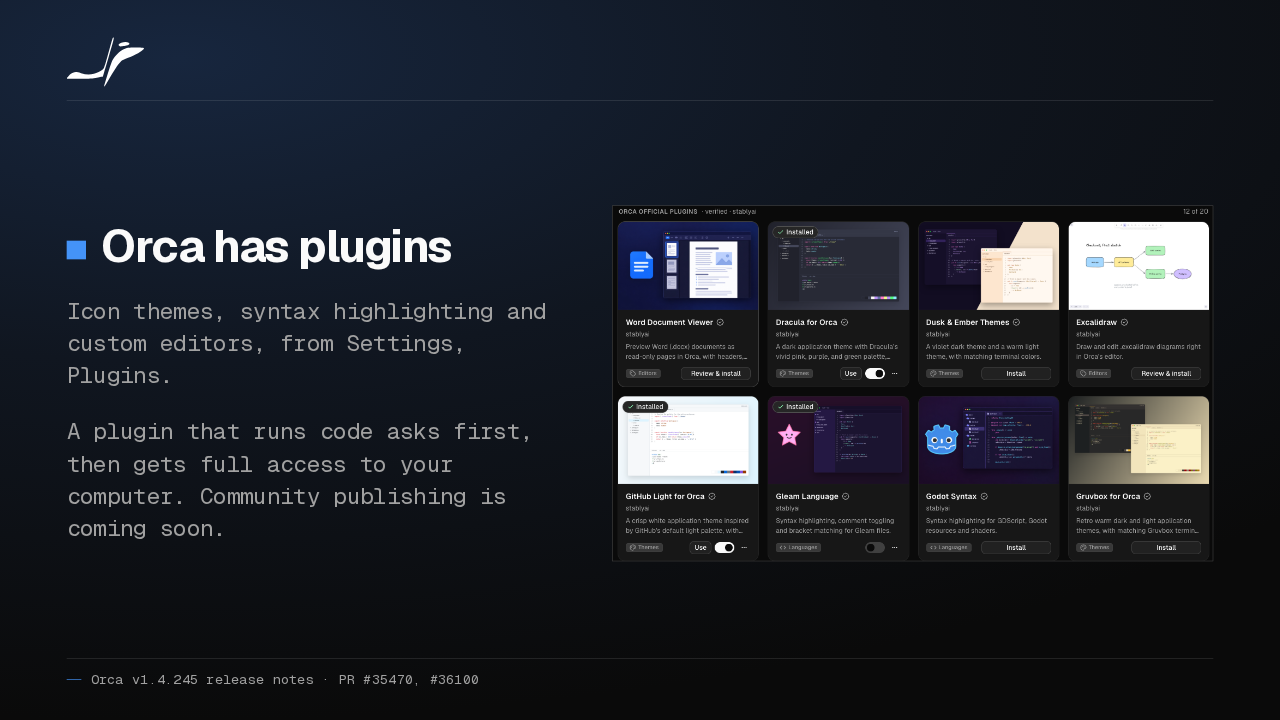
Orca now has plugins: icon themes, syntax highlighting and custom editors, installed from Settings. A plugin that runs code asks first, then gets full access to your computer. Community publishing is coming soon.
Slide text
Orca has plugins
Icon themes, syntax highlighting and custom editors, from Settings, Plugins.
A plugin that runs code asks first, then gets full access to your computer. Community publishing is coming soon.

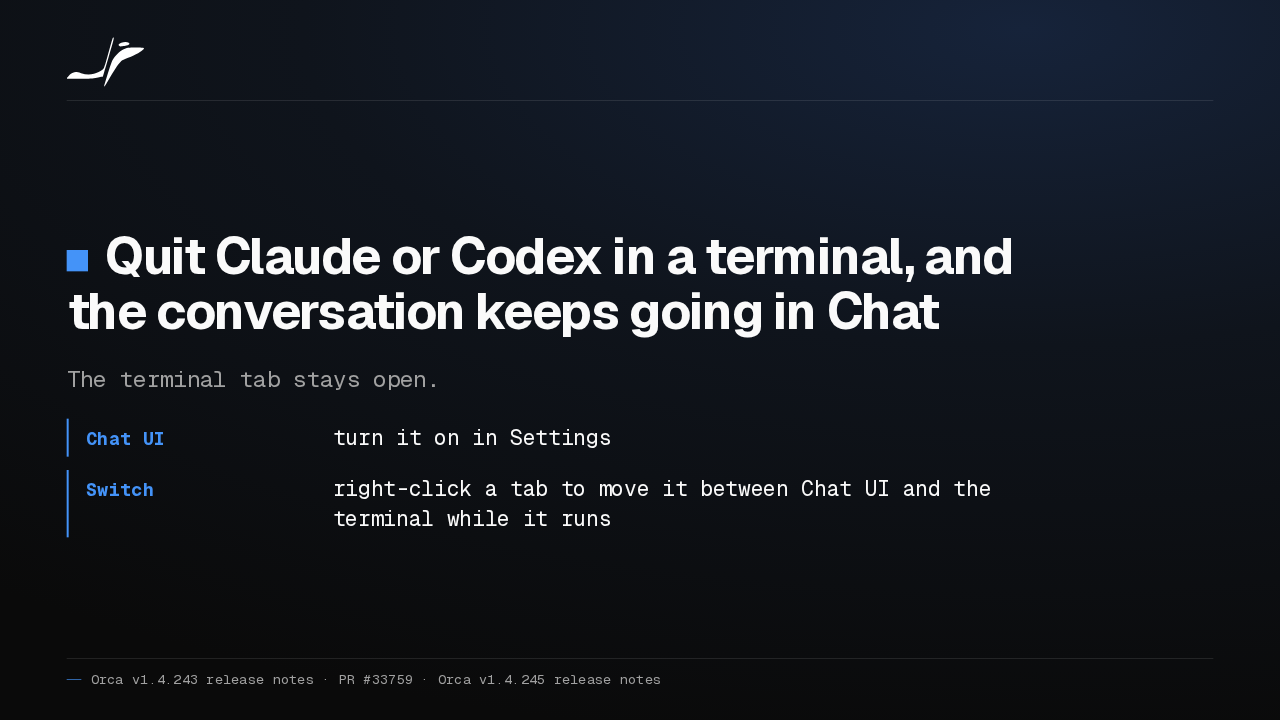
Quit Claude or Codex in an Orca terminal, and the conversation carries on in Chat. Turn on Chat UI in Settings, then right-click a tab to switch it between Chat and terminal.
Slide text
Quit Claude or Codex in a terminal, and the conversation keeps going in Chat
The terminal tab stays open.
- Chat UI
- turn it on in Settings
- Switch
- right-click a tab to move it between Chat UI and the terminal while it runs
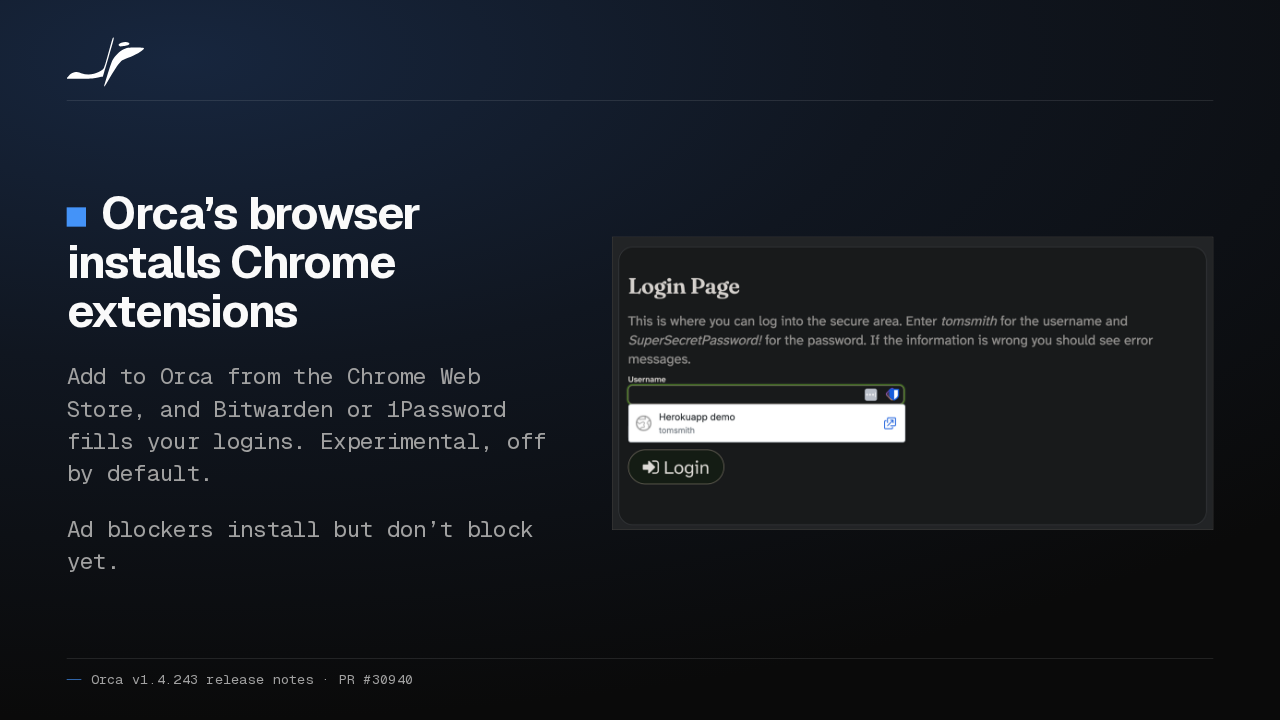
Orca's browser now installs Chrome extensions, so Bitwarden or 1Password can fill your logins. It's experimental and off by default. Ad blockers install but don't block yet.
Slide text
Orca’s browser installs Chrome extensions
Add to Orca from the Chrome Web Store, and Bitwarden or 1Password fills your logins. Experimental, off by default.
Ad blockers install but don’t block yet.

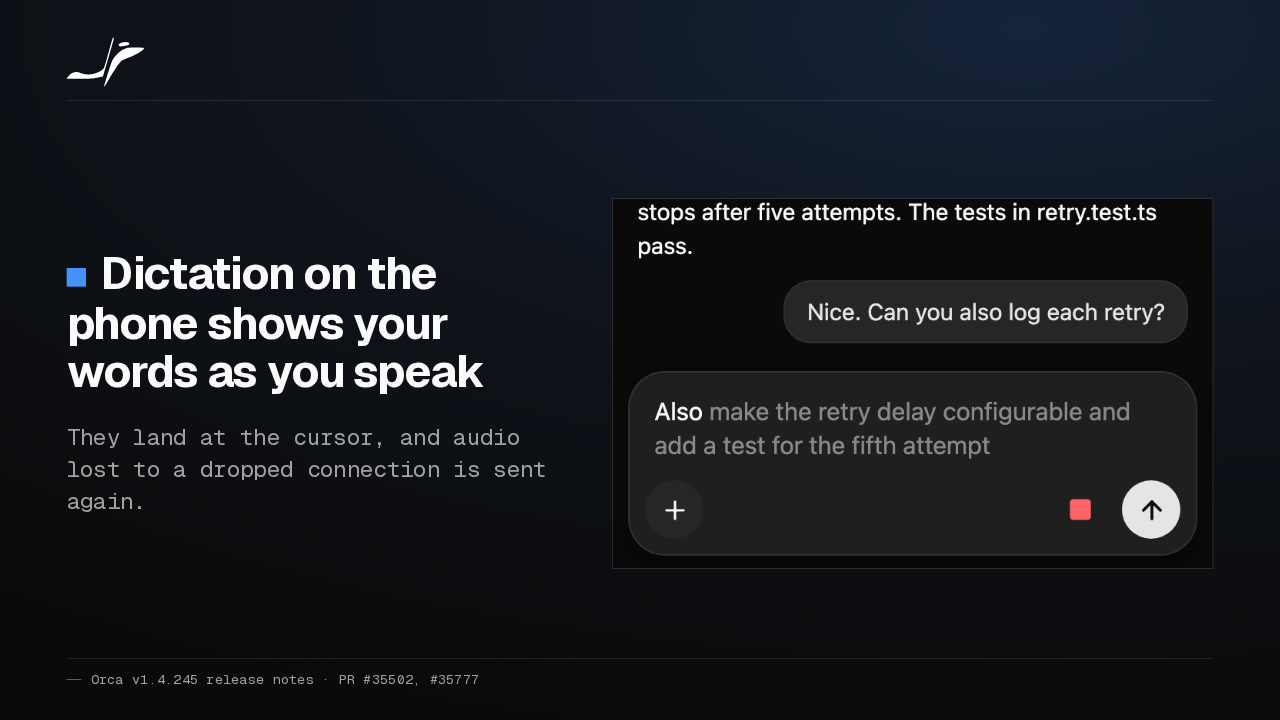
On your phone, dictation now shows your words as you speak. They land right at the cursor, and if the connection drops, Orca sends the lost audio again.
Slide text
Dictation on the phone shows your words as you speak
They land at the cursor, and audio lost to a dropped connection is sent again.

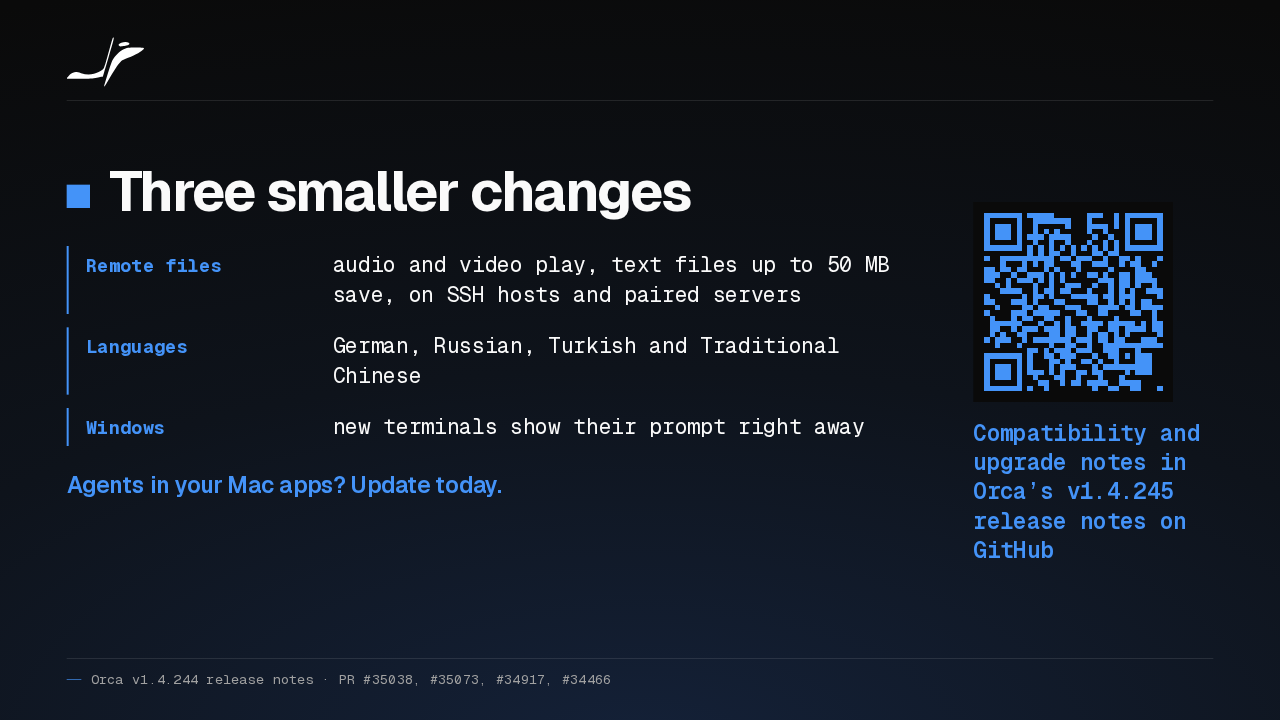
Also, remote files play and save like local ones, Orca adds four languages, and Windows terminals show their prompt at once. If agents drive your Mac apps, I'd update for background computer use alone.
Slide text
- Remote files
- audio and video play, text files up to 50 MB save, on SSH hosts and paired servers
- Languages
- German, Russian, Turkish and Traditional Chinese
- Windows
- new terminals show their prompt right away
Agents in your Mac apps? Update today.
Compatibility and upgrade notes in Orca’s v1.4.245 release notes on GitHub
Up next
 1:18
1:18Orca v1.4.242 opens Claude subagents from the sidebar, and Codex Ask mode asks before it edits
@orca · 5 days ago
 1:34
1:34Orca v1.4.241 lets you watch your agent click through its browser, and docks DevTools in the pane
@orca · 6 days ago
 1:26
1:26Orca v1.4.240 asks before Codex runs an MCP tool, and orca ports finds your dev servers
@orca · 1 week ago
 1:40
1:40Orca v1.4.239 can give each repo its own browser logins, and installs skills in one click
@orca · 1 week ago
 1:34
1:34Orca v1.4.238 keeps unsaved edits in sync across every tab of a file
@orca · 1 week ago
 1:50
1:50Orca v1.4.237 makes the skills you pick in a Codex chat actually run
@orca · 1 week ago
 1:27
1:27Orca v1.4.235 lets you rewind a Claude chat and rewrite your prompt
@orca · 1 week ago
 1:40
1:40Orca v1.4.233 connects to SSH hosts that can’t download Node.js
@orca · 1 week ago
 1:25
1:25Orca v1.4.232 lets Claude and Codex approve their own routine actions with Auto permissions
@orca · 1 week ago
 1:27
1:27Orca v1.4.230 runs Antigravity in native chat and moves running Claude sessions to your new account
@orca · 1 week ago
 1:40
1:40Orca v1.4.229 puts your Jira sprint board beside your agents, and agents can now update the tickets
@orca · 2 weeks ago
 1:26
1:26Orca v1.4.227 adds a Stop button for the commands and helper agents Codex leaves running
@orca · 2 weeks ago