Orca v1.4.224: automations set the agent’s model and effort, and SSH hosts run a managed Orca server
1 month ago
Orca v1.4.224: automations set the agent's model and effort for each run, SSH hosts run a managed Orca server, remote terminals keep your typing through a network outage, structured chat becomes the Chat UI default, and agents can draw charts and diagrams inside a reply.
Links
Ask about this presentation
Chapters
Show transcriptHide transcript
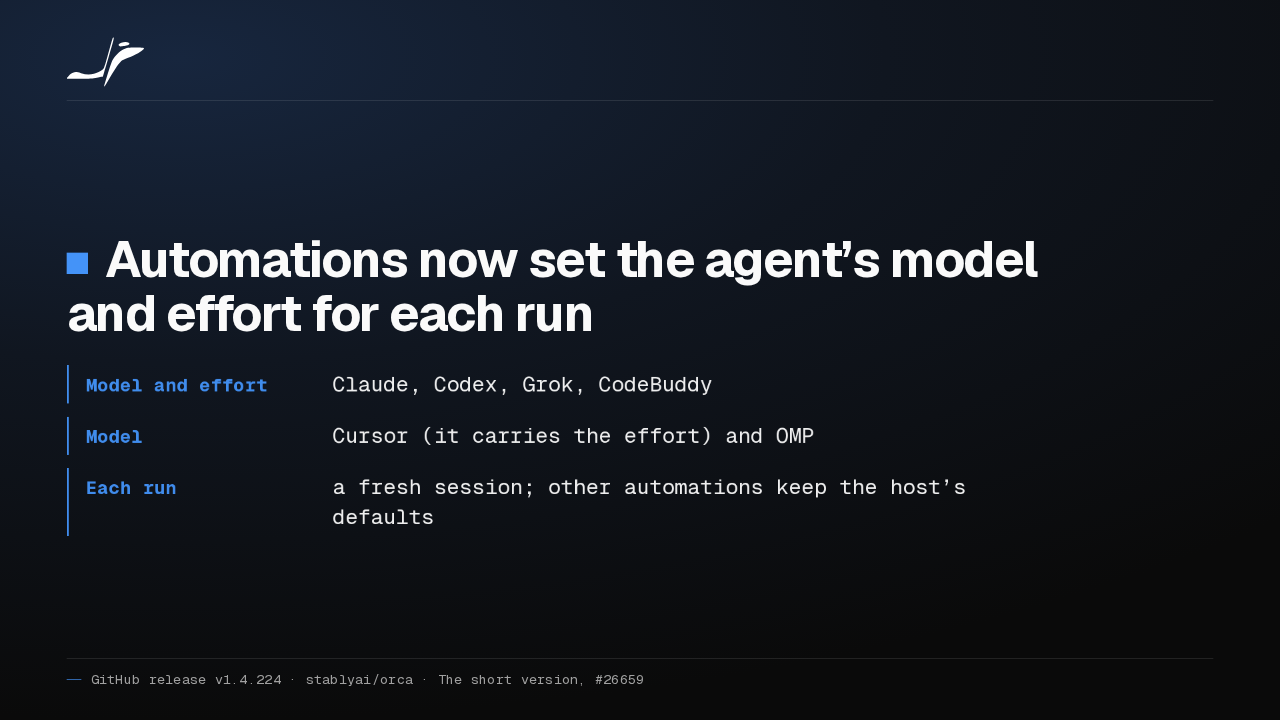
Each Orca automation can now set the agent's model and effort for its own runs. Claude, Codex, Grok and CodeBuddy take both, Cursor and OMP take a model, and support for more agents is coming soon.
Slide text

Automations now set the agent’s model and effort for each run
- Model and effort
- Claude, Codex, Grok, CodeBuddy
- Model
- Cursor (it carries the effort) and OMP
- Each run
- a fresh session; other automations keep the host’s defaults
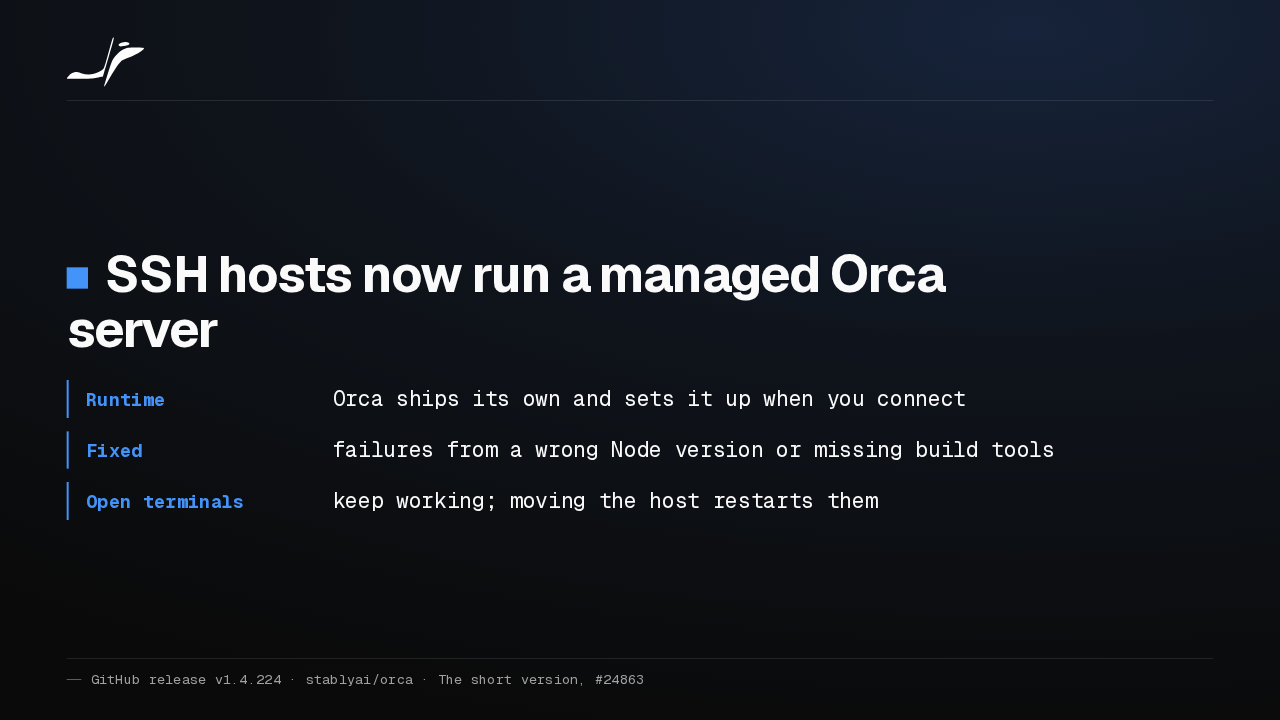
Orca now sets up its own server runtime on each SSH host, so the wrong Node version or missing build tools no longer break the connection. Moving a host that has open terminals restarts them.
Slide text
SSH hosts now run a managed Orca server
- Runtime
- Orca ships its own and sets it up when you connect
- Fixed
- failures from a wrong Node version or missing build tools
- Open terminals
- keep working; moving the host restarts them
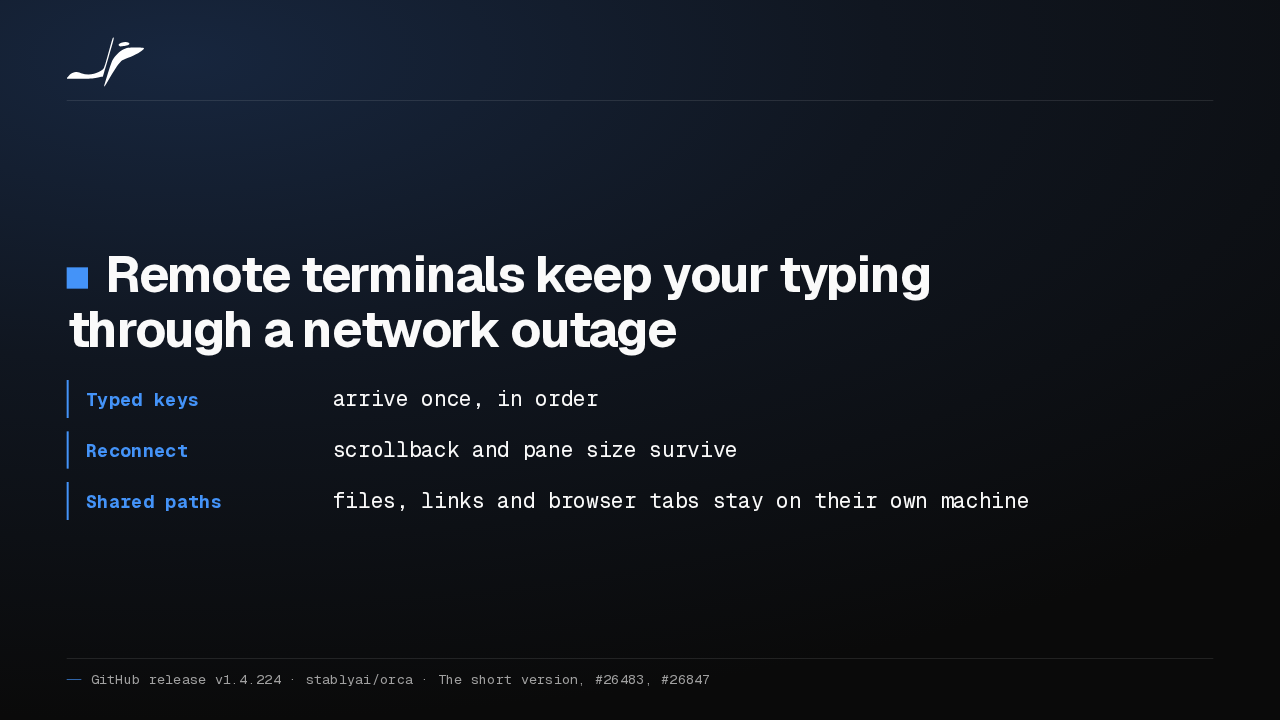
Keys you type into a remote terminal while the network is down now arrive exactly once, in order, when it comes back. Scrollback and pane size survive the reconnect too.
Slide text
Remote terminals keep your typing through a network outage
- Typed keys
- arrive once, in order
- Reconnect
- scrollback and pane size survive
- Shared paths
- files, links and browser tabs stay on their own machine
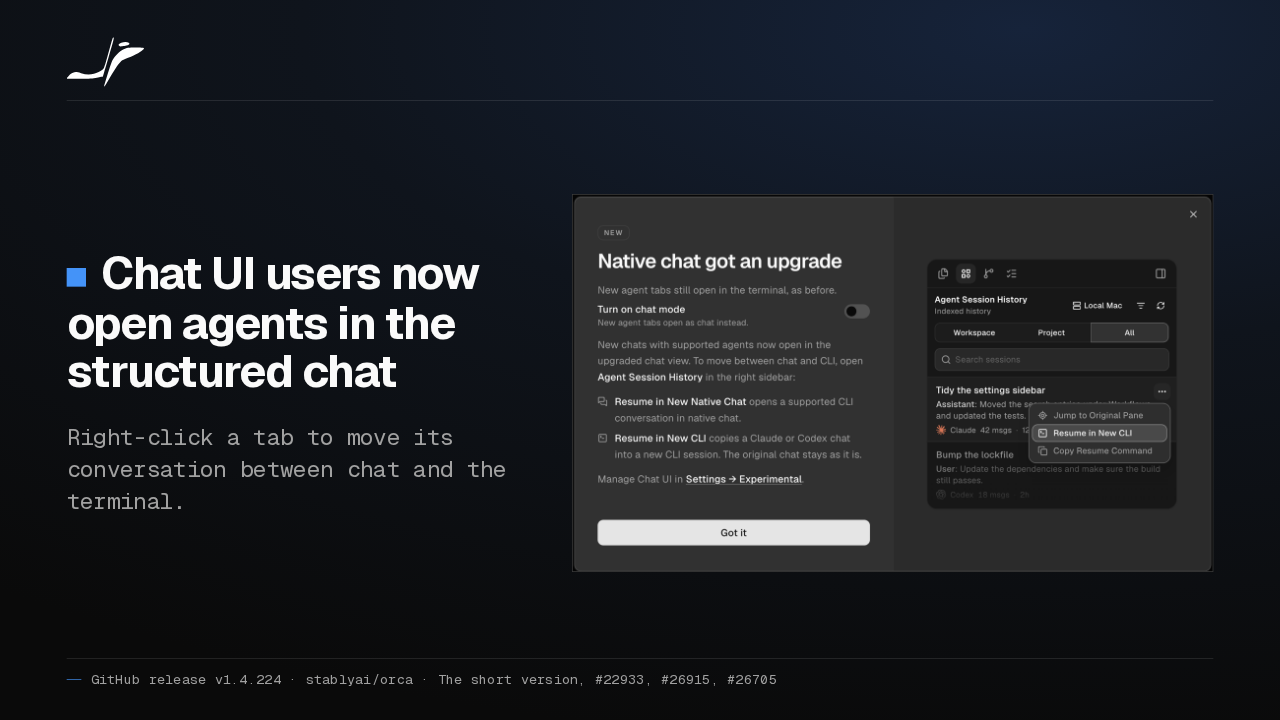
With the experimental Chat UI set to chat by default, supported agents now open in the structured chat. If Terminal is your default, new agent tabs stay there, and a one-time tip offers chat mode.
Slide text
Chat UI users now open agents in the structured chat
Right-click a tab to move its conversation between chat and the terminal.

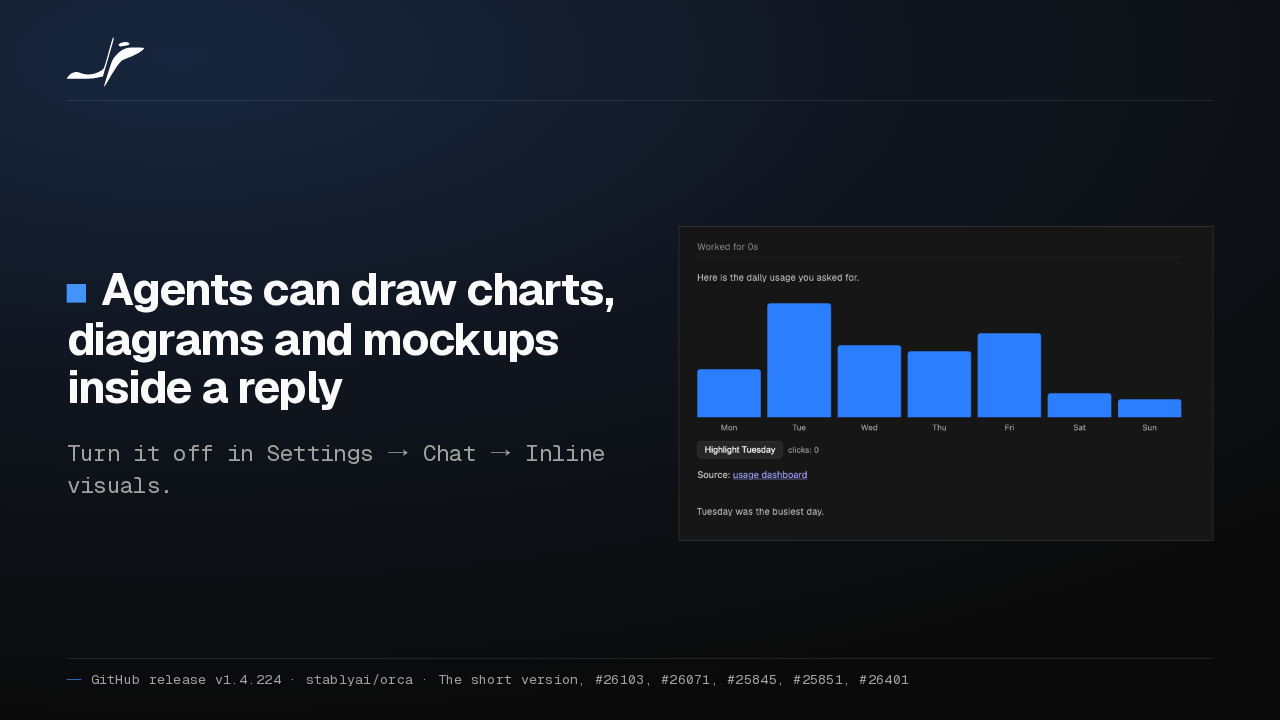
In structured chat, an agent can now draw a chart, a diagram or a mockup right in its reply, on the desktop and on the phone. OpenCode, Pi and OMP also open as structured chats now.
Slide text
Agents can draw charts, diagrams and mockups inside a reply
Turn it off in Settings → Chat → Inline visuals.

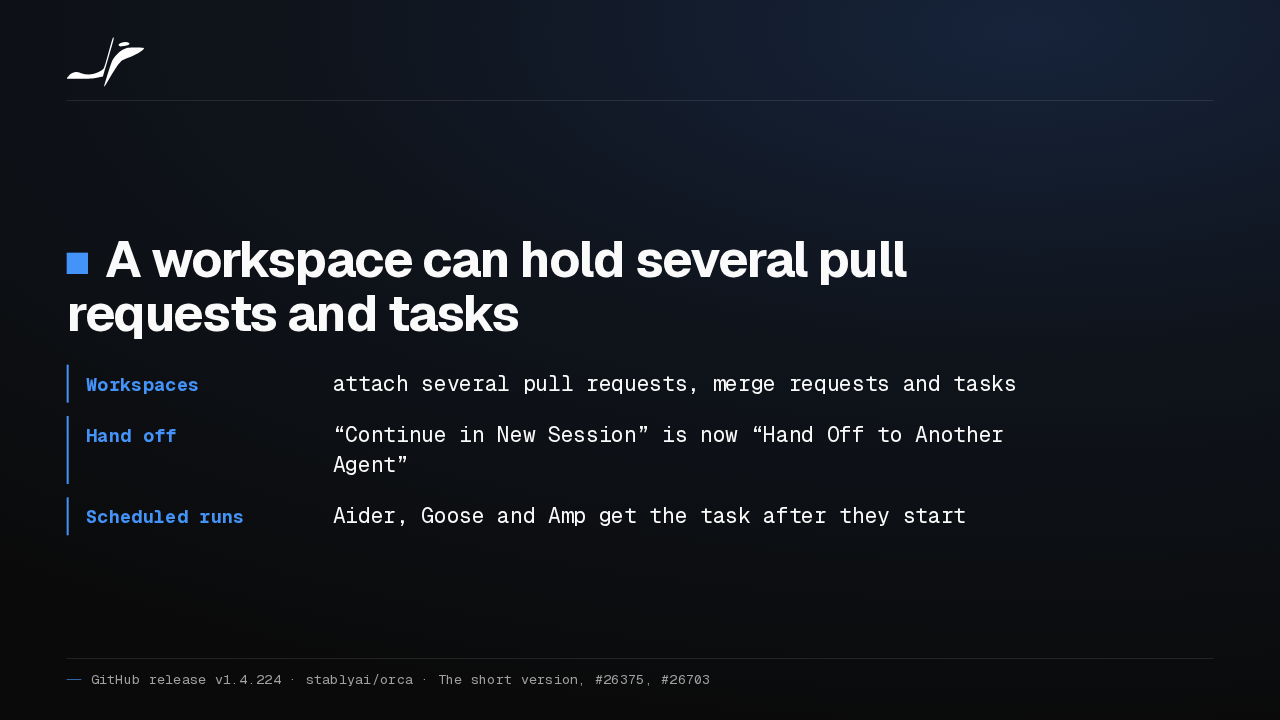
One workspace can now hold several pull requests, merge requests and tasks. Continue in New Session is now called Hand Off to Another Agent, and scheduled runs on an Orca server now give Aider, Goose and Amp their task once they start.
Slide text
A workspace can hold several pull requests and tasks
- Workspaces
- attach several pull requests, merge requests and tasks
- Hand off
- “Continue in New Session” is now “Hand Off to Another Agent”
- Scheduled runs
- Aider, Goose and Amp get the task after they start
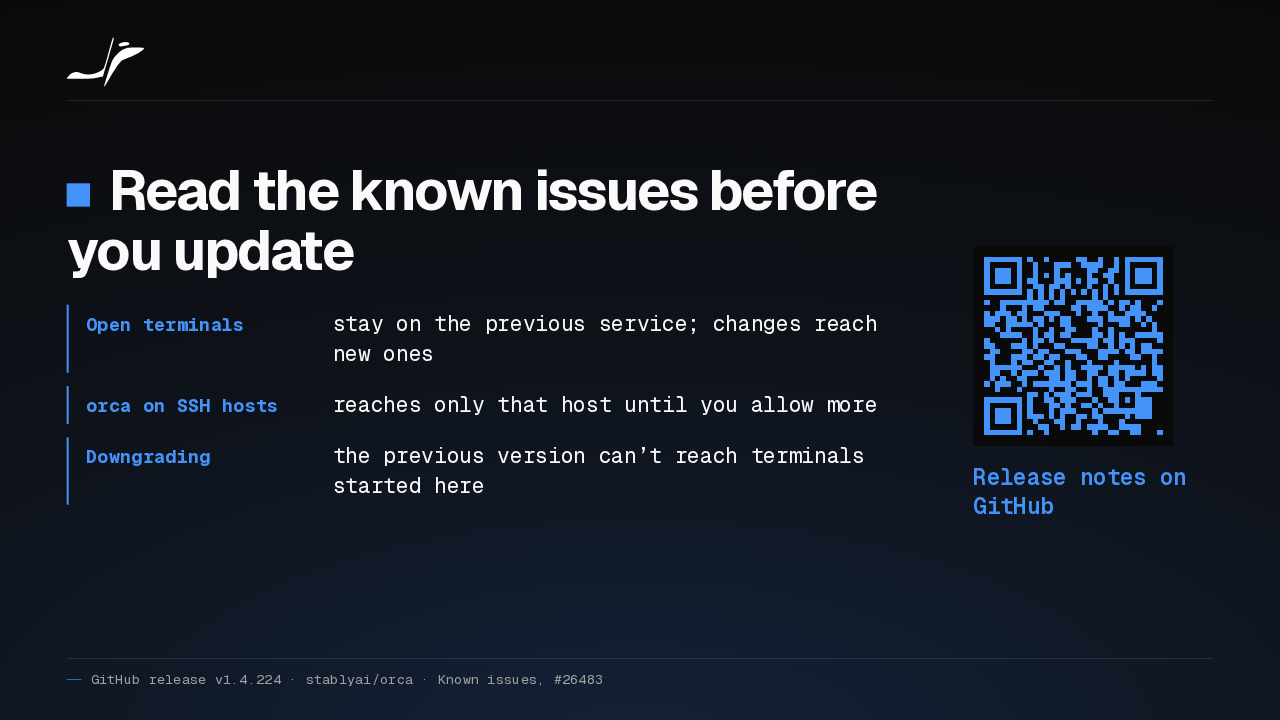
Terminals already open stay on the old background service, so these changes reach only new ones. On SSH hosts, the orca command reaches only that host until you allow more, and a downgrade loses access to terminals started in this version.
Slide text
- Open terminals
- stay on the previous service; changes reach new ones
- orca on SSH hosts
- reaches only that host until you allow more
- Downgrading
- the previous version can’t reach terminals started here
Release notes on GitHub
Up next
 0:49
Orca v1.4.280 keeps your Codex chats running when you quit or update
@orca
13 hours ago
 0:48
Orca v1.4.279 puts Create PR beside your branch and a movable annotation palette in the browser
@orca
21 hours ago
 1:08
Orca v1.4.278 runs Antigravity on agy, drops Gemini CLI and streams replies smoothly
@orca
1 day ago
 1:11
Orca now lets you pick which Google accounts each agent can use
@orca
2 days ago
 1:20
Orca bots now pick up where a usage limit or restart left off
@orca
2 days ago
 1:13
Orca v1.4.269 runs bots on Gemini CLI, Goose and six more agents
@orca
6 days ago
 1:01
Orca v1.4.268 runs bots on Cursor, GitHub Copilot and Hermes
@orca
6 days ago
 1:04
Orca v1.4.267 stops the status bar and bot chats from crashing
@orca
1 week ago
 1:38
Orca v1.4.266 signs Antigravity in with a Gemini API key and installs six more agents
@orca
1 week ago
 1:54
Orca bots now get their own tools on Grok, OpenCode, Pi and Antigravity
@orca
1 week ago
 1:35
Orca v1.4.263 runs Hermes in Chat and opens Chrome extension side panels
@orca
1 week ago
 1:36
Orca v1.4.262 runs 150 agent chats in a third of the memory and adds git blame
@orca
1 week ago