Orca v1.4.197
 v1.4.197
Orca
v1.4.197
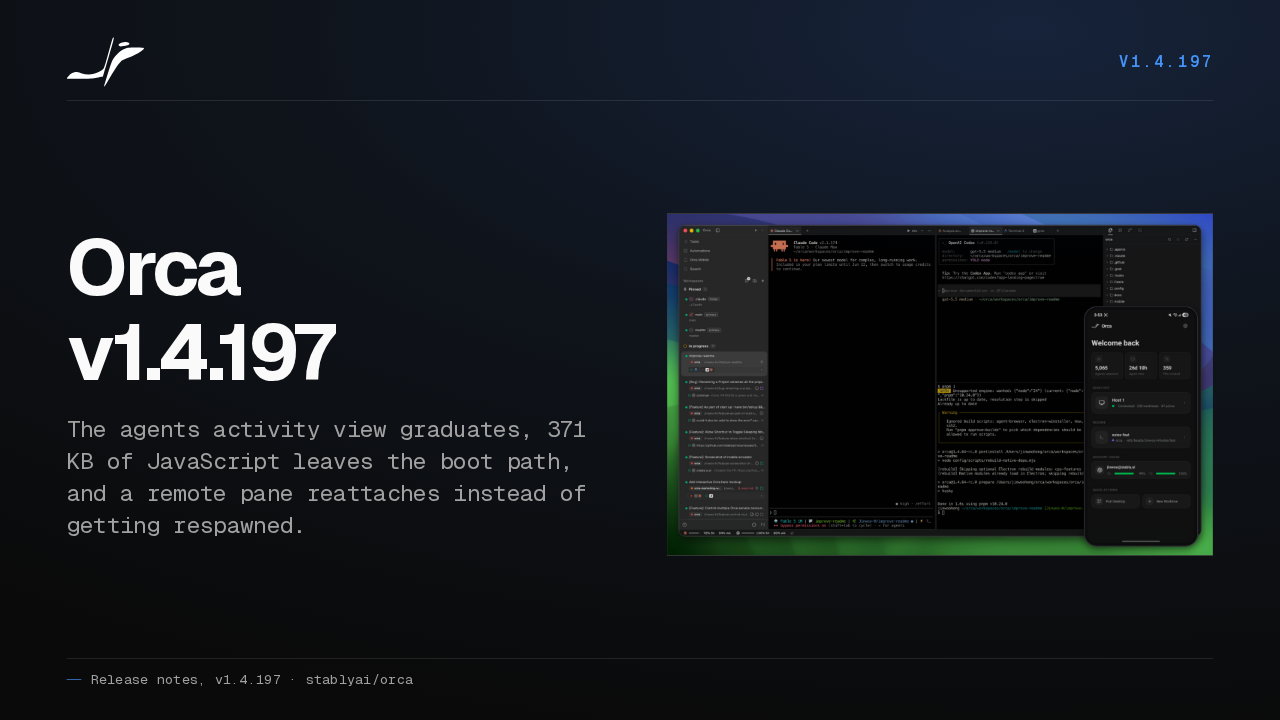
The agents activity view graduates, 371 KB of JavaScript leaves the boot path, and a remote pane reattaches instead of getting respawned.

Orca v1.4.197 shipped on September fourth. The Agents activity view comes out of preview, the app boots with a lot less JavaScript in front of it, and remote terminals hold on through much more. Here is what changed.
Agents activity view
v1.4.197The Agents activity view graduates
- Now shipping
- filtering, persistence and a round of performance work
- Remembers
- your unread filter and your grouping
- Beside it
- an automation runs dashboard, paginated and filterable
The Agents activity view graduates, with filtering, persistence and a round of performance work behind it. The unread filter and the grouping you pick are still set the next time you open it, and automation runs get their own dashboard beside it, paginated and filterable.
Images in chat
v1.4.197Paste an image into chat and see it right away
- Native chat
- pasted images show while they save, and open to preview
- Codex
- structured Codex chat renders images too
- Launches
- structured Codex launches are race-resistant
Paste a screenshot into native chat and it shows up while it is still saving, and you can open it to preview. Structured Codex chat renders images now as well, and a structured Codex launch is race resistant.
Whitespace, favicons, session ids
v1.4.197Three things you will spot in the first minute
- Diff viewer
- a Show Whitespace toggle
- Browser
- favicons on website entries
- Terminal tabs
- a Copy Session ID menu item
The diff viewer gets a Show Whitespace toggle. Website entries in the browser show their favicons. And terminal tabs get a Copy Session ID item in the context menu.
Opening files
v1.4.197Open a Markdown file from the OS and land in the editor
- From Finder
- Markdown opens in the floating workspace
- On open
- the editor takes focus
- A domain path
- opens as a URL instead of creating a file
- A path with spaces
- stops creating one too
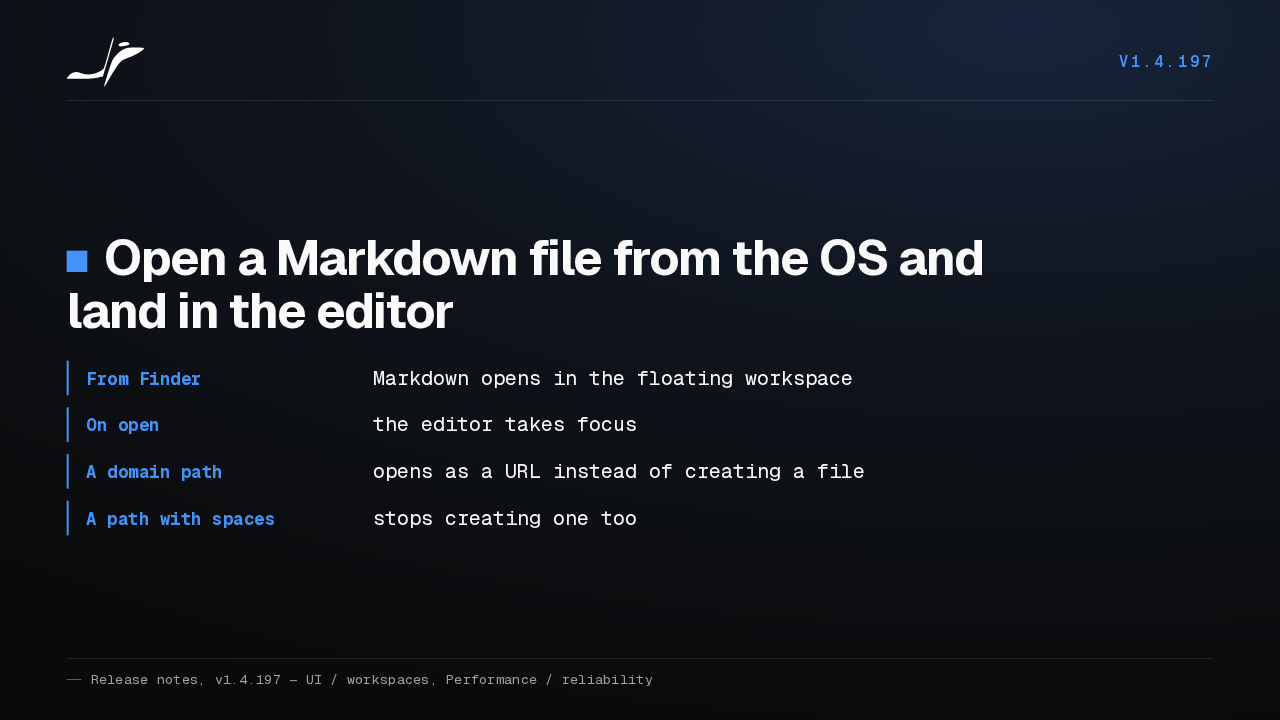
Open a Markdown file from Finder or Explorer and Orca puts it in the floating workspace with the editor already focused. Type a path that is really a domain and it opens as a URL rather than making a file, and so does a path with spaces in it.
01 — Faster
v1.4.197Faster
Speed.
Boot path
v1.4.197371 KB of JavaScript comes off the boot path
- Off the boot graph
- react-markdown, the emoji catalog, the English catalog, the xterm WebGL addon
- Startup GC
- stops freezing the main process for seconds
- History scan
- 12,259 startup syscalls dropped
- Local terminals
- an unreachable SSH host no longer gates their restore
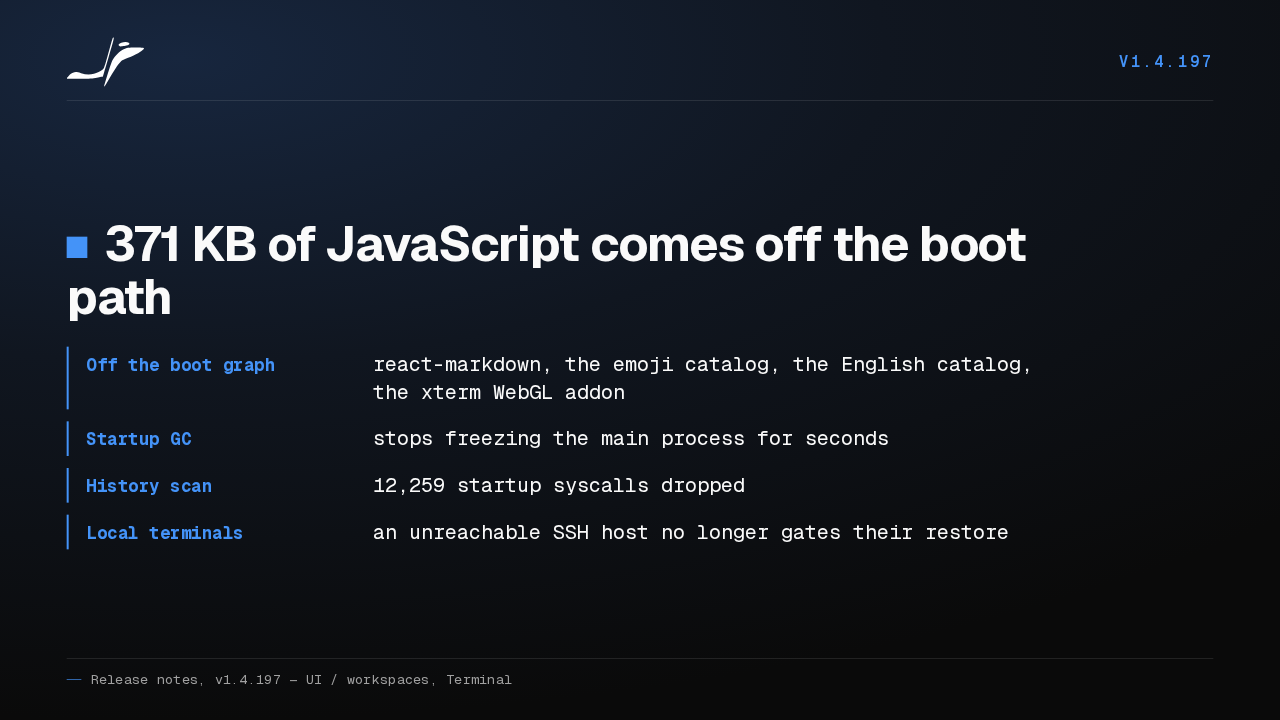
react-markdown and the emoji catalog leave the boot path and take 371 kilobytes of eager JavaScript with them, and the English catalog and the xterm WebGL addon follow. Startup garbage collection stops freezing the main process for seconds, 12,259 startup syscalls go away, and an unreachable SSH host no longer holds up your local terminals.
Terminal repaint
v1.4.197The terminal repaints only the rows an agent touched
- Agent redraws
- repaint just the rows they changed
- Spinner titles
- stop shipping every frame to the renderer
- Hidden window
- six timers stop ticking behind it
- Idle remote pane
- 30 host round trips a minute, down to 4
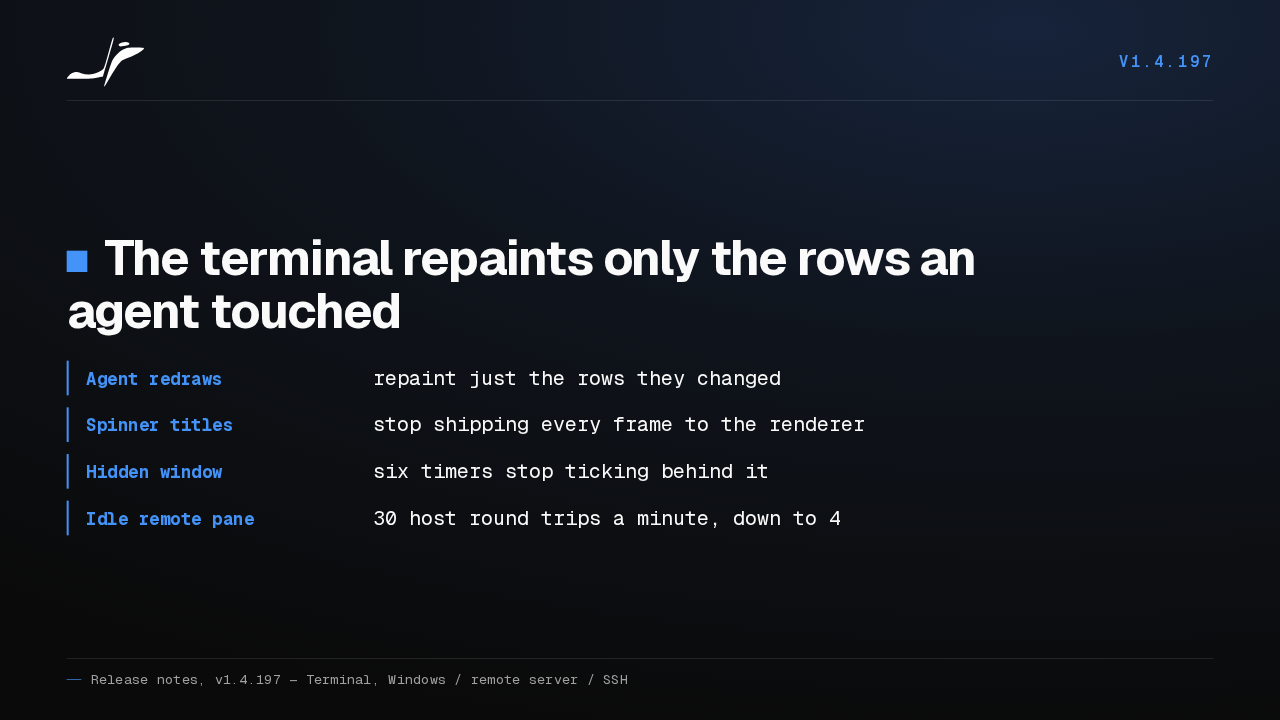
When an agent redraws its spinner, the terminal repaints only the rows it changed, and it stops shipping every one of those title frames to the renderer. Six timers stop ticking behind a hidden window, and an idle remote pane goes from thirty host round trips a minute down to four.
02 — Holding together
v1.4.197Holding together
Now the repairs.
Remote panes
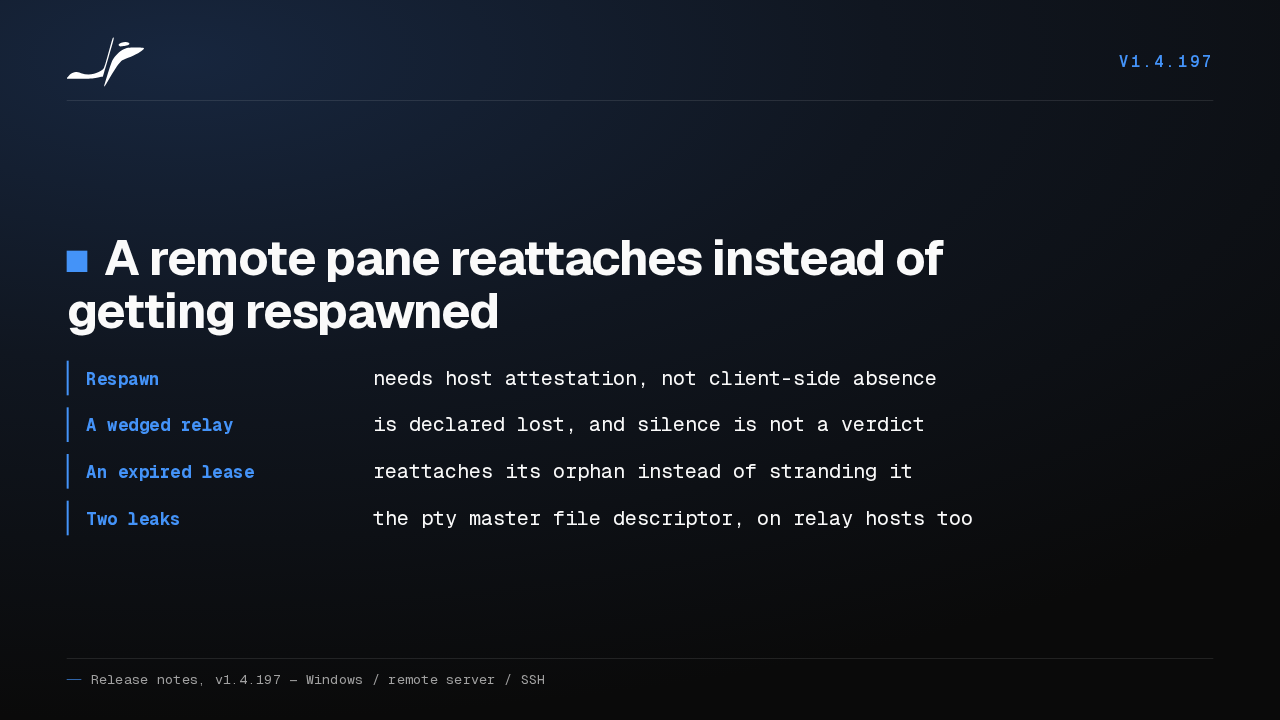
v1.4.197A remote pane reattaches instead of getting respawned
- Respawn
- needs host attestation, not client-side absence
- A wedged relay
- is declared lost, and silence is not a verdict
- An expired lease
- reattaches its orphan instead of stranding it
- Two leaks
- the pty master file descriptor, on relay hosts too
Orca now wants proof from the host before it respawns a pane, so a client that briefly cannot see one stops throwing your session away. A wedged relay link is declared lost rather than read as an answer, an expired lease reattaches its orphan instead of stranding it, and two pty file descriptor leaks are closed.
Platform fixes
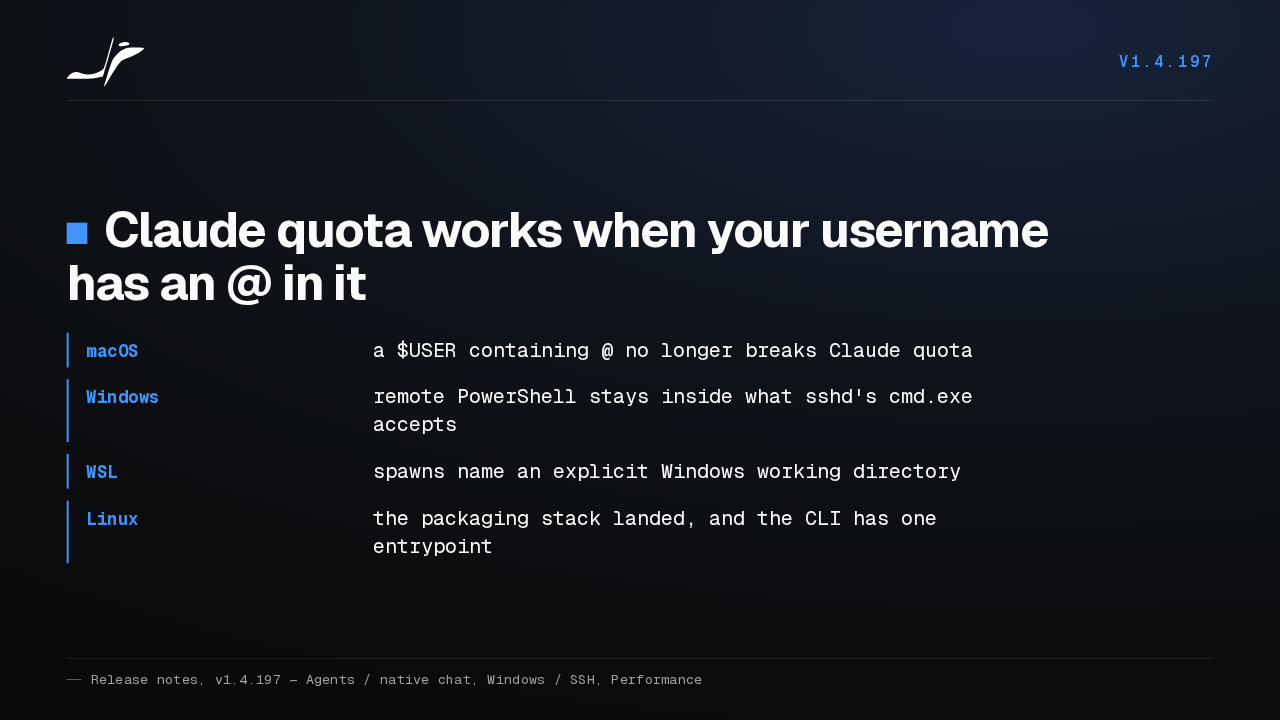
v1.4.197Claude quota works when your username has an @ in it
- macOS
- a $USER containing @ no longer breaks Claude quota
- Windows
- remote PowerShell stays inside what sshd's cmd.exe accepts
- WSL
- spawns name an explicit Windows working directory
- Linux
- the packaging stack landed, and the CLI has one entrypoint
If your macOS username has an at sign in it, Claude quota was unavailable, and now it works. On Windows, remote PowerShell commands stay inside what sshd's cmd.exe will accept, and WSL spawns name an explicit Windows working directory. On Linux the packaging stack landed and the CLI has one entrypoint.
Get it
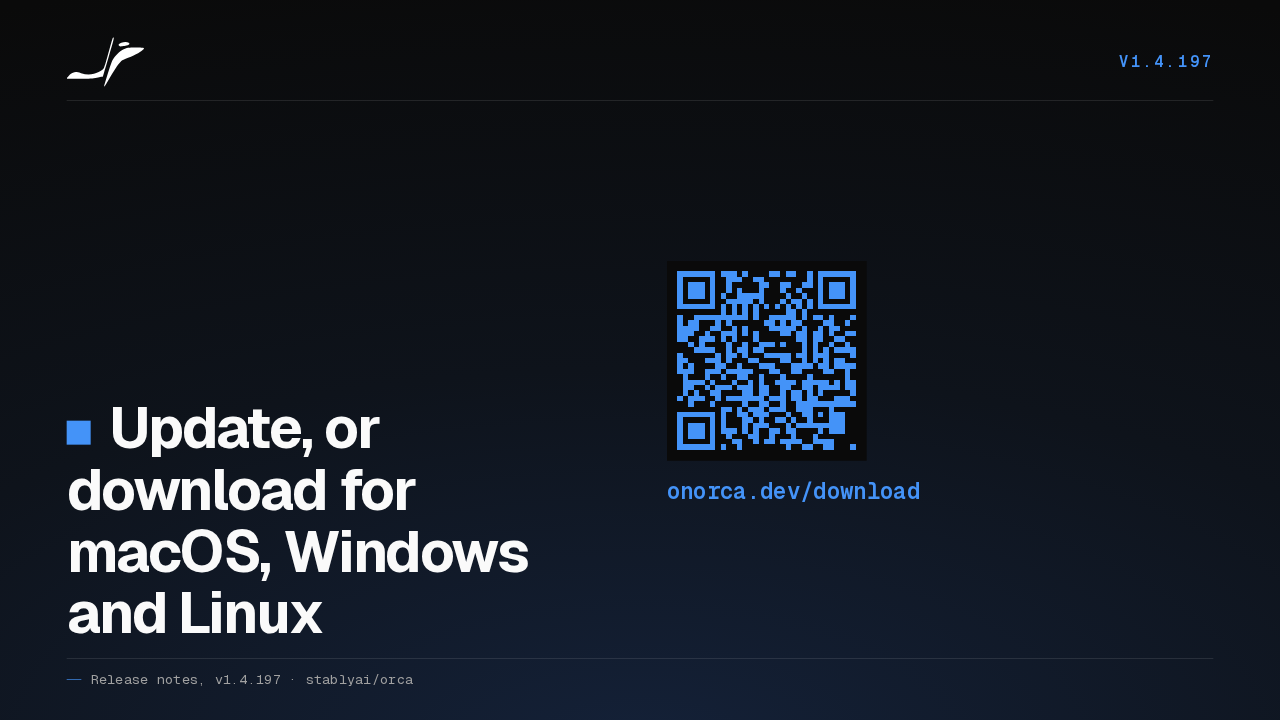
v1.4.197Update, or download for macOS, Windows and Linux
onorca.dev/download
That is Orca v1.4.197. It updates itself, or you can pick it up fresh for macOS, Windows or Linux at onorca.dev/download.