Orca v1.4.255 puts every agent from every desktop on your phone
4 hours ago
Orca v1.4.255: a phone Agents tab that lists every agent across your desktops, Session History search that no longer slows the app, Codex chats that follow an account switch, and commit actions in Git Graph. Release notes: https://github.com/stablyai/orca/releases/tag/v1.4.255 Compare: https://github.com/stablyai/orca/compare/v1.4.254...v1.4.255
Ask about this presentation
Chapters
Show transcriptHide transcript
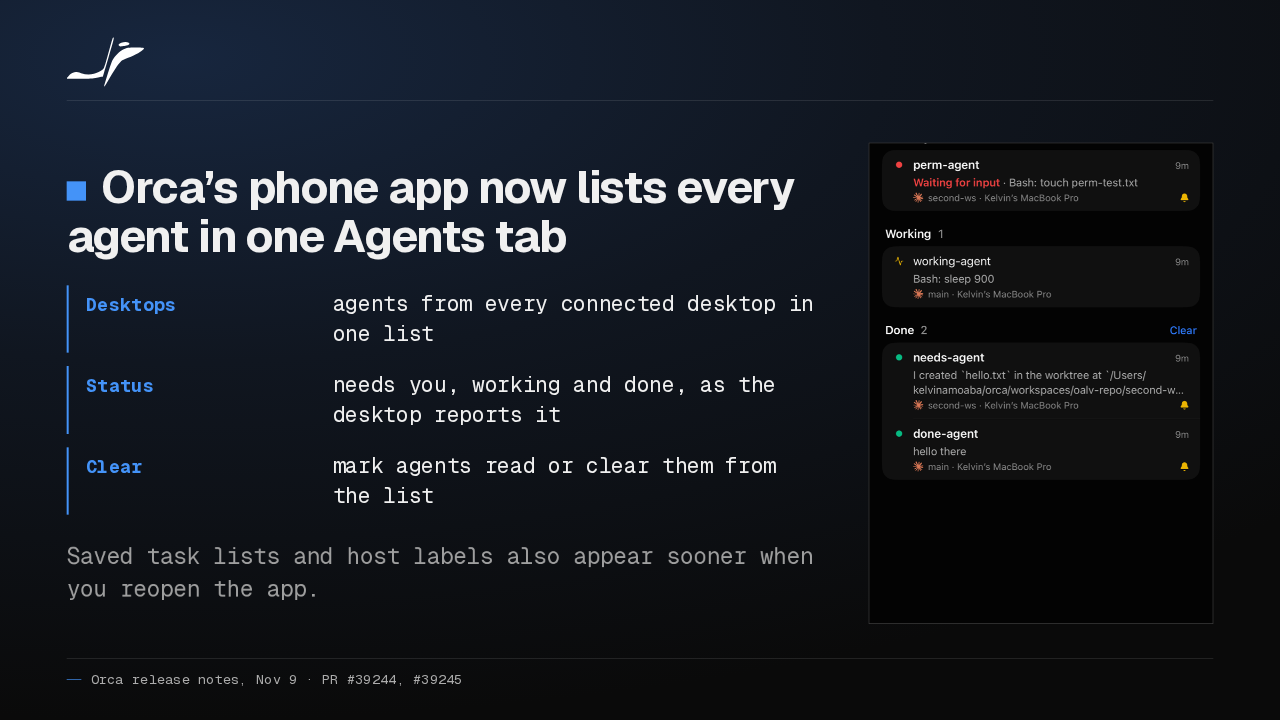
Orca's phone app has a new Agents tab. It lists every agent across your connected desktops, grouped by what needs you. You can mark agents read or clear them from the list.
Slide text

Orca’s phone app now lists every agent in one Agents tab
- Desktops
- agents from every connected desktop in one list
- Status
- needs you, working and done, as the desktop reports it
- Clear
- mark agents read or clear them from the list
Saved task lists and host labels also appear sooner when you reopen the app.

Searching a big Session History no longer slows Orca down, because the search runs off the main thread. Results stay visible while you type, and search works on SSH hosts too.
Slide text
Searching Session History no longer slows Orca down
- Worker
- searches run off the app’s main thread
- Typing
- results stay on screen while you type
- Restart
- your last list shows at once, then refreshes
Search also works on SSH and remote-server hosts.
Switch Codex accounts, and your open Codex chats now move to the account you picked. A forked chat keeps its history, and messages you queued resume after a restart.
Slide text
Switch Codex accounts and your open chats come along
- Codex
- open Codex chats move to the account you choose
- Forks
- a forked chat keeps the chat’s history
- Queue
- queued messages resume after a restart
Pasted rich text keeps its links.
Git Graph can now act on a commit: check it out, cherry-pick it, or revert it. And clicking the branch name under your chat composer opens the branch picker.
Slide text
Git Graph can now check out, cherry-pick and revert
- Git Graph
- check out, cherry-pick or revert a commit
- Branch
- click the branch name under the chat composer to open the branch picker
- Split pane
- an empty split pane offers one list of next actions
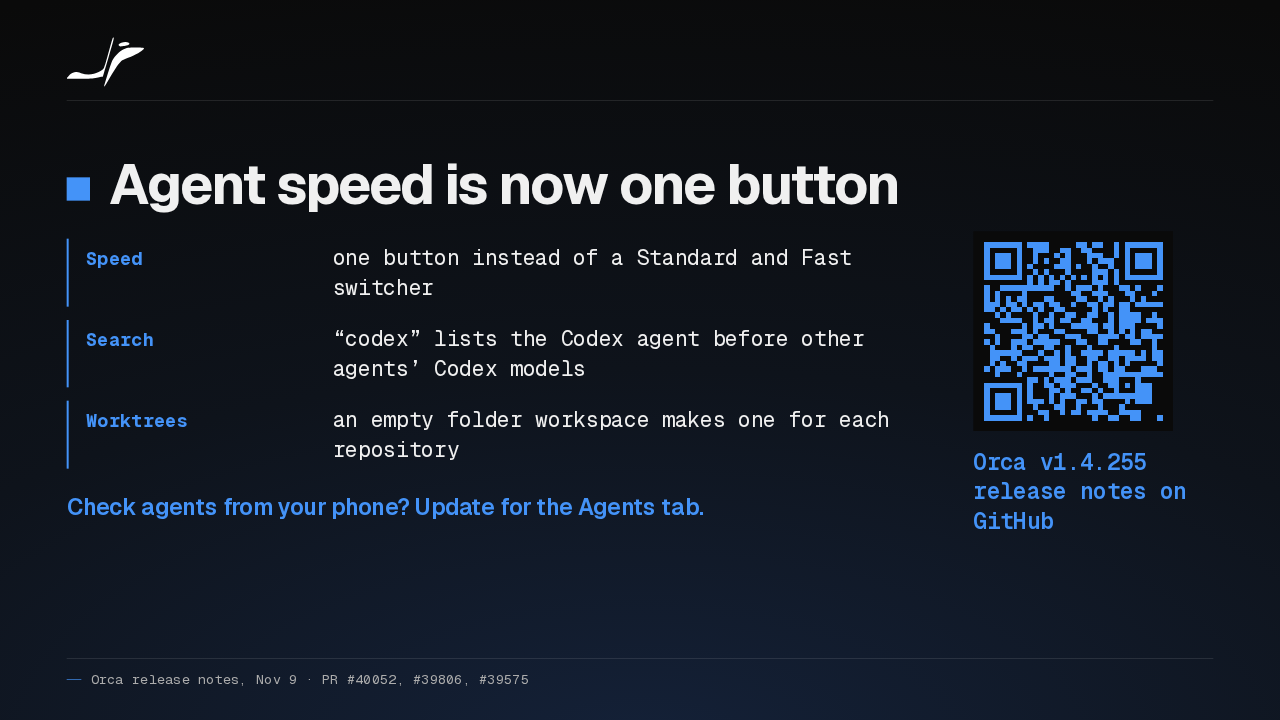
Agent speed is now a single button, and searching for Codex finds the Codex agent first. If you check on your agents from your phone, I'd update for the Agents tab alone.
Slide text
Agent speed is now one button
- Speed
- one button instead of a Standard and Fast switcher
- Search
- “codex” lists the Codex agent before other agents’ Codex models
- Worktrees
- an empty folder workspace makes one for each repository
Check agents from your phone? Update for the Agents tab.
Orca v1.4.255 release notes on GitHub
Up next
 1:33
Orca adds a Git Graph tab, and /btw asks a side question mid-chat
@orca
16 hours ago
 1:32
Orca v1.4.252 forks a chat from any reply, and /plan plans before it builds
@orca
2 days ago
 1:39
Orca v1.4.251 sends any file or terminal selection to your agent's chat
@orca
3 days ago
 1:46
Orca can keep idle chat agents running, and many terminals no longer crash it
@orca
4 days ago
 1:28
Orca v1.4.248 holds your queued prompts when an agent turn fails
@orca
5 days ago
 1:40
Orca v1.4.247 lets plugins block or rewrite Claude Code's tool calls
@orca
6 days ago
 1:33
Orca v1.4.246 takes Chat UI out of Experimental and hands off chats that hit a limit
@orca
1 week ago
 1:33
Orca lets agents use your Mac apps in the background, and adds plugins
@orca
1 week ago
 1:18
Orca v1.4.242 opens Claude subagents from the sidebar, and Codex Ask mode asks before it edits
@orca
1 week ago
 1:34
Orca v1.4.241 lets you watch your agent click through its browser, and docks DevTools in the pane
@orca
2 weeks ago
 1:26
Orca v1.4.240 asks before Codex runs an MCP tool, and orca ports finds your dev servers
@orca
2 weeks ago
 1:40
Orca v1.4.239 can give each repo its own browser logins, and installs skills in one click
@orca
2 weeks ago