Orca adds a Git Graph tab, and /btw asks a side question mid-chat
16 hours ago
Orca v1.4.253 to v1.4.254: a Git Graph tab for every branch and commit, /btw for side questions in Chat UI, dictation that runs on your phone, a phone send queue for when the desktop is away, and the Codex typing lag fixed. Release notes: https://github.com/stablyai/orca/releases/tag/v1.4.254 Compare: https://github.com/stablyai/orca/compare/v1.4.252...v1.4.254 Download: https://onorca.dev/download
Ask about this presentation
Chapters
Show transcriptHide transcript
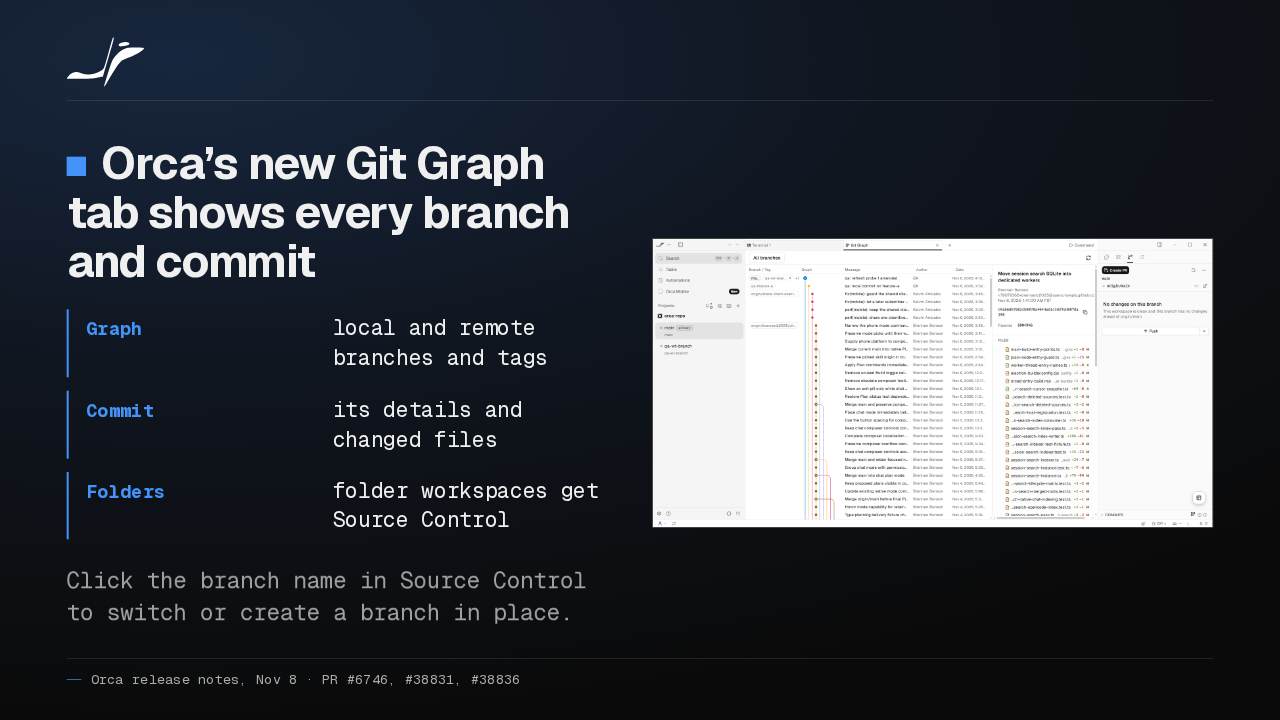
Orca now has a Git Graph tab. It draws your local and remote branches and tags, with each commit's details and changed files. Folder workspaces get Source Control too, and you can switch branches in place.
Slide text

Orca’s new Git Graph tab shows every branch and commit
- Graph
- local and remote branches and tags
- Commit
- its details and changed files
- Folders
- folder workspaces get Source Control
Click the branch name in Source Control to switch or create a branch in place.

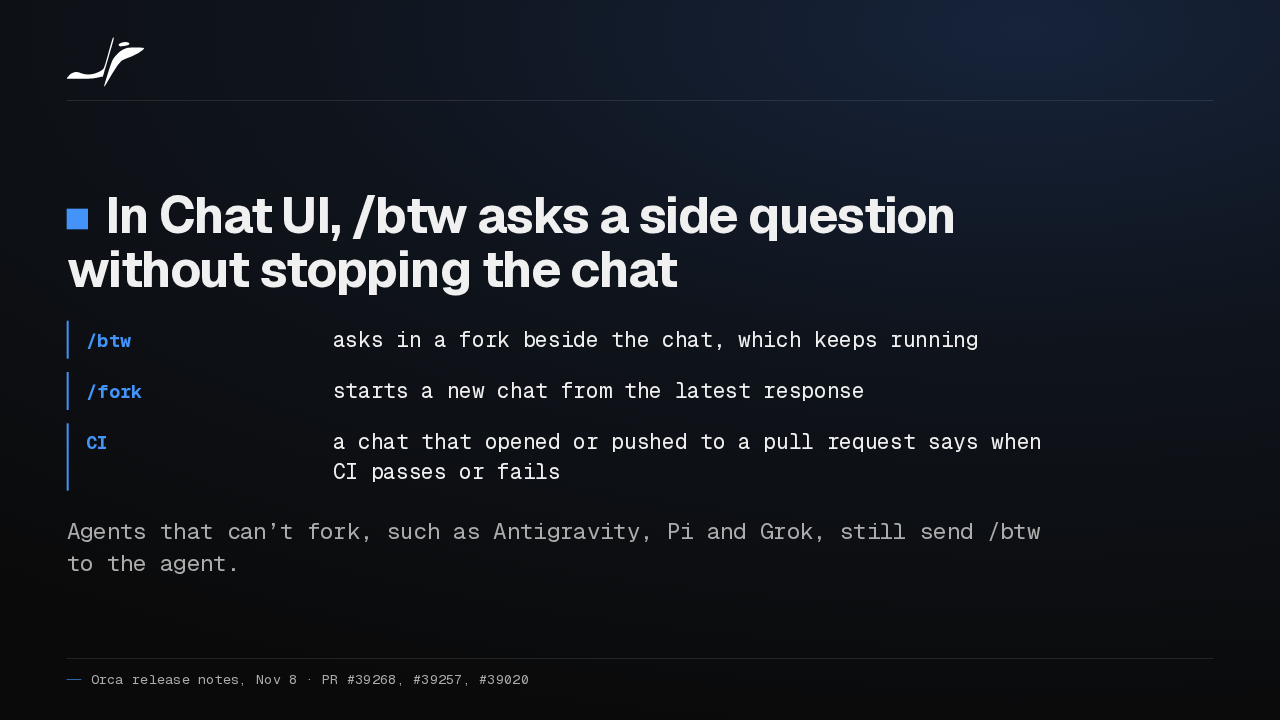
In Chat UI, /btw asks a side question in a fork beside your chat, and the original keeps running. A chat that opened a pull request now tells you when its CI passes or fails.
Slide text
In Chat UI, /btw asks a side question without stopping the chat
- /btw
- asks in a fork beside the chat, which keeps running
- /fork
- starts a new chat from the latest response
- CI
- a chat that opened or pushed to a pull request says when CI passes or fails
Agents that can’t fork, such as Antigravity, Pi and Grok, still send /btw to the agent.
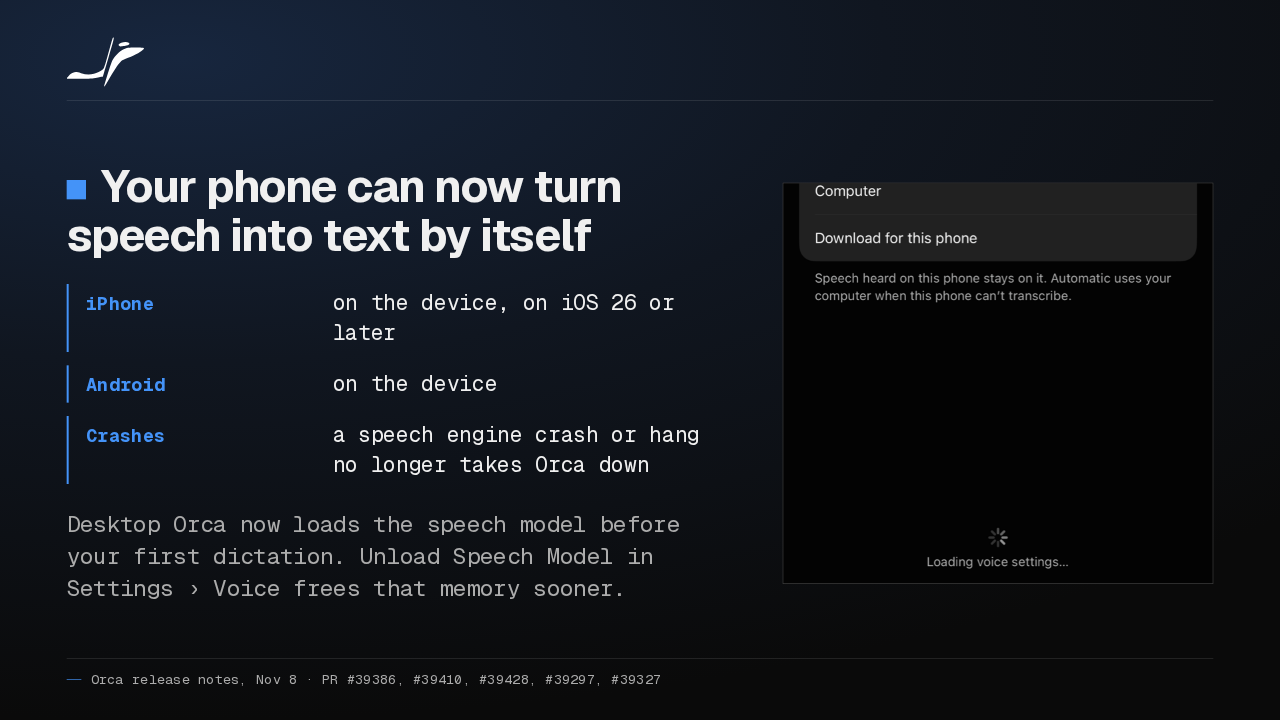
Your phone can now transcribe dictation on the device, with the computer as fallback. And dictation runs in its own process, so a speech engine crash no longer takes Orca down.
Slide text
Your phone can now turn speech into text by itself
- iPhone
- on the device, on iOS 26 or later
- Android
- on the device
- Crashes
- a speech engine crash or hang no longer takes Orca down
Desktop Orca now loads the speech model before your first dictation. Unload Speech Model in Settings › Voice frees that memory sooner.

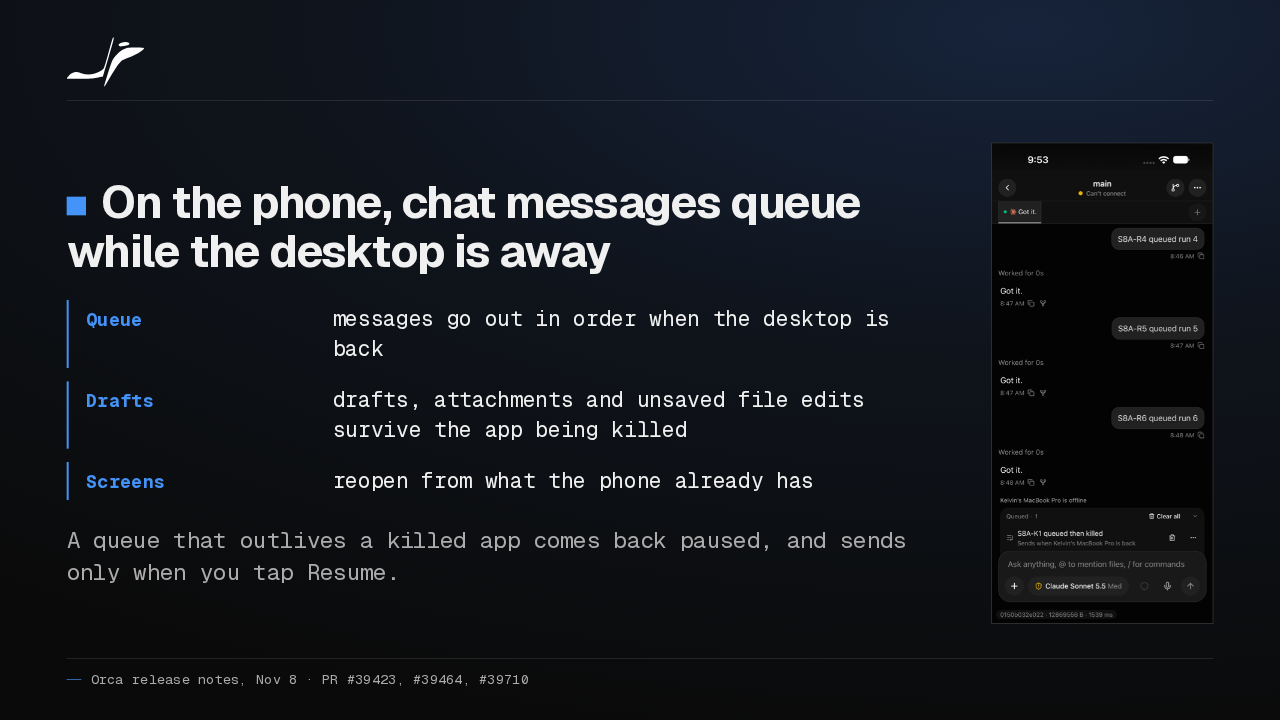
On your phone, chat messages now queue while the desktop is unreachable and go out in order when it's back. Drafts and unsaved file edits survive the app being killed.
Slide text
On the phone, chat messages queue while the desktop is away
- Queue
- messages go out in order when the desktop is back
- Drafts
- drafts, attachments and unsaved file edits survive the app being killed
- Screens
- reopen from what the phone already has
A queue that outlives a killed app comes back paused, and sends only when you tap Resume.

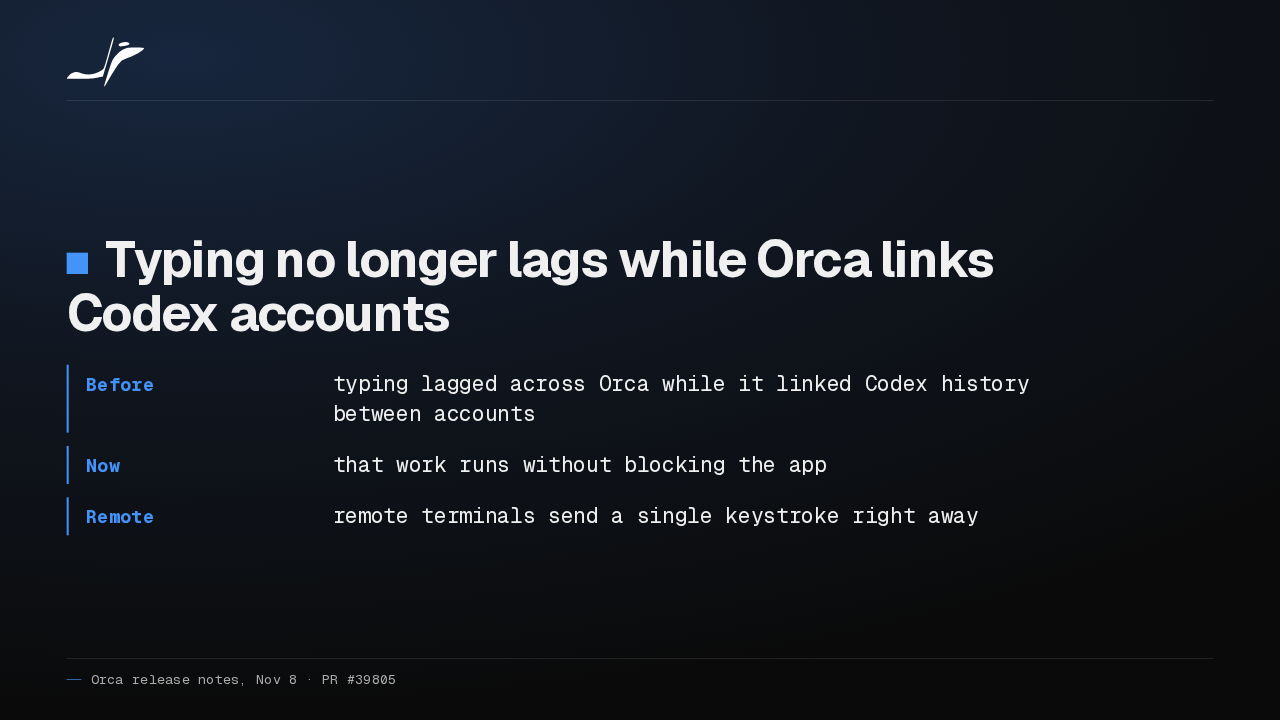
With more than one Codex account, typing could lag across Orca while it linked their history. That work no longer blocks the app, and remote terminals send each keystroke right away.
Slide text
Typing no longer lags while Orca links Codex accounts
- Before
- typing lagged across Orca while it linked Codex history between accounts
- Now
- that work runs without blocking the app
- Remote
- remote terminals send a single keystroke right away
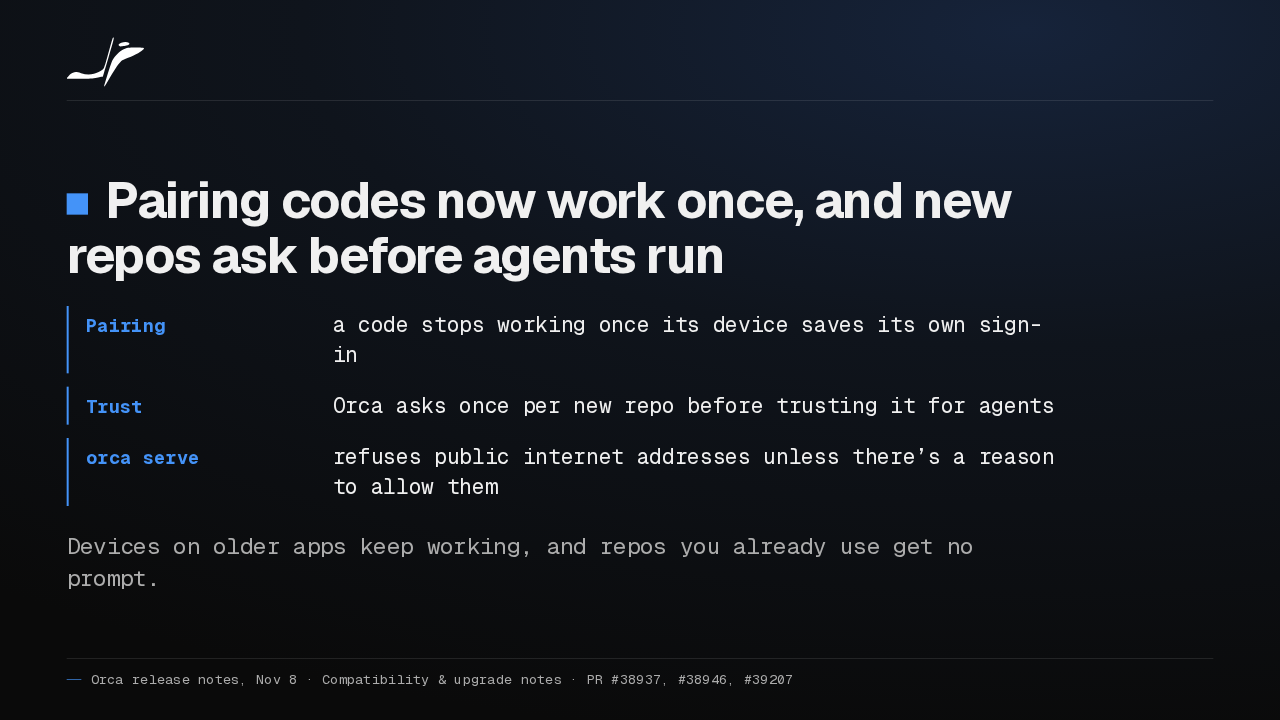
Pairing codes now work once. After a device saves its own sign-in, the code it used stops working. And the first time you start an agent in a new repo, Orca asks whether to trust it.
Slide text
Pairing codes now work once, and new repos ask before agents run
- Pairing
- a code stops working once its device saves its own sign-in
- Trust
- Orca asks once per new repo before trusting it for agents
- orca serve
- refuses public internet addresses unless there’s a reason to allow them
Devices on older apps keep working, and repos you already use get no prompt.
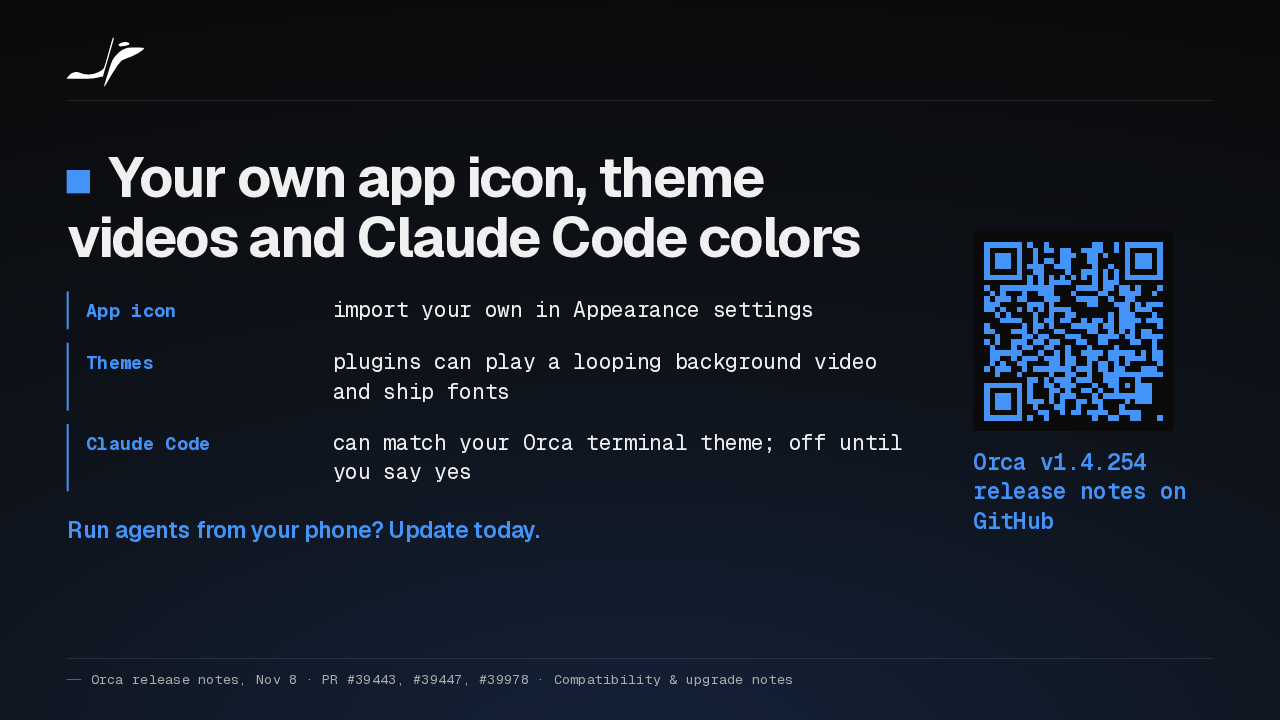
You can also import your own app icon, and Claude Code can match your Orca terminal theme if you say yes. If you run agents from your phone, I'd update today for the send queue alone.
Slide text
Your own app icon, theme videos and Claude Code colors
- App icon
- import your own in Appearance settings
- Themes
- plugins can play a looping background video and ship fonts
- Claude Code
- can match your Orca terminal theme; off until you say yes
Run agents from your phone? Update today.
Orca v1.4.254 release notes on GitHub
Up next
 0:57
Orca v1.4.255 puts every agent from every desktop on your phone
@orca
4 hours ago
 1:32
Orca v1.4.252 forks a chat from any reply, and /plan plans before it builds
@orca
2 days ago
 1:39
Orca v1.4.251 sends any file or terminal selection to your agent's chat
@orca
3 days ago
 1:46
Orca can keep idle chat agents running, and many terminals no longer crash it
@orca
4 days ago
 1:28
Orca v1.4.248 holds your queued prompts when an agent turn fails
@orca
5 days ago
 1:40
Orca v1.4.247 lets plugins block or rewrite Claude Code's tool calls
@orca
6 days ago
 1:33
Orca v1.4.246 takes Chat UI out of Experimental and hands off chats that hit a limit
@orca
1 week ago
 1:33
Orca lets agents use your Mac apps in the background, and adds plugins
@orca
1 week ago
 1:18
Orca v1.4.242 opens Claude subagents from the sidebar, and Codex Ask mode asks before it edits
@orca
1 week ago
 1:34
Orca v1.4.241 lets you watch your agent click through its browser, and docks DevTools in the pane
@orca
2 weeks ago
 1:26
Orca v1.4.240 asks before Codex runs an MCP tool, and orca ports finds your dev servers
@orca
2 weeks ago
 1:40
Orca v1.4.239 can give each repo its own browser logins, and installs skills in one click
@orca
2 weeks ago