Orca v1.4.251 sends any file or terminal selection to your agent's chat
10 hours ago
Orca v1.4.251: add a selection from any file, Markdown preview or terminal to an agent's chat in Orca. Also: phone chats that rewind, continue and pin the plan, working chats that resume after a restart, workers that start their own workers, steadier terminals, and older Macs kept on a build they can run. Release notes: https://github.com/stablyai/orca/releases/tag/v1.4.251 Compare: https://github.com/stablyai/orca/compare/v1.4.250...v1.4.251 Download: https://onorca.dev/download
Ask about this presentation
Chapters
Show transcriptHide transcript
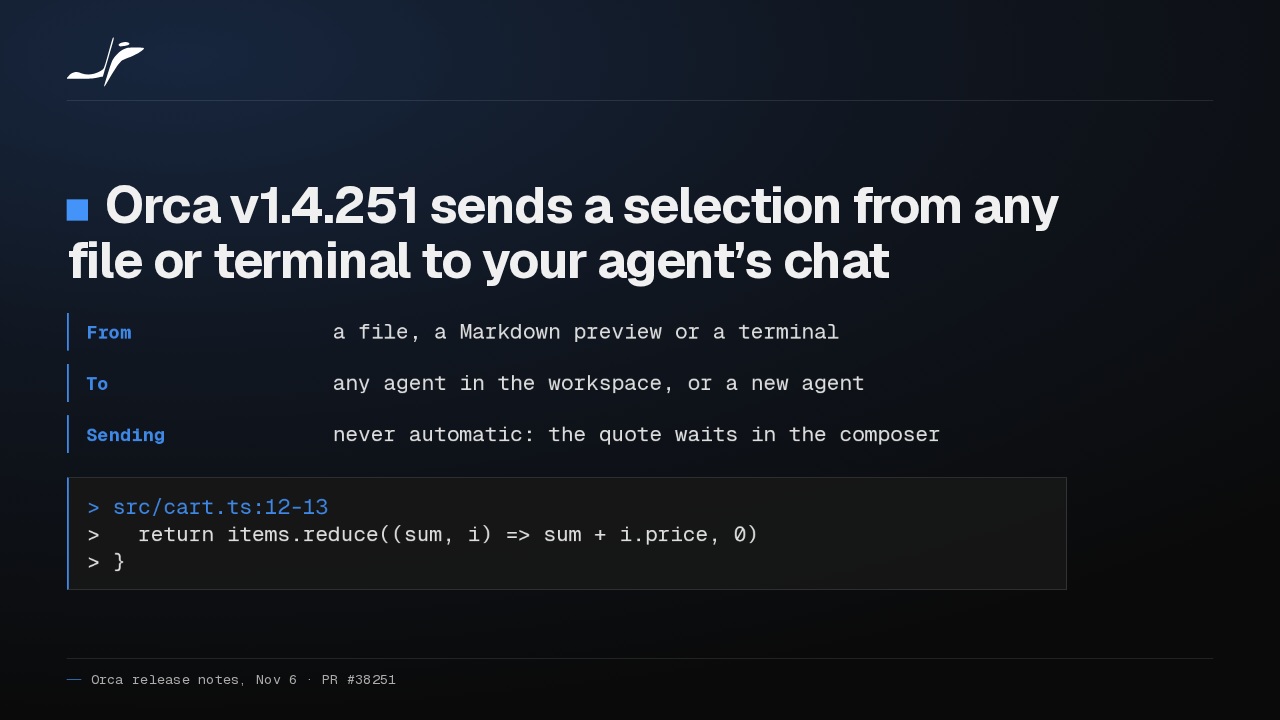
In Orca v1.4.251, right-click a selection in a file or terminal and add it to any agent's chat, or a new agent. It arrives headed by its file and lines, unsent.
Slide text

Orca v1.4.251 sends a selection from any file or terminal to your agent’s chat
- From
- a file, a Markdown preview or a terminal
- To
- any agent in the workspace, or a new agent
- Sending
- never automatic: the quote waits in the composer
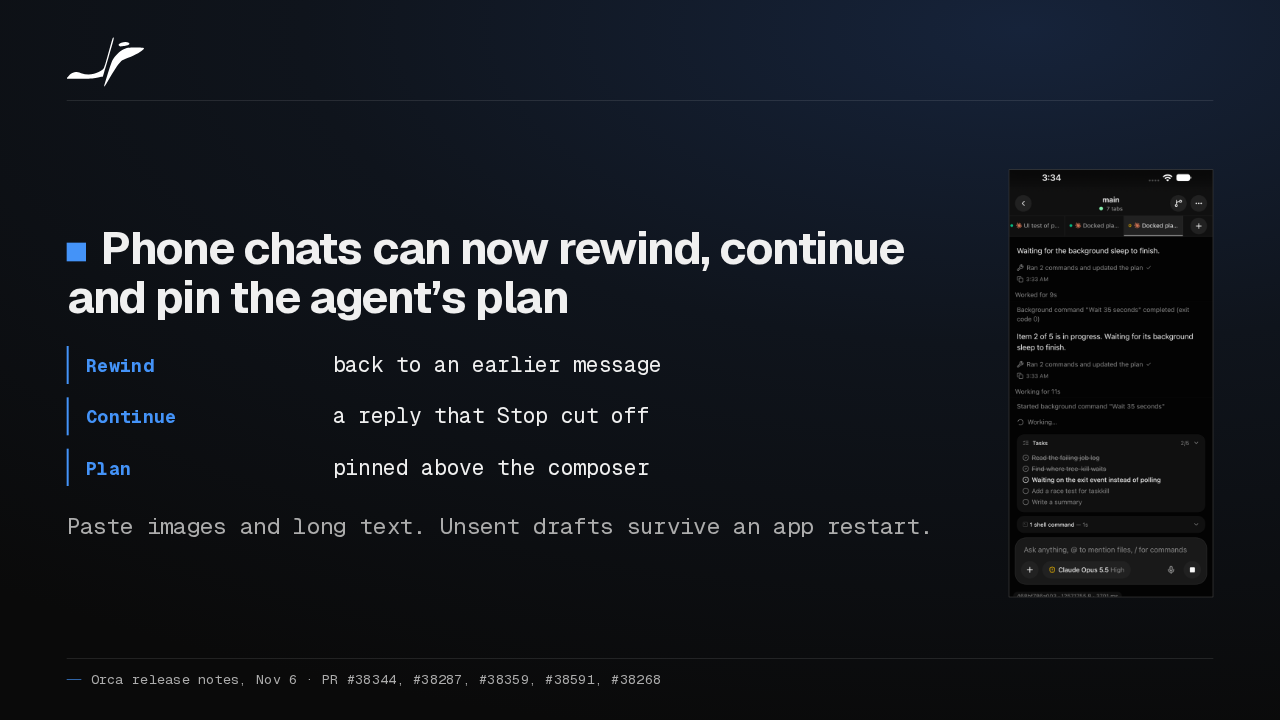
> src/cart.ts:12-13 > return items.reduce((sum, i) => sum + i.price, 0) > }On your phone, a chat can now rewind to an earlier message, continue a reply you stopped, and keep the agent's plan pinned above the composer. Pasted images and unsent drafts work too.
Slide text
Phone chats can now rewind, continue and pin the agent’s plan
- Rewind
- back to an earlier message
- Continue
- a reply that Stop cut off
- Plan
- pinned above the composer
Paste images and long text. Unsent drafts survive an app restart.

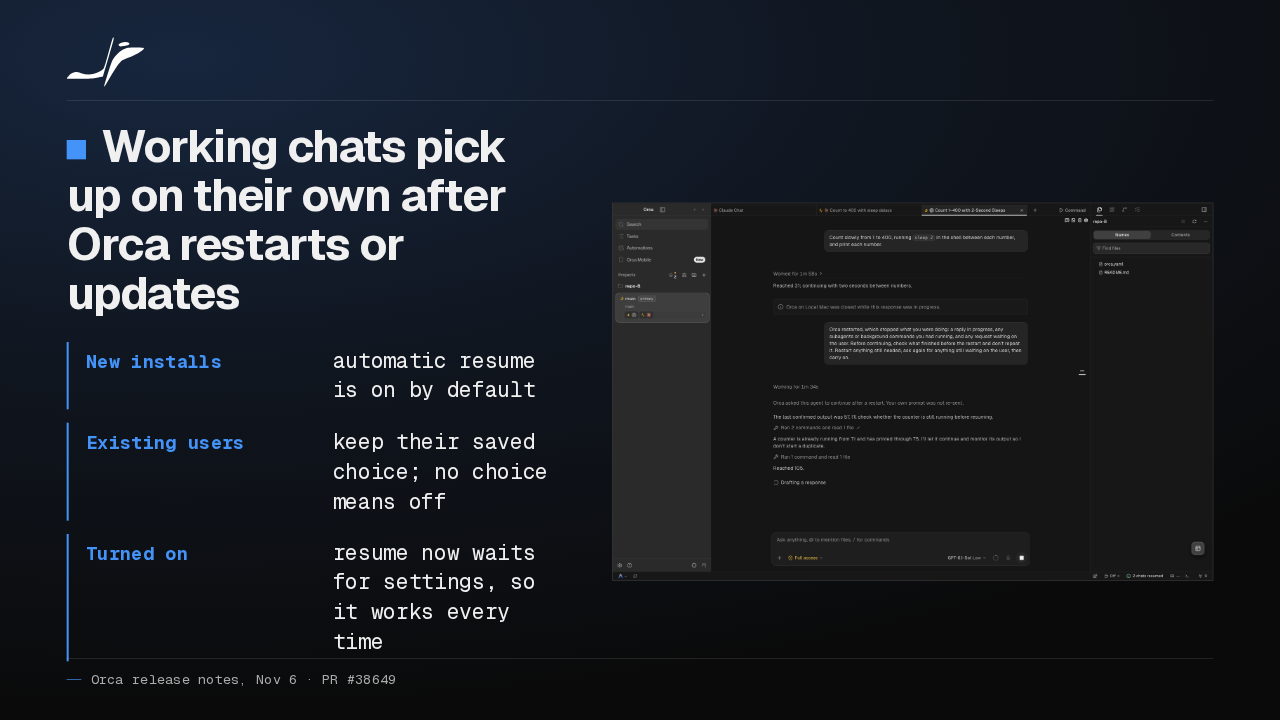
When Orca quits or updates mid-task, working chats now carry on by themselves after relaunch. That default is for new installs only. If you never chose, it stays off, so switch it on yourself.
Slide text
Working chats pick up on their own after Orca restarts or updates
- New installs
- automatic resume is on by default
- Existing users
- keep their saved choice; no choice means off
- Turned on
- resume now waits for settings, so it works every time

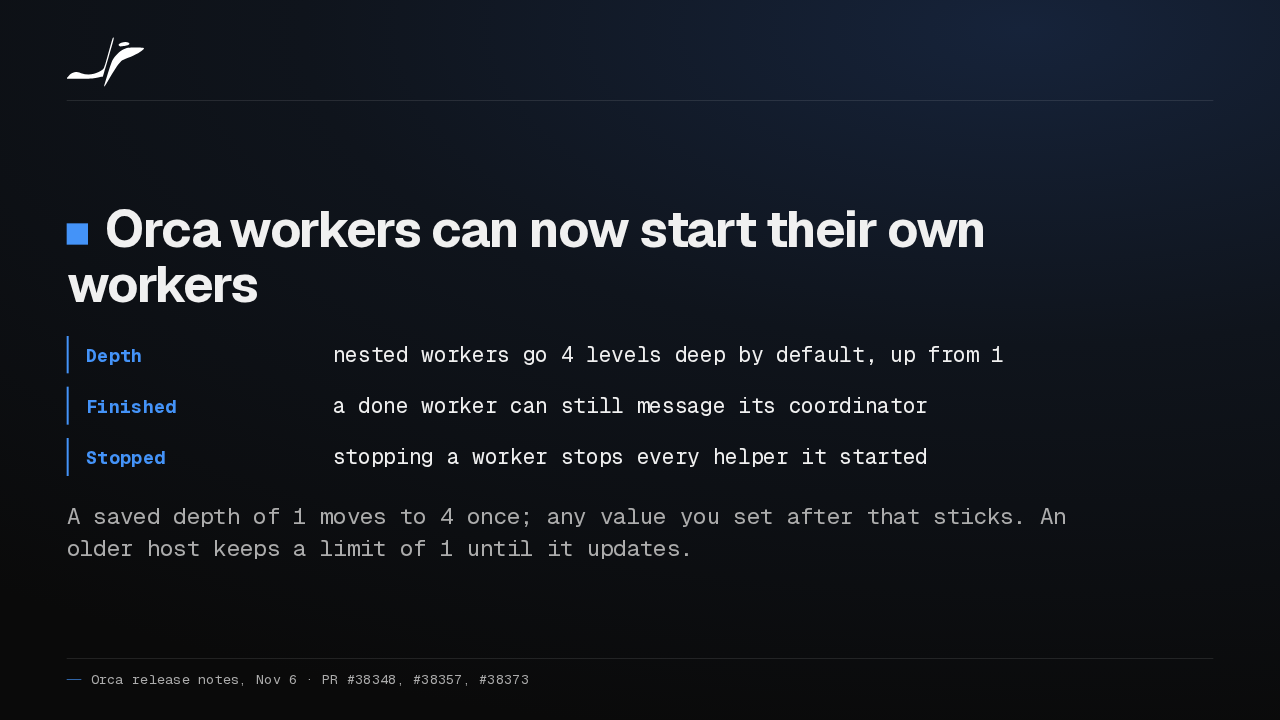
Workers in Orca can now start their own helper workers, up to four levels deep. A finished worker can still message its coordinator, and stopping a worker now stops its helpers too.
Slide text
Orca workers can now start their own workers
- Depth
- nested workers go 4 levels deep by default, up from 1
- Finished
- a done worker can still message its coordinator
- Stopped
- stopping a worker stops every helper it started
A saved depth of 1 moves to 4 once; any value you set after that sticks. An older host keeps a limit of 1 until it updates.
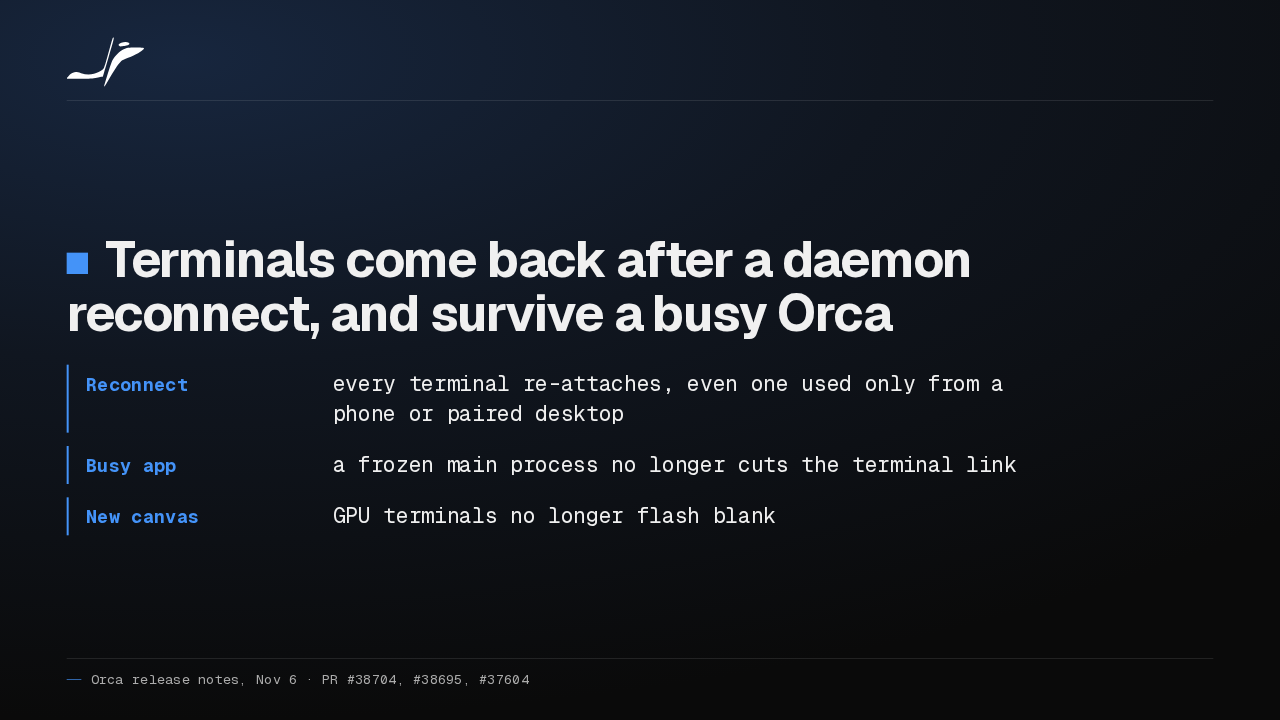
Terminals you typed into from a phone or a paired desktop could go silent after Orca's terminal daemon reconnected. Now every one re-attaches, a busy Orca keeps the link, and new GPU terminals stop flashing blank.
Slide text
Terminals come back after a daemon reconnect, and survive a busy Orca
- Reconnect
- every terminal re-attaches, even one used only from a phone or paired desktop
- Busy app
- a frozen main process no longer cuts the terminal link
- New canvas
- GPU terminals no longer flash blank
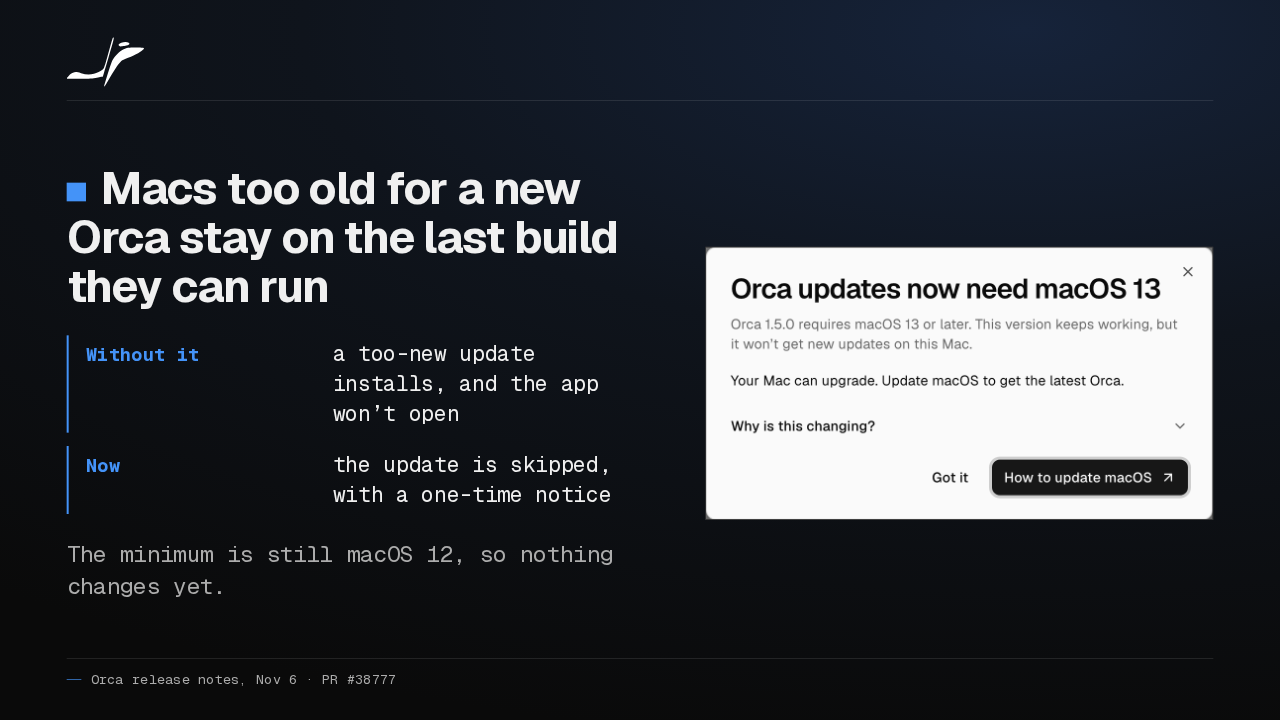
When a future Orca needs a newer macOS, older Macs stay on their last working build with one notice, instead of an app that won't open. The minimum is still macOS 12.
Slide text
Macs too old for a new Orca stay on the last build they can run
- Without it
- a too-new update installs, and the app won’t open
- Now
- the update is skipped, with a one-time notice
The minimum is still macOS 12, so nothing changes yet.

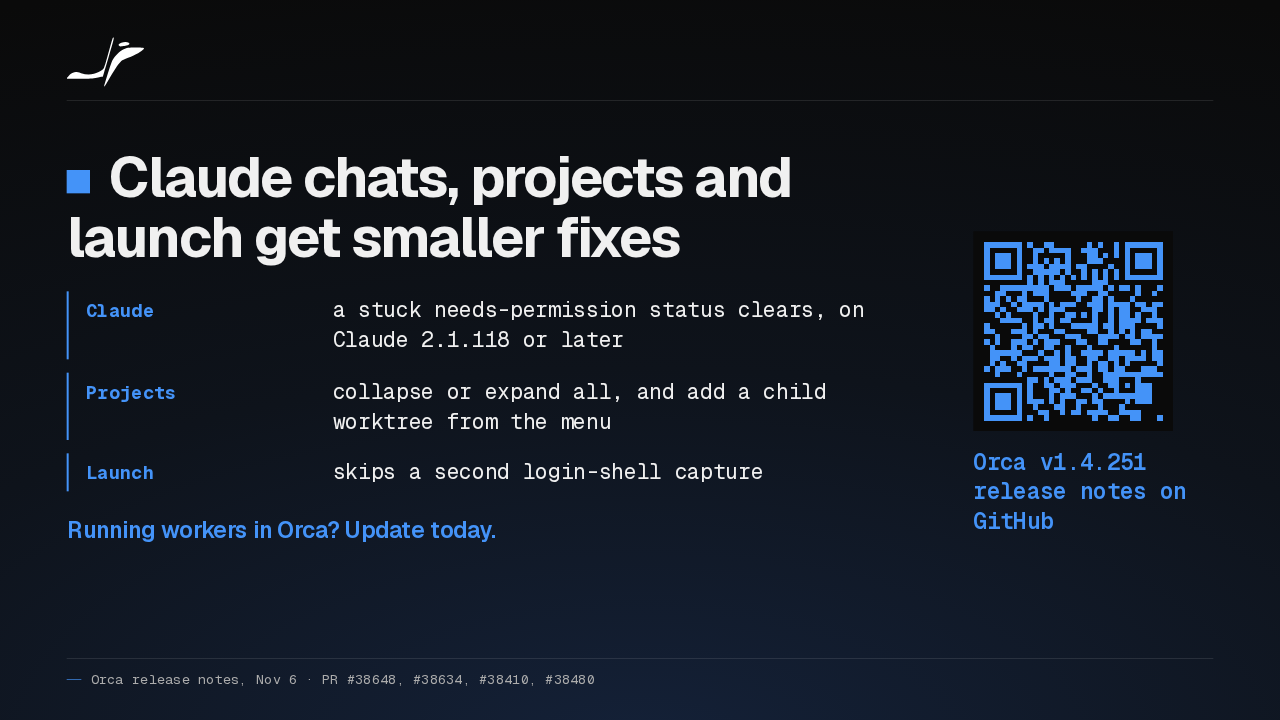
Claude chats now clear a stuck permission status on Claude 2.1.118 or later, and projects collapse in one click. If you run Orca workers, I'd update today, so helpers stop with them.
Slide text
Claude chats, projects and launch get smaller fixes
- Claude
- a stuck needs-permission status clears, on Claude 2.1.118 or later
- Projects
- collapse or expand all, and add a child worktree from the menu
- Launch
- skips a second login-shell capture
Running workers in Orca? Update today.
Orca v1.4.251 release notes on GitHub
Up next
 1:46
Orca can keep idle chat agents running, and many terminals no longer crash it
@orca · 1 day ago
 1:28
Orca v1.4.248 holds your queued prompts when an agent turn fails
@orca · 2 days ago
 1:40
Orca v1.4.247 lets plugins block or rewrite Claude Code's tool calls
@orca · 3 days ago
 1:33
Orca v1.4.246 takes Chat UI out of Experimental and hands off chats that hit a limit
@orca · 4 days ago
 1:33
Orca lets agents use your Mac apps in the background, and adds plugins
@orca · 5 days ago
 1:18
Orca v1.4.242 opens Claude subagents from the sidebar, and Codex Ask mode asks before it edits
@orca · 1 week ago
 1:34
Orca v1.4.241 lets you watch your agent click through its browser, and docks DevTools in the pane
@orca · 1 week ago
 1:26
Orca v1.4.240 asks before Codex runs an MCP tool, and orca ports finds your dev servers
@orca · 1 week ago
 1:40
Orca v1.4.239 can give each repo its own browser logins, and installs skills in one click
@orca · 1 week ago
 1:34
Orca v1.4.238 keeps unsaved edits in sync across every tab of a file
@orca · 1 week ago
 1:50
Orca v1.4.237 makes the skills you pick in a Codex chat actually run
@orca · 2 weeks ago
 1:27
Orca v1.4.235 lets you rewind a Claude chat and rewrite your prompt
@orca · 2 weeks ago