Orca v1.4.252 forks a chat from any reply, and /plan plans before it builds
2 days ago
Orca v1.4.252: fork a Chat UI chat from any finished reply, and type /plan in a Claude or Codex chat for Plan mode that stays on. Also: the composer shows the machine, workspace and branch, a faster phone, dictation in your language, and a new macOS 13.4 minimum. Release notes: https://github.com/stablyai/orca/releases/tag/v1.4.252 Compare: https://github.com/stablyai/orca/compare/v1.4.251...v1.4.252 Download: https://onorca.dev/download
Ask about this presentation
Chapters
Show transcriptHide transcript
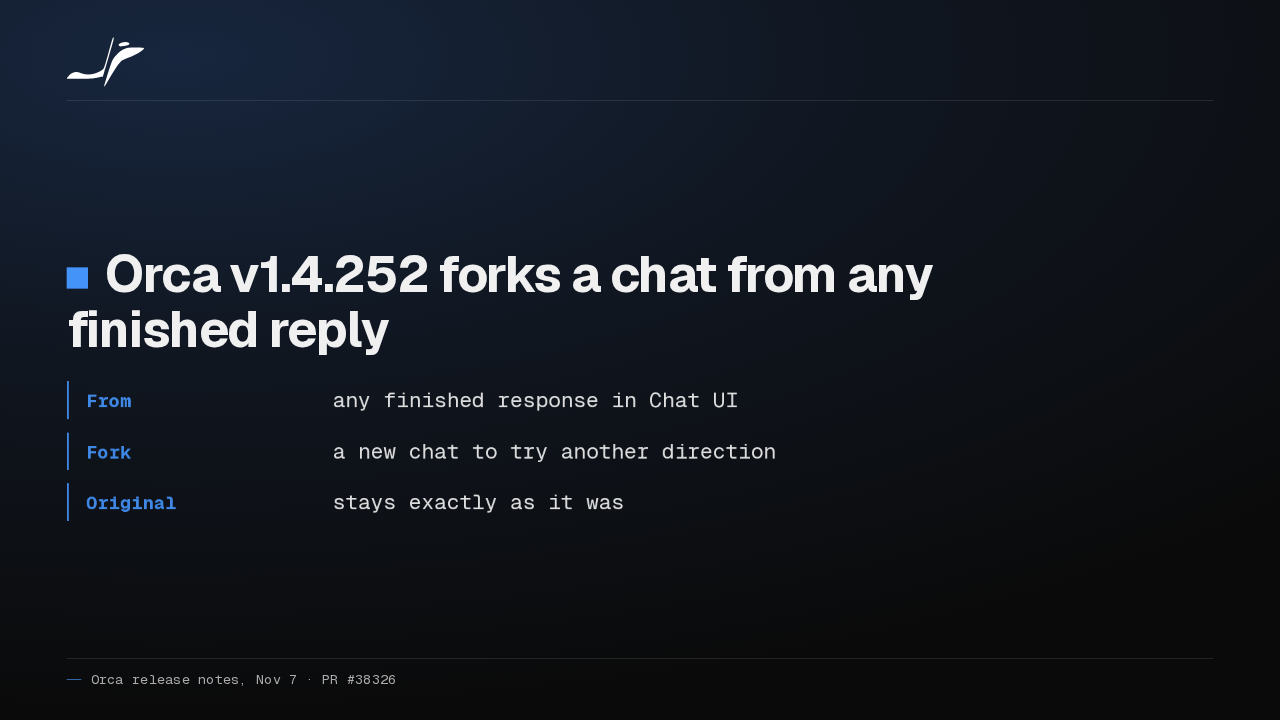
Orca v1.4.252 lets you fork a chat from any finished reply. The fork tries another direction, and the original chat stays exactly as it was.
Slide text

Orca v1.4.252 forks a chat from any finished reply
- From
- any finished response in Chat UI
- Fork
- a new chat to try another direction
- Original
- stays exactly as it was
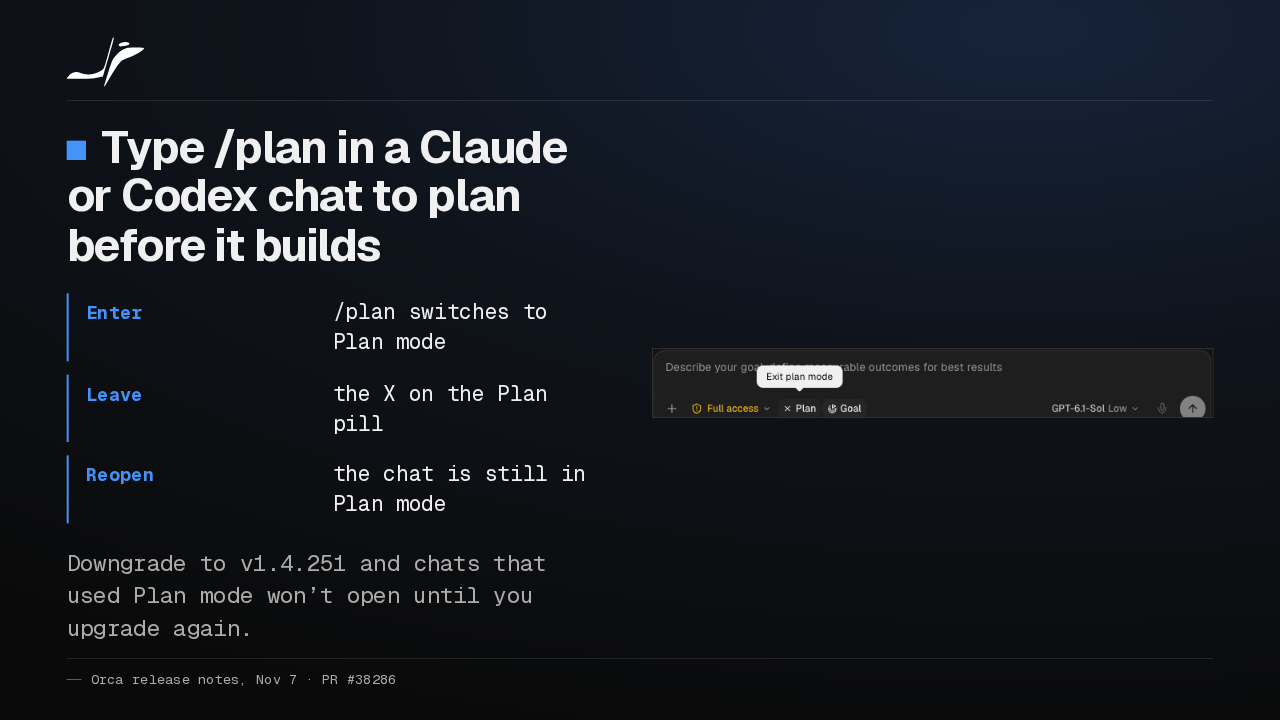
In Claude and Codex chats, the /plan command switches to Plan mode, and it stays on when you reopen the chat. One catch: downgrade to v1.4.251 and those chats won't open.
Slide text
Type /plan in a Claude or Codex chat to plan before it builds
- Enter
/planswitches to Plan mode- Leave
- the X on the Plan pill
- Reopen
- the chat is still in Plan mode
Downgrade to v1.4.251 and chats that used Plan mode won’t open until you upgrade again.

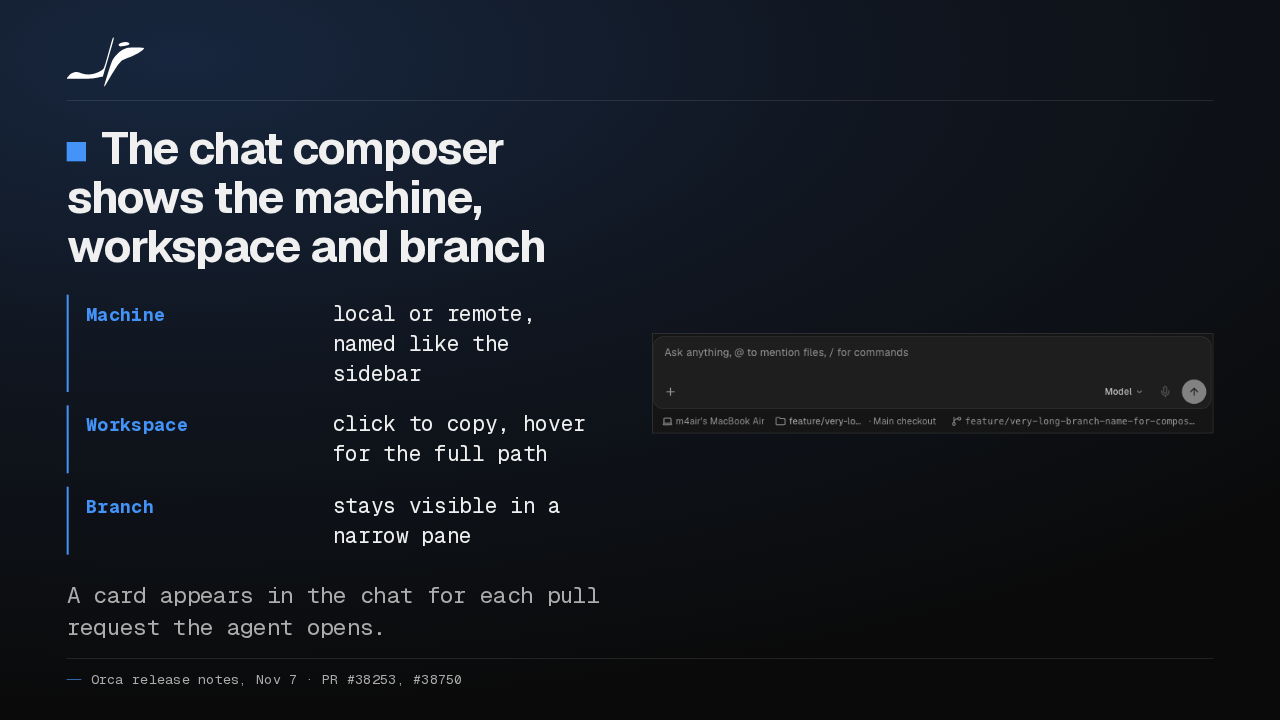
Below the chat composer, Orca now shows which machine, workspace and branch the chat runs on. And when the agent opens a pull request, a card for it shows up in the chat.
Slide text
The chat composer shows the machine, workspace and branch
- Machine
- local or remote, named like the sidebar
- Workspace
- click to copy, hover for the full path
- Branch
- stays visible in a narrow pane
A card appears in the chat for each pull request the agent opens.

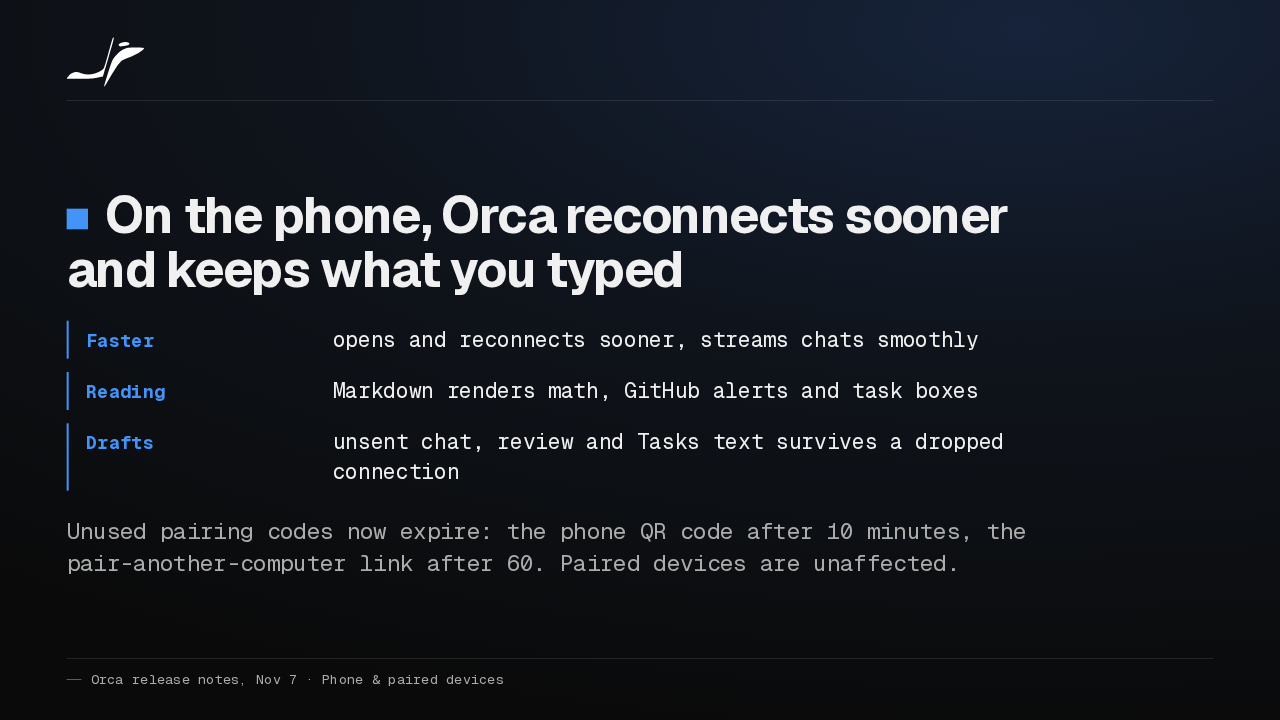
On your phone, Orca reconnects sooner and streams chats smoothly. Unsent chat, review and Tasks text now survives a dropped connection. An unused pairing QR code expires after ten minutes.
Slide text
On the phone, Orca reconnects sooner and keeps what you typed
- Faster
- opens and reconnects sooner, streams chats smoothly
- Reading
- Markdown renders math, GitHub alerts and task boxes
- Drafts
- unsent chat, review and Tasks text survives a dropped connection
Unused pairing codes now expire: the phone QR code after 10 minutes, the pair-another-computer link after 60. Paired devices are unaffected.
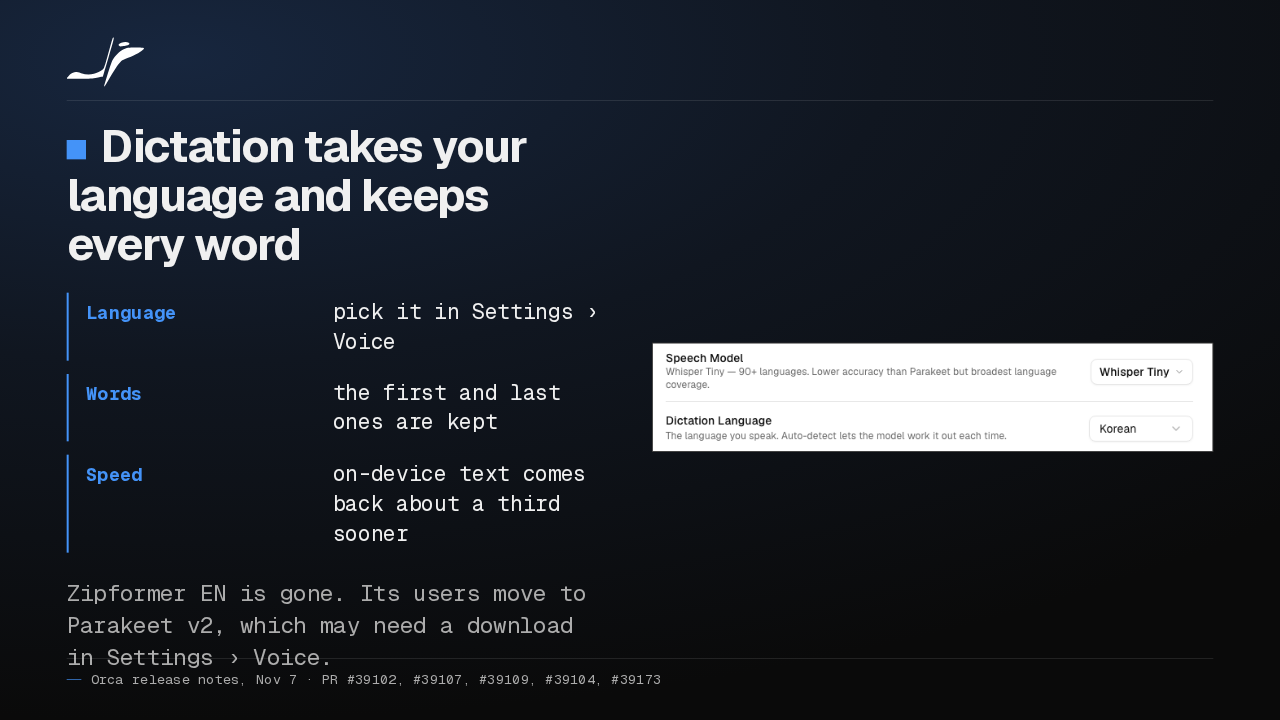
Dictation lets you pick your language, keeps your first and last words, and returns on-device text about a third sooner. Zipformer English is gone; its users move to Parakeet v2, which may need a download.
Slide text
Dictation takes your language and keeps every word
- Language
- pick it in Settings › Voice
- Words
- the first and last ones are kept
- Speed
- on-device text comes back about a third sooner
Zipformer EN is gone. Its users move to Parakeet v2, which may need a download in Settings › Voice.

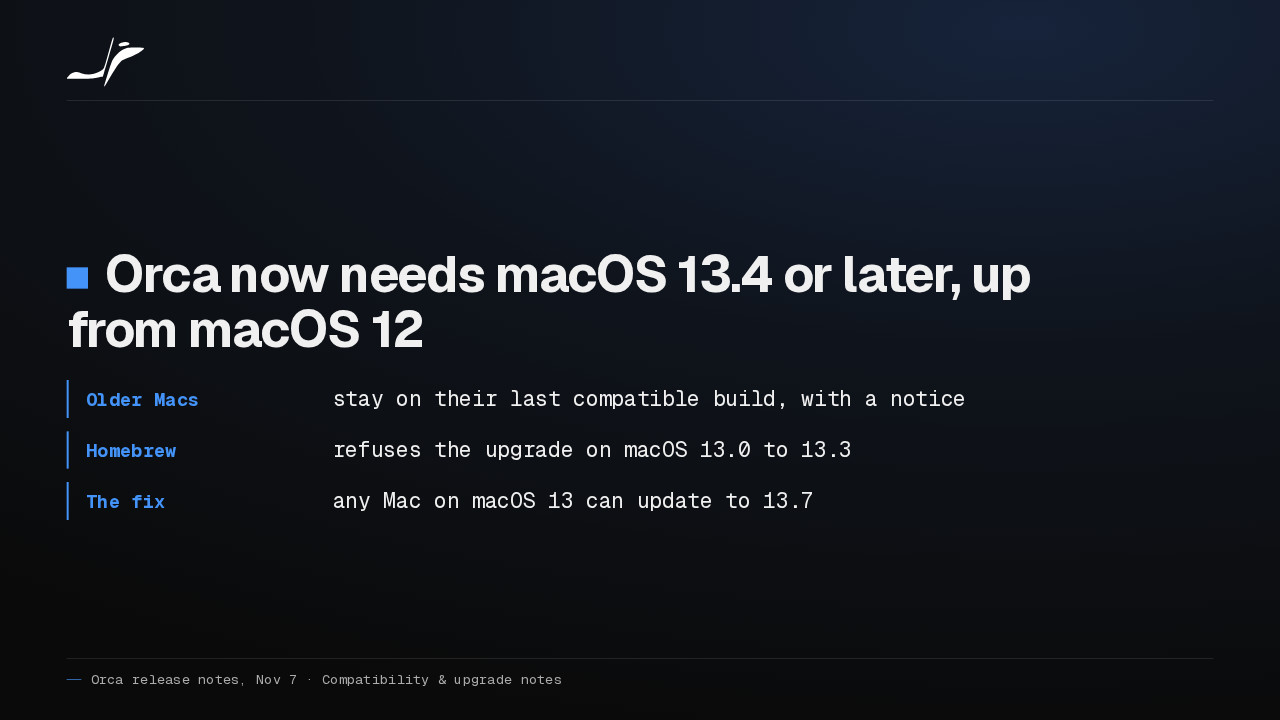
Orca now needs macOS 13.4 or later, up from macOS 12. Older Macs stay on their last compatible build. Any Mac on macOS 13 can update to 13.7 and keep getting Orca.
Slide text
Orca now needs macOS 13.4 or later, up from macOS 12
- Older Macs
- stay on their last compatible build, with a notice
- Homebrew
- refuses the upgrade on macOS 13.0 to 13.3
- The fix
- any Mac on macOS 13 can update to 13.7
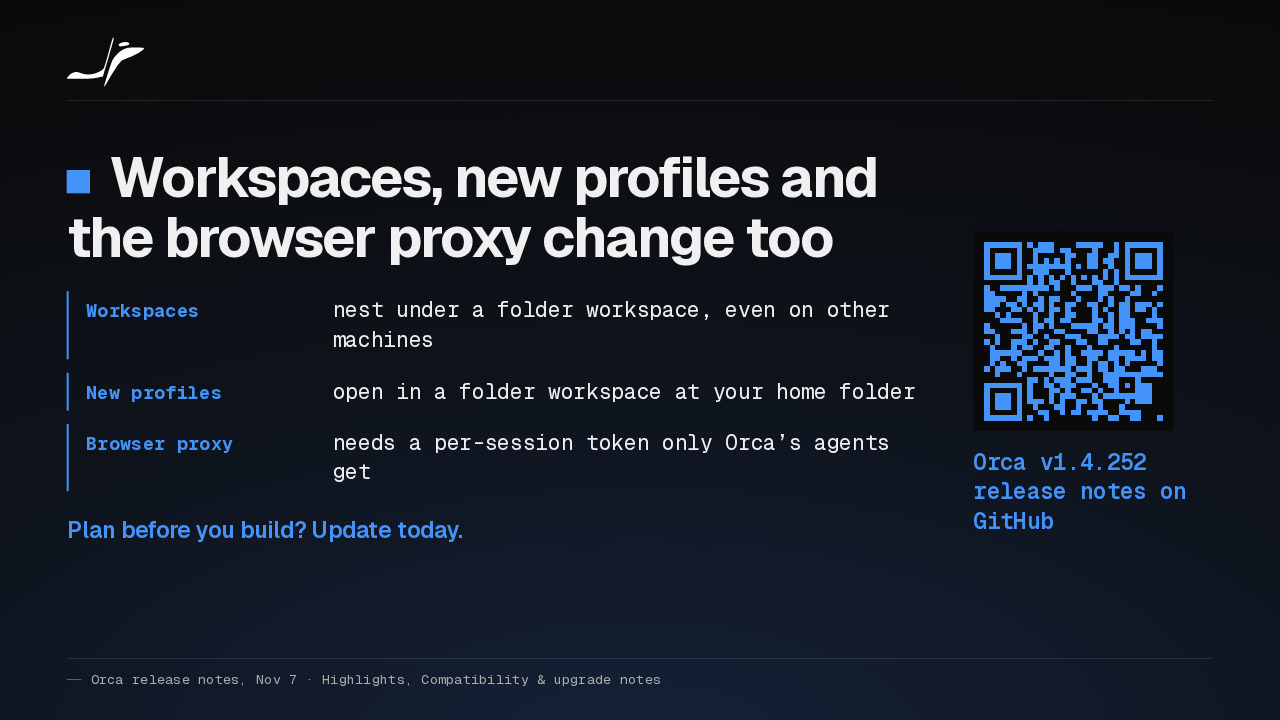
Workspaces now nest under a folder workspace, even across machines, and new profiles open at your home folder. If you plan before you build, I'd update today for Plan mode alone.
Slide text
Workspaces, new profiles and the browser proxy change too
- Workspaces
- nest under a folder workspace, even on other machines
- New profiles
- open in a folder workspace at your home folder
- Browser proxy
- needs a per-session token only Orca’s agents get
Plan before you build? Update today.
Orca v1.4.252 release notes on GitHub
Up next
 0:57
Orca v1.4.255 puts every agent from every desktop on your phone
@orca
4 hours ago
 1:33
Orca adds a Git Graph tab, and /btw asks a side question mid-chat
@orca
16 hours ago
 1:39
Orca v1.4.251 sends any file or terminal selection to your agent's chat
@orca
3 days ago
 1:46
Orca can keep idle chat agents running, and many terminals no longer crash it
@orca
4 days ago
 1:28
Orca v1.4.248 holds your queued prompts when an agent turn fails
@orca
5 days ago
 1:40
Orca v1.4.247 lets plugins block or rewrite Claude Code's tool calls
@orca
6 days ago
 1:33
Orca v1.4.246 takes Chat UI out of Experimental and hands off chats that hit a limit
@orca
1 week ago
 1:33
Orca lets agents use your Mac apps in the background, and adds plugins
@orca
1 week ago
 1:18
Orca v1.4.242 opens Claude subagents from the sidebar, and Codex Ask mode asks before it edits
@orca
1 week ago
 1:34
Orca v1.4.241 lets you watch your agent click through its browser, and docks DevTools in the pane
@orca
2 weeks ago
 1:26
Orca v1.4.240 asks before Codex runs an MCP tool, and orca ports finds your dev servers
@orca
2 weeks ago
 1:40
Orca v1.4.239 can give each repo its own browser logins, and installs skills in one click
@orca
2 weeks ago