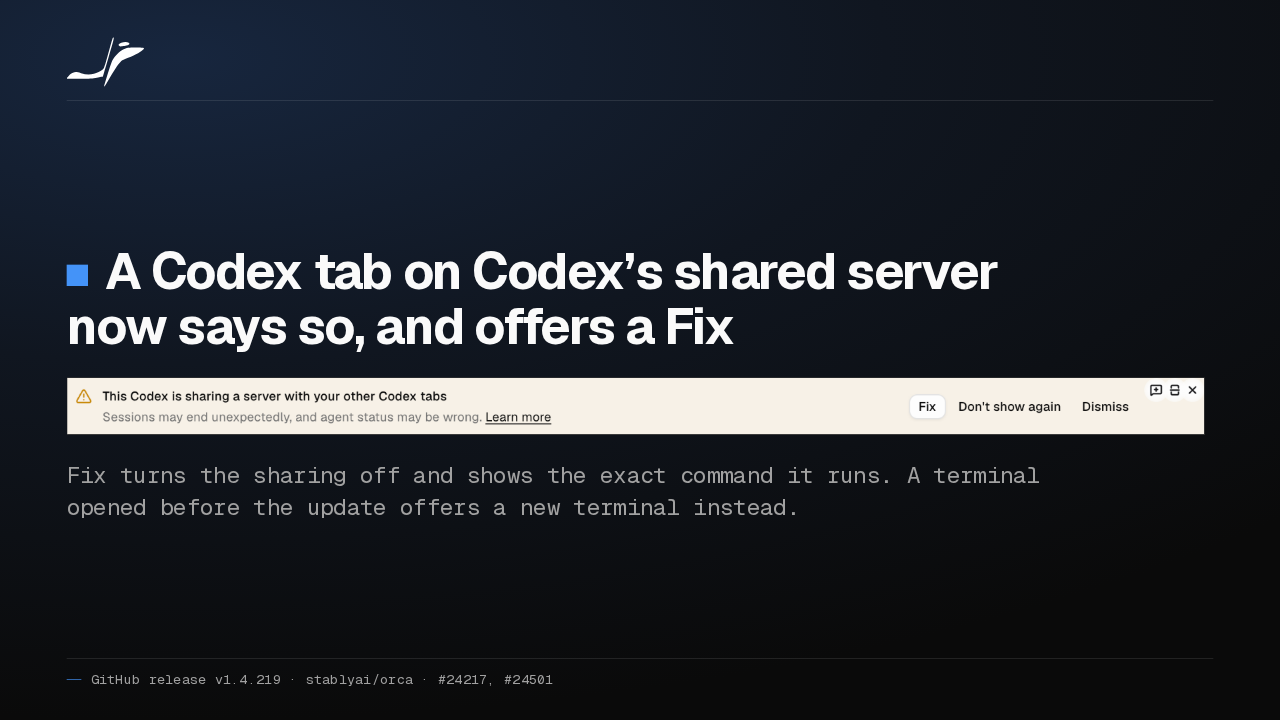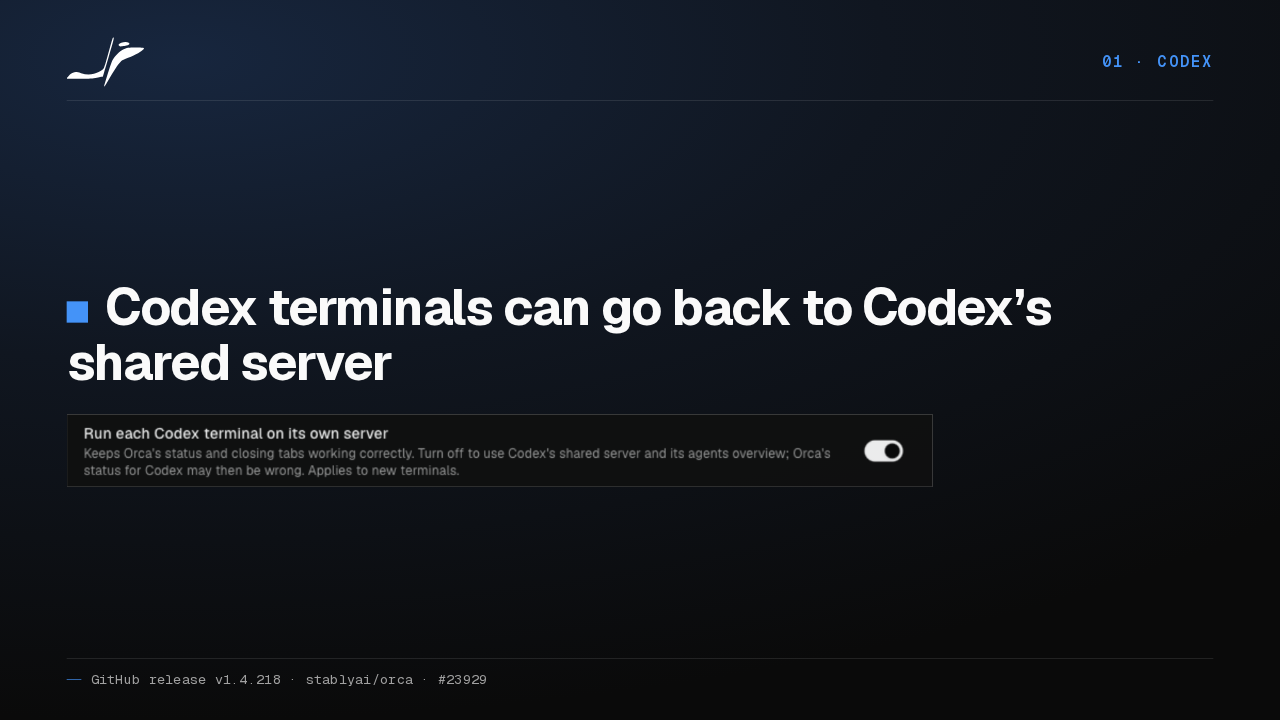
Stop really stops

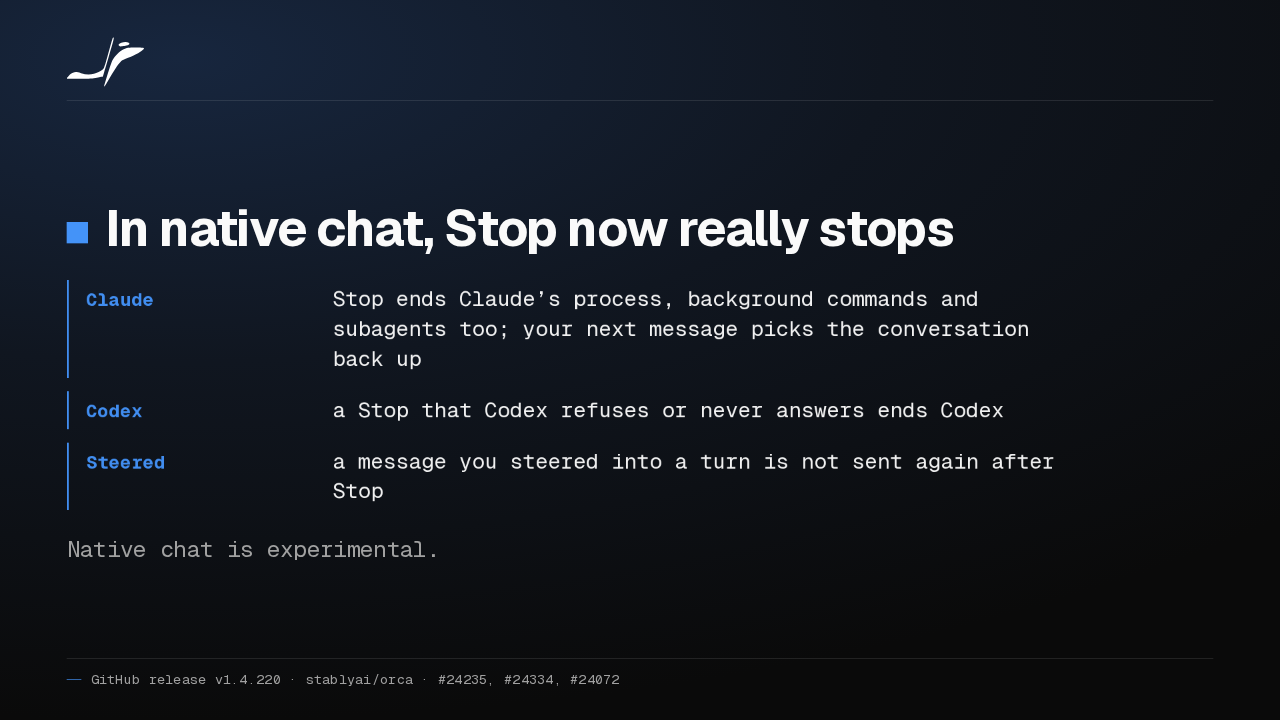
In native chat, Stop now really stops
- Claude
- Stop ends Claude’s process, background commands and subagents too; your next message picks the conversation back up
- Codex
- a Stop that Codex refuses or never answers ends Codex
- Steered
- a message you steered into a turn is not sent again after Stop
Native chat is experimental.
In Orca 1.4.220, Stop in the experimental native chat really stops. In a Claude chat it ends Claude's process, background commands and subagents too. In Codex, a Stop that Codex refuses or never answers ends Codex.
A crashed turn reads Failed
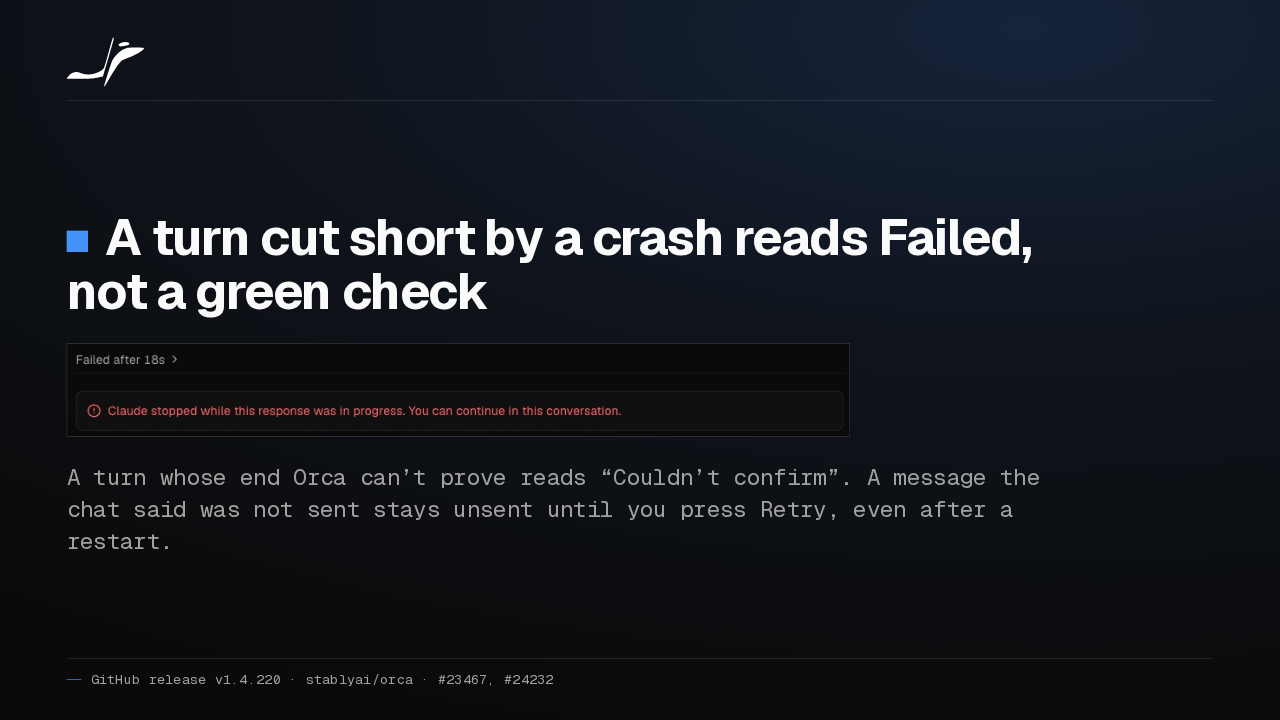
A turn cut short by a crash reads Failed, not a green check
A turn whose end Orca can’t prove reads “Couldn’t confirm”. A message the chat said was not sent stays unsent until you press Retry, even after a restart.
The chat also stops claiming success it can't prove. A turn cut short by a crash now reads Failed, and one Orca can't confirm says so. A message marked not sent waits for Retry.
Status for Codex and OpenCode
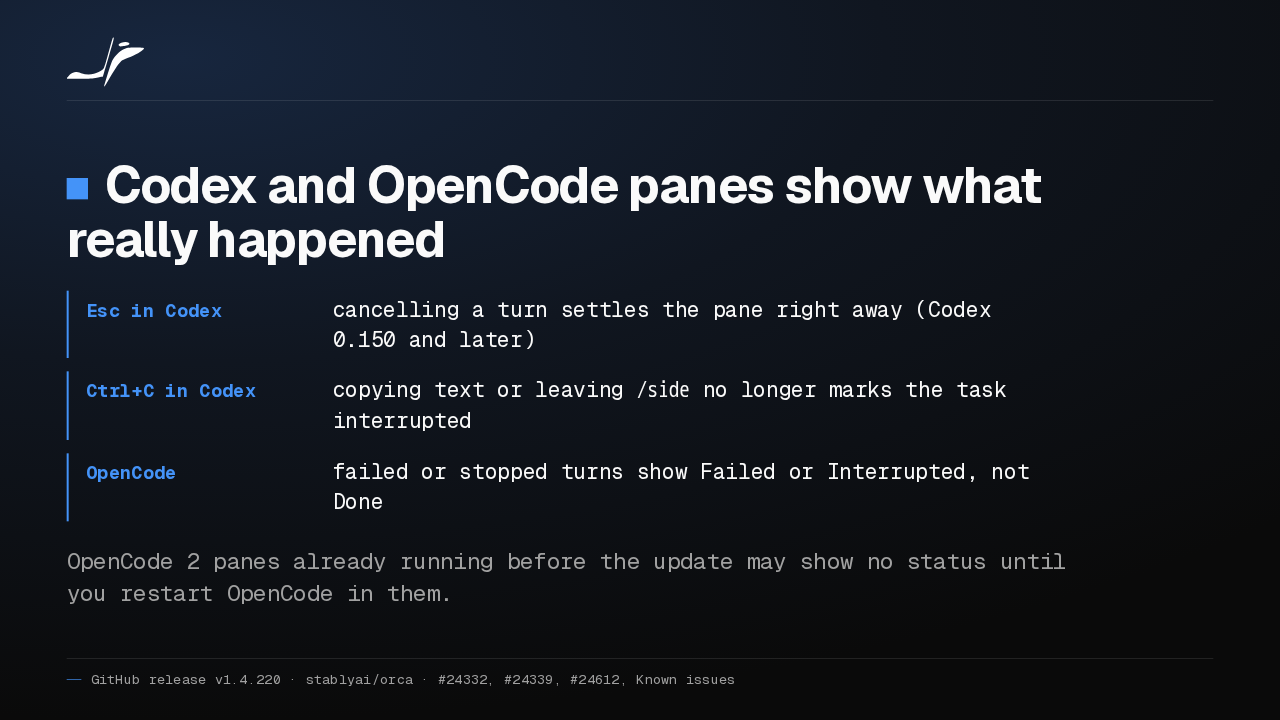
Codex and OpenCode panes show what really happened
- Esc in Codex
- cancelling a turn settles the pane right away (Codex 0.150 and later)
- Ctrl+C in Codex
- copying text or leaving
/sideno longer marks the task interrupted - OpenCode
- failed or stopped turns show Failed or Interrupted, not Done
OpenCode 2 panes already running before the update may show no status until you restart OpenCode in them.
Agent status in terminal panes is more accurate too. Escape in Codex settles the pane at once, Control C to copy no longer counts as an interrupt, and OpenCode shows failed and stopped turns.
SSH hosts on Orca’s own Node
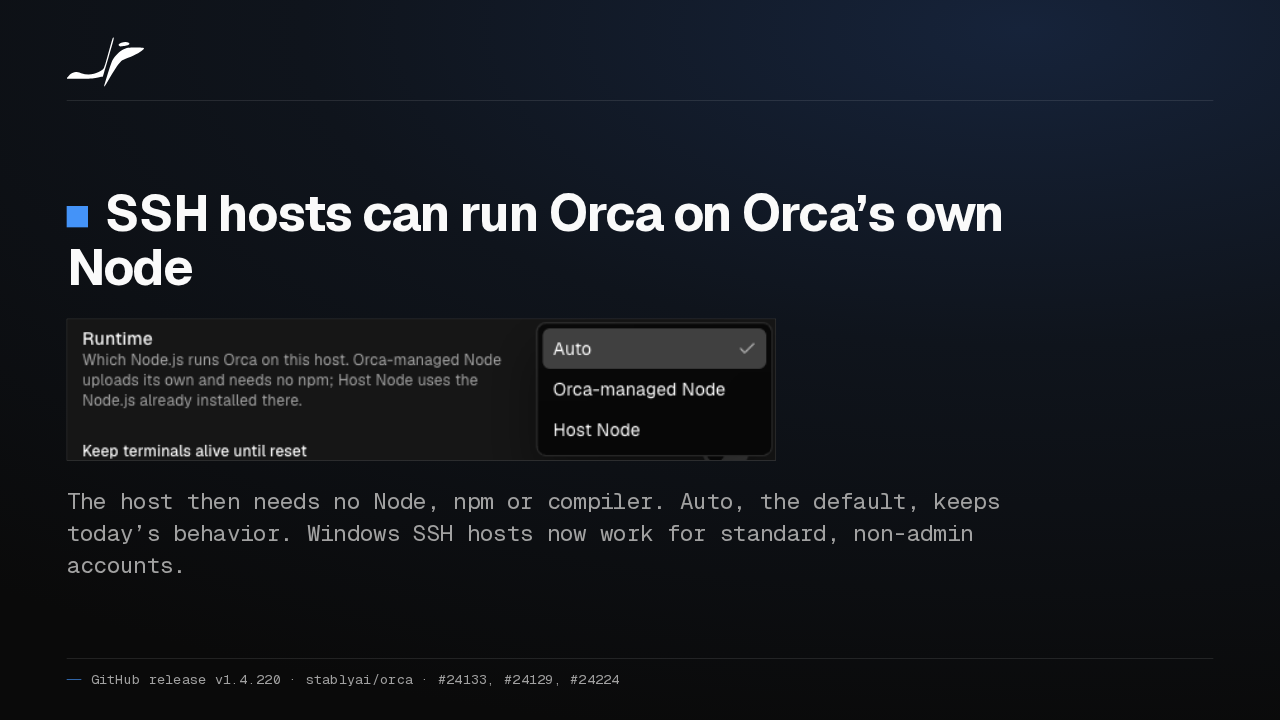
SSH hosts can run Orca on Orca’s own Node
The host then needs no Node, npm or compiler. Auto, the default, keeps today’s behavior. Windows SSH hosts now work for standard, non-admin accounts.
For SSH hosts, a new Runtime option under Advanced runs Orca on its own Node, so the host needs no Node, npm or compiler. Auto, the default, keeps today's behavior.
Workspaces stay out of your way
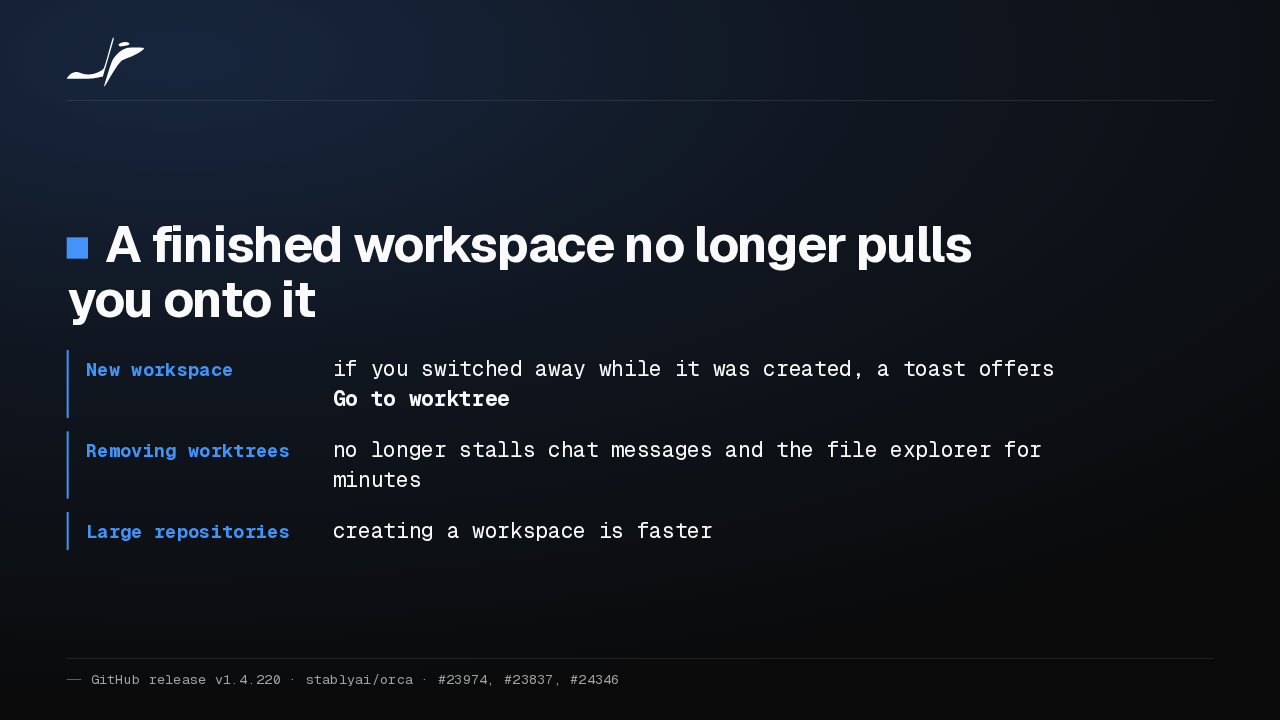
A finished workspace no longer pulls you onto it
- New workspace
- if you switched away while it was created, a toast offers Go to worktree
- Removing worktrees
- no longer stalls chat messages and the file explorer for minutes
- Large repositories
- creating a workspace is faster
Workspaces stop pulling you around. If you switch away while one is created, a toast offers to go there instead. Removing worktrees no longer stalls chat for minutes, and creation is faster in big repositories.
Fewer freezes and crash loops
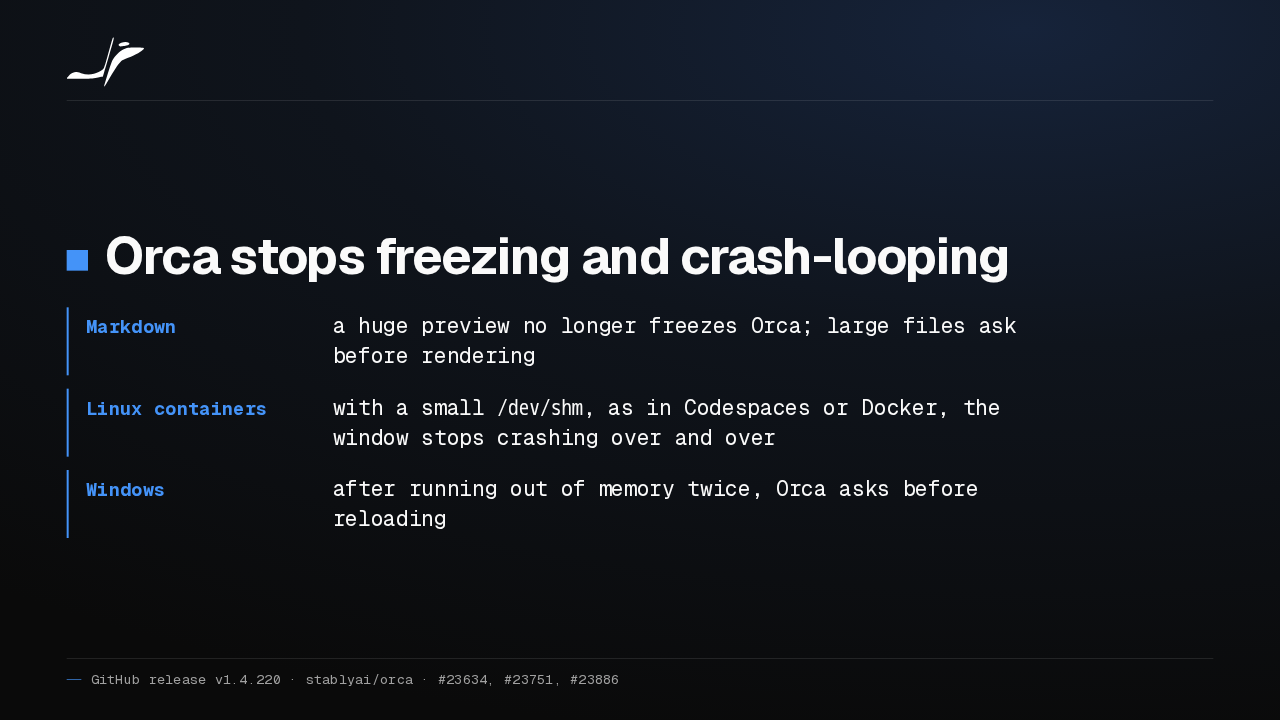
Orca stops freezing and crash-looping
- Markdown
- a huge preview no longer freezes Orca; large files ask before rendering
- Linux containers
- with a small
/dev/shm, as in Codespaces or Docker, the window stops crashing over and over - Windows
- after running out of memory twice, Orca asks before reloading
And Orca stops freezing and crash looping. A huge Markdown preview no longer freezes it, Linux containers like Codespaces stop crashing the window, and on Windows, running out of memory asks before reloading.
Get Orca v1.4.220
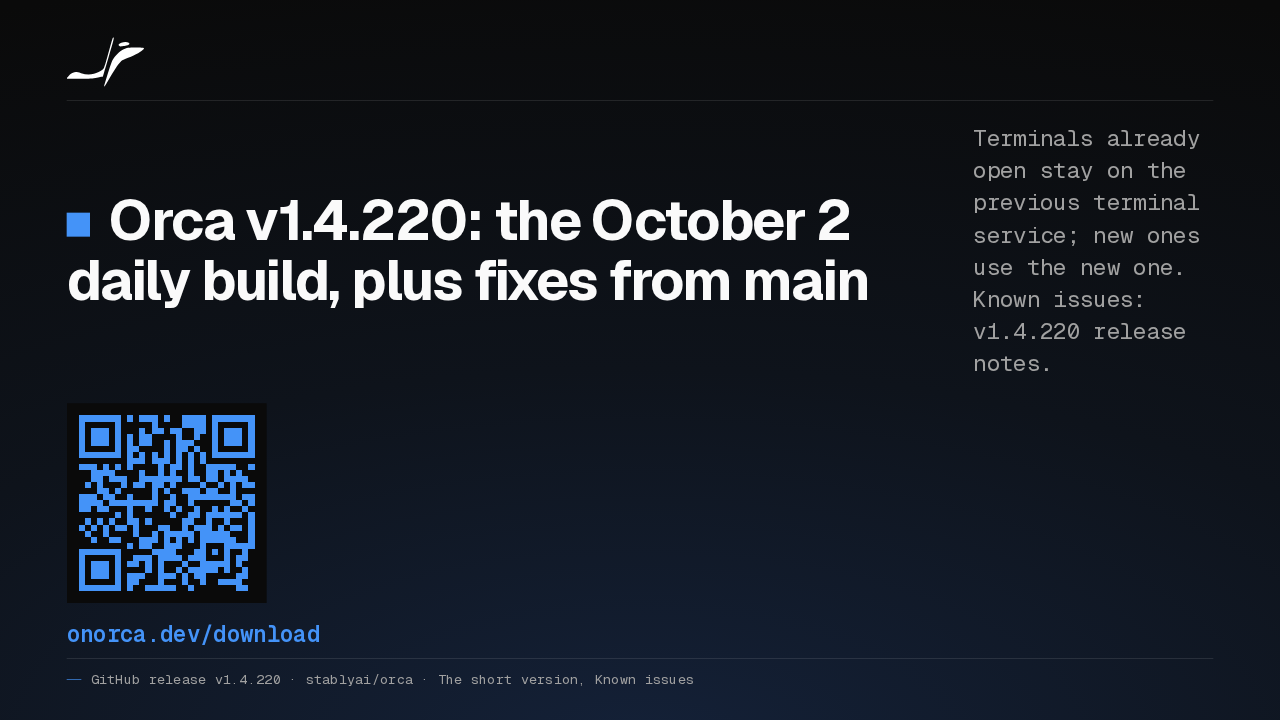
Orca v1.4.220: the October 2 daily build, plus fixes from main
Terminals already open stay on the previous terminal service; new ones use the new one. Known issues: v1.4.220 release notes.
onorca.dev/download
Orca 1.4.220 is the October 2 daily build plus fixes from main. Terminals already open stay on the previous terminal service. The release notes list every known issue.