Codex workers start again on Codex 0.158
 01 · Codex
Orca now treats Codex’s empty input box as the sign it is ready.
Codex workers start again on Codex 0.158. Codex removed a welcome screen label that Orca was waiting for, so every worker timed out. Orca now watches for Codex's empty input box instead.
A model or effort no longer hangs the start
01 · CodexStarting a Codex worker with a model or reasoning effort no longer hangs
Orca reads readiness from the live terminal screen.
Starting a Codex worker with a model or a reasoning effort used to hang until it timed out, while Codex sat ready at its prompt. Orca now reads the live terminal screen, so the start goes through.
Each Codex tab runs its own server
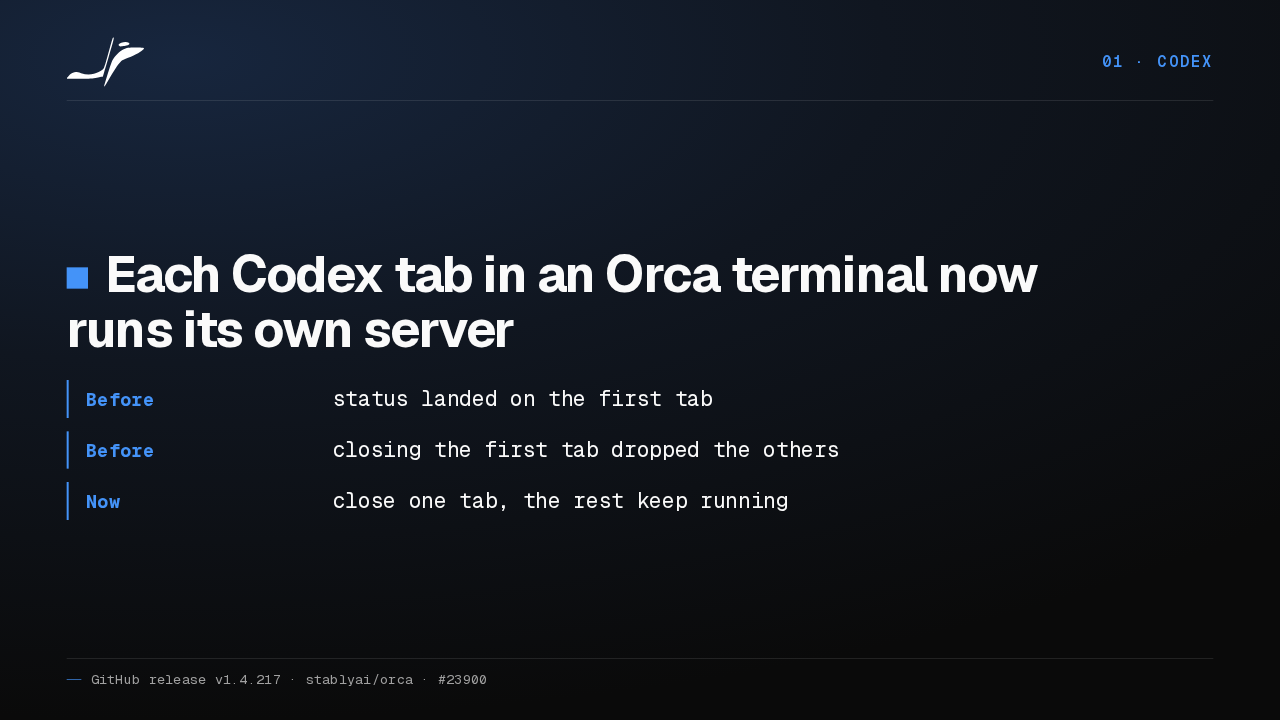
01 · CodexEach Codex tab in an Orca terminal now runs its own server
- Before
- status landed on the first tab
- Before
- closing the first tab dropped the others
- Now
- close one tab, the rest keep running
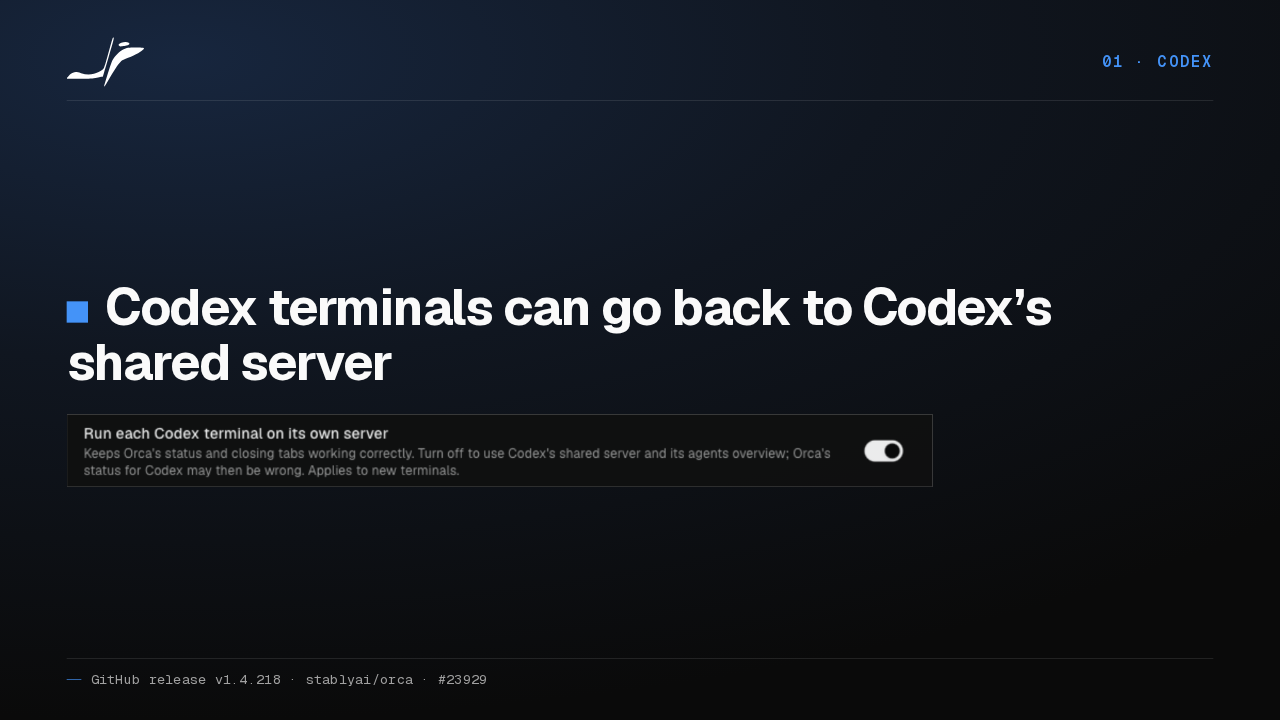
Since Codex 0.157, every Codex tab in Orca shared one background server. So status landed on the wrong tab, and closing the first tab dropped the others. Now each tab runs its own.
New terminals get it
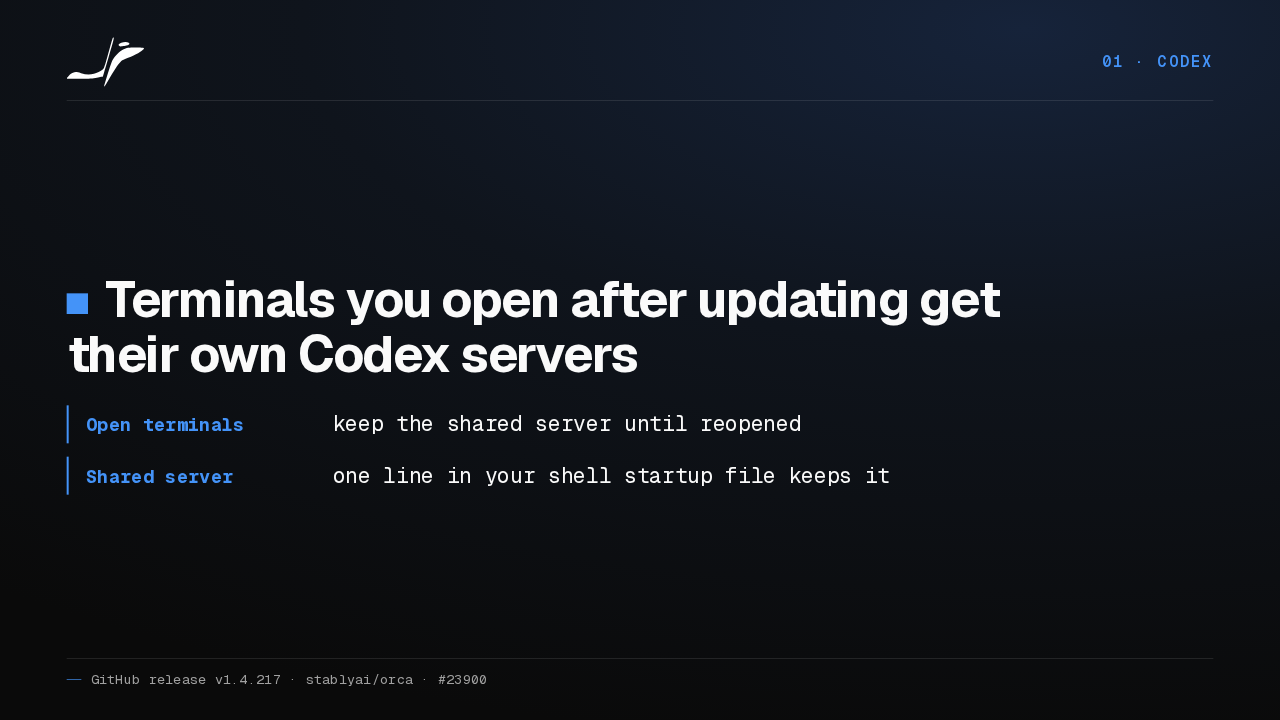
01 · CodexTerminals you open after updating get their own Codex servers
- Open terminals
- keep the shared server until reopened
- Shared server
- one line in your shell startup file keeps it
Terminals you open after updating get their own Codex servers. Terminals already open keep the shared one until you reopen them. And one line in your shell startup file keeps the shared server everywhere.
What separate servers cost
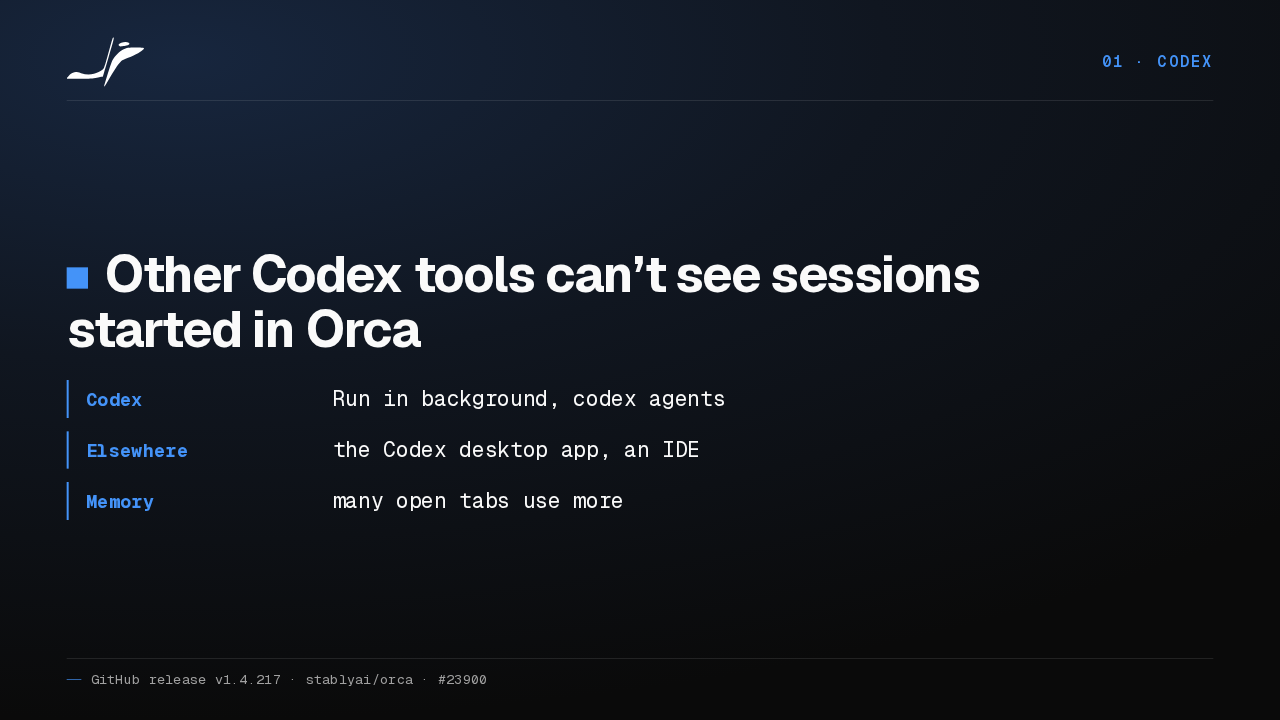
01 · CodexOther Codex tools can’t see sessions started in Orca
- Codex
- Run in background, codex agents
- Elsewhere
- the Codex desktop app, an IDE
- Memory
- many open tabs use more
With separate servers, Codex's Run in background, the codex agents command, and the Codex desktop app or an IDE can't see sessions started in Orca. And many open tabs use more memory.
Stopped workers stop
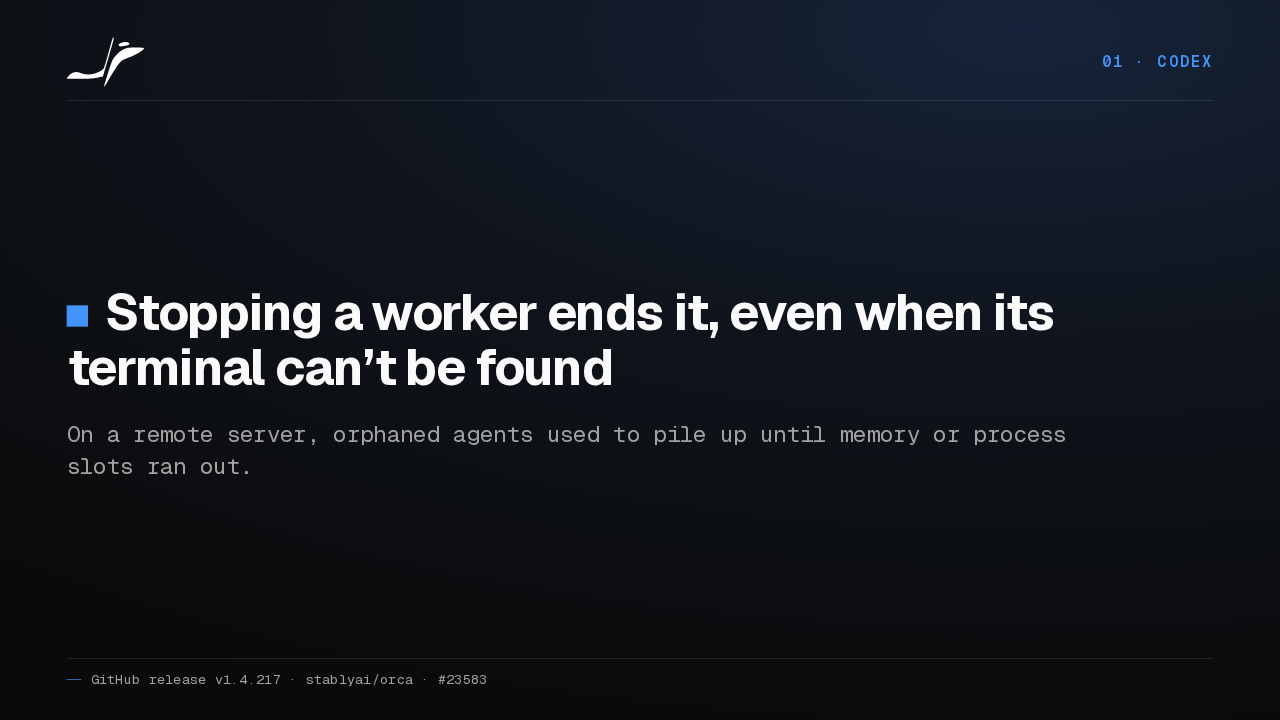
01 · CodexStopping a worker ends it, even when its terminal can’t be found
On a remote server, orphaned agents used to pile up until memory or process slots ran out.
When a worker's saved terminal address went stale, Orca couldn't stop it, and on a remote server those agents piled up. Now Orca finds the process and ends it.
02 Workspace
02 · WorkspaceThe workspace
The workspace.
The status bar fits narrow windows
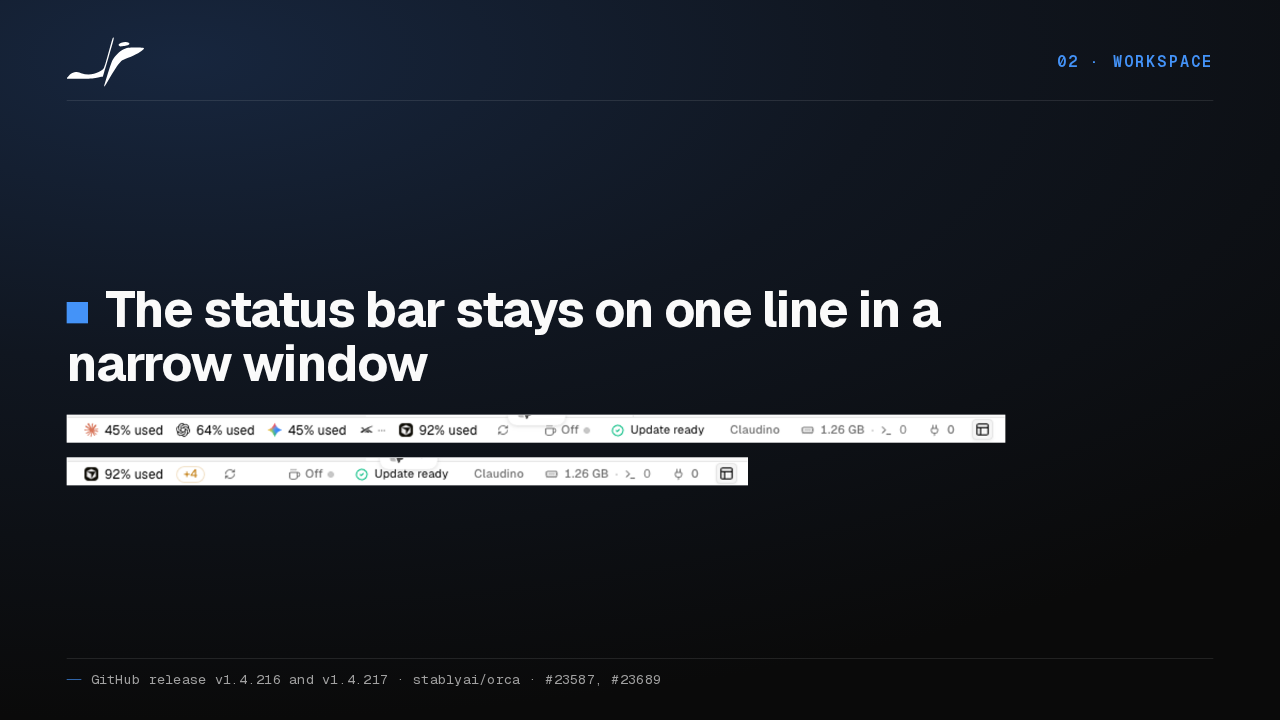
02 · WorkspaceThe status bar stays on one line in a narrow window
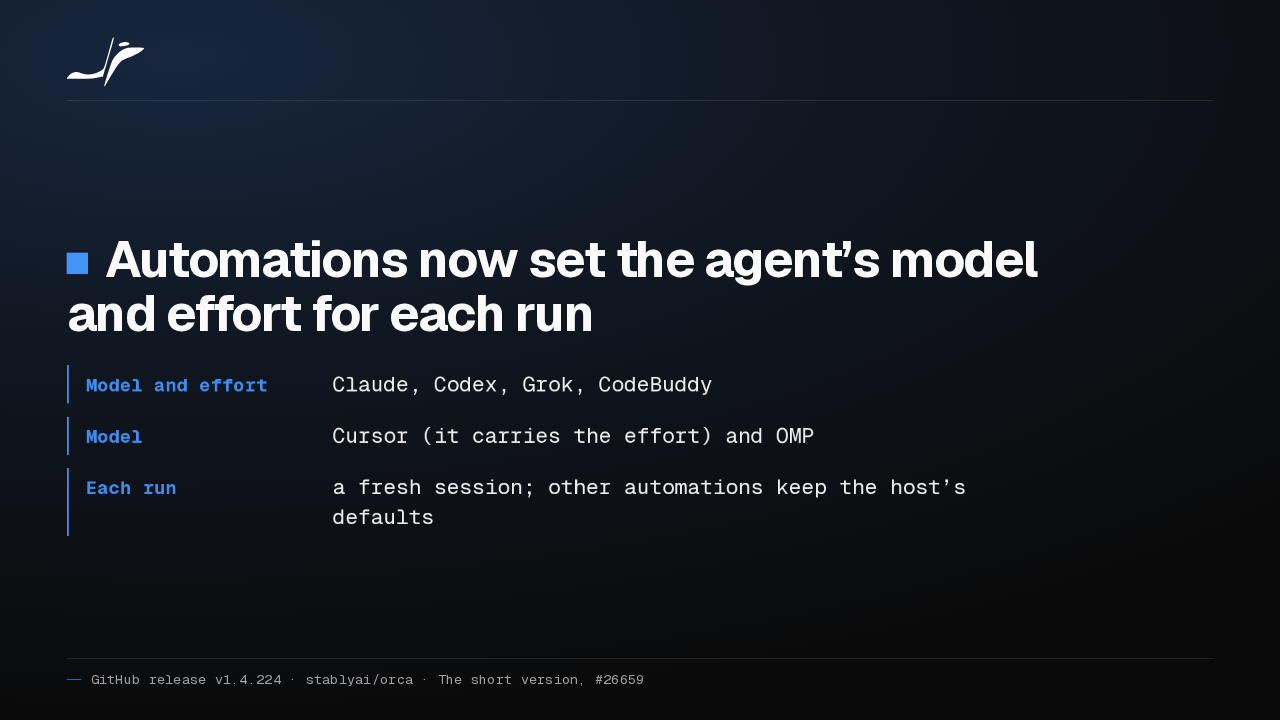
In a narrow window, the status bar now stays on one line. Extra agents fold into a plus N badge first, so labels like Update ready keep their words longer.
Unread rows, floating threads, browser tools
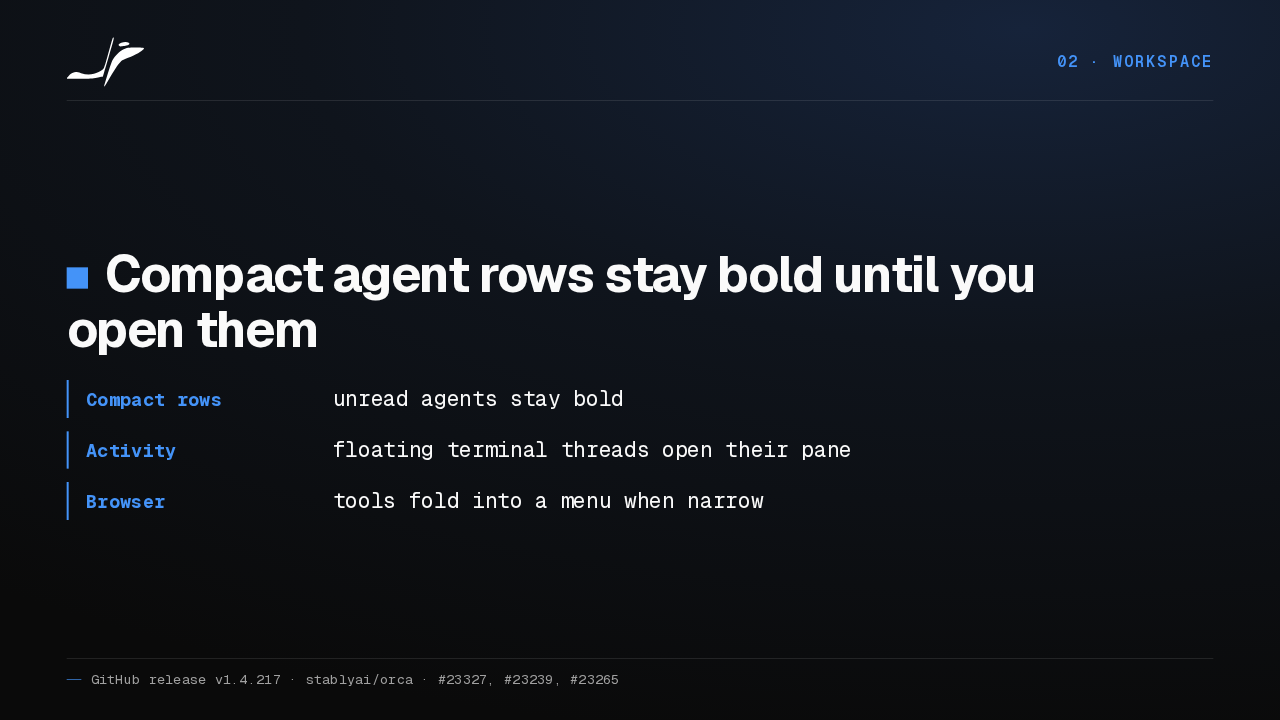
02 · WorkspaceCompact agent rows stay bold until you open them
- Compact rows
- unread agents stay bold
- Activity
- floating terminal threads open their pane
- Browser
- tools fold into a menu when narrow
Compact agent rows now stay bold when an agent has activity you haven't opened. An activity thread from a floating terminal agent opens its pane. And on narrow screens, browser tools fold into a menu.
03 Remote and SSH
03 · Remote and SSHRemote and SSH
Remote machines.
SSH verification codes
03 · Remote and SSHSSH hosts that ask for a verification code now connect
Orca now handles SSH servers that ask for a password and then a verification code, a menu choice, or a bare Enter to approve a push. An empty answer can go through, so Enter picks the default.
Remote files and installs
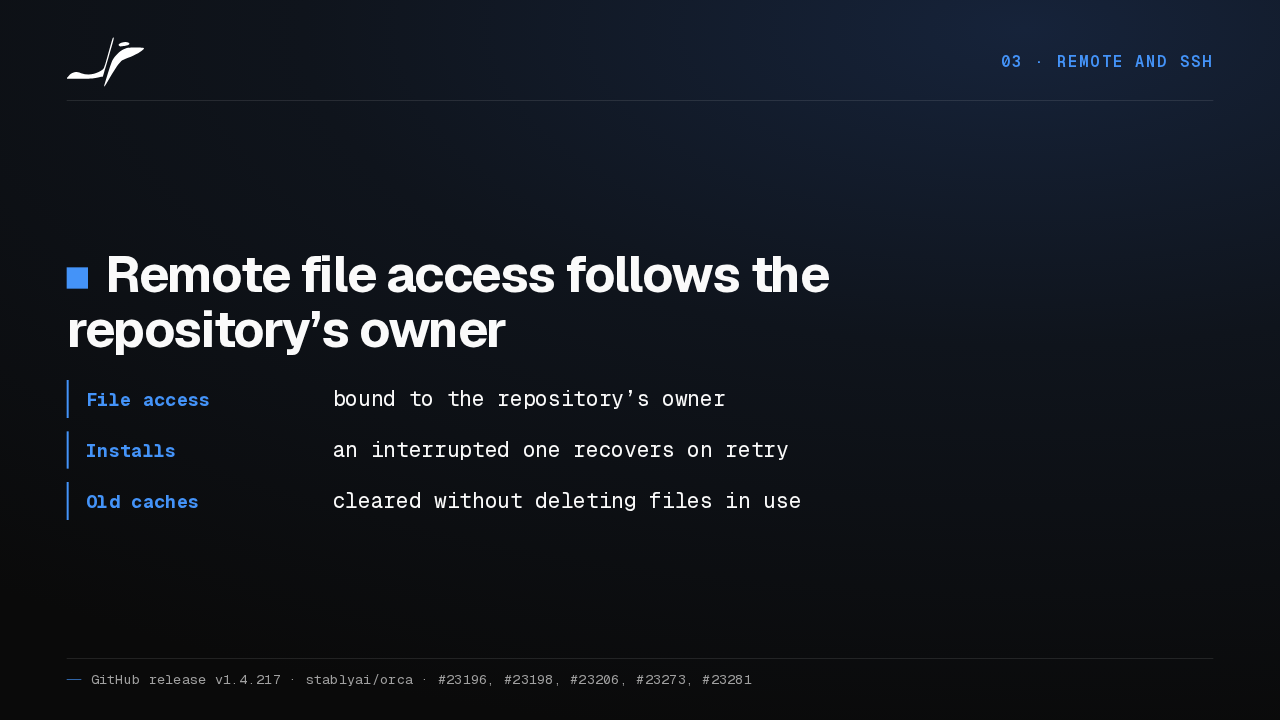
03 · Remote and SSHRemote file access follows the repository’s owner
- File access
- bound to the repository’s owner
- Installs
- an interrupted one recovers on retry
- Old caches
- cleared without deleting files in use
Remote file access now follows the repository's owner. An interrupted remote install recovers on the next try, and cleaning up abandoned caches leaves files that are still in use alone.
04 Files and profile
04 · Files and profileFiles and your profile
Files, and your profile.
Solidity, Typst and Twig
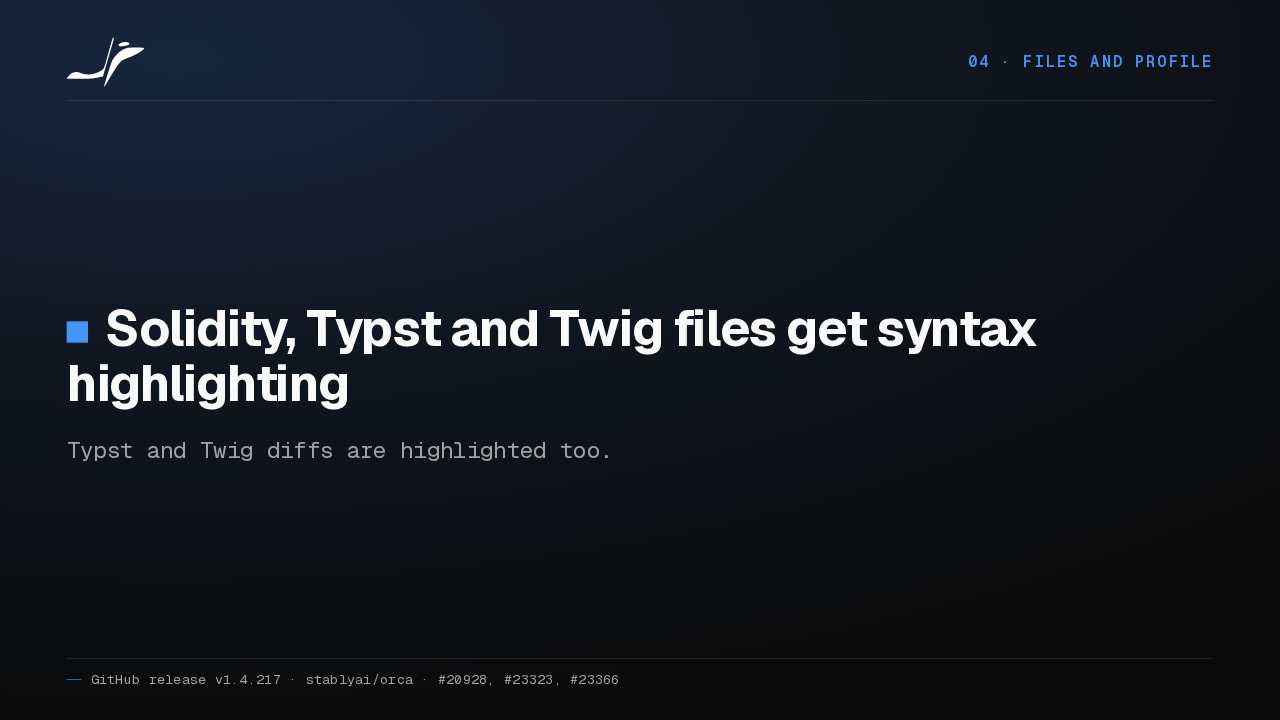
04 · Files and profileSolidity, Typst and Twig files get syntax highlighting
Typst and Twig diffs are highlighted too.
Solidity, Typst and Twig files are now highlighted in the editor. Typst and Twig diffs get the same colors.
Markdown source survives rich edits
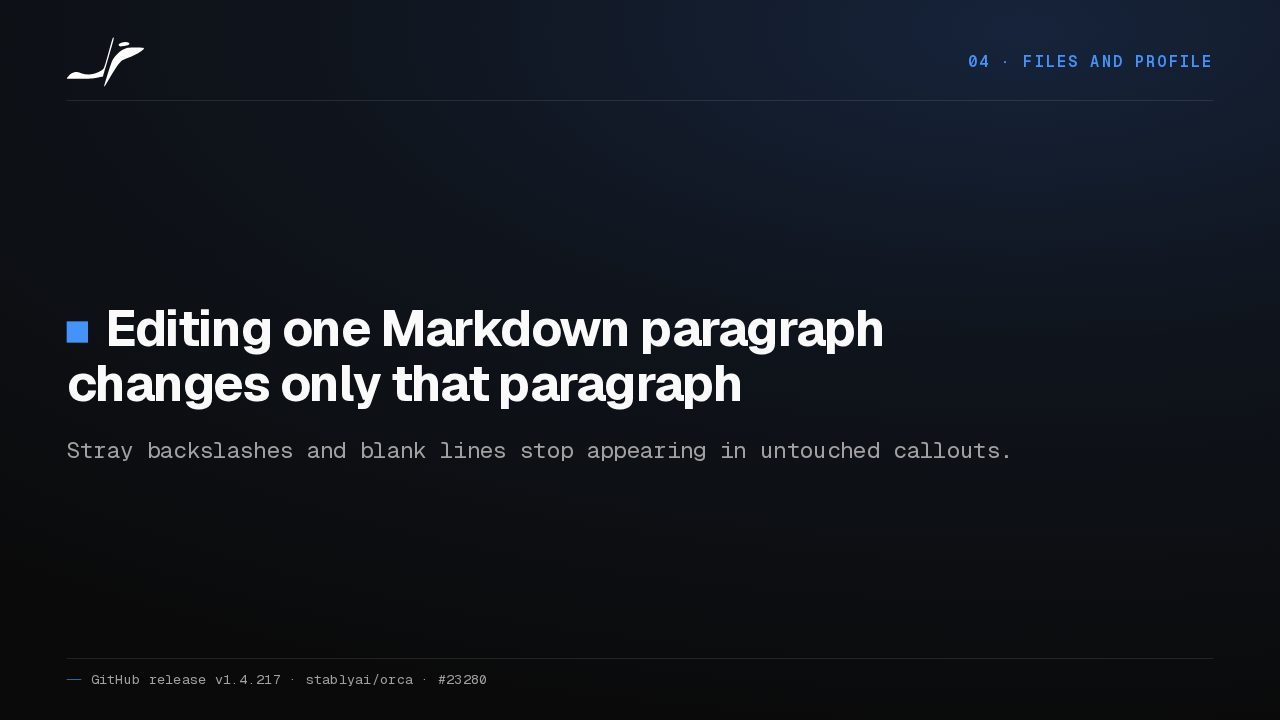
04 · Files and profileEditing one Markdown paragraph changes only that paragraph
Stray backslashes and blank lines stop appearing in untouched callouts.
In the rich Markdown editor, editing one paragraph could rewrite the whole file, adding backslashes and blank lines to callouts you never touched. Now the rest of your Markdown stays exactly as you wrote it.
Pick JSON or SQLite
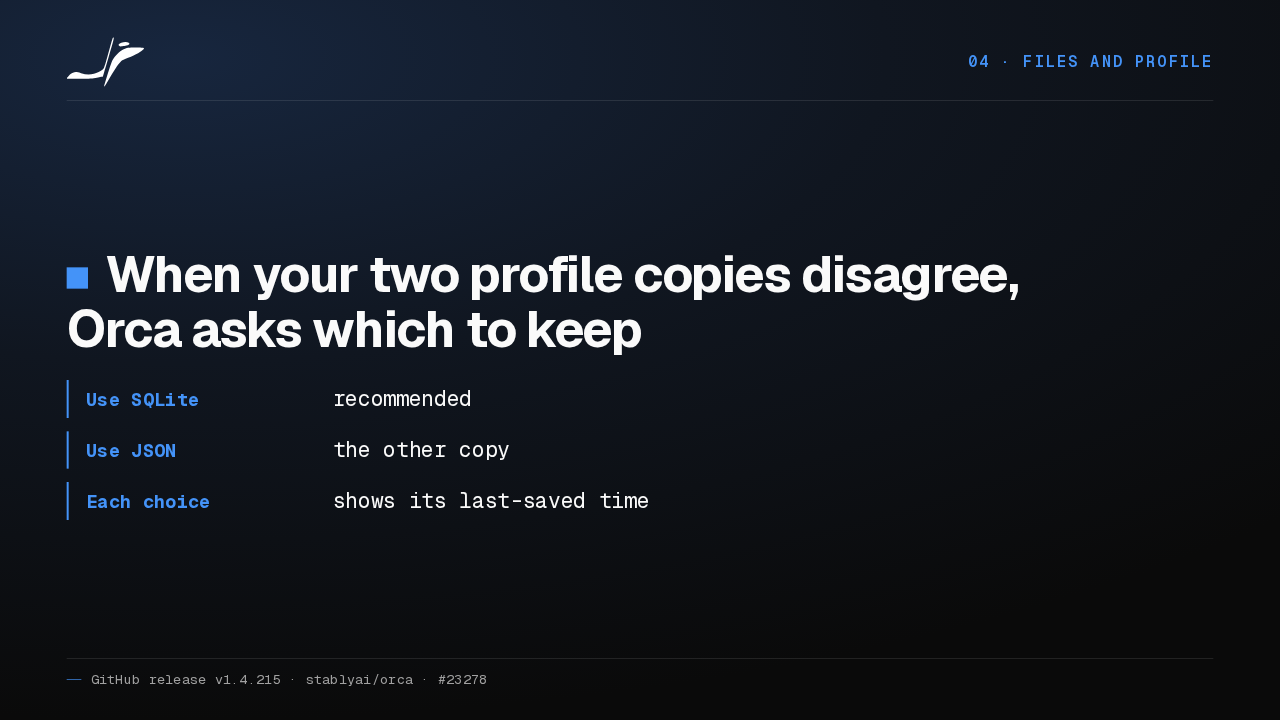
04 · Files and profileWhen your two profile copies disagree, Orca asks which to keep
- Use SQLite
- recommended
- Use JSON
- the other copy
- Each choice
- shows its last-saved time
When the JSON and SQLite copies of your profile disagree, Orca used to stop and hand you a command to run. Now it shows when each copy was last saved, and you pick one.
Get Orca
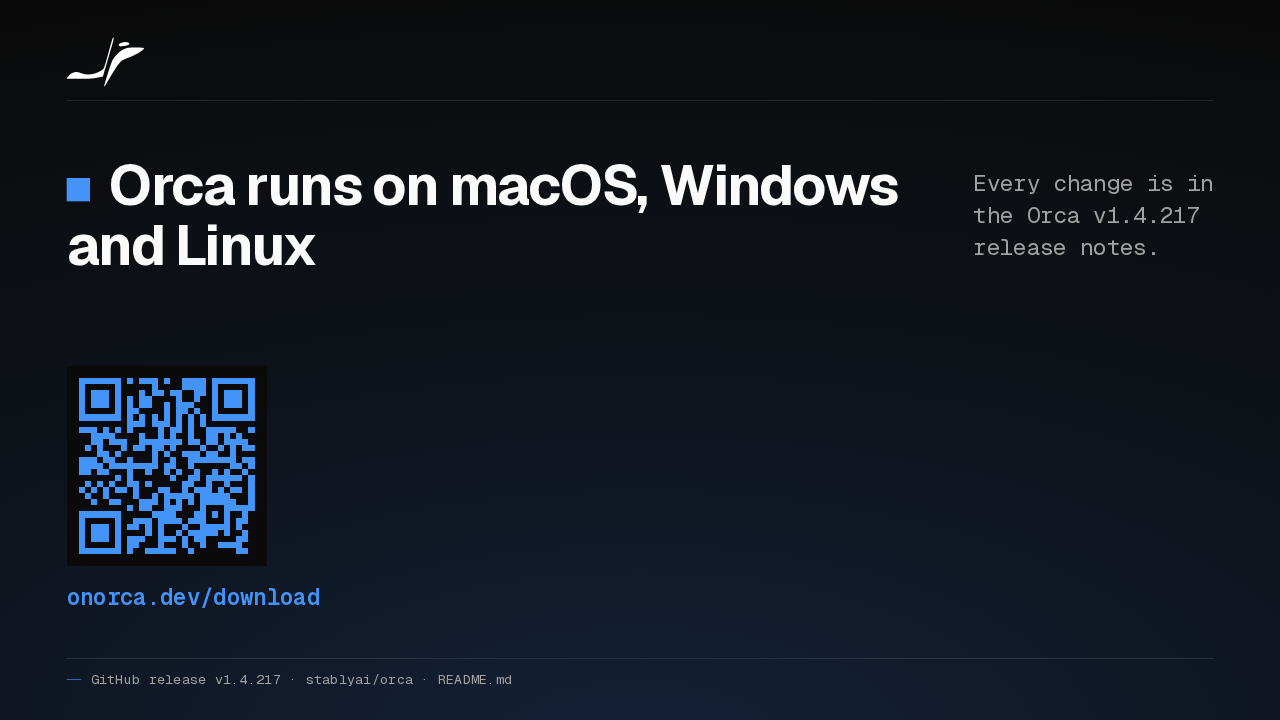
Orca runs on macOS, Windows and Linux
Every change is in the Orca v1.4.217 release notes.
onorca.dev/download
Orca runs on macOS, Windows and Linux. Every change is in the release notes for Orca 1.4.217. Download it from onorca.dev.