Codex terminals can use the shared server again
 01 · Codex
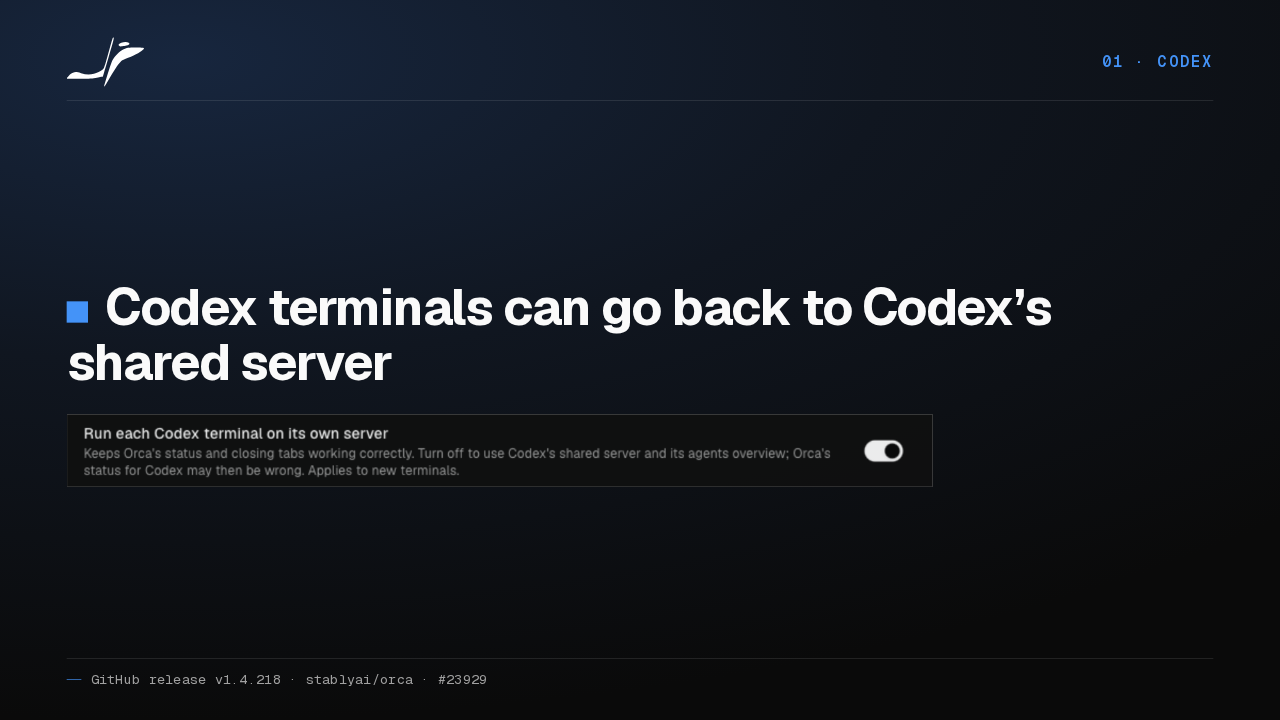
Codex terminals can go back to Codex’s shared server

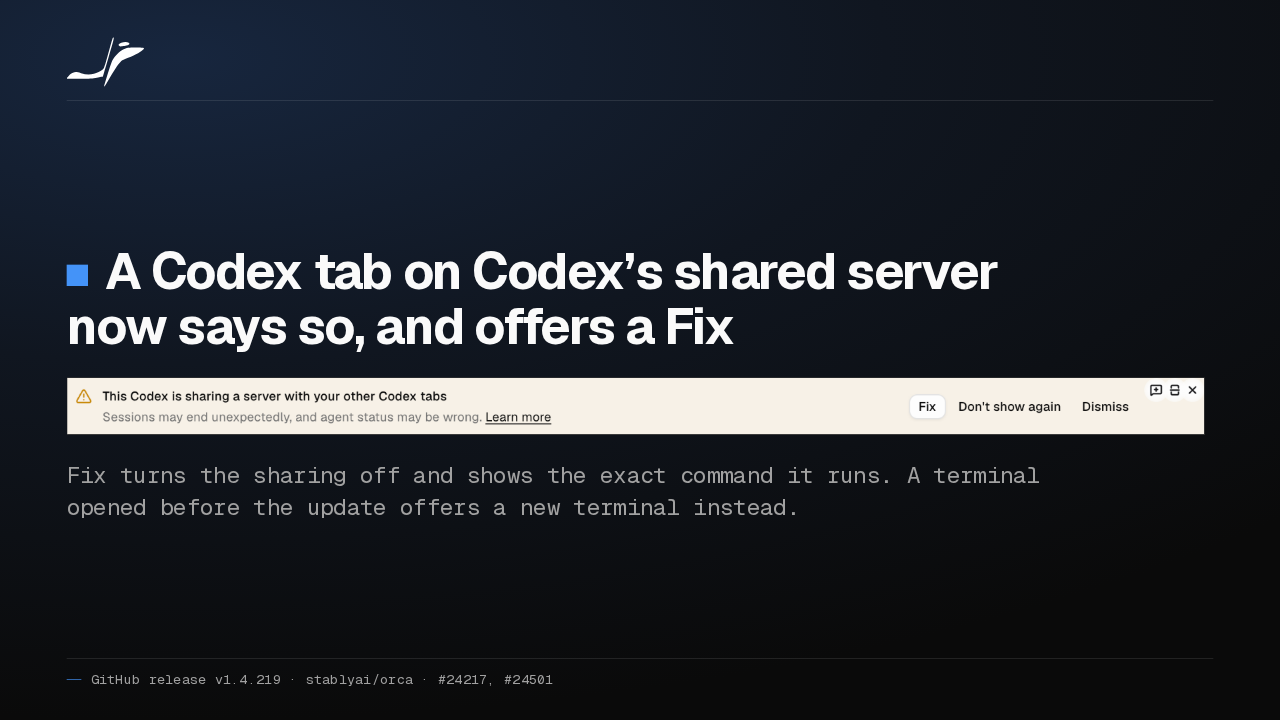
Orca 1.4.218 adds a switch under Settings, Agents: run each Codex terminal on its own server, on by default. Turn it off to get Codex's shared server and agents overview back.
It applies to new terminals
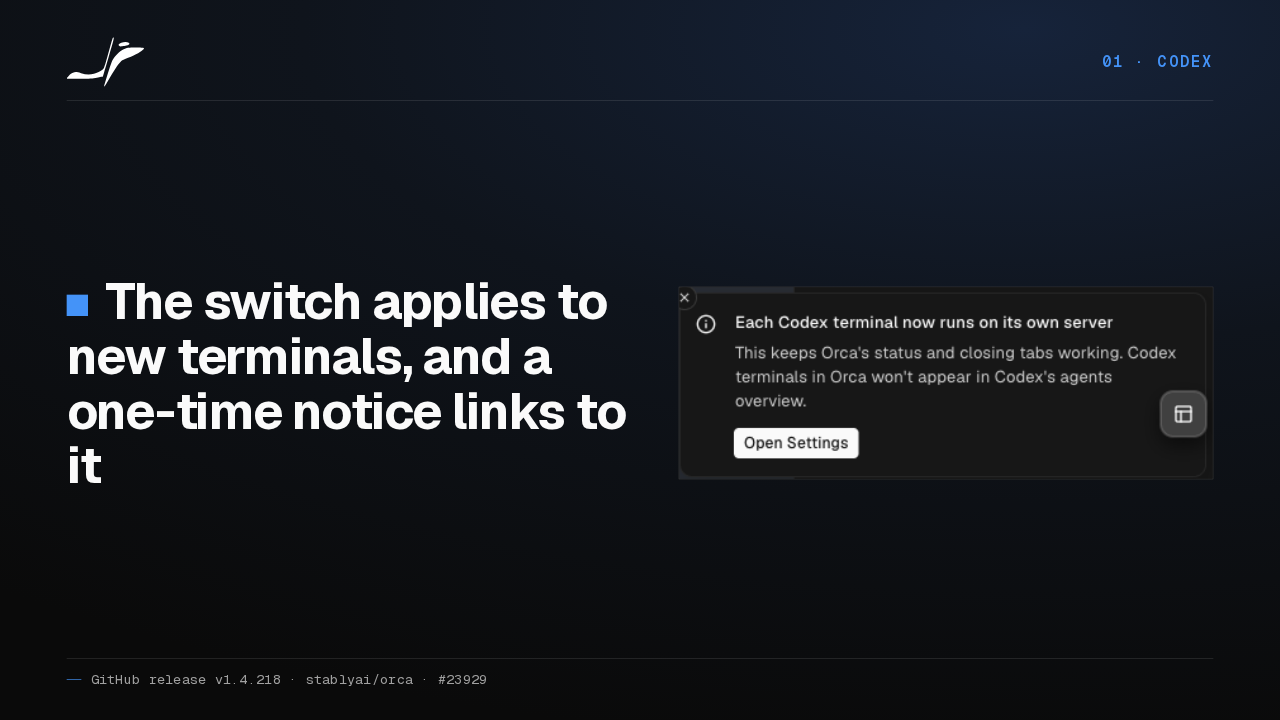
01 · CodexThe switch applies to new terminals, and a one-time notice links to it

The switch changes terminals you open after flipping it. The first time you open Codex, a one-time notice explains the change, with a button that takes you to the setting.
More Codex launches get their own server
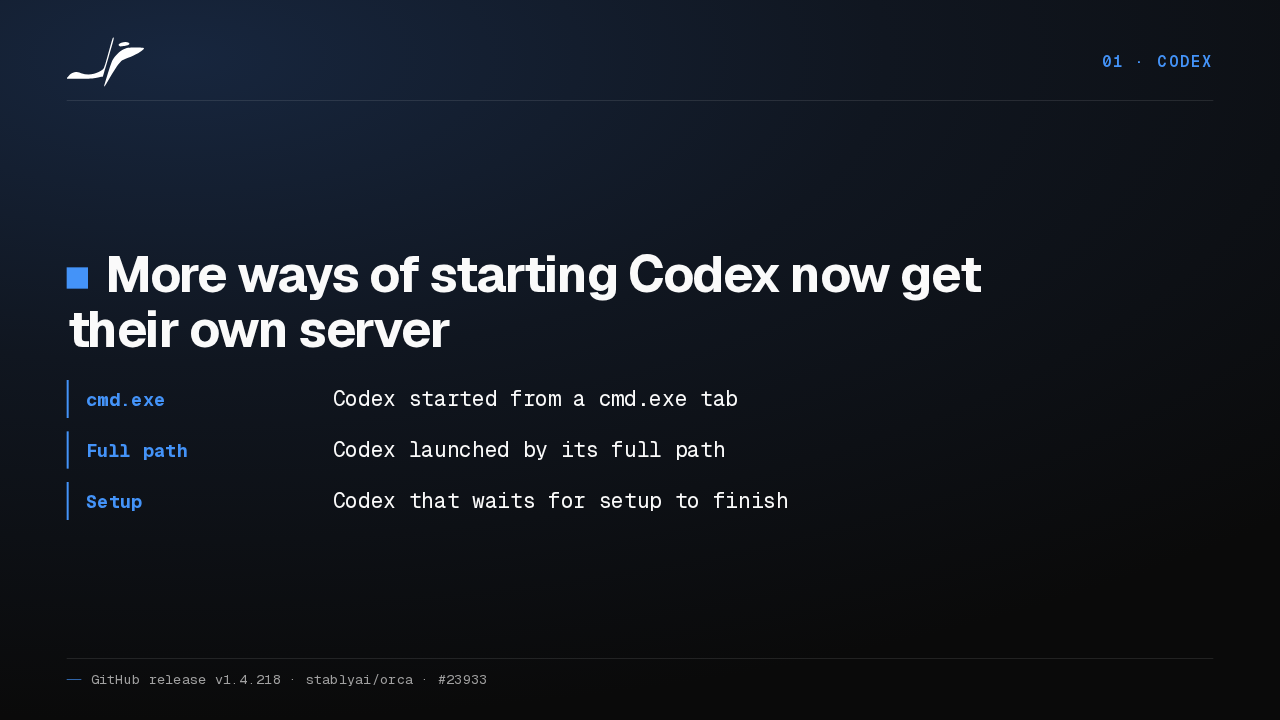
01 · CodexMore ways of starting Codex now get their own server
- cmd.exe
- Codex started from a cmd.exe tab
- Full path
- Codex launched by its full path
- Setup
- Codex that waits for setup to finish
More ways of starting Codex now get their own server too. That covers Codex started from a Windows cmd.exe tab, Codex called by its full path, and Codex that waits for setup to finish.
Busy Codex tabs stop showing as idle
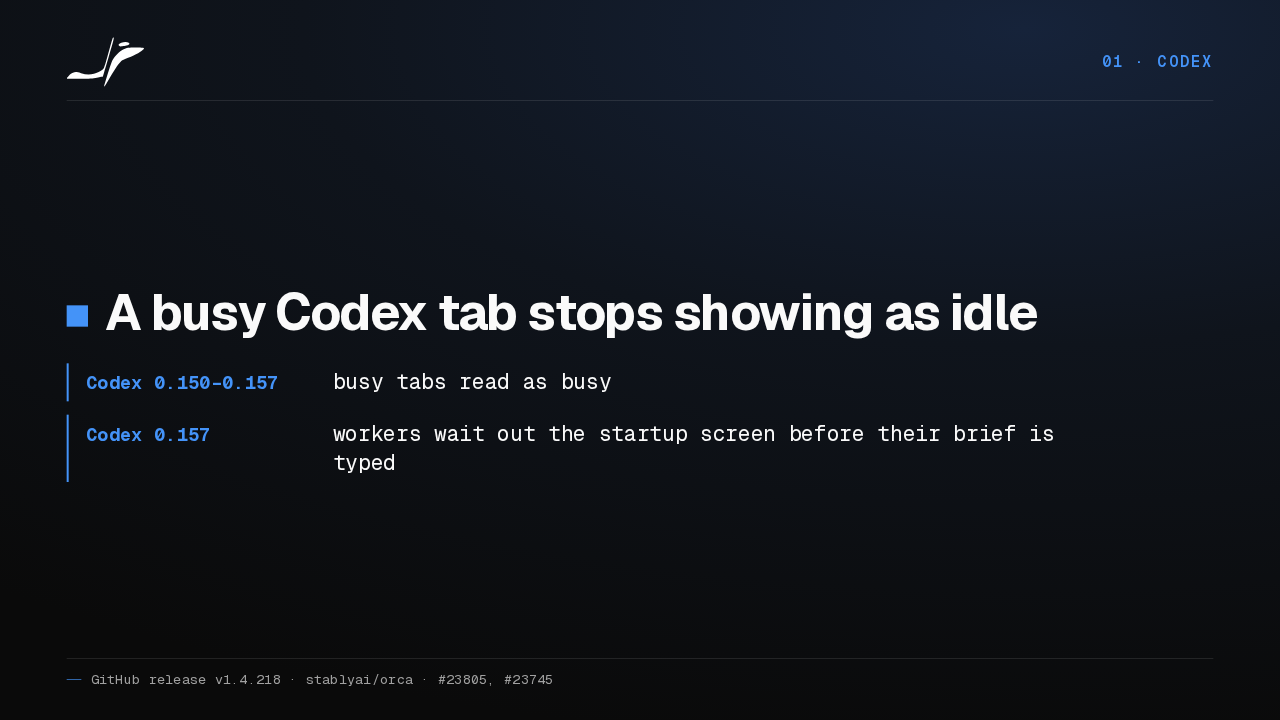
01 · CodexA busy Codex tab stops showing as idle
- Codex 0.150–0.157
- busy tabs read as busy
- Codex 0.157
- workers wait out the startup screen before their brief is typed
On Codex 0.150 through 0.157, a busy tab no longer shows as idle. And orchestration workers now wait out the 0.157 startup screen before Orca types their brief.
02 More agents
02 · More agentsMore agents
More agents.
Four agents are built in
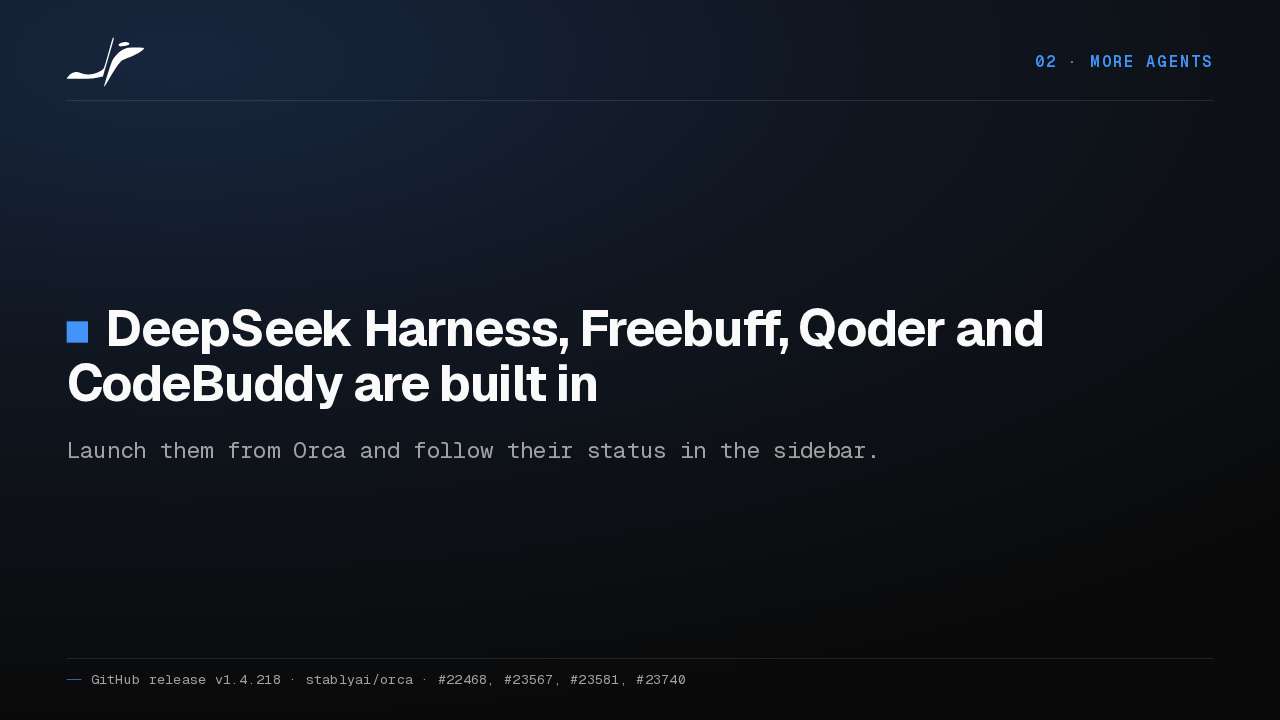
02 · More agentsDeepSeek Harness, Freebuff, Qoder and CodeBuddy are built in
Launch them from Orca and follow their status in the sidebar.
DeepSeek Harness, Freebuff, Qoder and CodeBuddy are now built into Orca. You can launch any of them from Orca, and each one's status shows in the sidebar.
ZCode history and quota
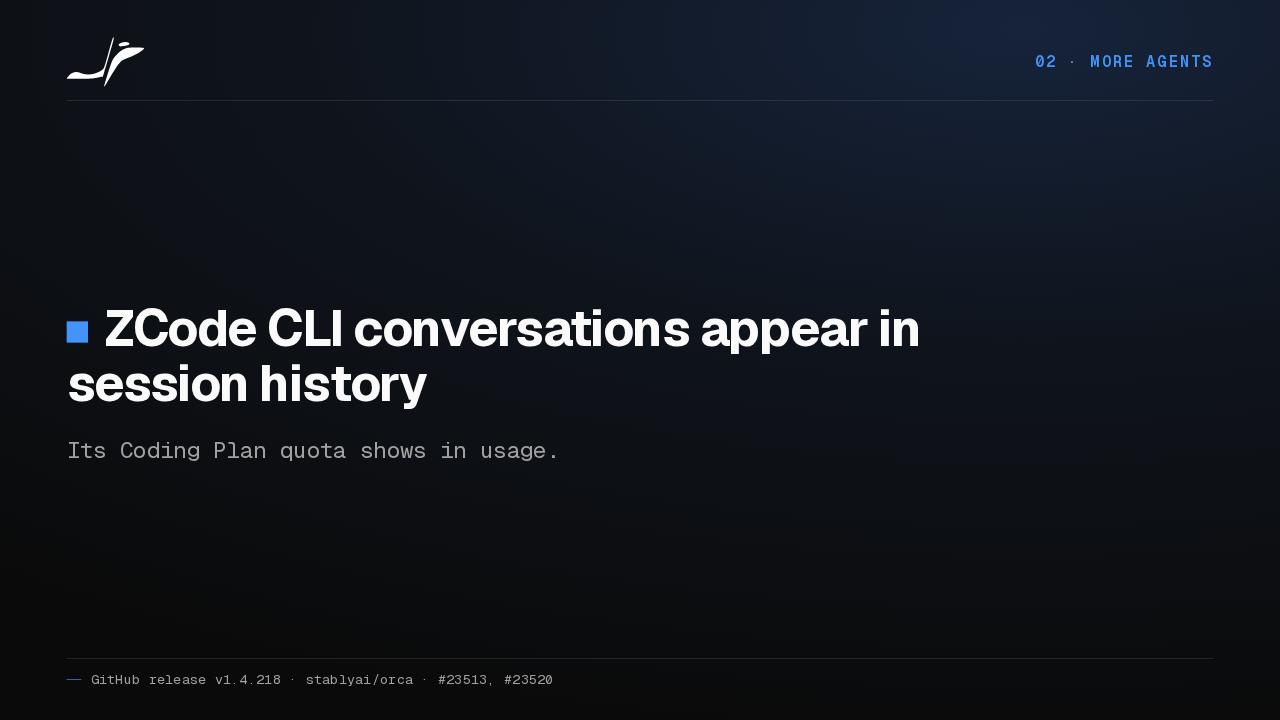
02 · More agentsZCode CLI conversations appear in session history
Its Coding Plan quota shows in usage.
If you use the ZCode CLI, its conversations now show up in Orca's session history. Its Coding Plan quota shows in usage as well.
03 Terminal
03 · TerminalThe terminal
The terminal.
Reset Terminal
03 · TerminalReset Terminal clears the modes a crashed program left on
It is in the terminal’s right-click menu.
When a program crashes, it can leave keyboard and mouse modes switched on in your terminal. A new Reset Terminal item in the right-click menu clears them.
Keys keep working after Ctrl+C
03 · TerminalShift+Enter and Option keys keep working after Ctrl+C
Orca stopped switching off keyboard modes on a guess that the program had died.
Orca also stopped switching those modes off on a guess that a program died. So Shift Enter and Option or Alt keep working in Codex and Claude Code after Control C.
SSH terminals, many tabs, saves
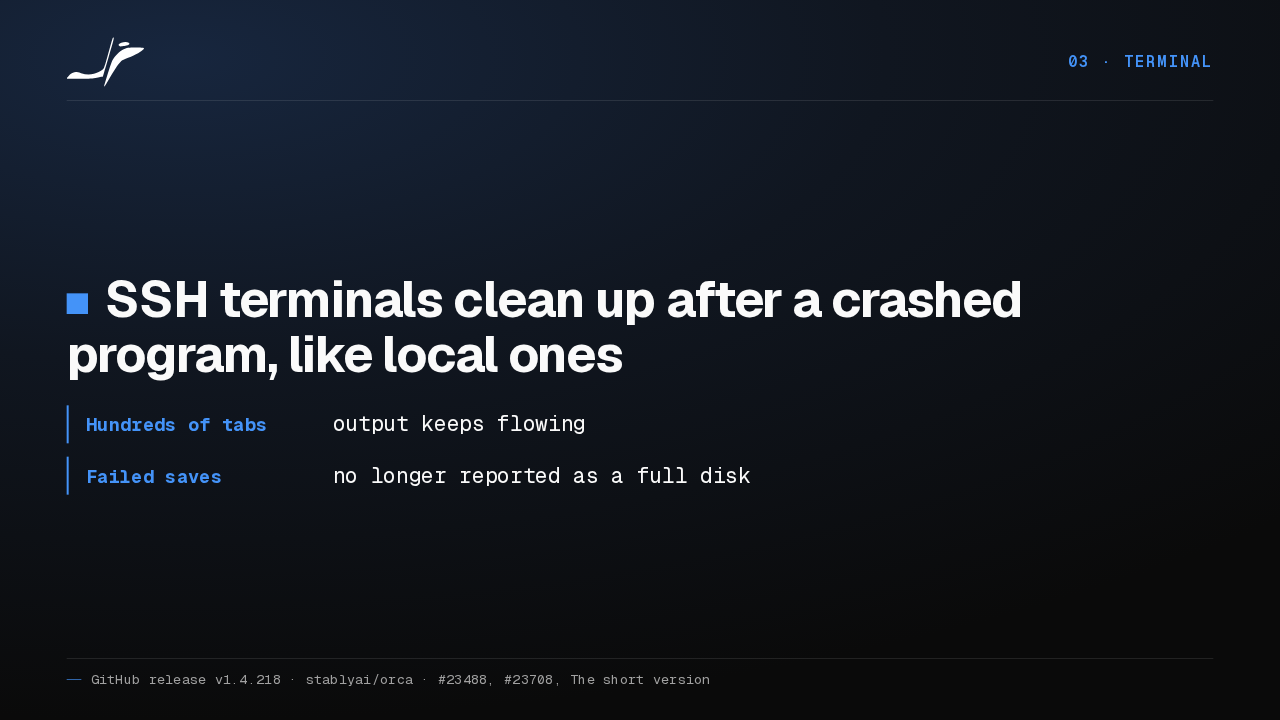
03 · TerminalSSH terminals clean up after a crashed program, like local ones
- Hundreds of tabs
- output keeps flowing
- Failed saves
- no longer reported as a full disk
SSH terminals now clean up after a crashed program the same way local ones do. With hundreds of terminals open, output keeps flowing, and a failed save stops claiming your disk is full.
04 Phone and browser
04 · Phone and browserPhone and browser
Your phone, and the browser.
Phone swipes scroll Codex again
04 · Phone and browserPhone swipes scroll Codex on Windows hosts again
Terminals open during the update get the fix once Orca’s background terminal service restarts.
On Windows hosts, swiping a Codex terminal in the Orca mobile app scrolls again instead of typing junk. With terminals open during the update, the fix waits until you close them all or reboot.
The mobile app flags new versions
04 · Phone and browserThe mobile app tells you when a newer version is ready to install
The keyboard now covers the page, as it does on the app’s other screens.
The mobile app now tells you when a newer version is ready to install. And its keyboard covers the page, the way it already does on the app's other screens.
Crashed pages and moved tabs
04 · Phone and browserResizing a crashed page no longer crashes Orca
Browser tabs moved between groups stop going blank, with Electron 43.7.5.
In Orca's browser, resizing a crashed page used to take Orca down with it. Now the size you pick applies when the page loads again. And Electron 43.7.5 stops moved tabs going blank.
05 Chat and speed
05 · Chat and speedChat and speed
Chat, and speed.
Structured chats run orchestration
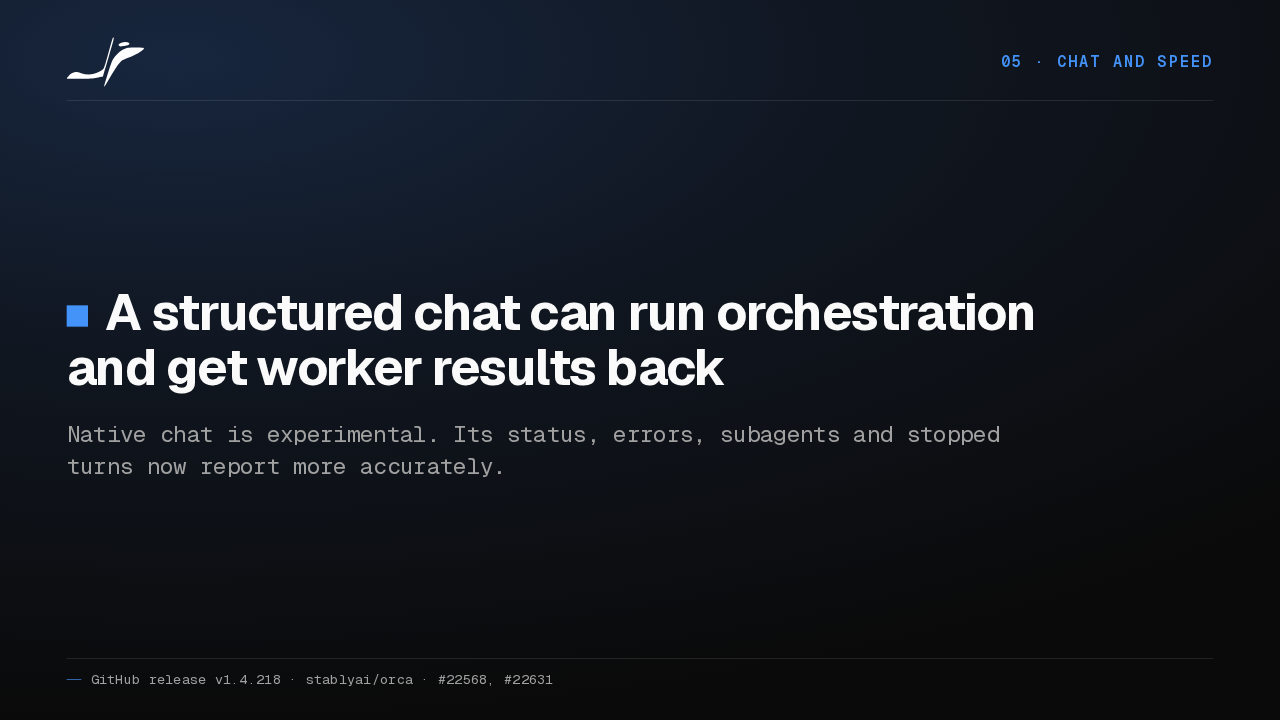
05 · Chat and speedA structured chat can run orchestration and get worker results back
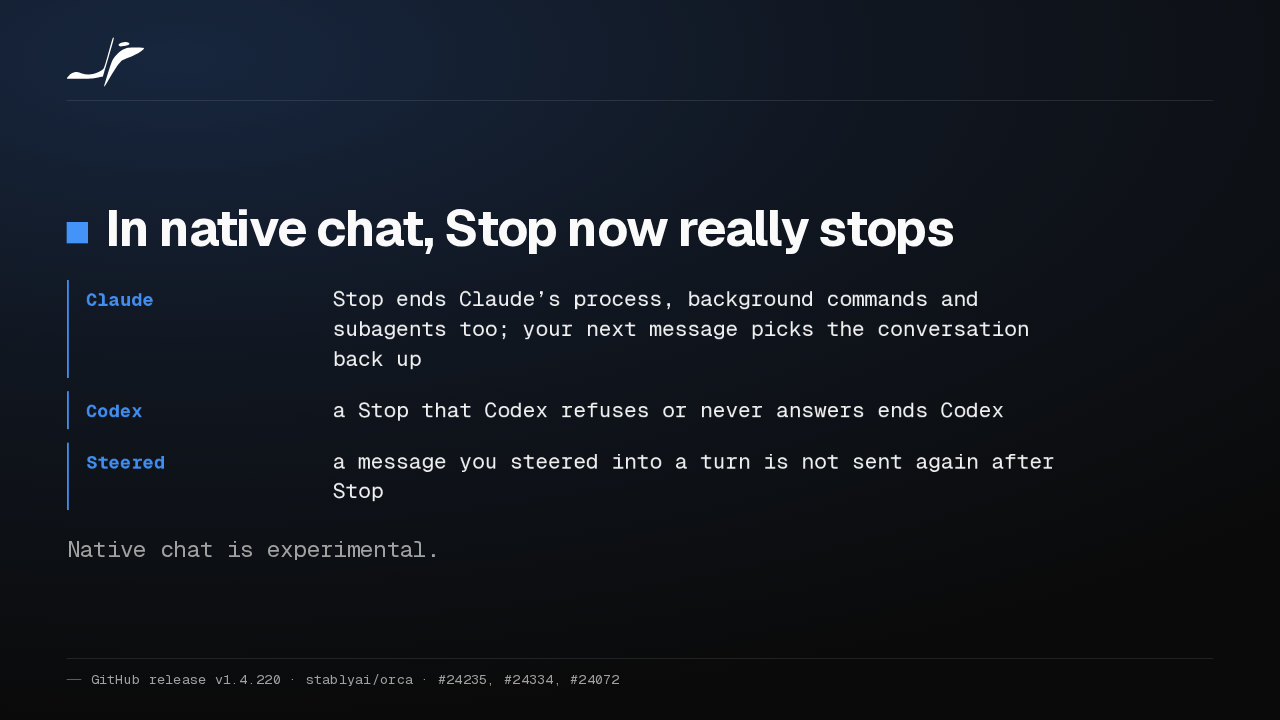
Native chat is experimental. Its status, errors, subagents and stopped turns now report more accurately.
In the experimental native chat, a structured chat can now run orchestration as itself, and worker results come back to it. Its status, errors, subagents and stopped turns are reported more accurately too.
Large diffs, Cmd+J, Markdown
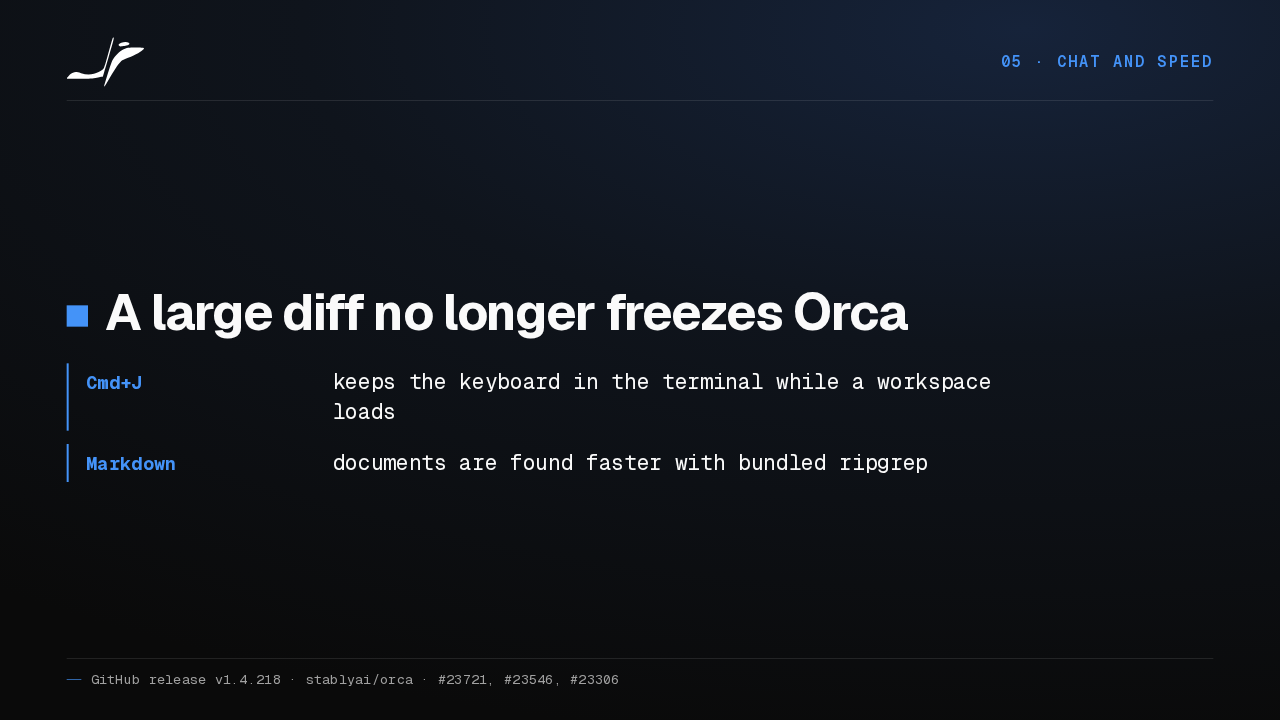
05 · Chat and speedA large diff no longer freezes Orca
- Cmd+J
- keeps the keyboard in the terminal while a workspace loads
- Markdown
- documents are found faster with bundled ripgrep
When many files change at once, a large diff no longer freezes Orca. Command J keeps the keyboard in the terminal while a workspace loads, and a bundled ripgrep finds Markdown documents faster.
Get Orca v1.4.218
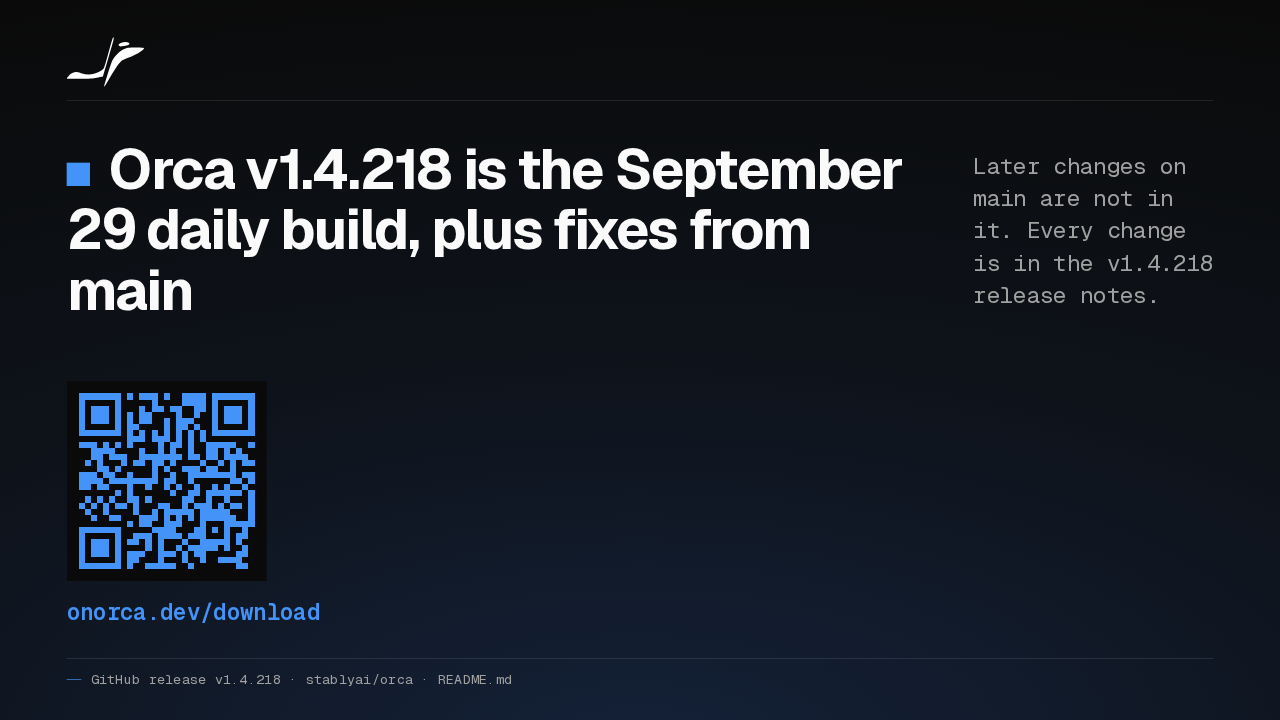
Orca v1.4.218 is the September 29 daily build, plus fixes from main
Later changes on main are not in it. Every change is in the v1.4.218 release notes.
onorca.dev/download
Orca 1.4.218 is built from the September 29 daily build, plus fixes picked from main, so later pull requests aren't in it. Every change is in the release notes. Download it from onorca.dev.