







Orca v1.4.214

Jupyter notebooks run in a real kernel, chat shows its context window, and ZCode joins the agents.
In this Orca release, a Jupyter notebook opens looking like a notebook.
Notebooks look like notebooks
01 · NotebooksNotebooks open as notebooks, and a click edits a cell
- Markdown
- rendered in place
- Code
- each cell in its own box
- Editing
- click the cell
The Markdown is rendered now. Each code cell sits in its own box, and you click a cell to start editing it.
A persistent Jupyter kernel
01 · NotebooksCells run in a persistent Jupyter kernel
- Variables
- carry over between cells
- Plots
- show inline
- Kernel
- interrupt or restart it
Running a cell used to start a fresh Python every time. Now each notebook gets its own Jupyter kernel. Variables carry over between cells, plots show inline, and you can interrupt or restart it.
A .venv when pip is locked out
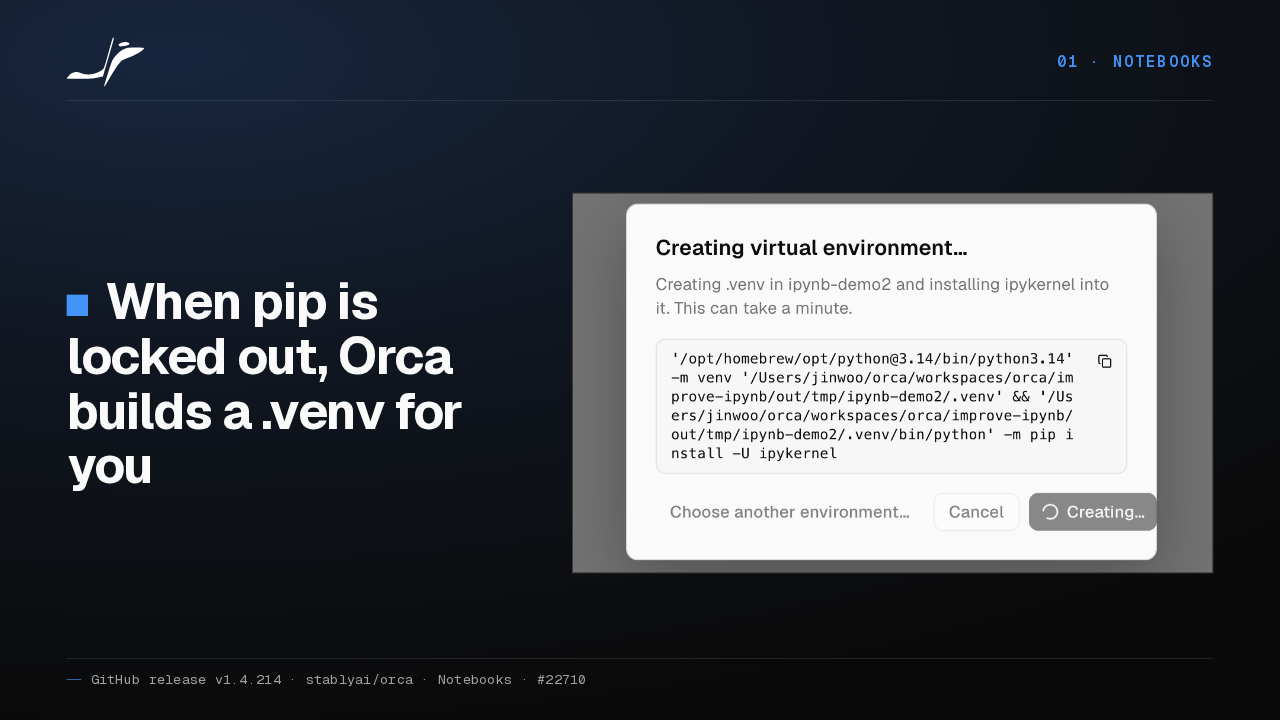
01 · NotebooksWhen pip is locked out, Orca builds a .venv for you

If your Python refuses installs, the way Homebrew's does, Orca offers to create a private virtual environment with ipykernel in it. The dialog shows the install while it runs.
Trust before any workspace Python runs
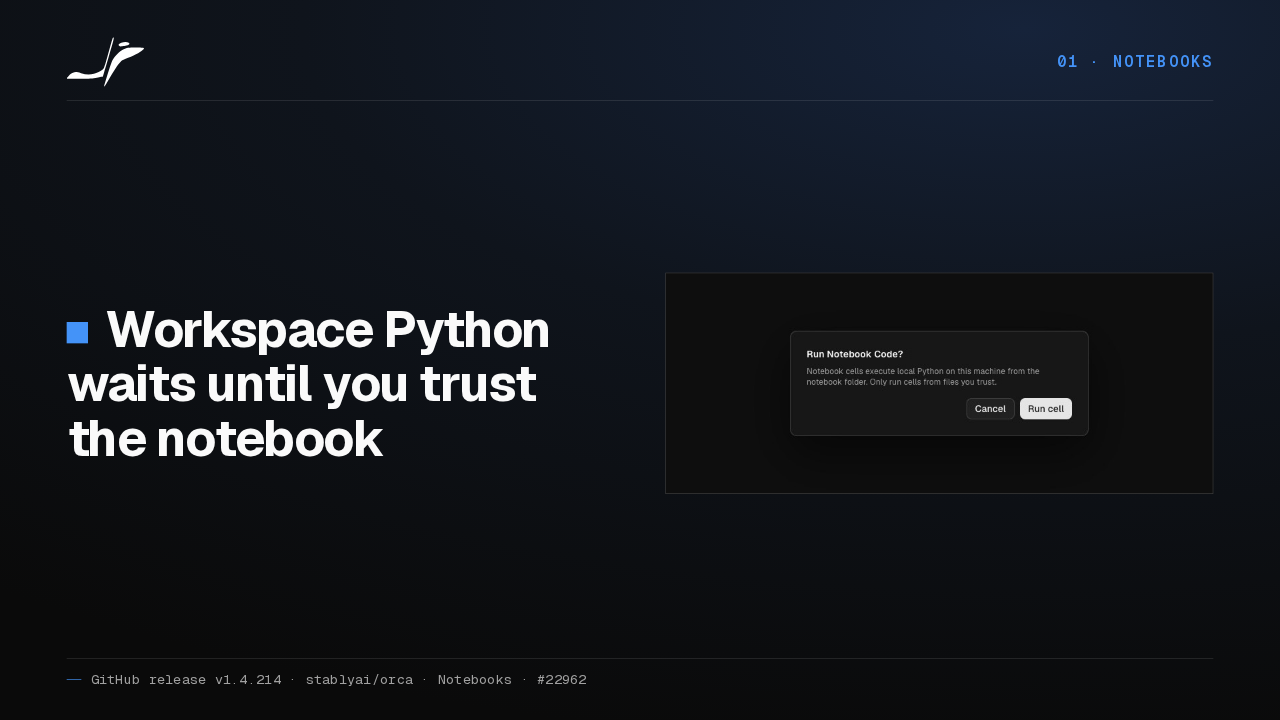
01 · NotebooksWorkspace Python waits until you trust the notebook

Opening the Python picker used to run interpreters that came with the repository. Now Orca waits for your yes on the Run Notebook Code prompt before it runs any of them.
02 Agents and chat
02 · Agents and chatAgents and chat
Now agents and chat.
Context window in the composer
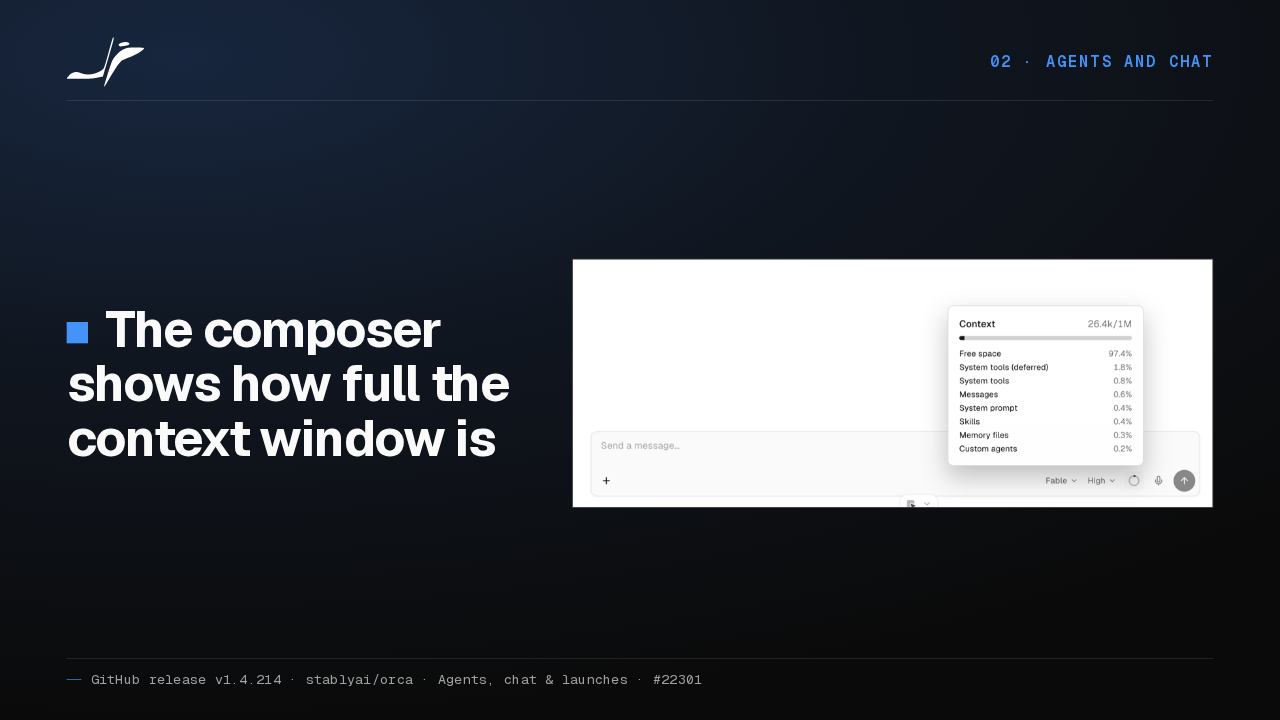
02 · Agents and chatThe composer shows how full the context window is

In a Claude chat, a small ring in the composer fills up as the conversation uses the context window. Hover it, and a card breaks down what is taking the space.
Copy, scroll, pick a model
02 · Agents and chatCopy what you sent, and scroll back without a button
- Sent messages
- a copy button on hover
- Scrolling up
- older messages load before the top
- New chat
- the Codex and Claude model picker shows at once
Hover a message you sent and a copy button appears. Older messages load before you scroll to the top. And the model picker for Codex and Claude shows the moment a chat opens.
Codex 0.157 starts in Orca
02 · Agents and chatCodex 0.157 and newer starts in Orca-managed homes
The “path must be shorter than SUN_LEN” failure is fixed.
Codex 0.157 and newer failed to start in the account folders Orca manages, because a socket path ran too long. That is fixed, and Codex starts cleanly.
ZCode joins
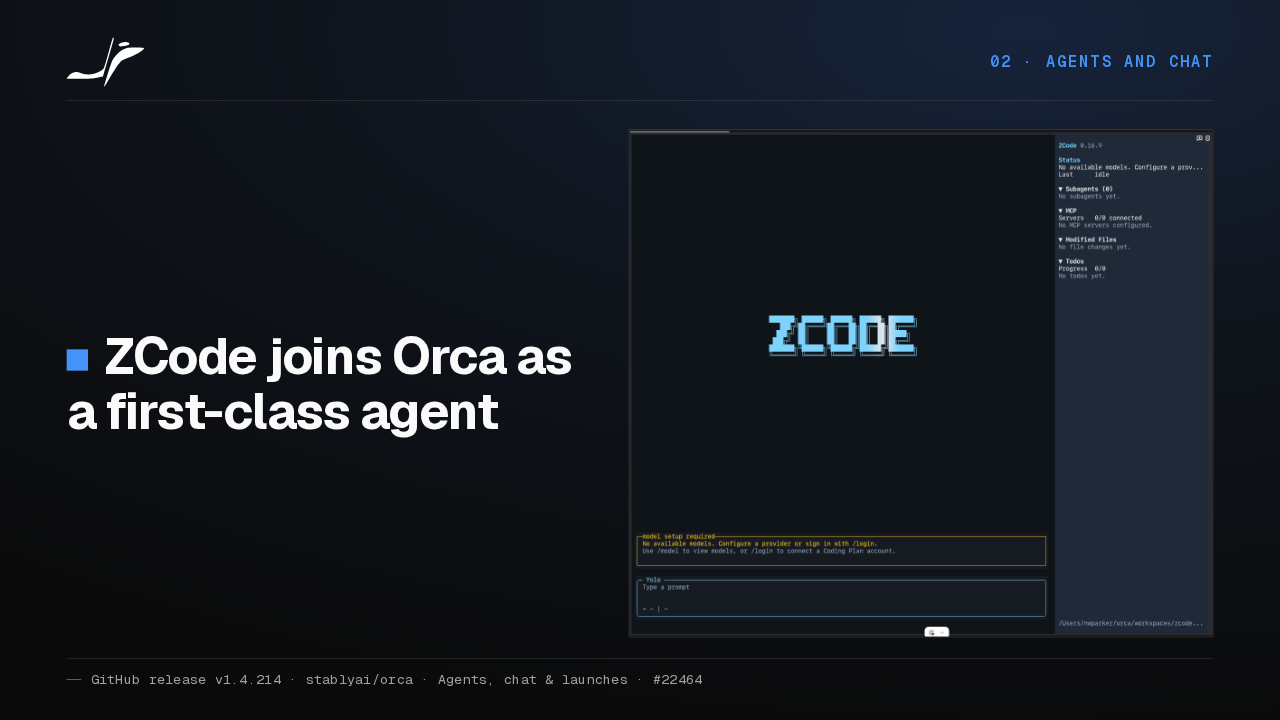
02 · Agents and chatZCode joins Orca as a first-class agent

ZCode, the coding agent from Z.ai, is now a first-class harness. A ZCode pane gets the status dot, the action required badge and the finish notification, like a Claude or Codex pane.
Subagent status
02 · Agents and chatSubagent work says what it is doing and how it ended
- Tracked for
- Codex, Claude, Pi and Grok
- Each record
- what it is doing, how it ended, and when
Orca now tracks subagent and background work across Codex, Claude, Pi and Grok. Each child record says what it is doing right now, how it ended, and when.
Cursor usage
02 · Agents and chatCursor usage sits beside the Claude, Codex and Grok meters
It reads the Cursor sign-in already on your computer.
If you use Cursor, Orca now shows how much of your monthly Cursor plan is left, next to the other usage meters. It reads the Cursor sign-in already on your computer.
03 Terminal and workspaces
03 · Terminal and workspacesTerminal and workspaces
Terminals and workspaces.
Terminal fixes
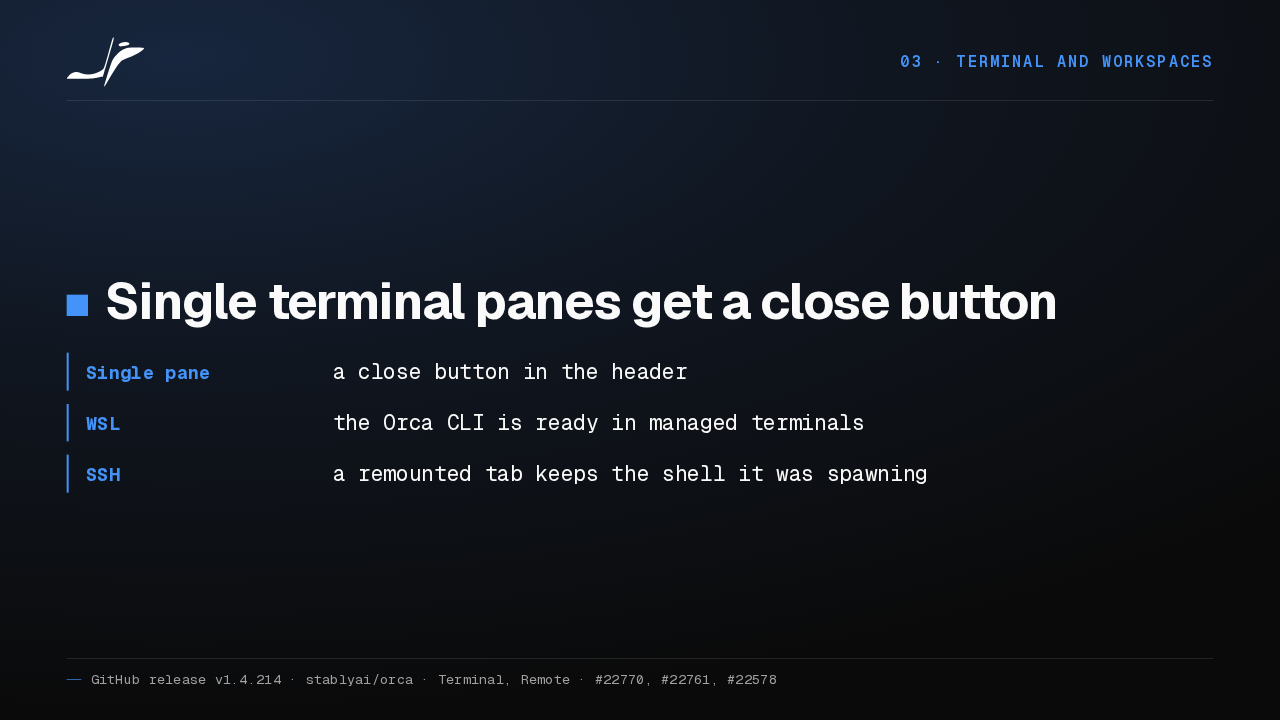
03 · Terminal and workspacesSingle terminal panes get a close button
- Single pane
- a close button in the header
- WSL
- the Orca CLI is ready in managed terminals
- SSH
- a remounted tab keeps the shell it was spawning
Single terminal panes get a close button. Terminals Orca opens inside WSL have the Orca command line ready. And a remounted SSH tab keeps the shell its old pane was starting.
Bundled ripgrep
03 · Terminal and workspacesSearch works without installing ripgrep
Orca ships its own copy for local workspaces, WSL and SSH hosts.
Quick Open, the Explorer's name filter and text search no longer need ripgrep installed. Orca ships its own copy for local workspaces, WSL and SSH hosts.
Profiles in SQLite
03 · Terminal and workspacesYour profile now saves to SQLite in the background
Creating or removing a terminal waits for a confirmed save.
Profile state moves from JSON files to SQLite, written in the background. Creating or removing a terminal waits for a confirmed save, so what Orca reports survives a restart.
04 Orca Mobile
04 · Orca MobileOrca Mobile
And on your phone.
Mobile
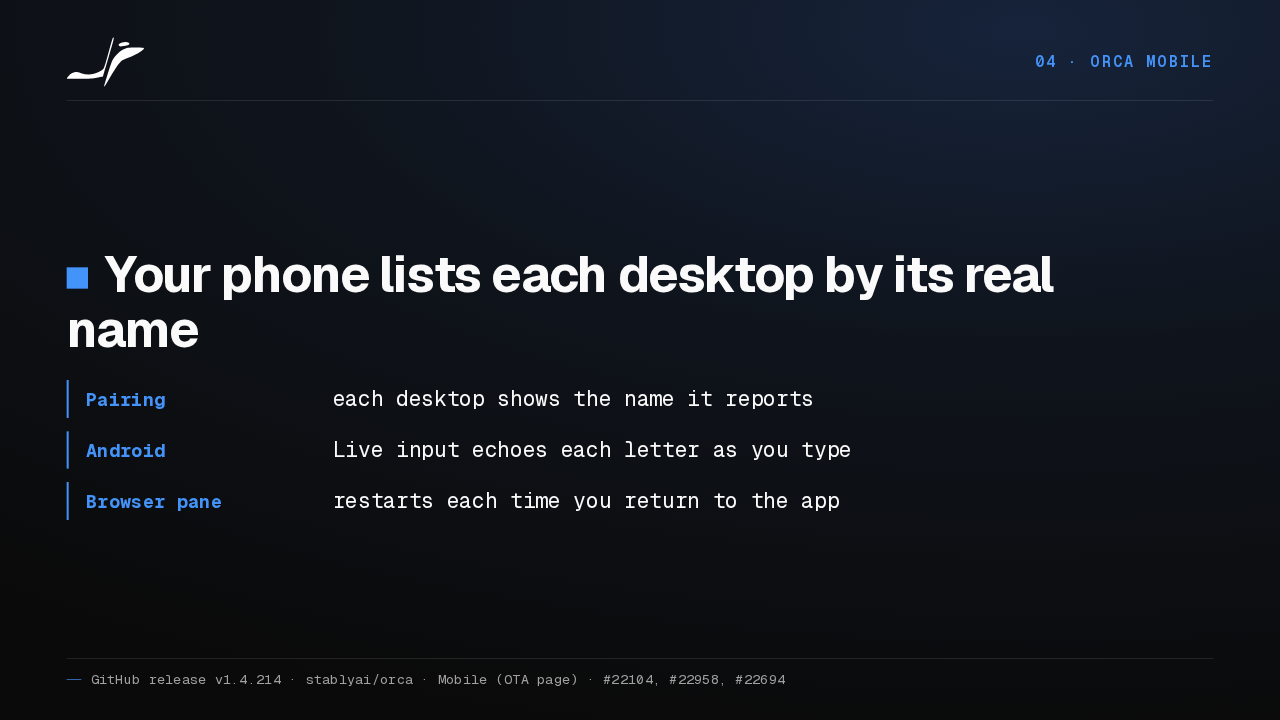
04 · Orca MobileYour phone lists each desktop by its real name
- Pairing
- each desktop shows the name it reports
- Android
- Live input echoes each letter as you type
- Browser pane
- restarts each time you return to the app
Your phone now lists each paired desktop by the name the machine reports. On Android, Live input echoes each letter as you type. And the streamed browser pane restarts whenever you return to the app.
Get Orca
Orca runs on macOS, Windows and Linux
onorca.dev/download
Orca runs on macOS, Windows and Linux, and you can download it from onorca.dev.