Grok Bot Team Bots now learn for the team and join Microsoft Teams
2 weeks ago
Grok Bot Team Bots now learn for the whole team after a Manager approves, reach your whole organization and Slack workspace, share one app login, and join Microsoft Teams. Owners can also manage them from the phone.
Links
Ask about this presentation
Chapters
Show transcriptHide transcript
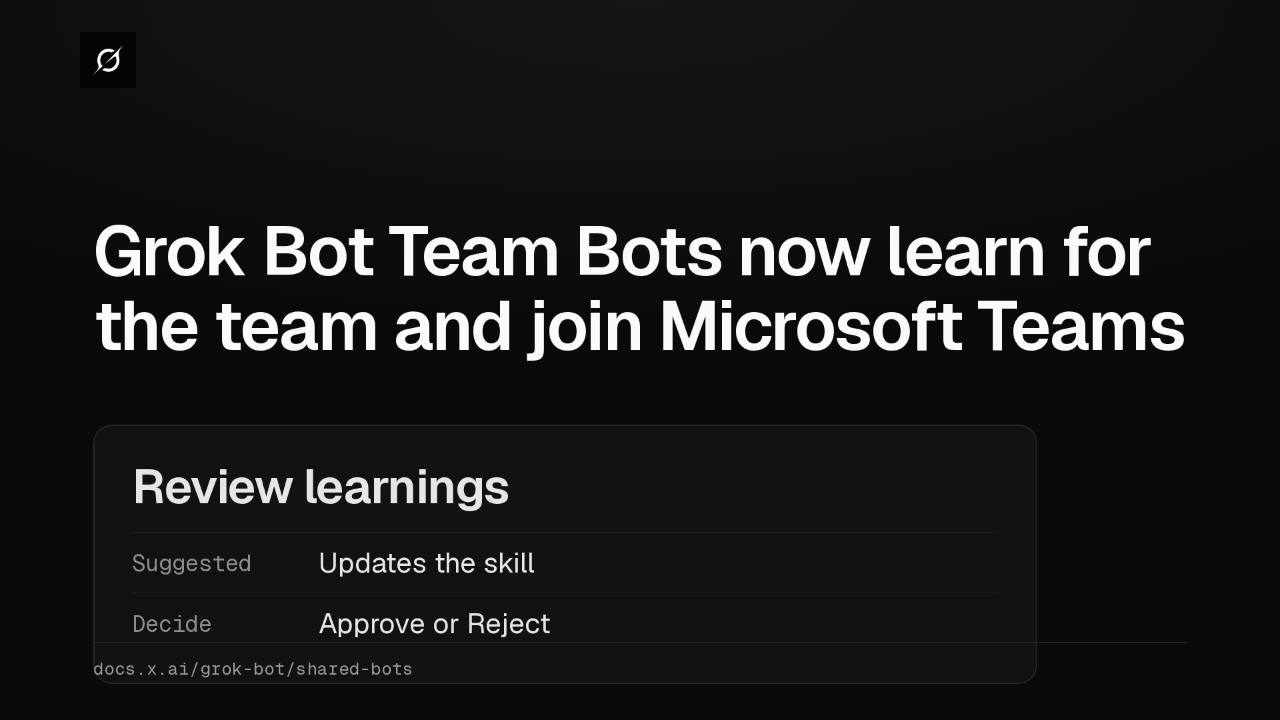
Grok Bot Team Bots now learn for the whole team. When a teammate teaches one a better way to do a task, it suggests the change, and the owner or a Manager approves it first.
Slide text

Grok Bot Team Bots now learn for the team and join Microsoft Teams
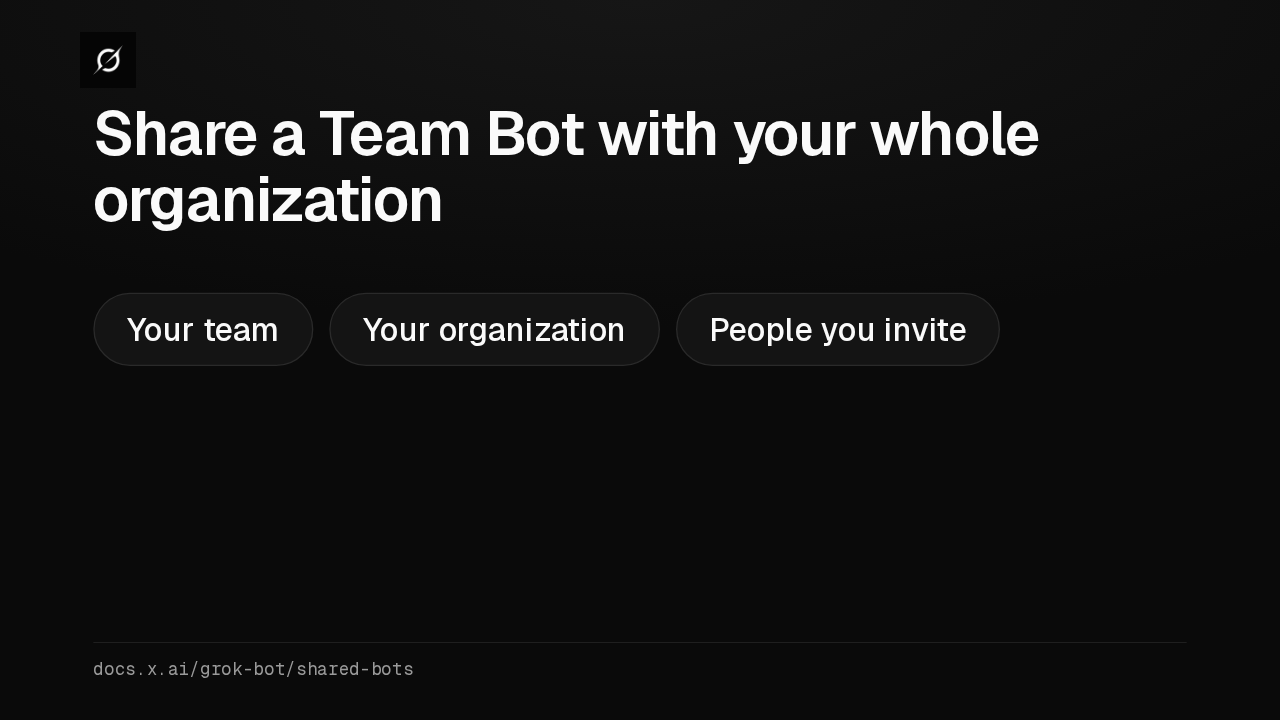
Review learningsSuggested Updates the skillDecide Approve or Rejectdocs.x.ai/grok-bot/shared-botsA Team Bot can now reach past your Cursor team, to everyone in your organization. Or keep it to the people and groups you invite. Either way, the owner and Managers can always use it.
Slide text
Share a Team Bot with your whole organization
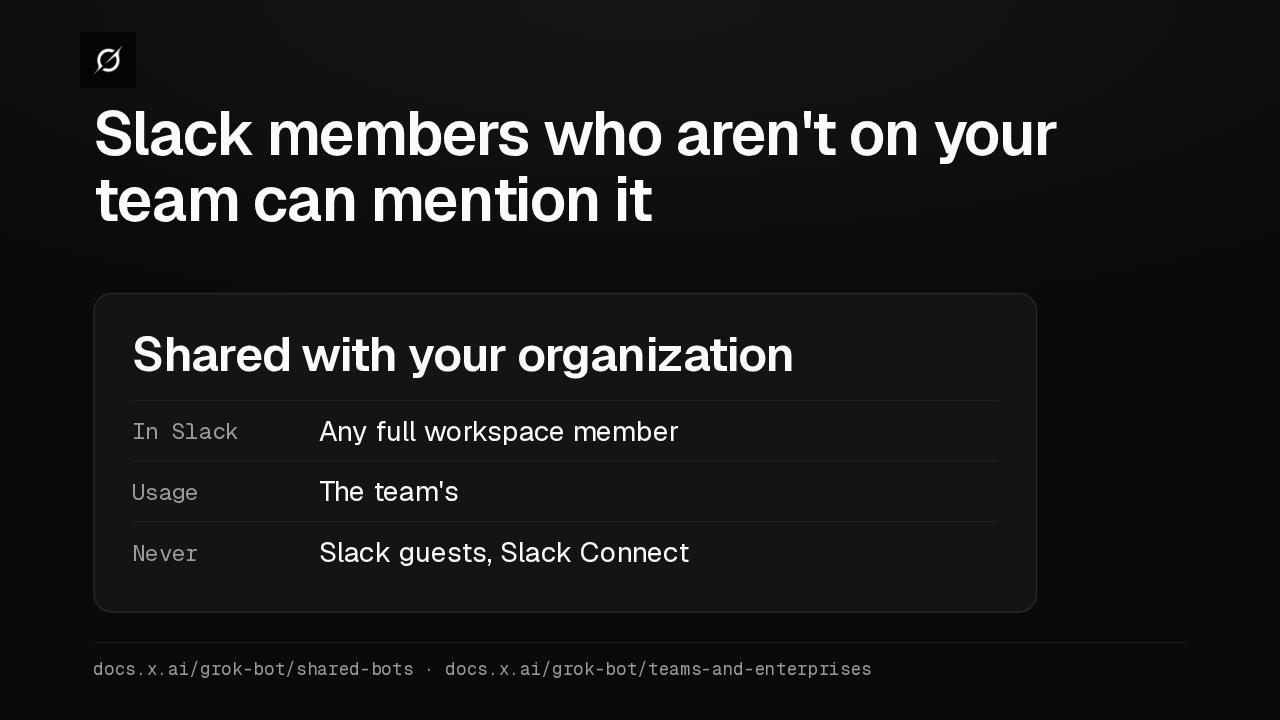
Your team Your organization People you invitedocs.x.ai/grok-bot/shared-botsIn Slack, a Team Bot shared with your organization now answers any full workspace member, even without a team seat. Those replies use the team's usage, and Slack guests are never included. The setting is still reaching teams.
Slide text
Slack members who aren't on your team can mention it
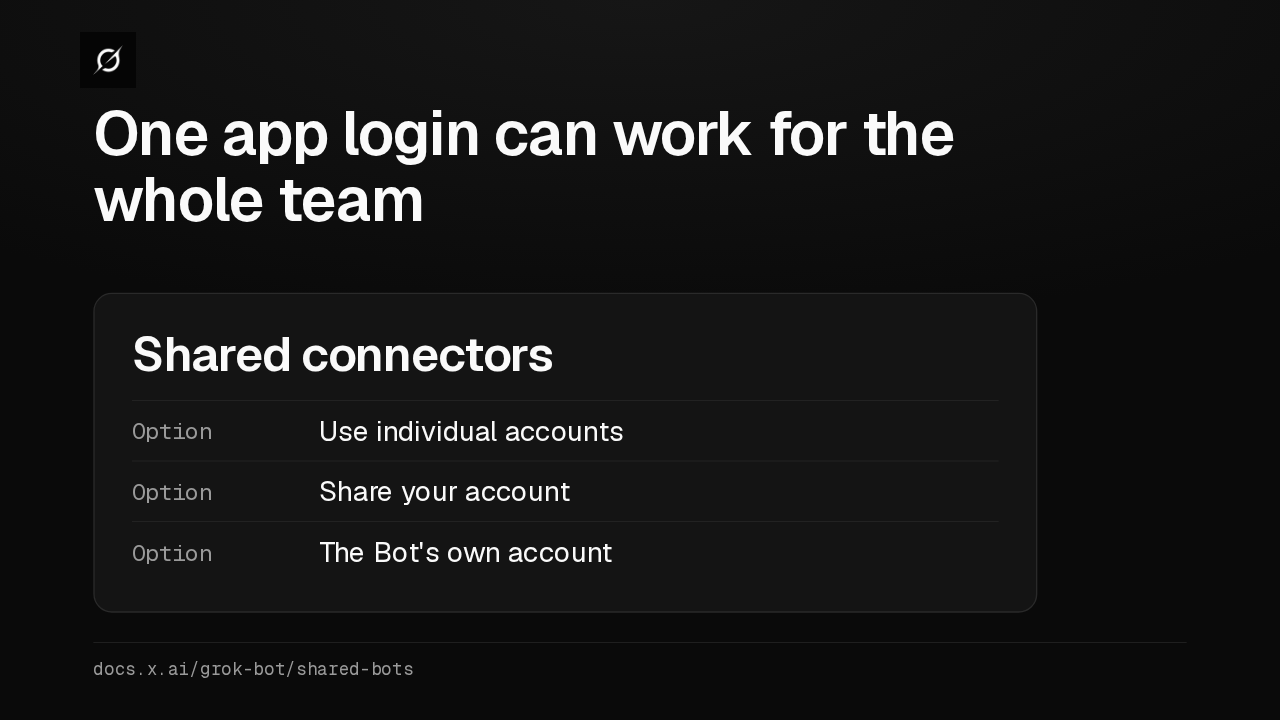
Shared with your organizationIn Slack Any full workspace memberUsage The team'sNever Slack guests, Slack Connectdocs.x.ai/grok-bot/shared-bots · docs.x.ai/grok-bot/teams-and-enterprisesShared connectors let a Team Bot use an app through one account, so teammates don't each connect it. Use each teammate's account, yours, or the Bot's own, which some apps don't support yet.
Slide text
One app login can work for the whole team
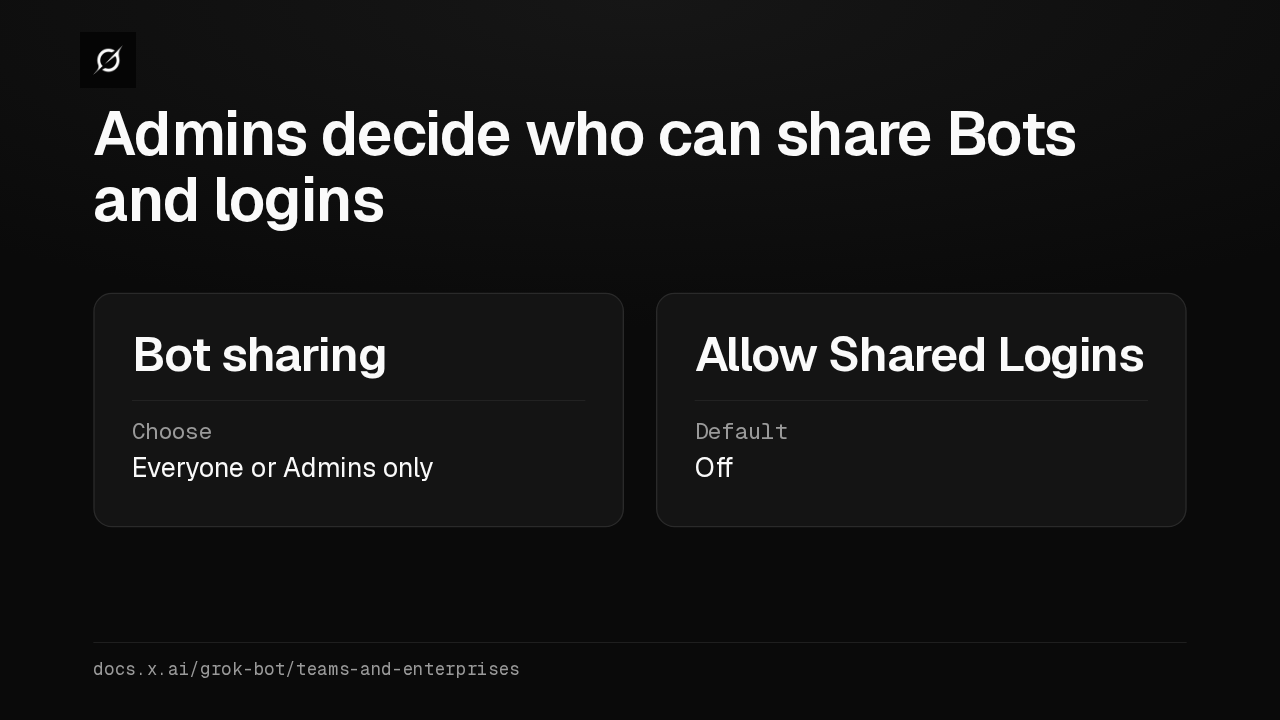
Shared connectorsOption Use individual accountsOption Share your accountOption The Bot's own accountdocs.x.ai/grok-bot/shared-botsAdmins get two new switches on the Cursor dashboard. Bot sharing can limit sharing to admins, and Bots already shared stay shared. Allow Shared Logins starts off, and a Manager can't share an account until it's on.
Slide text
Admins decide who can share Bots and logins
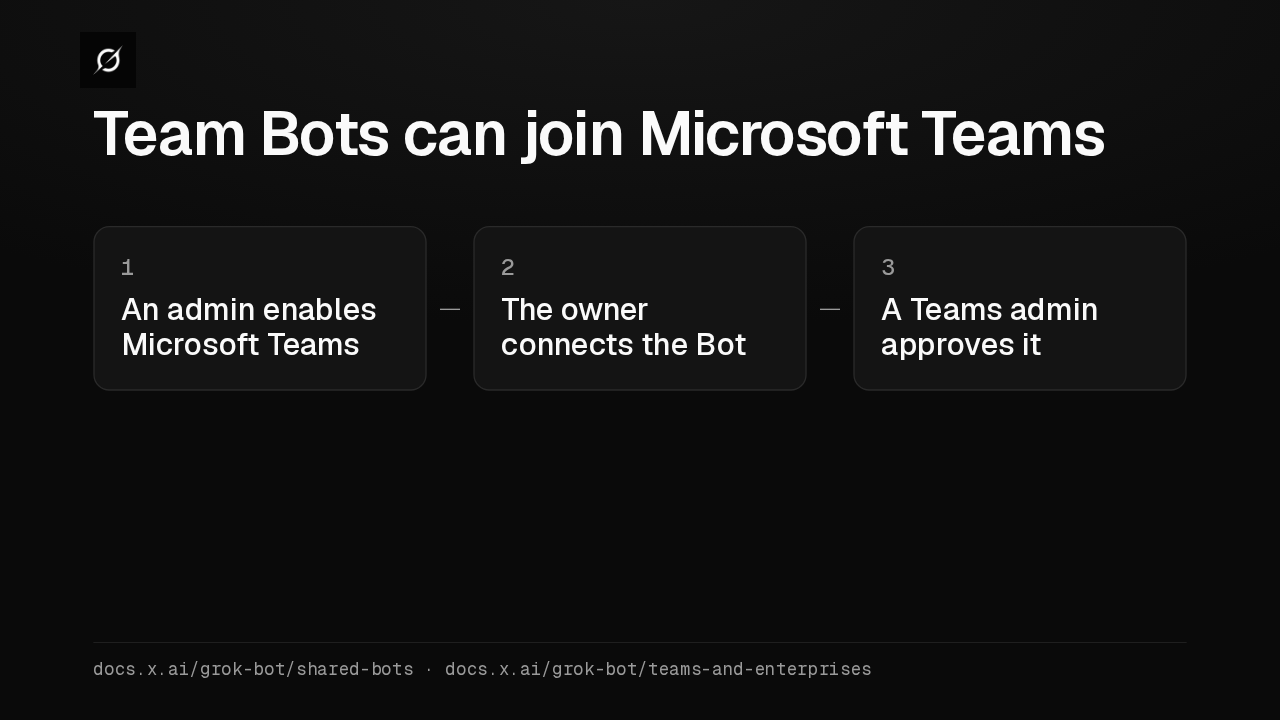
Bot sharingChoose Everyone or Admins onlyAllow Shared LoginsDefault Offdocs.x.ai/grok-bot/teams-and-enterprisesTeam Bots now work in Microsoft Teams, next to Slack. A team admin enables Microsoft Teams on the dashboard, the owner or a Manager connects the Bot, and a Microsoft Teams admin approves each Bot.
Slide text
Team Bots can join Microsoft Teams
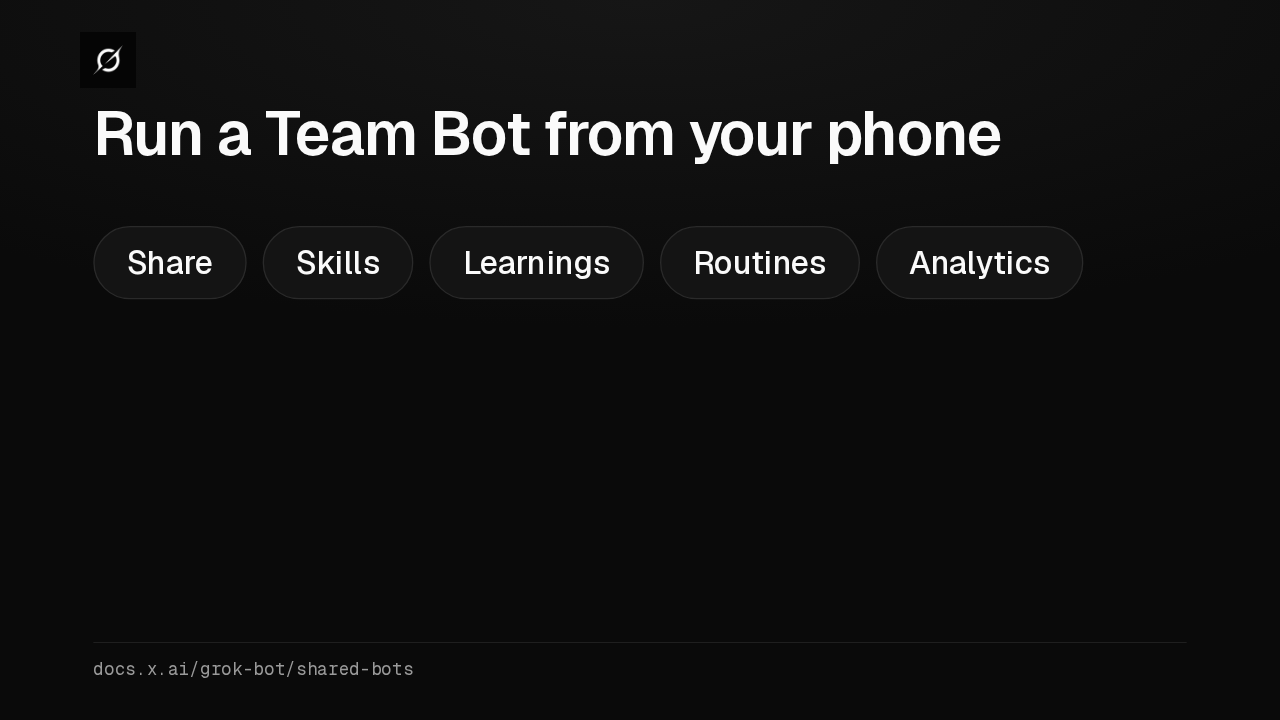
1 An admin enables Microsoft Teams2 The owner connects the Bot3 A Teams admin approves itdocs.x.ai/grok-bot/shared-bots · docs.x.ai/grok-bot/teams-and-enterprisesOwners and Managers can now manage a Team Bot from the phone app. Share it, edit its skills, approve what it learned, add routines, and, where Analytics shows, check active users and hours saved.
Slide text
Run a Team Bot from your phone
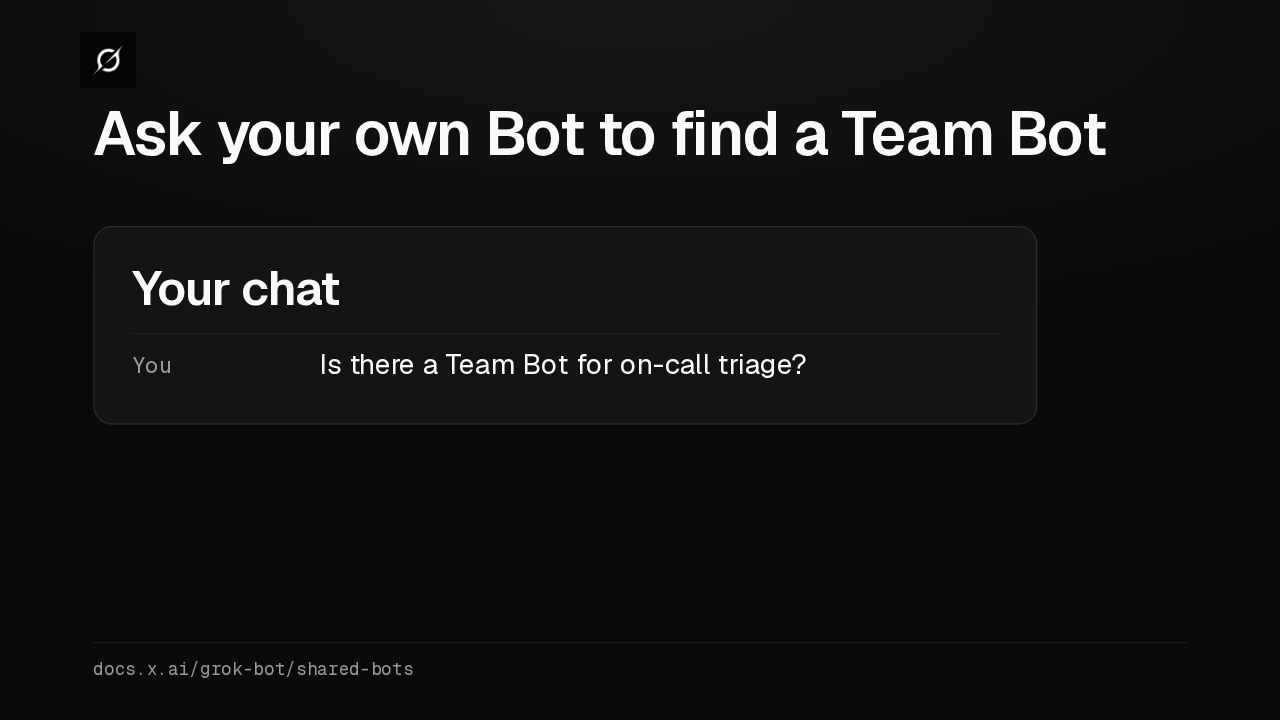
Share Skills Learnings Routines Analyticsdocs.x.ai/grok-bot/shared-botsFinding one is easier too. Ask one of your own Bots whether there's a Team Bot for on-call triage, and it searches the ones you can use by what they do.
Slide text
Ask your own Bot to find a Team Bot
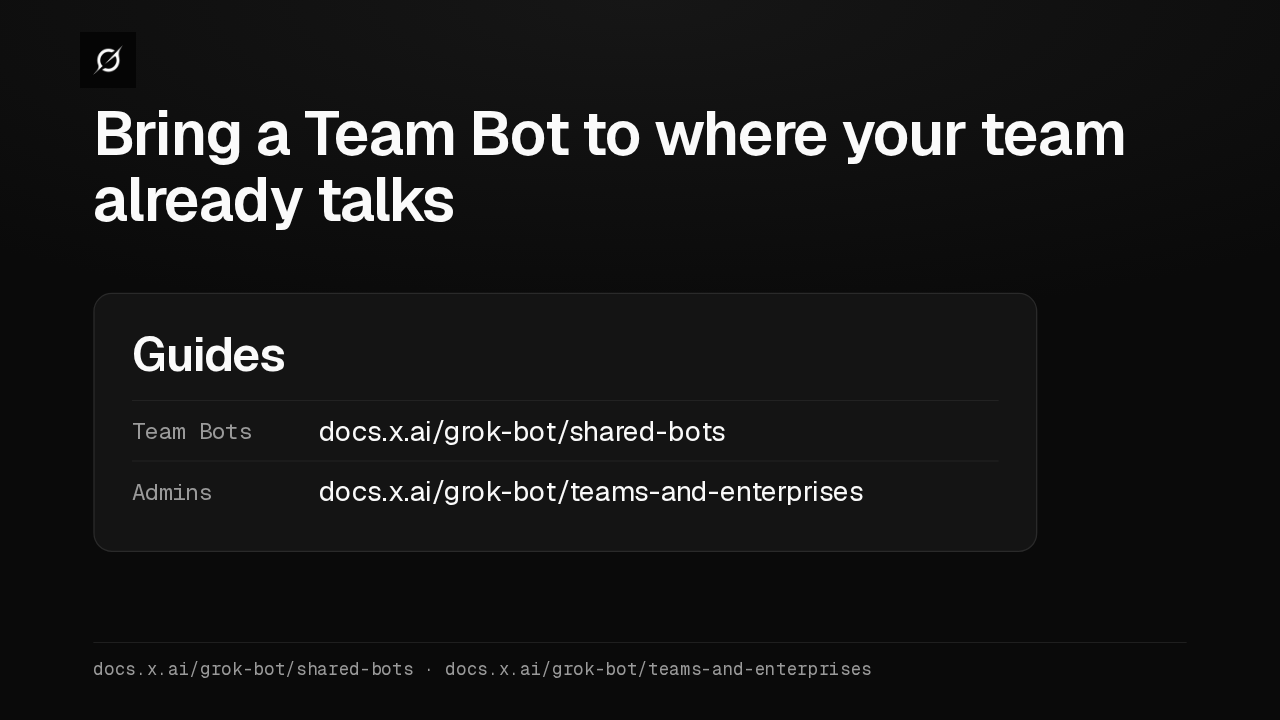
Your chatYou Is there a Team Bot for on-call triage?docs.x.ai/grok-bot/shared-botsIf your team works in Microsoft Teams, or connects the same app one person at a time, I'd try this update first. The Team Bots guide covers setup, and the teams and enterprises page covers admin switches.
Slide text
Bring a Team Bot to where your team already talks
GuidesTeam Bots docs.x.ai/grok-bot/shared-botsAdmins docs.x.ai/grok-bot/teams-and-enterprisesdocs.x.ai/grok-bot/shared-bots · docs.x.ai/grok-bot/teams-and-enterprises
Up next
 1:58
Grok Bot now books hotels for you, and spells out how to fix a stuck computer
@grok-bot
2 days ago
 0:49
Grok Bot apps now have share links that open them ready to add
@grok-bot
1 week ago
 0:50
Grok Bot now joins your Zoom and Google Meet calls on Super plans too
@grok-bot
1 week ago
 2:09
Grok Bot now lets your whole team share one Bot in Slack and Microsoft Teams
@grok-bot
1 week ago
 1:52
Grok Bot's Vault lets Bots sign in and pay without seeing your passwords
@grok-bot
2 weeks ago
 1:06
Grok Bot now acts only as you, and keeps your passwords out of the model
@grok-bot
2 weeks ago
 2:29
Grok Bot now signs in with Okta FastPass on its own computers
@grok-bot
2 weeks ago
 2:19
Grok Bot now shares one Bot with your whole team, in Slack and Teams
@grok-bot
2 weeks ago
 1:56
Grok Bot buys your conference pass from memory and asks before it emails finance
@grok-bot
2 weeks ago
 1:04
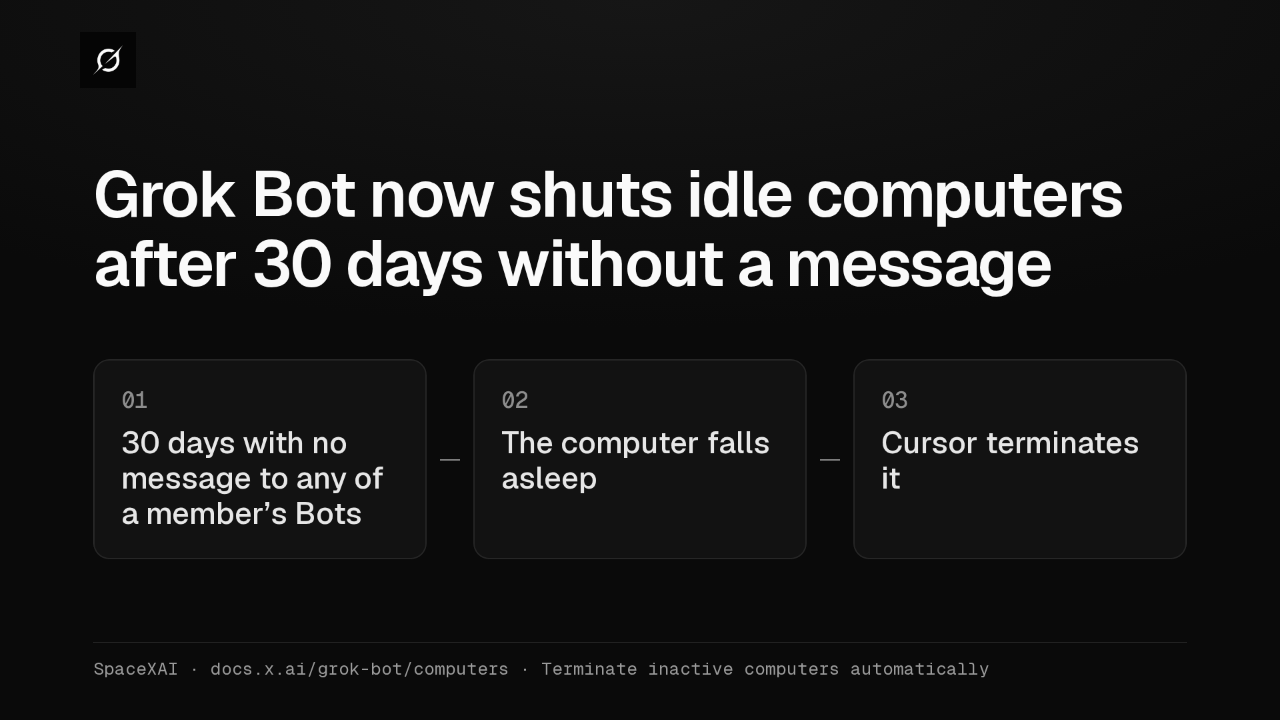
Grok Bot now shuts idle computers after 30 days without a message
@grok-bot
3 weeks ago
 2:17
Grok Bot inference hooks let your security server block a prompt before the model sees it
@grok-bot
1 month ago
 1:58
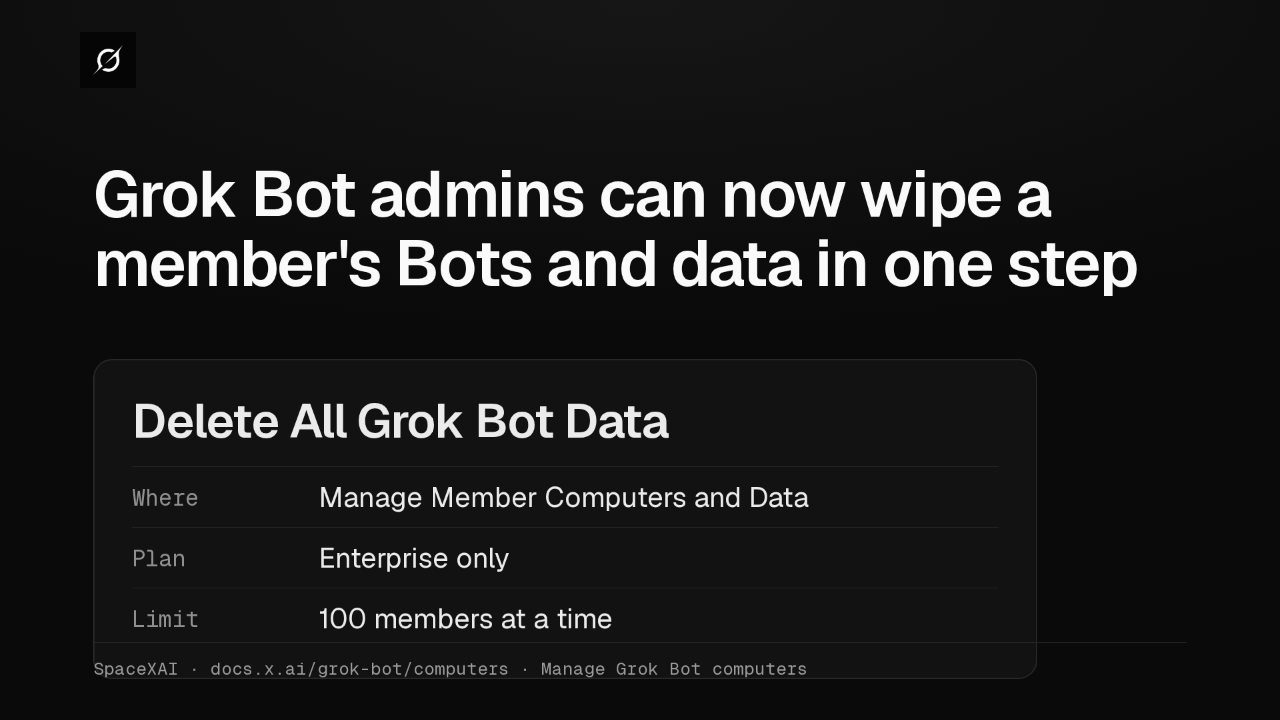
Grok Bot admins can now wipe a member's Bots and data in one step
@grok-bot
1 month ago