Grok Bot now signs in with Okta FastPass on its own computers
2 weeks ago
Grok Bot computers can now pass Okta FastPass: a setup script installs Okta Verify so Bots sign in to Okta-protected apps (Enterprise only). Also new: deep links into a Bot's chat, admin locks for traffic routing, second accounts for apps like Notion, chat-only settings for personal Bots, and routine usage guidance.
Links
- docs.x.ai/grok-bot/okta-fastpassdocs.x.ai
- docs.x.ai/grok-bot/identity-and-accessdocs.x.ai
- docs.x.ai/grok-bot/deep-linksdocs.x.ai
- docs.x.ai/grok-bot/teams-and-enterprisesdocs.x.ai
- docs.x.ai/grok-bot/computer-and-appsdocs.x.ai
- docs.x.ai/grok-bot/botsdocs.x.ai
- docs.x.ai/grok-bot/skills-routines-and-automationsdocs.x.ai
- docs.x.ai/grok-bot/mobiledocs.x.ai
Ask about this presentation
Chapters
Show transcriptHide transcript
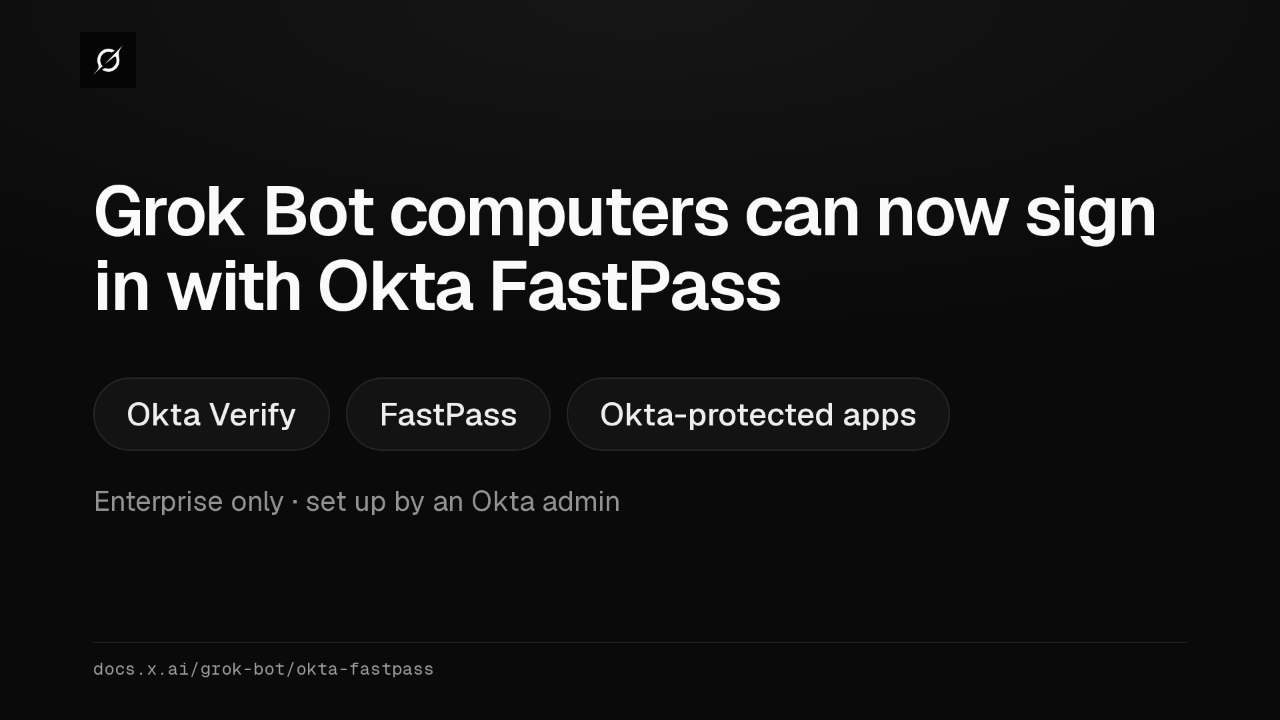
Grok Bot's computers can now pass Okta FastPass. A setup script installs Okta Verify on the Bot's computer, so a Bot can sign in to your Okta-protected apps in its browser. It's Enterprise only.
Slide text

Grok Bot computers can now sign in with Okta FastPass
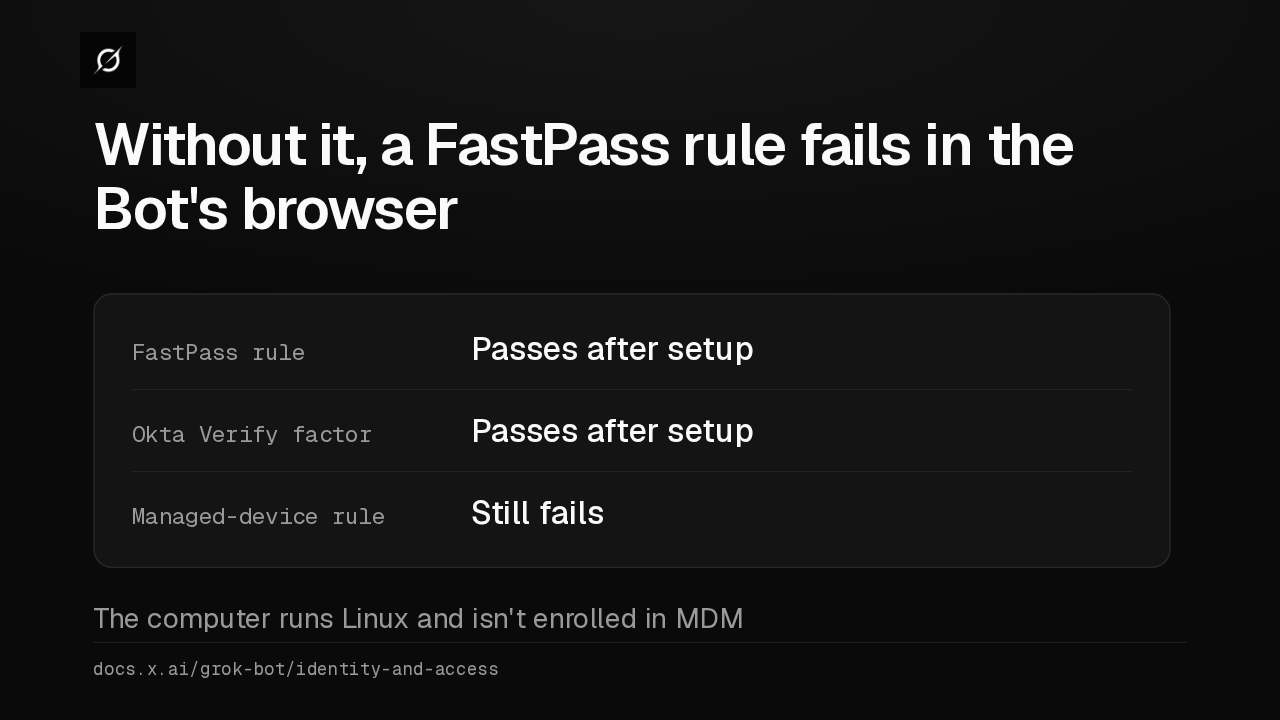
Okta Verify FastPass Okta-protected appsEnterprise only · set up by an Okta admindocs.x.ai/grok-bot/okta-fastpassUntil now, a sign-in rule that required FastPass failed in the Bot's browser. With the setup, it passes. A rule that demands a managed device still fails, because the computer isn't enrolled in device management.
Slide text
Without it, a FastPass rule fails in the Bot's browser
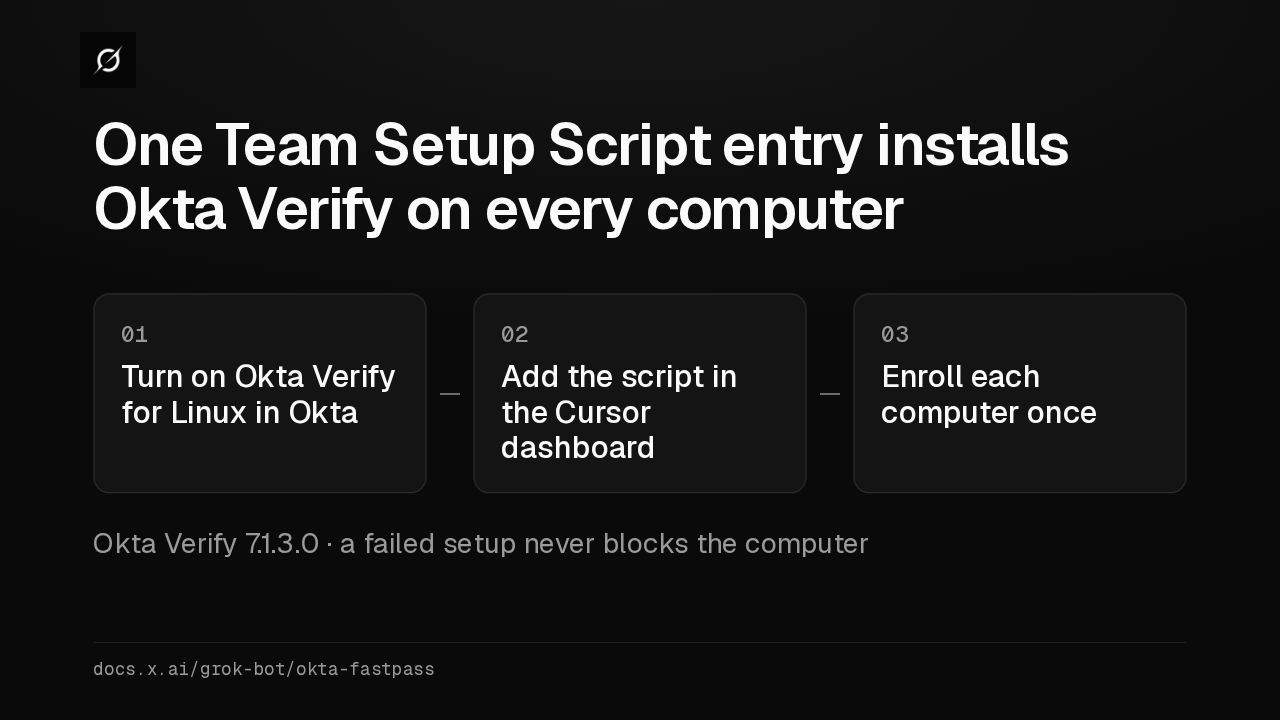
FastPass rule Passes after setupOkta Verify factor Passes after setupManaged-device rule Still failsThe computer runs Linux and isn't enrolled in MDMdocs.x.ai/grok-bot/identity-and-accessThe script already ships on every Grok Bot computer. An admin turns on Okta Verify for Linux, adds the script in the Cursor dashboard, and each computer enrolls once. Enrollment survives restarts.
Slide text
One Team Setup Script entry installs Okta Verify on every computer
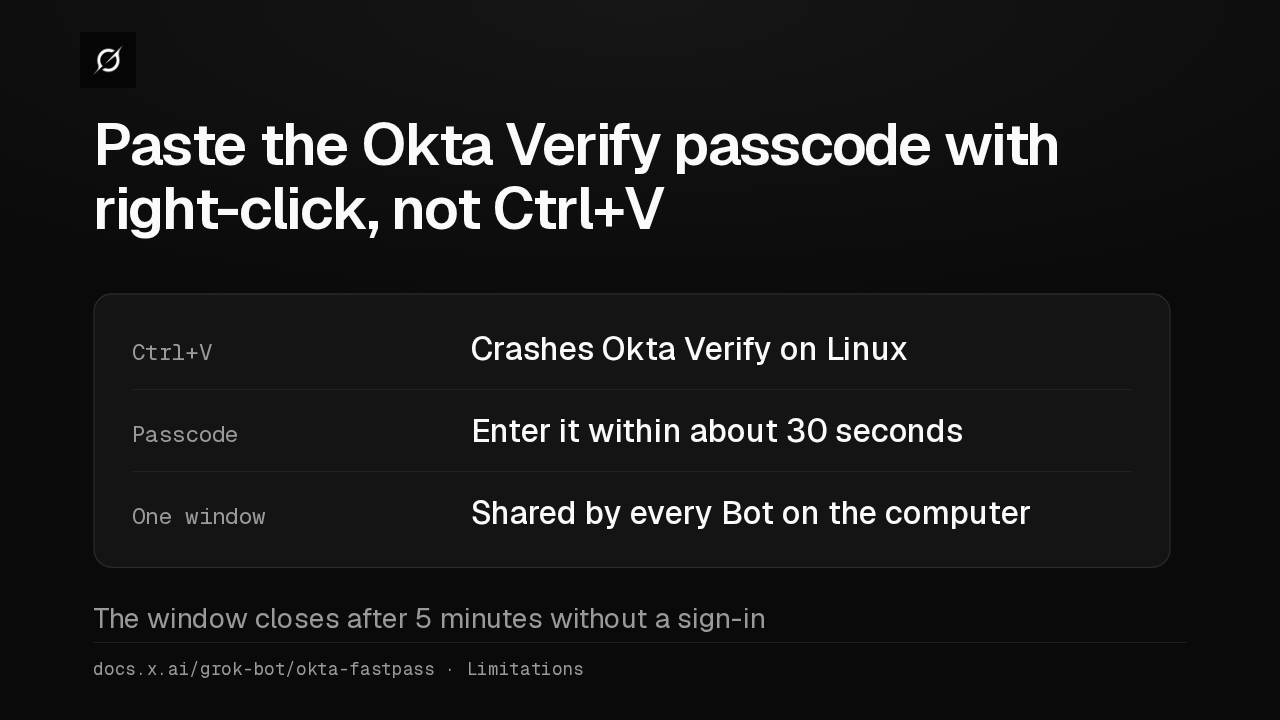
01Turn on Okta Verify for Linux in Okta02Add the script in the Cursor dashboard03Enroll each computer onceOkta Verify 7.1.3.0 · a failed setup never blocks the computerdocs.x.ai/grok-bot/okta-fastpassPressing Control V in the passcode prompt crashes Okta Verify on Linux, so paste with a right-click. You get about 30 seconds to enter it, and every Bot on the computer shares one window.
Slide text
Paste the Okta Verify passcode with right-click, not Ctrl+V
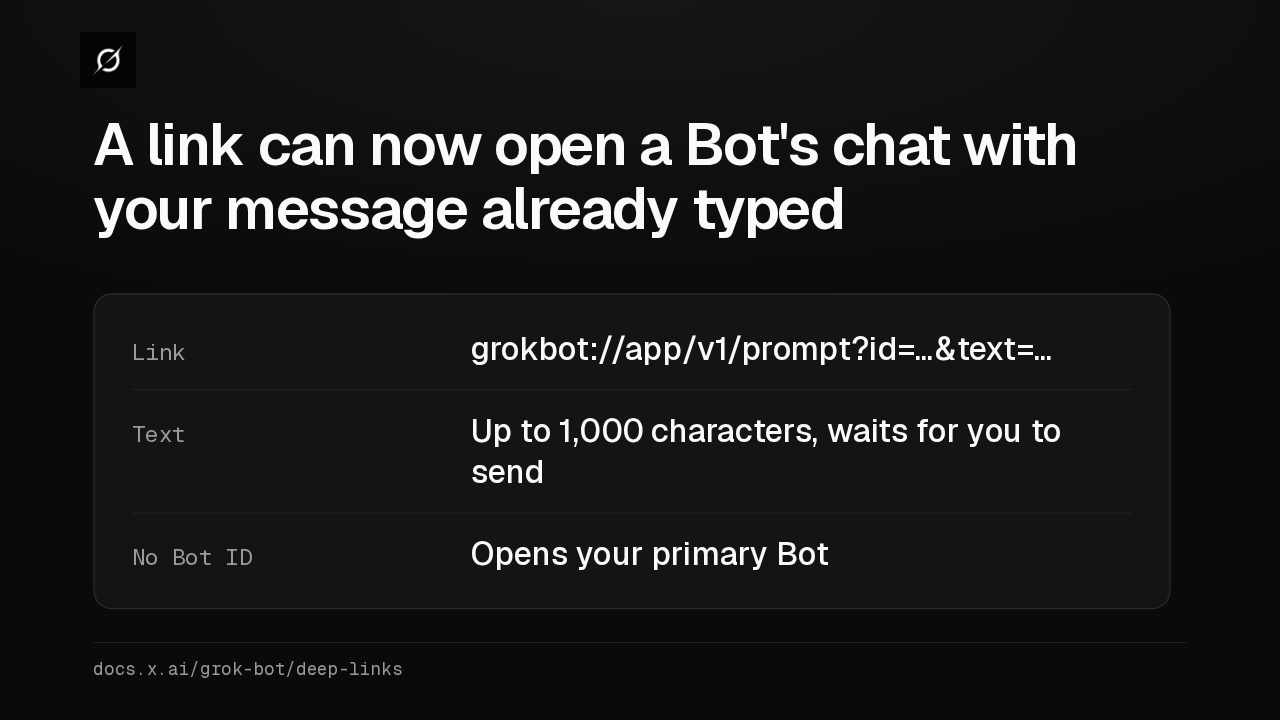
Ctrl+V Crashes Okta Verify on LinuxPasscode Enter it within about 30 secondsOne window Shared by every Bot on the computerThe window closes after 5 minutes without a sign-indocs.x.ai/grok-bot/okta-fastpass · LimitationsA new link opens a Bot's chat from a shortcut or another app, with your message in the box. It holds up to 1,000 characters and waits for you to send it.
Slide text
A link can now open a Bot's chat with your message already typed
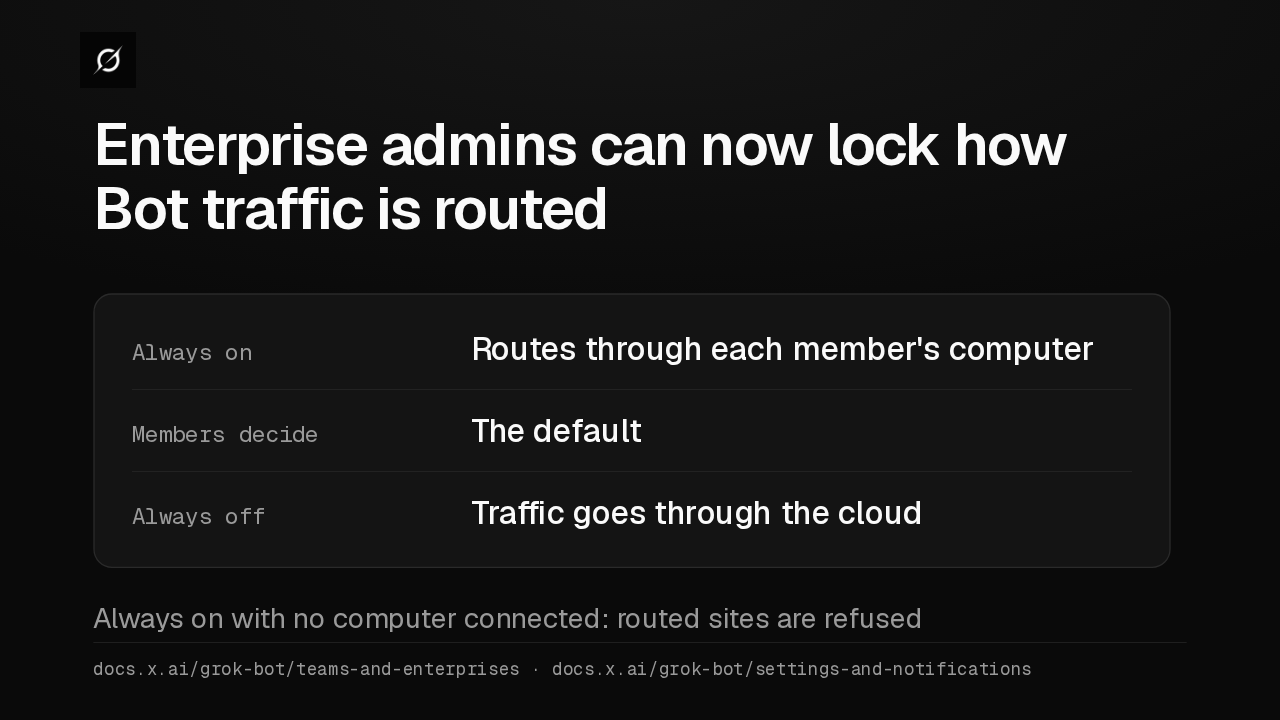
Link grokbot://app/v1/prompt?id=…&text=…Text Up to 1,000 characters, waits for you to sendNo Bot ID Opens your primary Botdocs.x.ai/grok-bot/deep-linksEnterprise admins can now force Bot traffic through members' own computers, or turn that off for everyone. With Always on and no computer connected, the Bot refuses those sites.
Slide text
Enterprise admins can now lock how Bot traffic is routed
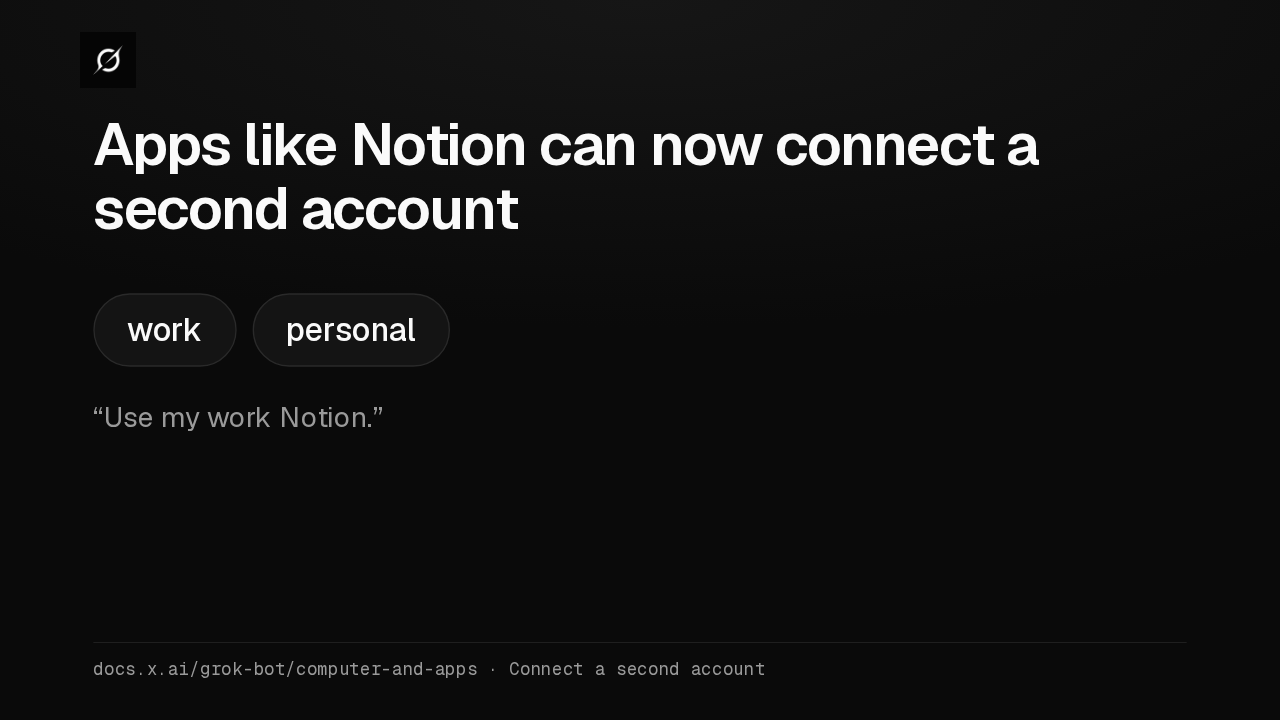
Always on Routes through each member's computerMembers decide The defaultAlways off Traffic goes through the cloudAlways on with no computer connected: routed sites are refuseddocs.x.ai/grok-bot/teams-and-enterprises · docs.x.ai/grok-bot/settings-and-notificationsSome apps, like Notion, now take a second account. Give each one a label, such as work or personal, and tell the Bot which to use. Every Bot on your account can use both.
Slide text
Apps like Notion can now connect a second account
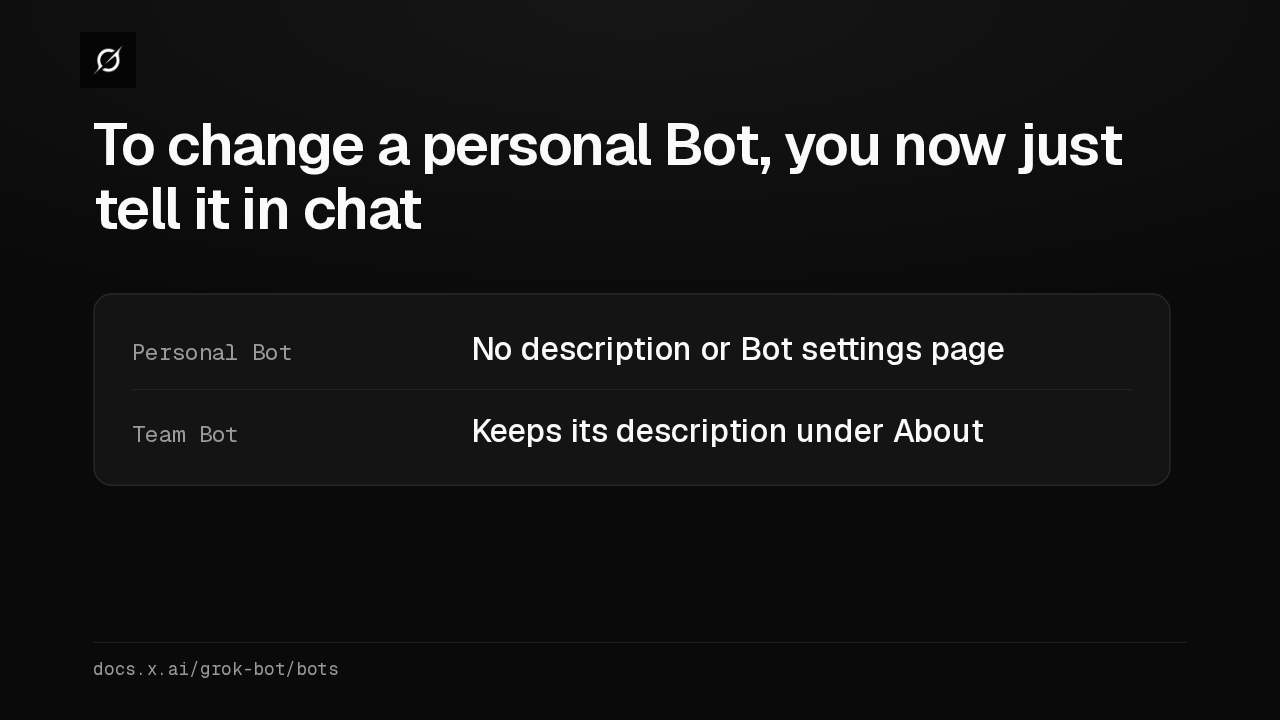
work personal“Use my work Notion.”docs.x.ai/grok-bot/computer-and-apps · Connect a second accountPersonal Bots no longer have a description or a settings page. To change what one does, tell it in chat, and it keeps the rule in its memory. A Team Bot still has a description its owner can edit.
Slide text
To change a personal Bot, you now just tell it in chat
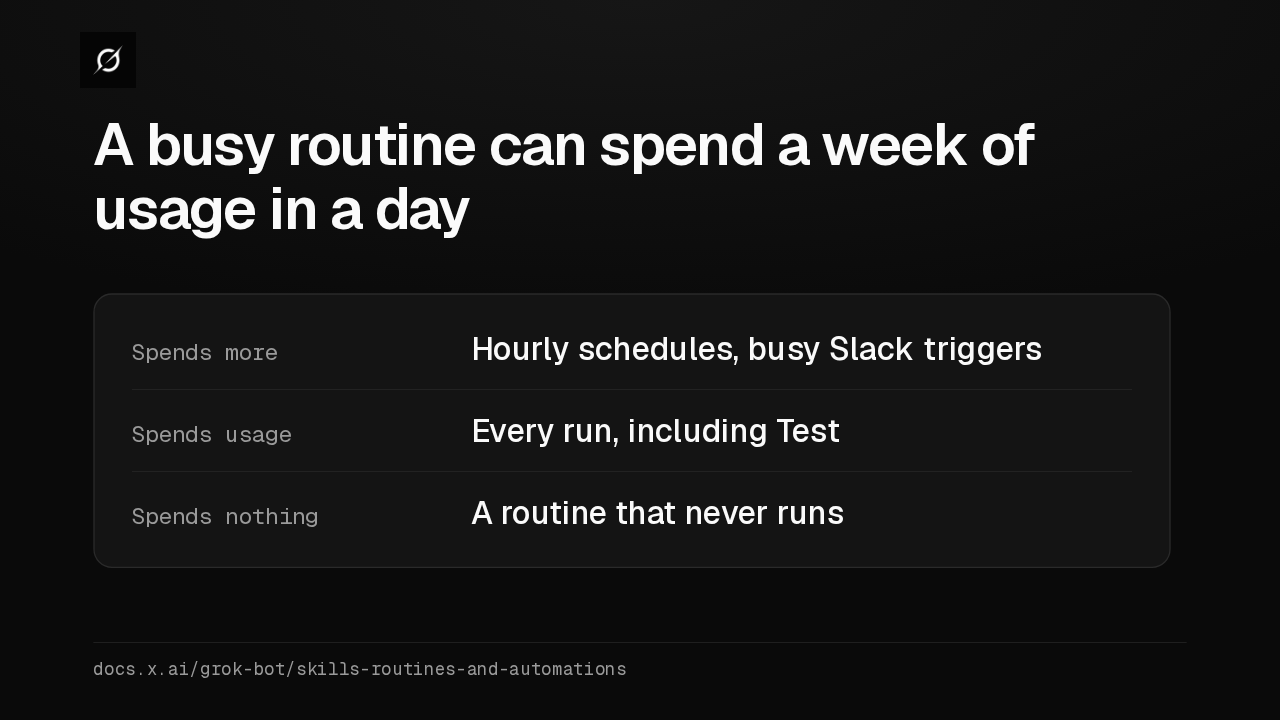
Personal Bot No description or Bot settings pageTeam Bot Keeps its description under Aboutdocs.x.ai/grok-bot/botsAn hourly routine, or a Slack trigger on a busy channel, can spend a week of usage in a day. Pause what you don't need and widen schedules before you raise your limit.
Slide text
A busy routine can spend a week of usage in a day
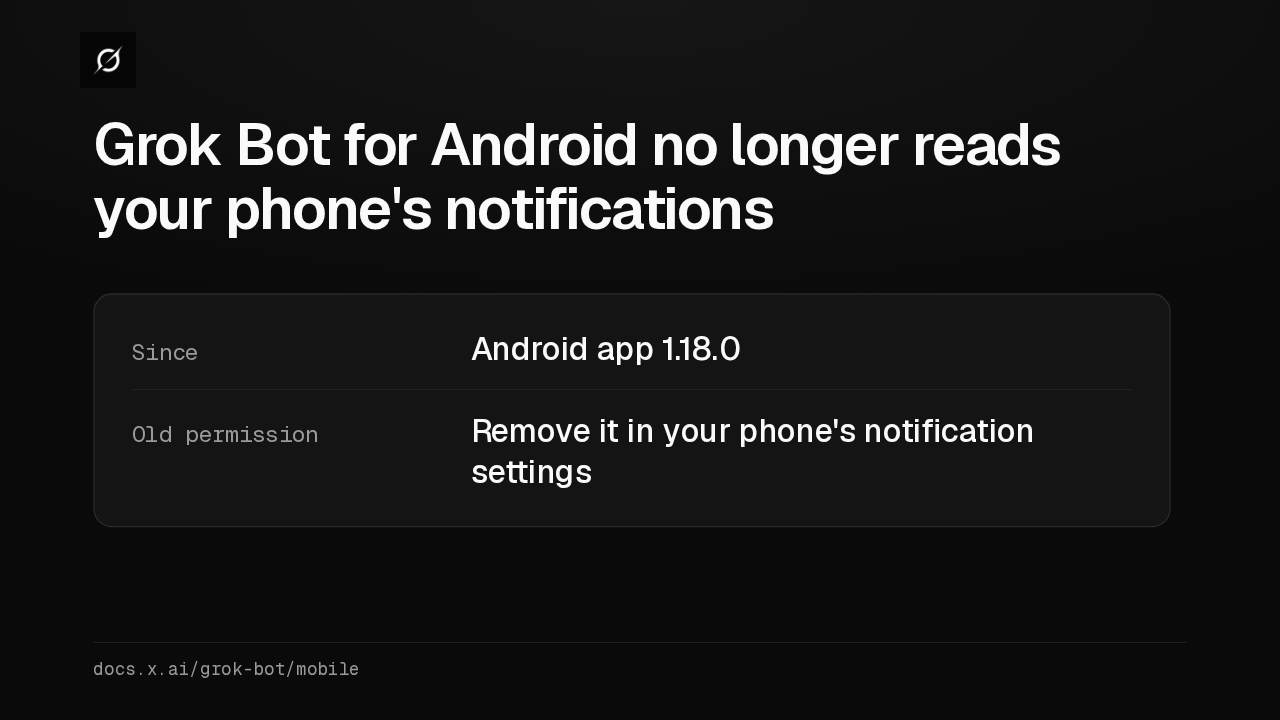
Spends more Hourly schedules, busy Slack triggersSpends usage Every run, including TestSpends nothing A routine that never runsdocs.x.ai/grok-bot/skills-routines-and-automationsOn Android, Grok Bot 1.18 removed the ability to see your phone's notifications. If you granted that access earlier, you can take it back in your phone's settings.
Slide text
Grok Bot for Android no longer reads your phone's notifications
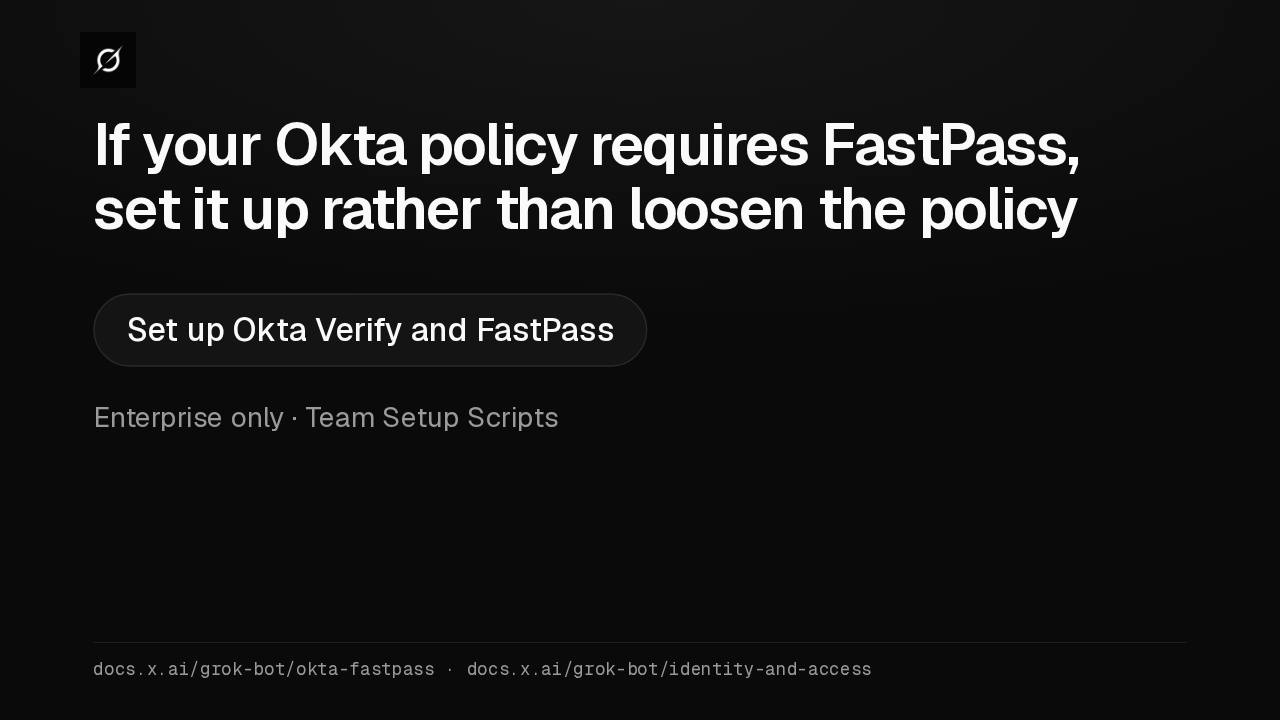
Since Android app 1.18.0Old permission Remove it in your phone's notification settingsdocs.x.ai/grok-bot/mobileIf your Okta policies require FastPass, I'd set up Okta Verify on the Bot computers rather than switch FastPass off company-wide. The steps are in the guide Set up Okta Verify and FastPass.
Slide text
If your Okta policy requires FastPass, set it up rather than loosen the policy
Set up Okta Verify and FastPassEnterprise only · Team Setup Scriptsdocs.x.ai/grok-bot/okta-fastpass · docs.x.ai/grok-bot/identity-and-access
Up next
 1:58
Grok Bot now books hotels for you, and spells out how to fix a stuck computer
@grok-bot
2 days ago
 0:49
Grok Bot apps now have share links that open them ready to add
@grok-bot
1 week ago
 0:50
Grok Bot now joins your Zoom and Google Meet calls on Super plans too
@grok-bot
1 week ago
 2:09
Grok Bot now lets your whole team share one Bot in Slack and Microsoft Teams
@grok-bot
1 week ago
 1:52
Grok Bot's Vault lets Bots sign in and pay without seeing your passwords
@grok-bot
2 weeks ago
 1:06
Grok Bot now acts only as you, and keeps your passwords out of the model
@grok-bot
2 weeks ago
 2:19
Grok Bot now shares one Bot with your whole team, in Slack and Teams
@grok-bot
2 weeks ago
 1:59
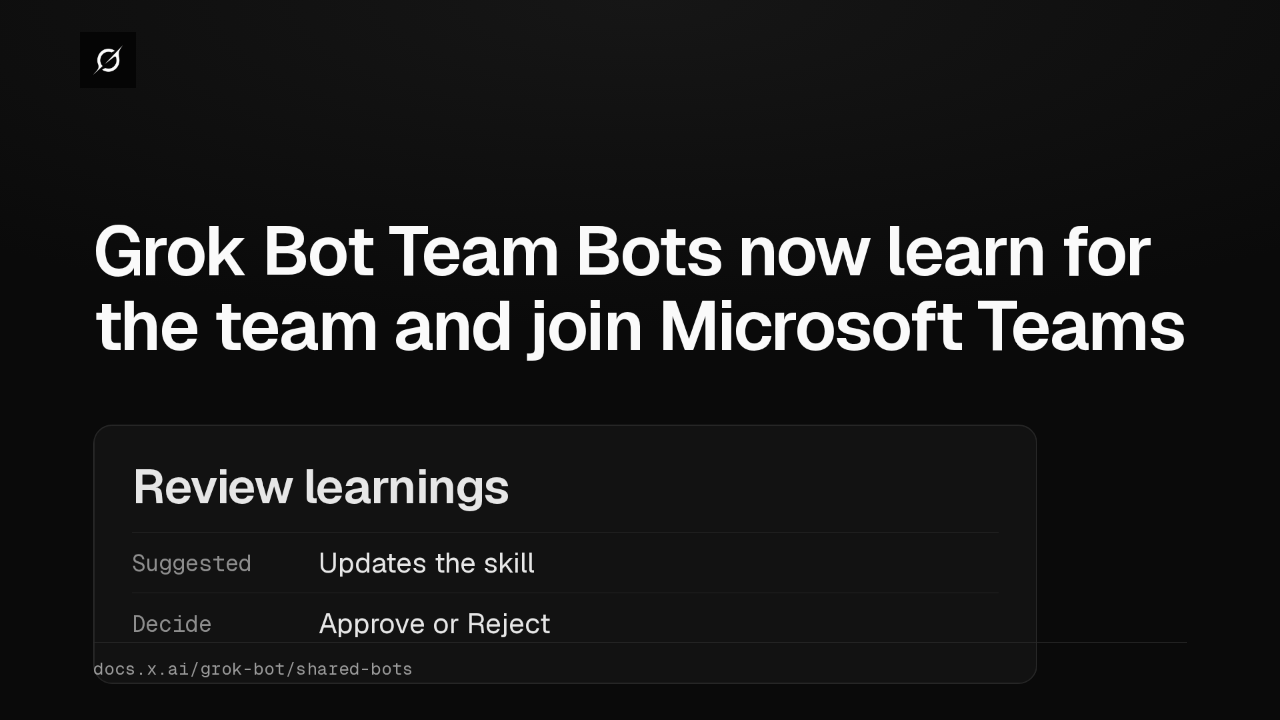
Grok Bot Team Bots now learn for the team and join Microsoft Teams
@grok-bot
2 weeks ago
 1:56
Grok Bot buys your conference pass from memory and asks before it emails finance
@grok-bot
2 weeks ago
 1:04
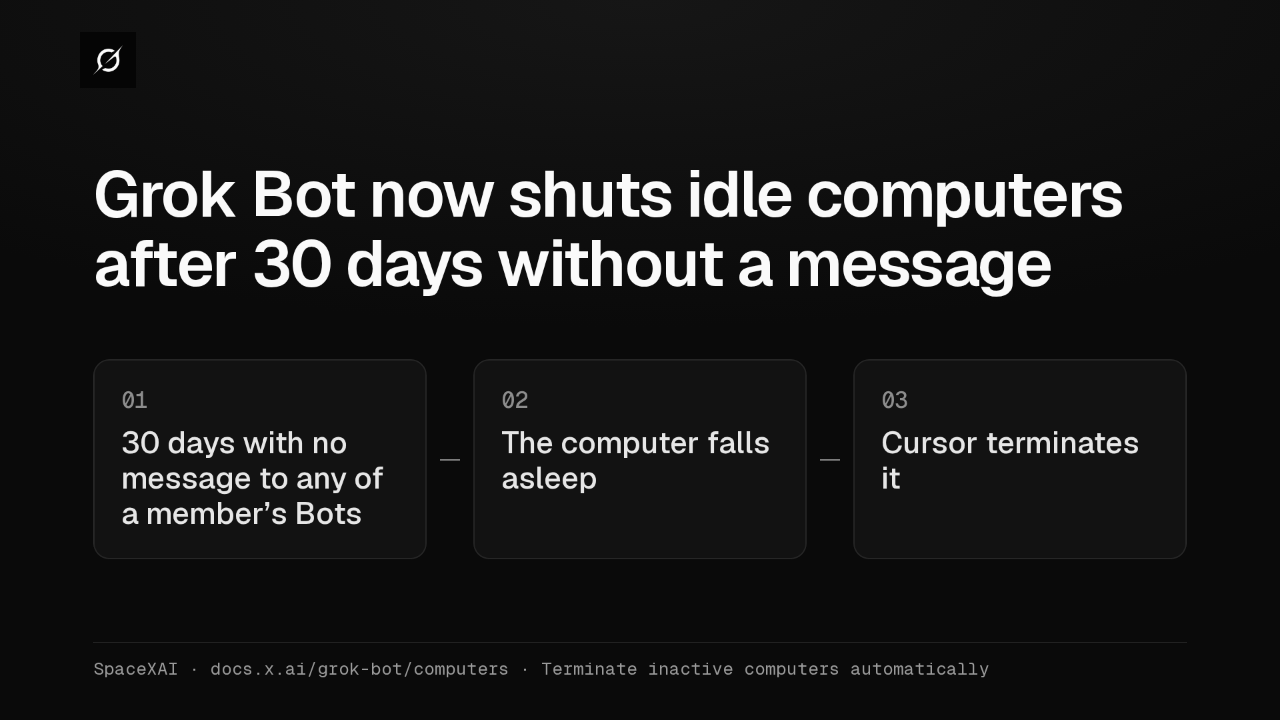
Grok Bot now shuts idle computers after 30 days without a message
@grok-bot
3 weeks ago
 2:17
Grok Bot inference hooks let your security server block a prompt before the model sees it
@grok-bot
1 month ago
 1:58
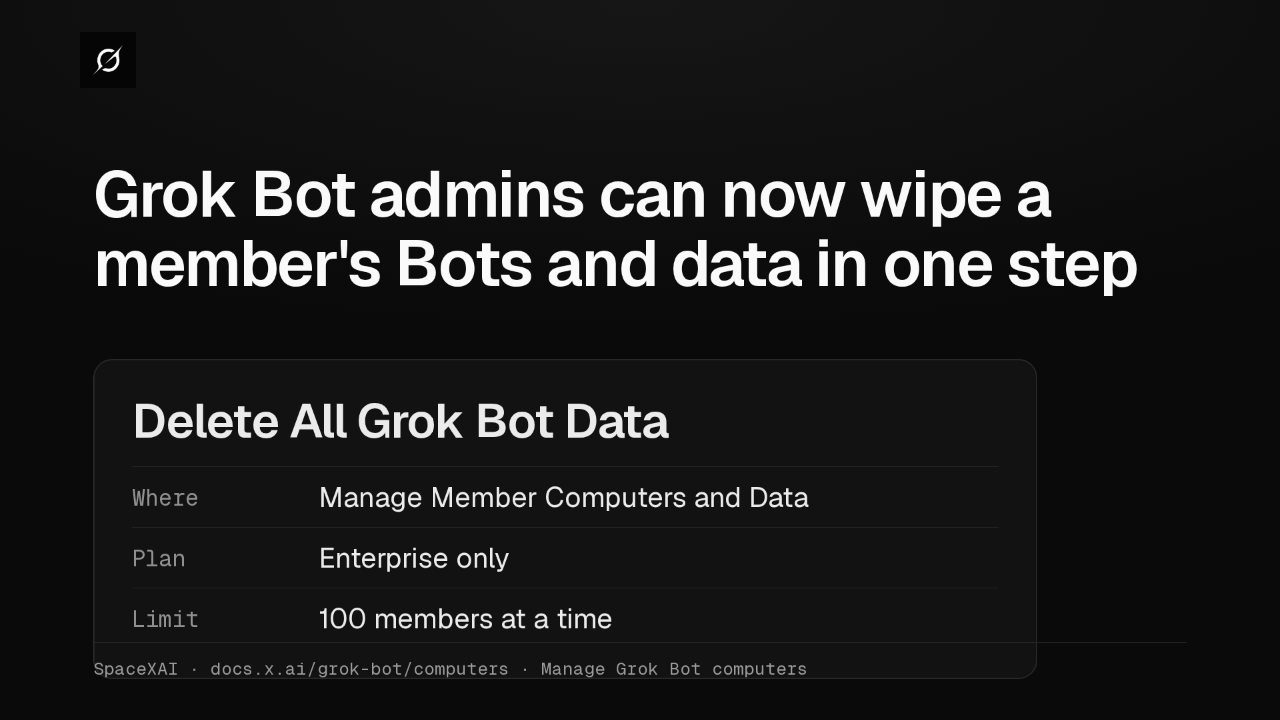
Grok Bot admins can now wipe a member's Bots and data in one step
@grok-bot
1 month ago