Grok Bot admins can now wipe a member's Bots and data in one step
1 month ago
Grok Bot admins on Enterprise can now delete all of a member's Grok Bot data in one step, or run it from the Organization API. Also new: allowlists turn off web search, Slack approval and plugin permission for Team Bots, editable email and Slack drafts, and notifications that follow you to the desktop.
Links
Ask about this presentation
Chapters
Show transcriptHide transcript
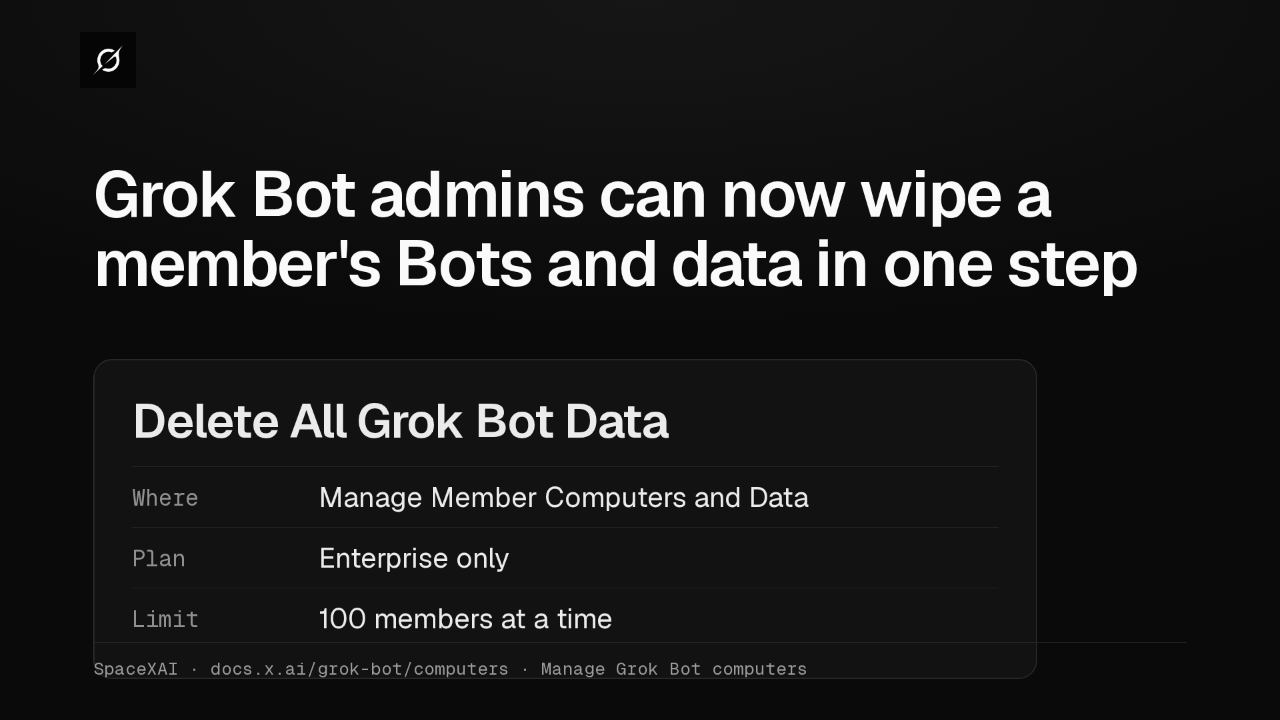
Grok Bot admins can now delete all of a member's Grok Bot data in one step. On Enterprise, Delete All Grok Bot Data handles up to 100 members at a time.
Slide text

Grok Bot admins can now wipe a member's Bots and data in one step
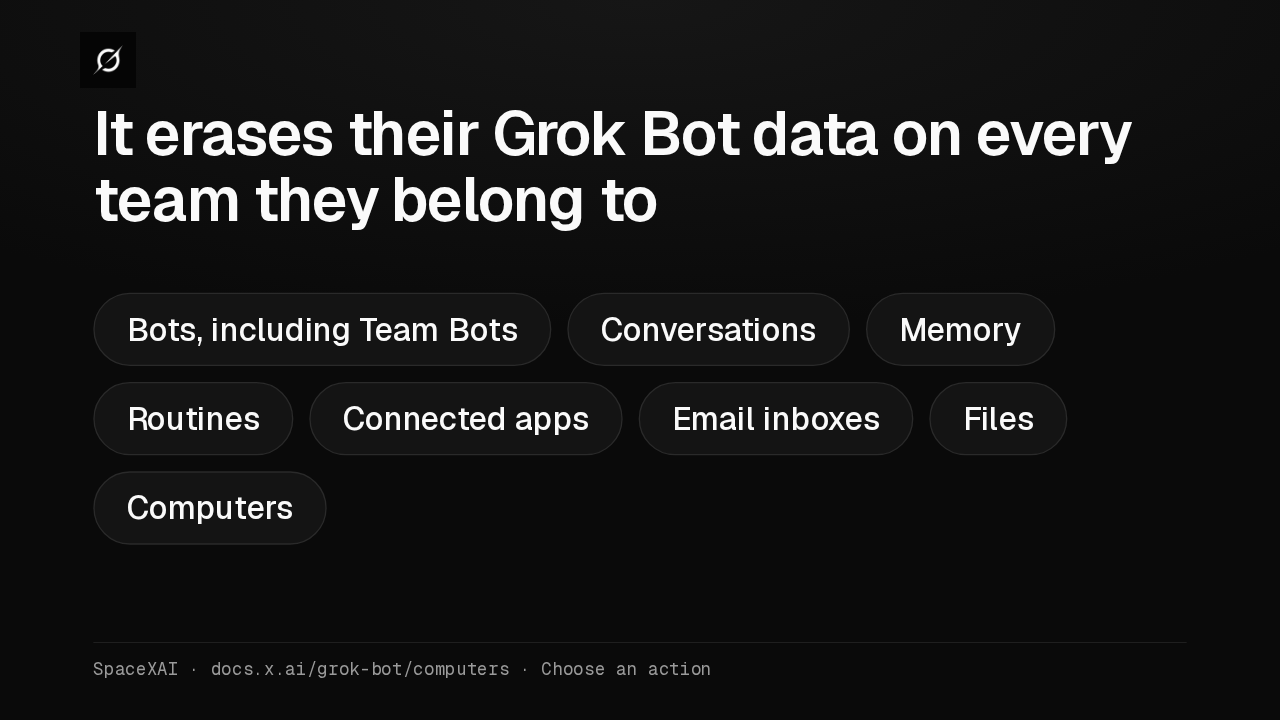
Delete All Grok Bot DataWhere Manage Member Computers and DataPlan Enterprise onlyLimit 100 members at a timeSpaceXAI · docs.x.ai/grok-bot/computers · Manage Grok Bot computersThe wipe reaches every team the member belongs to. It removes their Bots, including Team Bots their teammates work with, plus conversations, memory, routines, connected apps, email inboxes, files and computers.
Slide text
It erases their Grok Bot data on every team they belong to
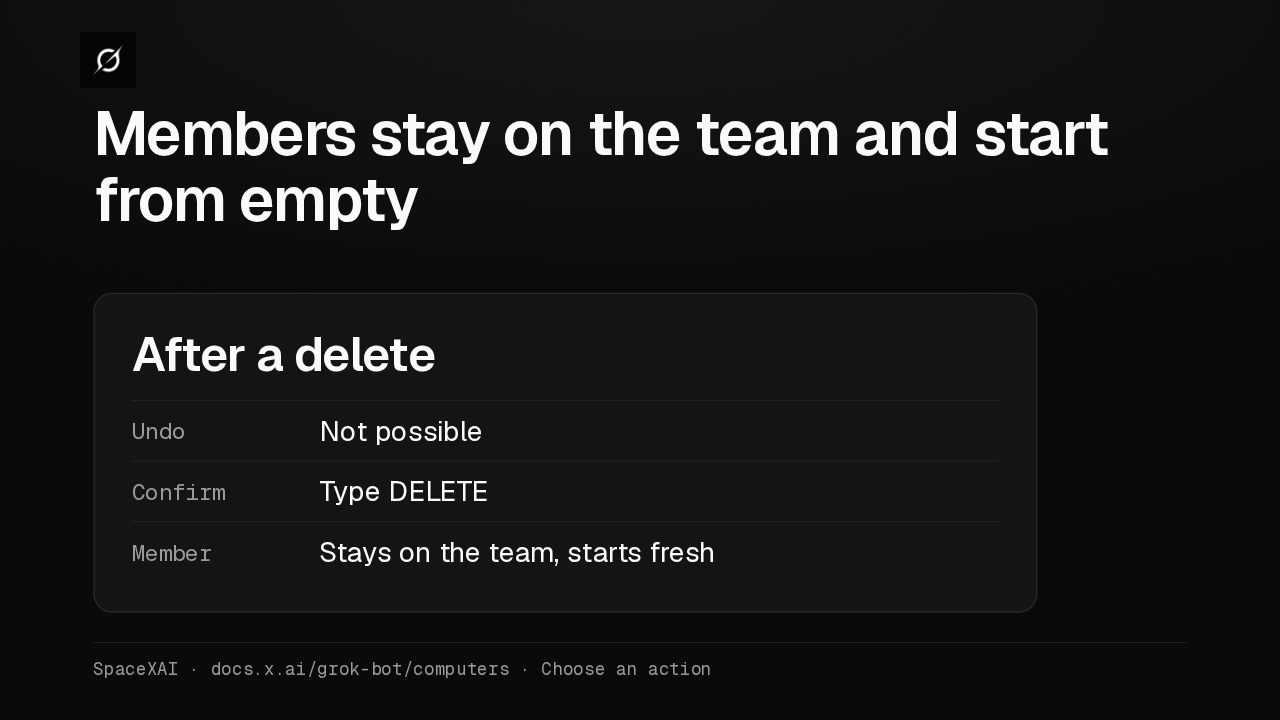
Bots, including Team Bots Conversations Memory Routines Connected apps Email inboxes Files ComputersSpaceXAI · docs.x.ai/grok-bot/computers · Choose an actionA delete can't be undone, and both delete actions make you type the word delete to confirm. The member stays on the team, and starts fresh the next time they use Grok Bot.
Slide text
Members stay on the team and start from empty
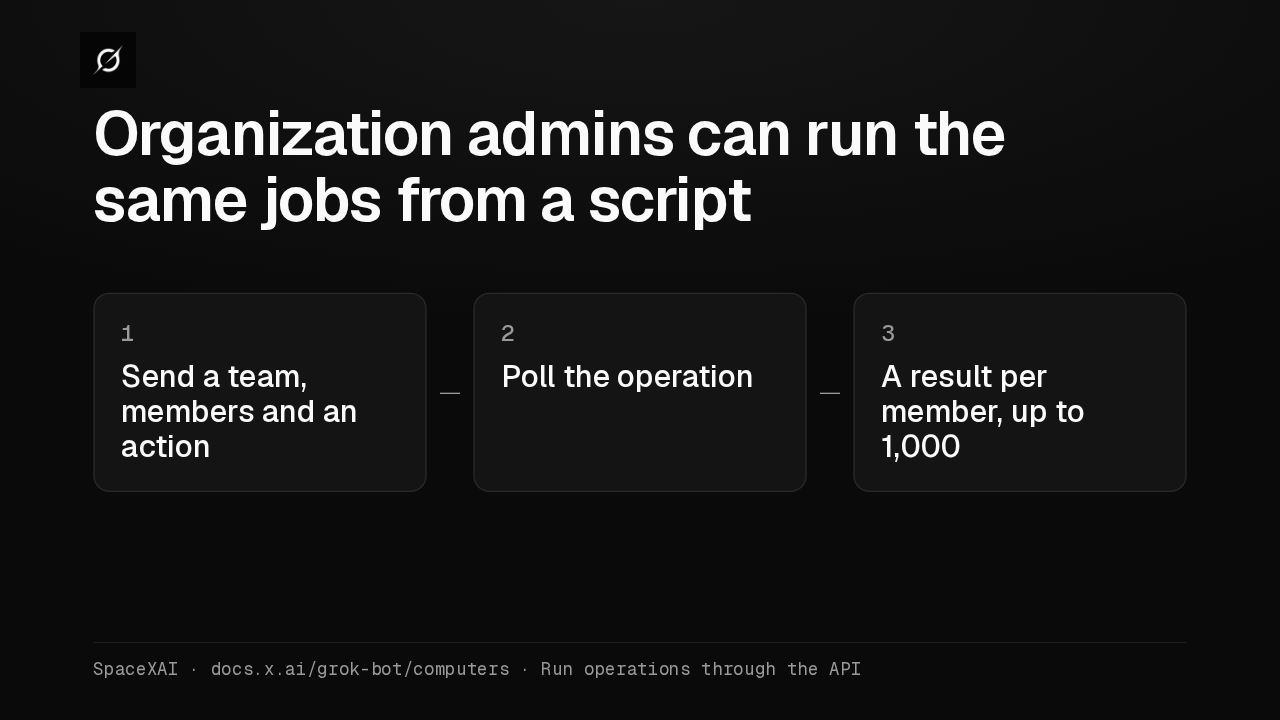
After a deleteUndo Not possibleConfirm Type DELETEMember Stays on the team, starts freshSpaceXAI · docs.x.ai/grok-bot/computers · Choose an actionOrganization admins can now recreate, terminate or delete members' computers, or wipe all their data, with the Organization API. The API and the dashboard share one running operation per team.
Slide text
Organization admins can run the same jobs from a script
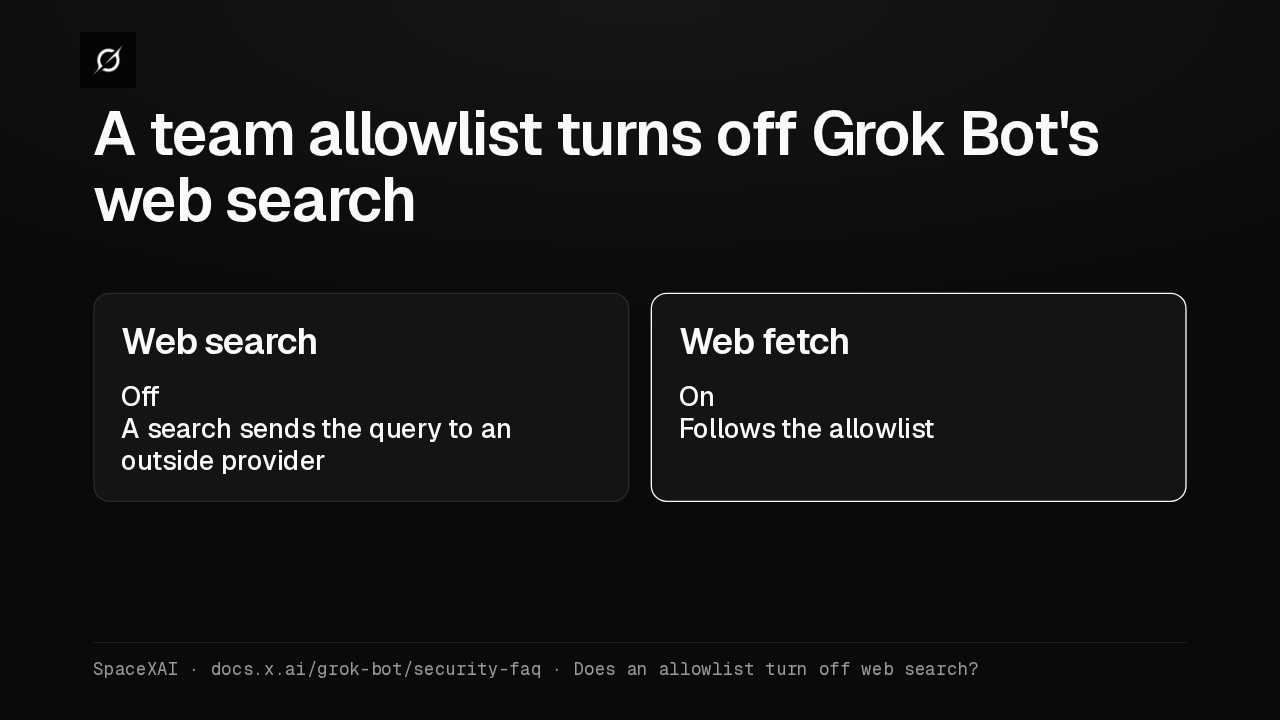
1 Send a team, members and an action2 Poll the operation3 A result per member, up to 1,000SpaceXAI · docs.x.ai/grok-bot/computers · Run operations through the APIWhen your team's network policy is an allowlist, Grok Bot's web search is off, because every search sends the query to an outside provider. Web fetch stays on, and follows the allowlist.
Slide text
A team allowlist turns off Grok Bot's web search
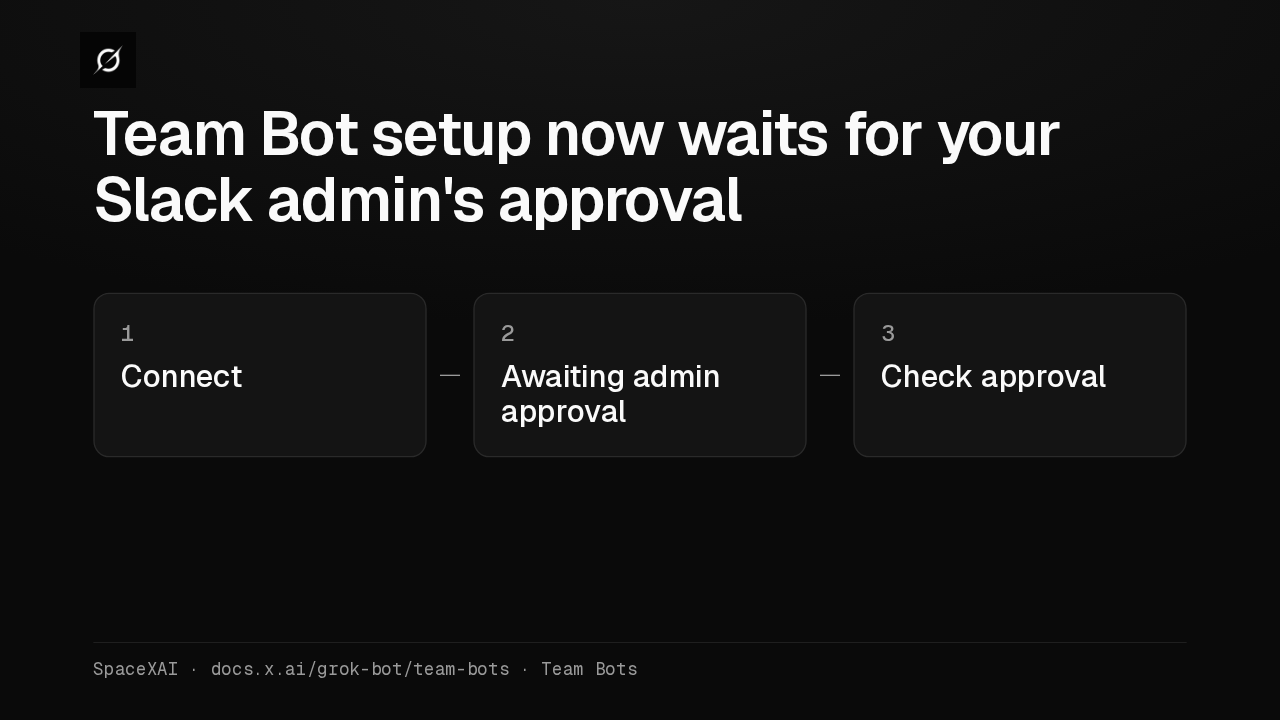
Web searchOffA search sends the query to an outside providerWeb fetchOnFollows the allowlistSpaceXAI · docs.x.ai/grok-bot/security-faq · Does an allowlist turn off web search?If your Slack workspace requires approval for new apps, Connect now opens Slack's request page. Setup shows Awaiting admin approval, with options to check, resubmit or cancel. After a denial, Connect starts a new request.
Slide text
Team Bot setup now waits for your Slack admin's approval
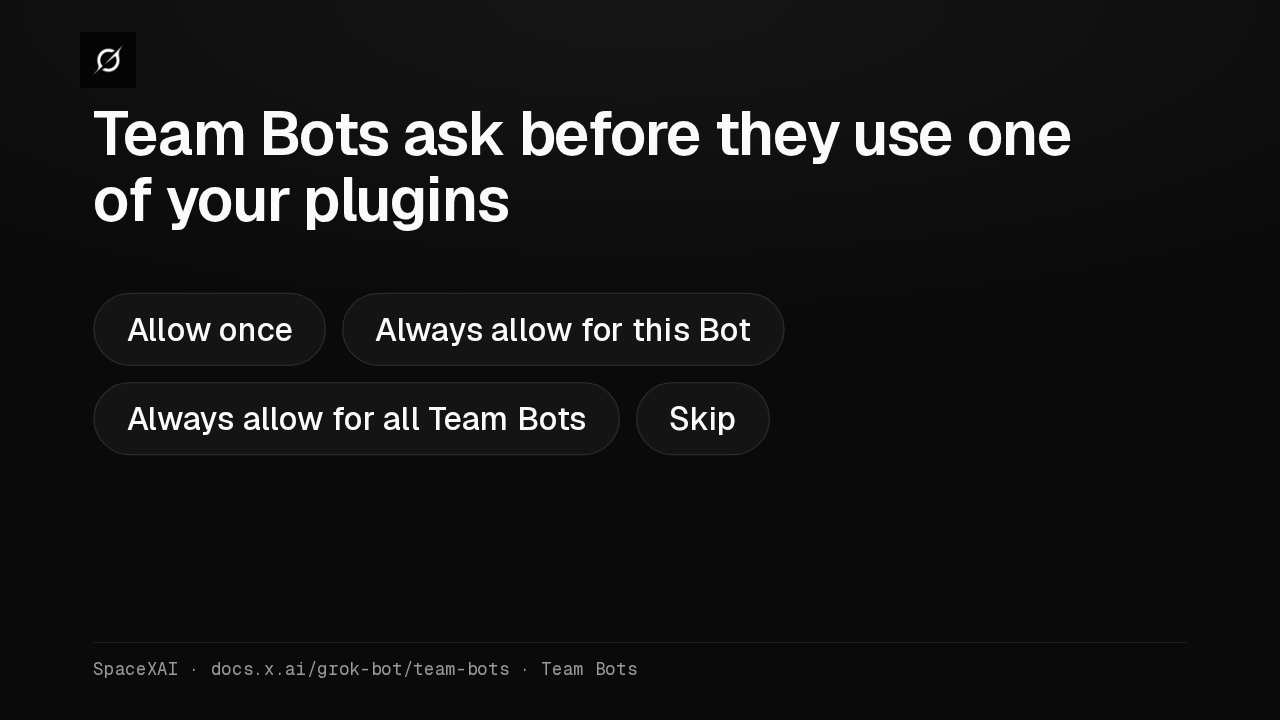
1 Connect2 Awaiting admin approval3 Check approvalSpaceXAI · docs.x.ai/grok-bot/team-bots · Team BotsWhen a Team Bot wants one of your plugins, it names the plugin and the account it will use. You allow it once, always for this Bot, always for every Team Bot, or skip it.
Slide text
Team Bots ask before they use one of your plugins
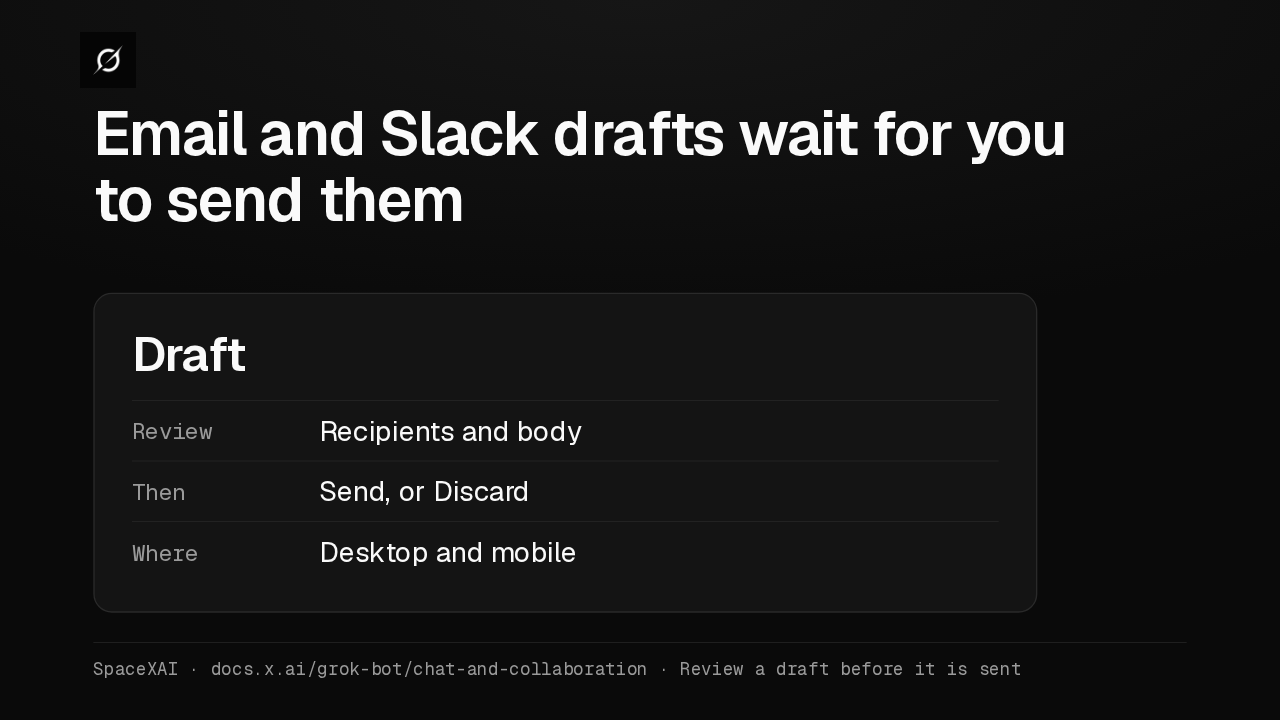
Allow once Always allow for this Bot Always allow for all Team Bots SkipSpaceXAI · docs.x.ai/grok-bot/team-bots · Team BotsWhen a Bot prepares an email or Slack message for you, the conversation can now show an editable draft. Check the recipients and body, then send it or discard it, on desktop or phone.
Slide text
Email and Slack drafts wait for you to send them
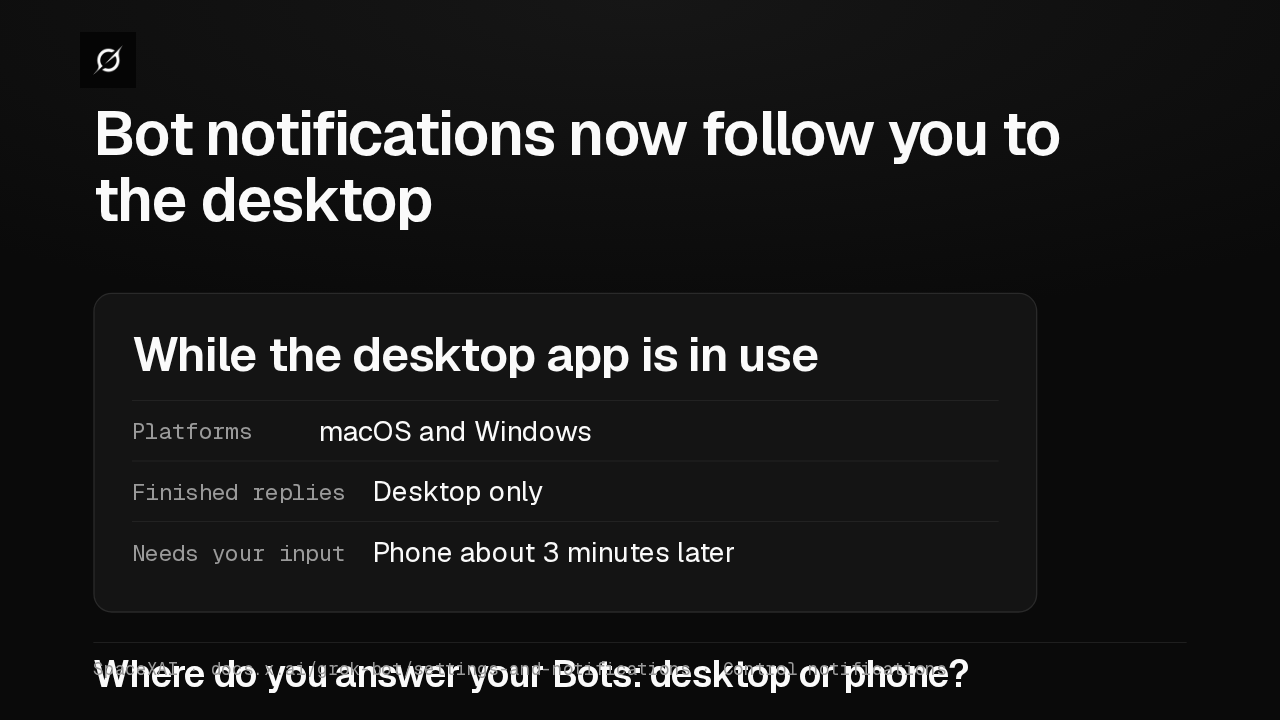
DraftReview Recipients and bodyThen Send, or DiscardWhere Desktop and mobileSpaceXAI · docs.x.ai/grok-bot/chat-and-collaboration · Review a draft before it is sentWhile you use the desktop app on macOS or Windows, your Bots now notify the desktop instead of your phone. If a Bot needs input, your phone is notified about three minutes later. Where do you answer yours?
Slide text
Bot notifications now follow you to the desktop
While the desktop app is in usePlatforms macOS and WindowsFinished replies Desktop onlyNeeds your input Phone about 3 minutes laterWhere do you answer your Bots: desktop or phone?SpaceXAI · docs.x.ai/grok-bot/settings-and-notifications · Control notifications
Up next
 1:58
Grok Bot now books hotels for you, and spells out how to fix a stuck computer
@grok-bot
2 days ago
 0:49
Grok Bot apps now have share links that open them ready to add
@grok-bot
1 week ago
 0:50
Grok Bot now joins your Zoom and Google Meet calls on Super plans too
@grok-bot
1 week ago
 2:09
Grok Bot now lets your whole team share one Bot in Slack and Microsoft Teams
@grok-bot
1 week ago
 1:52
Grok Bot's Vault lets Bots sign in and pay without seeing your passwords
@grok-bot
2 weeks ago
 1:06
Grok Bot now acts only as you, and keeps your passwords out of the model
@grok-bot
2 weeks ago
 2:29
Grok Bot now signs in with Okta FastPass on its own computers
@grok-bot
2 weeks ago
 2:19
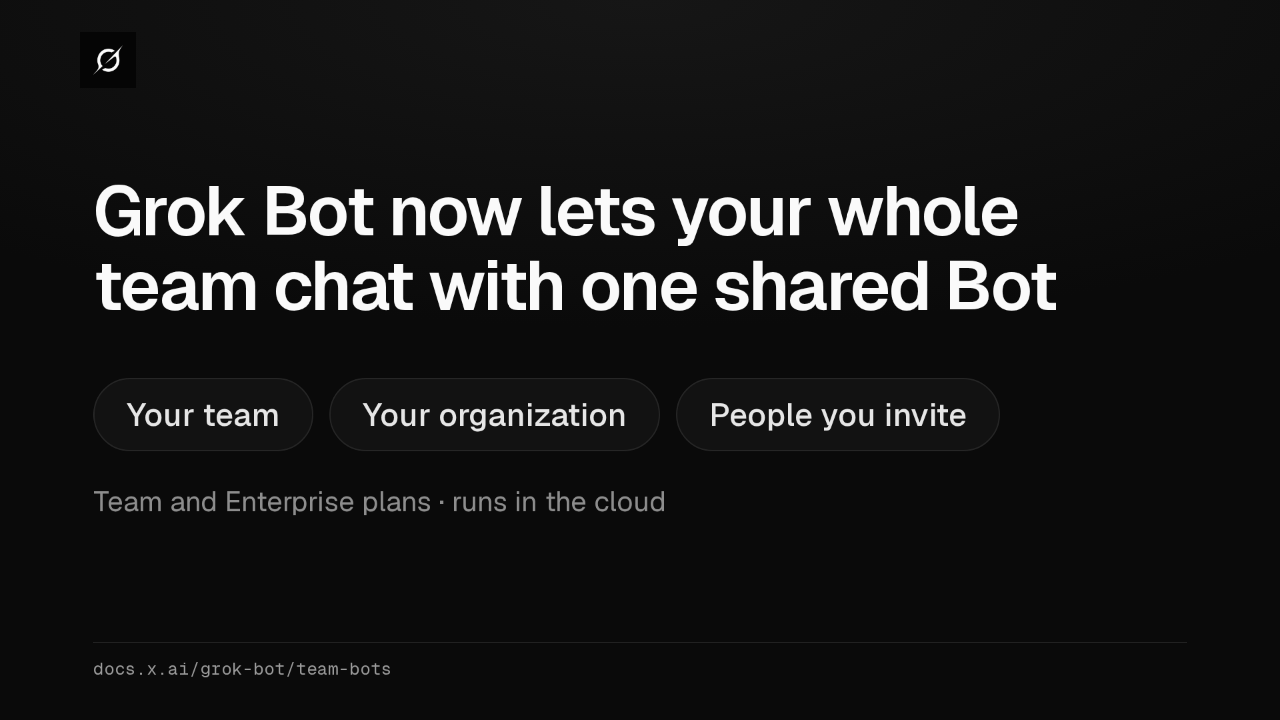
Grok Bot now shares one Bot with your whole team, in Slack and Teams
@grok-bot
2 weeks ago
 1:59
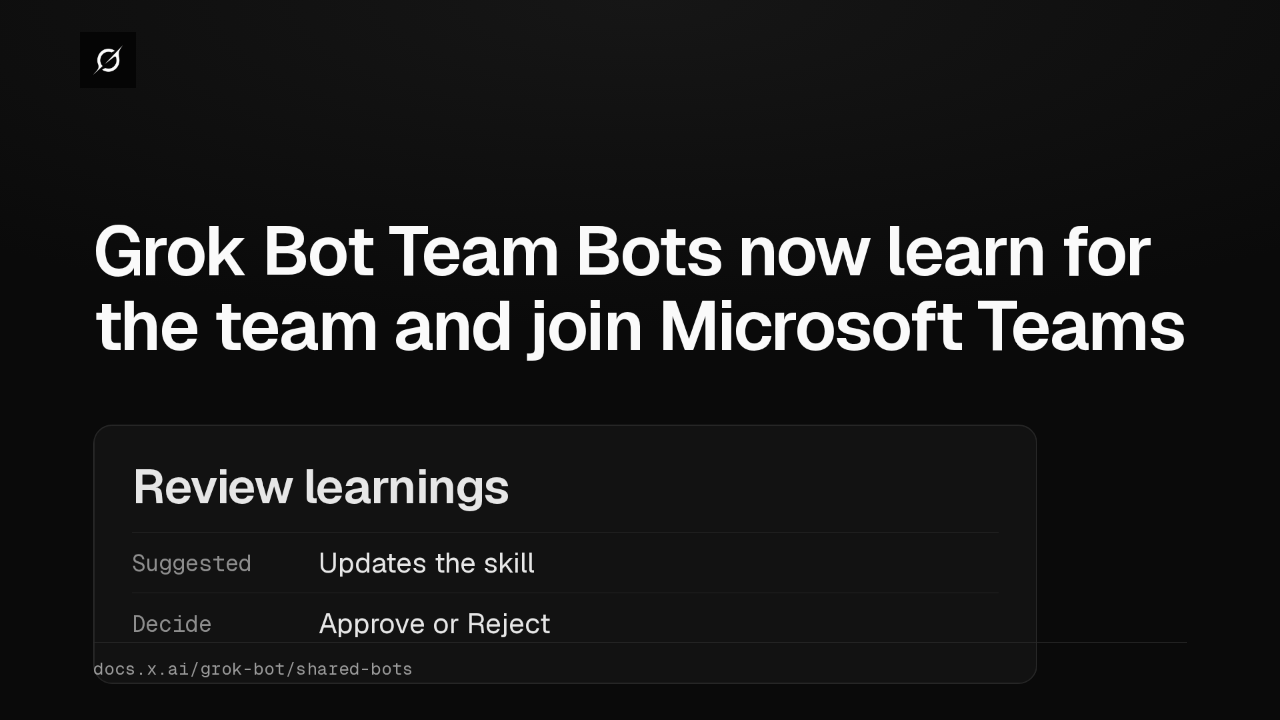
Grok Bot Team Bots now learn for the team and join Microsoft Teams
@grok-bot
2 weeks ago
 1:56
Grok Bot buys your conference pass from memory and asks before it emails finance
@grok-bot
2 weeks ago
 1:04
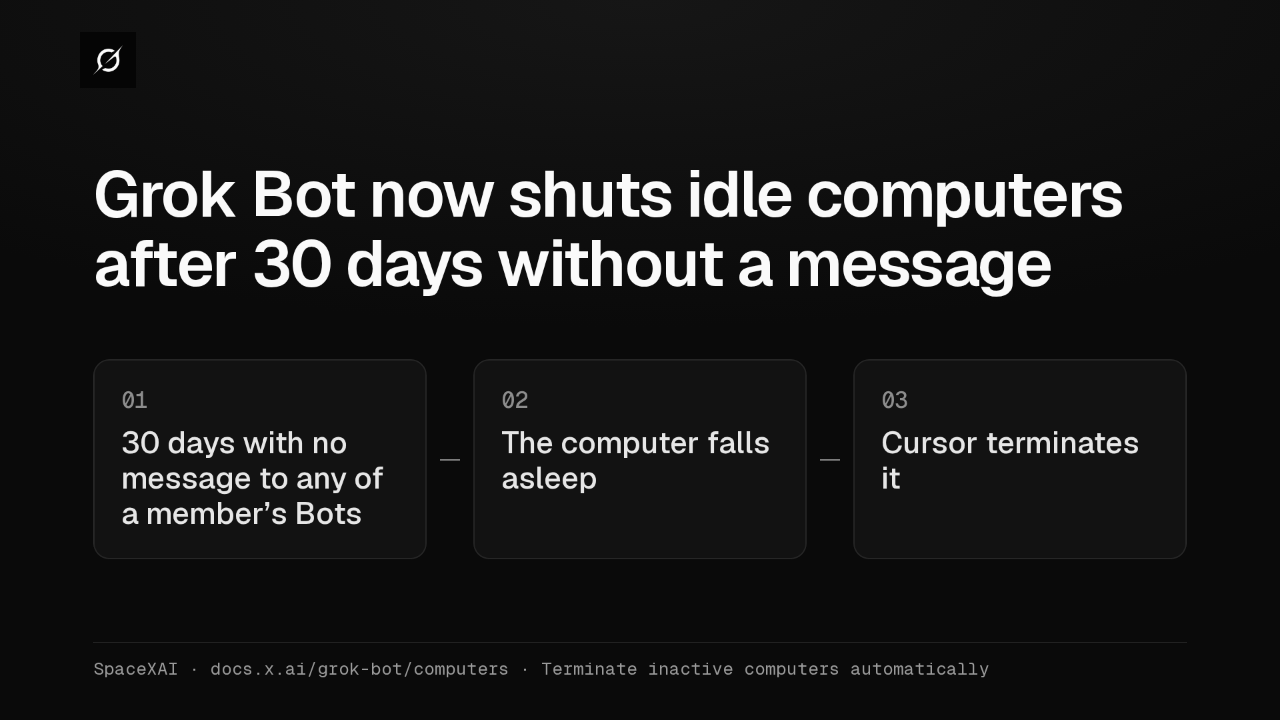
Grok Bot now shuts idle computers after 30 days without a message
@grok-bot
3 weeks ago
 2:17
Grok Bot inference hooks let your security server block a prompt before the model sees it
@grok-bot
1 month ago