Grok Bot lets Enterprise team admins recreate or terminate Bot computers in bulk
1 month ago
Grok Bot team admins on Enterprise can now recreate or terminate their members' Bot computers in bulk, restart them after a settings change, and terminate computers left unused for 30 days. A new switch also turns off Messaging Between Bots.
Links
Ask about this presentation
Chapters
Show transcriptHide transcript
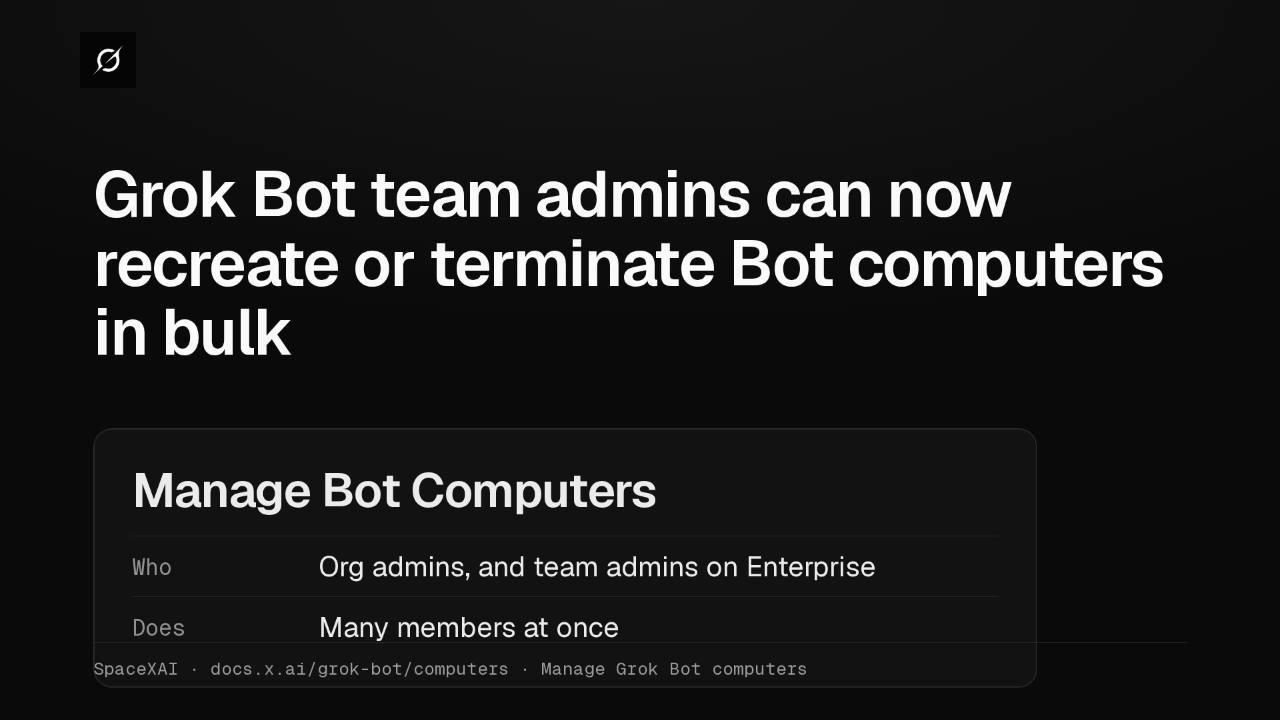
Team admins on an Enterprise team can now manage their members' Grok Bot computers, alongside organization admins. Manage Bot Computers, on the Grok Bot dashboard page, recreates or terminates computers for many members at once.
Slide text

Grok Bot team admins can now recreate or terminate Bot computers in bulk
Manage Bot ComputersWho Org admins, and team admins on EnterpriseDoes Many members at onceSpaceXAI · docs.x.ai/grok-bot/computers · Manage Grok Bot computersBoth actions keep each member's durable disk, so their Bots, files and logins come back. Recreate moves them to the latest image and runs Team Setup again. Terminate stops the work, and their next message starts a fresh computer.
Slide text
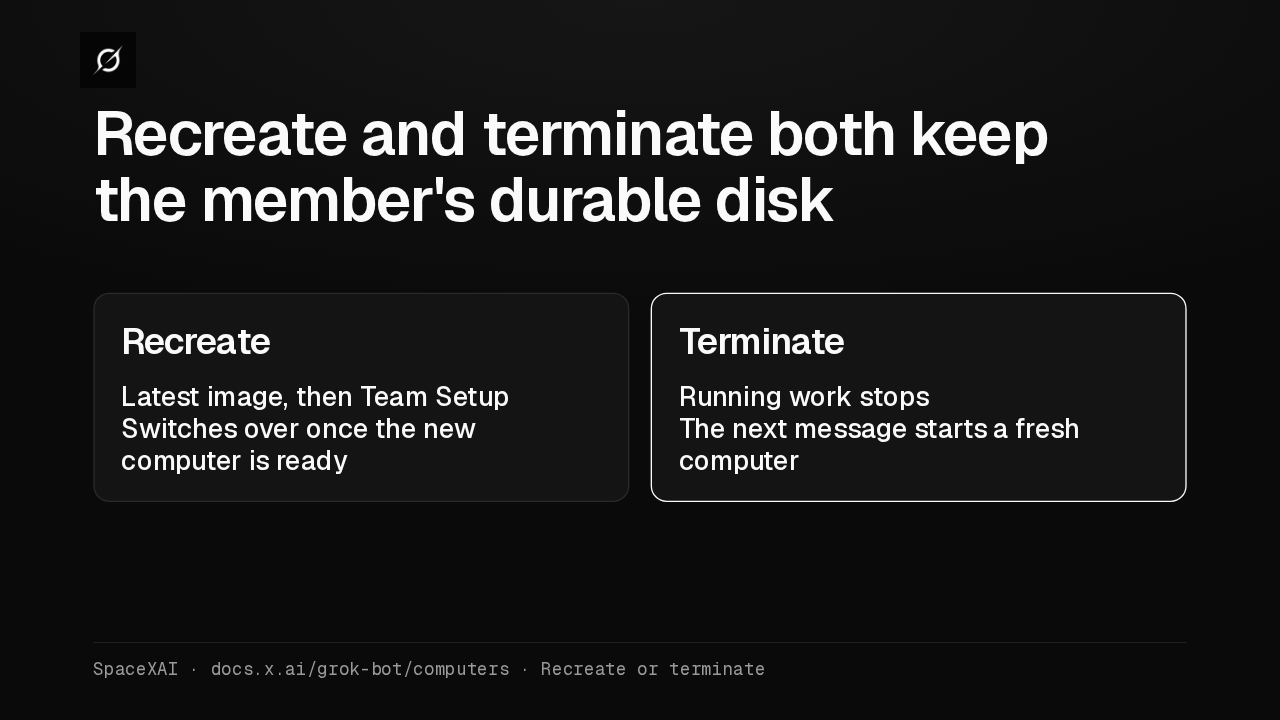
Recreate and terminate both keep the member's durable disk
RecreateLatest image, then Team SetupSwitches over once the new computer is readyTerminateRunning work stopsThe next message starts a fresh computerSpaceXAI · docs.x.ai/grok-bot/computers · Recreate or terminateEither action removes apps and packages members installed themselves. Anything Team Setup installs comes back. A terminate loses the turn that was running, and a recreate can drop sign-ins to company tools.
Slide text
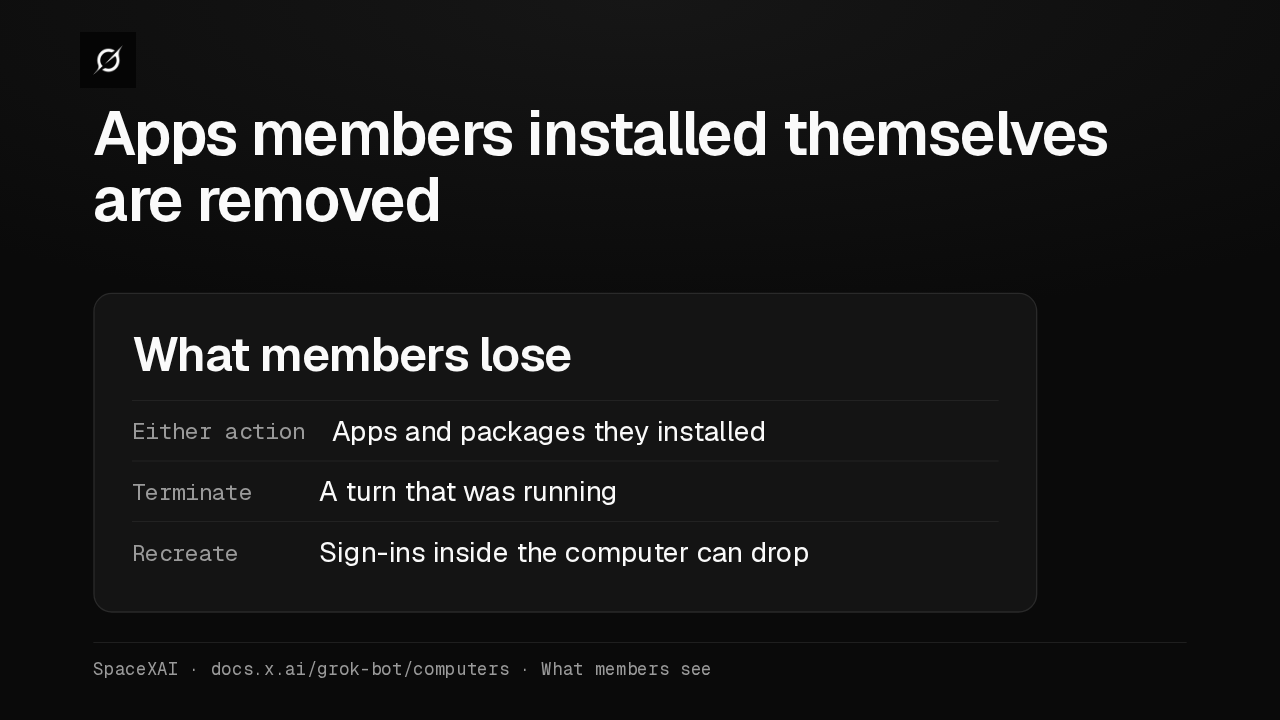
Apps members installed themselves are removed
What members loseEither action Apps and packages they installedTerminate A turn that was runningRecreate Sign-ins inside the computer can dropSpaceXAI · docs.x.ai/grok-bot/computers · What members seeAfter some team settings change, the Grok Bot page shows a restart notice. Enterprise team admins can run that restart themselves. It recreates every member's computer with the current settings. Terminate and delete stay under Manage Bot Computers.
Slide text
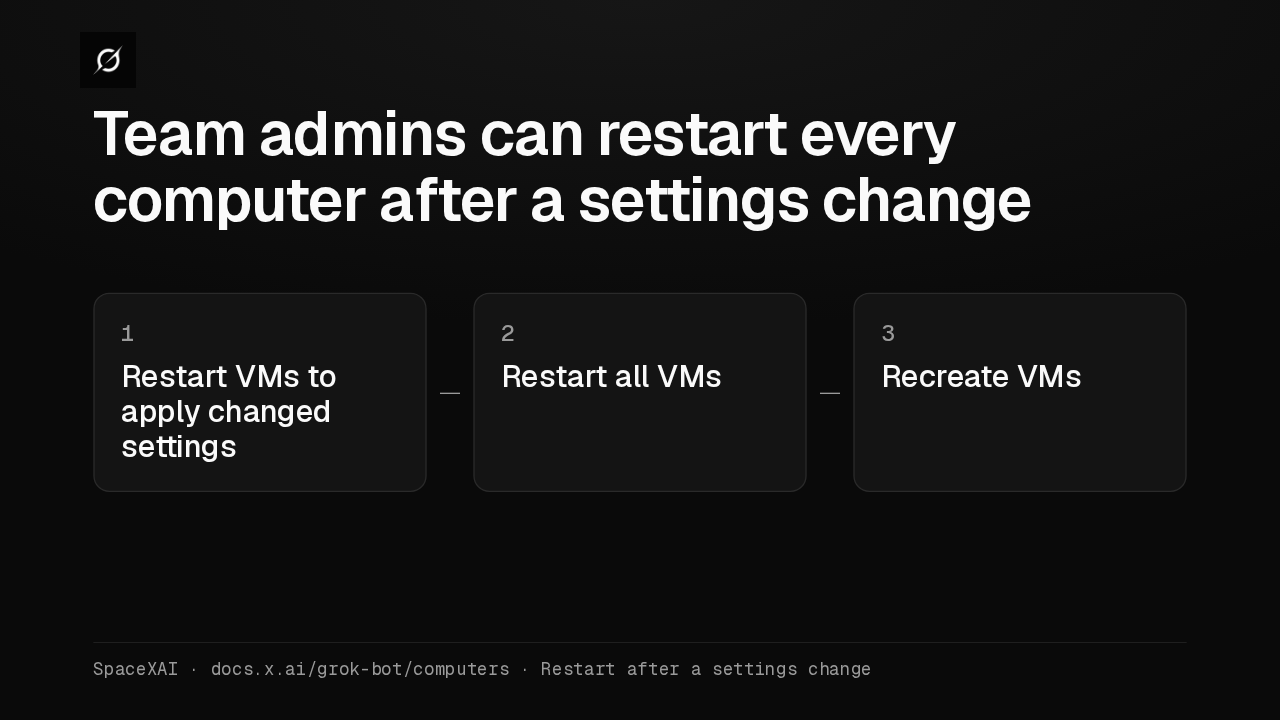
Team admins can restart every computer after a settings change
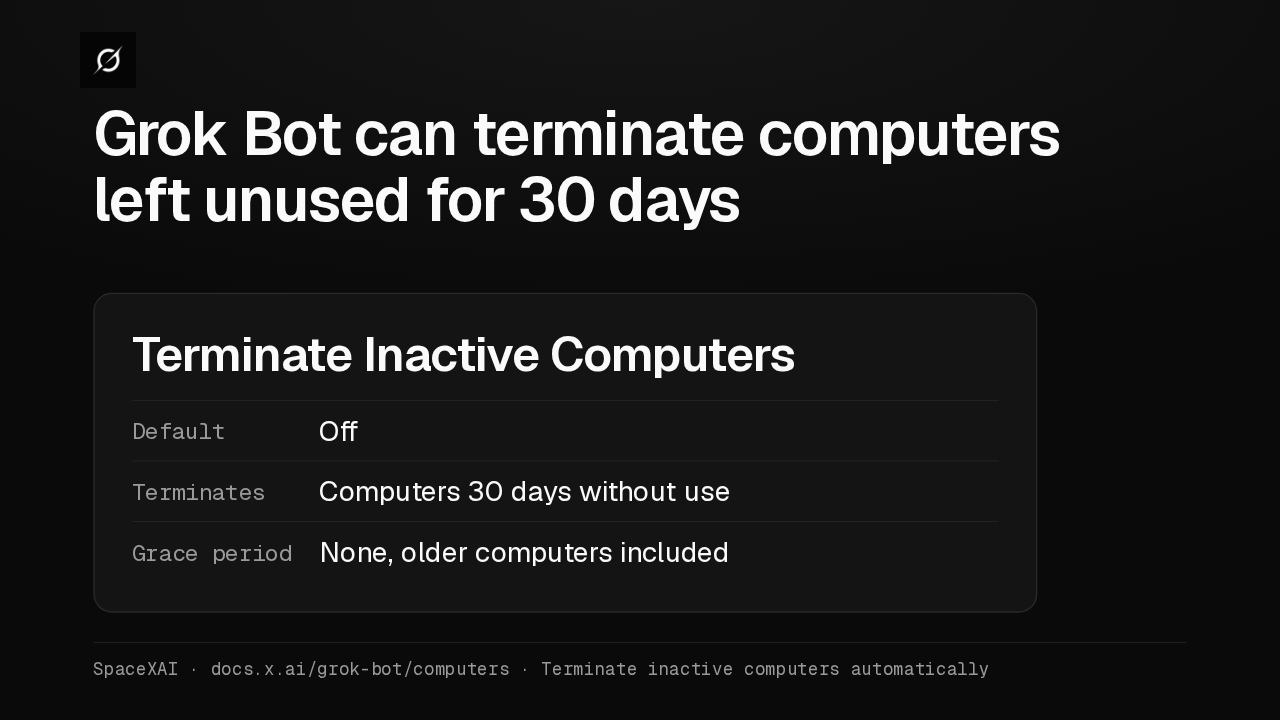
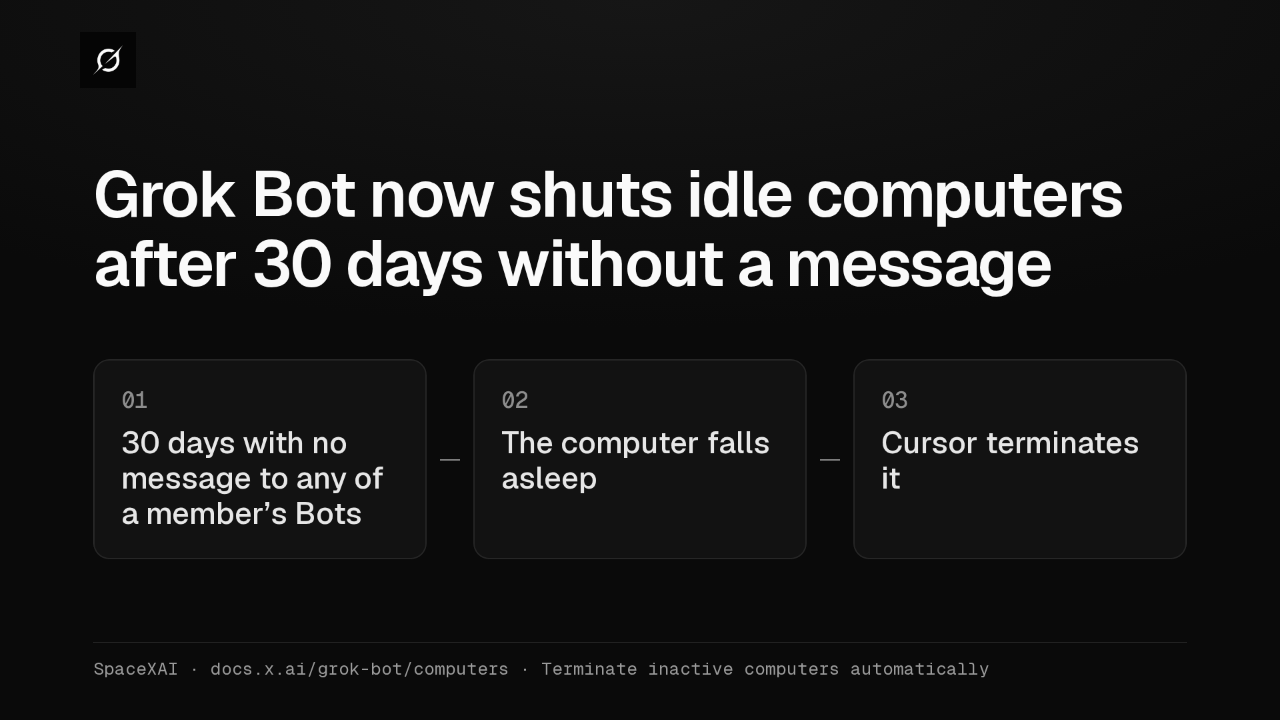
1 Restart VMs to apply changed settings2 Restart all VMs3 Recreate VMsSpaceXAI · docs.x.ai/grok-bot/computers · Restart after a settings changeTerminate Inactive Computers cleans up idle computers, and it's off by default. Turned on, it terminates any computer unused for 30 days, including ones already past that mark. A computer with a Bot at work is left alone.
Slide text
Grok Bot can terminate computers left unused for 30 days
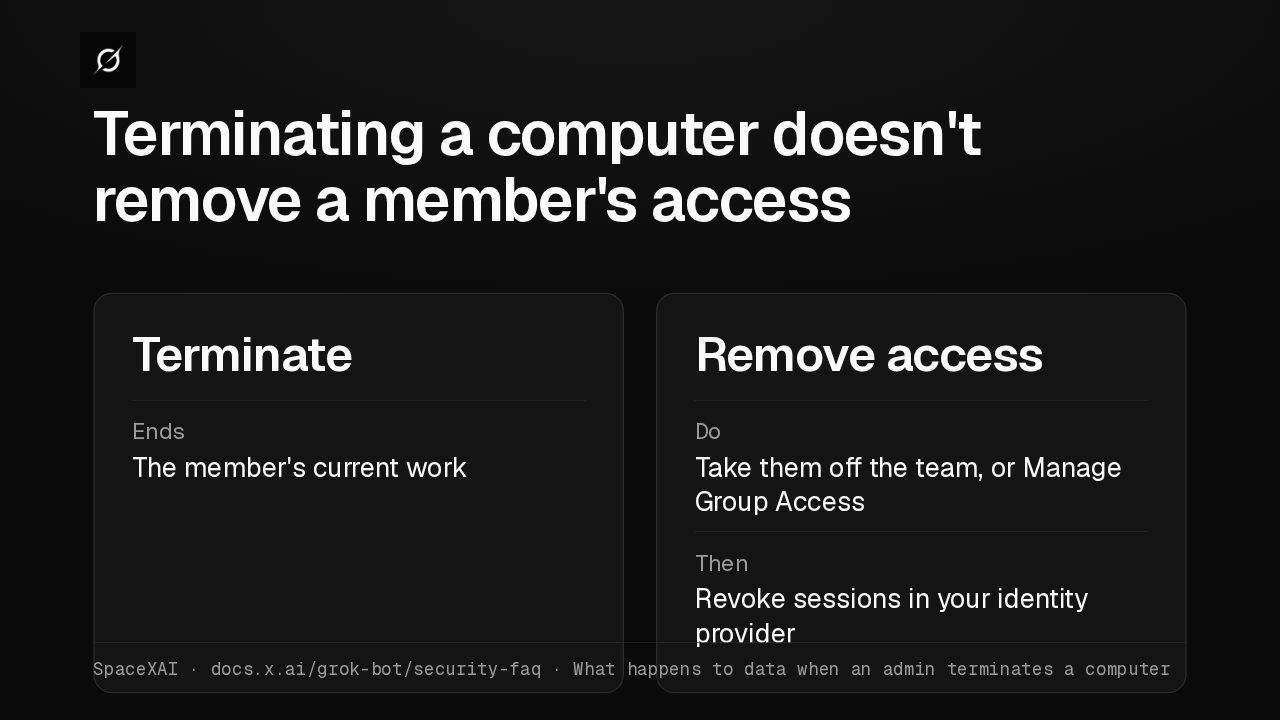
Terminate Inactive ComputersDefault OffTerminates Computers 30 days without useGrace period None, older computers includedSpaceXAI · docs.x.ai/grok-bot/computers · Terminate inactive computers automaticallyTerminating a computer, by hand or automatically, only ends the member's current work. To remove access, take the member off the team or turn off their access with Manage Group Access, then revoke their sessions in your identity provider.
Slide text
Terminating a computer doesn't remove a member's access
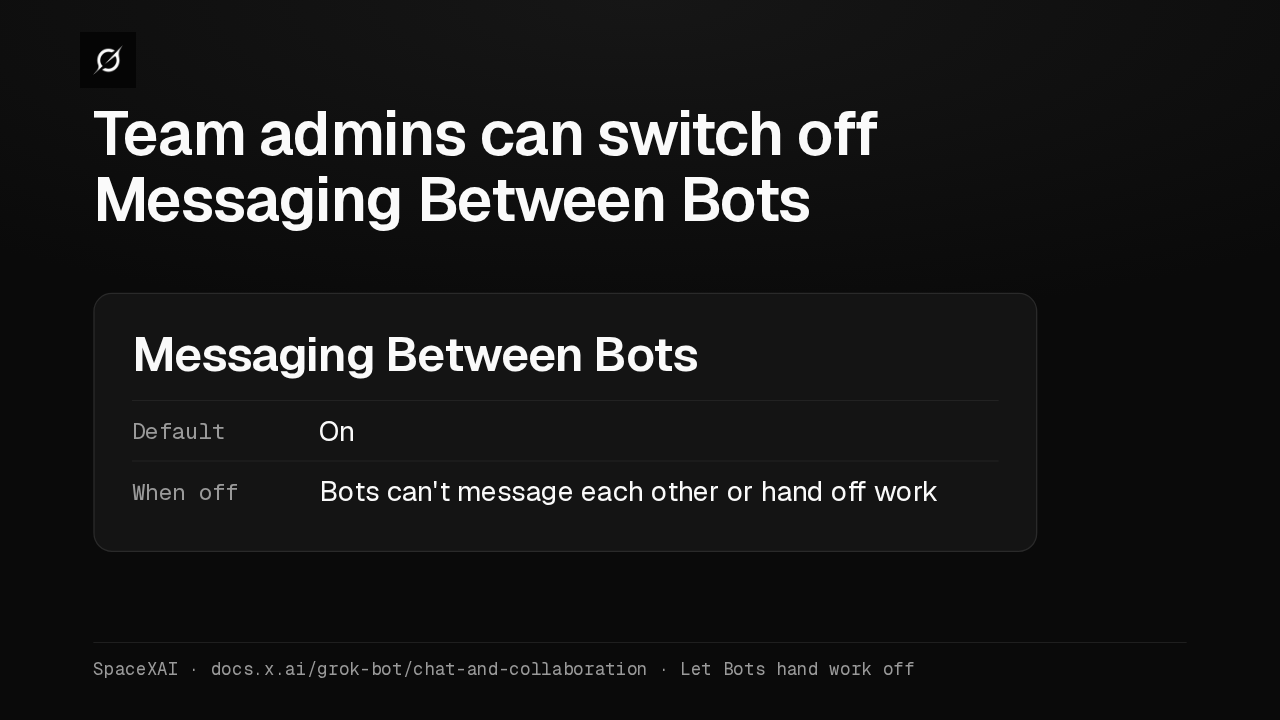
TerminateEnds The member's current workRemove accessDo Take them off the team, or Manage Group AccessThen Revoke sessions in your identity providerSpaceXAI · docs.x.ai/grok-bot/security-faq · What happens to data when an admin terminates a computerA team admin can also turn off Messaging Between Bots, which is on by default. While it's off, members' Bots can't message other Bots or hand them work, and other Bots can't message them.
Slide text
Team admins can switch off Messaging Between Bots
Messaging Between BotsDefault OnWhen off Bots can't message each other or hand off workSpaceXAI · docs.x.ai/grok-bot/chat-and-collaboration · Let Bots hand work off
Up next
 1:58
Grok Bot now books hotels for you, and spells out how to fix a stuck computer
@grok-bot
2 days ago
 0:49
Grok Bot apps now have share links that open them ready to add
@grok-bot
1 week ago
 0:50
Grok Bot now joins your Zoom and Google Meet calls on Super plans too
@grok-bot
1 week ago
 2:09
Grok Bot now lets your whole team share one Bot in Slack and Microsoft Teams
@grok-bot
1 week ago
 1:52
Grok Bot's Vault lets Bots sign in and pay without seeing your passwords
@grok-bot
2 weeks ago
 1:06
Grok Bot now acts only as you, and keeps your passwords out of the model
@grok-bot
2 weeks ago
 2:29
Grok Bot now signs in with Okta FastPass on its own computers
@grok-bot
2 weeks ago
 2:19
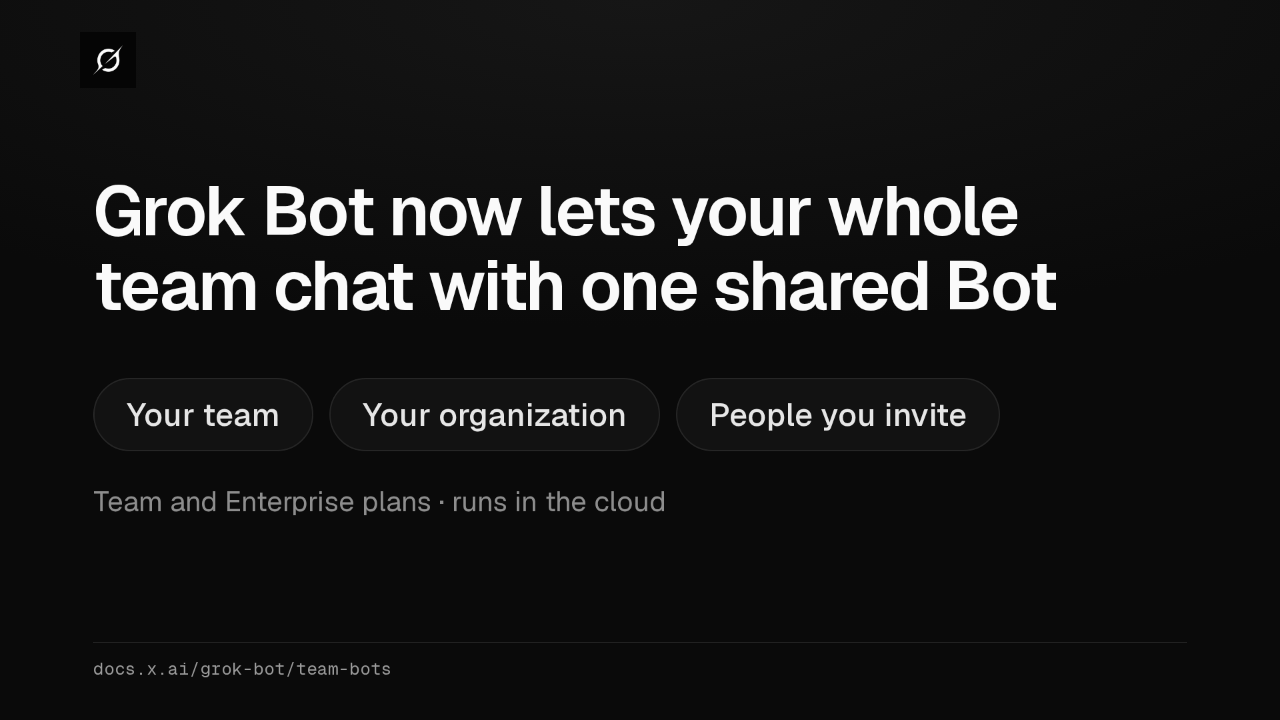
Grok Bot now shares one Bot with your whole team, in Slack and Teams
@grok-bot
2 weeks ago
 1:59
Grok Bot Team Bots now learn for the team and join Microsoft Teams
@grok-bot
2 weeks ago
 1:56
Grok Bot buys your conference pass from memory and asks before it emails finance
@grok-bot
2 weeks ago
 1:04
Grok Bot now shuts idle computers after 30 days without a message
@grok-bot
3 weeks ago
 2:17
Grok Bot inference hooks let your security server block a prompt before the model sees it
@grok-bot
1 month ago