Orca v1.4.259 clears out the workspaces your agents leave behind
2 hours ago
Orca v1.4.259 clears out the workspaces your agents leave behind with opt-in Workspace Cleanup, opens any subagent in its own view, runs Kimi Code in Chat, streams dictation live, and stops agents from taking your keyboard. Release notes: https://github.com/stablyai/orca/releases/tag/v1.4.259 Full changelog: https://github.com/stablyai/orca/compare/v1.4.258...v1.4.259
Ask about this presentation
Chapters
Show transcriptHide transcript
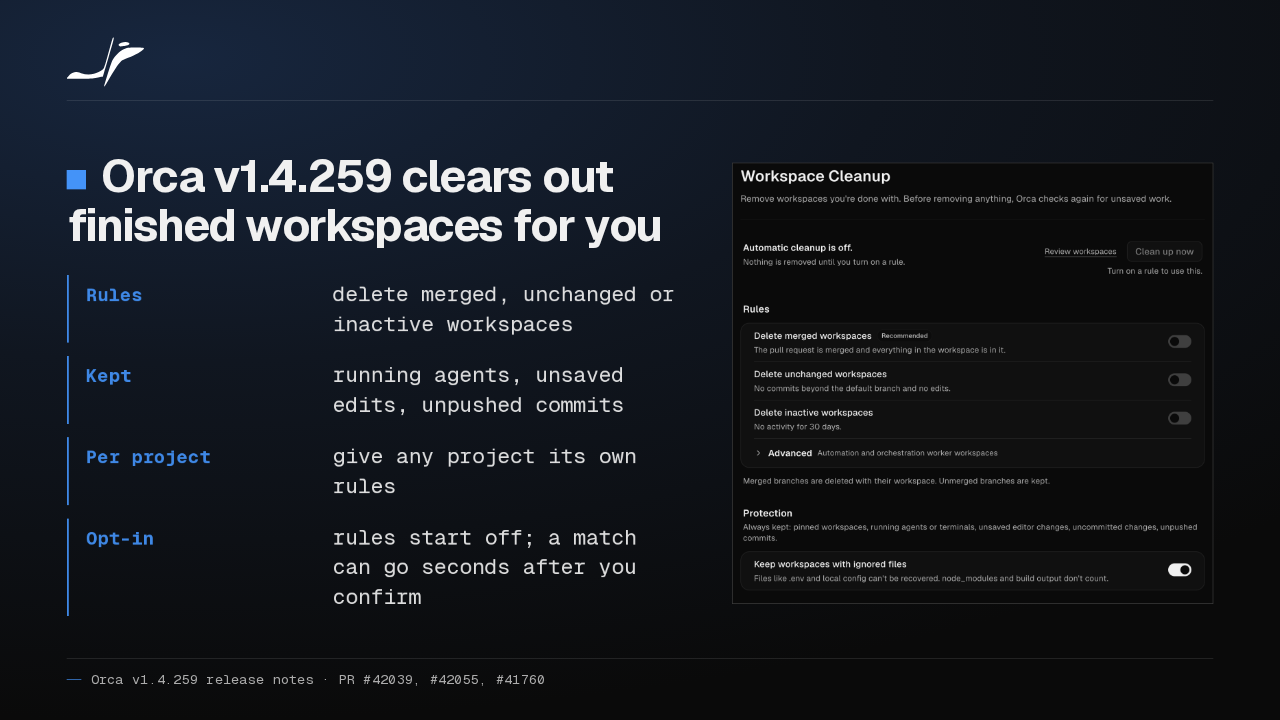
Orca 1.4.259 clears out finished workspaces for you: merged, unchanged or inactive ones. Rules start off, so check the preview first. A match can be deleted seconds after you confirm.
Slide text

Orca v1.4.259 clears out finished workspaces for you
- Rules
- delete merged, unchanged or inactive workspaces
- Kept
- running agents, unsaved edits, unpushed commits
- Per project
- give any project its own rules
- Opt-in
- rules start off; a match can go seconds after you confirm

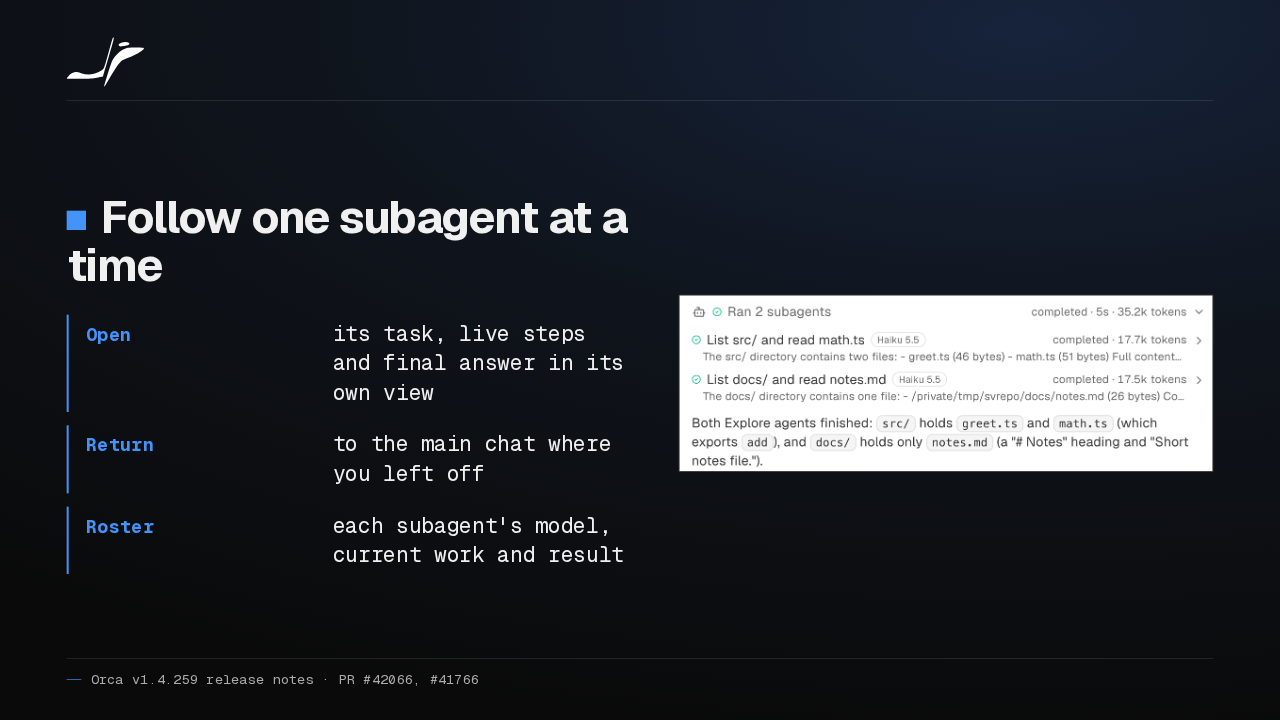
Open any subagent in its own view, with its task, live steps and final answer, then go back to the main chat where you left off. The roster shows each one's model and result.
Slide text
Follow one subagent at a time
- Open
- its task, live steps and final answer in its own view
- Return
- to the main chat where you left off
- Roster
- each subagent's model, current work and result

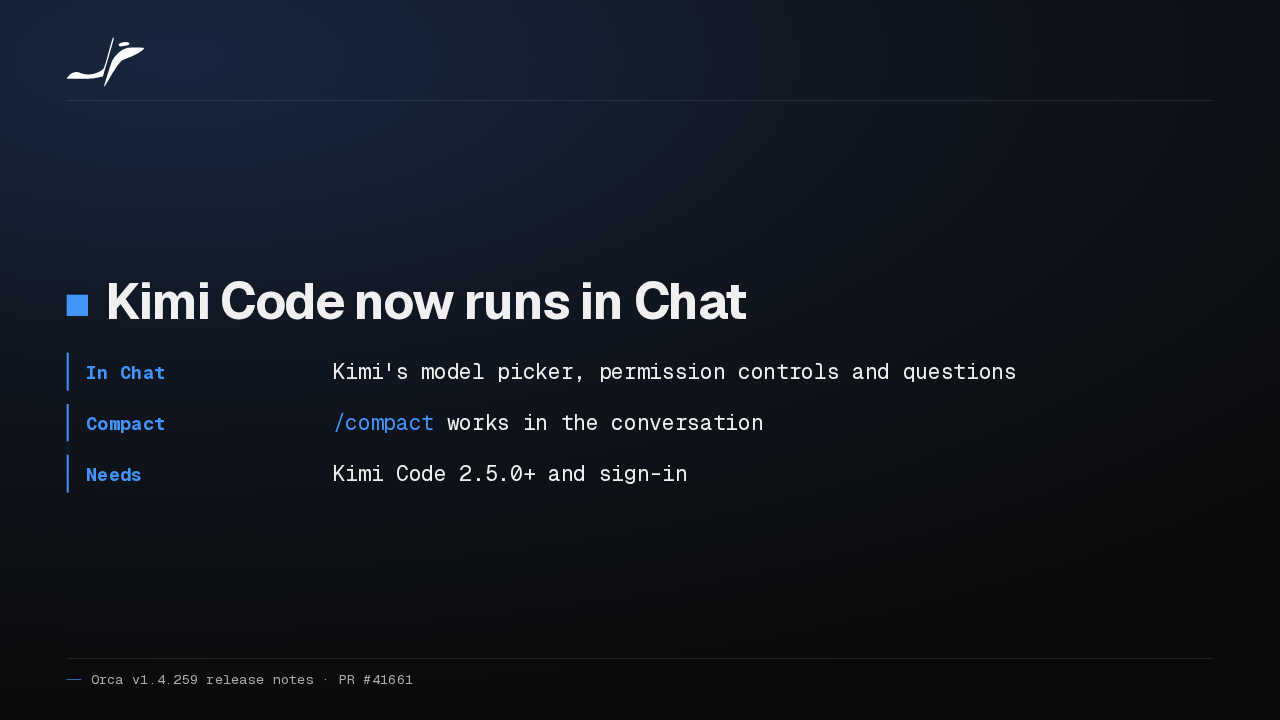
Kimi Code now runs in Orca's Chat, with its own model picker, permission controls and questions, and /compact works too. You need Kimi Code 2.5.0 or later, signed in.
Slide text
Kimi Code now runs in Chat
- In Chat
- Kimi's model picker, permission controls and questions
- Compact
/compactworks in the conversation- Needs
- Kimi Code 2.5.0+ and sign-in
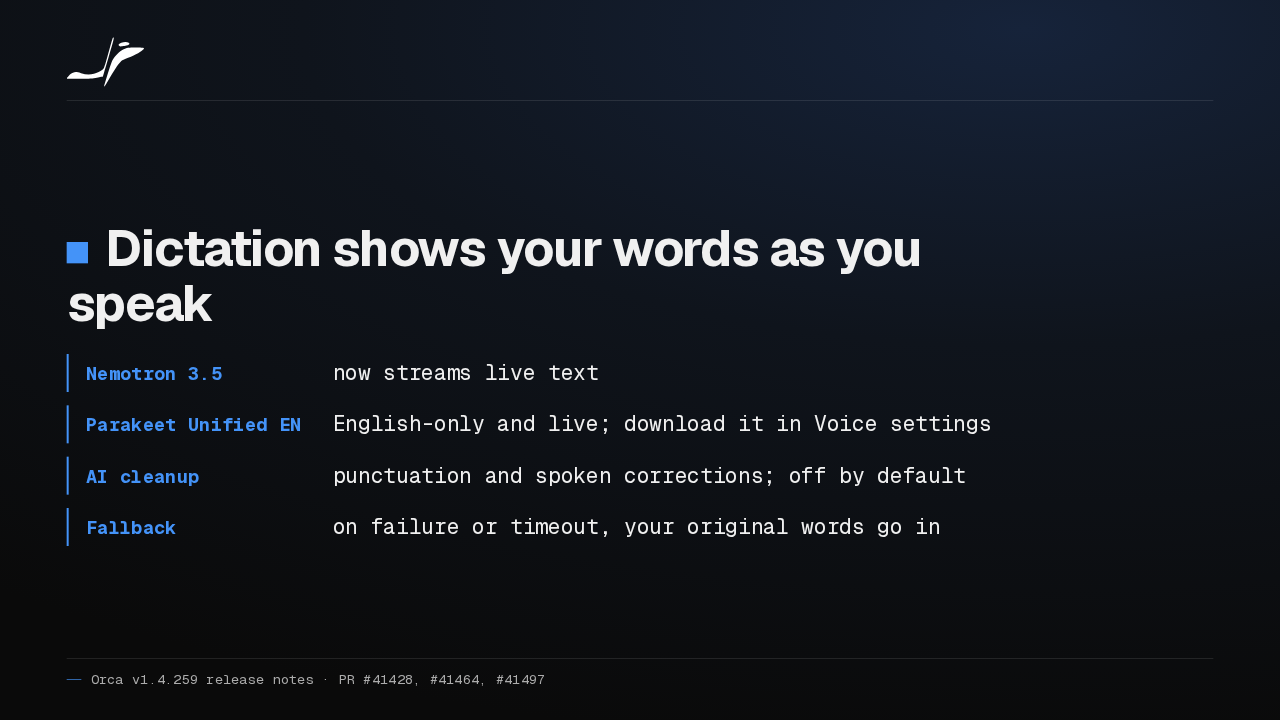
Dictation now shows your words as you speak, with Nemotron 3.5 or the new English-only Parakeet model. Optional AI cleanup fixes punctuation. It starts off, and asks before sending your words to an agent.
Slide text
Dictation shows your words as you speak
- Nemotron 3.5
- now streams live text
- Parakeet Unified EN
- English-only and live; download it in Voice settings
- AI cleanup
- punctuation and spoken corrections; off by default
- Fallback
- on failure or timeout, your original words go in
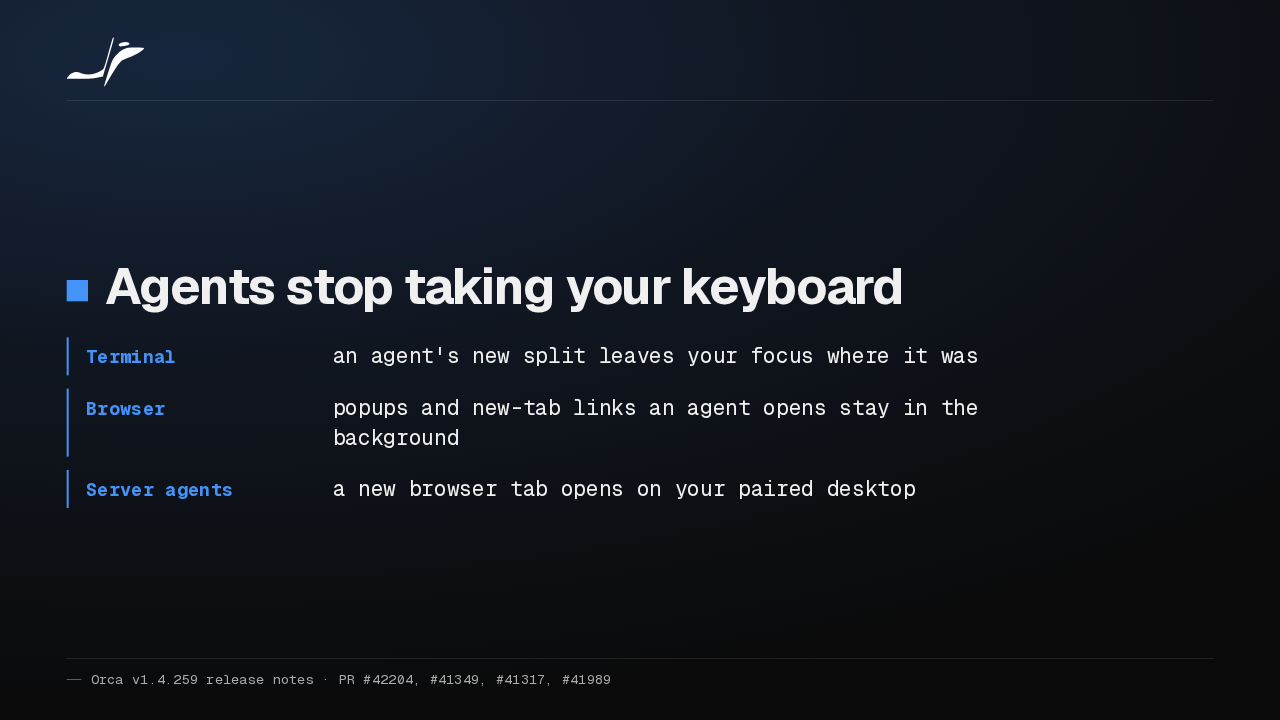
Agents stop taking your keyboard. When one splits a terminal, your focus stays where it was. Popups and links it opens in the browser stay in the background, behind your tab.
Slide text
Agents stop taking your keyboard
- Terminal
- an agent's new split leaves your focus where it was
- Browser
- popups and new-tab links an agent opens stay in the background
- Server agents
- a new browser tab opens on your paired desktop
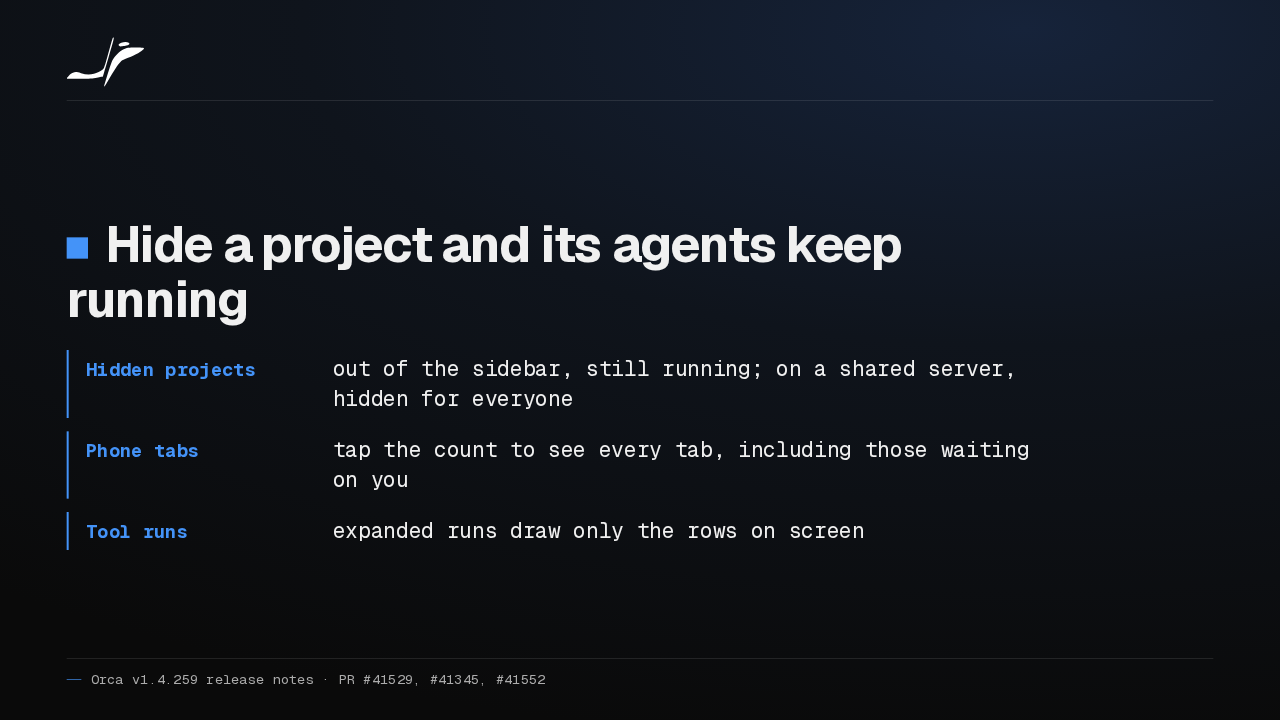
Hide a project from the sidebar and its agents keep running. On your phone, tap the tab count to find the tab waiting on your answer. And long tool runs draw only what's on screen.
Slide text
Hide a project and its agents keep running
- Hidden projects
- out of the sidebar, still running; on a shared server, hidden for everyone
- Phone tabs
- tap the count to see every tab, including those waiting on you
- Tool runs
- expanded runs draw only the rows on screen
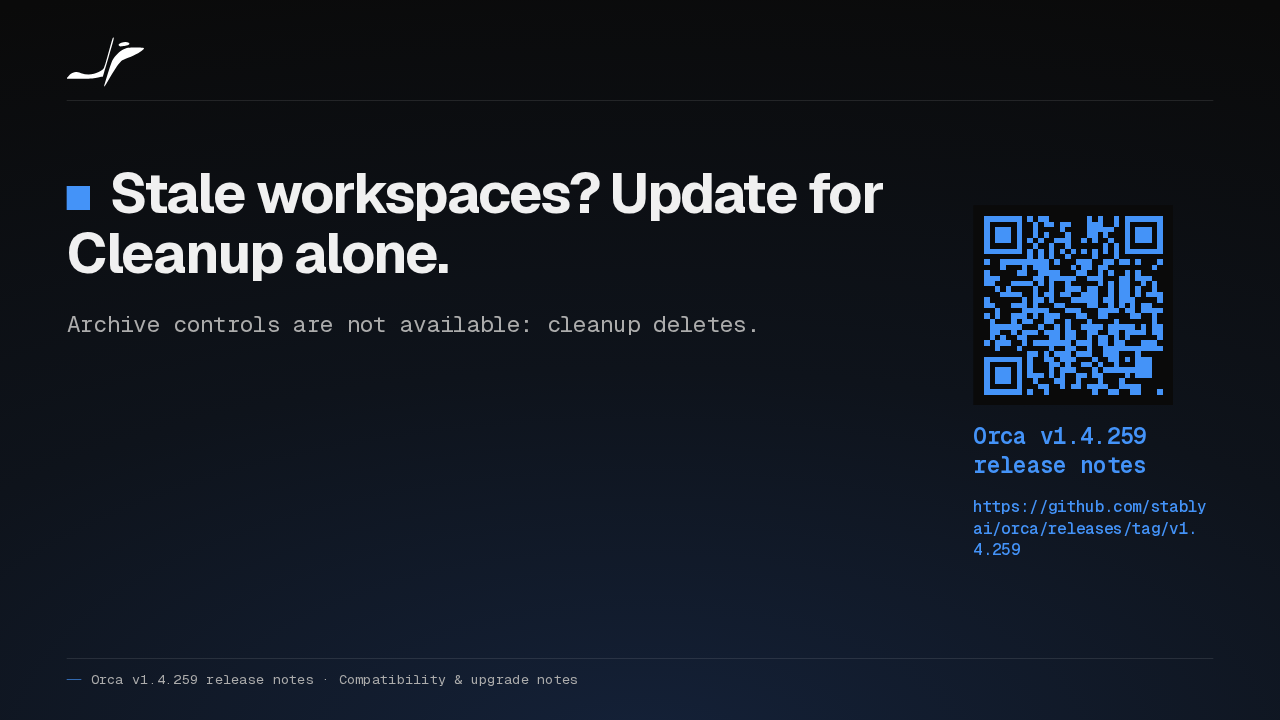
If your agents leave stale workspaces behind, I'd update for Cleanup alone. Turn on one rule, read the preview, and keep the protections on. Archiving isn't available, so cleanup deletes.
Slide text
Stale workspaces? Update for Cleanup alone.
Archive controls are not available: cleanup deletes.
Orca v1.4.259 release notes
https://github.com/stablyai/orca/releases/tag/v1.4.259
Up next
 1:30
Orca v1.4.258 runs GitHub Copilot in Chat and scrolls phone chats again
@orca
1 day ago
 1:34
Orca v1.4.257 freezes less on long agent chats and keeps your browser notes
@orca
2 days ago
 1:35
Orca v1.4.256 sets up dictation in one click and keeps your phone drafts
@orca
4 days ago
 0:57
Orca v1.4.255 puts every agent from every desktop on your phone
@orca
5 days ago
 1:33
Orca adds a Git Graph tab, and /btw asks a side question mid-chat
@orca
5 days ago
 1:32
Orca v1.4.252 forks a chat from any reply, and /plan plans before it builds
@orca
1 week ago
 1:39
Orca v1.4.251 sends any file or terminal selection to your agent's chat
@orca
1 week ago
 1:46
Orca can keep idle chat agents running, and many terminals no longer crash it
@orca
1 week ago
 1:28
Orca v1.4.248 holds your queued prompts when an agent turn fails
@orca
1 week ago
 1:40
Orca v1.4.247 lets plugins block or rewrite Claude Code's tool calls
@orca
1 week ago
 1:33
Orca v1.4.246 takes Chat UI out of Experimental and hands off chats that hit a limit
@orca
1 week ago
 1:33
Orca lets agents use your Mac apps in the background, and adds plugins
@orca
1 week ago