Orca v1.4.256 sets up dictation in one click and keeps your phone drafts
4 days ago
Orca v1.4.256: dictation that sets itself up in one click with an on-device speech model for your language, speech models on transcribe-cpp, a dictation pill that shows your words, phone drafts that survive closing the app, Shift, Ctrl and Alt keys in the phone terminal, and agent install help right where you start a chat. Release notes: https://github.com/stablyai/orca/releases/tag/v1.4.256 Compare: https://github.com/stablyai/orca/compare/v1.4.255...v1.4.256
Ask about this presentation
Chapters
Show transcriptHide transcript
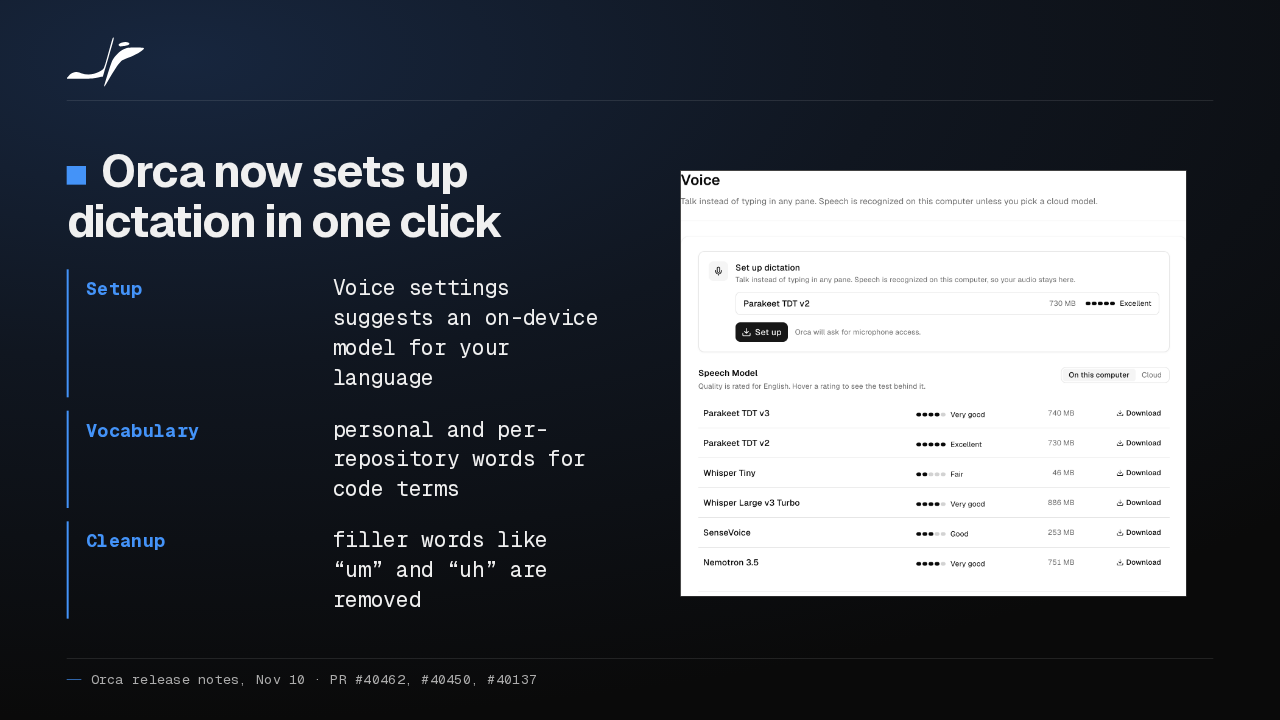
Orca now sets up dictation in one click, with an on-device speech model suggested for your language. You can add your own vocabulary for code terms, and filler words like um and uh are removed.
Slide text

Orca now sets up dictation in one click
- Setup
- Voice settings suggests an on-device model for your language
- Vocabulary
- personal and per-repository words for code terms
- Cleanup
- filler words like “um” and “uh” are removed

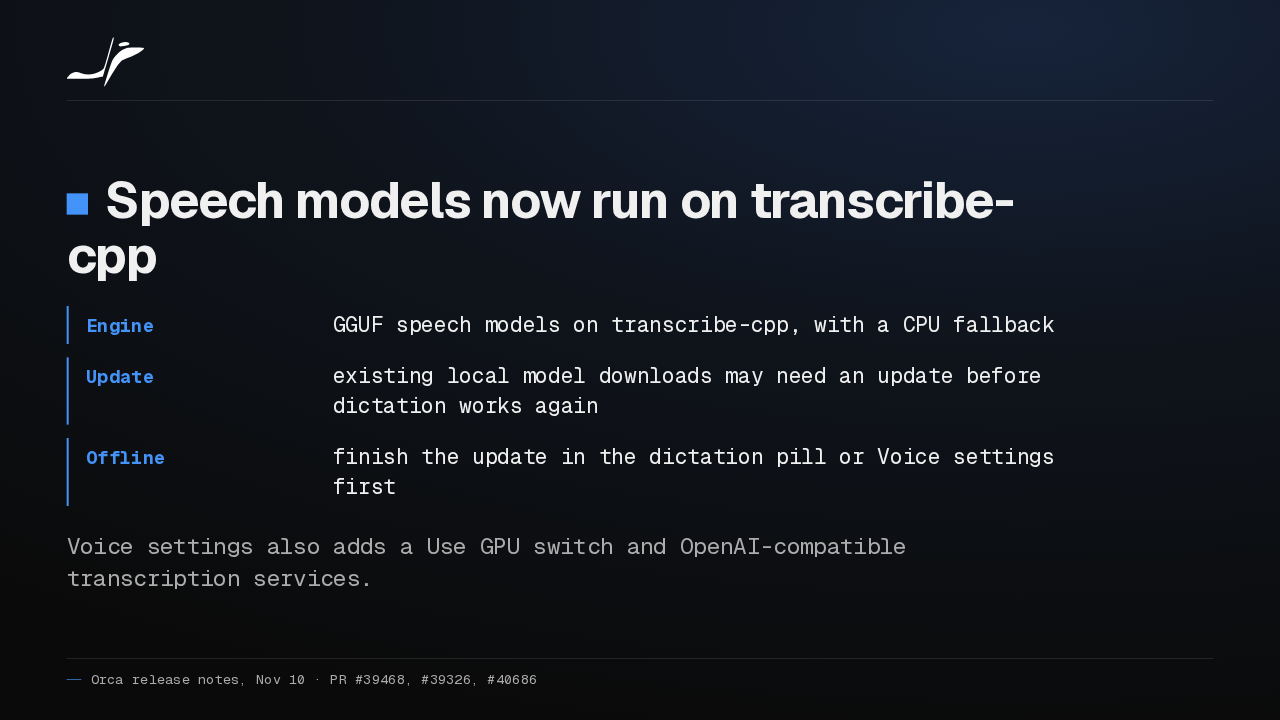
Orca's speech models now run on transcribe-cpp. If you already downloaded a local model, it may need an update before dictation works again, so finish that update before you rely on dictation offline.
Slide text
Speech models now run on transcribe-cpp
- Engine
- GGUF speech models on transcribe-cpp, with a CPU fallback
- Update
- existing local model downloads may need an update before dictation works again
- Offline
- finish the update in the dictation pill or Voice settings first
Voice settings also adds a Use GPU switch and OpenAI-compatible transcription services.
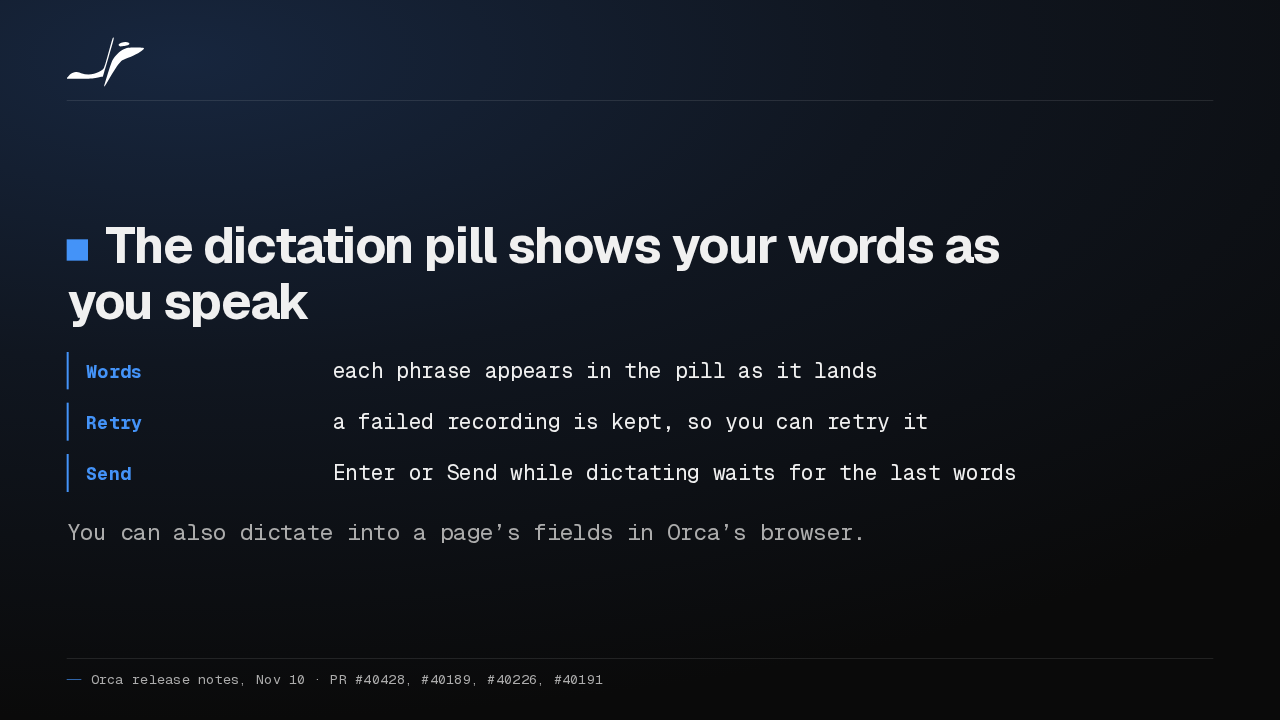
The dictation pill now shows your words as each phrase lands. A failed recording is kept so you can retry it, and pressing Enter mid-sentence waits for your last words before sending.
Slide text
The dictation pill shows your words as you speak
- Words
- each phrase appears in the pill as it lands
- Retry
- a failed recording is kept, so you can retry it
- Send
- Enter or Send while dictating waits for the last words
You can also dictate into a page’s fields in Orca’s browser.
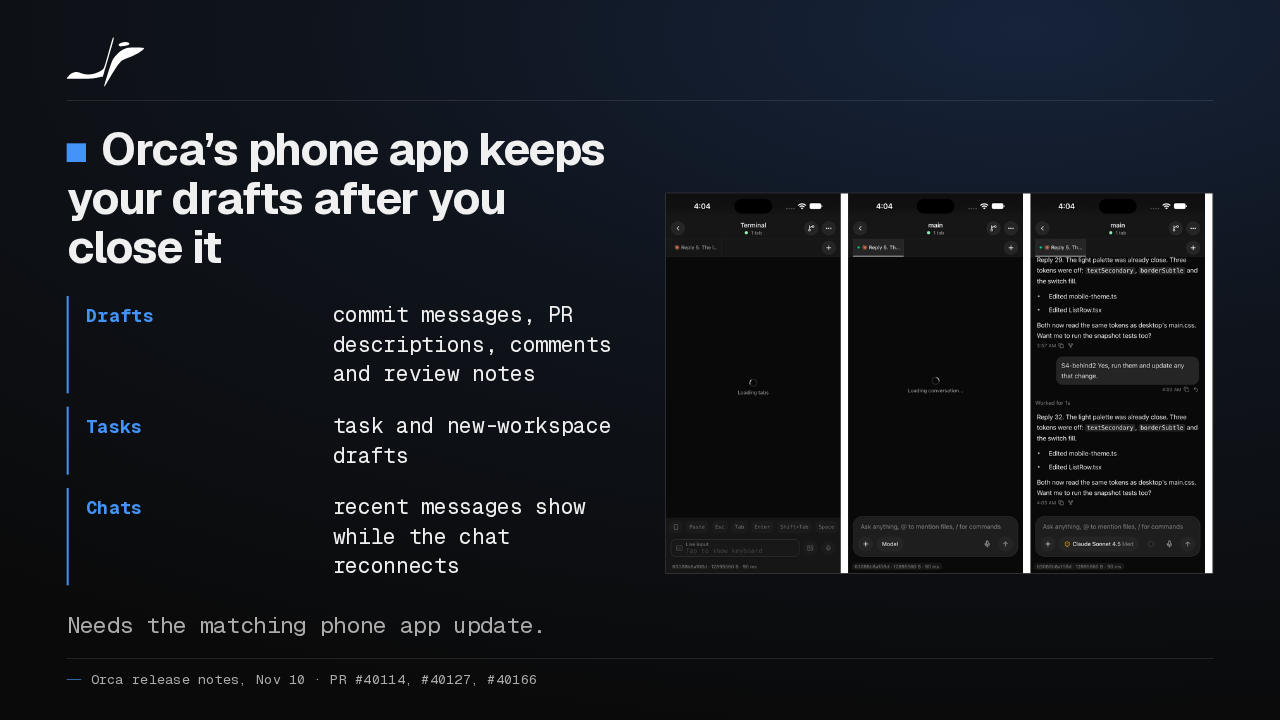
Orca's phone app now keeps your drafts. Commit messages, PR descriptions and review notes survive closing the app, and chats open on their last messages. It needs the matching phone app update.
Slide text
Orca’s phone app keeps your drafts after you close it
- Drafts
- commit messages, PR descriptions, comments and review notes
- Tasks
- task and new-workspace drafts
- Chats
- recent messages show while the chat reconnects
Needs the matching phone app update.

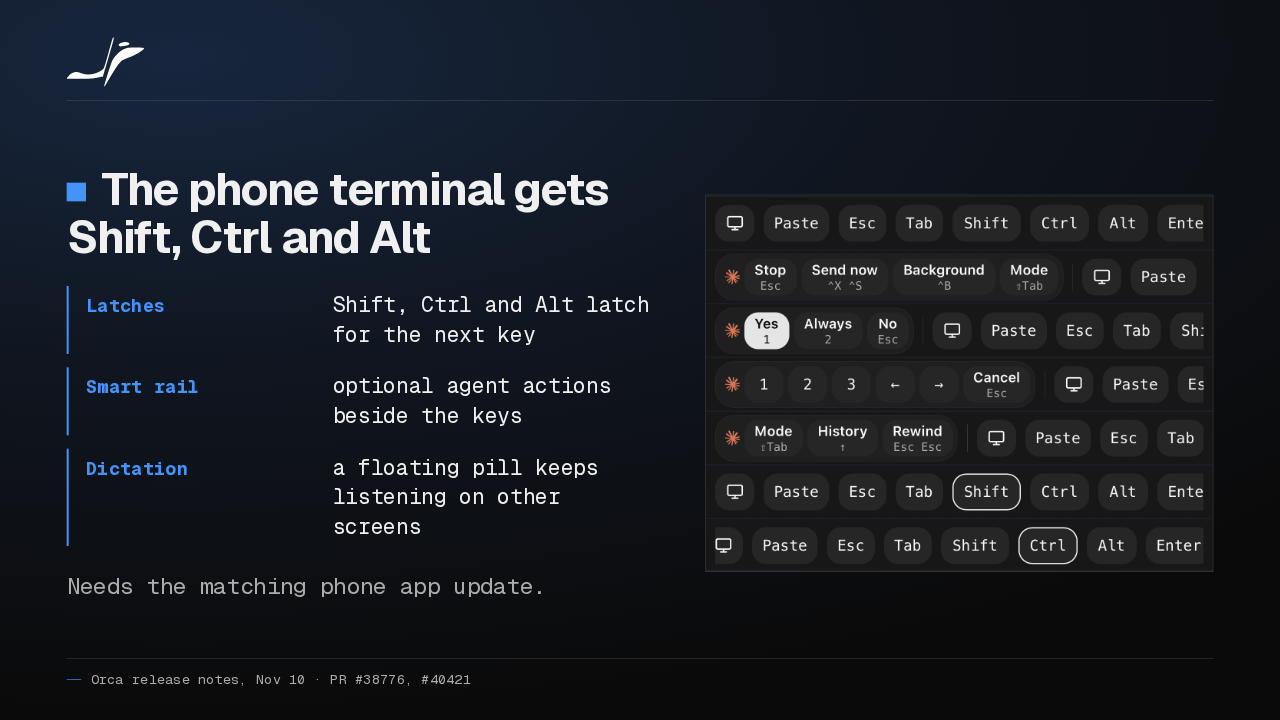
On the phone, the terminal key row gains Shift, Ctrl and Alt latches, plus an optional Smart rail of agent actions. And a floating pill keeps dictation going while you move to another screen.
Slide text
The phone terminal gets Shift, Ctrl and Alt
- Latches
- Shift, Ctrl and Alt latch for the next key
- Smart rail
- optional agent actions beside the keys
- Dictation
- a floating pill keeps listening on other screens
Needs the matching phone app update.

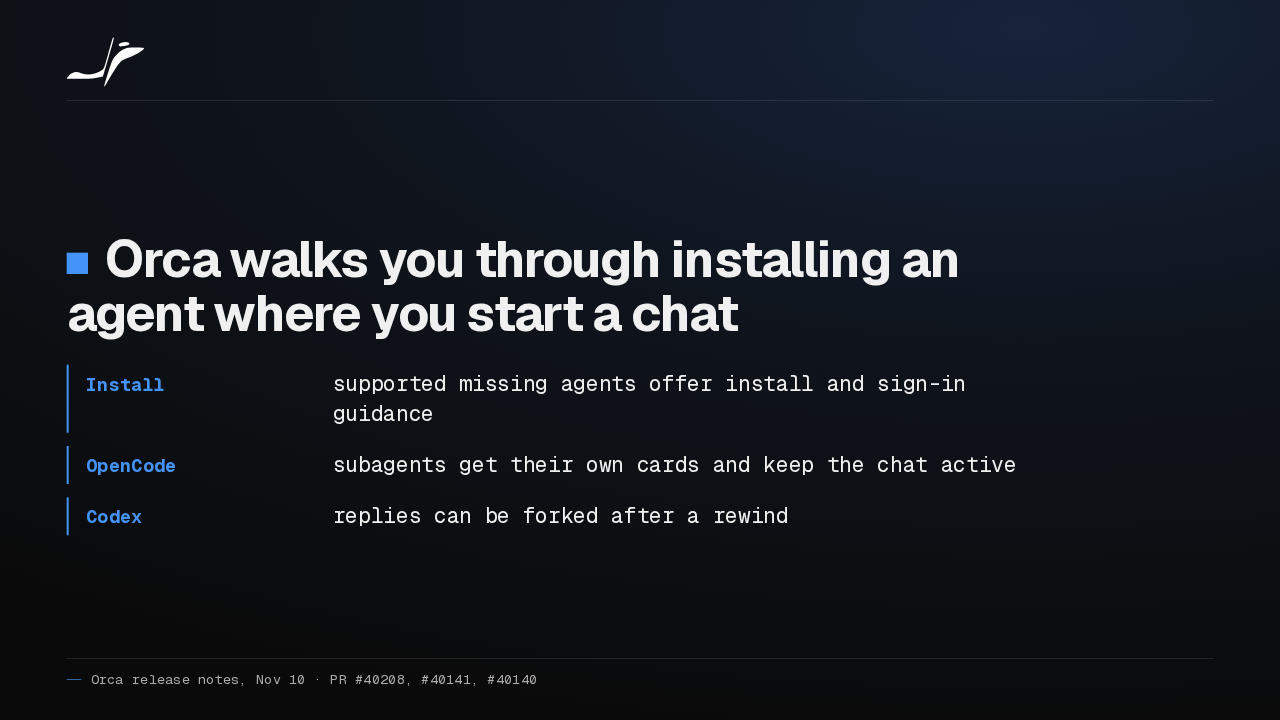
Start a chat with an agent you haven't installed, and Orca now guides the install and sign-in right there. OpenCode subagents get their own cards, and Codex replies can be forked after a rewind.
Slide text
Orca walks you through installing an agent where you start a chat
- Install
- supported missing agents offer install and sign-in guidance
- OpenCode
- subagents get their own cards and keep the chat active
- Codex
- replies can be forked after a rewind
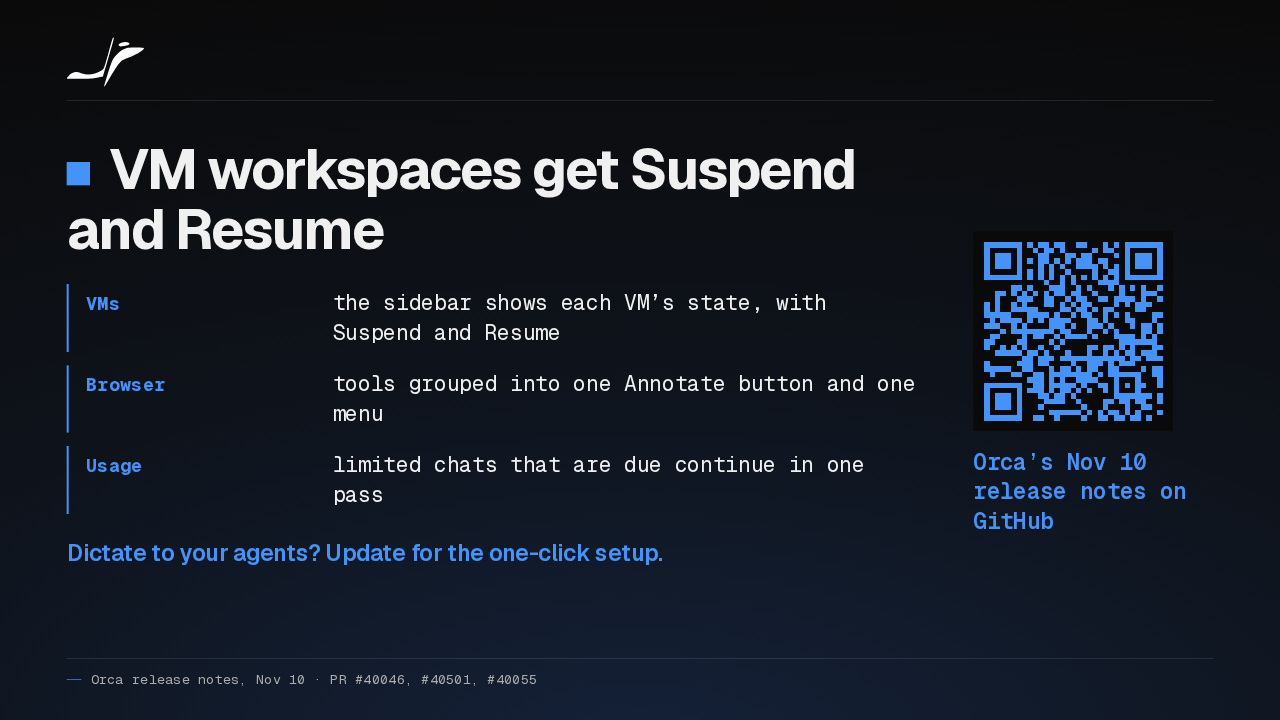
VM workspaces now show their state in the sidebar, with Suspend and Resume, and the browser's tools sit under one Annotate button. If you dictate to your agents, I'd update for the one-click setup alone.
Slide text
VM workspaces get Suspend and Resume
- VMs
- the sidebar shows each VM’s state, with Suspend and Resume
- Browser
- tools grouped into one Annotate button and one menu
- Usage
- limited chats that are due continue in one pass
Dictate to your agents? Update for the one-click setup.
Orca’s Nov 10 release notes on GitHub
Up next
 1:30
Orca v1.4.259 clears out the workspaces your agents leave behind
@orca
2 hours ago
 1:30
Orca v1.4.258 runs GitHub Copilot in Chat and scrolls phone chats again
@orca
1 day ago
 1:34
Orca v1.4.257 freezes less on long agent chats and keeps your browser notes
@orca
2 days ago
 0:57
Orca v1.4.255 puts every agent from every desktop on your phone
@orca
5 days ago
 1:33
Orca adds a Git Graph tab, and /btw asks a side question mid-chat
@orca
5 days ago
 1:32
Orca v1.4.252 forks a chat from any reply, and /plan plans before it builds
@orca
1 week ago
 1:39
Orca v1.4.251 sends any file or terminal selection to your agent's chat
@orca
1 week ago
 1:46
Orca can keep idle chat agents running, and many terminals no longer crash it
@orca
1 week ago
 1:28
Orca v1.4.248 holds your queued prompts when an agent turn fails
@orca
1 week ago
 1:40
Orca v1.4.247 lets plugins block or rewrite Claude Code's tool calls
@orca
1 week ago
 1:33
Orca v1.4.246 takes Chat UI out of Experimental and hands off chats that hit a limit
@orca
1 week ago
 1:33
Orca lets agents use your Mac apps in the background, and adds plugins
@orca
1 week ago