Safe Mode for MikroTik MCP: try a change, then keep it or drop it
1 hour ago

This pull request teaches the MikroTik MCP server to use Safe Mode. The assistant can enable it, make changes on the router, and then either commit them or throw them away. Until it commits, every change lives in memory only, so a dropped connection or a reboot puts the router back the way it was.
Ask about this presentation
Chapters
Show transcriptHide transcript
This pull request teaches the MikroTik MCP server to use Safe Mode. The assistant can enable it, make changes on the router, and then either commit them or throw them away. Until it commits, every change lives in memory only, so a dropped connection or a reboot puts the router back the way it was.
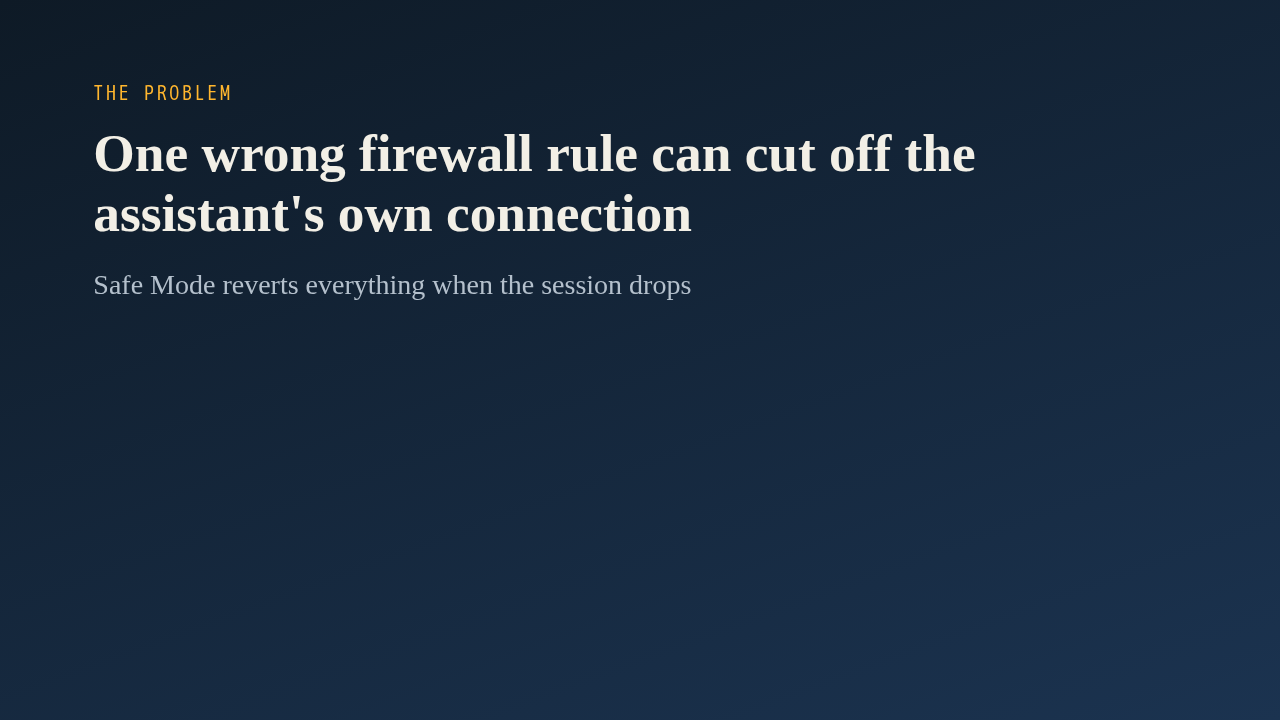
The pull request describes the goal as preventing accidental misconfigurations. That risk is sharp here, because the assistant manages the router over the same network it is changing. A bad firewall rule or address change can lock it out. Safe Mode is the router's own answer. If the connection is lost, RouterOS undoes everything done since Safe Mode started.
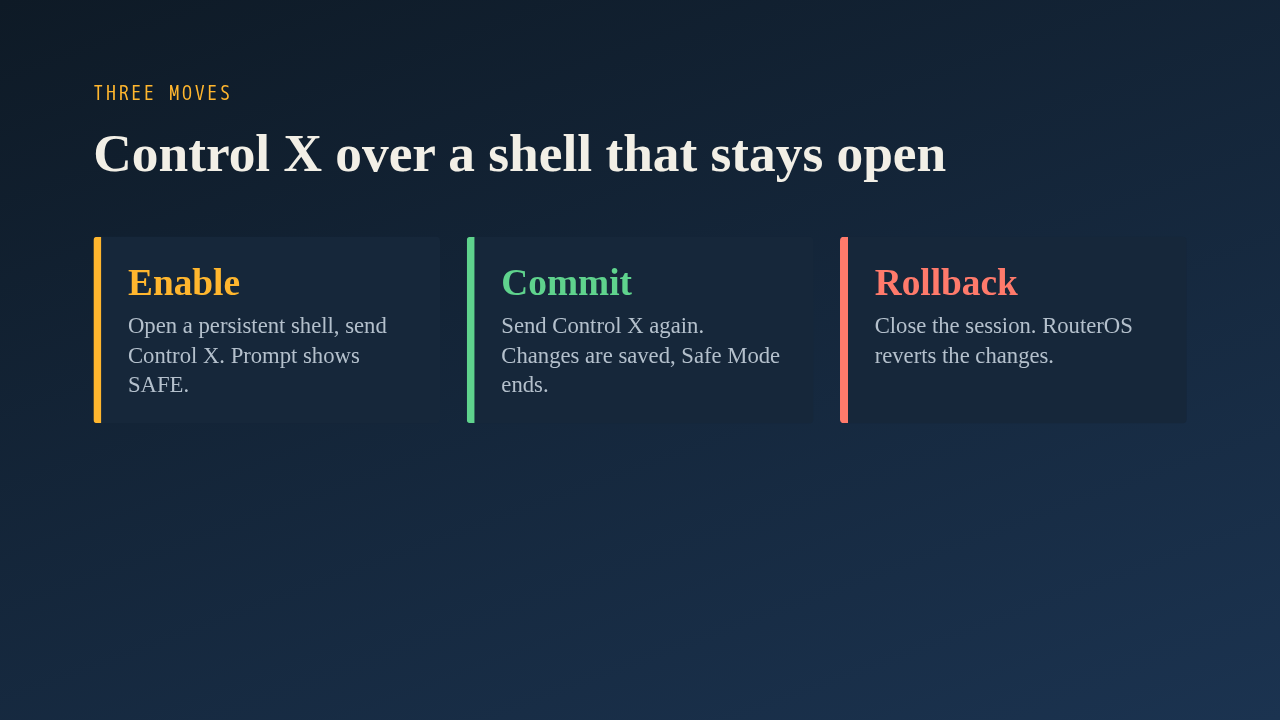
Safe Mode only works inside an interactive shell, and the server normally opens a fresh connection for every command. So enabling it opens a shell that stays open. The server sends Control X, and RouterOS confirms with a SAFE prompt. Sending Control X a second time commits the changes and ends Safe Mode. To roll back, the server simply closes the session, and RouterOS reverts everything on its own.
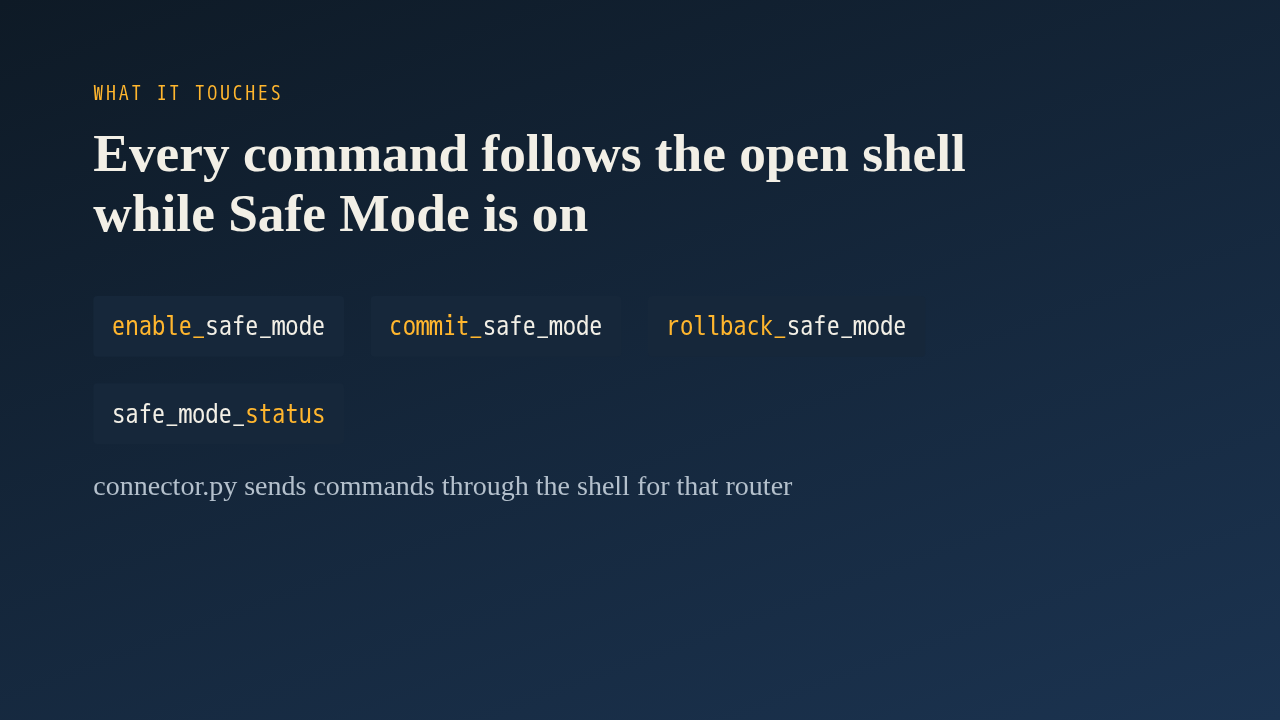
The change adds four tools: enable, commit, rollback and status, each taking the optional device name. The important edit is in the connector. Before it runs a command, it asks whether Safe Mode is active for that router. If so, the command goes through the open shell instead of a new connection. The shell code also strips terminal escape codes, answers the router's terminal probes, and marks the end of each command's output with a sentinel line. Managers are kept per device, so enabling Safe Mode on one router never captures commands meant for another.
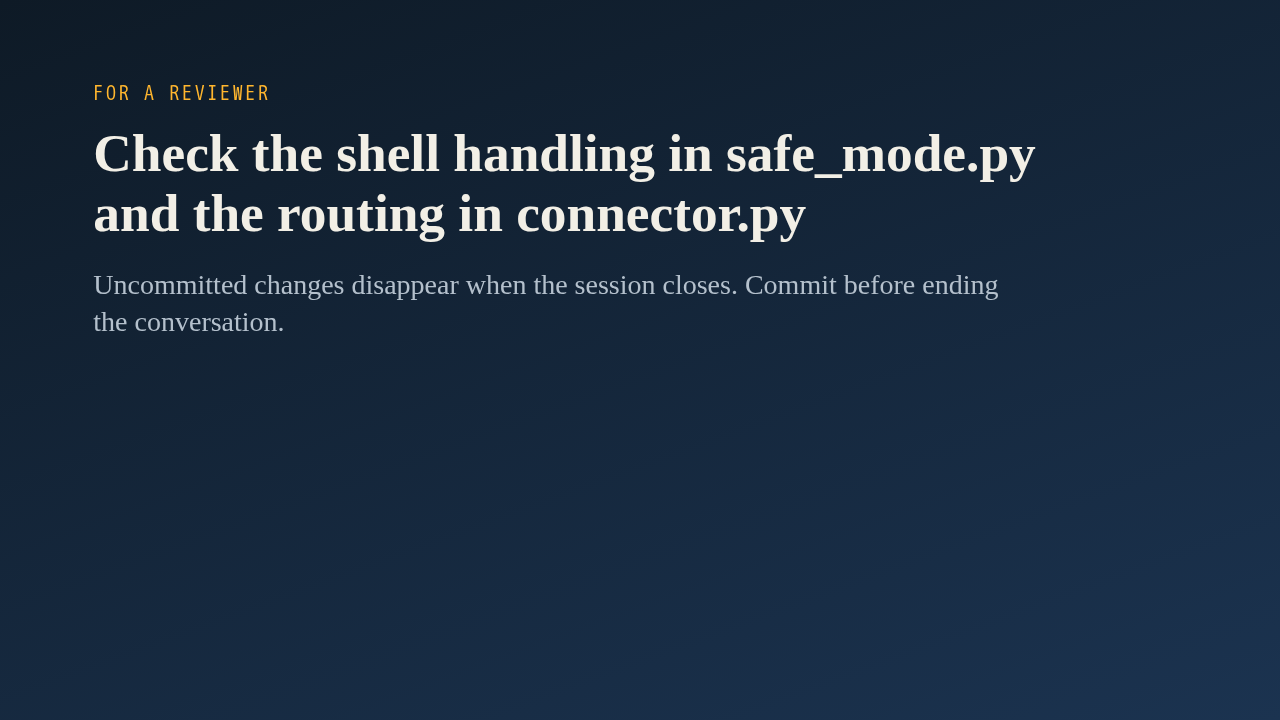
If you review this, spend your time in two places: how the safe mode module reads and writes the interactive shell, and how the connector decides where a command goes. One limit follows from the design. Anything not committed disappears when the session closes, so a change the assistant wants to keep must be committed before the conversation ends. That is the whole idea: try a change, then keep it or drop it.
Up next
 1:36
PR 118: draw.io diagrams now live in docs/diagrams
@wiresage/mikrotik-mcp · 54 minutes ago
 2:01
A README edit no longer publishes a release
@wiresage/mikrotik-mcp · 58 minutes ago
 2:28
MikroTik MCP can now sign in with an SSH agent key
@wiresage/mikrotik-mcp · 1 hour ago
 1:46
Read-only mode for MikroTik MCP: tools that can look but not change
@wiresage/mikrotik-mcp · 1 hour ago
 1:52
Sensitive-hiding mode keeps router secrets away from the model
@wiresage/mikrotik-mcp · 1 hour ago
 2:01
Migrating the MikroTik MCP server to mcp 2.0
@wiresage/mikrotik-mcp · 1 hour ago
 2:00
Pull request 47: the project moves from pip to uv
@wiresage/mikrotik-mcp · 1 hour ago
 1:33
Fleet article and multi-device prompt examples
@wiresage/mikrotik-mcp · 1 hour ago
 2:29
One MikroTik MCP server, many routers
@wiresage/mikrotik-mcp · 1 hour ago
 2:22
Escape quotes, backslashes, $ and non-ASCII in text sent to RouterOS
@wiresage/mikrotik-mcp · 1 hour ago
 1:58
Bridge VLAN table and port PVID tools for MikroTik MCP
@wiresage/mikrotik-mcp · 1 hour ago
 2:02
Raw firewall tools for MikroTik MCP: 16 tools that drop traffic before connection tracking
@wiresage/mikrotik-mcp · 1 hour ago