Fleet article and multi-device prompt examples
1 hour ago

This pull request is documentation for the multi-device inventory. It mirrors the Medium article about managing a whole MikroTik fleet from one server, and adds five prompt examples that show how an assistant targets individual routers. It also repairs a broken example that was pasted in the wrong place.
Ask about this presentation
Chapters



Show transcriptHide transcript
This pull request is documentation for the multi-device inventory. It mirrors the Medium article about managing a whole MikroTik fleet from one server, and adds five prompt examples that show how an assistant targets individual routers. It also repairs a broken example that was pasted in the wrong place.
The full text of Managing a Whole MikroTik Fleet from One MCP Server is now in the docs folder, with the Medium link kept as the canonical source. The learning hub lists it as Medium article number two.
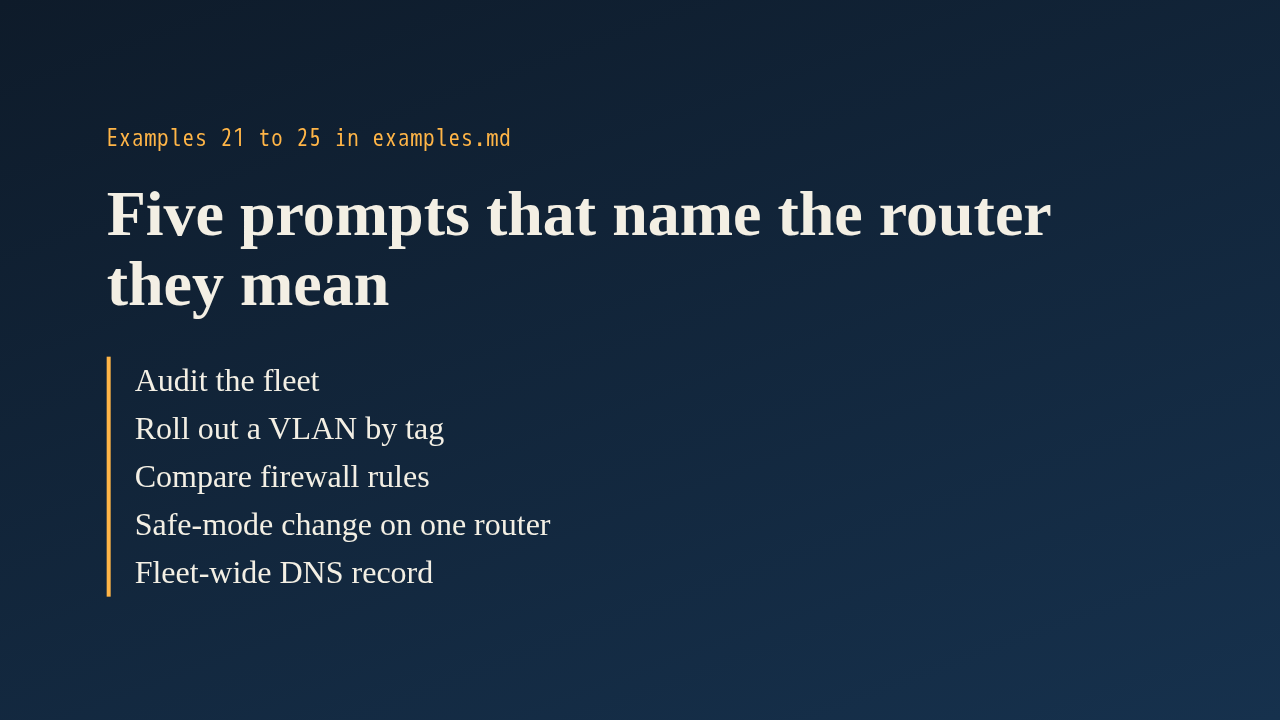
The examples follow the existing format: prompt, what the assistant does, and the manual commands. They cover auditing the fleet, rolling out a VLAN by tag, comparing firewall rules between two routers, a safe mode change on a single device, and a fleet wide DNS record with a check on each router. Each one spells out the device argument, so readers see exactly how a router in the inventory is addressed.
While appending, the author found that example 20 had its prompt and steps pasted above the document title, and its commands at the bottom. The two halves are reunited, the title is back on line one, and the counts now say 25.
Nothing under the source folder changed, so merging this does not trigger a release. A reviewer can read the article for accuracy and check that the device arguments in examples 21 to 25 match the real tool behavior. The examples were not run against live routers in this review.
Up next
 1:36
PR 118: draw.io diagrams now live in docs/diagrams
@wiresage/mikrotik-mcp · 54 minutes ago
 2:01
A README edit no longer publishes a release
@wiresage/mikrotik-mcp · 58 minutes ago
 2:28
MikroTik MCP can now sign in with an SSH agent key
@wiresage/mikrotik-mcp · 1 hour ago
 1:46
Read-only mode for MikroTik MCP: tools that can look but not change
@wiresage/mikrotik-mcp · 1 hour ago
 1:52
Sensitive-hiding mode keeps router secrets away from the model
@wiresage/mikrotik-mcp · 1 hour ago
 2:08
Safe Mode for MikroTik MCP: try a change, then keep it or drop it
@wiresage/mikrotik-mcp · 1 hour ago
 2:01
Migrating the MikroTik MCP server to mcp 2.0
@wiresage/mikrotik-mcp · 1 hour ago
 2:00
Pull request 47: the project moves from pip to uv
@wiresage/mikrotik-mcp · 1 hour ago
 2:29
One MikroTik MCP server, many routers
@wiresage/mikrotik-mcp · 1 hour ago
 2:22
Escape quotes, backslashes, $ and non-ASCII in text sent to RouterOS
@wiresage/mikrotik-mcp · 1 hour ago
 1:58
Bridge VLAN table and port PVID tools for MikroTik MCP
@wiresage/mikrotik-mcp · 1 hour ago
 2:02
Raw firewall tools for MikroTik MCP: 16 tools that drop traffic before connection tracking
@wiresage/mikrotik-mcp · 1 hour ago