Sensitive-hiding mode keeps router secrets away from the model
1 hour ago

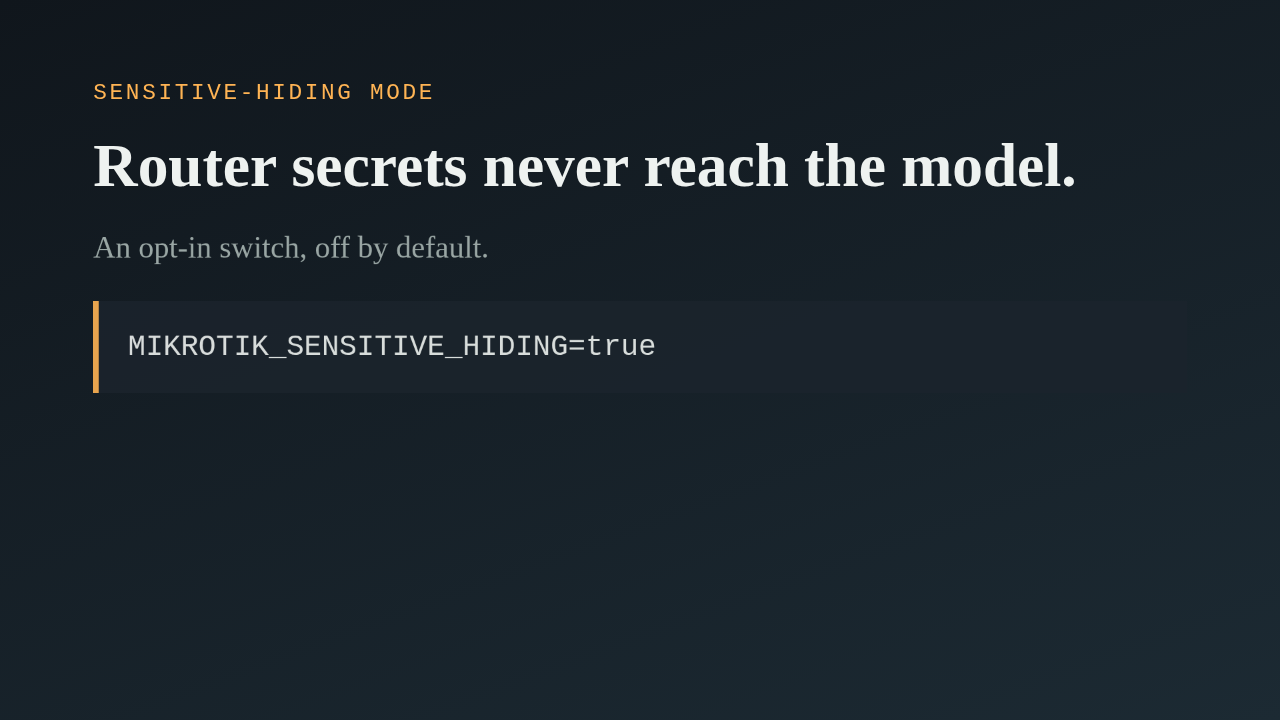
This pull request adds a switch that keeps credentials on your MikroTik routers out of what the AI assistant sees. It is opt in, so nothing changes until you turn it on. You set it with an environment variable, a command line flag, or the Docker entrypoint, and it is documented in the install guide.
Ask about this presentation
Chapters
Show transcriptHide transcript
This pull request adds a switch that keeps credentials on your MikroTik routers out of what the AI assistant sees. It is opt in, so nothing changes until you turn it on. You set it with an environment variable, a command line flag, or the Docker entrypoint, and it is documented in the install guide.
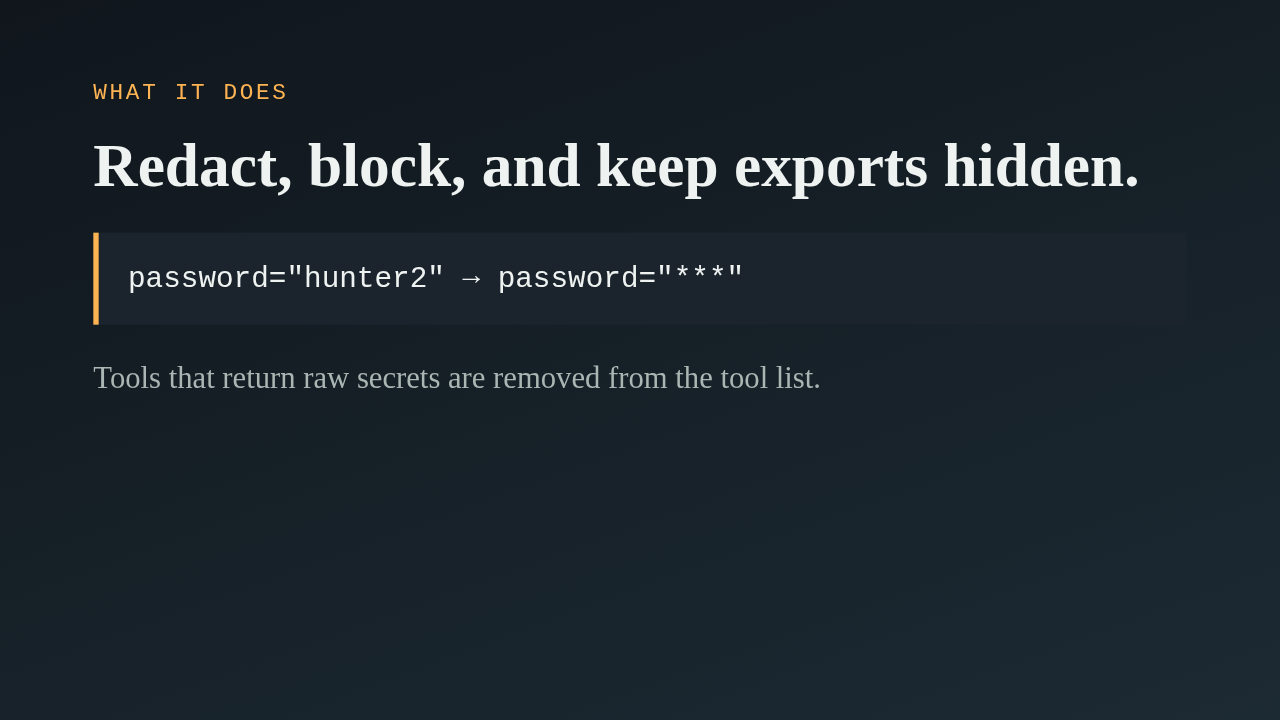
There are three parts. First, a redactor rewrites recognised passwords, tokens, shared keys, SNMP community strings and private key blocks, in tool results, in progress notifications, in validation errors and in logs. Secrets you pass in as parameters are scrubbed too. Second, two tools that return opaque secrets, file download and the WireGuard client config, are not offered at all. Third, RouterOS exports are forced to stay hidden.
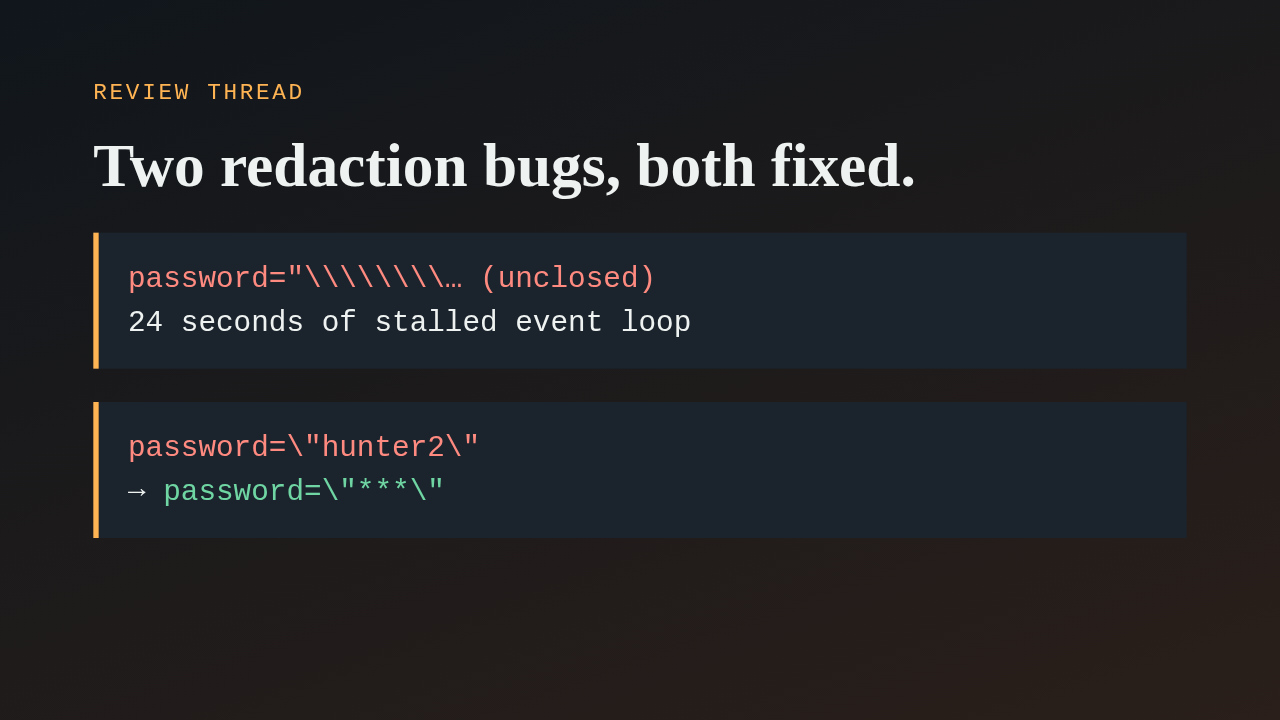
A review found two problems in the redaction pattern. The first was a regular expression denial of service. An unclosed quote followed by backslashes made the matcher backtrack exponentially, and a failed SSH login with that username landed in the router log. Reading the logs then took about 24 seconds, instead of one, on the event loop. The author made the two branches mutually exclusive and added a test with 500 backslashes. The second was a leak. Inside a script, RouterOS escapes quotes, so a password written with escaped quotes was only partly hidden. The pattern now accepts the escaping backslash and redacts the whole value.
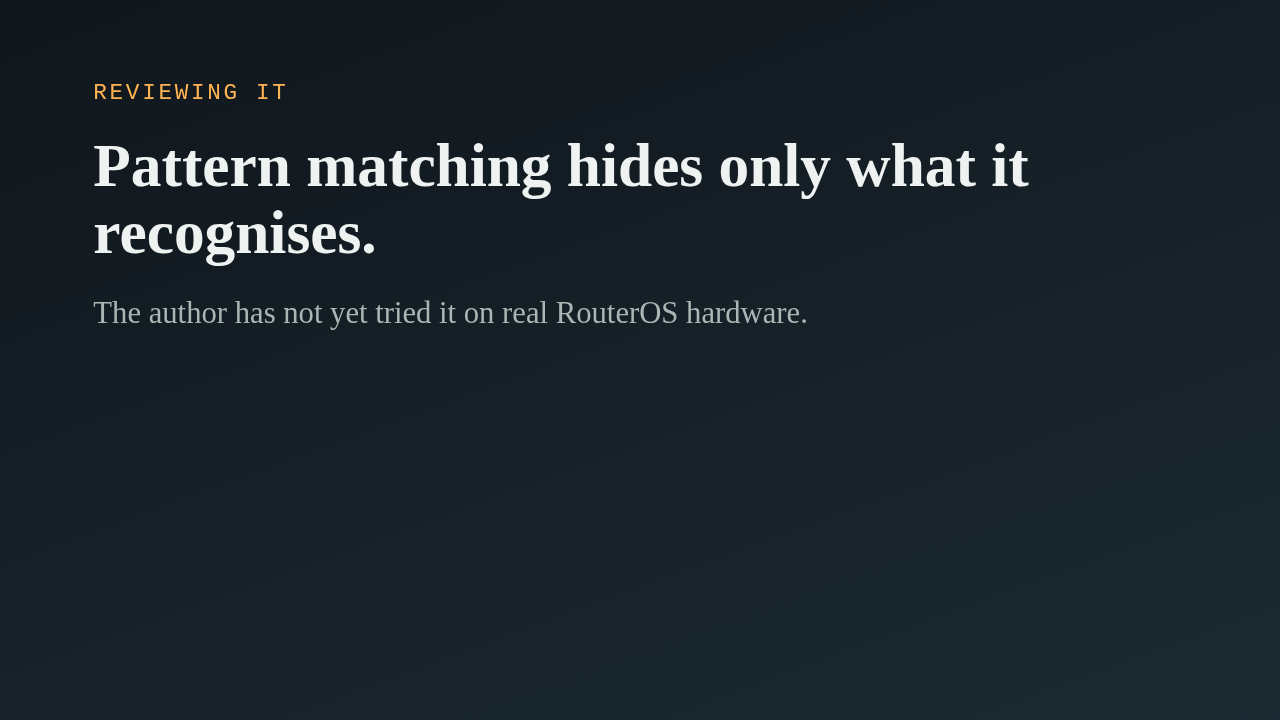
Redaction by pattern hides what it recognises and nothing more, so a secret under an unfamiliar key name can still show up. That is why the opaque tools are blocked outright. The author says they can validate the behaviour on real RouterOS hardware later, and the test suite passes. When you look at this, start with the redaction module, then the wrapper in the server, and think of a credential format the patterns would miss.
Up next
 1:36
PR 118: draw.io diagrams now live in docs/diagrams
@wiresage/mikrotik-mcp · 56 minutes ago
 2:01
A README edit no longer publishes a release
@wiresage/mikrotik-mcp · 1 hour ago
 2:28
MikroTik MCP can now sign in with an SSH agent key
@wiresage/mikrotik-mcp · 1 hour ago
 1:46
Read-only mode for MikroTik MCP: tools that can look but not change
@wiresage/mikrotik-mcp · 1 hour ago
 2:08
Safe Mode for MikroTik MCP: try a change, then keep it or drop it
@wiresage/mikrotik-mcp · 1 hour ago
 2:01
Migrating the MikroTik MCP server to mcp 2.0
@wiresage/mikrotik-mcp · 1 hour ago
 2:00
Pull request 47: the project moves from pip to uv
@wiresage/mikrotik-mcp · 1 hour ago
 1:33
Fleet article and multi-device prompt examples
@wiresage/mikrotik-mcp · 1 hour ago
 2:29
One MikroTik MCP server, many routers
@wiresage/mikrotik-mcp · 1 hour ago
 2:22
Escape quotes, backslashes, $ and non-ASCII in text sent to RouterOS
@wiresage/mikrotik-mcp · 1 hour ago
 1:58
Bridge VLAN table and port PVID tools for MikroTik MCP
@wiresage/mikrotik-mcp · 1 hour ago
 2:02
Raw firewall tools for MikroTik MCP: 16 tools that drop traffic before connection tracking
@wiresage/mikrotik-mcp · 1 hour ago