Read-only mode for MikroTik MCP: tools that can look but not change
1 hour ago

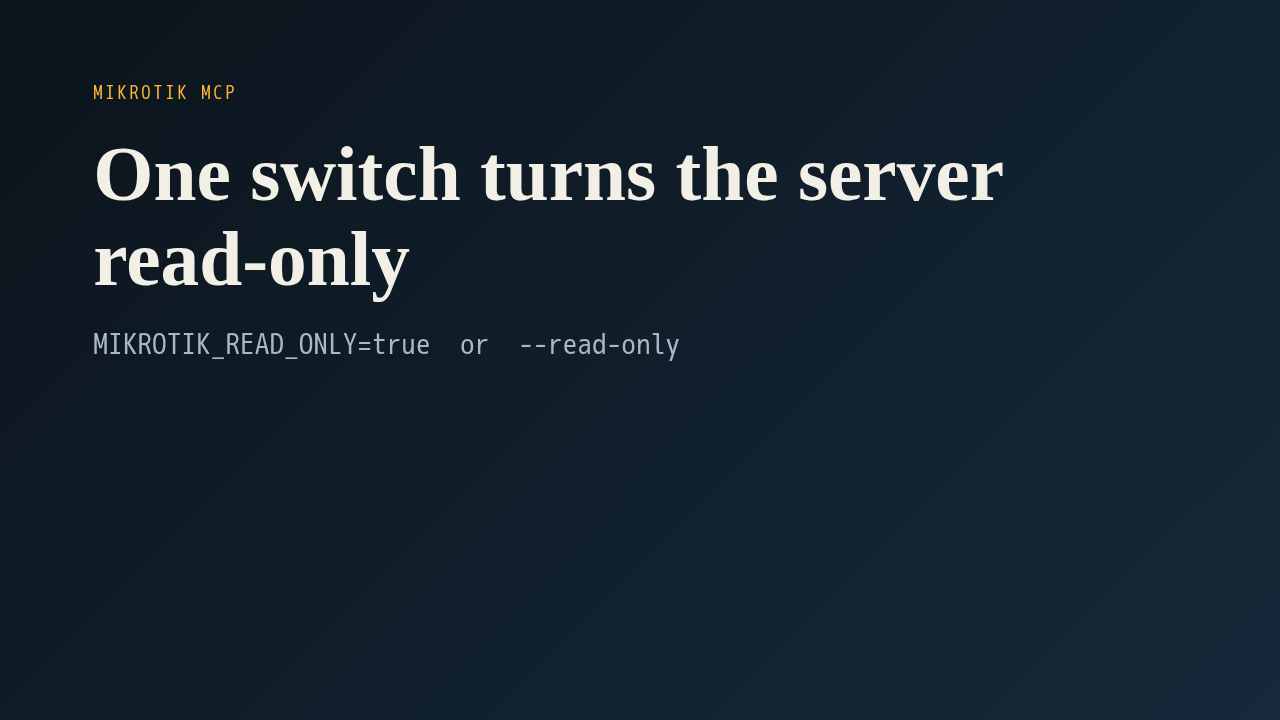
This pull request adds a read-only mode to the MikroTik MCP server. Set one environment variable, or pass one flag, and the assistant only gets the tools that look at the router. Anything that adds, changes or removes something never gets registered, so the model can't even ask for it.
Ask about this presentation
Chapters
Show transcriptHide transcript
This pull request adds a read-only mode to the MikroTik MCP server. Set one environment variable, or pass one flag, and the assistant only gets the tools that look at the router. Anything that adds, changes or removes something never gets registered, so the model can't even ask for it.
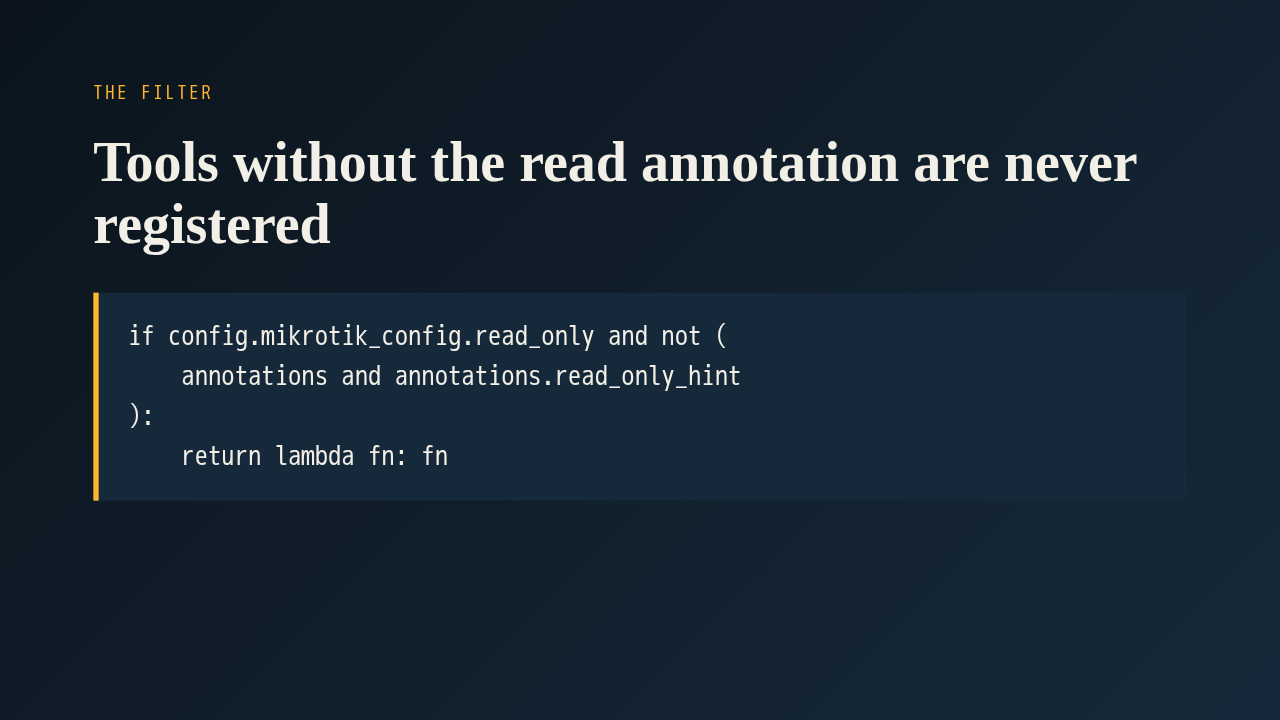
The filter sits in the server wrapper, which the author moved into its own file after the first review. When a tool registers itself, the wrapper checks its annotation. If read-only mode is on and the tool isn't marked as a read, the decorator hands the function back untouched, and it never reaches the tool list. That makes the annotation a safety control, so every tool has to be marked honestly.
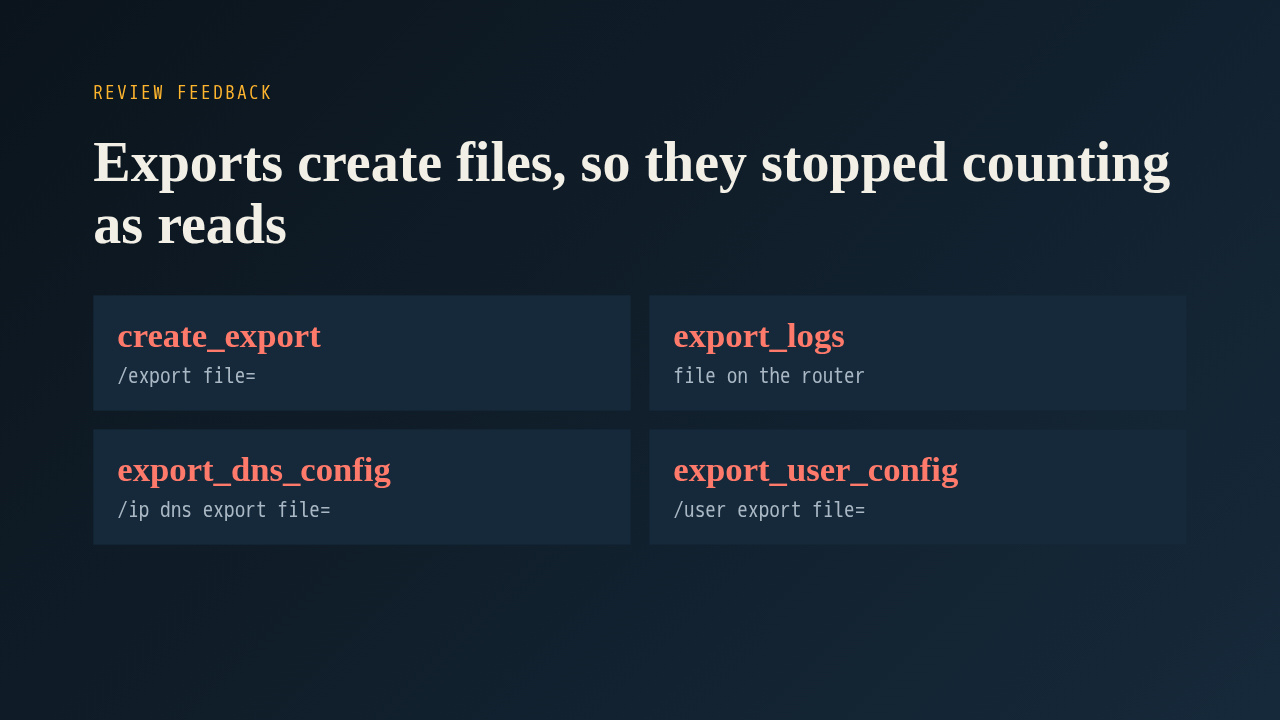
The first version marked only two exports as writes. A reviewer then confirmed on a lab router that an export really does write a file into the device's file store. So the config export and the log export became writes. The reviewer also spotted that the DNS export and the user export run the same command and were still marked as reads. Both were fixed, and the regression test now scans the command strings for export, print to file, and backup save, instead of listing tool names by hand.
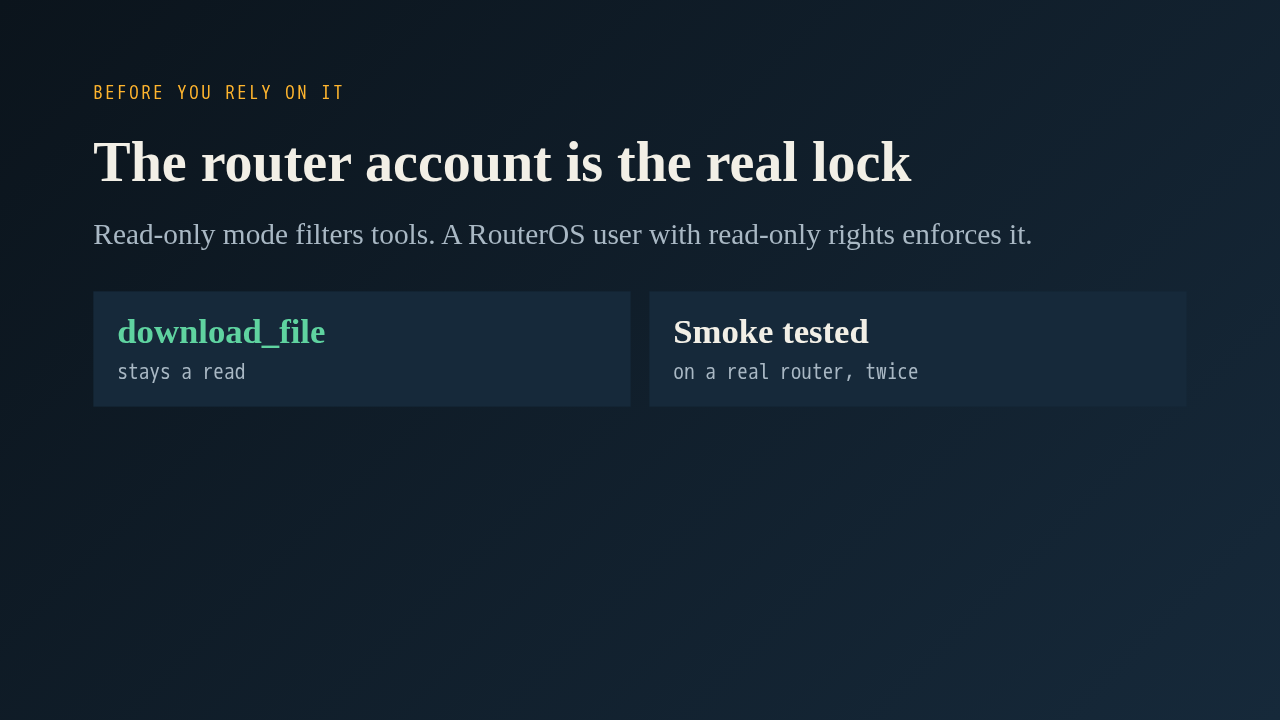
The docs say it plainly: this mode filters what the assistant is offered, and a restricted RouterOS account is what actually enforces it. Please review with that in mind, and look at the file download tool, which stays a read because it only fetches a file that already exists. The author tested it against a real router. Asked to rename an interface, the assistant explained it was in read-only mode and handed back the command to run by hand. The full suite of about 190 unit tests passes.
Up next
 1:36
PR 118: draw.io diagrams now live in docs/diagrams
@wiresage/mikrotik-mcp · 58 minutes ago
 2:01
A README edit no longer publishes a release
@wiresage/mikrotik-mcp · 1 hour ago
 2:28
MikroTik MCP can now sign in with an SSH agent key
@wiresage/mikrotik-mcp · 1 hour ago
 1:52
Sensitive-hiding mode keeps router secrets away from the model
@wiresage/mikrotik-mcp · 1 hour ago
 2:08
Safe Mode for MikroTik MCP: try a change, then keep it or drop it
@wiresage/mikrotik-mcp · 1 hour ago
 2:01
Migrating the MikroTik MCP server to mcp 2.0
@wiresage/mikrotik-mcp · 1 hour ago
 2:00
Pull request 47: the project moves from pip to uv
@wiresage/mikrotik-mcp · 1 hour ago
 1:33
Fleet article and multi-device prompt examples
@wiresage/mikrotik-mcp · 1 hour ago
 2:29
One MikroTik MCP server, many routers
@wiresage/mikrotik-mcp · 1 hour ago
 2:22
Escape quotes, backslashes, $ and non-ASCII in text sent to RouterOS
@wiresage/mikrotik-mcp · 1 hour ago
 1:58
Bridge VLAN table and port PVID tools for MikroTik MCP
@wiresage/mikrotik-mcp · 1 hour ago
 2:02
Raw firewall tools for MikroTik MCP: 16 tools that drop traffic before connection tracking
@wiresage/mikrotik-mcp · 1 hour ago