Migrating the MikroTik MCP server to mcp 2.0
1 hour ago

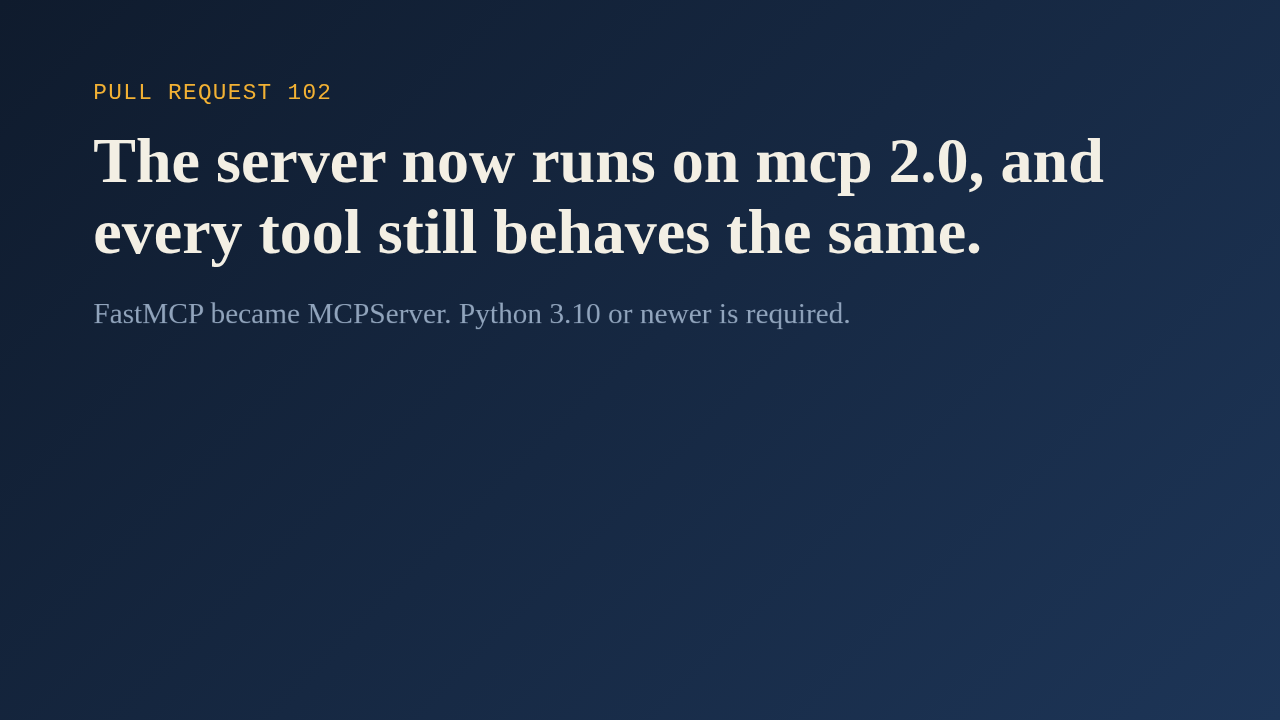
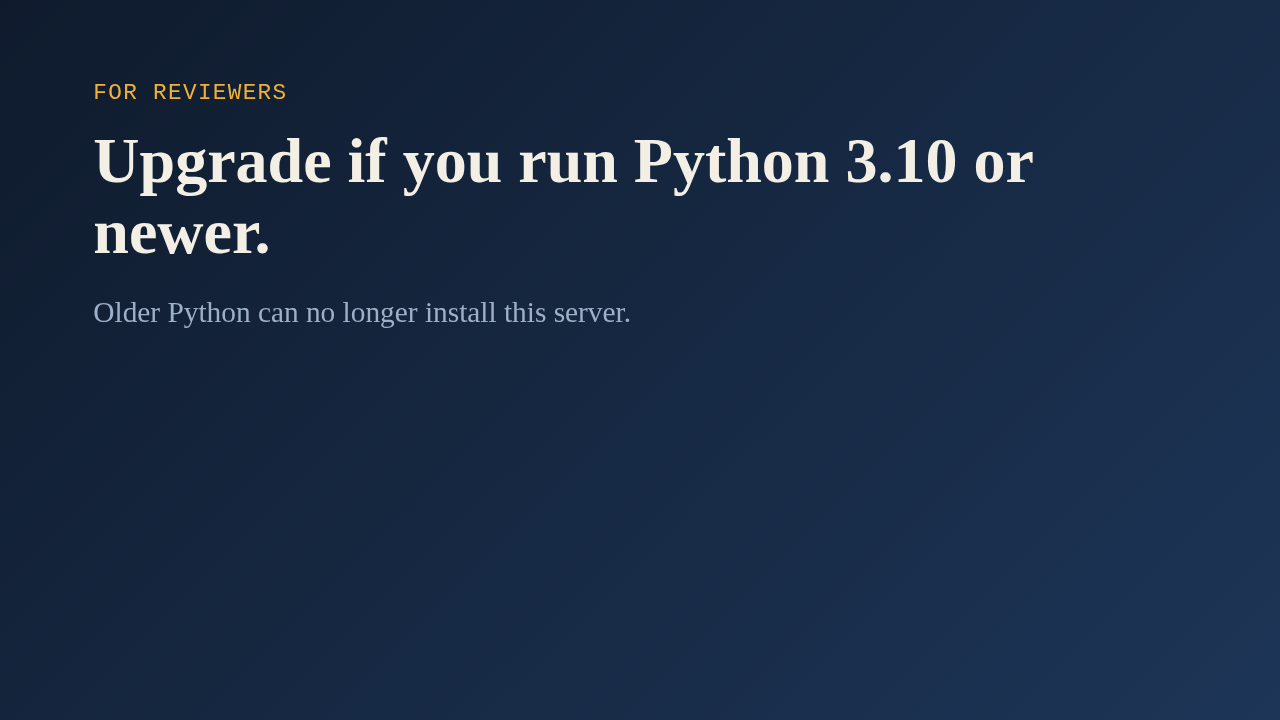
This pull request moves the MikroTik server onto version two of the MCP library. The earlier fix capped the library below two as a stopgap, and this one does the real migration. The server class was renamed from FastMCP to MCPServer, and the library now needs Python 3.10 or newer, so this is a breaking change for anyone on older Python.
Ask about this presentation
Chapters
Show transcriptHide transcript
This pull request moves the MikroTik server onto version two of the MCP library. The earlier fix capped the library below two as a stopgap, and this one does the real migration. The server class was renamed from FastMCP to MCPServer, and the library now needs Python 3.10 or newer, so this is a breaking change for anyone on older Python.
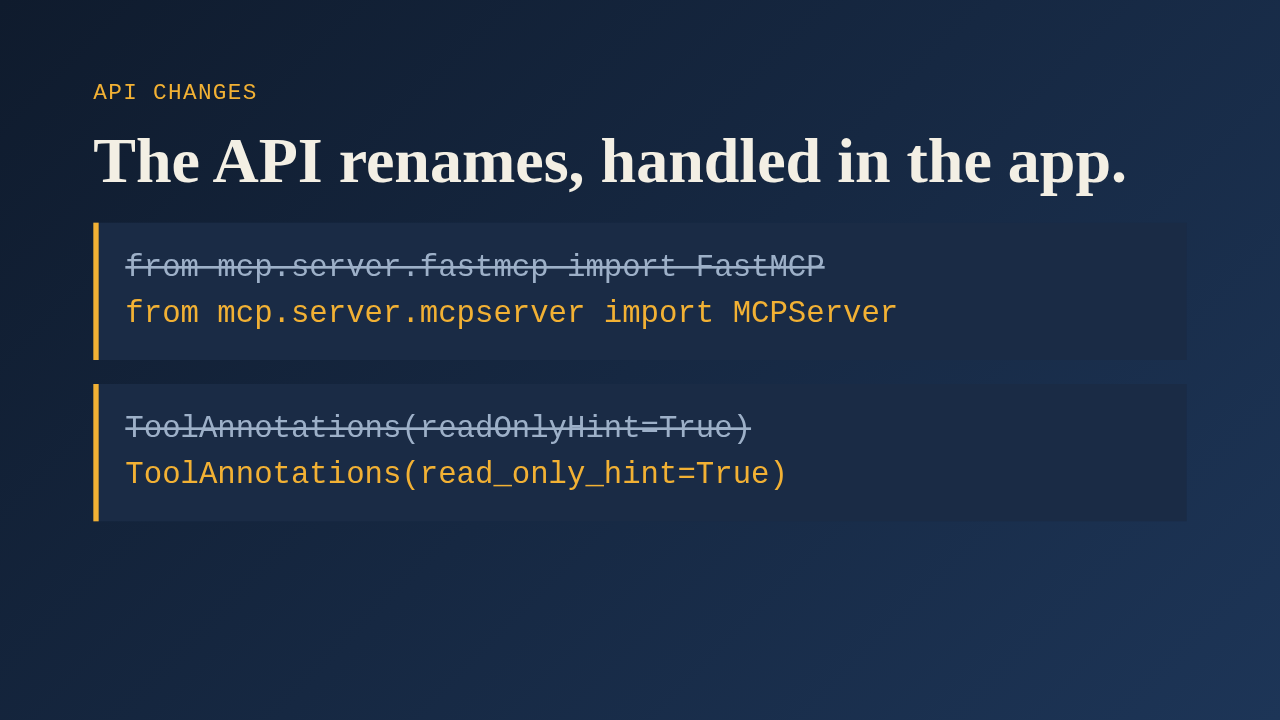
First, the import. The class and its module moved, so the app, the connector and all nineteen scope modules changed one line each. Second, the tool annotation fields became snake case. The old camel case names survive as serialization aliases, so what clients receive over the wire is unchanged, and that matters because read only mode depends on those annotations. Third, the settings object is gone, so host and port are now passed straight to run, and standard input and output takes none.
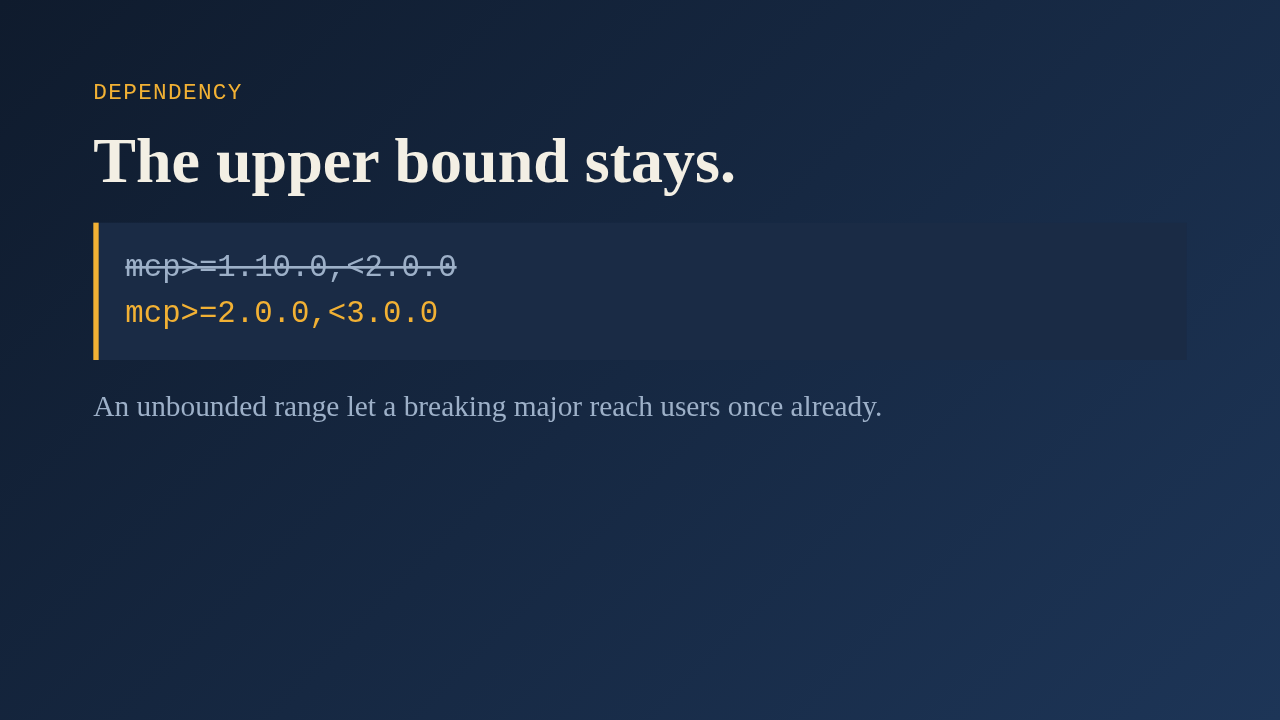
The new range requires version two and stops short of three. The author kept the upper bound on purpose, because the earlier incident showed that an open ended range lets a breaking release reach users silently. A version bound test was rewritten to enforce this, and to fail if any import from the old fastmcp module comes back.
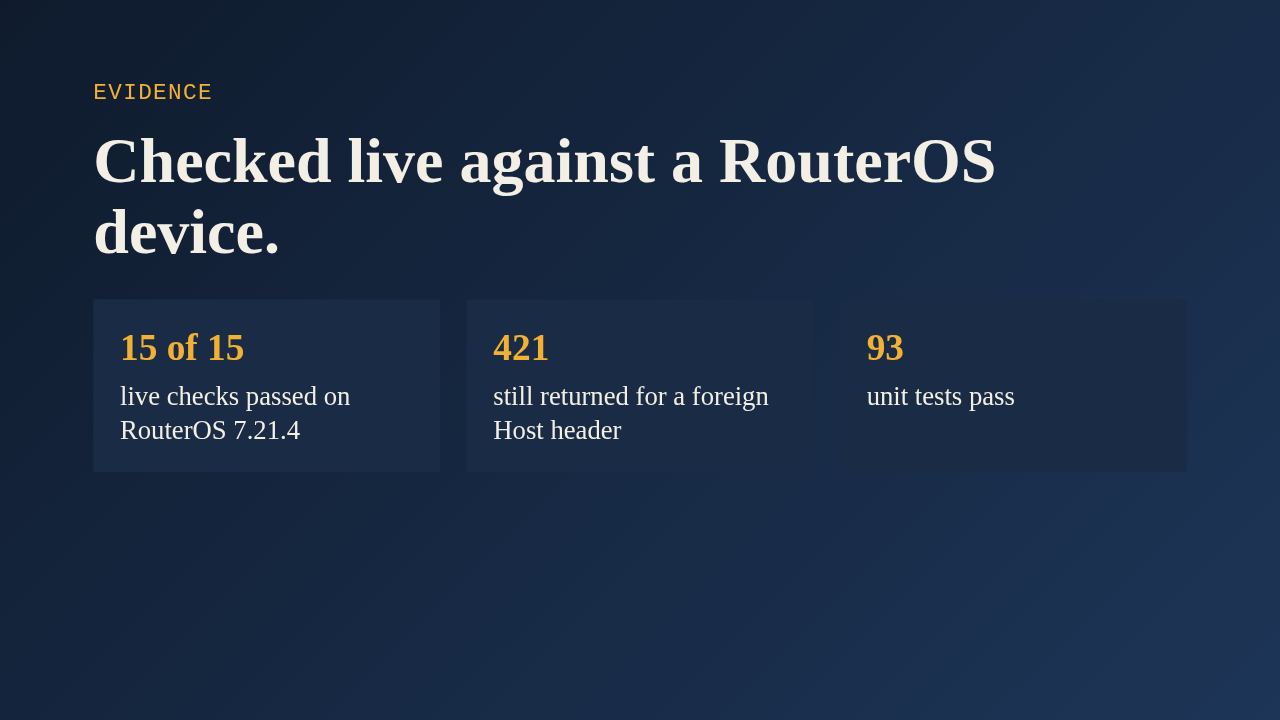
The author ran fifteen live checks against a real RouterOS device, over standard input and output and over streamable HTTP. They covered reads, an IPv6 create and delete round trip, and a byte exact file transfer. The DNS rebinding protection from the earlier host allowlist work still rejects a foreign host header. The unit tests pass too, and the Docker image builds and serves live data on the new version.
The one review comment asked for two explanatory comments in the app module to be removed, and the current file no longer has them. The real limit is the Python floor. Anyone on three eight or three nine stays on the previous release. Everyone else gets the same tools, now on a supported version of the library.
Up next
 1:36
PR 118: draw.io diagrams now live in docs/diagrams
@wiresage/mikrotik-mcp · 57 minutes ago
 2:01
A README edit no longer publishes a release
@wiresage/mikrotik-mcp · 1 hour ago
 2:28
MikroTik MCP can now sign in with an SSH agent key
@wiresage/mikrotik-mcp · 1 hour ago
 1:46
Read-only mode for MikroTik MCP: tools that can look but not change
@wiresage/mikrotik-mcp · 1 hour ago
 1:52
Sensitive-hiding mode keeps router secrets away from the model
@wiresage/mikrotik-mcp · 1 hour ago
 2:08
Safe Mode for MikroTik MCP: try a change, then keep it or drop it
@wiresage/mikrotik-mcp · 1 hour ago
 2:00
Pull request 47: the project moves from pip to uv
@wiresage/mikrotik-mcp · 1 hour ago
 1:33
Fleet article and multi-device prompt examples
@wiresage/mikrotik-mcp · 1 hour ago
 2:29
One MikroTik MCP server, many routers
@wiresage/mikrotik-mcp · 1 hour ago
 2:22
Escape quotes, backslashes, $ and non-ASCII in text sent to RouterOS
@wiresage/mikrotik-mcp · 1 hour ago
 1:58
Bridge VLAN table and port PVID tools for MikroTik MCP
@wiresage/mikrotik-mcp · 1 hour ago
 2:02
Raw firewall tools for MikroTik MCP: 16 tools that drop traffic before connection tracking
@wiresage/mikrotik-mcp · 1 hour ago