PR 118: draw.io diagrams now live in docs/diagrams
1 hour ago

This pull request adds a home for visual documentation. It's a docs folder for draw.io diagrams that version together with the code they describe. The change is docs only, four files, and nothing in the server itself moves.
Ask about this presentation
Chapters
Show transcriptHide transcript
This pull request adds a home for visual documentation. It's a docs folder for draw.io diagrams that version together with the code they describe. The change is docs only, four files, and nothing in the server itself moves.
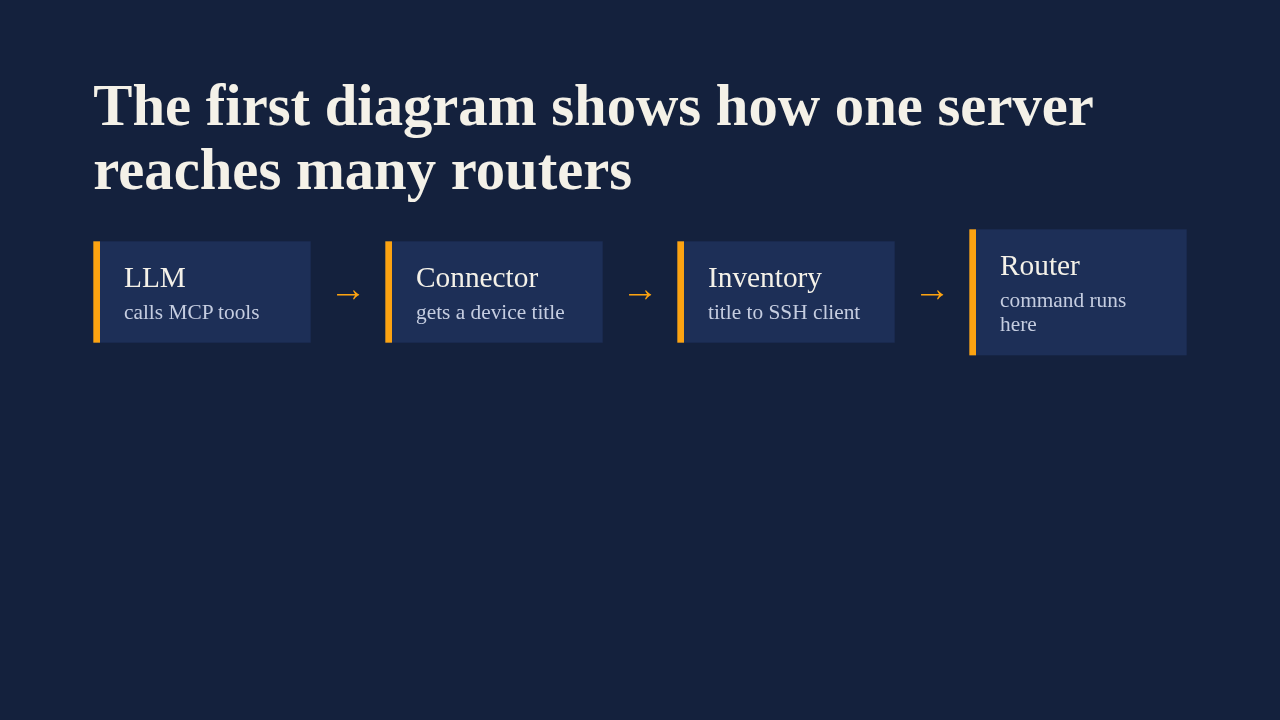
Inventory.drawio is the first diagram, and it draws the multi-device design from issue 44. The assistant calls an MCP tool. Each tool hands a device title to the connector. The inventory resolves that title to the SSH client for one specific device. Then the command runs on the router you chose. A separate tool, list devices, lets the assistant discover the fleet in the first place.
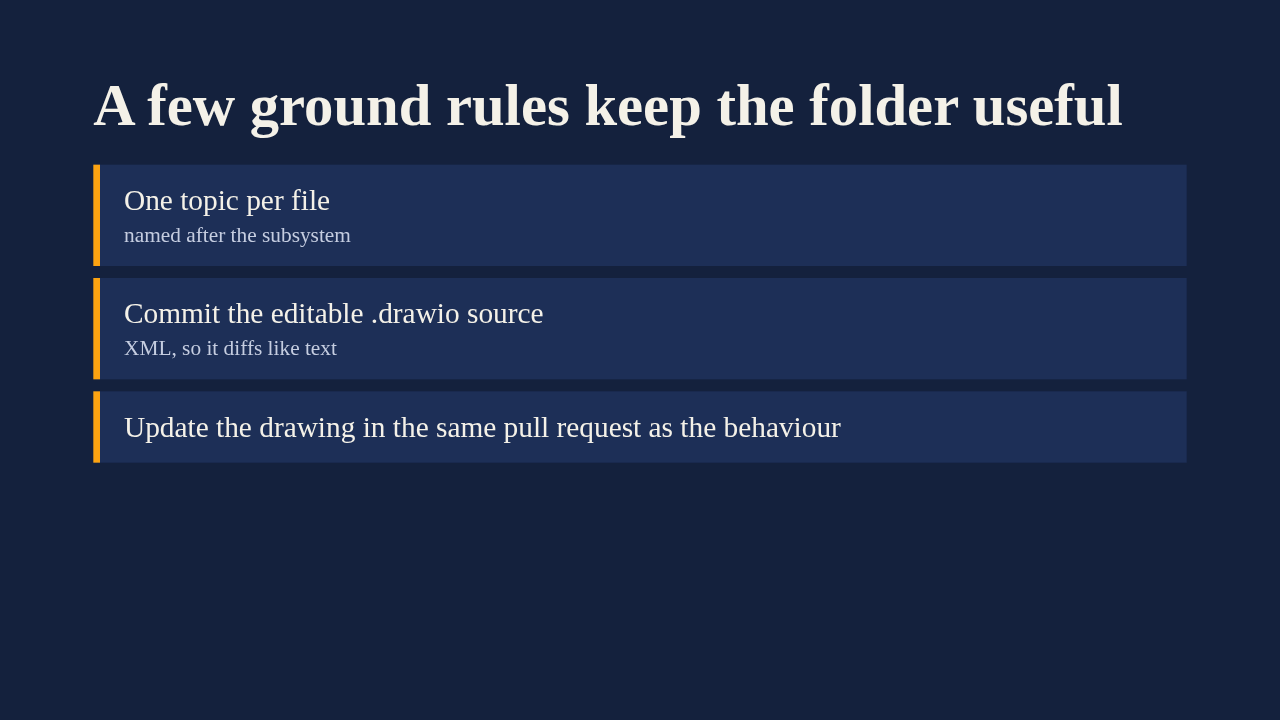
The folder README sets the rules for diagrams that come next. Each file covers one topic, named after its subsystem. The editable draw.io source is always committed, because nobody can edit a PNG. Exported images are optional companions for embedding in markdown, and each diagram gets linked from the page it illustrates. The one that matters most for reviewers is the last: a pull request that changes behaviour should change the drawing too.
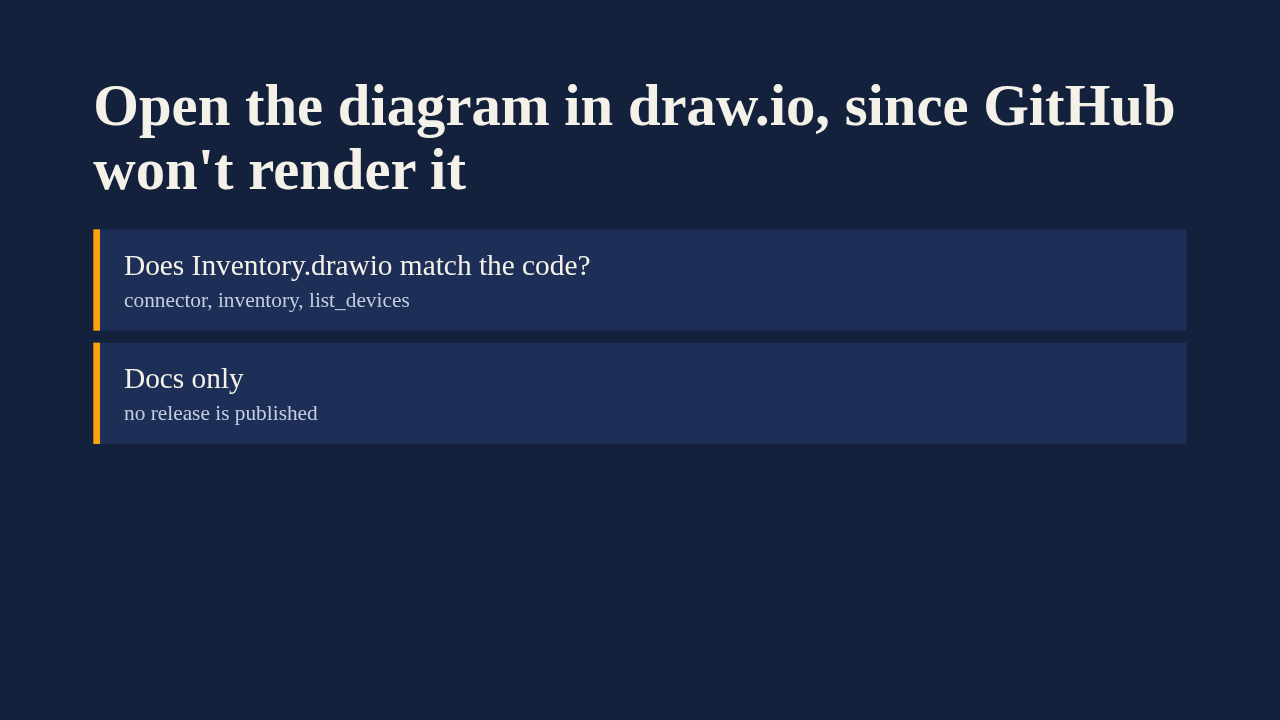
GitHub doesn't render draw.io files inline, so a reviewer opens the file in app dot diagrams dot net, draw.io Desktop, or the VS Code extension. The useful check is whether the drawing matches how the connector and inventory actually behave. Since the change touches only docs and a diagram, merging it doesn't trigger a release. The pull request is already merged, so this is a look back rather than a gate.
Up next
 2:01
A README edit no longer publishes a release
@wiresage/mikrotik-mcp · 1 hour ago
 2:28
MikroTik MCP can now sign in with an SSH agent key
@wiresage/mikrotik-mcp · 1 hour ago
 1:46
Read-only mode for MikroTik MCP: tools that can look but not change
@wiresage/mikrotik-mcp · 2 hours ago
 1:52
Sensitive-hiding mode keeps router secrets away from the model
@wiresage/mikrotik-mcp · 2 hours ago
 2:08
Safe Mode for MikroTik MCP: try a change, then keep it or drop it
@wiresage/mikrotik-mcp · 2 hours ago
 2:01
Migrating the MikroTik MCP server to mcp 2.0
@wiresage/mikrotik-mcp · 2 hours ago
 2:00
Pull request 47: the project moves from pip to uv
@wiresage/mikrotik-mcp · 2 hours ago
 1:33
Fleet article and multi-device prompt examples
@wiresage/mikrotik-mcp · 2 hours ago
 2:29
One MikroTik MCP server, many routers
@wiresage/mikrotik-mcp · 2 hours ago
 2:22
Escape quotes, backslashes, $ and non-ASCII in text sent to RouterOS
@wiresage/mikrotik-mcp · 2 hours ago
 1:58
Bridge VLAN table and port PVID tools for MikroTik MCP
@wiresage/mikrotik-mcp · 2 hours ago
 2:02
Raw firewall tools for MikroTik MCP: 16 tools that drop traffic before connection tracking
@wiresage/mikrotik-mcp · 2 hours ago