Raw firewall tools for MikroTik MCP: 16 tools that drop traffic before connection tracking
1 hour ago

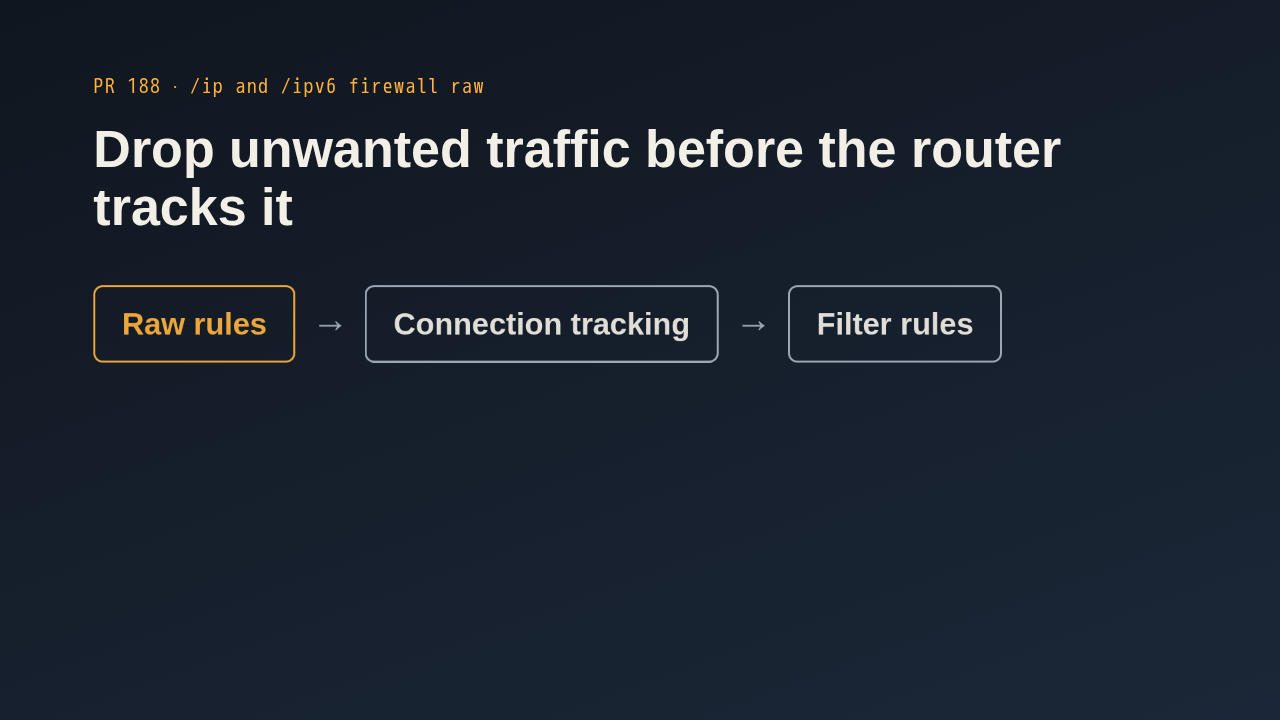
The MCP server could manage MikroTik filter rules, but it had no way to touch the raw tables. Raw rules run first, in the prerouting and output chains. They are the cheap place to drop blocklisted or rate limited sources, and to exempt traffic from tracking with notrack. Everything else still goes through connection tracking and the filter rules afterwards. This pull request adds sixteen tools for the raw tables, eight for IPv4 and eight for IPv6.
Ask about this presentation
Chapters
Show transcriptHide transcript
The MCP server could manage MikroTik filter rules, but it had no way to touch the raw tables. Raw rules run first, in the prerouting and output chains. They are the cheap place to drop blocklisted or rate limited sources, and to exempt traffic from tracking with notrack. Everything else still goes through connection tracking and the filter rules afterwards. This pull request adds sixteen tools for the raw tables, eight for IPv4 and eight for IPv6.
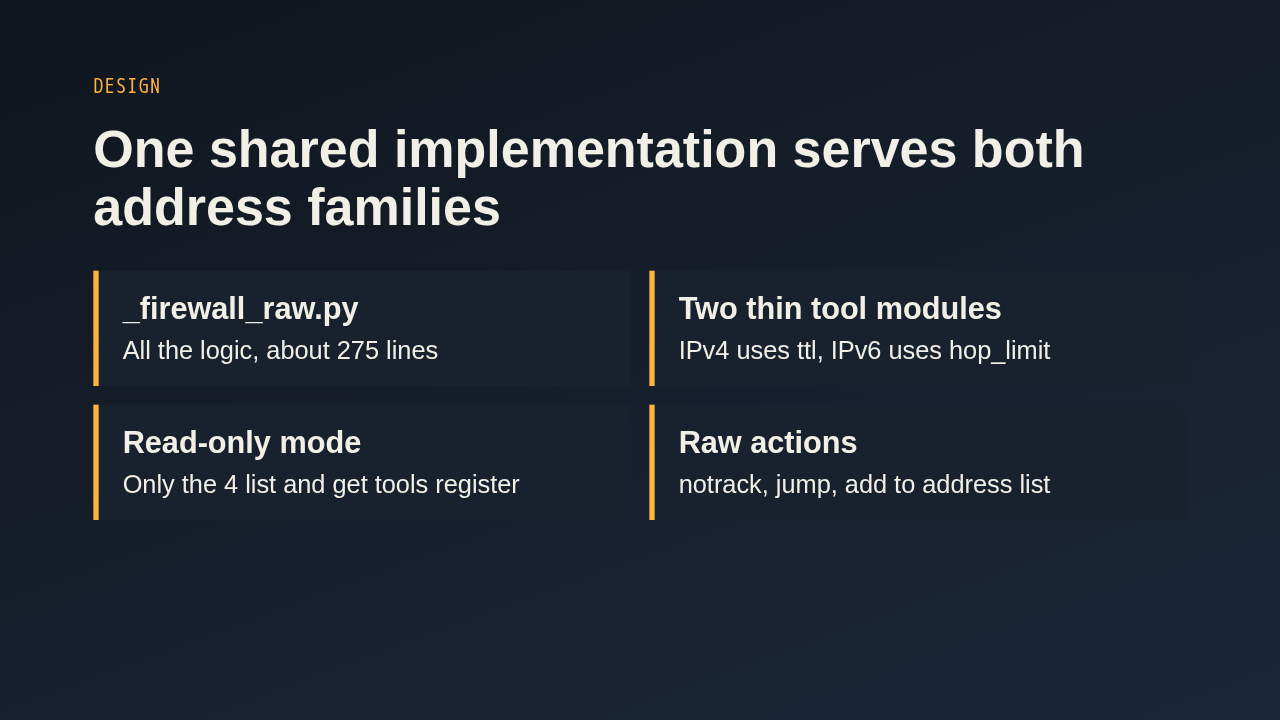
The logic lives in one shared module. The IPv4 and IPv6 tool modules are thin wrappers that pass in their own executor, so the usual test patching still works. The only matcher that differs is time to live for IPv4 and hop limit for IPv6. In read-only mode just the four list and get tools are registered. Creating rules supports the raw specific actions, and it refuses a jump without a target or an address list action without a list. There is no connection state matcher, because raw runs before connection tracking.
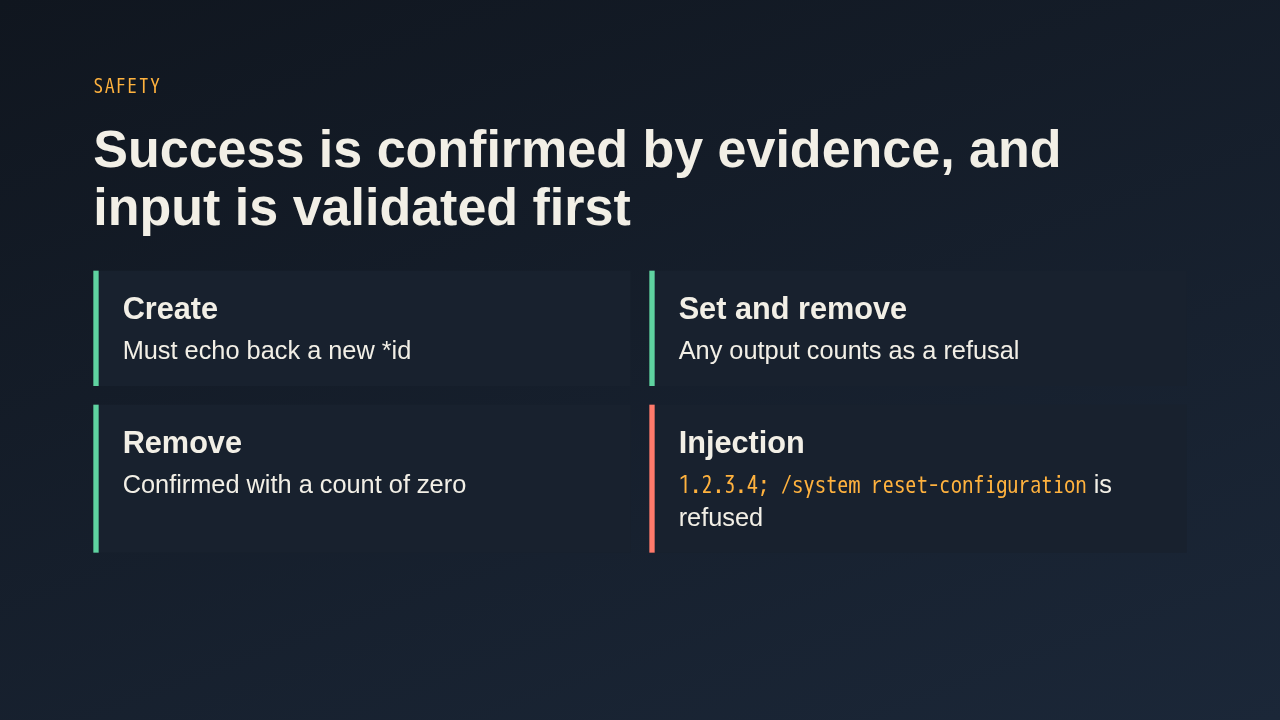
RouterOS prints nothing when a write works and prints text when it refuses, often without the word error in it. So create wraps the add in a put and only reports success when a new star id comes back. Set and remove treat any output as a refusal, such as not enough permissions, and remove then counts the rule to confirm it is gone. Every value is model controlled, so names go through quoting and bare matcher values must match a strict pattern. A value with a semicolon and a second command is refused before anything is sent.
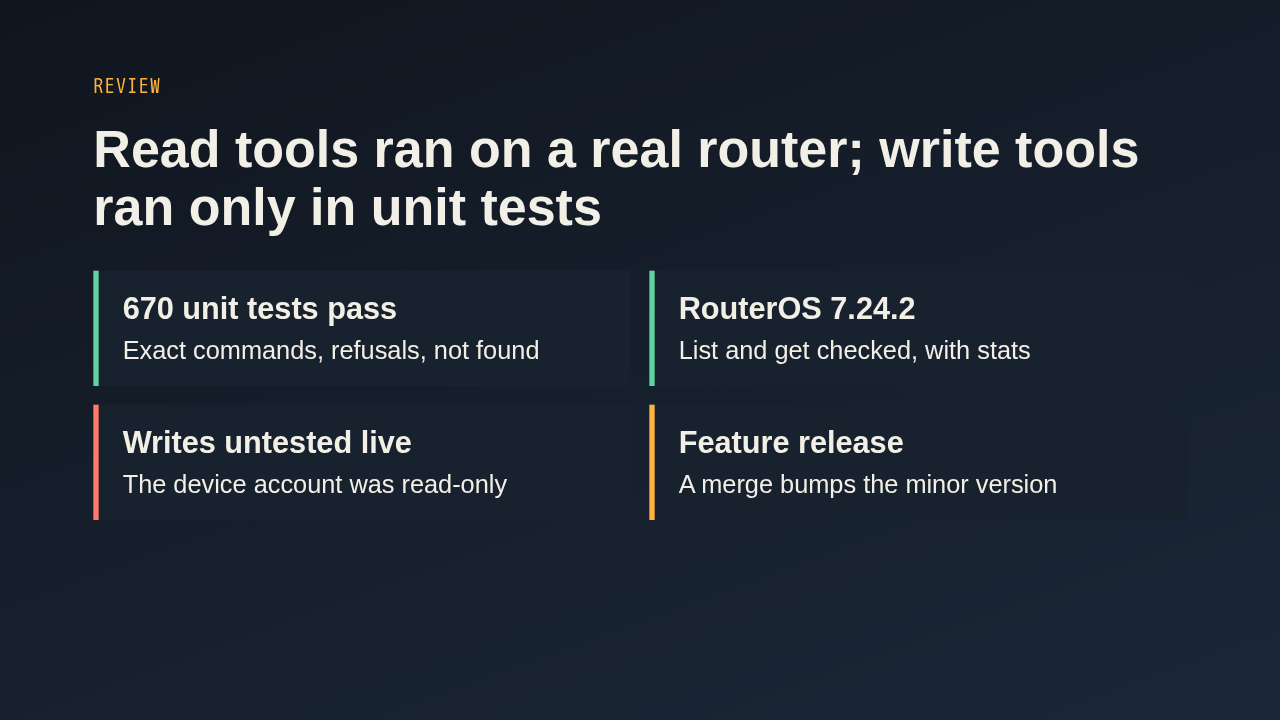
The new unit tests run for both address families and cover the exact command strings, the refusal paths and the not found cases. The author also ran the list and get tools against a RouterOS 7.24.2 router. The write tools were not run on a device, because that account was read-only, so a reviewer with a lab router could try create, move and remove. Merging counts as a feature, which raises the minor version and publishes a release.
Up next
 1:36
PR 118: draw.io diagrams now live in docs/diagrams
@wiresage/mikrotik-mcp · 56 minutes ago
 2:01
A README edit no longer publishes a release
@wiresage/mikrotik-mcp · 1 hour ago
 2:28
MikroTik MCP can now sign in with an SSH agent key
@wiresage/mikrotik-mcp · 1 hour ago
 1:46
Read-only mode for MikroTik MCP: tools that can look but not change
@wiresage/mikrotik-mcp · 1 hour ago
 1:52
Sensitive-hiding mode keeps router secrets away from the model
@wiresage/mikrotik-mcp · 1 hour ago
 2:08
Safe Mode for MikroTik MCP: try a change, then keep it or drop it
@wiresage/mikrotik-mcp · 1 hour ago
 2:01
Migrating the MikroTik MCP server to mcp 2.0
@wiresage/mikrotik-mcp · 1 hour ago
 2:00
Pull request 47: the project moves from pip to uv
@wiresage/mikrotik-mcp · 1 hour ago
 1:33
Fleet article and multi-device prompt examples
@wiresage/mikrotik-mcp · 1 hour ago
 2:29
One MikroTik MCP server, many routers
@wiresage/mikrotik-mcp · 1 hour ago
 2:22
Escape quotes, backslashes, $ and non-ASCII in text sent to RouterOS
@wiresage/mikrotik-mcp · 1 hour ago
 1:58
Bridge VLAN table and port PVID tools for MikroTik MCP
@wiresage/mikrotik-mcp · 1 hour ago