Remove IP addresses by position, ID or address
2 days ago

When you ask the server to remove an IP address, RouterOS lets you point at it three ways. By its position in the printed list, by its internal ID, or by the address itself. This pull request makes both the IPv4 and the IPv6 remove tools accept all three. Before, only the internal ID and the address value worked, and a plain position number quietly failed.
Ask about this presentation
Chapters

Show transcriptHide transcript
When you ask the server to remove an IP address, RouterOS lets you point at it three ways. By its position in the printed list, by its internal ID, or by the address itself. This pull request makes both the IPv4 and the IPv6 remove tools accept all three. Before, only the internal ID and the address value worked, and a plain position number quietly failed.
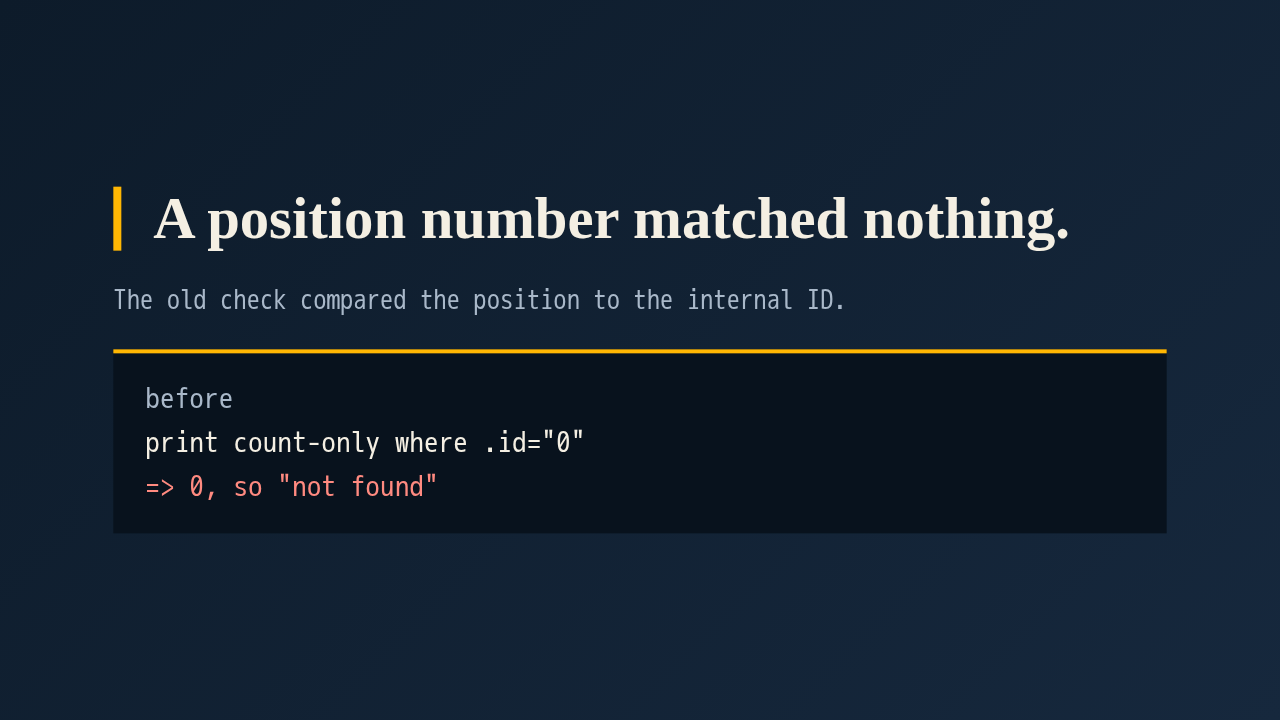
Here's what went wrong. The old tool counted matches with a where clause on the internal ID. Give it a position like zero, and RouterOS finds no item with that ID, so the count comes back zero. The tool then tried the address value lookup, found nothing there either, and told you the address didn't exist. The address was sitting right there. This is the problem reported in issues 154 and 109.
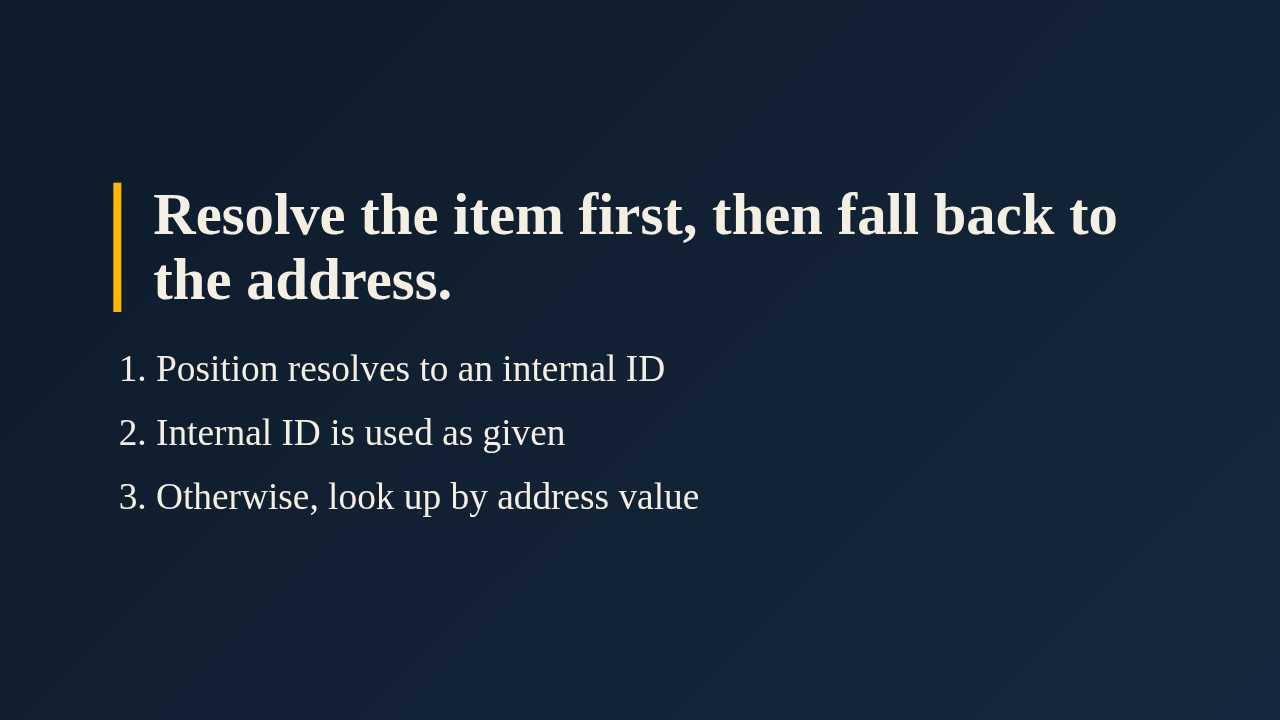
The fix reuses two helpers that already exist in the selectors module, resolve item ID and item count. A number is turned into a real internal ID by asking RouterOS for the item at that position. A star prefixed ID passes straight through. If neither resolves, the tool falls back to matching the address value, as it did before. The IPv6 tool gets the same treatment.
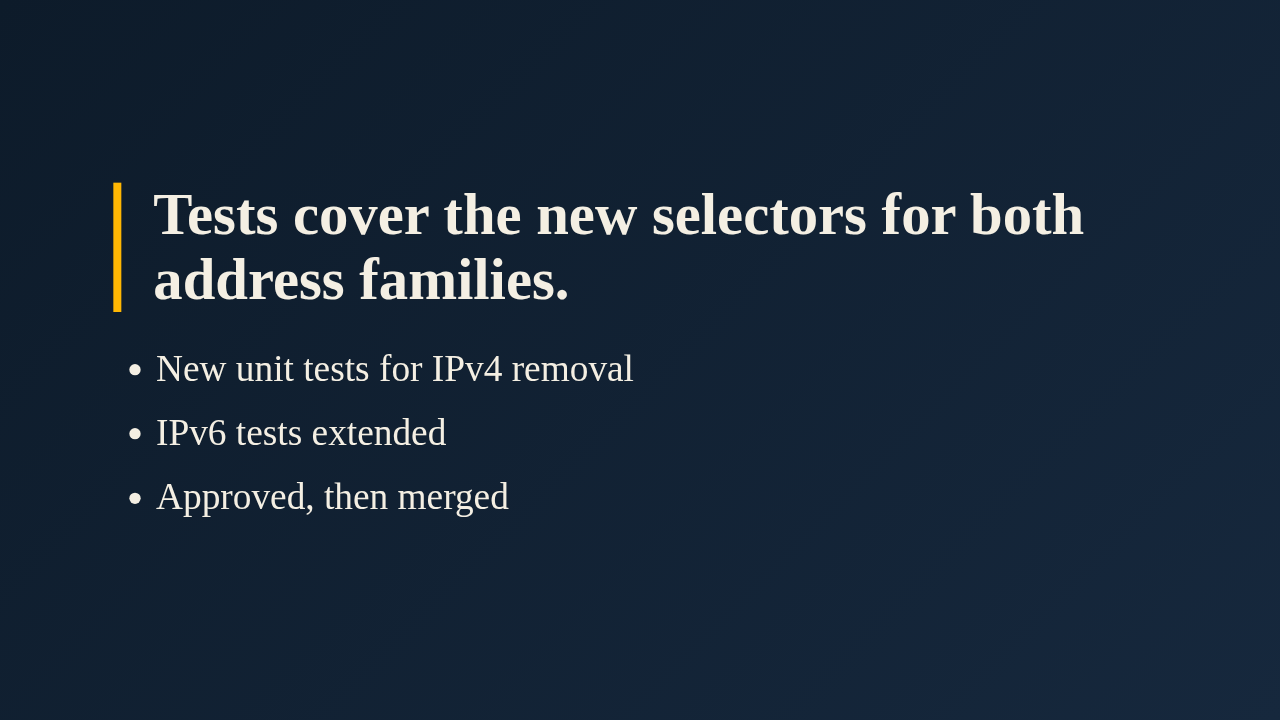
The change comes with a new unit test file for IPv4 removal and an extended one for IPv6. The author lists the lint checks, the unit tests and the API coverage check as passing. Jeff Nasseri approved it and it has merged. If you review anything, look at the fallback order. A value that looks like an ID or a number is tried as a selector first, and only then as an address.
Up next
 2:13
feat(diagnostics): ping, traceroute, torch, quick sniffer and CPU profile
@wiresage/mikrotik-mcp
3 hours ago
 1:36
PR 118: draw.io diagrams now live in docs/diagrams
@wiresage/mikrotik-mcp
1 week ago
 2:01
A README edit no longer publishes a release
@wiresage/mikrotik-mcp
1 week ago
 2:28
MikroTik MCP can now sign in with an SSH agent key
@wiresage/mikrotik-mcp
1 week ago
 1:46
Read-only mode for MikroTik MCP: tools that can look but not change
@wiresage/mikrotik-mcp
1 week ago
 1:52
Sensitive-hiding mode keeps router secrets away from the model
@wiresage/mikrotik-mcp
1 week ago
 2:08
Safe Mode for MikroTik MCP: try a change, then keep it or drop it
@wiresage/mikrotik-mcp
1 week ago
 2:01
Migrating the MikroTik MCP server to mcp 2.0
@wiresage/mikrotik-mcp
1 week ago
 2:00
Pull request 47: the project moves from pip to uv
@wiresage/mikrotik-mcp
1 week ago
 1:33
Fleet article and multi-device prompt examples
@wiresage/mikrotik-mcp
1 week ago
 2:29
One MikroTik MCP server, many routers
@wiresage/mikrotik-mcp
1 week ago
 2:22
Escape quotes, backslashes, $ and non-ASCII in text sent to RouterOS
@wiresage/mikrotik-mcp
1 week ago