Keeping the RouterOS test lab on the newest release
2 hours ago

The two RouterOS containers this repository tests against stay on whatever release they first started with. The lab here ran 7.21.4 for months, and every fix was checked against an old RouterOS without anyone noticing. This pull request makes the drift visible and gives you the steps to fix it.
Ask about this presentation
Chapters
Show transcriptHide transcript
The two RouterOS containers this repository tests against stay on whatever release they first started with. The lab here ran 7.21.4 for months, and every fix was checked against an old RouterOS without anyone noticing. This pull request makes the drift visible and gives you the steps to fix it.
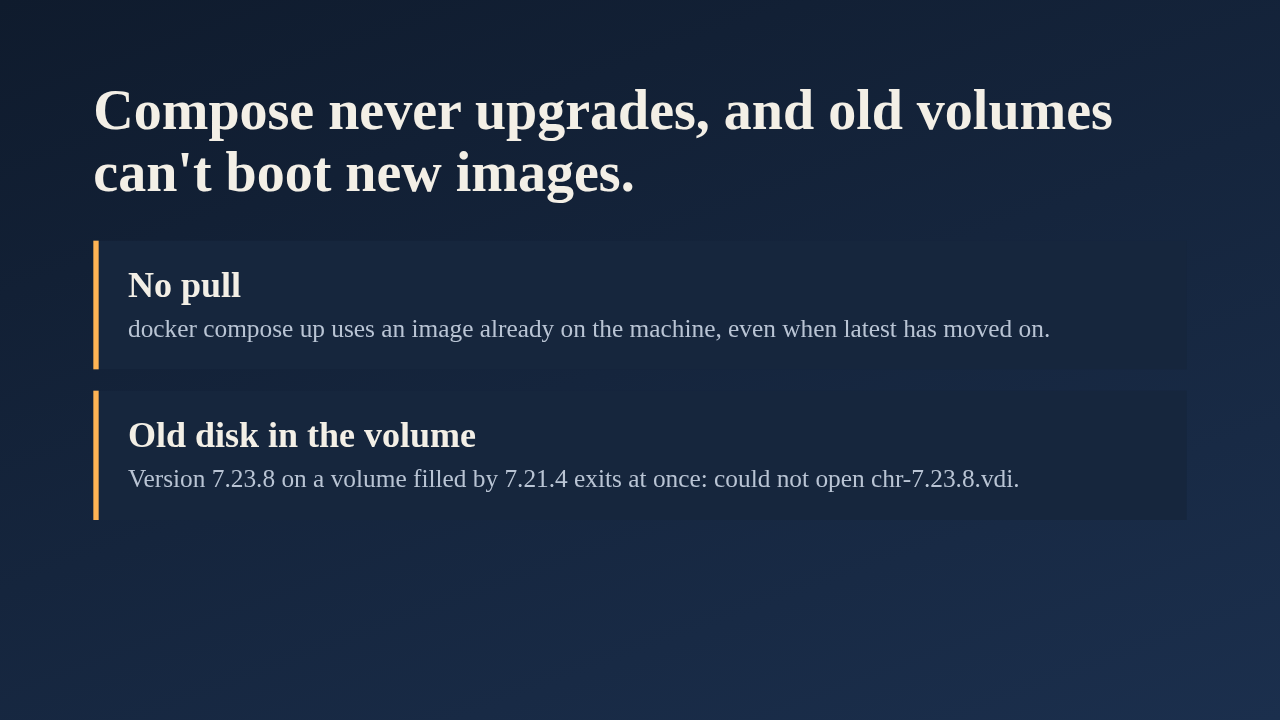
There are two causes. First, docker compose up never pulls a newer latest. An image that is already on the machine is used as it is. Second, each data volume keeps the disk of the image that first filled it. The author tried booting 7.23.8 on a volume that 7.21.4 had filled, and the container exited immediately because it could not open its disk file. So upgrading means removing the volumes.
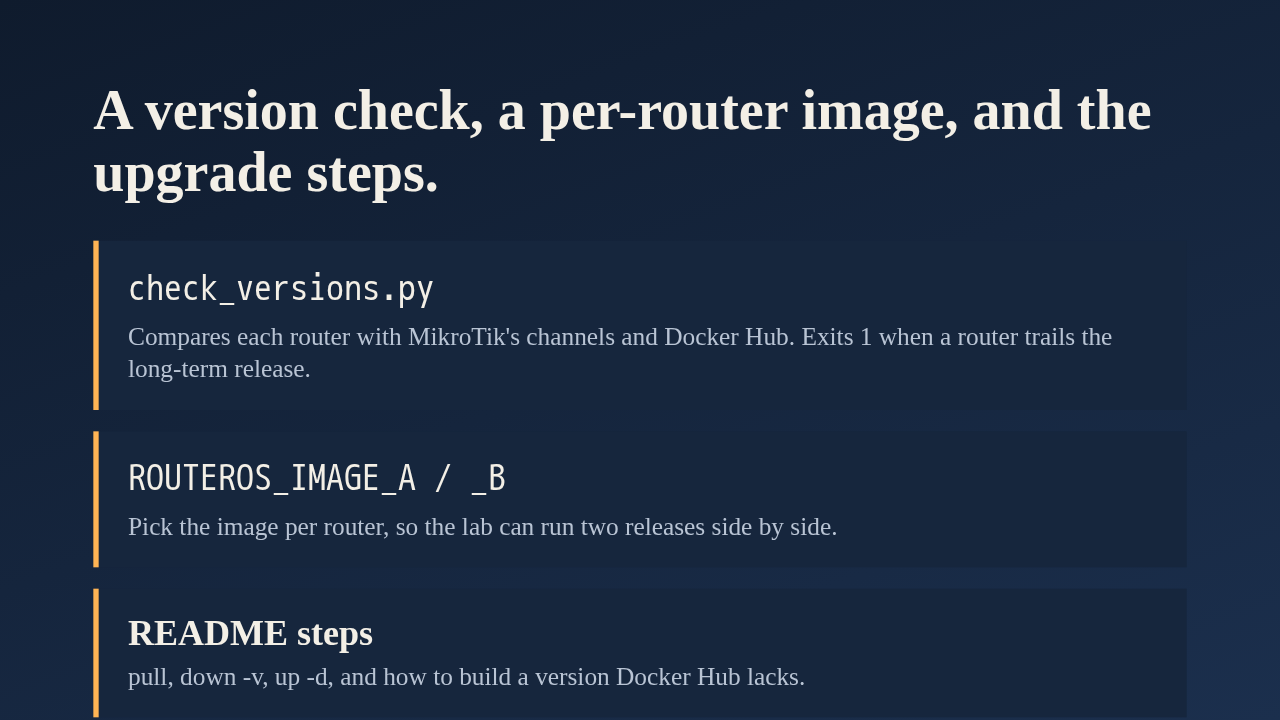
The new script, check_versions.py, uses only the standard library. It prints the newest release on each MikroTik channel, what Docker Hub has, and the version every lab router runs. It exits with 1 when a router is older than the newest long-term release. In the compose file, one variable per router chooses its image, and the old single variable still sets both, so defaults are unchanged. A fleet with mixed versions is normal for this server, so the lab can now mimic one. The README documents the upgrade steps and how to build a release Docker Hub doesn't have yet.
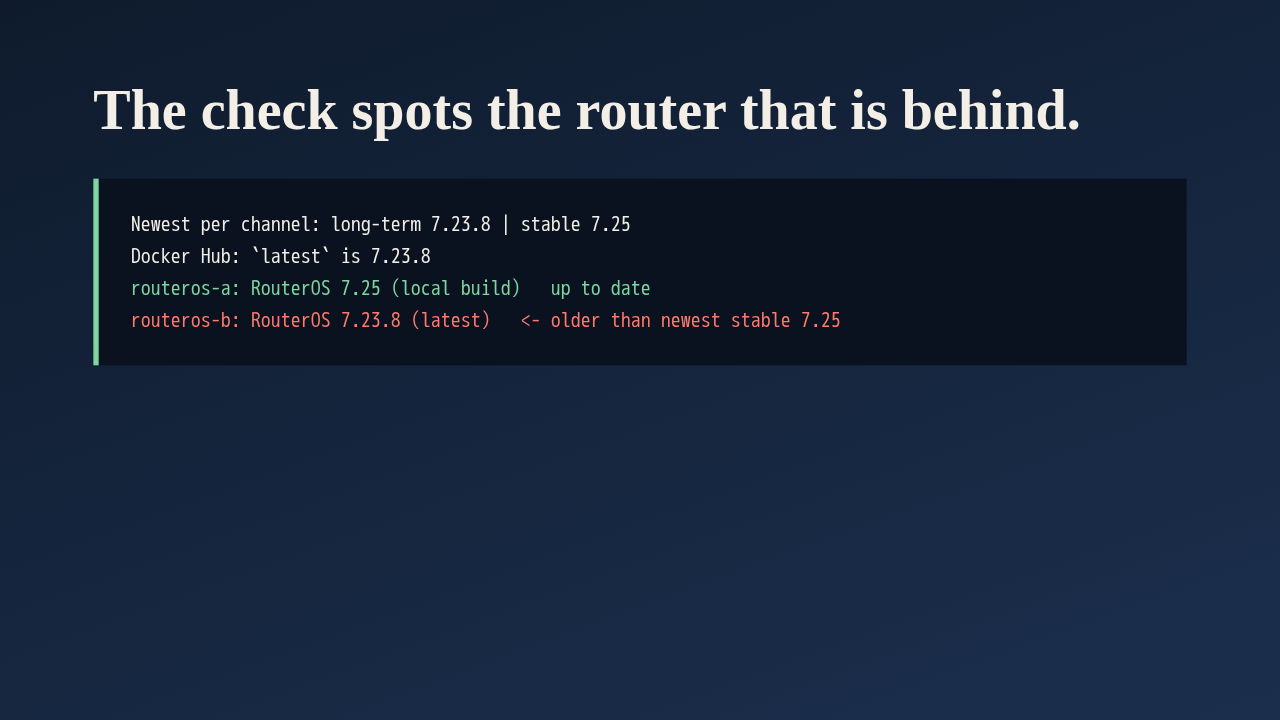
This is the output from a lab rebuilt with the new steps. Router A runs a local build of 7.25 and reports up to date. Router B runs the Docker Hub latest, 7.23.8, and the script flags it as older than the newest stable release. That shows a second finding: Docker Hub has no 7.25 tag yet, which is why the README explains building one.
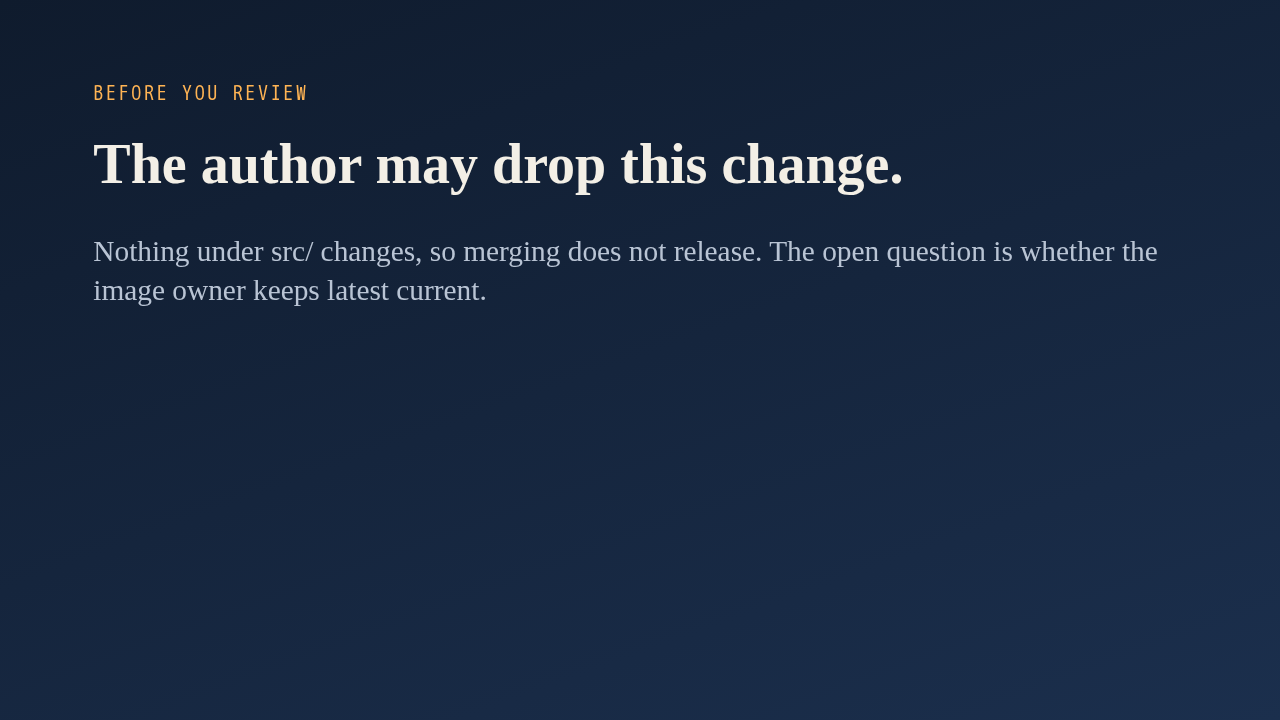
One more thing before you review. In a comment on the pull request, the author said they think it may be abandoned, and asked whether the owner of the Docker image keeps latest current. That question is still open. The change touches only the lab, docs and a script, nothing under src, so merging it would not publish a release. If the lab matters to you, review the script and the compose variables.
Up next
 1:36
PR 118: draw.io diagrams now live in docs/diagrams
@wiresage/mikrotik-mcp · 57 minutes ago
 2:01
A README edit no longer publishes a release
@wiresage/mikrotik-mcp · 1 hour ago
 2:28
MikroTik MCP can now sign in with an SSH agent key
@wiresage/mikrotik-mcp · 1 hour ago
 1:46
Read-only mode for MikroTik MCP: tools that can look but not change
@wiresage/mikrotik-mcp · 1 hour ago
 1:52
Sensitive-hiding mode keeps router secrets away from the model
@wiresage/mikrotik-mcp · 1 hour ago
 2:08
Safe Mode for MikroTik MCP: try a change, then keep it or drop it
@wiresage/mikrotik-mcp · 1 hour ago
 2:01
Migrating the MikroTik MCP server to mcp 2.0
@wiresage/mikrotik-mcp · 1 hour ago
 2:00
Pull request 47: the project moves from pip to uv
@wiresage/mikrotik-mcp · 1 hour ago
 1:33
Fleet article and multi-device prompt examples
@wiresage/mikrotik-mcp · 1 hour ago
 2:29
One MikroTik MCP server, many routers
@wiresage/mikrotik-mcp · 1 hour ago
 2:22
Escape quotes, backslashes, $ and non-ASCII in text sent to RouterOS
@wiresage/mikrotik-mcp · 1 hour ago
 1:58
Bridge VLAN table and port PVID tools for MikroTik MCP
@wiresage/mikrotik-mcp · 1 hour ago