Grok opens as a structured chat

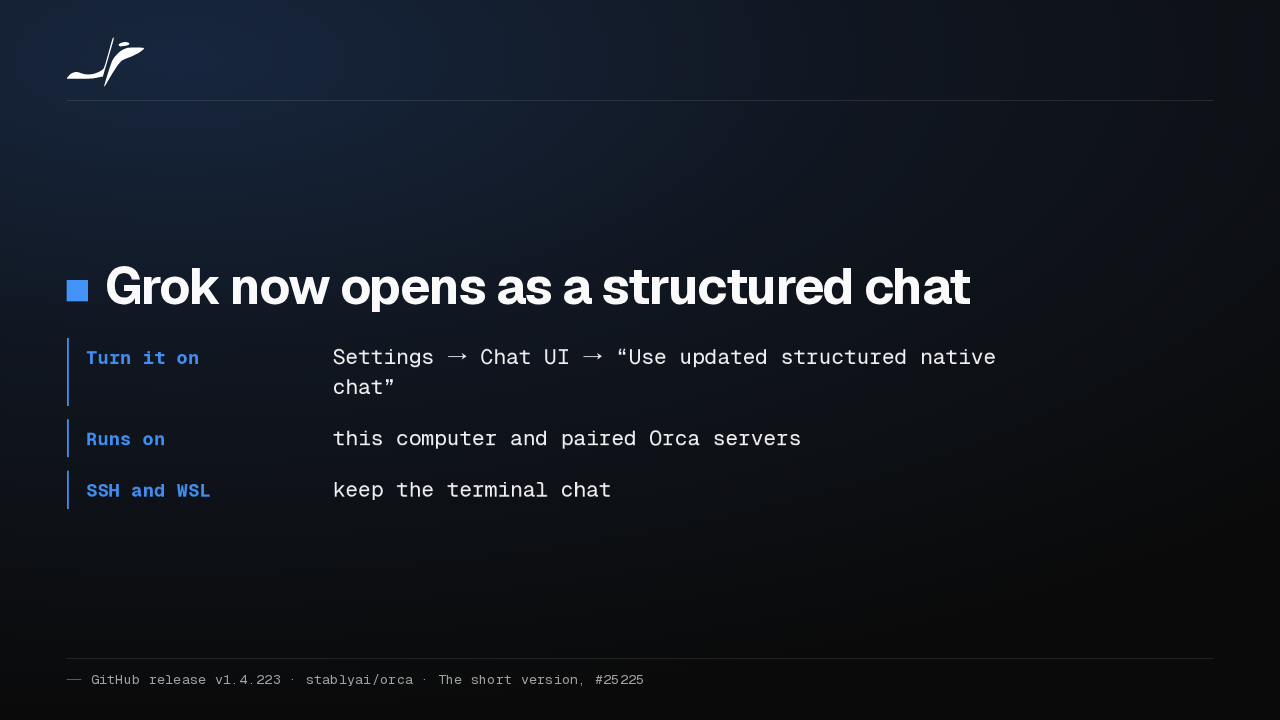
Grok now opens as a structured chat
- Turn it on
- Settings → Chat UI → “Use updated structured native chat”
- Runs on
- this computer and paired Orca servers
- SSH and WSL
- keep the terminal chat
Grok now runs as a structured chat in Orca, over the Agent Client Protocol. Native chat is still experimental, so you turn it on in the Chat UI settings. SSH and WSL keep the terminal chat.
Type @ to pick a workspace file
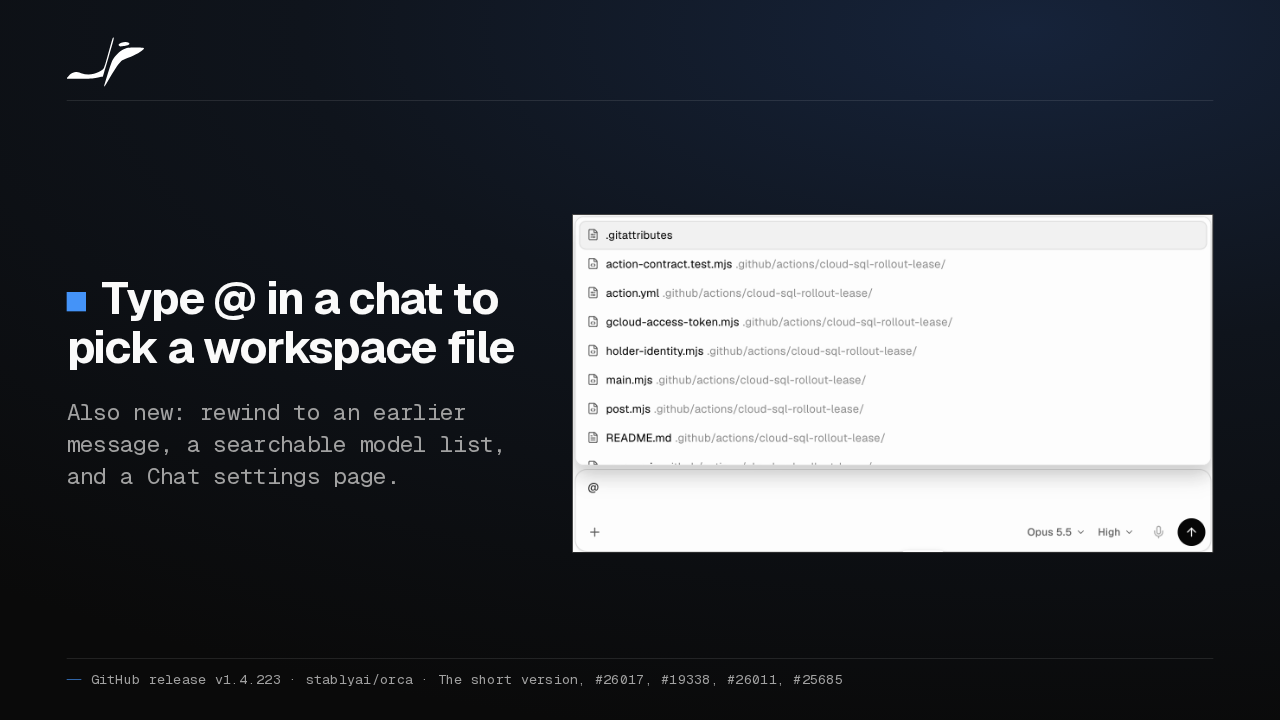
Type @ in a chat to pick a workspace file
Also new: rewind to an earlier message, a searchable model list, and a Chat settings page.

Typing the at sign in a structured chat now lists your workspace files. You can also rewind a chat to an earlier message, and a new Chat settings page sets text size, width and contrast.
SSH workspaces keep their tabs
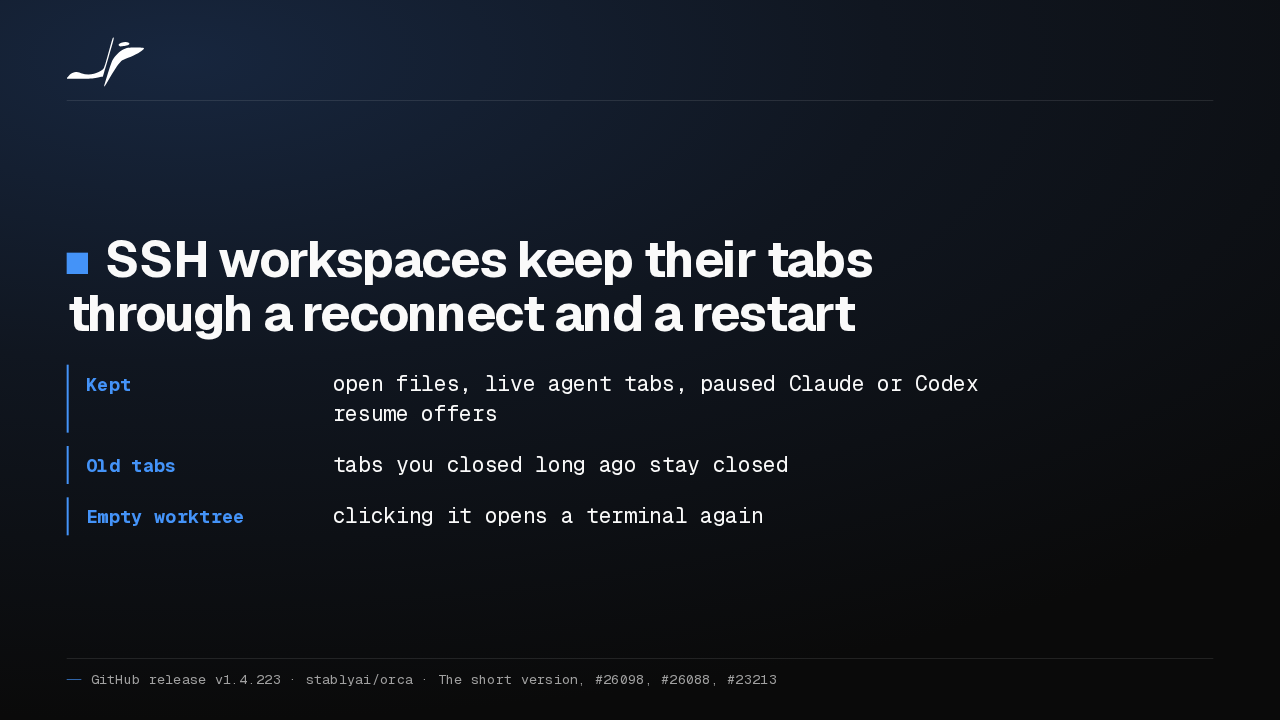
SSH workspaces keep their tabs through a reconnect and a restart
- Kept
- open files, live agent tabs, paused Claude or Codex resume offers
- Old tabs
- tabs you closed long ago stay closed
- Empty worktree
- clicking it opens a terminal again
Over SSH, Orca now brings your workspace back the way you left it. Open files, live agent tabs and paused Claude or Codex resume offers survive a reconnect and a restart.
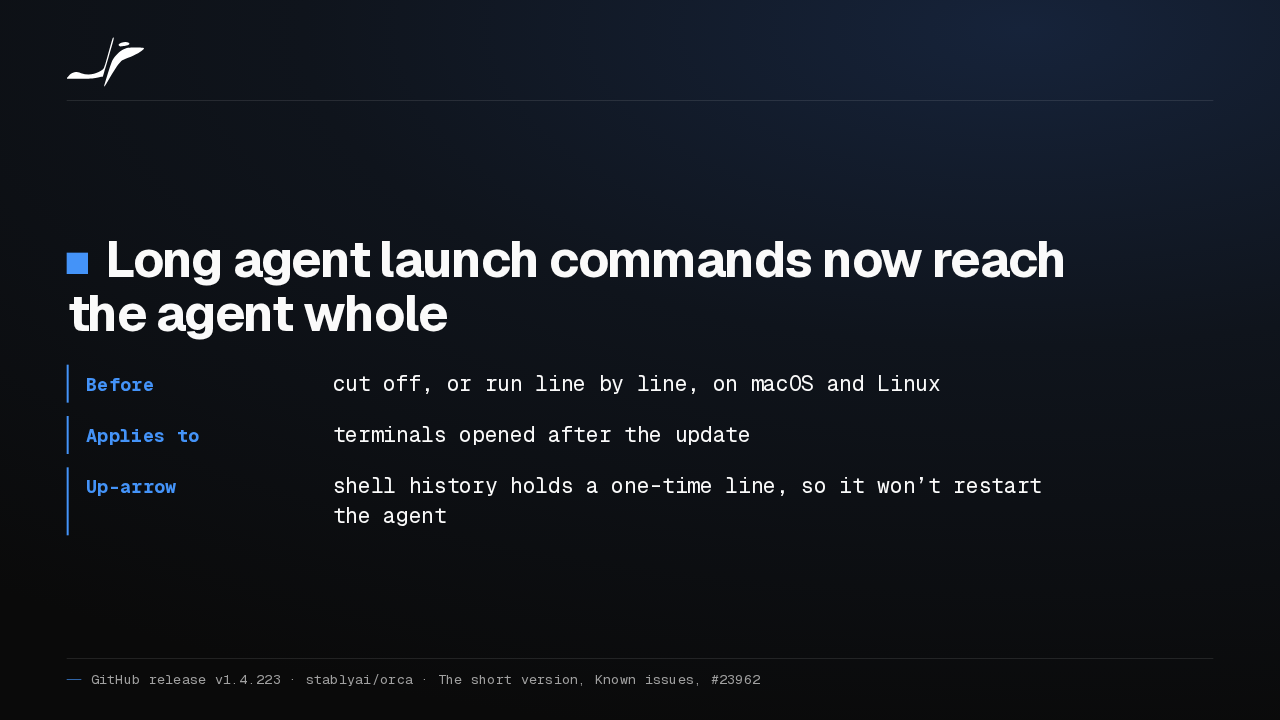
Long launch commands arrive whole
Long agent launch commands now reach the agent whole
- Before
- cut off, or run line by line, on macOS and Linux
- Applies to
- terminals opened after the update
- Up-arrow
- shell history holds a one-time line, so it won’t restart the agent
On macOS and Linux, long or multi-line agent launch commands now arrive whole. Only terminals opened after the update get this, and up-arrow from shell history won't start the agent again.
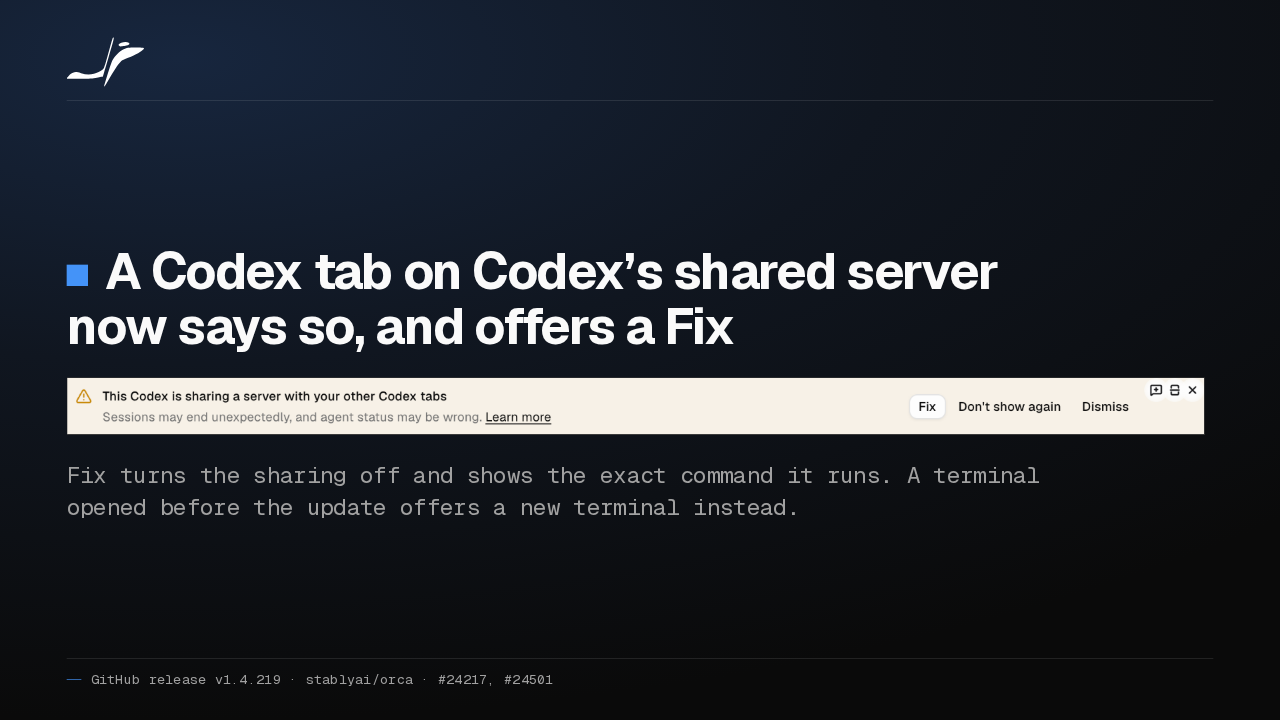
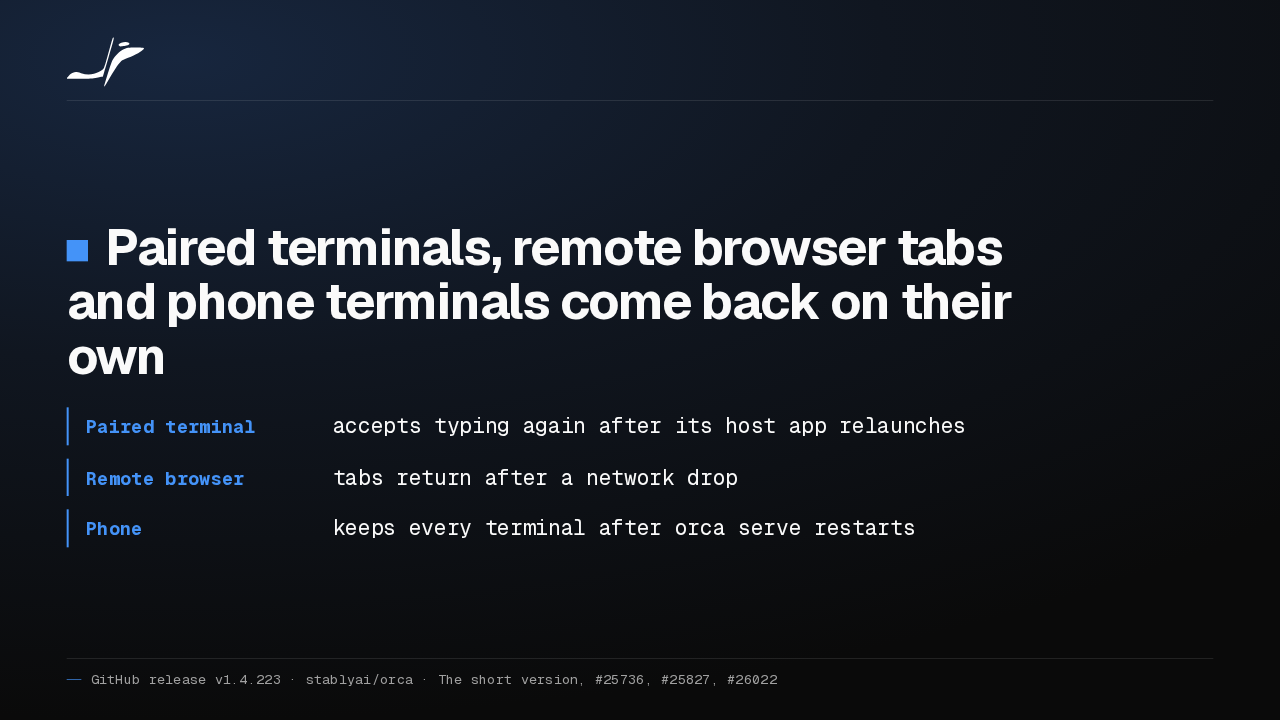
Remote servers and the phone recover
Paired terminals, remote browser tabs and phone terminals come back on their own
- Paired terminal
- accepts typing again after its host app relaunches
- Remote browser
- tabs return after a network drop
- Phone
- keeps every terminal after
orca serverestarts
Remote Orca servers and the phone now recover on their own. A paired terminal takes typing after its host relaunches, browser tabs return after a network drop, and the phone keeps every terminal.
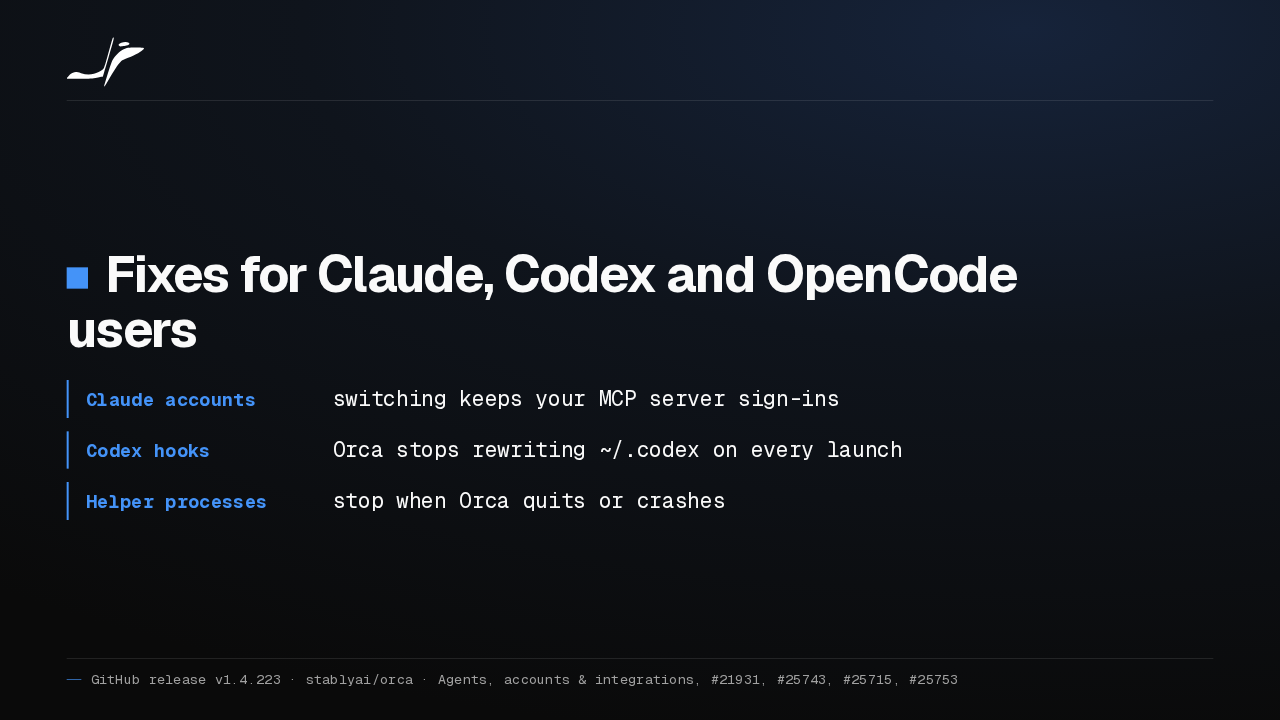
Fixes for Claude, Codex and OpenCode
Fixes for Claude, Codex and OpenCode users
- Claude accounts
- switching keeps your MCP server sign-ins
- Codex hooks
- Orca stops rewriting
~/.codexon every launch - Helper processes
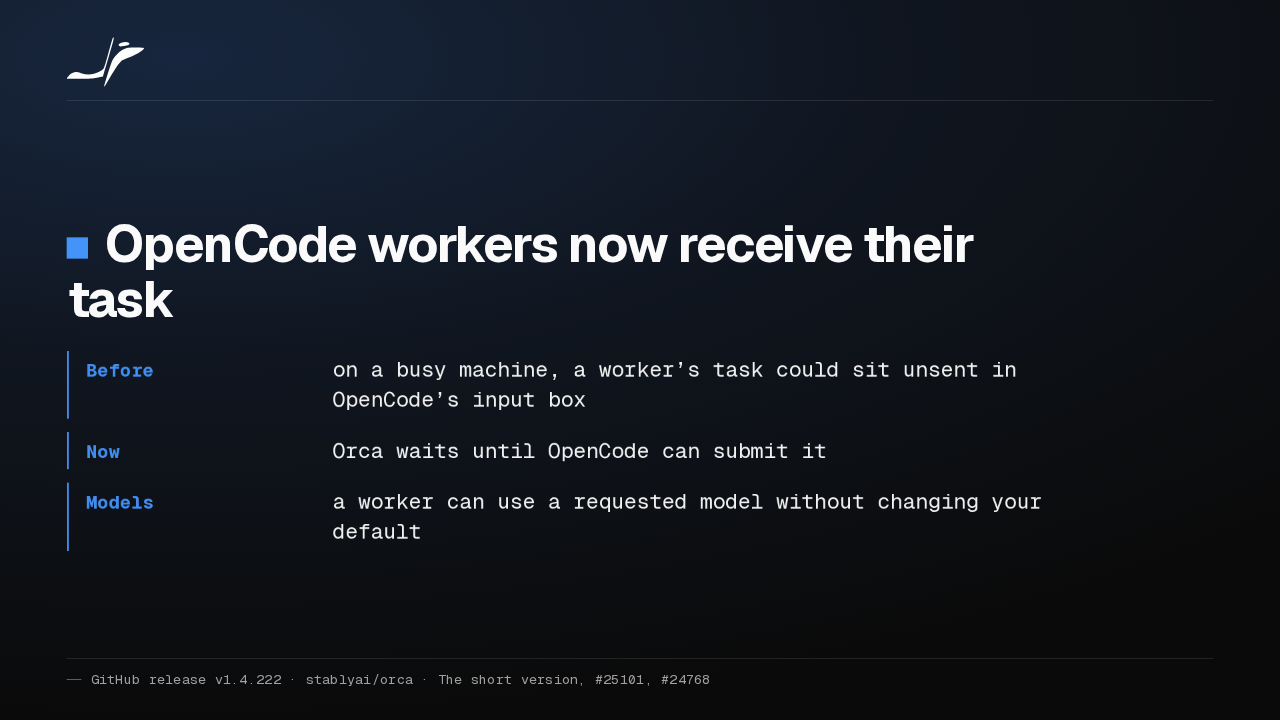
- stop when Orca quits or crashes
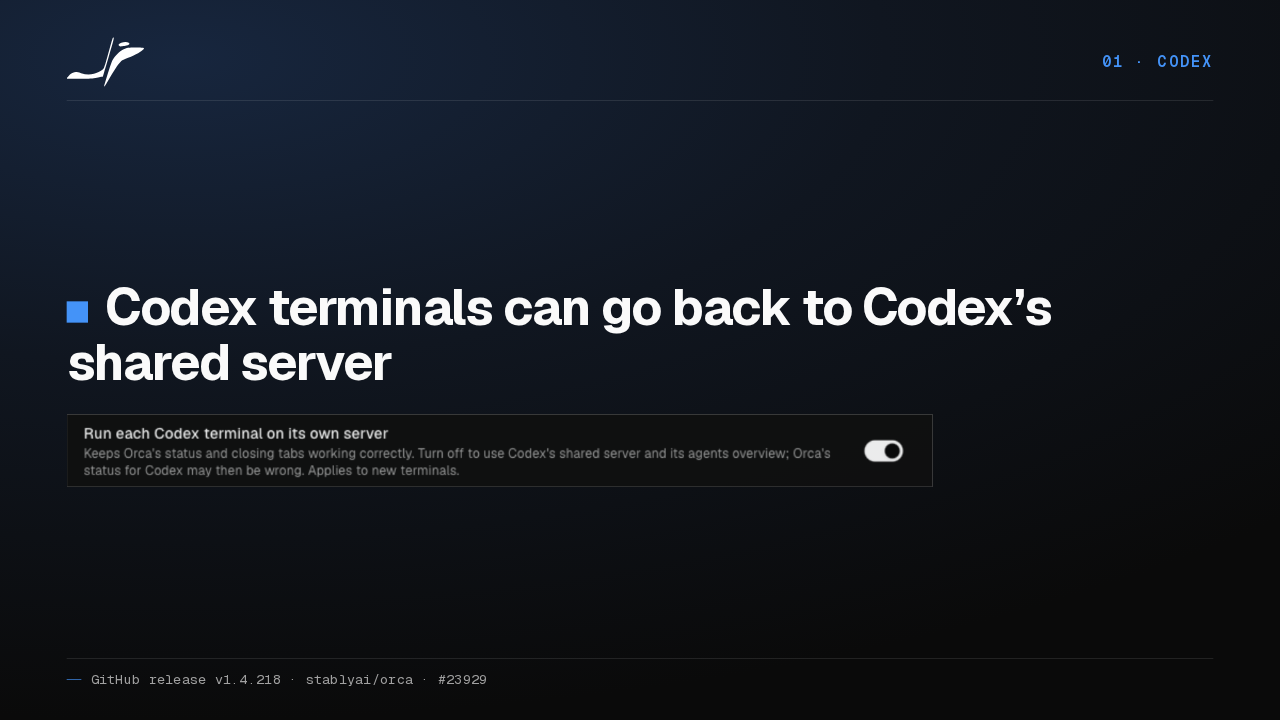
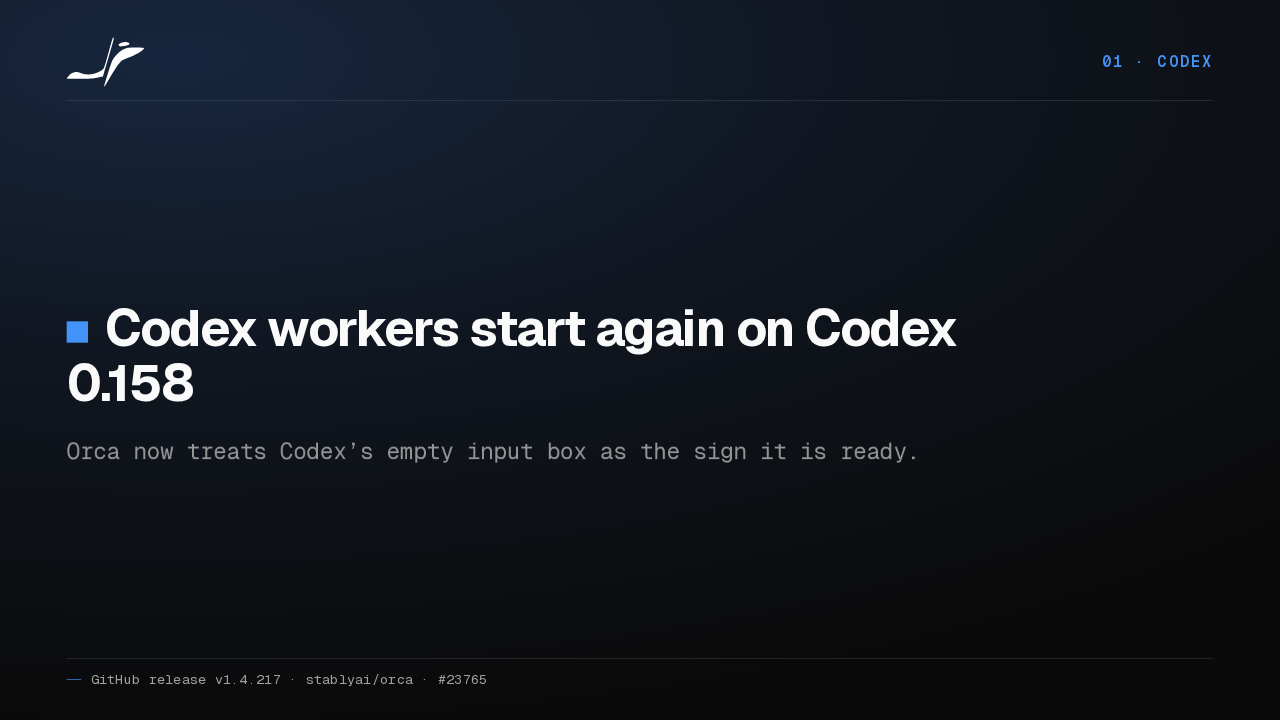
Switching Claude accounts now keeps your MCP server sign-ins. Orca also stops rewriting your Codex hooks on every launch, and its helpers for Claude, Codex and OpenCode stop when Orca quits or crashes.
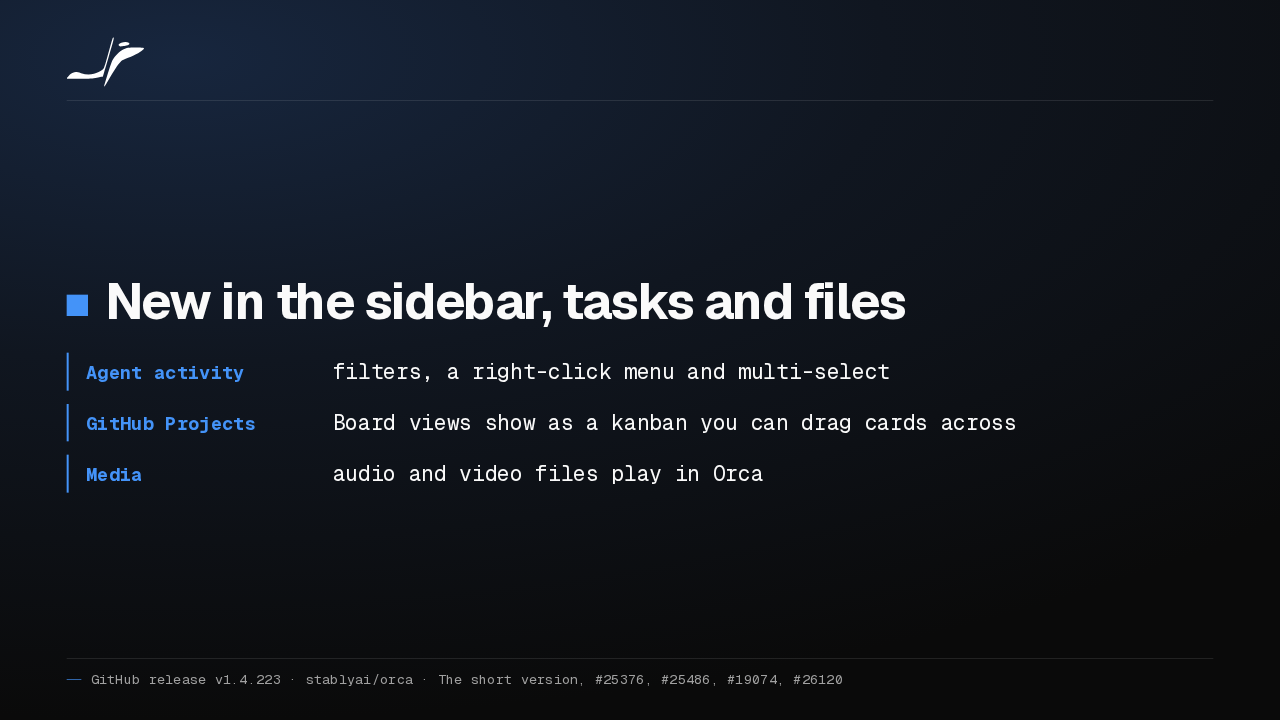
Activity filters, a kanban, and media playback
New in the sidebar, tasks and files
- Agent activity
- filters, a right-click menu and multi-select
- GitHub Projects
- Board views show as a kanban you can drag cards across
- Media
- audio and video files play in Orca
The agent activity view gets filters, a right-click menu and multi-select. GitHub Projects board views become a kanban you can drag cards across, and audio and video files play inside Orca.
Before you update
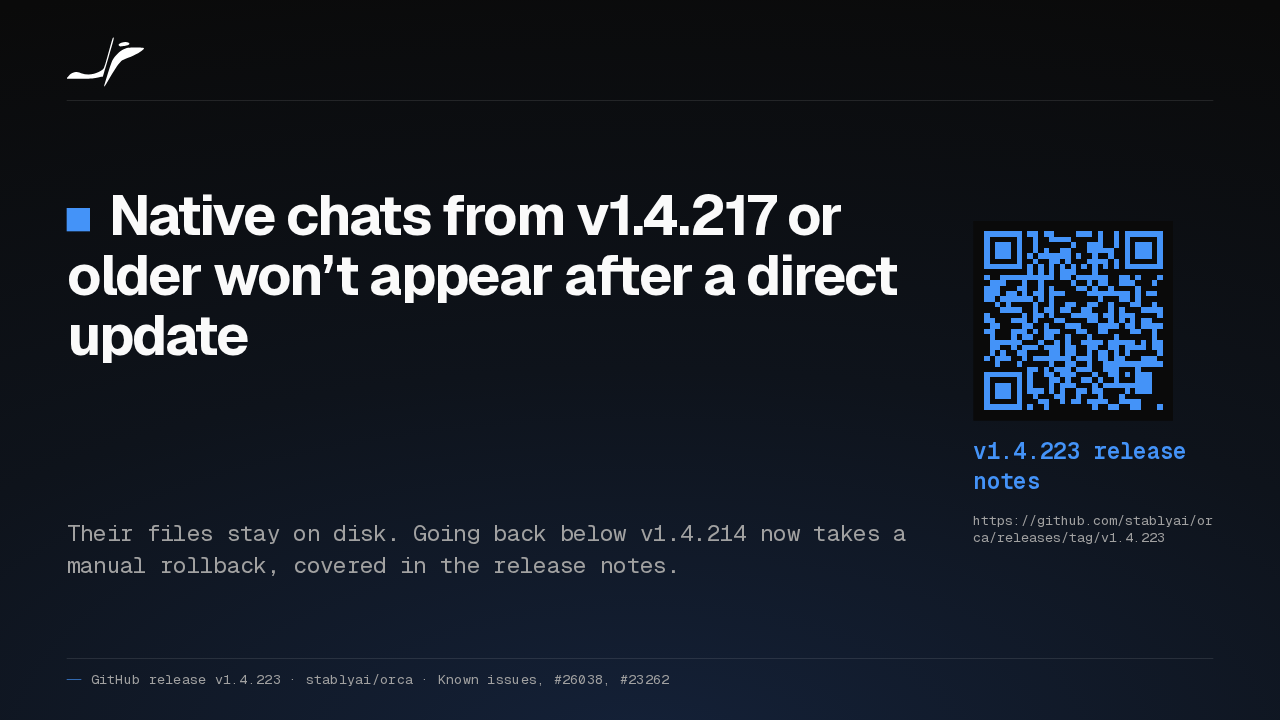
Native chats from v1.4.217 or older won’t appear after a direct update
Their files stay on disk. Going back below v1.4.214 now takes a manual rollback, covered in the release notes.
v1.4.223 release notes
https://github.com/stablyai/orca/releases/tag/v1.4.223Two caveats. Native chats from a build of September 29th or earlier won't show up after a direct update, though their files stay on disk. And going back before September 26th now needs a manual rollback, explained in the release notes.