Orca v1.4.261 brings Cursor into Chat and frees memory from idle browser tabs
2 days ago
Orca v1.4.261 runs Cursor in Chat, lets you fix MCP servers from a Claude or Codex chat with /mcp, loads long chats in pages, frees idle browser tabs with Memory Saver, and turns the + menu into icons you can reorder and hide.
Links
Ask about this presentation
Chapters
Show transcriptHide transcript
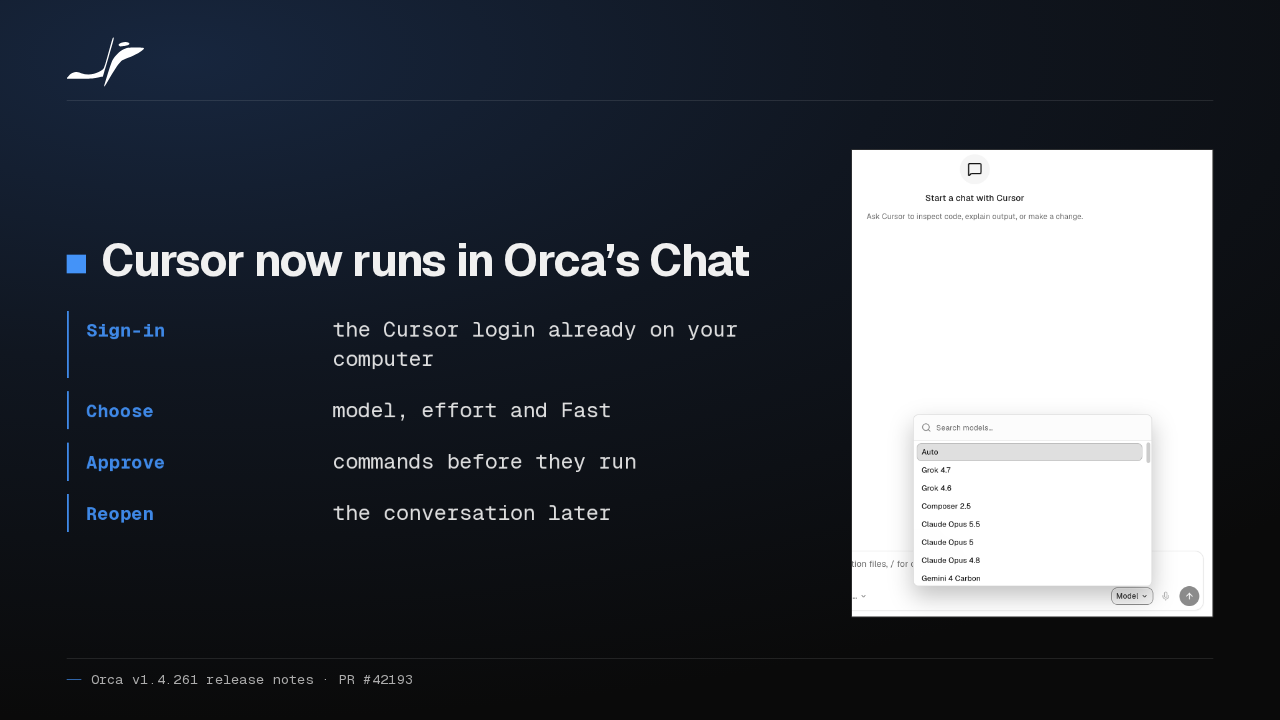
Cursor now runs in Orca's Chat, using the Cursor login already on your computer. Pick a model, its effort and Fast mode, approve each command before it runs, and reopen the conversation later.
Slide text

Cursor now runs in Orca’s Chat
- Sign-in
- the Cursor login already on your computer
- Choose
- model, effort and Fast
- Approve
- commands before they run
- Reopen
- the conversation later

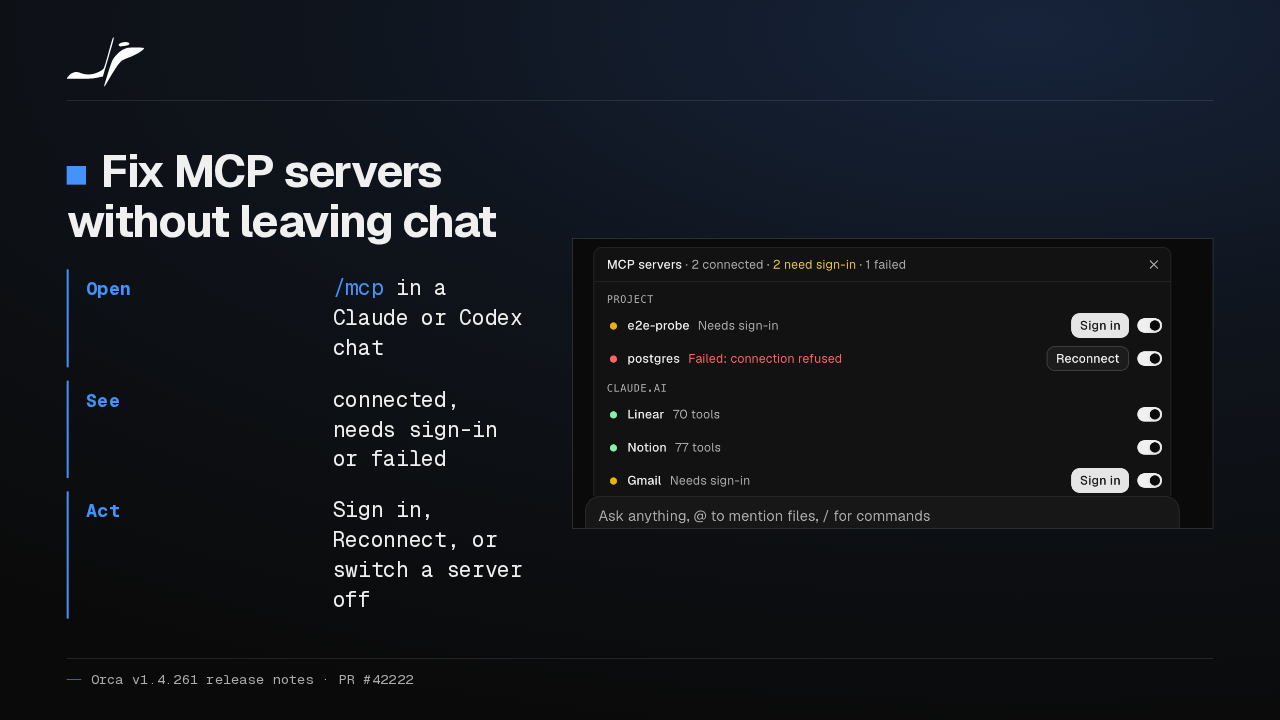
In a Claude or Codex chat, typing /mcp now lists that chat's MCP servers. Sign in, reconnect one that failed, or switch one off, without going back to the terminal.
Slide text
Fix MCP servers without leaving chat
- Open
/mcpin a Claude or Codex chat- See
- connected, needs sign-in or failed
- Act
- Sign in, Reconnect, or switch a server off

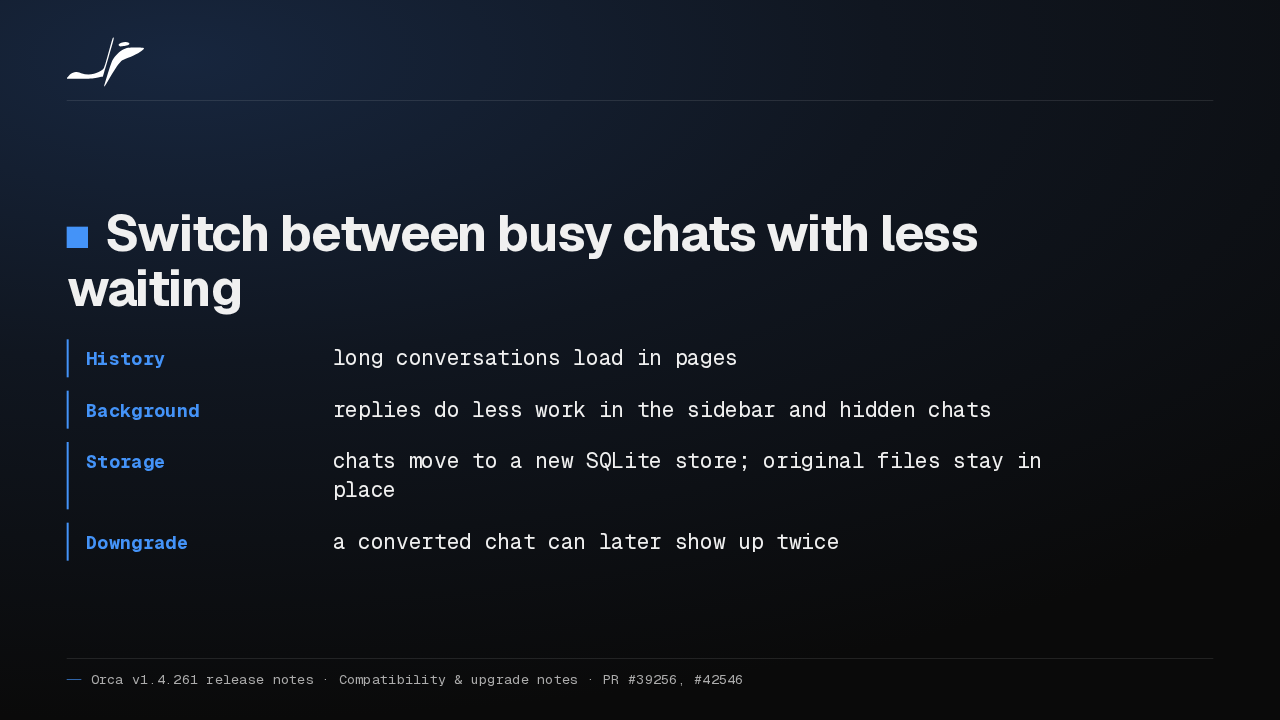
Long chats now load their history in pages, and background replies do less work while you switch conversations. Chats move to a new SQLite store, and the original chat files stay in place.
Slide text
Switch between busy chats with less waiting
- History
- long conversations load in pages
- Background
- replies do less work in the sidebar and hidden chats
- Storage
- chats move to a new SQLite store; original files stay in place
- Downgrade
- a converted chat can later show up twice
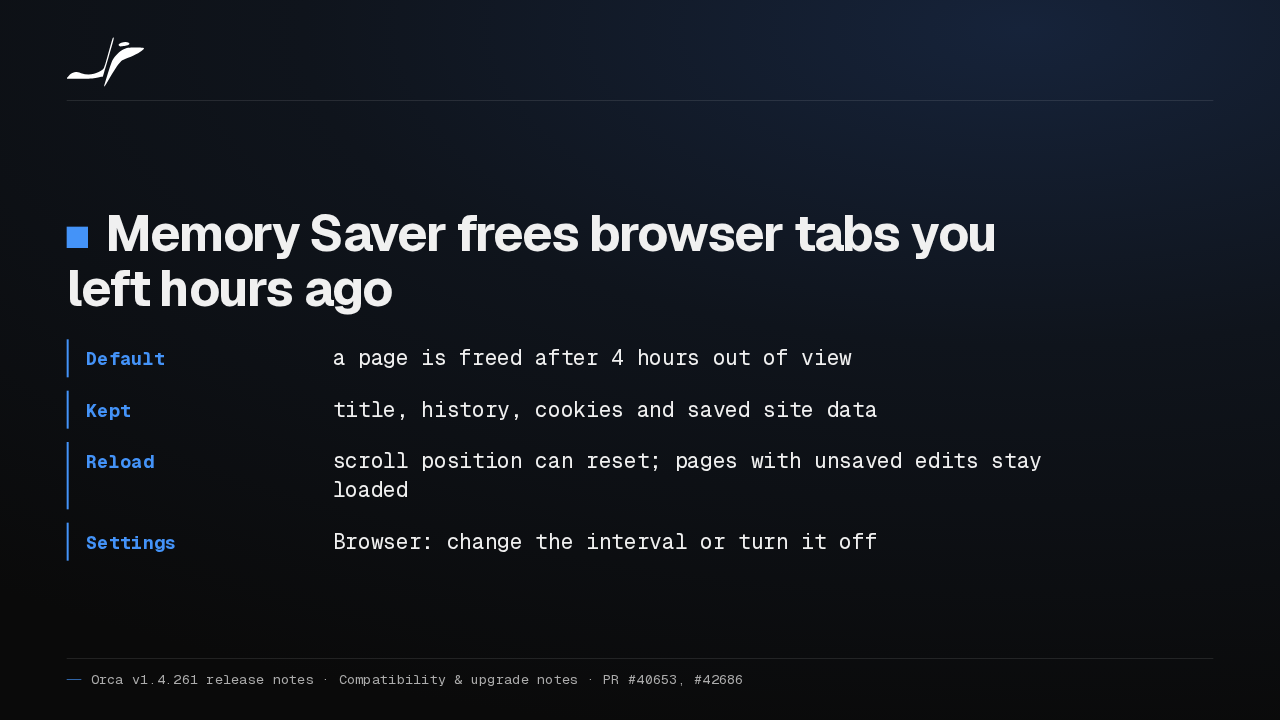
Memory Saver frees browser pages you haven't looked at in four hours, then reloads them when you come back. Scroll position can reset, and pages with unsaved edits stay loaded.
Slide text
Memory Saver frees browser tabs you left hours ago
- Default
- a page is freed after 4 hours out of view
- Kept
- title, history, cookies and saved site data
- Reload
- scroll position can reset; pages with unsaved edits stay loaded
- Settings
- Browser: change the interval or turn it off
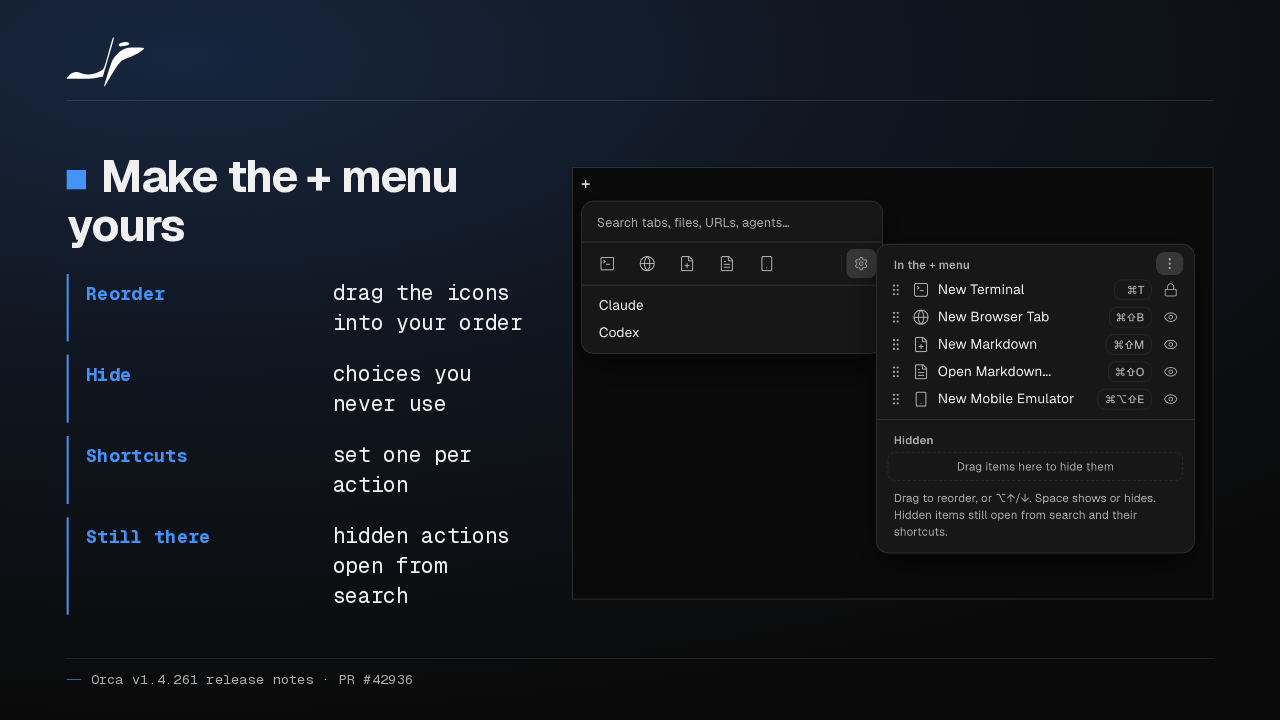
The plus menu for new tabs is now a row of icons. The gear beside it lets you reorder them, hide the ones you never use, and set shortcuts. Hidden ones still open from search.
Slide text
Make the + menu yours
- Reorder
- drag the icons into your order
- Hide
- choices you never use
- Shortcuts
- set one per action
- Still there
- hidden actions open from search

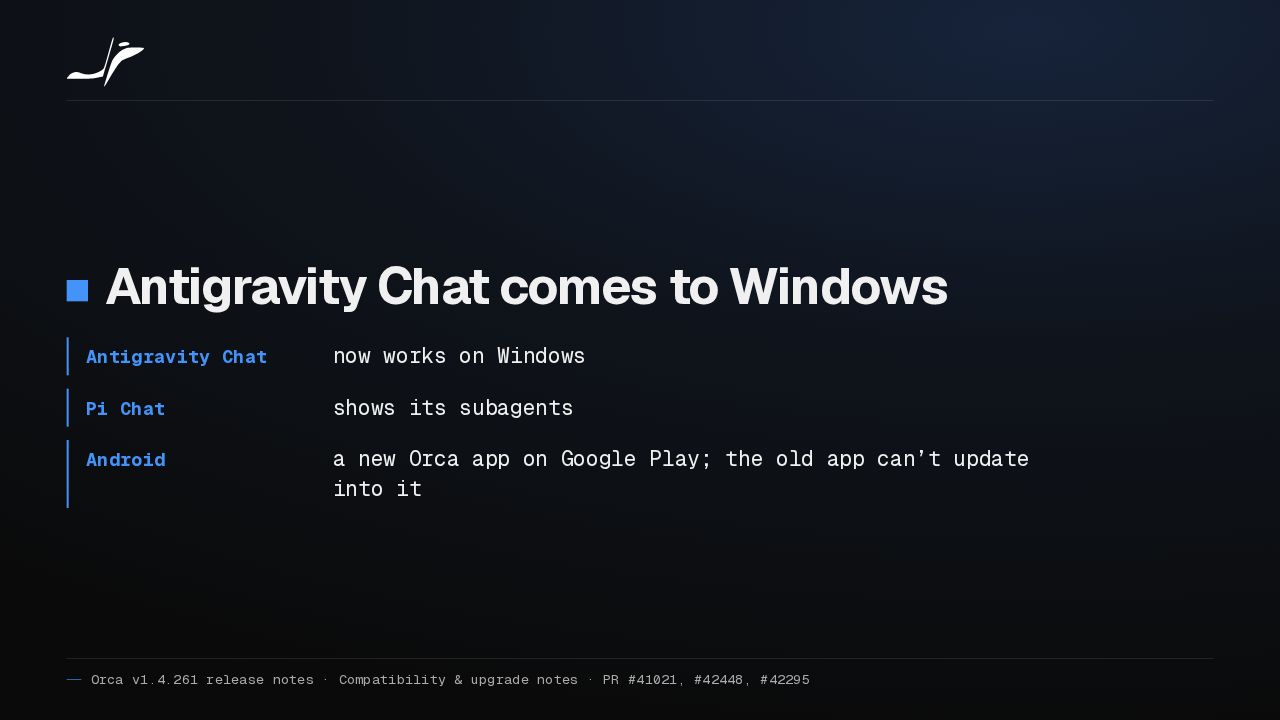
Antigravity Chat now works on Windows, and Pi Chat shows its subagents. On Android, Orca has a new app on Google Play. The old app can't update into it, so install the new one separately.
Slide text
Antigravity Chat comes to Windows
- Antigravity Chat
- now works on Windows
- Pi Chat
- shows its subagents
- Android
- a new Orca app on Google Play; the old app can’t update into it
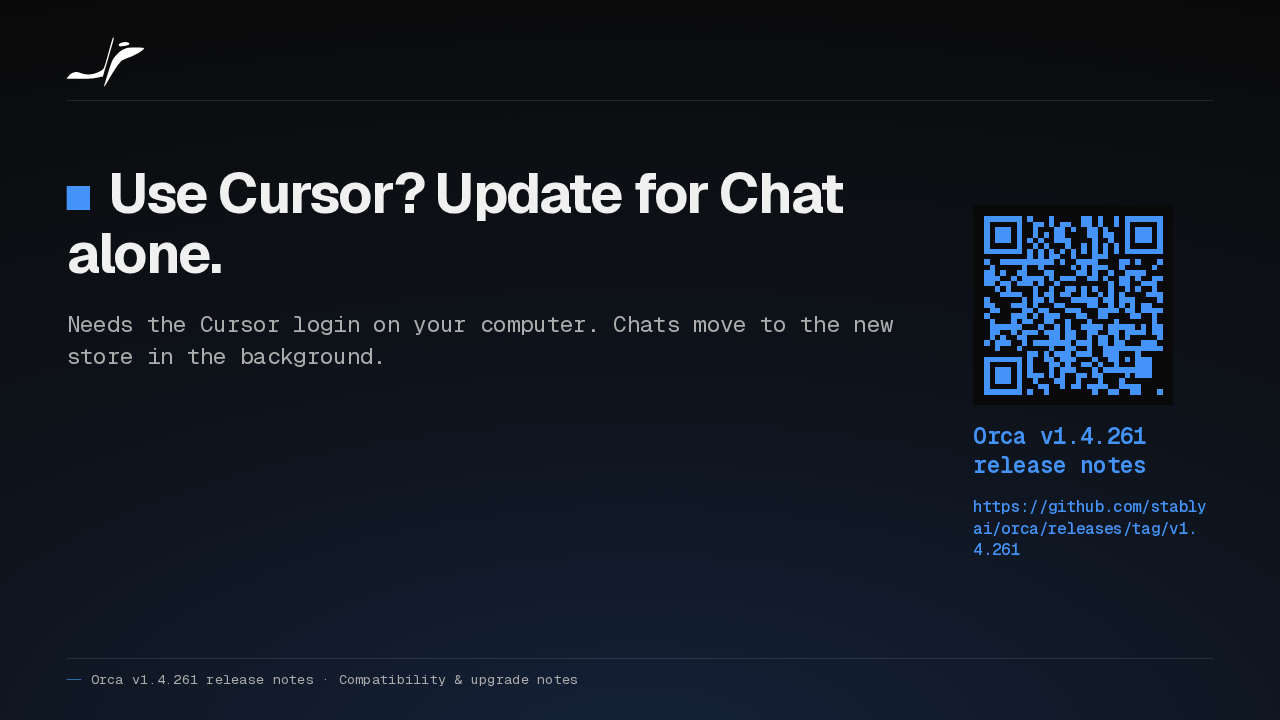
If you run Cursor, I'd update for Cursor in Chat alone. It needs the Cursor login already on your computer, and your chats move to the new store in the background.
Slide text
Use Cursor? Update for Chat alone.
Needs the Cursor login on your computer. Chats move to the new store in the background.
Orca v1.4.261 release notes
https://github.com/stablyai/orca/releases/tag/v1.4.261
Up next
 1:54
Orca bots now get their own tools on Grok, OpenCode, Pi and Antigravity
@orca
6 hours ago
 1:35
Orca v1.4.263 runs Hermes in Chat and opens Chrome extension side panels
@orca
1 day ago
 1:36
Orca v1.4.262 runs 150 agent chats in a third of the memory and adds git blame
@orca
2 days ago
 1:30
Orca v1.4.259 clears out the workspaces your agents leave behind
@orca
5 days ago
 1:30
Orca v1.4.258 runs GitHub Copilot in Chat and scrolls phone chats again
@orca
1 week ago
 1:34
Orca v1.4.257 freezes less on long agent chats and keeps your browser notes
@orca
1 week ago
 1:35
Orca v1.4.256 sets up dictation in one click and keeps your phone drafts
@orca
1 week ago
 0:57
Orca v1.4.255 puts every agent from every desktop on your phone
@orca
1 week ago
 1:33
Orca adds a Git Graph tab, and /btw asks a side question mid-chat
@orca
1 week ago
 1:32
Orca v1.4.252 forks a chat from any reply, and /plan plans before it builds
@orca
1 week ago
 1:39
Orca v1.4.251 sends any file or terminal selection to your agent's chat
@orca
1 week ago
 1:46
Orca can keep idle chat agents running, and many terminals no longer crash it
@orca
2 weeks ago